
Step into the wilds with a fresh face or a fierce new look-Monster Hunter Wilds lets you redefine your Hunter and Palico companions with unparalleled customization. Whether tweaking your hair, eyes, or armor right from your tent at base camp or diving deeper with a Character Edit Voucher, this guide reveals all the ways to transform your appearance and make your mark on the hunt across PC, PlayStation, and Xbox.
There are different ways to edit your characters; One requires limited items called character edit vouchers and Palico edit vouchers, and the other you can do at any point in the game.
This guide will show you these two different methods of how to change appearance in Monster Hunter Wilds.
How to change appearance in Monster Hunter Wilds
To change your appearance in Monster Hunter Wilds, head to your tent at a Base Camp or any Pop-up Camp once it is unlocked early in the game. Inside the tent, navigate to the Appearance Menu and select the “Change Appearance” option. This allows you to modify various features of your Hunter such as hair, eyebrow/eyelash style, eye color, mouth, facial hair, makeup, voice pitch, bearing, clothing, and underclothes. You can also customize your Palico companion’s fur pattern, eye shape, tail, and more. For more extensive changes like altering face shape, skin tone, or gender, you will need to use a paid Character or Palico Edit Voucher available from the game’s storefront. After making your adjustments, save the changes before exiting the menu.
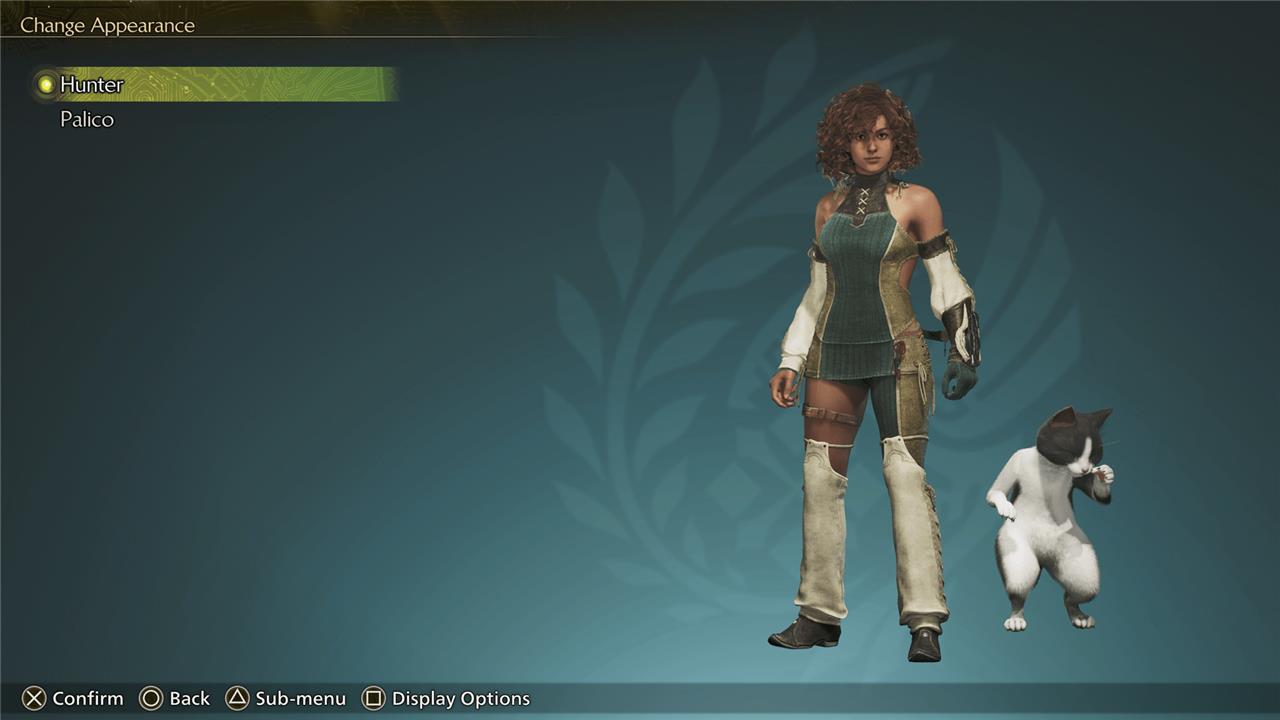
There are two ways to change the appearance of your hunter and Palico after you start a save file and create your characters for the first time.
- One requires a character edit and Palico edit vouchers. This way likely allows you to change more features on your hunter, but you need these vouchers to do it.
- The second way is more limited, but is available at any time in your tent, and doesn’t require a voucher.
We will show you how to use the easier (but less thorough) way to edit your hunter and Palico first.
How to change appearance without a voucher in Monster Hunter Wilds
In Monster Hunter Wilds, you can change some aspects of your hunter’s and Palico’s appearance without needing a voucher by visiting your tent at the base camp or a pop-up camp. Inside the tent, navigate to the Appearance menu where you can freely adjust features such as hair, eyebrows, facial hair, voice pitch, eye color, bearing (walking animation), makeup, and Palico cosmetics. These changes allow for basic customization without spending money on the premium Character or Palico Edit Vouchers, which are required for more significant alterations like facial or body feature edits. Players receive one free voucher of each type, but beyond that, vouchers must be purchased or, on PC, a mod can be used to bypass the voucher system entirely for unlimited free customization.
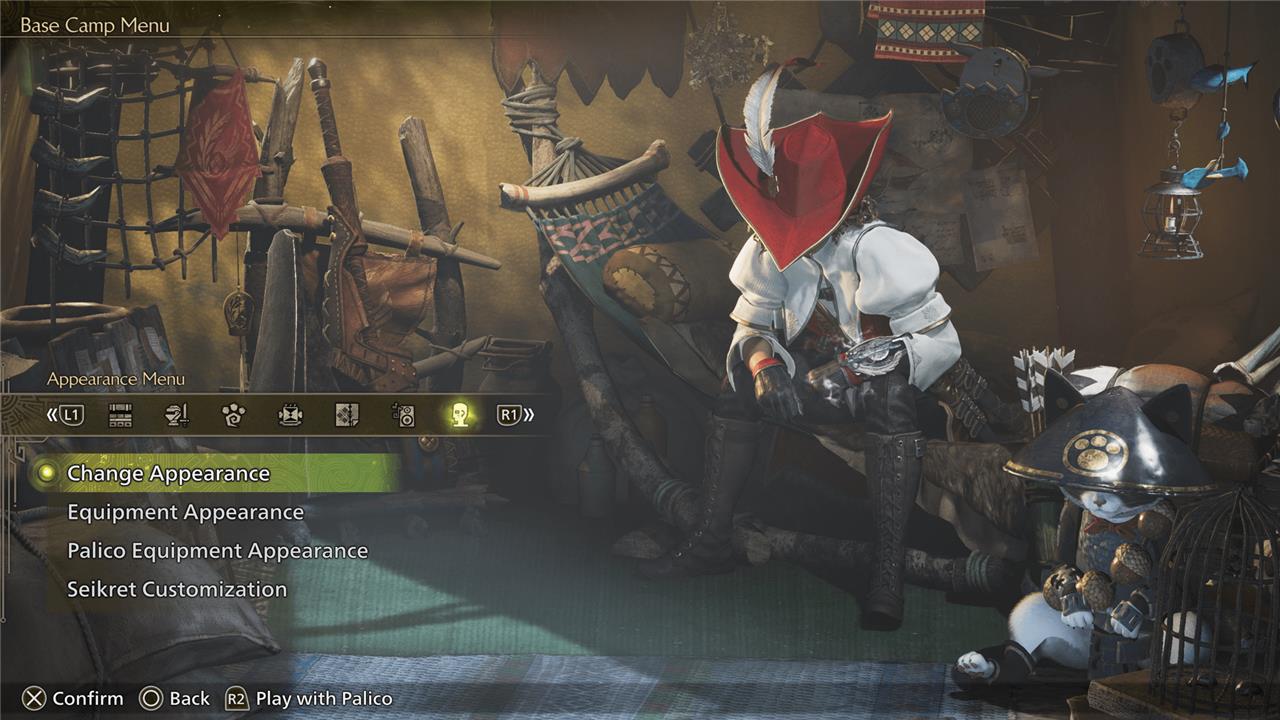
The quick and easy way to edit the look of your hunter and Palico is to go to your tent. Once inside, tab to the “Appearance Menu” and select the option “Change Appearance.” Once you click it, you will be taken to a character editor that allows you to edit a limited number of features on your characters like hair and makeup.
You can view an image of the menu options of this character editor above. This editor allows you to change aspects of your hunter like its posture (called “bearing” in the game), its underclothes, makeup, facial hair, and the mouth. This editor does not allow you to change aspects of your hunter like its face shape, skin, gender, or name.
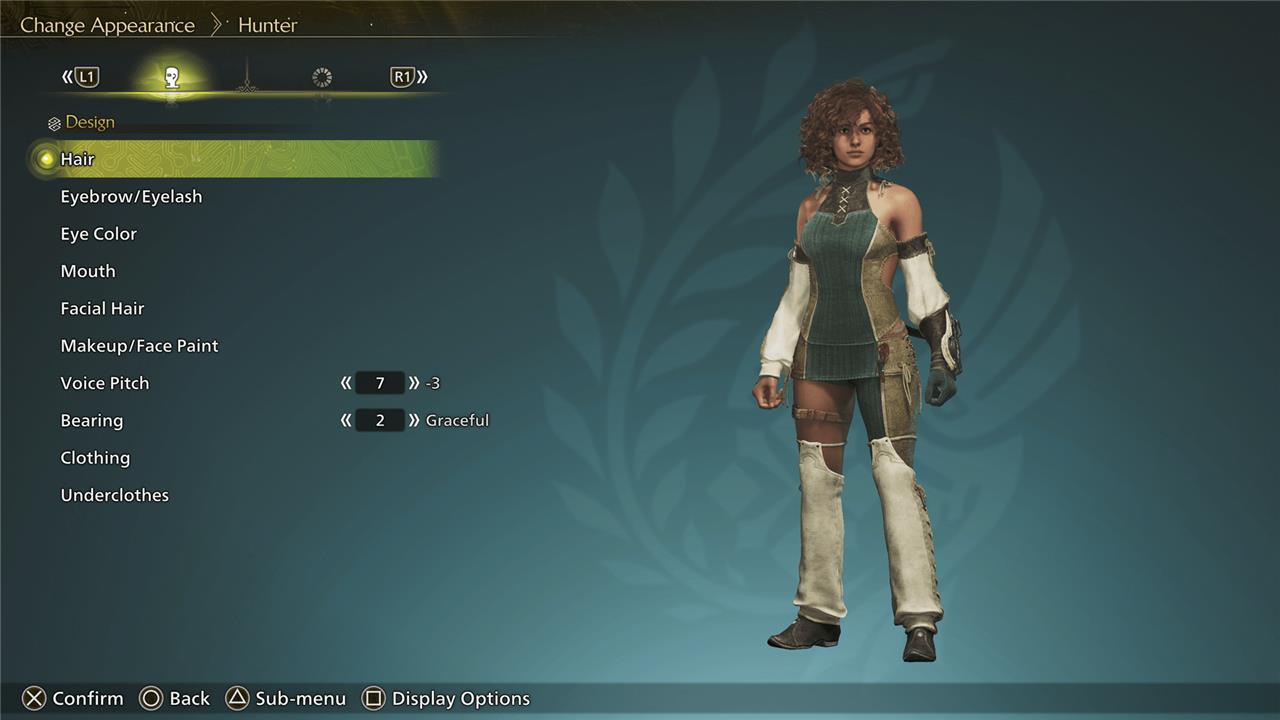
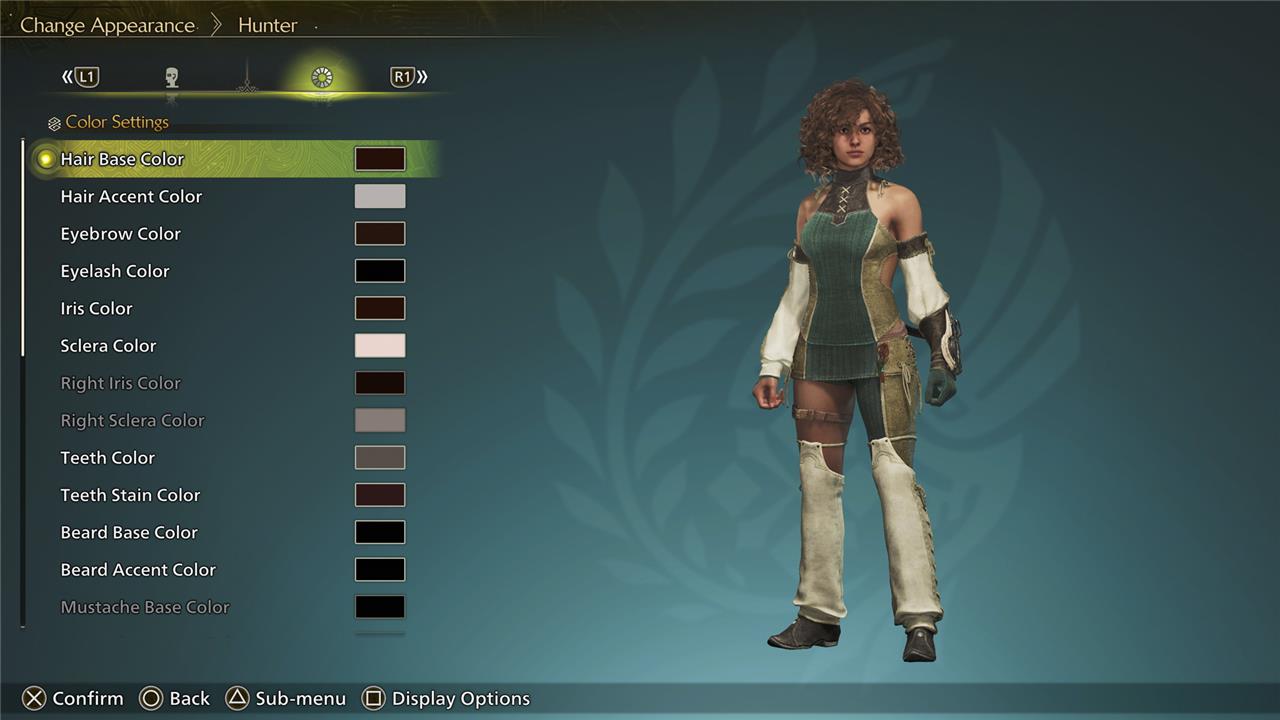
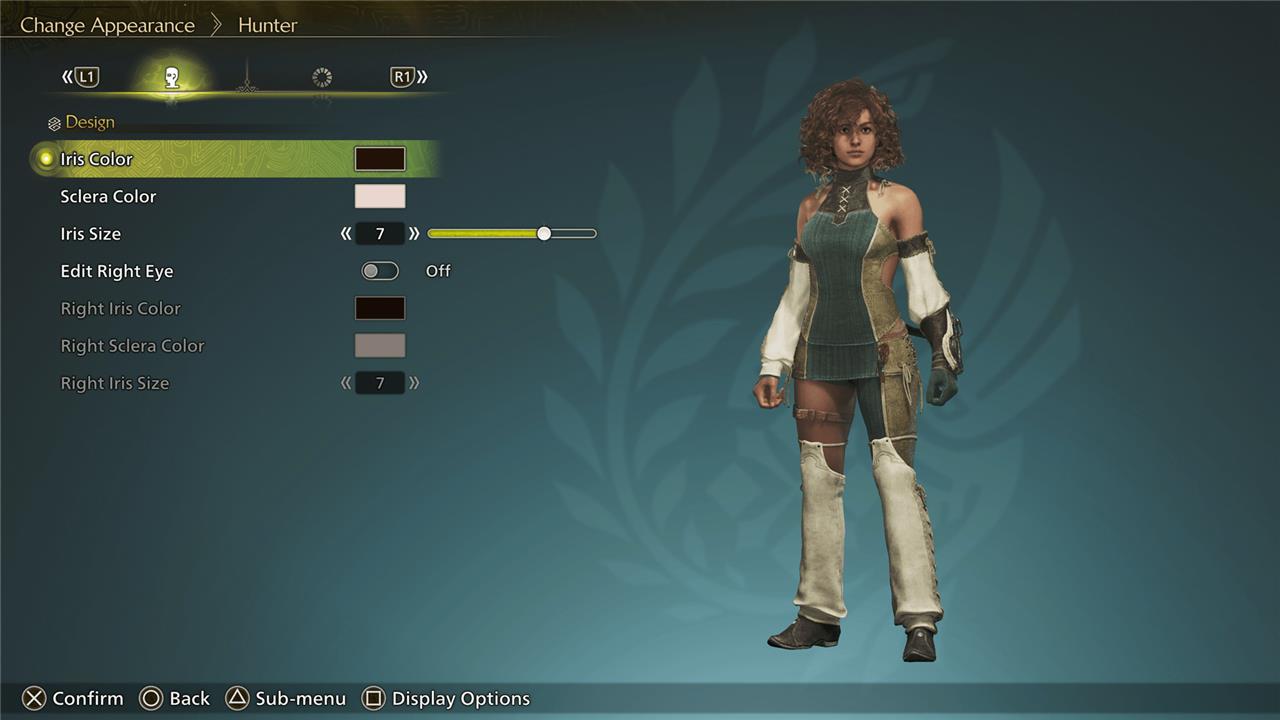
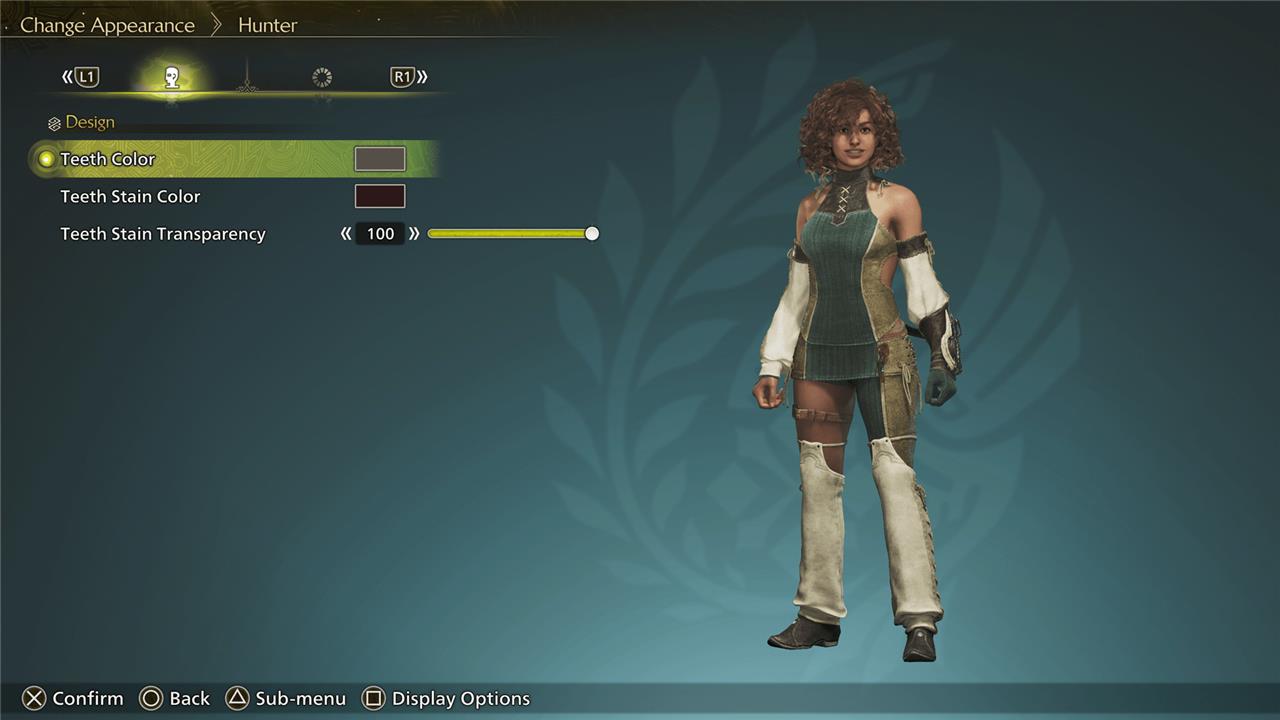
While you’re in the tent, you can also change your equipment appearance – in other words, what your hunter is wearing – which is where layered armor comes into play.
How to use character and Palico edit vouchers in Monster Hunter Wilds
To use Character and Palico Edit Vouchers in Monster Hunter Wilds, start the game and select “Start Game” from the main menu. Highlight the save file of the Hunter or Palico you want to edit, then press the designated Edit Voucher hotkey (such as Square on PlayStation) to open the edit menu. If you have the relevant voucher, you can choose to edit either your Hunter or Palico’s appearance, which allows you to completely redo their character creation, including features like body type, skin tone, and voice. Note that vouchers are only consumed when you save your changes, so you can enter the editor and back out without using a voucher. You get one free voucher for each, but additional vouchers must be purchased in packs of three via DLC.
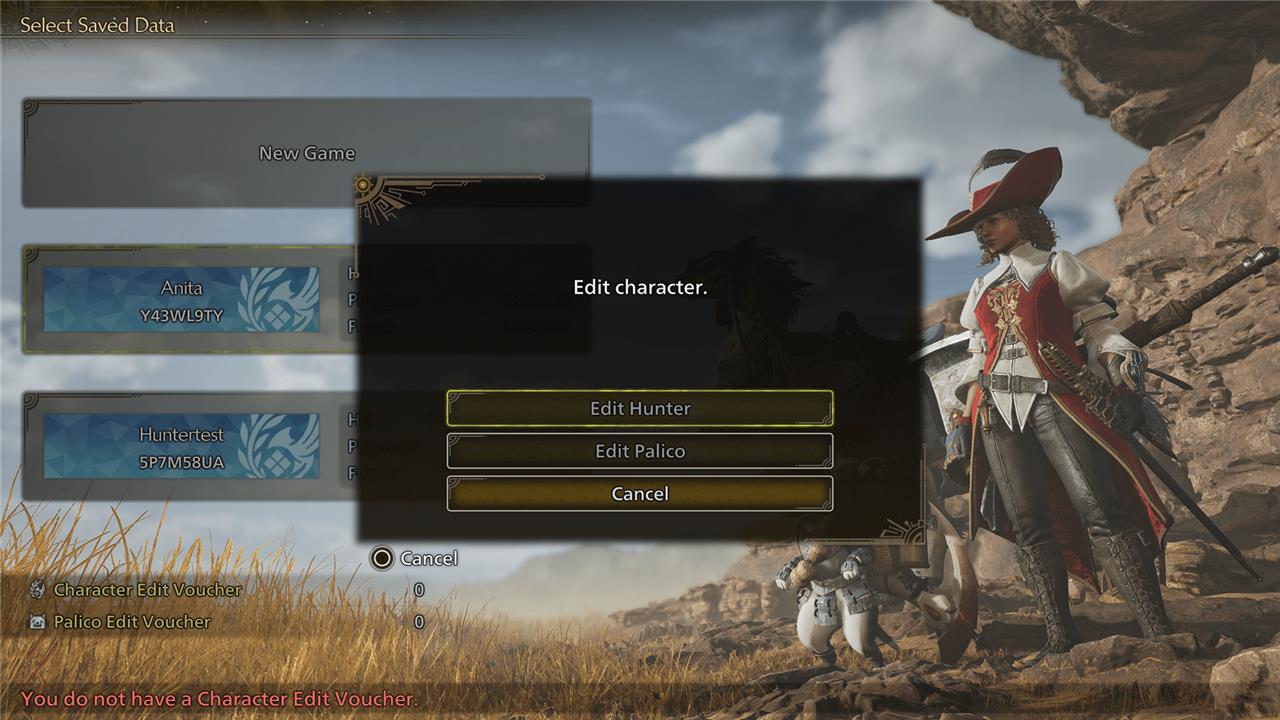
There is another, more thorough way, to edit your hunter or Palico that you access via the save data menu. This character editor requires a character edit voucher or a Palico edit voucher to use.
To edit your character with a voucher, launch Monster Hunter Wilds and select the option “Start Game”. Once you are in the menu that shows you your save data, highlight the file with the hunter or Palico you would like to edit and press the appropriate button to edit the character. (For us it was the square button on our PlayStation 5 controller.)
After that, select either the hunter or Palico option based on which you want to change. This is also where you can change the name of your hunter or Palico, if you have changed your mind since their initial creation, and use a character design code.
The summarize the main difference between the two methods, with the editor that uses the voucher, there’s a greater assortment of options to change the look of physical features, including face shape, skin, and gender, through to details such as eye size, eye depth, eye height, eye separation, eye rotation, and so on.
To get an idea of what each editor offers, you can compare the images above to this video that shows the full character editor in action.
How can I quickly change my character’s look in Monster Hunter Wilds
To quickly change your character’s look in Monster Hunter Wilds, simply enter your tent at a Base Camp or any Pop-Up Camp, then navigate to the Appearance Menu tab and select “Change Appearance.” This allows you to modify features such as hair, eyebrows, eye color, mouth, facial hair, makeup, voice pitch, bearing, clothing, and underclothes for your Hunter, as well as fur pattern, color, eyes, and tail shape for your Palico companion.
This method is fast and accessible once you unlock your tent early in the game, with no additional cost or vouchers required. However, it does not permit changes to your Hunter’s face shape, skin tone, gender, or name. For full character customization, including those deeper changes, you would need to use a paid Character Edit Voucher available as DLC.
What specific appearance options are available when changing at your tent
When changing your character’s appearance at your tent in Monster Hunter Wilds, you can customize the following options:
-
Hair style and color
-
Eyebrows and eyelashes
-
Eye color
-
Mouth shape
-
Facial hair
-
Makeup or face paint
-
Voice pitch
-
Bearing (posture or stance)
-
Clothing and underclothes
For your Palico companion, you can adjust fur pattern and color, eye shape, and tail shape. These changes are accessible for free at any Base Camp or Pop-up Camp tent through the Appearance Menu’s “Change Appearance” option, but do not include altering skin tone, face shape, body type, or gender, which require a paid Character Edit Voucher.
