
Ready to transform your streaming game? Discover 12 must-have gadgets that will elevate your setup from basic to broadcast-ready, enhancing your video quality, audio clarity, lighting, and control-all designed to help you captivate your audience like never before. Whether you’re gifting a streamer or upgrading your own gear, these tech essentials blend innovation with ease, making every stream a next-level experience.
Streaming online is one of the most enticing hobbies around. It doesn’t take a whole lot to get started, so long as you have a solid internet connection for livestreaming and a few relatively inexpensive gadgets, like a webcam and, depending on the kind of content you want to make, perhaps a capture card as well. However, you’ll need a lot more than the basics to take your streams and on-camera shows to the next level. If you want your livestreams to boast great video and audio quality for viewers, we’ve gathered 12 products that can elevate your streaming setup.
Here are our top picks for streaming equipment that anybody going into streaming should consider.
Logitech C920x webcam
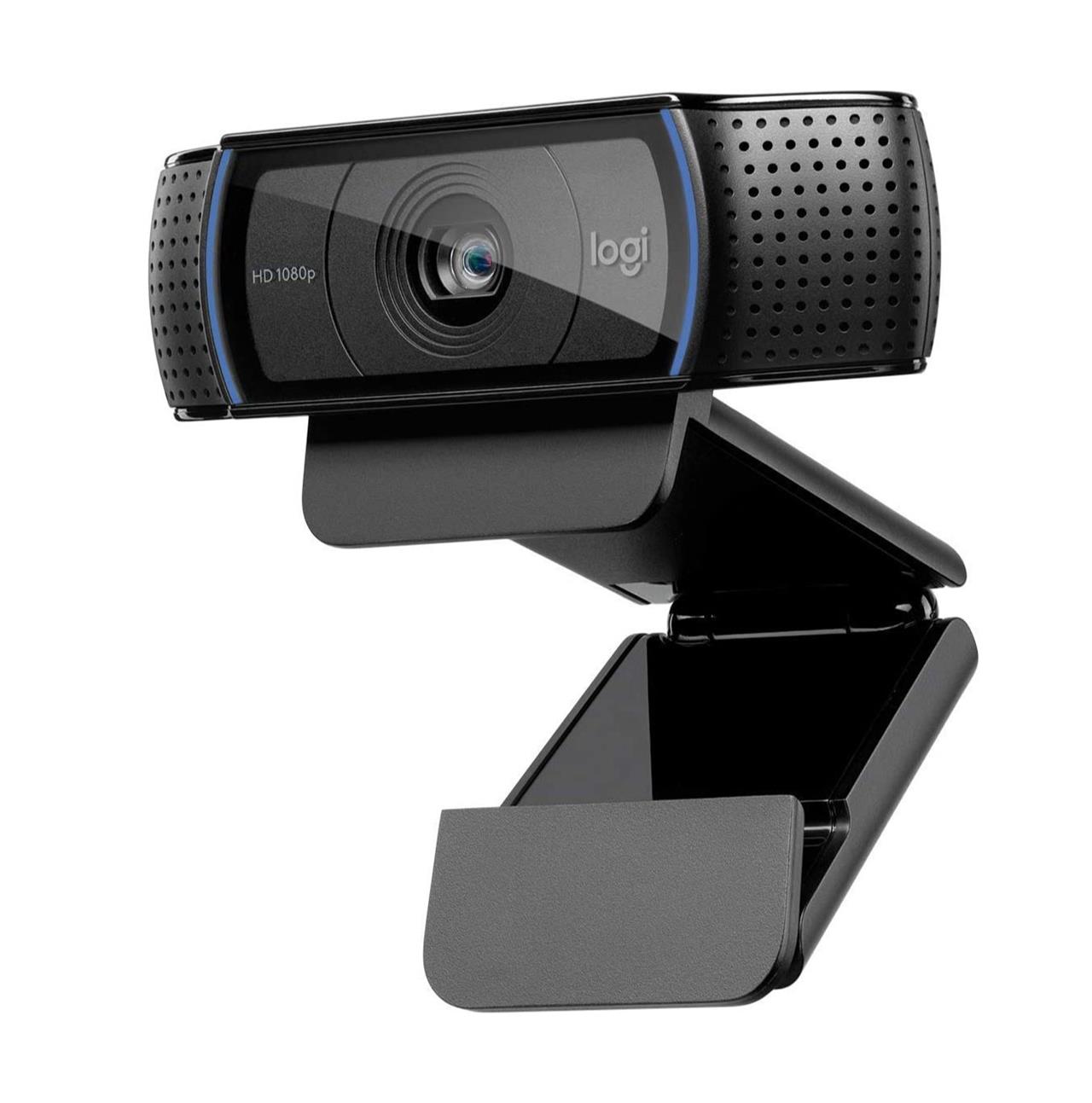
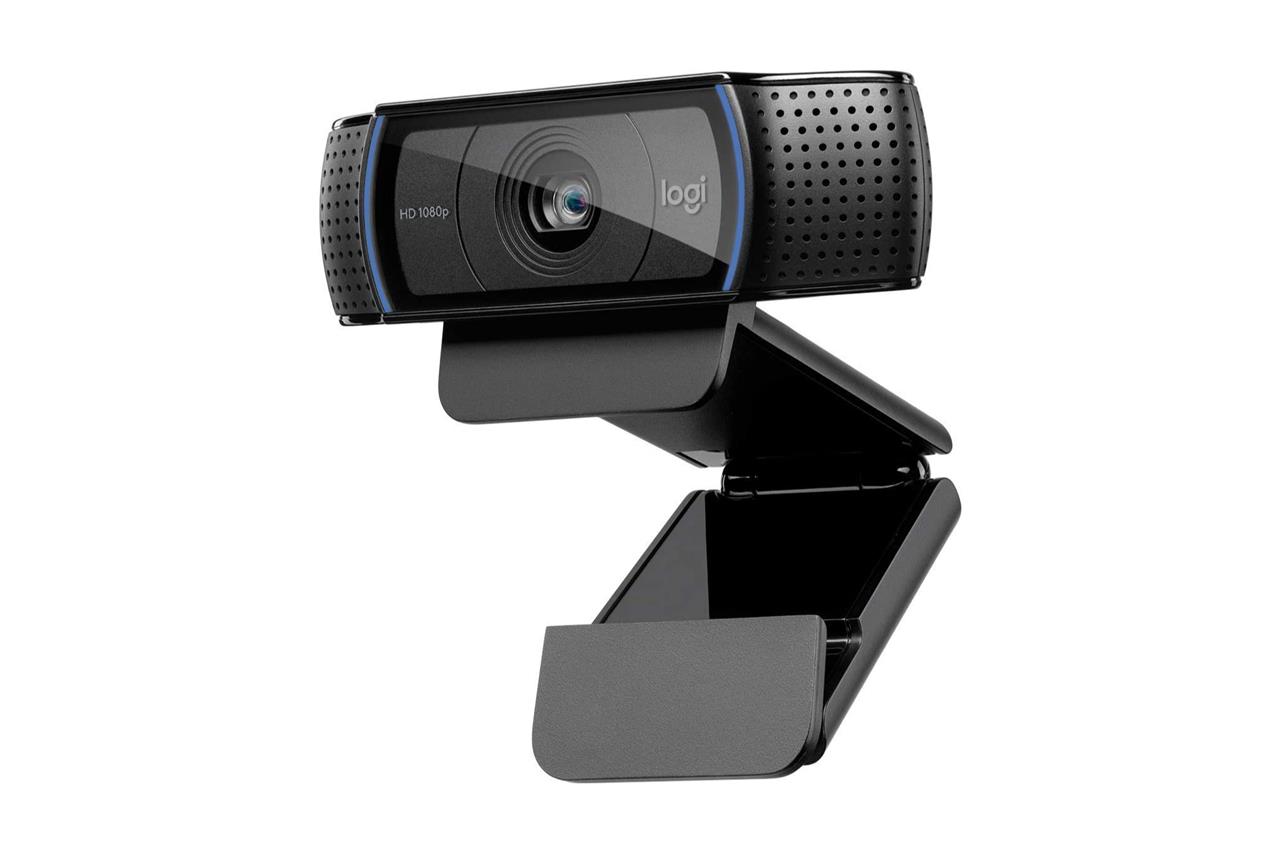
The Logitech C920x HD Pro Webcam is a top choice for streamers looking to enhance their setup with high-quality video and audio. It delivers crisp Full HD 1080p video at 30fps, featuring automatic low-light correction and autofocus to ensure clear and sharp visuals even in dim environments. Equipped with dual stereo microphones, it captures clear, natural sound, making it ideal for streaming, video calls, and content creation. The webcam is easy to set up with a universal clip for mounting on monitors or tripods, and it supports a wide range of streaming and conferencing software. Its combination of reliable performance, versatile compatibility, and excellent image quality makes it a valuable addition to any streaming rig.
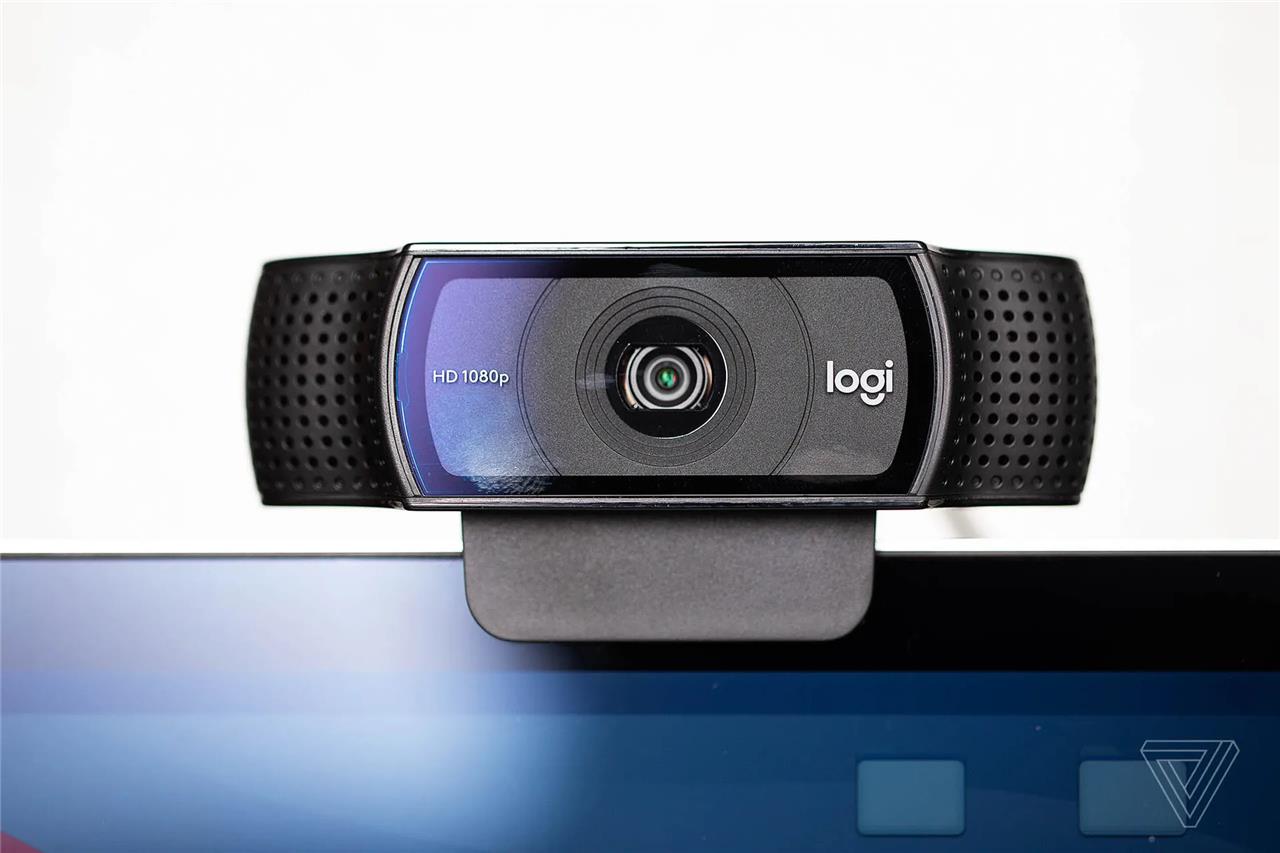
The Logitech C920x webcam is one of the best values on the market. $59.99 is a great price for 1080p capture resolution, plus automatic focus and light correction that yield better results than many comparably priced models. In case you don’t want to buy a separate mic, the C920x includes dual microphones for better sound balance compared to Logitech’s other webcams. You can rest the camera directly atop your monitor with its built-on clip, or fasten it safely to your laptop’s lid.
Logitech C920x
$60$7014% off $60 $60 at Amazon
Insta360 Link webcam
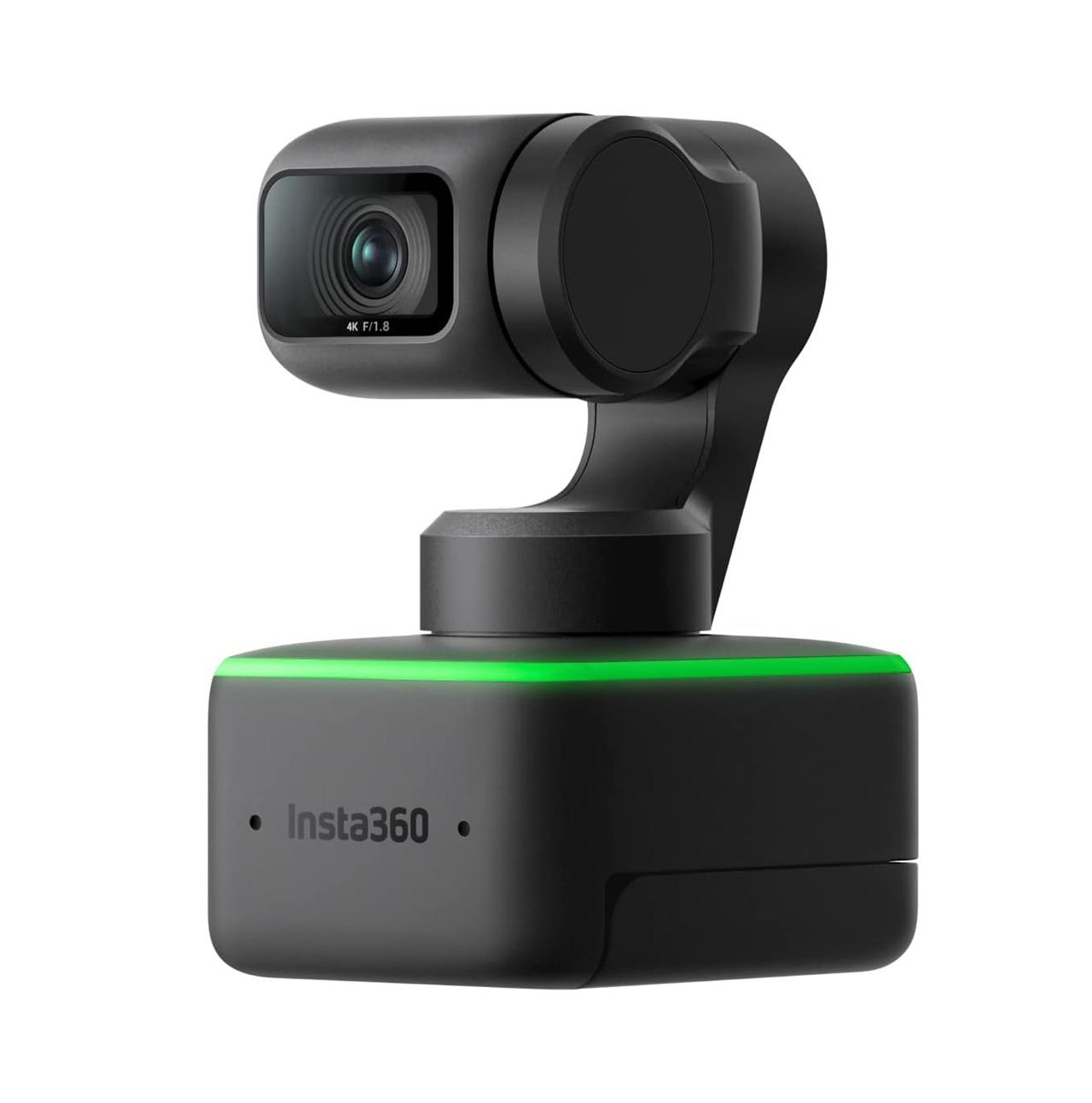
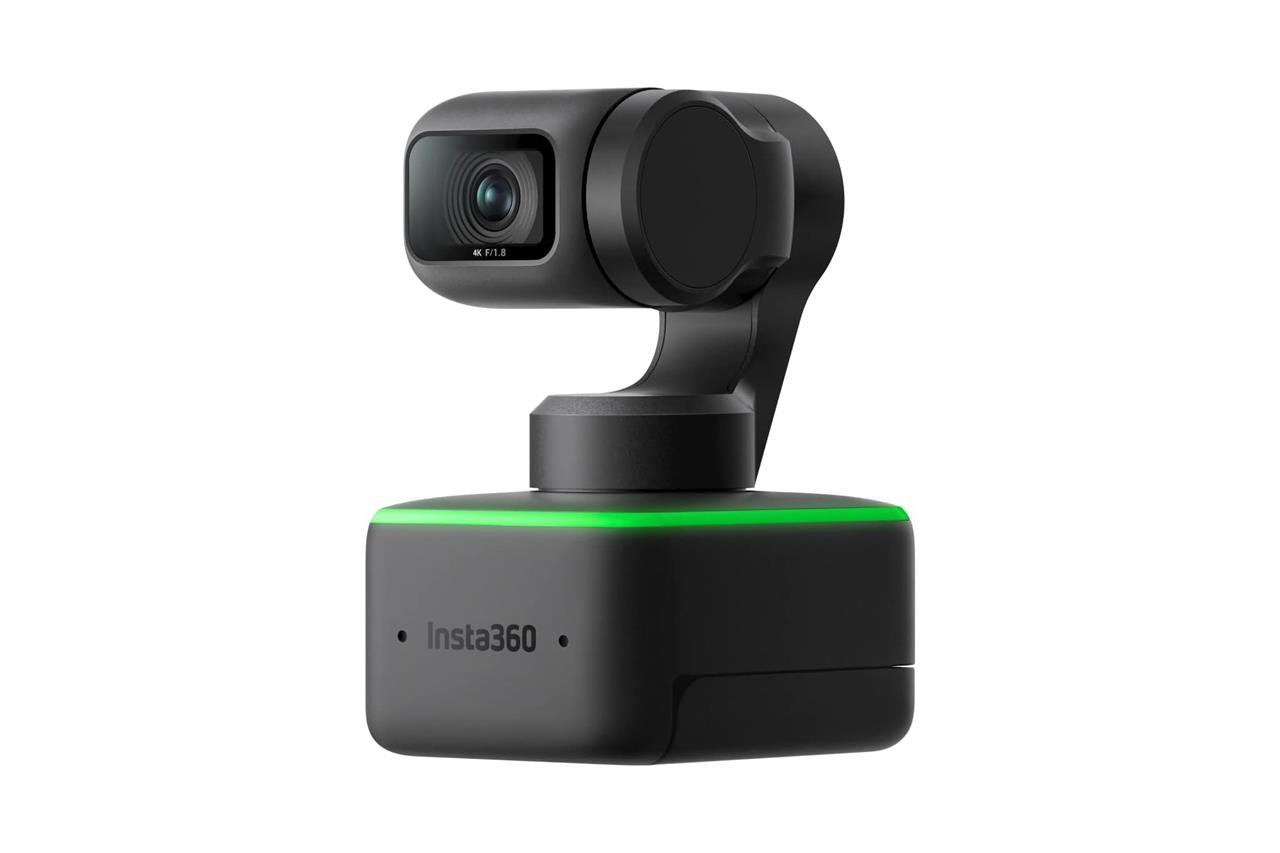
The Insta360 Link webcam is a cutting-edge AI-powered 4K webcam designed to elevate your streaming setup with premium image quality and intelligent features. It boasts a 1/2″ sensor delivering UHD 4K video at 30 fps, combined with a 3-axis gimbal that physically rotates the lens to track your movements smoothly and automatically zoom and frame your shot. This webcam supports versatile modes such as DeskView for tabletop presentations and Whiteboard Mode for clearer online teaching. Additionally, its advanced AI algorithms enable gesture controls and noise-canceling microphones, ensuring professional-grade audio and video quality. Compatible with major video conferencing and streaming platforms, the Insta360 Link is ideal for professionals, educators, and content creators seeking a dynamic and high-quality webcam experience.
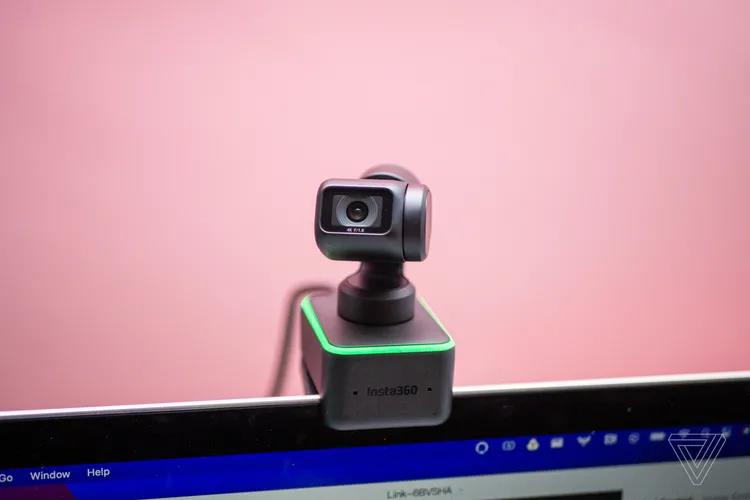
If you have extra cash to splash on a higher-quality webcam, the Insta360 Link webcam is worth looking into. At $299.99, it’s no surprise that it easily surpasses the Logitech C920 Pro in several ways. It offers 4K HDR recording, the highest possible quality you can get when recording video.
The Insta360 Link also has features that set it apart from other pricey webcams, too. It has reliable face tracking thanks to its built-in gimbal (Insta360’s DNA as an action camera company is showing here) and AI-powered hand gesture controls. The Link’s software also allows it to flip downward to look at your desk with the click of a button, in case you want your streams to incorporate what’s on your desk (this might be a hit with people who draw during streams).
Insta360 Link
$300 $300 $300 at Amazon
Lenovo Slim Pro 9i
$1799 $1799
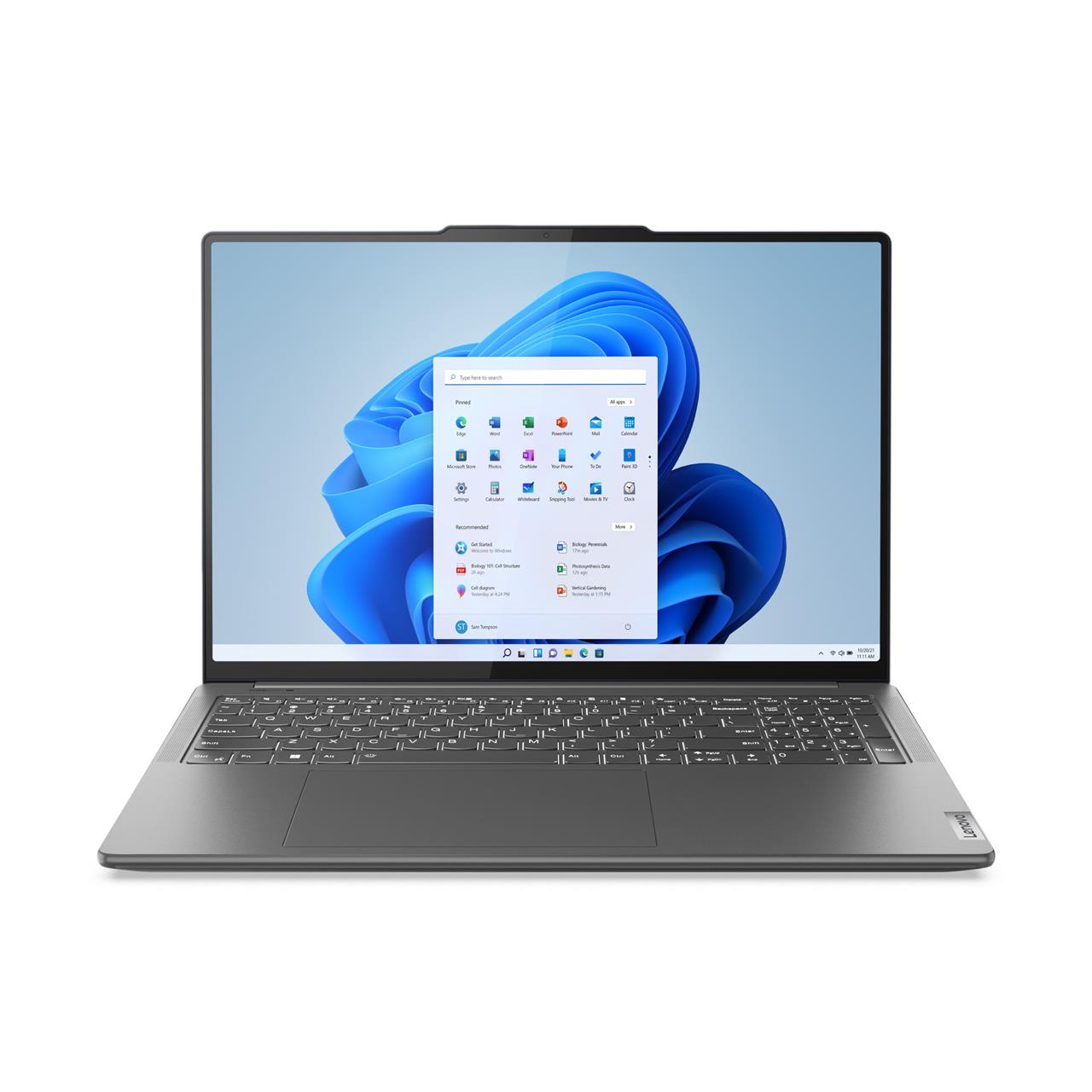
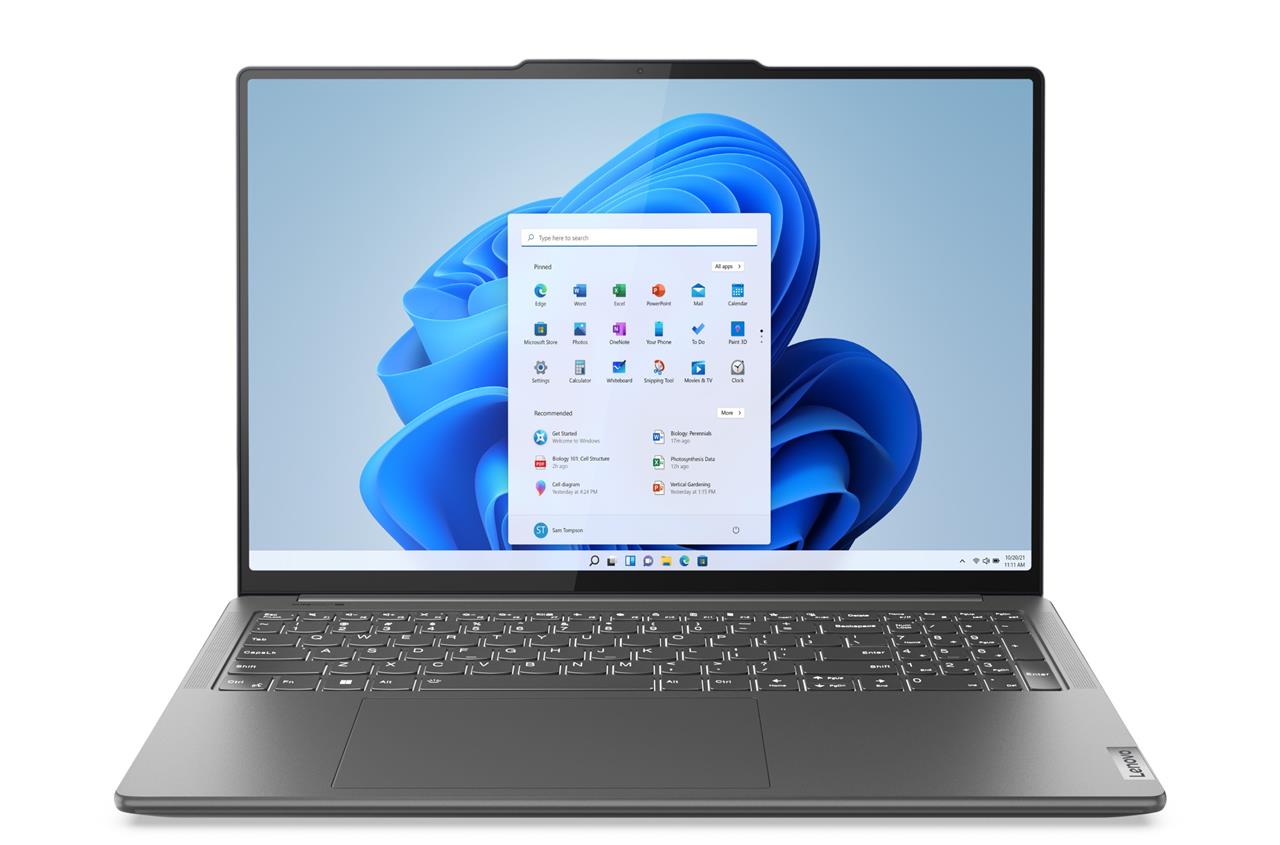
Ergonomics meets aesthetics in the comfort-edge design of the Lenovo Slim Pro 9i, an Intel® Evo™ design. With its rounded finish, it’s easy to grip, carry, and use while you’re on the go. Featuring 13th Gen Intel® Core™ processors, this laptop offers a premium mobile experience for multitasking creatively while minimizing the impact on responsiveness, battery life, or connectivity. While creating to your heart’s desire, the sound and versatility of this device will entertain and astound you. (From our sponsor.)
Read More $1799 at Costco
Elgato Stream Deck MK.2 controller
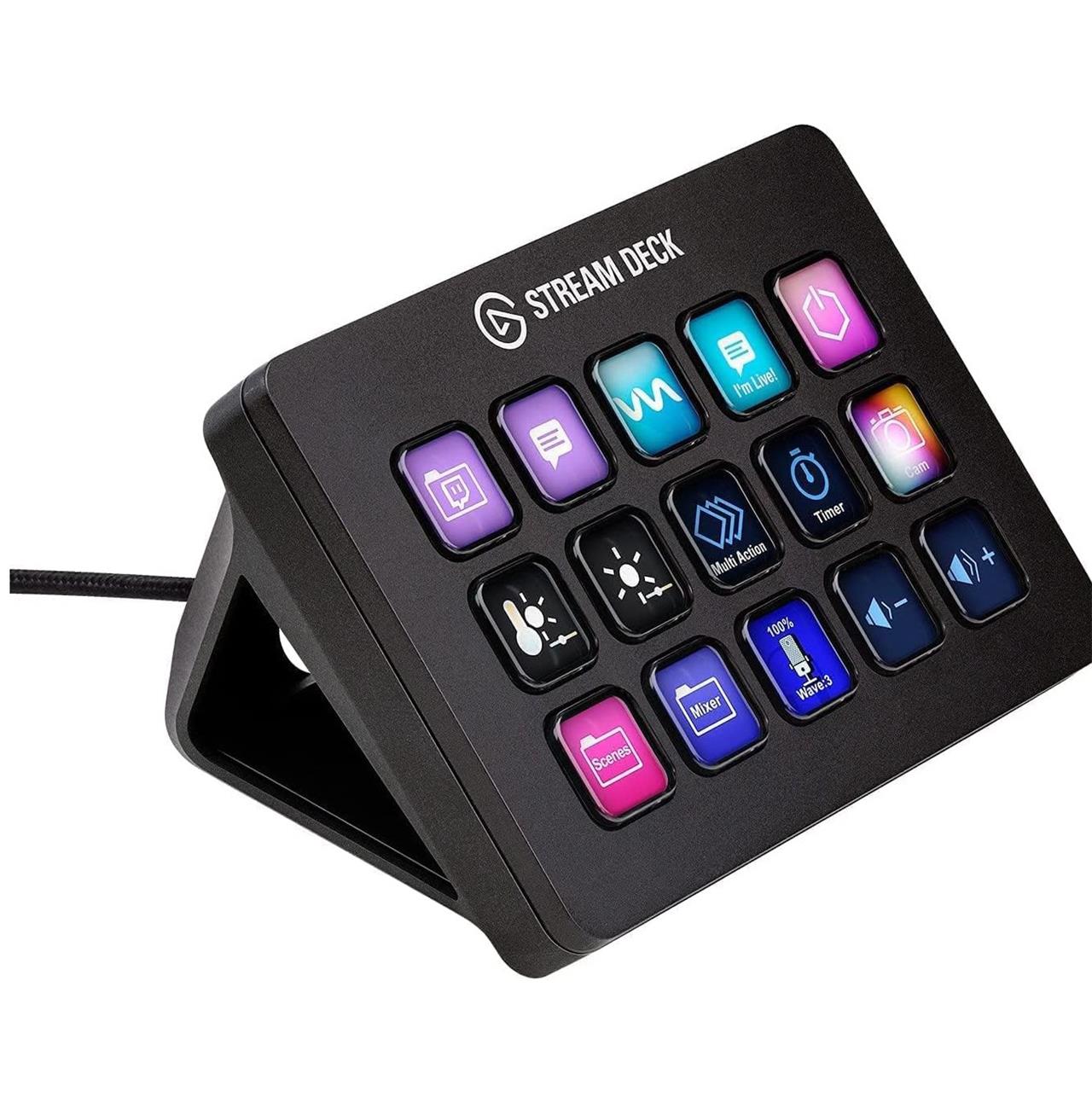
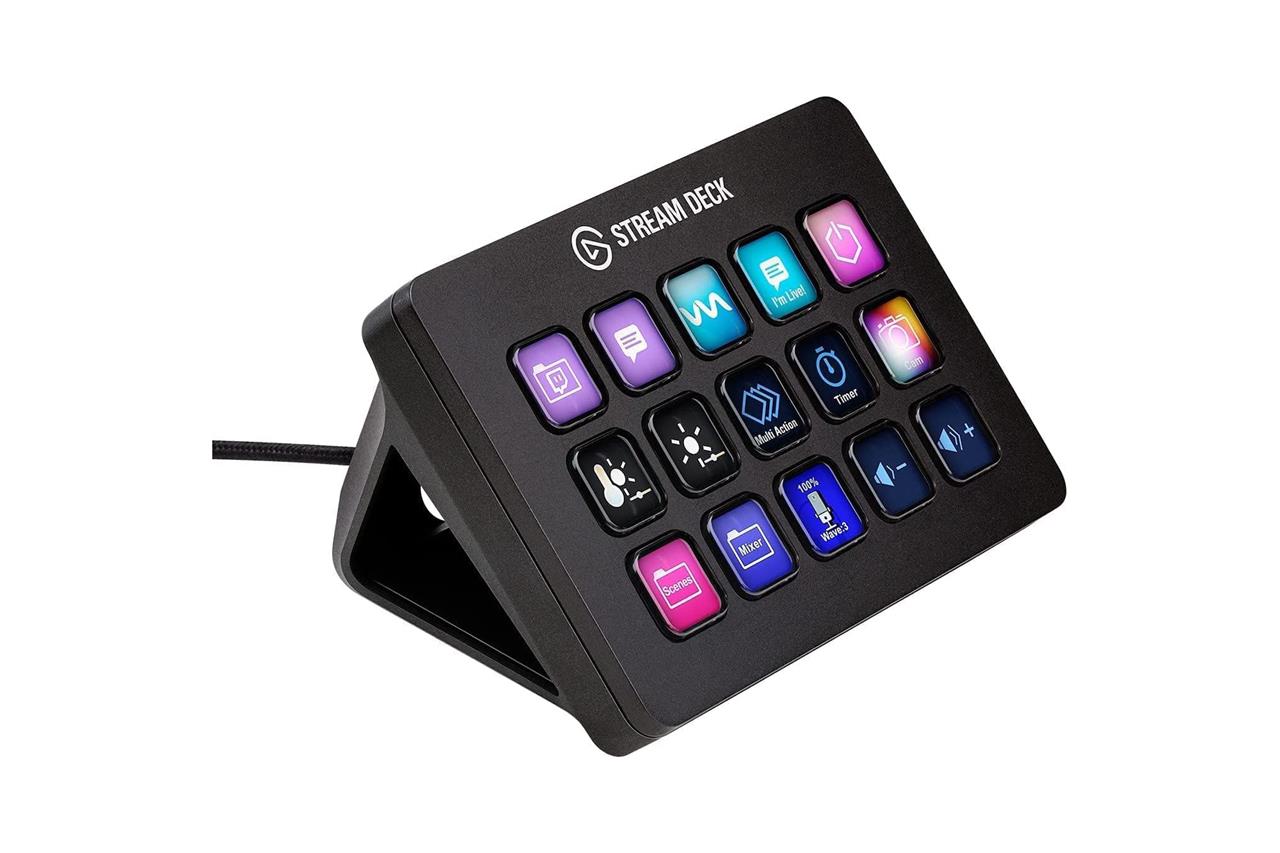
The Elgato Stream Deck MK.2 is a versatile and powerful controller designed to elevate your streaming setup with 15 fully customizable LCD keys. It allows you to execute complex commands, switch scenes, adjust audio, launch media, and control smart devices with a single tap, providing tactile and visual feedback for seamless operation. Its user-friendly software enables easy customization with drag-and-drop actions, custom icons, and nested folders, making it suitable not only for streamers but also for creators working with video, audio, and design applications. The device features a removable faceplate for personalization, a stable adjustable stand, and connects via a detachable USB-C cable, compatible with both Windows and macOS. With extensive plugin support for popular apps like OBS, Twitch, Spotify, and Philips Hue, the Stream Deck MK.2 integrates your entire creative ecosystem into one compact control center, streamlining your workflow and enhancing professionalism in every live session.
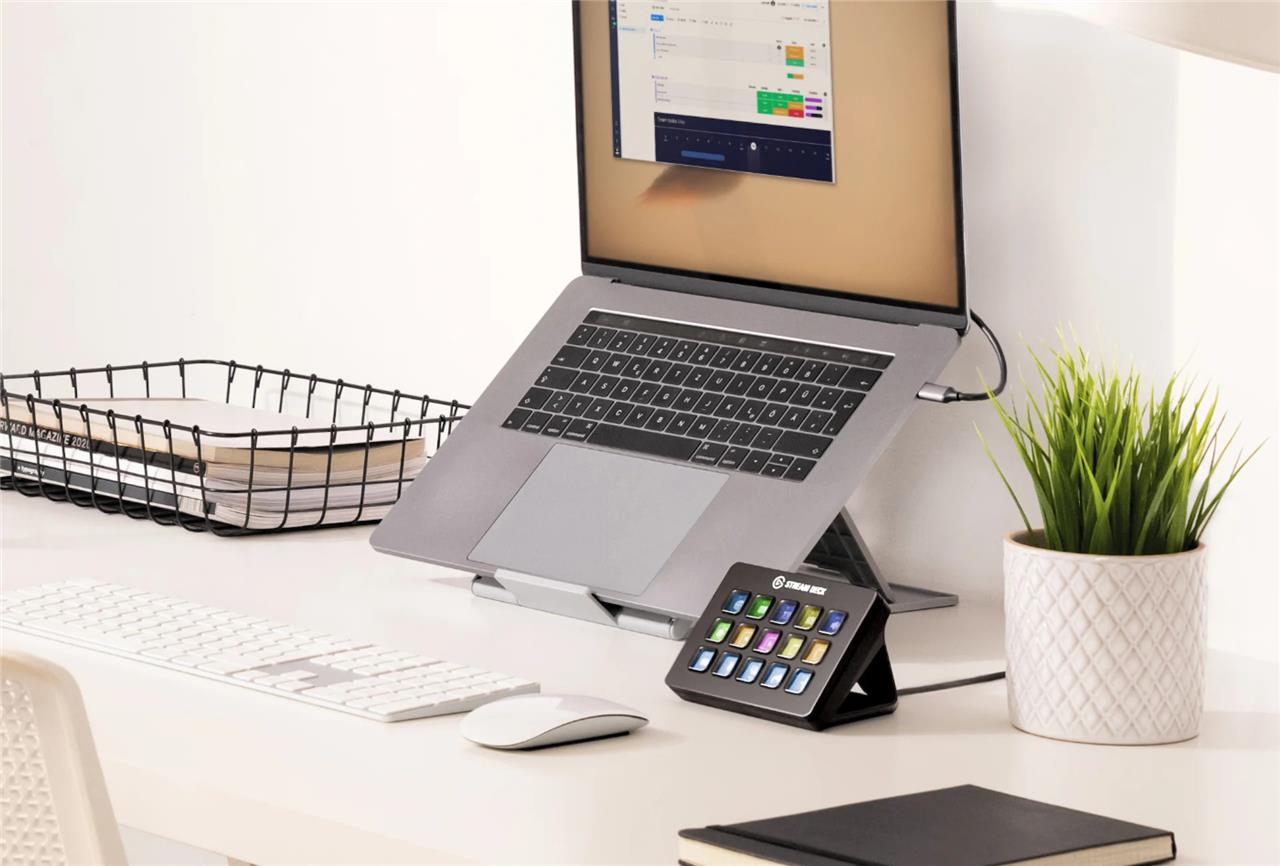
The Elgato Stream Deck MK.2 controller is one of the industry’s most popular products. The Stream Deck can be programmed with shortcuts so that you can access the commands you need by simply pushing a button instead of a series of mouse clicks that could distract you while streaming.
The Stream Deck is especially useful for issuing livestream reactions when a streamer wants to easily interact with viewers. It’s useful outside of streaming, too, like for quickly posting on social media, for video editing shortcuts, and myriad other actions that you can program into the device. It may not be a day-one purchase for every streamer, as it’s regularly $149.99 for a device that’s more of a convenience than a necessity. But it’s something that most streamers should consider at some point.
Elgato Stream Deck MK.2
$148$1501% off $148 $148 at Amazon
Elgato HD60 X Capture Card
The Elgato HD60 X Capture Card is a powerful and compact external device designed to elevate your streaming setup. It supports high-quality capture up to 1080p60 HDR and offers lag-free passthrough at up to 4K60 HDR10, ensuring you can stream or record your gameplay with stunning clarity and smoothness. With features like Variable Refresh Rate (VRR) to eliminate lag and screen tearing, Flashback Recording, and a 3.5mm audio input for live commentary, it’s compatible with major consoles like PS5, Xbox Series X/S, Nintendo Switch, and PC. The HD60 X connects via USB-C 3.0 and works seamlessly with popular streaming software on both Windows and macOS, making it an ideal choice for serious gamers and content creators looking to deliver professional-grade streams.
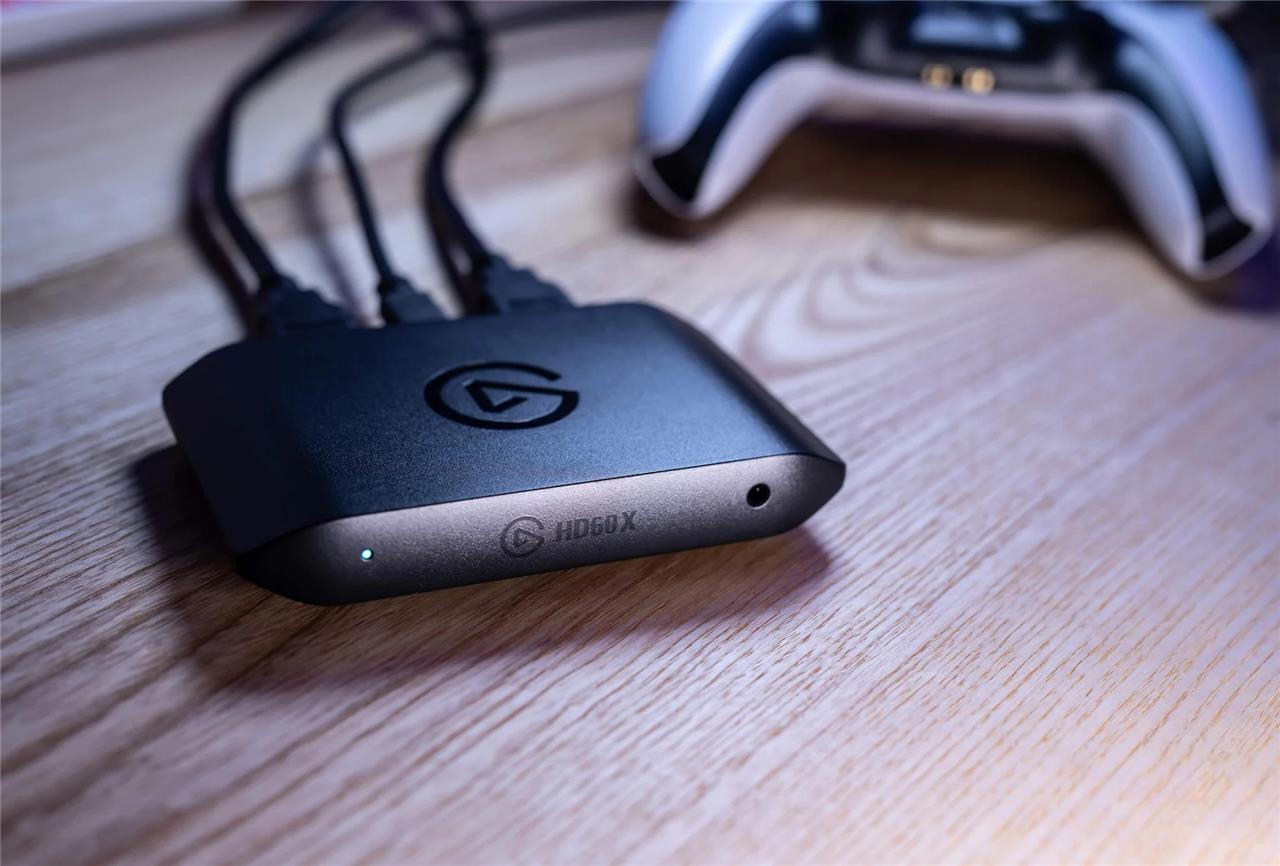
Your PC can both capture and stream footage of PC games that you’re playing on it, but what about consoles? If you want to run a multifaceted stream, juggling your camera feed and a console game stream, you should invest in a capture card. Capture cards can push footage from your PlayStation, Xbox, or Nintendo Switch to your PC in HD resolution or better, depending on the model.
The best, most well-rounded model around is the Elgato HD60 X capture card, which supports up to 1080p resolution and 60 frames per second capture (in other words, it’ll look suitable for a stream). It also supports 4K resolution and 60 fps passthrough with variable refresh rate (VRR), so what you see on the screen as you play for viewers will look great and play smoothly, too.
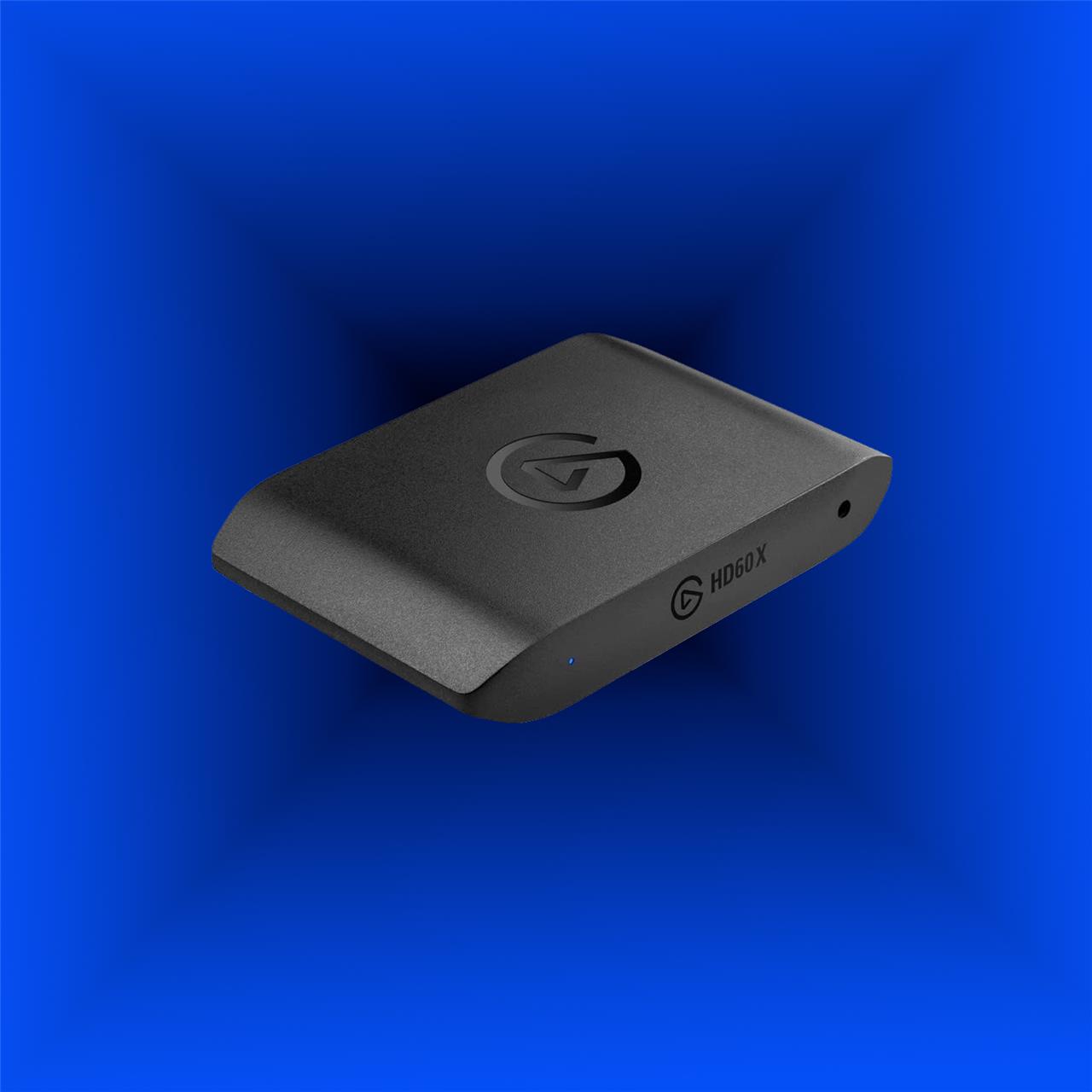
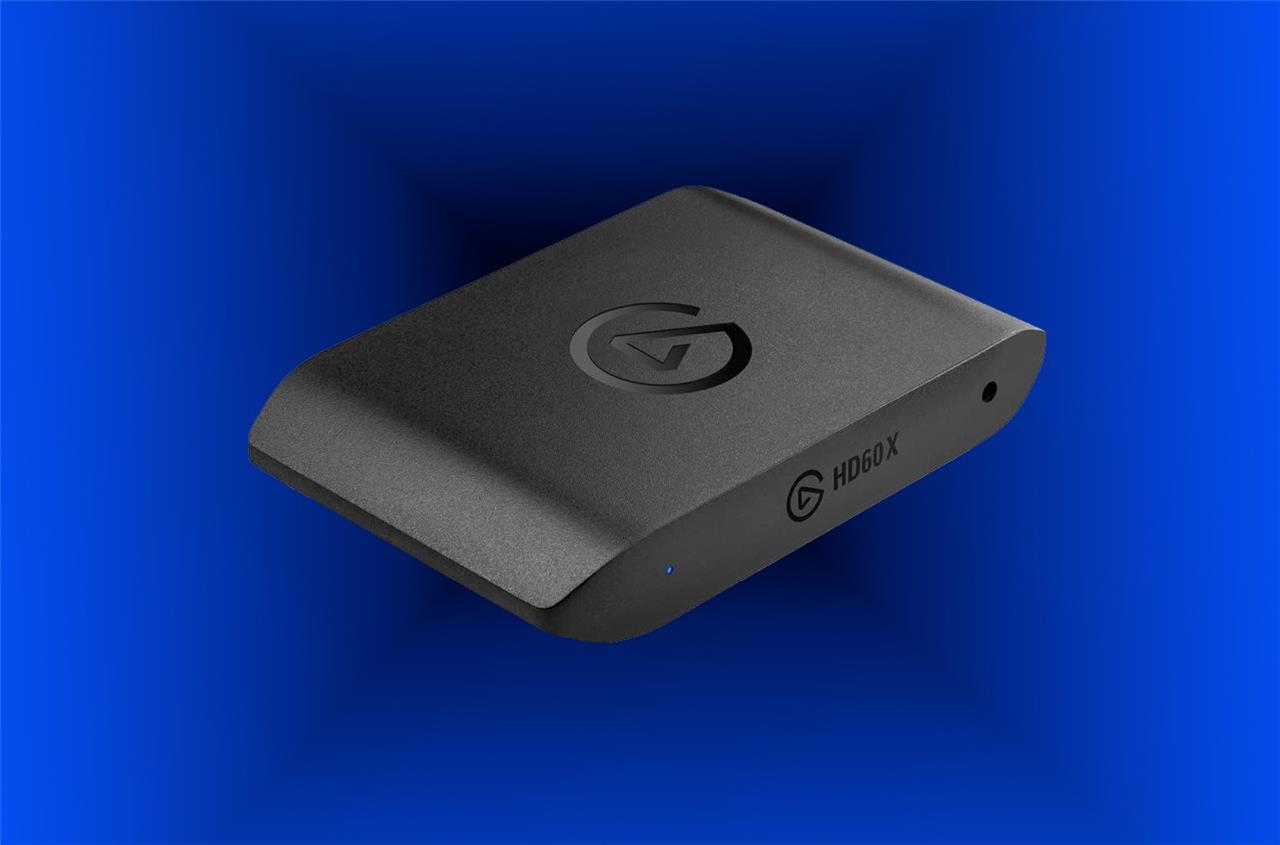
Elgato HD60 X
$155$18014% off $155 $159 at Amazon$180 at Best Buy$155 at B&H Photo<
Logitech Litra Glow
Logitech Litra Glow is a premium streaming light designed to enhance your on-camera appearance with soft, flattering illumination. Featuring TrueSoft technology and an innovative edgeless diffuser, it provides balanced, full-spectrum light that accurately renders natural skin tones and eliminates harsh shadows. The light offers adjustable brightness up to 250 lumens and a color temperature range from 2700K to 6500K, allowing you to customize your look for any environment. Its versatile 3-way monitor mount and USB power make it easy to position and portable, while Logitech’s G HUB software enables precise control and preset management for a professional streaming setup. Ideal for streamers, content creators, and video callers, the Litra Glow delivers studio-quality lighting in a compact, affordable package.
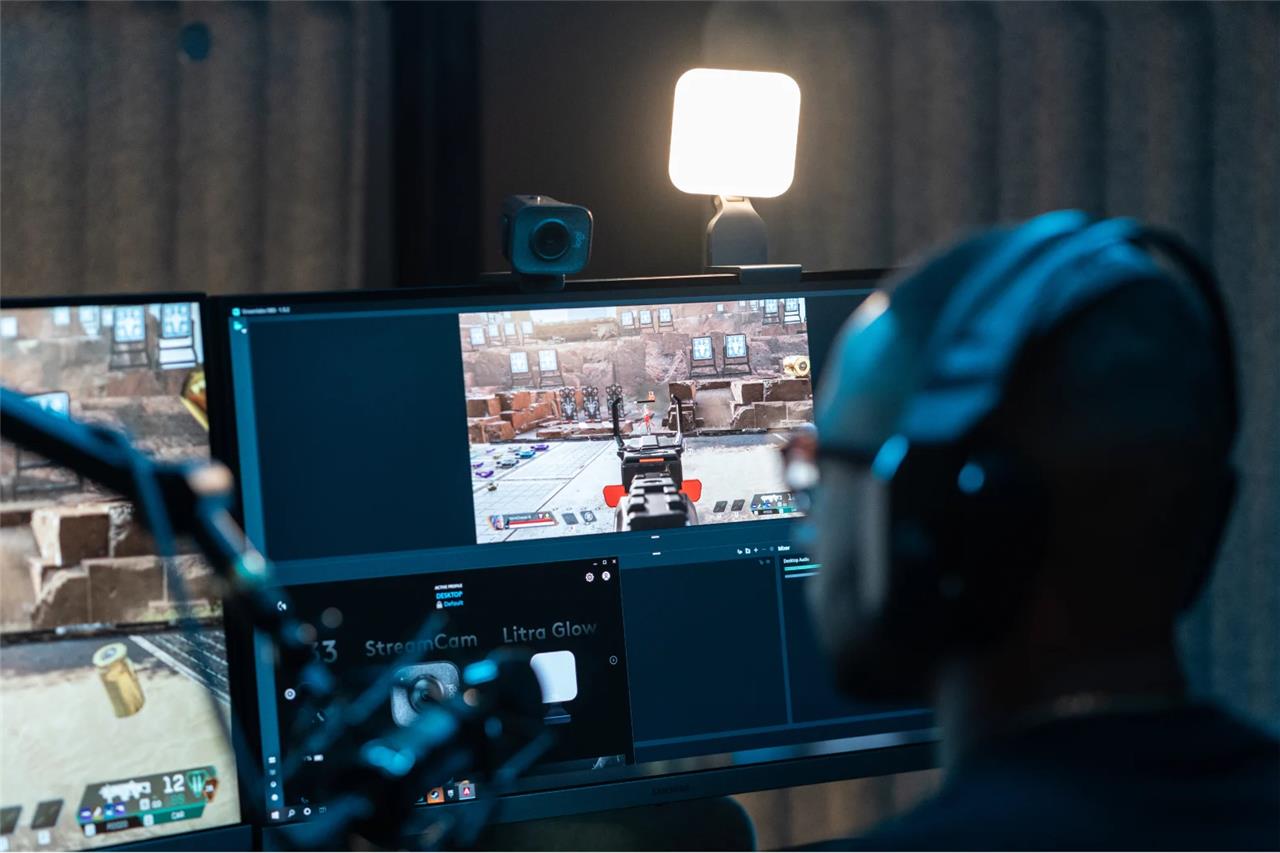
Lighting can make all the difference in how professional a stream looks. It’s not just for lighting up a room, but for shining on streamers’ faces so that they look vibrant and energized. The Logitech Litra Glow is a relatively affordable key light that’s suitable for beginners and more experienced streamers alike.
It’s not just a throwaway ring light, but more of a mid-tier investment at $59.99. In addition to offering custom brightness levels, you can also tweak the color temperature to better match the ambient lighting in your room. The Litra Glow connects with its included monitor mouse via a standard tripod connector, so you can mount it however (or wherever) you’d like. If you want a premium option that lights up more room or comes with more features, you might also want to consider the newer, bigger Logitech Litra Beam XL that costs $100 more.
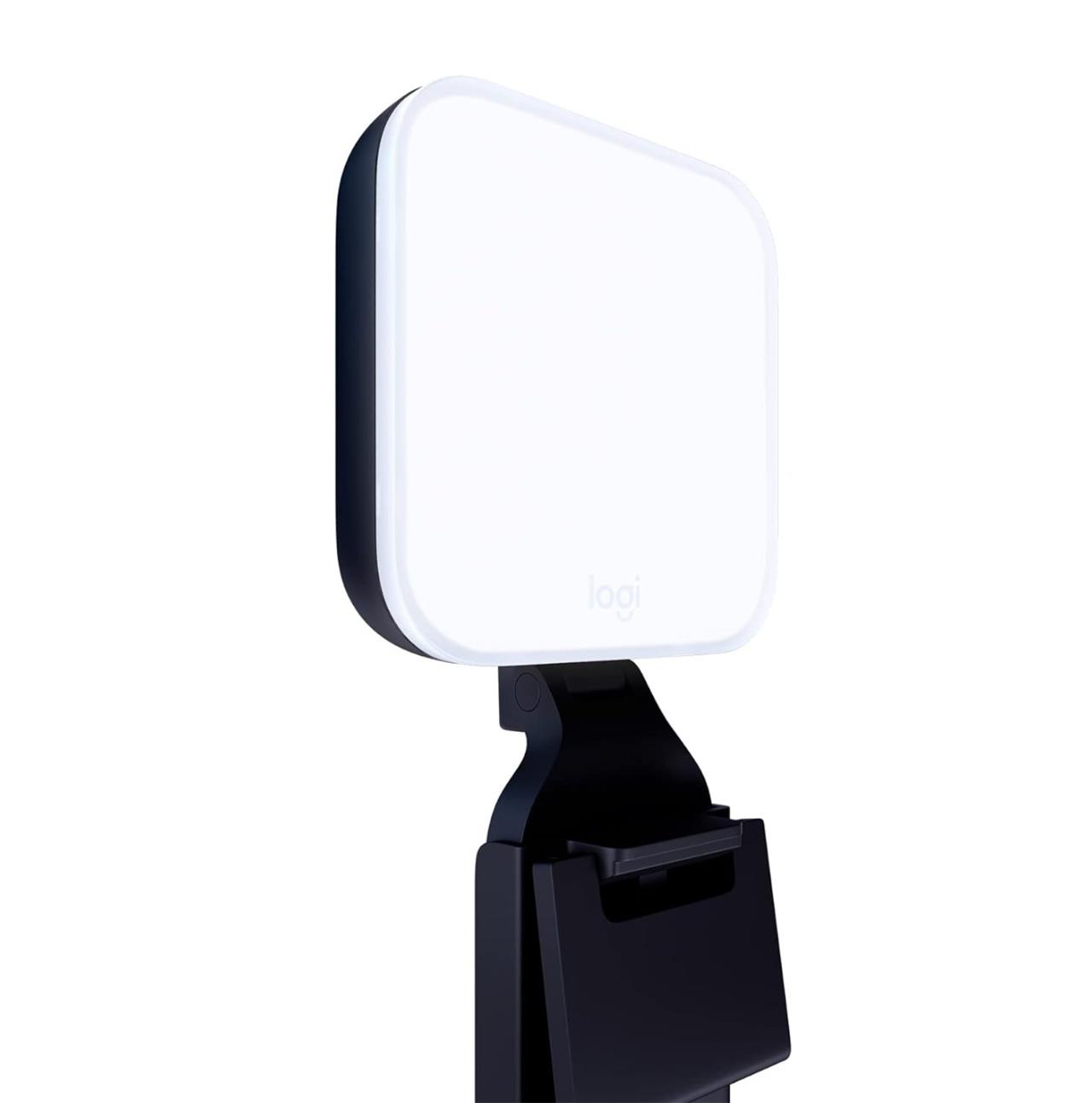
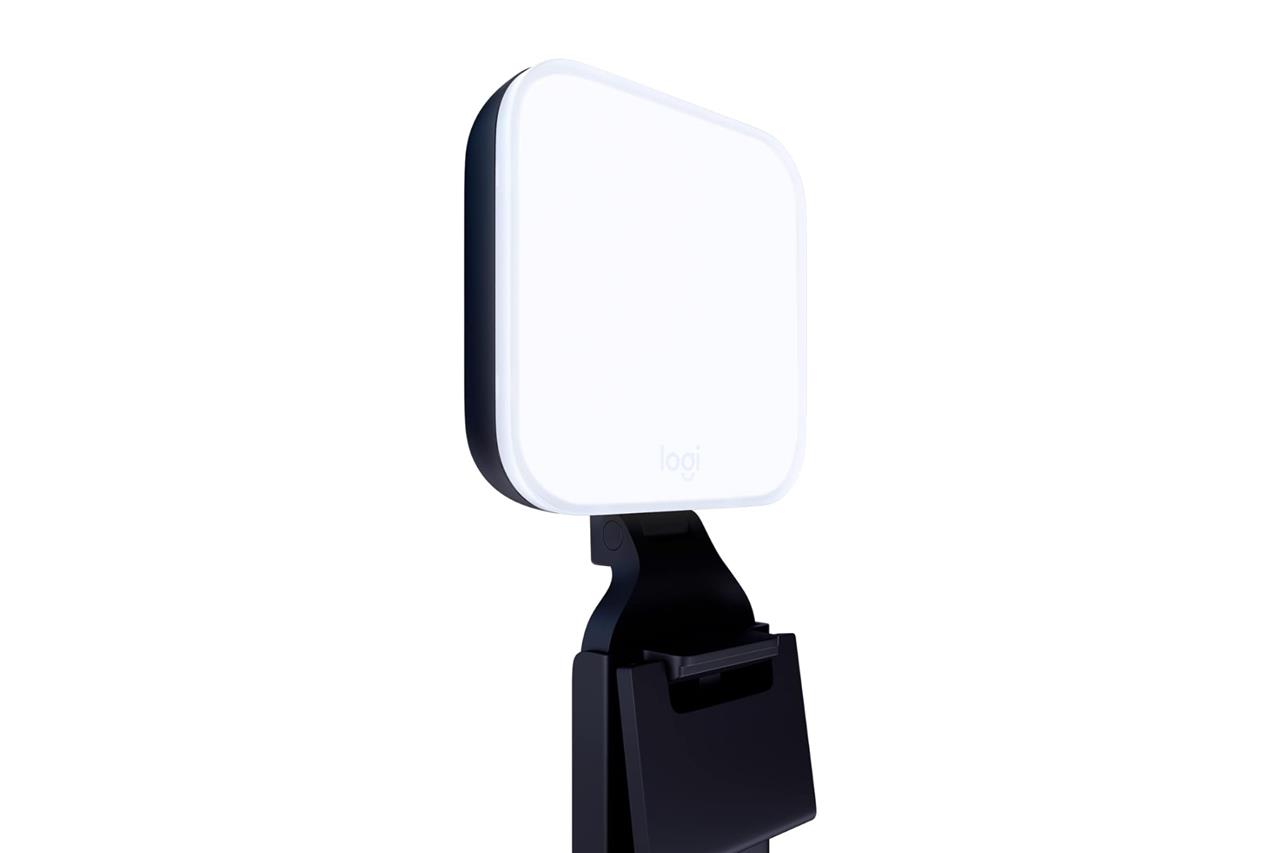
Logitech Litra Glow
$60 $60 $60 at Amazon
Audio-Technica AT2020 studio XLR microphone
The Audio-Technica AT2020 studio XLR microphone is a top choice for streamers seeking professional-quality sound without breaking the bank. It features a custom-engineered low-mass diaphragm that delivers extended frequency response and superior transient response, ensuring clear and detailed audio capture. Its cardioid polar pattern effectively reduces background noise by isolating the desired sound source, making it ideal for home studio and project applications. The microphone boasts high SPL handling and a wide dynamic range, providing versatility for various recording needs. Built with durable metal construction and equipped with a pivoting stand mount for precise placement, the AT2020 requires 48V phantom power and connects via XLR for optimal audio interface compatibility. Overall, it offers excellent price-to-performance value, making it a reliable upgrade for any streaming setup.
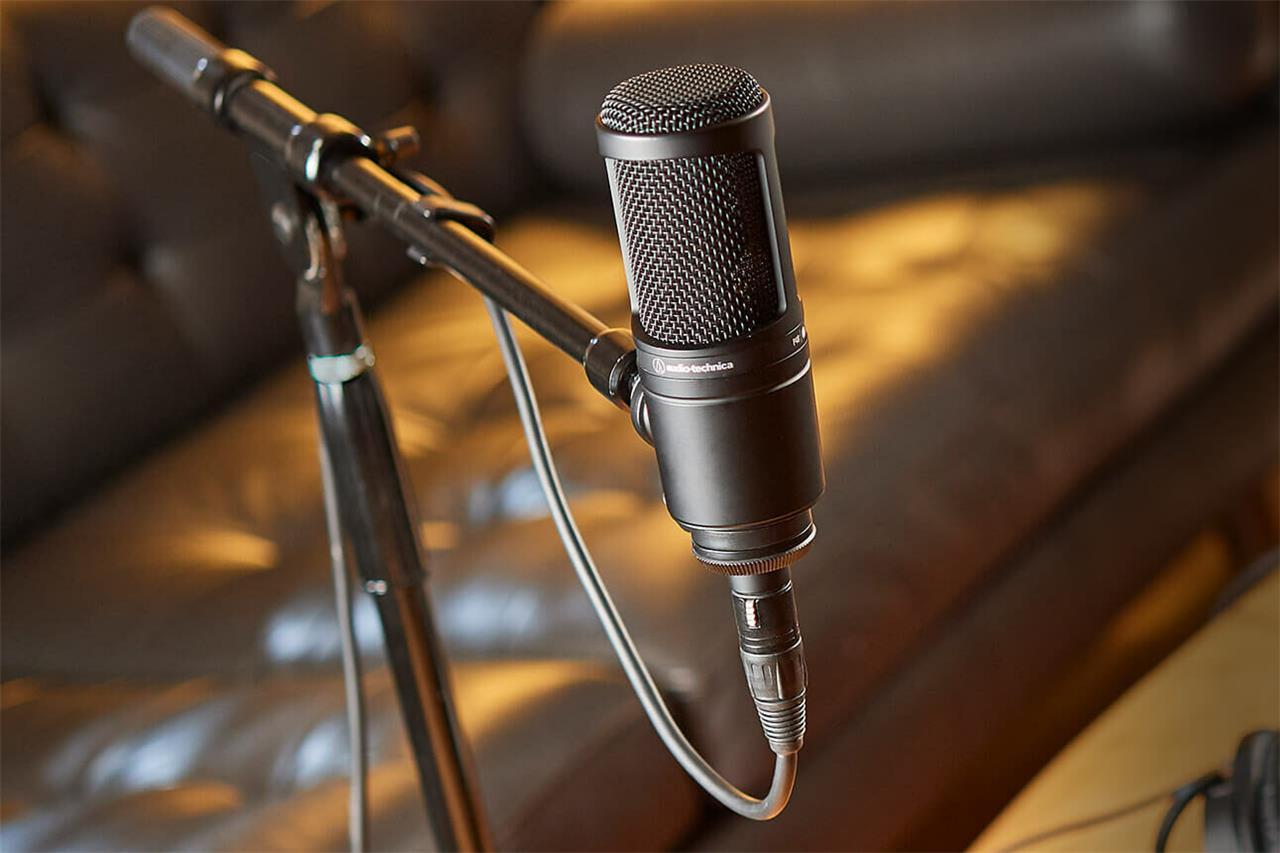
You could use the mic that’s built into your webcam, but you’ll want something better if you’re aiming for audio excellence in your stream. The Audio-Technica AT2020 XLR microphone is designed for studio recording, so it’s a great fit if you want a mic that’s dedicated to streaming. This mic features a cardioid condenser that’s great for focusing on voices while reducing sounds from the rear and sides of the mic. Its XLR output means you’ll need a special audio interface (we’ve included a few picks below), but the results and extra cost are worth it if you want amazing audio quality. All these features come in a $99.00 product that works nicely for musicians and streamers alike.
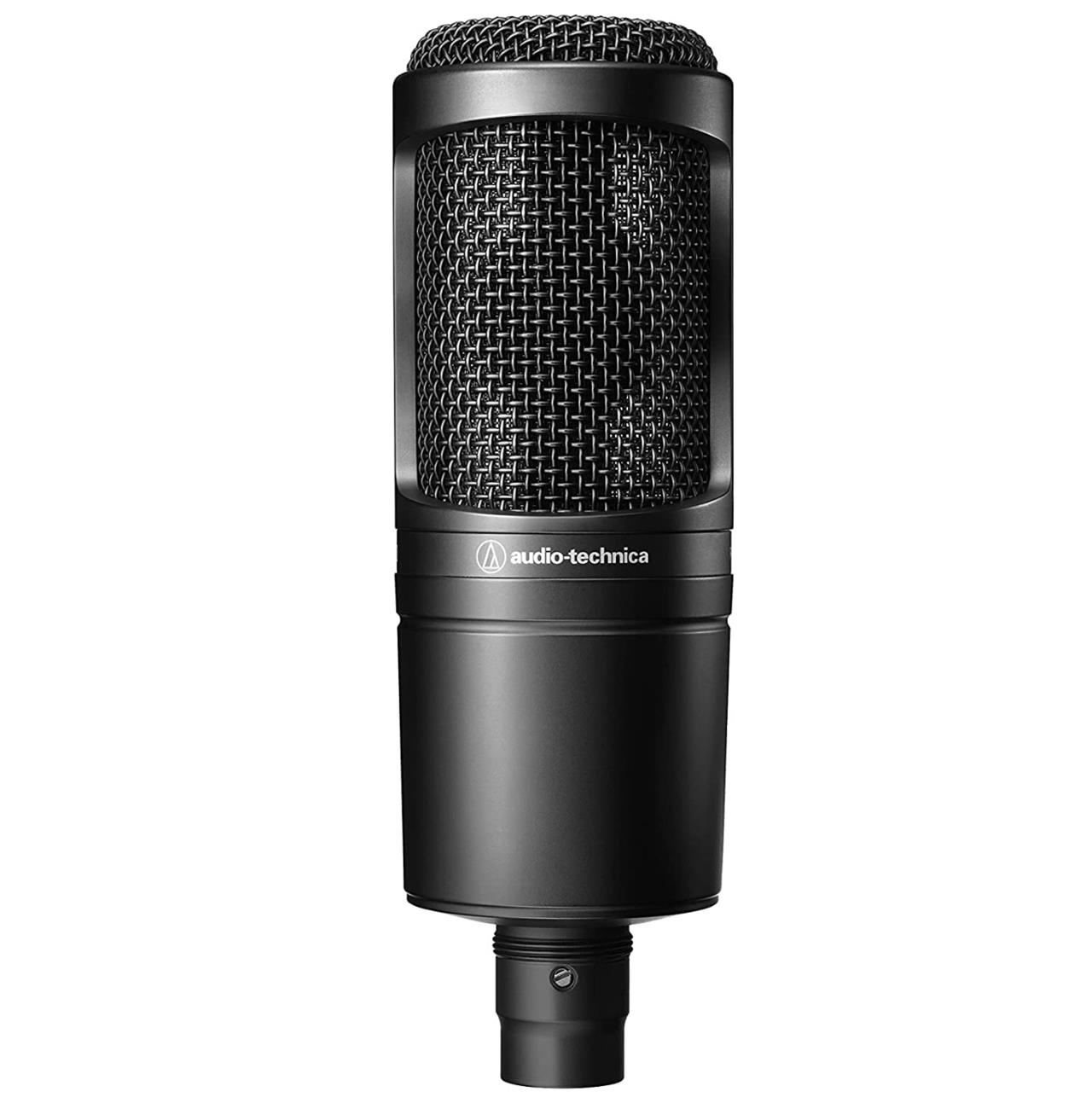
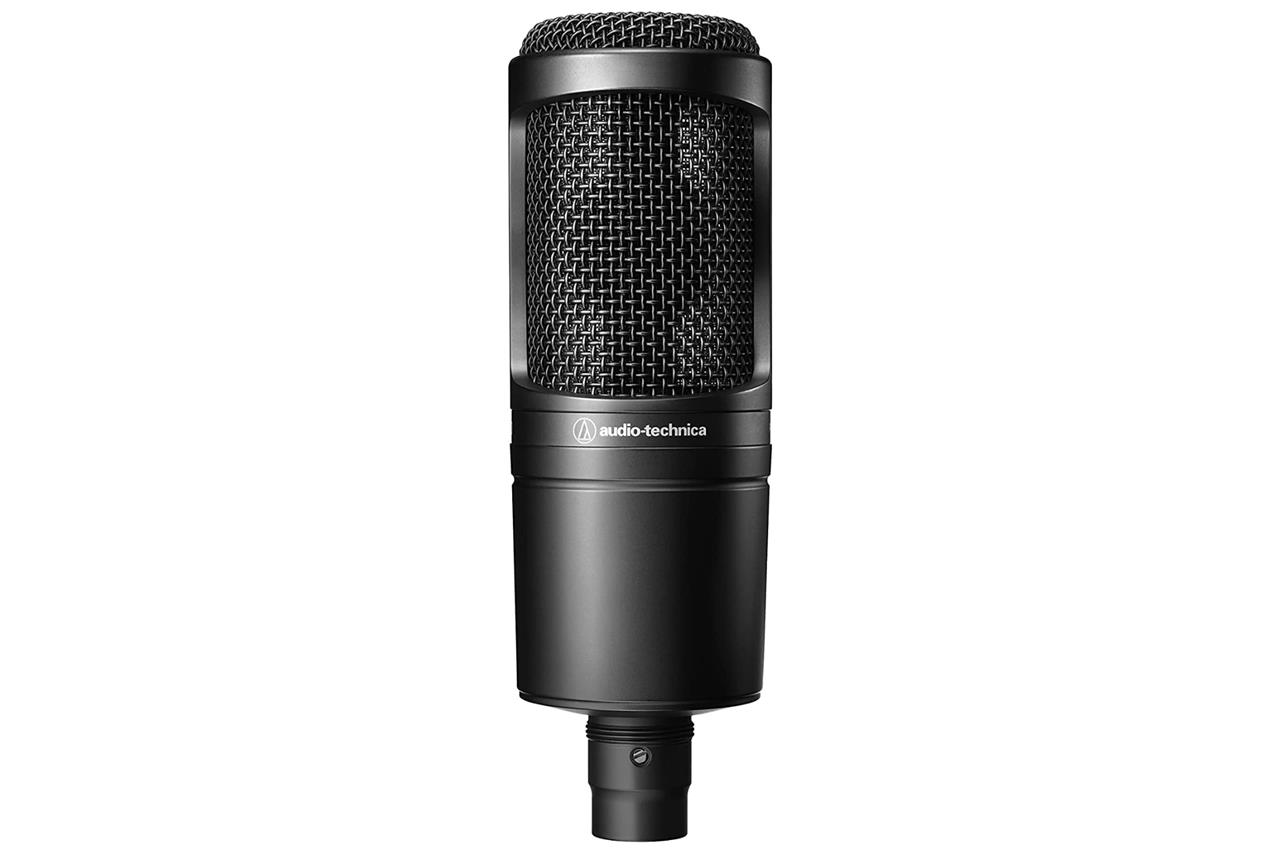
Audio-Technica AT2020 Cardioid XLR microphone
$99 $99 $99 at Amazon
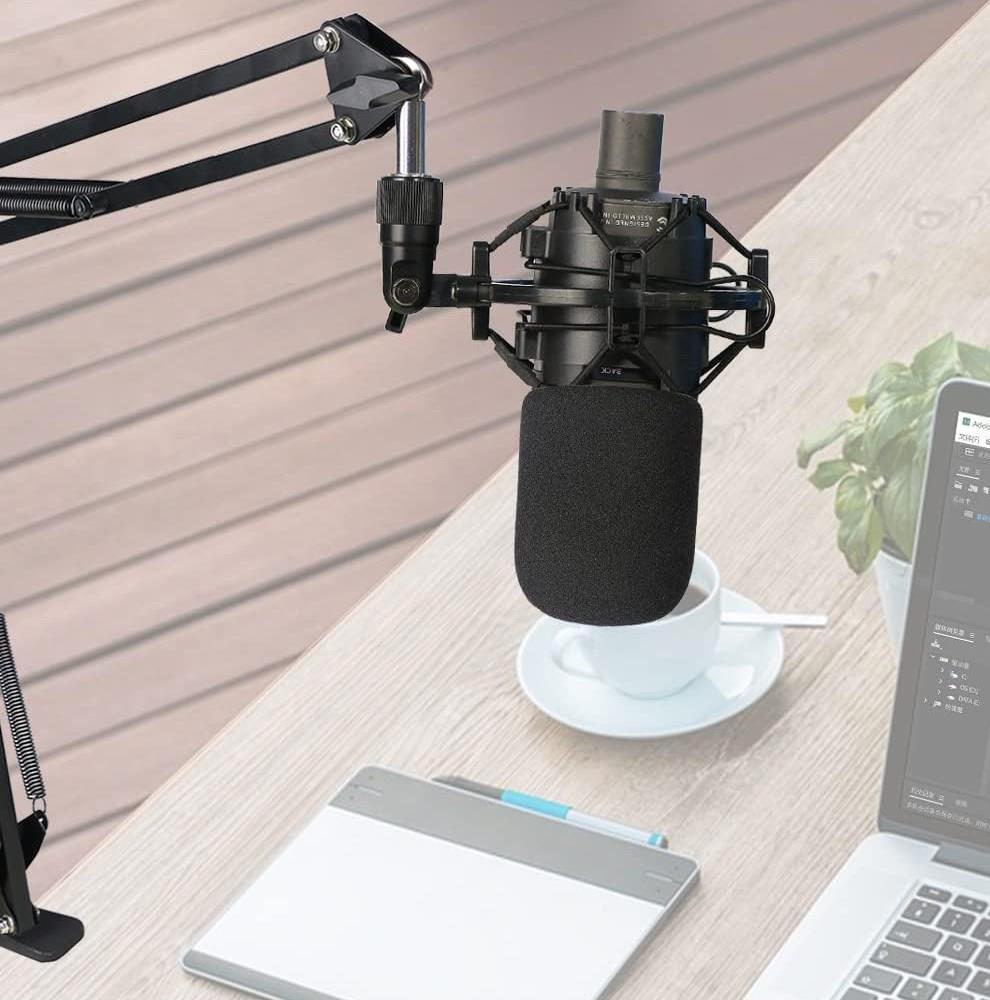
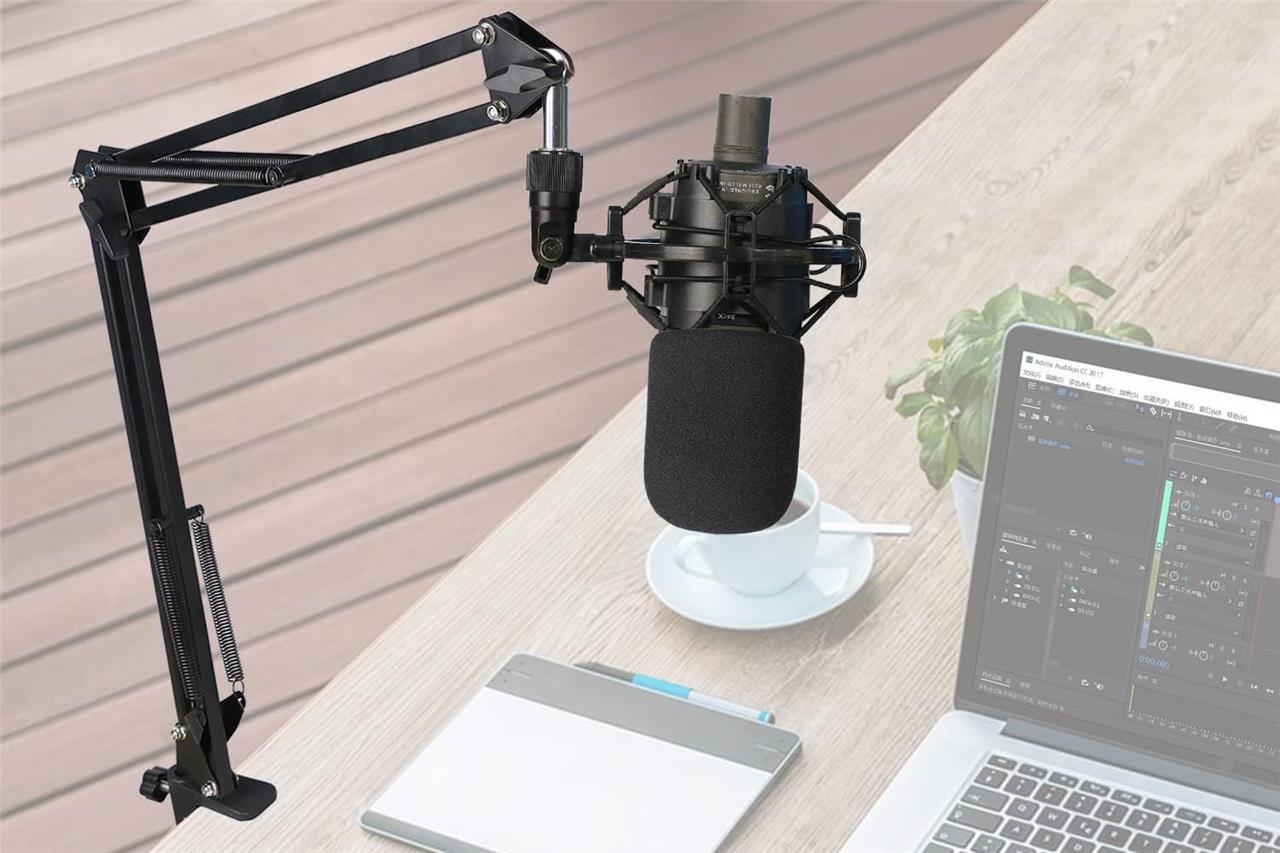
Audio-Technica AT2020 mic boom arm with foam windscreen
The Audio-Technica AT2020 mic boom arm with foam windscreen is an excellent addition to elevate your streaming setup. The AT2020 is a popular cardioid condenser microphone known for its clear, natural sound and robust build, making it ideal for streaming, podcasting, and studio recording. Pairing it with a sturdy boom arm allows flexible positioning and reduces desk vibrations, while the foam windscreen effectively minimizes plosive sounds and breath noise, enhancing vocal clarity. This combination not only improves audio quality but also adds professional convenience and durability to your streaming gear, making it a valuable upgrade for content creators seeking both performance and practicality.
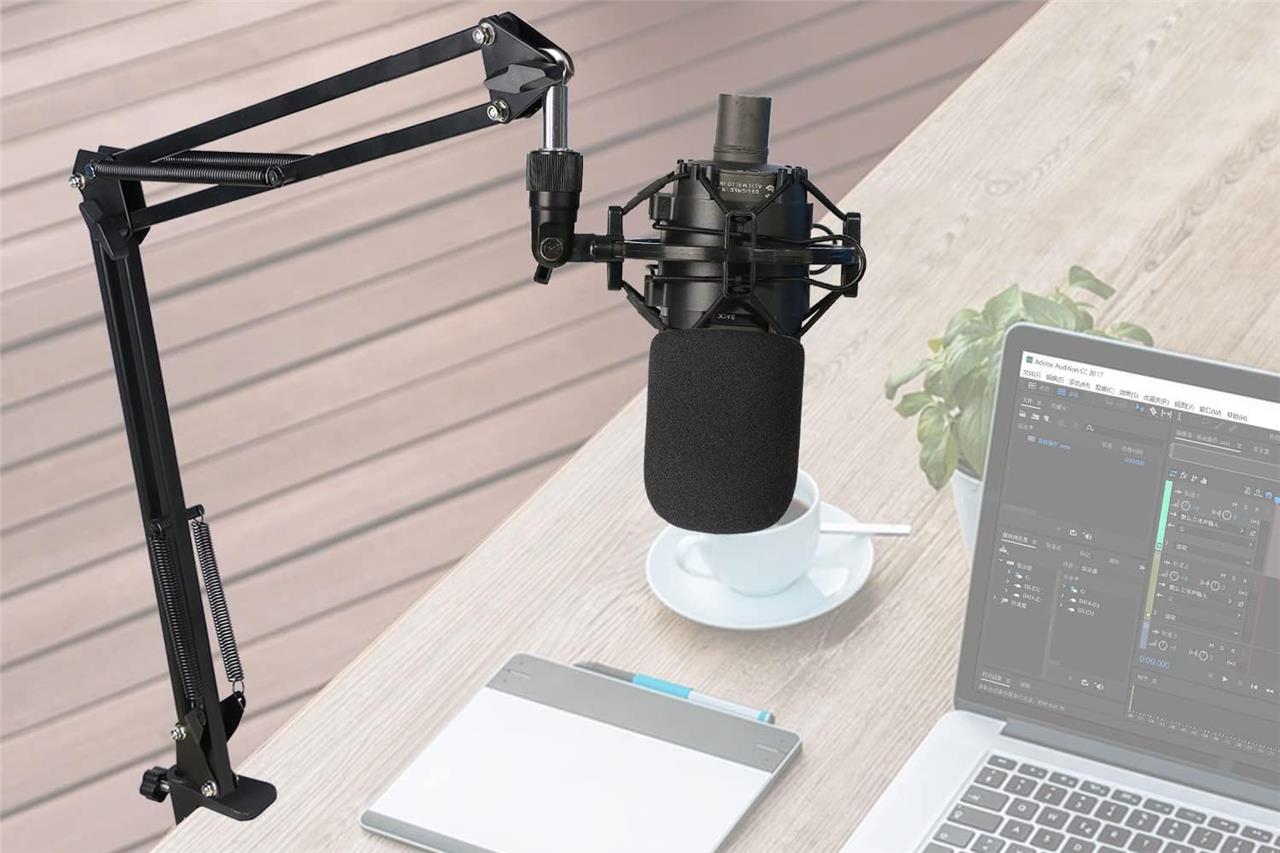
Many microphones come with their own stand. For the most part, there isn’t anything wrong with these. They do, however, tend to clutter your setup or show themselves on the camera, which some streamers don’t like, understandably. A mic boom arm can open up space on your desk and make filming with the mic off-screen much easier.
The Audio-Technica AT2020 mic boom arm comes with a foam windscreen that works like a standard pop filter (reducing the “pop” sound made from uttering plosives, as well as protecting it from saliva) for $19.49. That way, you don’t need to buy an additional attachment to lessen undesired noises. It’s guaranteed to match the Audio-Technica AT2020 microphone we recommend above.
Sunmon mic stand for Audio-Technica AT2020
$19 $19 $19 at Amazon
Focusrite Scarlett Solo 3rd Gen USB audio interface
The Focusrite Scarlett Solo 3rd Gen USB audio interface is a compact and highly portable device ideal for streamers and content creators looking to elevate their audio quality. It features a high-quality XLR mic input with 48V phantom power and a dedicated instrument input with adjustable impedance for guitars and basses. The interface includes Focusrite’s renowned Air Mode, which enhances vocal and acoustic recordings by adding clarity and brightness, emulating classic ISA preamps. It supports recording at up to 24-bit/192kHz resolution and offers direct monitoring to hear your input in real time without latency. Balanced outputs reduce hum and interference, making it a reliable and affordable choice for upgrading your streaming setup with professional-grade sound.
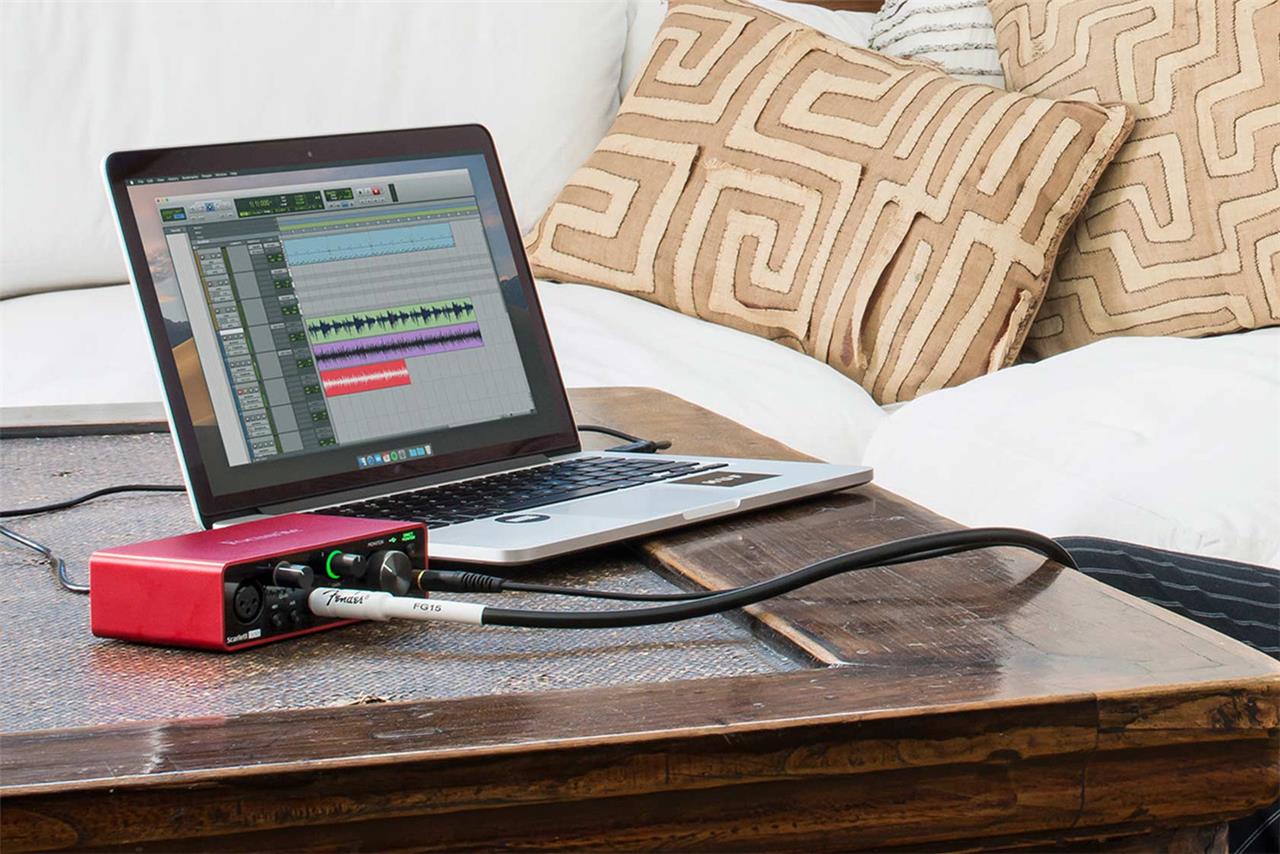
If you want to go an extra step for sound quality, a gadget like the Focusrite Scarlett Solo USB audio interface can record your voice as if it’s in a vacuum. It’s how you get podcast-level audio that straight capture from a USB microphone can’t match. The Focusrite Scarlett Solo 3rd Gen USB Audio Interface is a simple, relatively affordable option to get started with. In terms of ports, it features one XLR port (perfect for the Audio-Technica AT2020 we recommend above) and a headphone jack. It makes listening and tuning on the fly far easier than with various devices plugged in via USB.
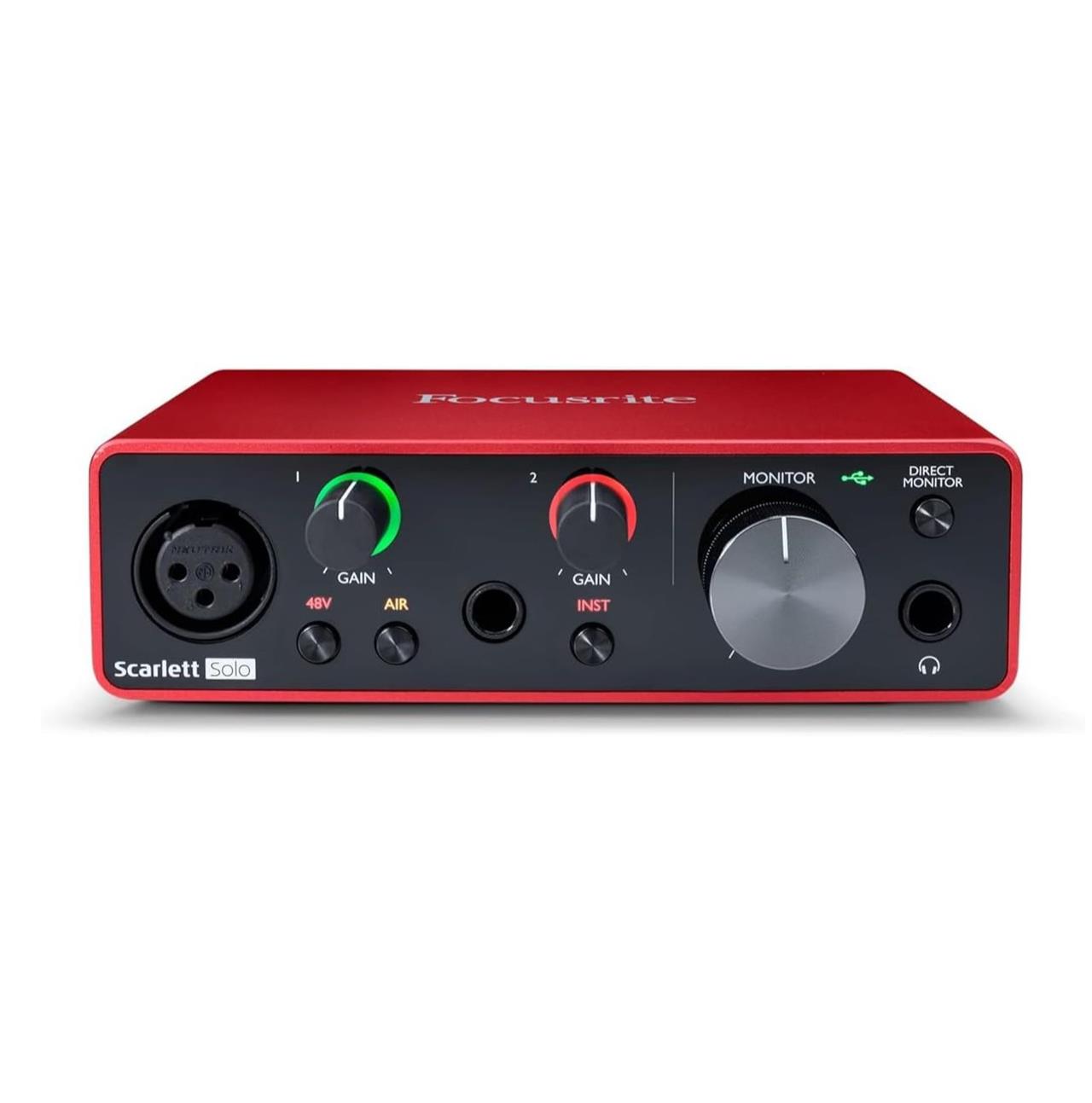
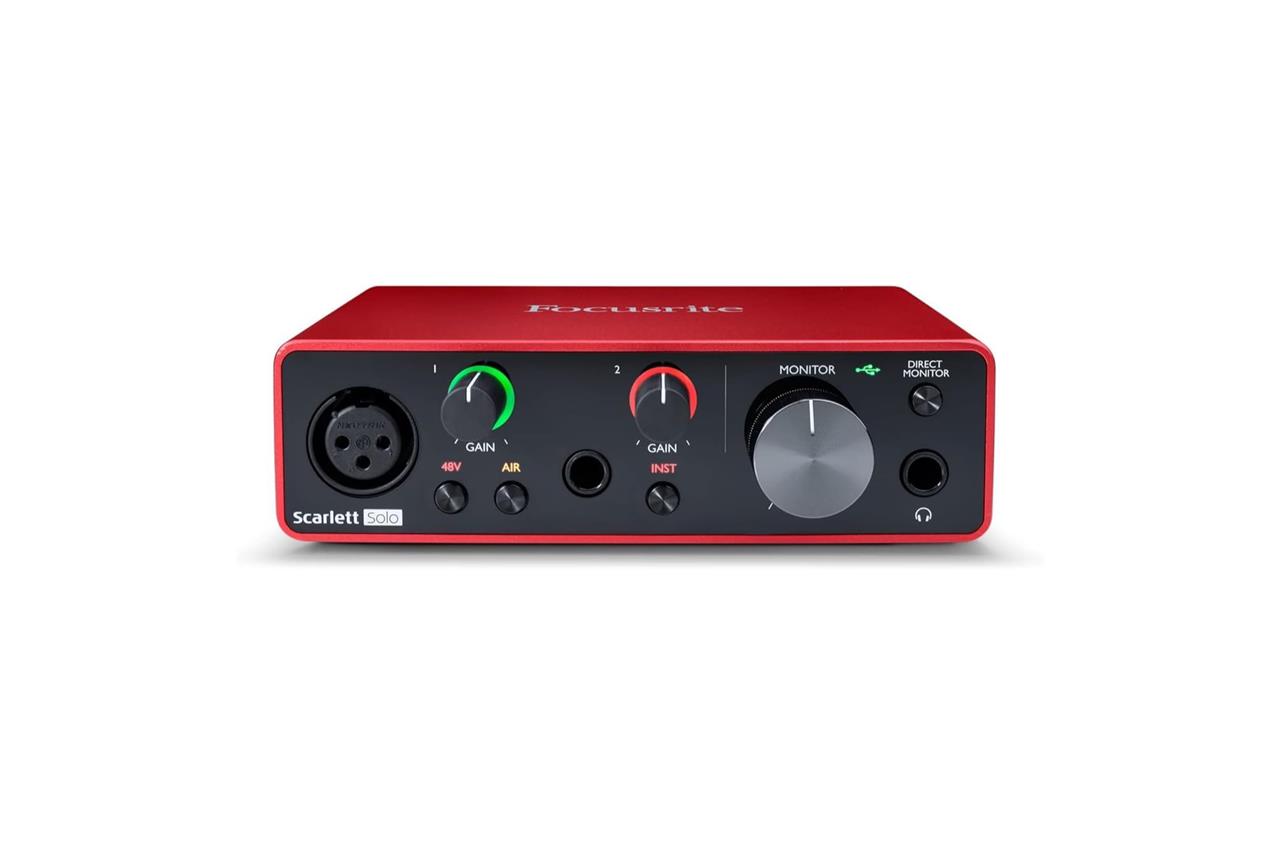
Focusrite Scarlett Solo 3rd Gen USB audio interface
$100$14029% off $100 $102 at Amazon$100 at Focusrite
HyperX Cloud 3 Wireless headset
The HyperX Cloud 3 Wireless headset is a top-tier choice for streamers seeking excellent audio quality and comfort. Featuring 53mm dynamic drivers and a warm, smooth sound profile, it delivers clear, detailed audio with impressive low-latency wireless performance via a USB dongle, ensuring audio and video stay perfectly in sync. Its sturdy, comfortable design includes memory foam earpads and a padded headband, making it suitable for long streaming sessions. The detachable boom mic offers clear voice capture with effective noise cancellation, enhancing communication during streams. With an outstanding battery life of up to 120 hours and customizable sound settings through the HyperX NGENUITY software, including DTS:X Spatial Sound, the Cloud 3 Wireless elevates your streaming setup by providing immersive sound and reliable wireless freedom.

There are hundreds of great gaming headsets out there that can let you enjoy audio and can even broadcast your voice with a built-in mic, but we like the HyperX Cloud 3 Wireless headset the most. Its battery life allows for up to 120 hours of uninterrupted listening with upgraded sound quality from its 53mm angled drivers – all of which are a step up from its predecessor. It also keeps all the comfort from other HyperX models, like the adjustable frame and its cozy memory foam earcups.
As you might have guessed from the product’s name, the Cloud 3 Wireless connects wirelessly to your PC and consoles, so that’s one less cord to get tangled up at your busy streaming station. On top of that, it comes with a detachable mic so that you can make it a one-stop shop for both audio and mic if needed. It costs $169.99, but it’s a product that we think is worth the cost. If you don’t like the look of the HyperX Cloud 3 Wireless, you could try one of the other high-quality headsets in our best gaming headset guide.
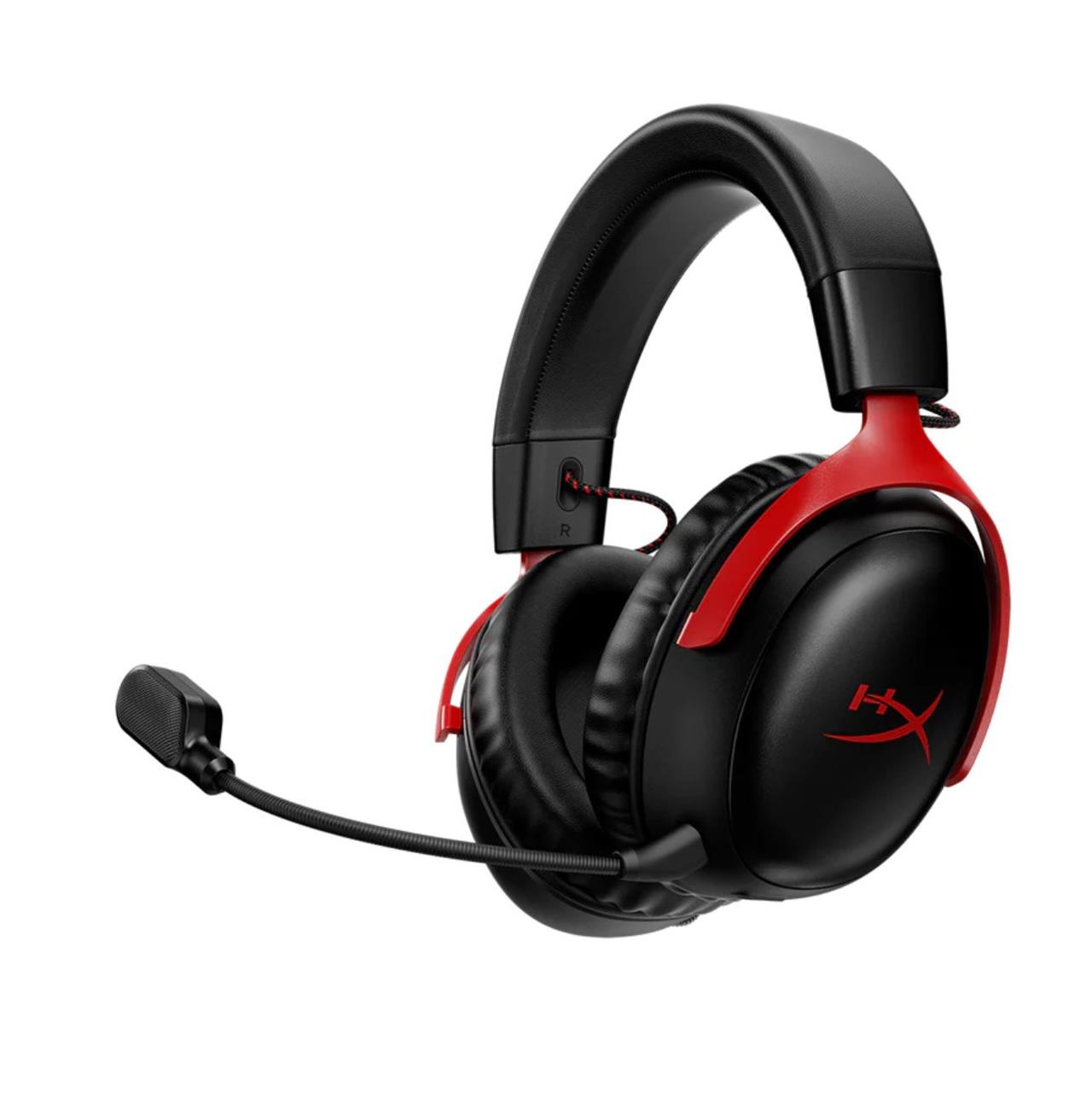
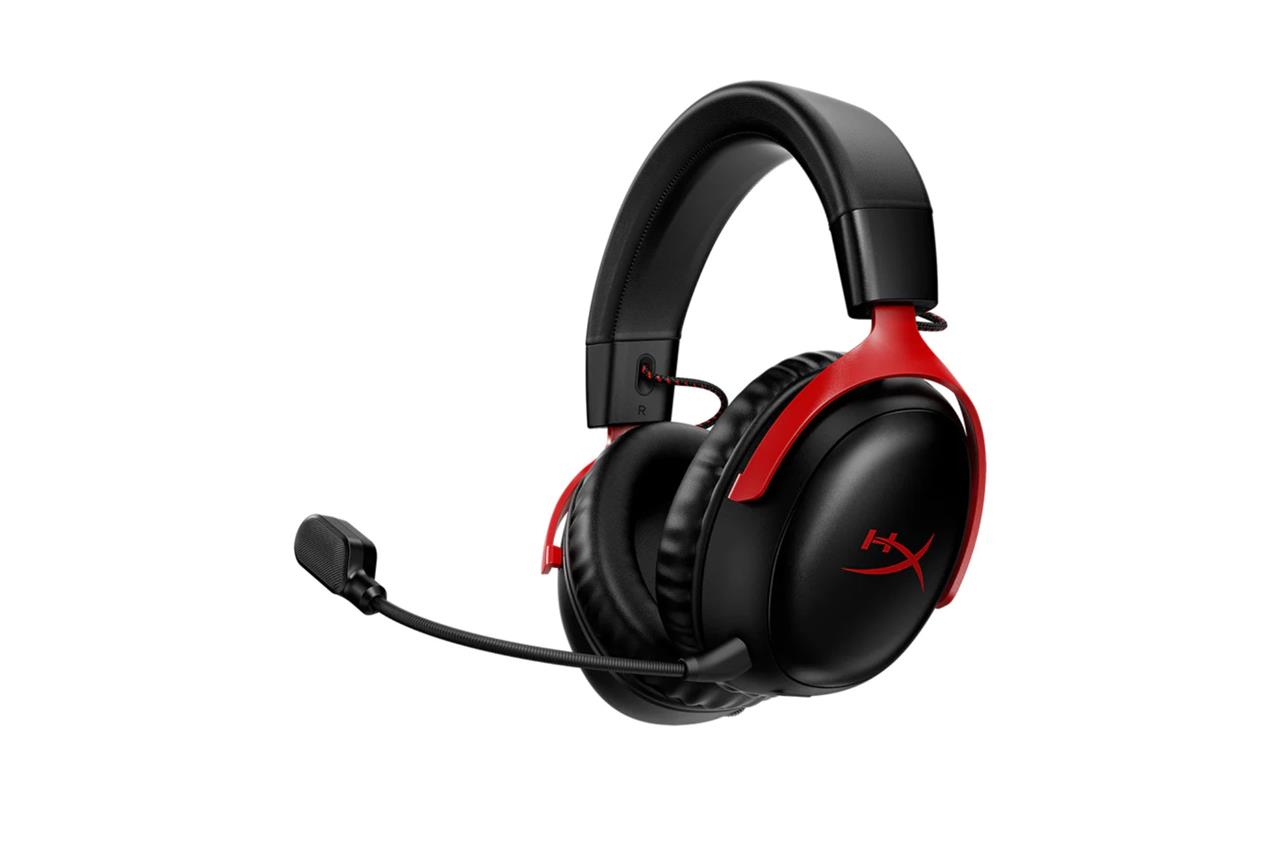
HyperX Cloud 3 Wireless
$116$17032% off $116 $116 at Amazon$130 at HyperX
Elgato green screen
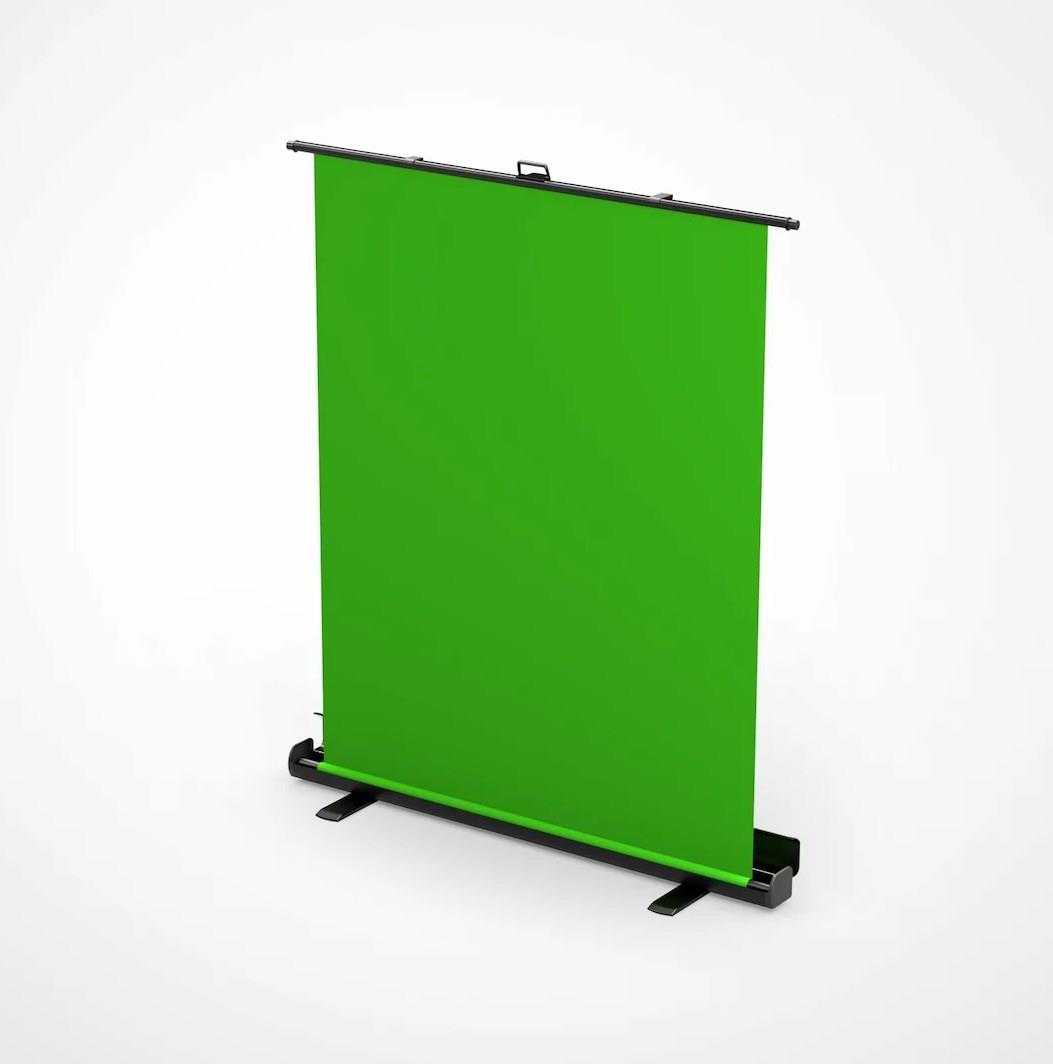
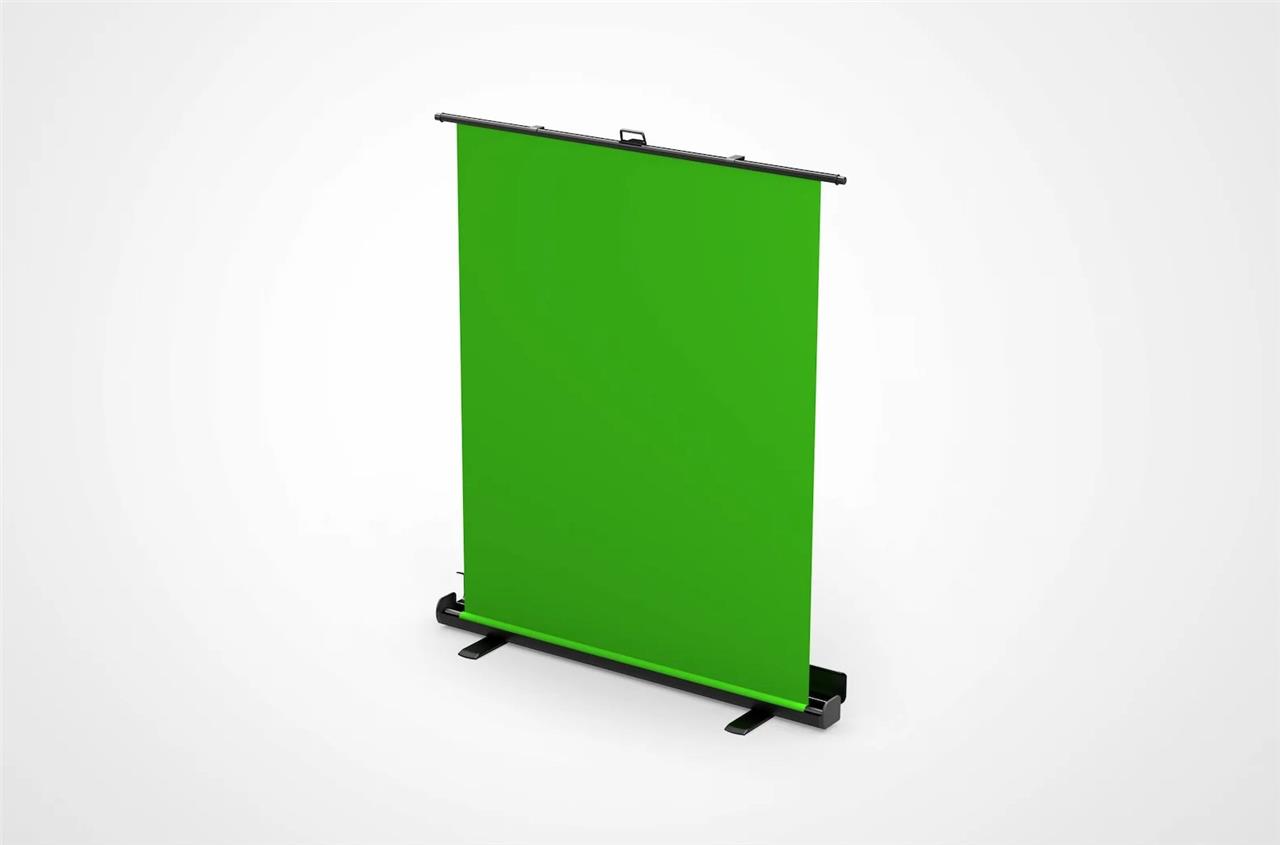
The Elgato Green Screen is a game-changer for streamers seeking professional-quality backgrounds without the fuss. Its collapsible, wrinkle-resistant chroma key panel sets up in seconds-just flip open the sturdy aluminum case, lift the handle, and the pneumatic x-frame locks the screen at your chosen height, providing a smooth, seamless backdrop for flawless keying. Ideal for tight spaces, it’s portable and stows away just as quickly as it deploys, making it perfect for creators who need flexibility or stream in multi-use environments. With its reliable, wrinkle-free surface, the Elgato Green Screen guarantees crisp background removal, instantly elevating the visual polish of any stream or video call.
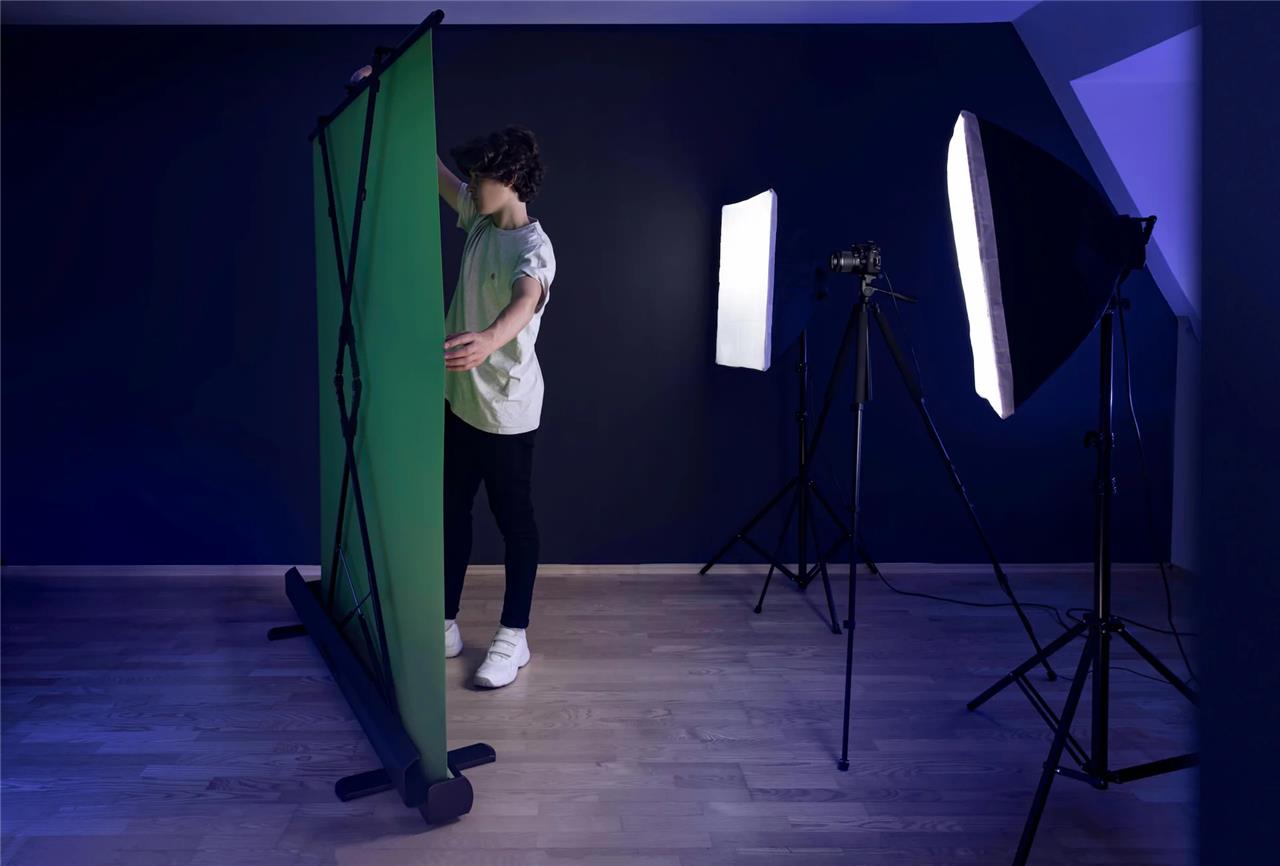
Green screens enable video content creators and streamers to impose themselves on whatever background they want. Have a messy background you’d like to obscure, or want to appear as if you’re broadcasting from outer space? Get a green screen. One good option is the Elgato green screen, which comes in a collapsible, pop-up form that makes filming on the go as easy as filming in your room. Its sturdy frame makes it so that you don’t need to worry about the background easily falling over. The durable, wrinkle-resistant polyester fabric also makes it more difficult to rip or mess up than cheaper options (which do exist and are good for streamers who are on a budget).
If you plan on filming wider-screen videos, you might also consider the Neewer Photography Kit for about $240. In addition to a wider green screen, it comes with stand-up lights, reflectors, a tripod, clamps, and carrying bags.
Elgato green screen
$160 $160 $160 at Amazon
Elgato Wave Panels Starter Set
The Elgato Wave Panels Starter Set is an excellent addition to any streaming setup, designed to transform your space into a professional acoustic environment. Featuring dual-density foam construction, these hexagonal panels effectively reduce room echo and reverberation by dampening high frequencies and absorbing mids and lows. The modular design with EasyClick Frames allows for limitless customization, enabling you to create unique shapes and configurations that suit your space and style. Installation is quick and hassle-free, using lightweight panels that can be mounted with supplied adhesive strips or screws, making them easy to relocate without damage. With the Wave Panels, your vocals become clearer and more detailed, enhancing the overall sound quality of your streams and recordings.
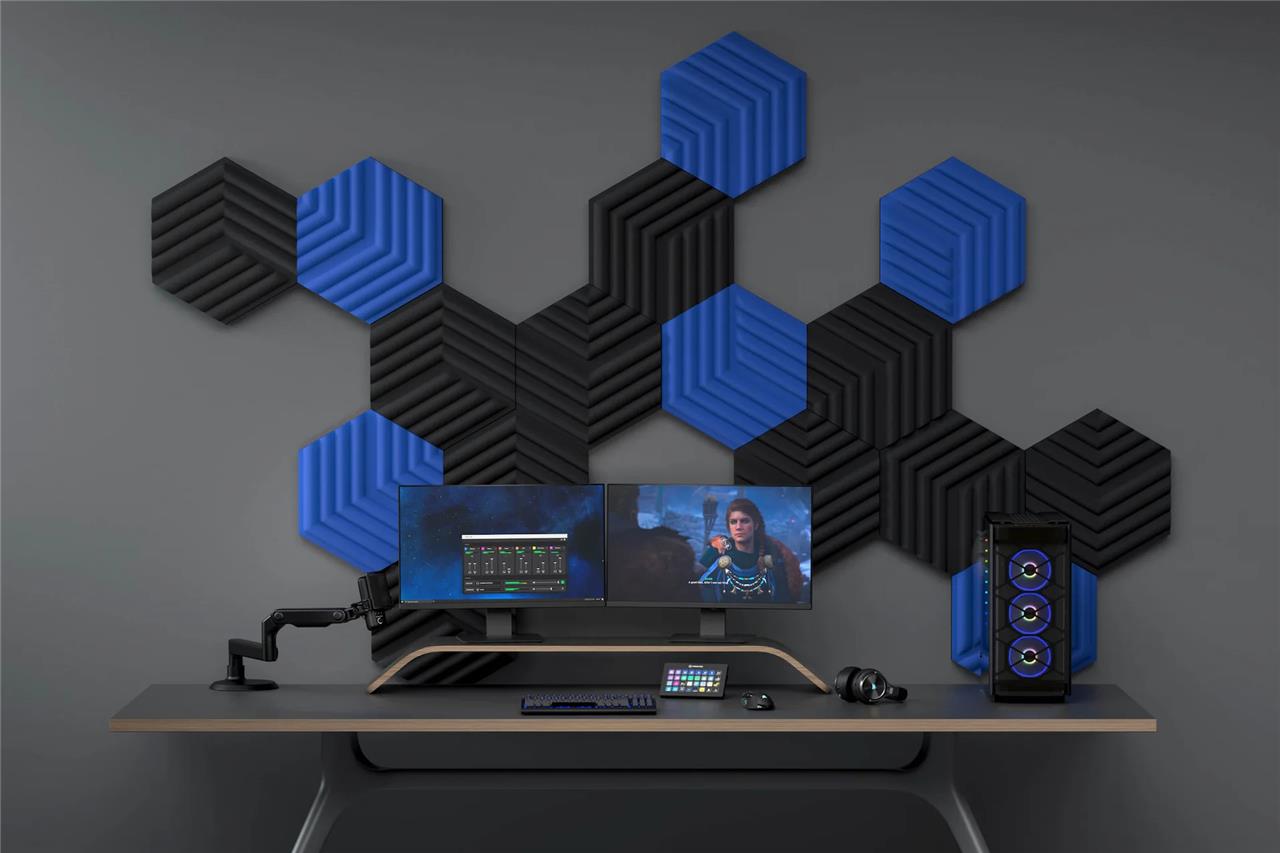
Any serious streamer should buy some sound-dampening products, both to reduce sound spilling into other rooms and to refine your sound to not sound echo-y. The Elgato Wave Panels Starter Set is one option; it includes six hexagon-shaped sound panels that can add personality (and utility) to your room for $99.99. As a plus, the panels are easy to stick onto the walls and add some style to your streaming setup with their angular shapes. Elgato’s product is pricier than egg-crate-style foam dampening tiles, but they look so much cooler.
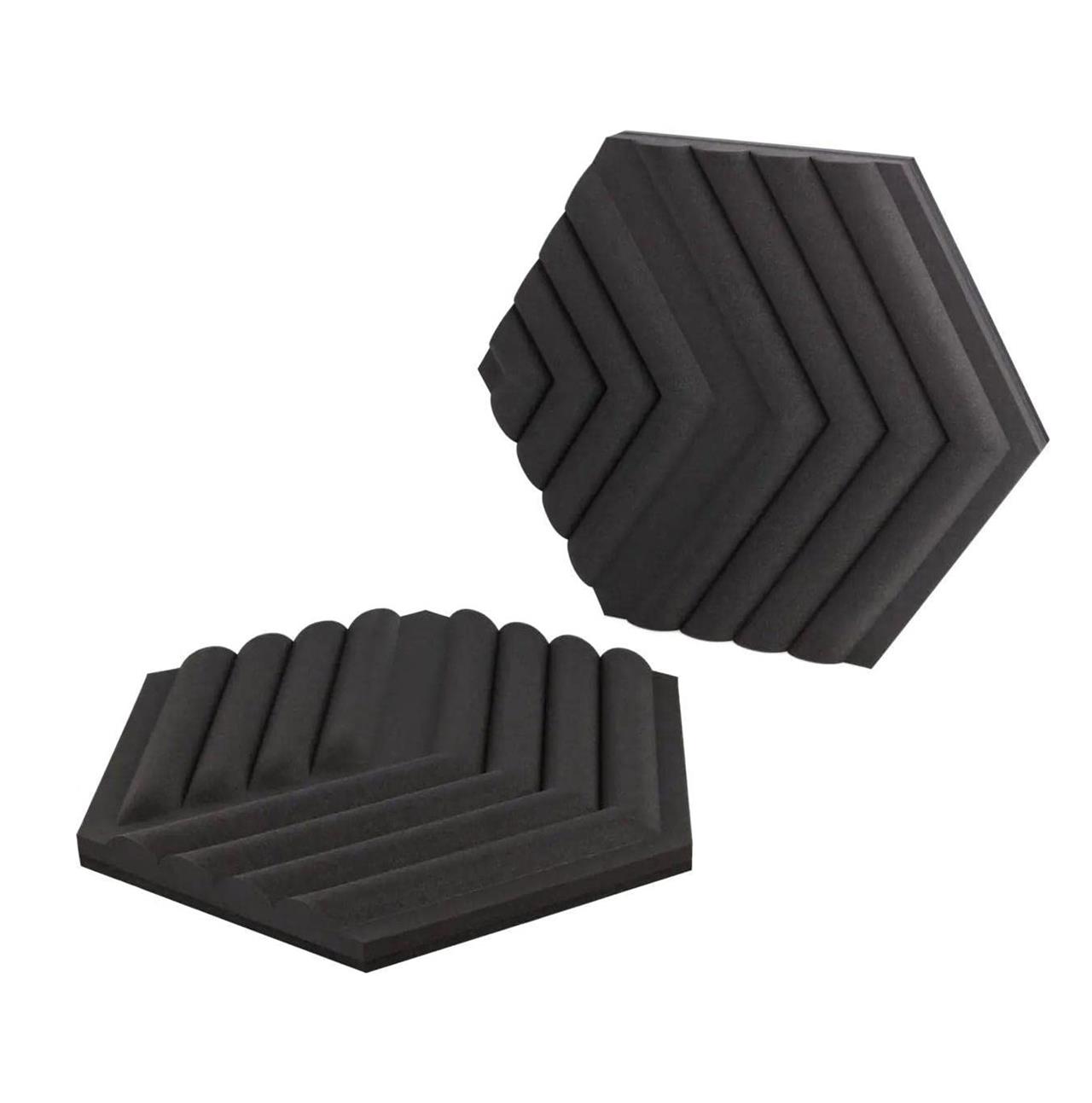
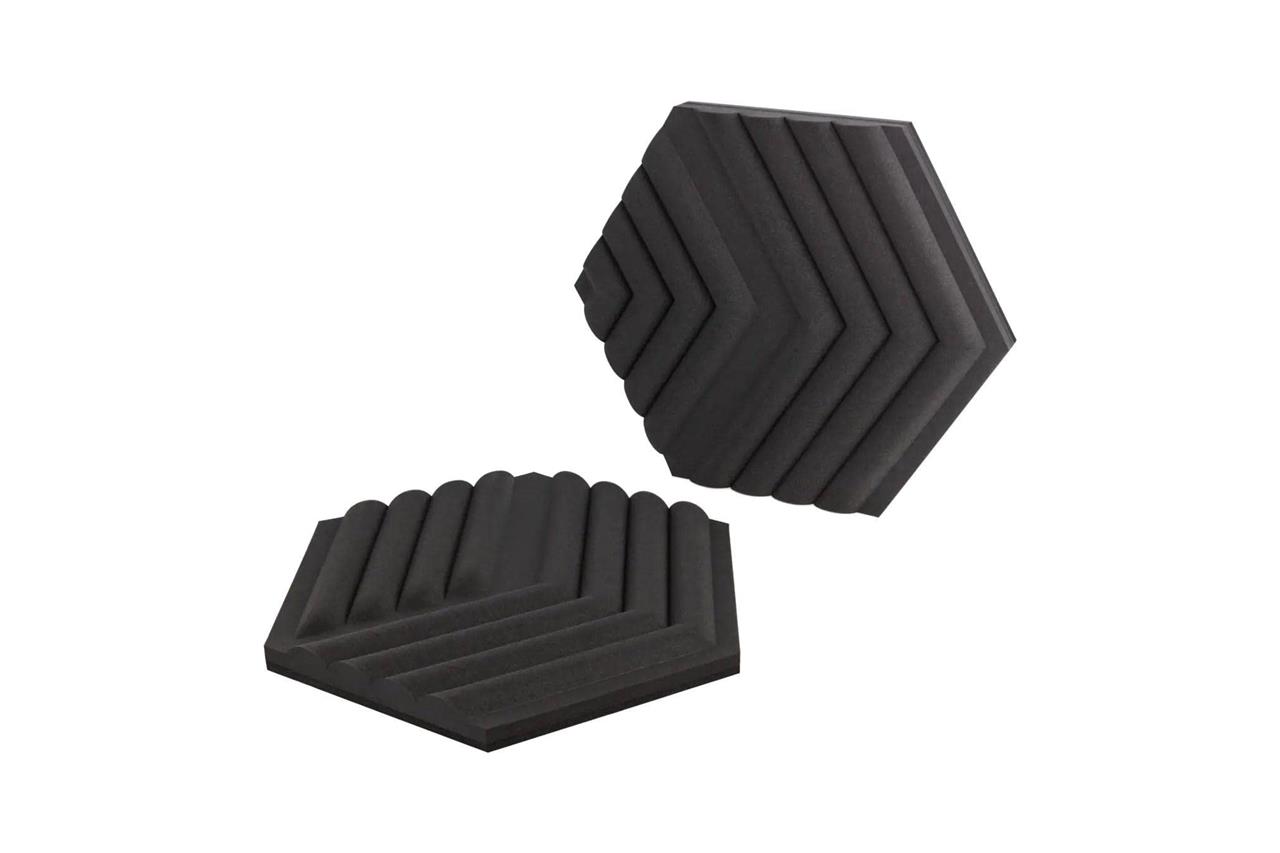
Elgato Wave Panels Starter Set
$100 $100 $100 at Amazon
Govee LED light strips
Govee LED light strips are a versatile addition to any streaming setup, offering vibrant RGBIC technology that allows multiple colors to shine simultaneously on a single strip. These lights can be easily controlled via Wi-Fi or Bluetooth through the Govee Home App, enabling personalized colors, brightness, and dynamic effects, including music sync modes that react to audio in real time. Compatible with Alexa and Google Assistant, they support hands-free voice control for seamless adjustments during streams. With over 64 preset scene modes and millions of color options, Govee LED strips create immersive ambient lighting that can elevate the mood and visual appeal of your streaming environment.
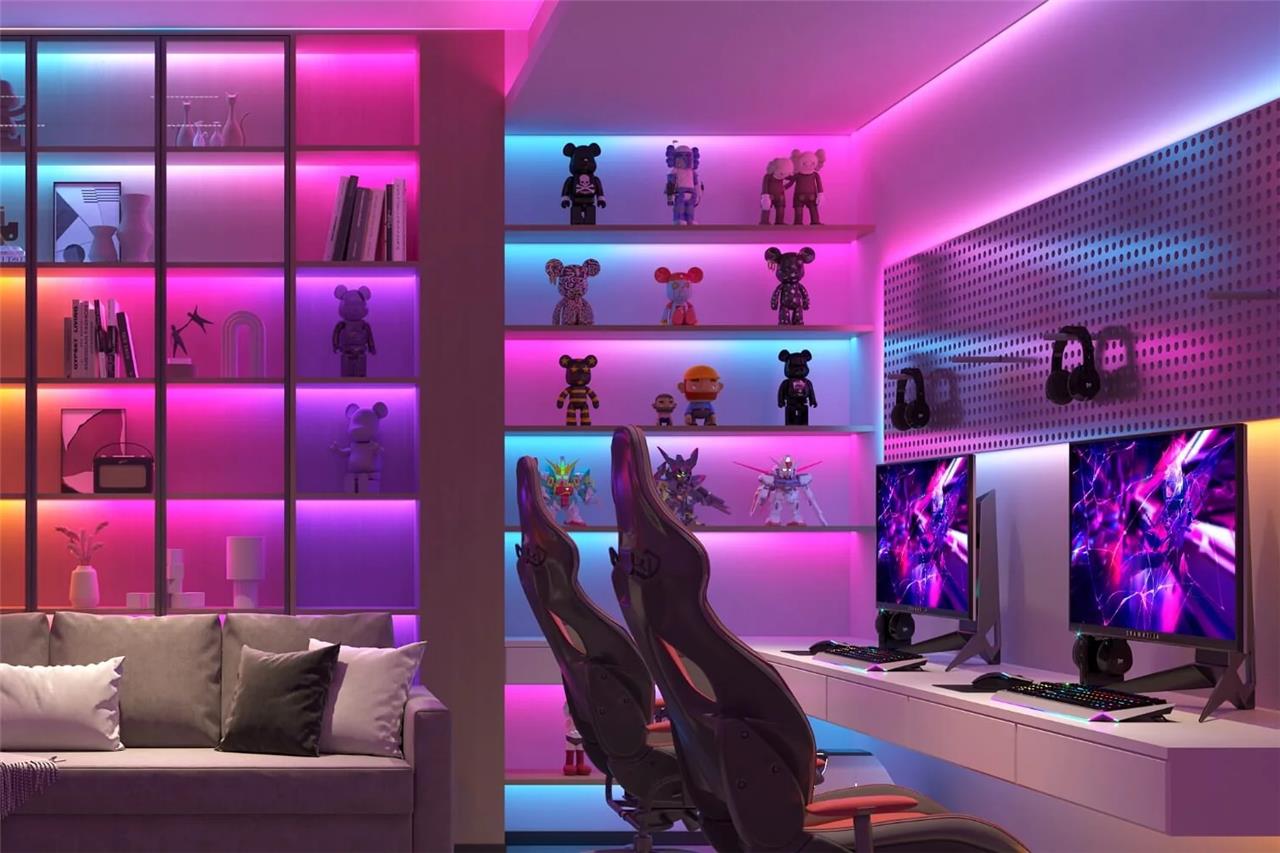
Light strips are an optional but attractive way to light up your gaming space – for your own enjoyment as well as your viewers’. Govee LED light strips are popular for decorating rooms because the LEDs can be customized with Govee’s smart lighting software, and because you can make them any length that you’d like. These strips come in several lengths that you can cut (or add onto yourself) to suit your decorating needs. You can stick them to anything with a steady surface, like a wall, desk, or other furniture in your room, like a bed frame.
If you want a larger LED decoration, Govee also sells LED hexagon panels. However, if you’re already getting Elgato’s Wave Panels, it might be too many hexagons for your wall (unless you’re going for that gamer hive look).
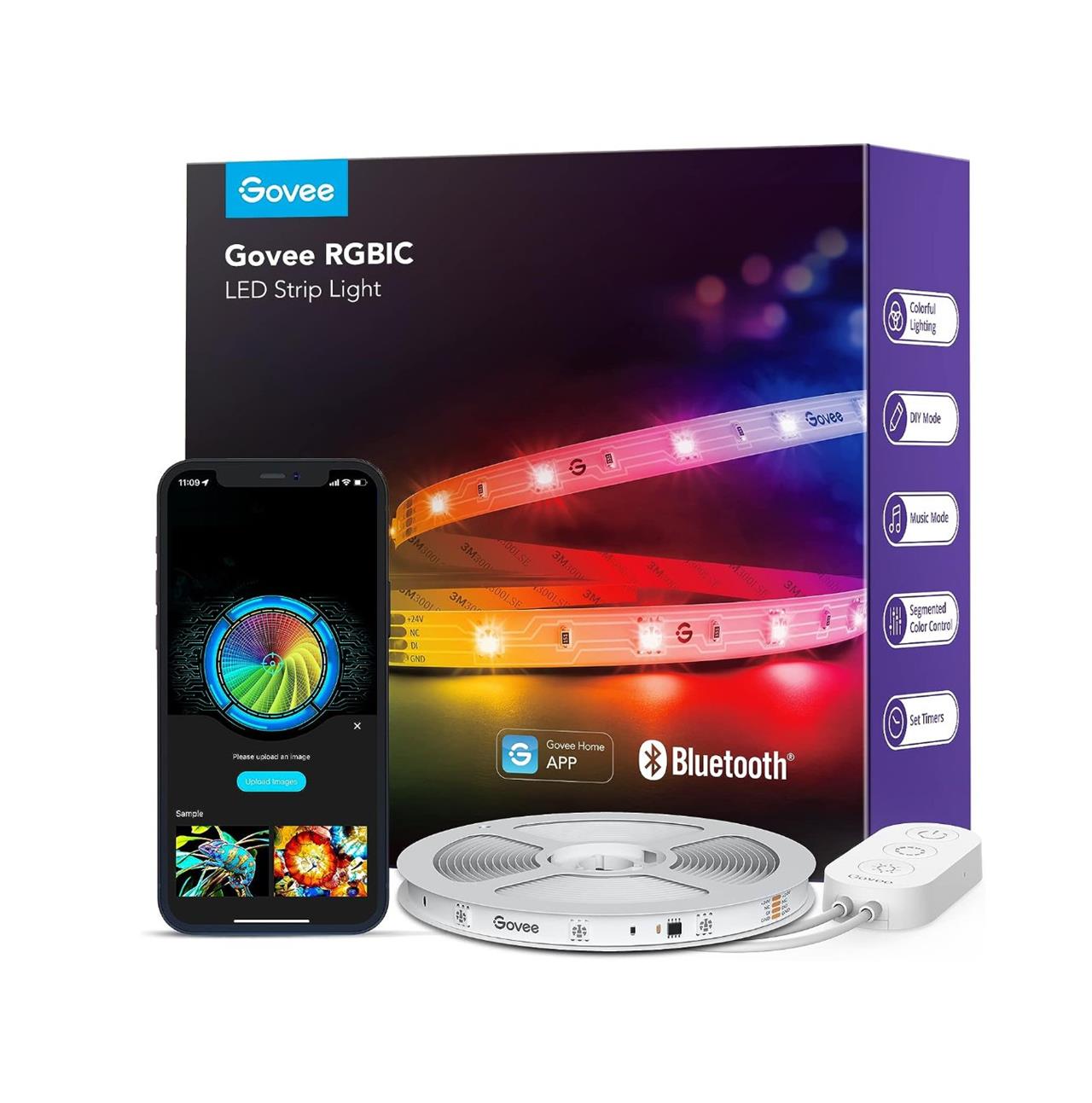
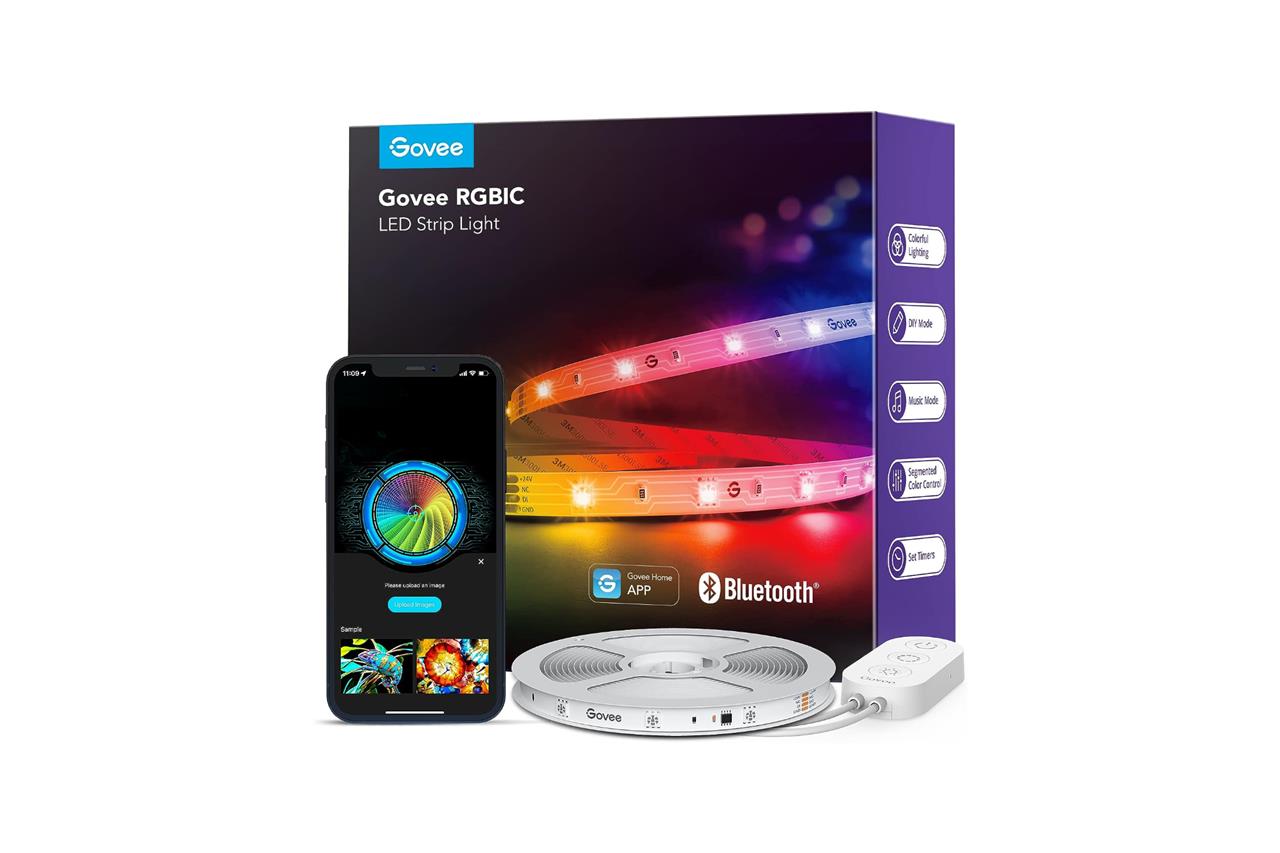
Govee RGBIC LED light strips
$15 $15 $15 at Amazon (per 16.4 feet)
What are the must-have gadgets to elevate my streaming quality
To elevate your streaming quality, consider these must-have gadgets:
-
Webcam: The Logitech StreamCam or Logitech C920x offer crisp Full HD 1080p video at 60fps with smart autofocus and image stabilization, essential for clear, smooth visuals.
-
Microphone: High-quality mics like the Blue Yeti Nano or Audio-Technica AT2020 provide crystal-clear audio, crucial since viewers often prioritize commentary over gameplay.
-
Lighting: The Elgato Key Light delivers soft, adjustable, and cool LED lighting that enhances video clarity and visual appeal without cluttering your setup.
-
Capture Card: Devices such as the Elgato 4K60 Pro MK2 or AverMedia Live Gamer Ultra 2.1 capture gameplay in high resolution (up to 4K60), enabling superior video quality for console or PC streams.
-
Stream Deck: The Elgato Stream Deck XL offers customizable buttons to control scenes, media, and audio on the fly, streamlining your workflow and keeping the focus on content.
-
Additional Accessories: Consider mounts, green screens, and tripods to improve framing and background aesthetics, further enhancing viewer experience.
Investing in these gadgets will significantly improve both the visual and audio quality of your streams, making your broadcasts more professional and engaging.
Which webcam offers the best balance of quality and affordability for streaming
The Logitech HD Pro C920 remains the best balance of quality and affordability for streaming in 2025. It delivers crisp 1080p visuals with solid autofocus at a reasonable price, making it a reliable and popular choice for most casual streamers. For those seeking a budget option with 1080p at 60fps, the Streamplify Cam is notable for smoother video and includes a built-in privacy shield, though its image quality is slightly less impressive than the C920. If you want a step up with excellent image quality and ease of use under $200, the Logitech Brio 505 offers sharp, natural-looking 1080p video with superior color and autofocus, making it ideal for most users.
