
Step into the world of Fortnite like never before with the game’s latest cosmetic revolution: Kicks. These stylish shoes, ranging from iconic Nike Air Jordans to exclusive Fortnite originals, let you customize your character’s footwear and elevate your in-game style. Whether you unlock them through the Battle Pass quests or snag them from the Item Shop, getting your perfect pair of Kicks is the new must-do for every Fortnite fan across Mobile, Nintendo, PC, PlayStation, and Xbox.
Kicks can be a little confusing, as they’re the newest cosmetic item in Fortnite and their release was initially delayed – but they’re here as of Nov. 21’st v32.11 update. Here’s how to get Kicks, when new Kicks drop in the store, and how to equip them.
What are Kicks in Fortnite?
Kicks in Fortnite are a new type of cosmetic item introduced in November 2024 that allow players to customize their character’s footwear. These shoes, including branded options like Nike Air Jordans and original designs by Epic Games, add a fresh layer of personalization to characters without providing any gameplay advantage. Kicks can be equipped on most Fortnite outfits-over 500 popular skins support them, with more expected to become compatible over time. Players can obtain Kicks through the Battle Pass, the Item Shop, or special events, and equip them via the Locker menu in the game. However, not all skins are compatible yet, and some exceptions remain.
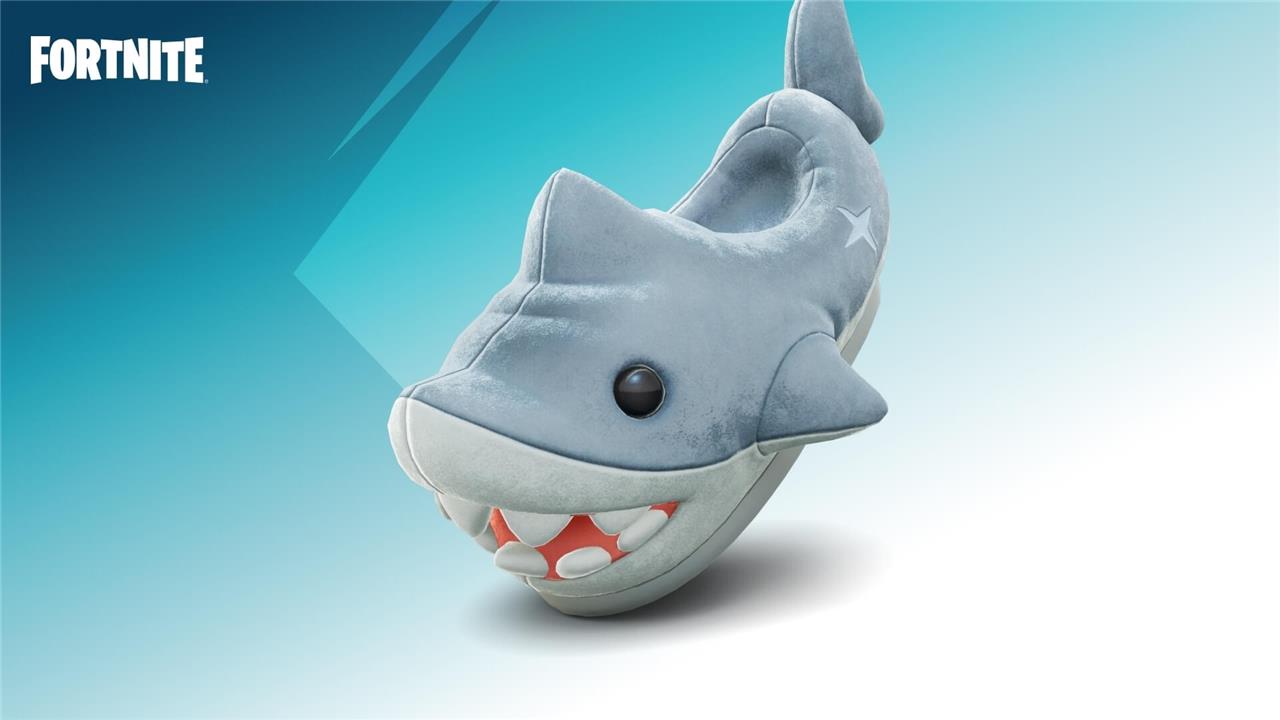
Kicks are a cosmetic type which serve as your character’s shoes in Fortnite, allowing you to change your character’s shoes (or cover their bare feet).
Epic Games has stated that more than 500 of the most popular Fortnite outfits can use Kicks on launch, and more than 95% of outfits will be compatible by Spring 2025.
Thanks to HypeX on YouTube, you can see how Kicks will look when equipped.
How to get Kicks in Fortnite
To get Kicks in Fortnite, there are two main methods. The first is by purchasing the Battle Pass for 950 V-Bucks and completing specific quests, such as the Week Zero and Week One quests, which unlock exclusive pairs of Kicks like the Air Jordan 1 High OG Black Toe Reimagined. This method is cost-effective if you plan to progress through the Battle Pass anyway. The second method is to buy Kicks directly from the in-game Item Shop using V-Bucks, with prices typically ranging from 600 to 1,000 V-Bucks per pair. The Item Shop offers a variety of Kicks, including branded shoes like Nike and Jordan, as well as original Fortnite designs. Before purchasing, it’s important to check that the Kicks are compatible with your chosen skin, as not all outfits support Kicks yet. Once obtained, you can equip your Kicks from the Locker under the shoe icon.
Kicks in Fortnite can be obtained through two methods – the Battle Pass and the Item Shop. Kicks will function similarly to other Fortnite cosmetics where you’ll need to reach a certain Battle Pass tier, complete Battle Pass quests, or purchase them from the Item Shop with V-Bucks.
Like other Fortnite cosmetics, you might be able to get a pair of Kicks through future Fortnite events and quests, or even by becoming a Fortnite Crew member.
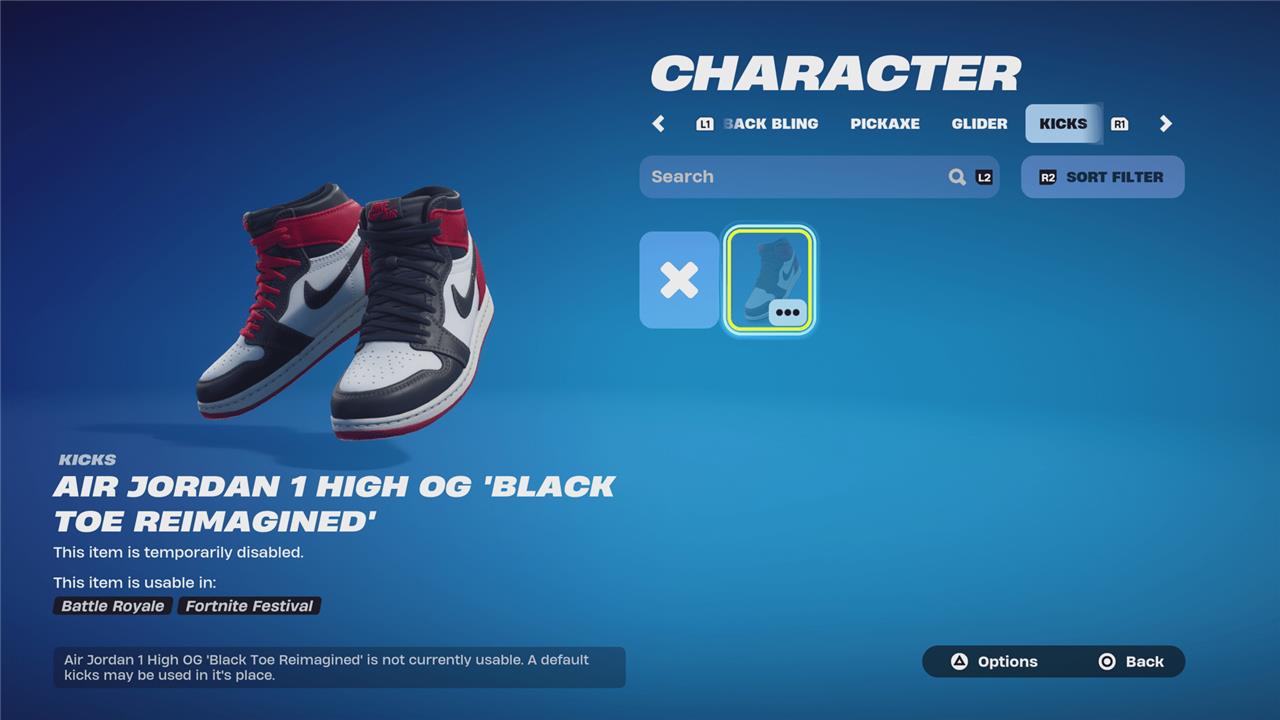
The first pair of Kicks added to the game are the “Air Jordan 1 High OG ’Black Toe Reimagined,’” provided to players as part of the Fortnite Remix season on Nov. 14, 2024.
The first Kicks coming to the shop, meanwhile, will come in drops, with batches of shoes available only for a set period of time. Before you purchase a pair, click the “Kicks Usability” button on the Kicks product page in the shop to see which of your skins can use them.
Kicks drop dates in Fortnite
Kicks in Fortnite were first introduced on November 21, 2024, as a new cosmetic type allowing players to customize their characters’ footwear with stylish options, including iconic Nike and Air Jordan shoes. The initial release featured several drops, with the first Kick Drop including models like the Nike Cortez Leather OG and Nike Air Foamposite One ‘Galaxy,’ available in the Item Shop and through the Remix Battle Pass. Subsequent Kick Drops followed, offering more Air Jordan styles and Fortnite originals, with prices ranging from 600 to 1,000 V-Bucks. New Kicks continue to be released regularly in batches, such as the Adidas collection expected in early 2025, enhancing personalization options for players across platforms.
Epic Games has announced two drops of Kicks at launch:
Kick Drop 1
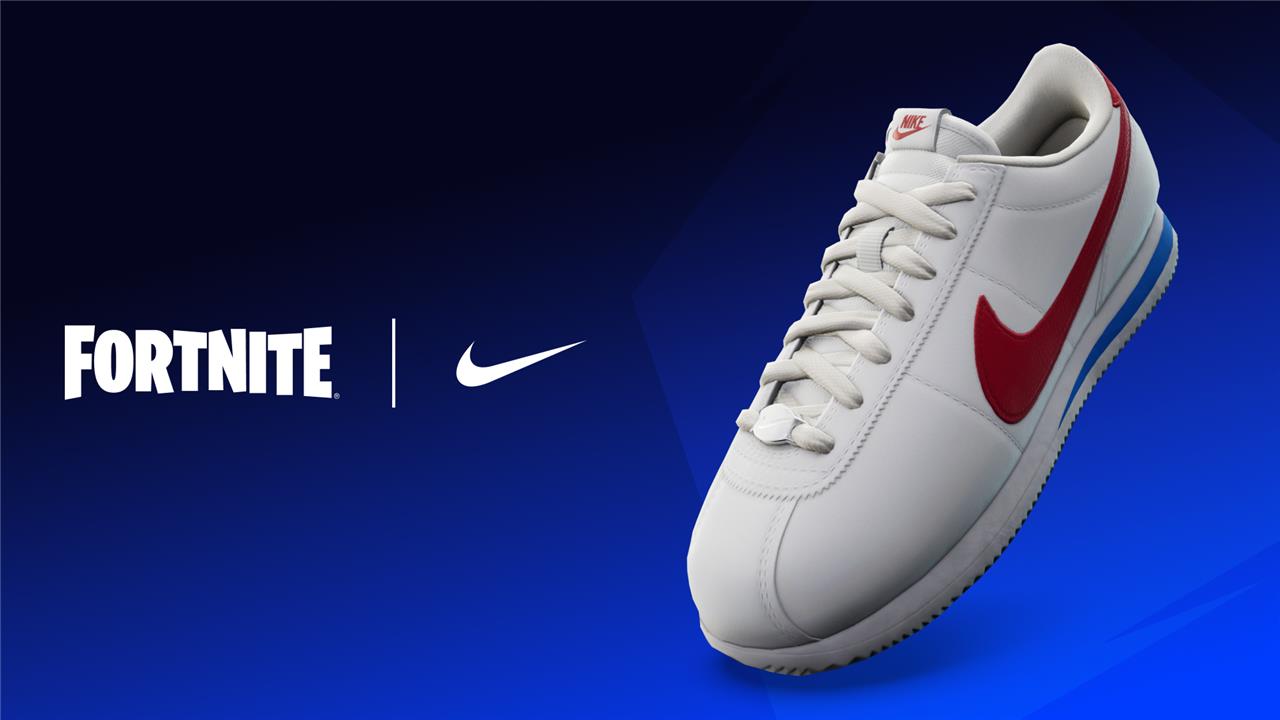
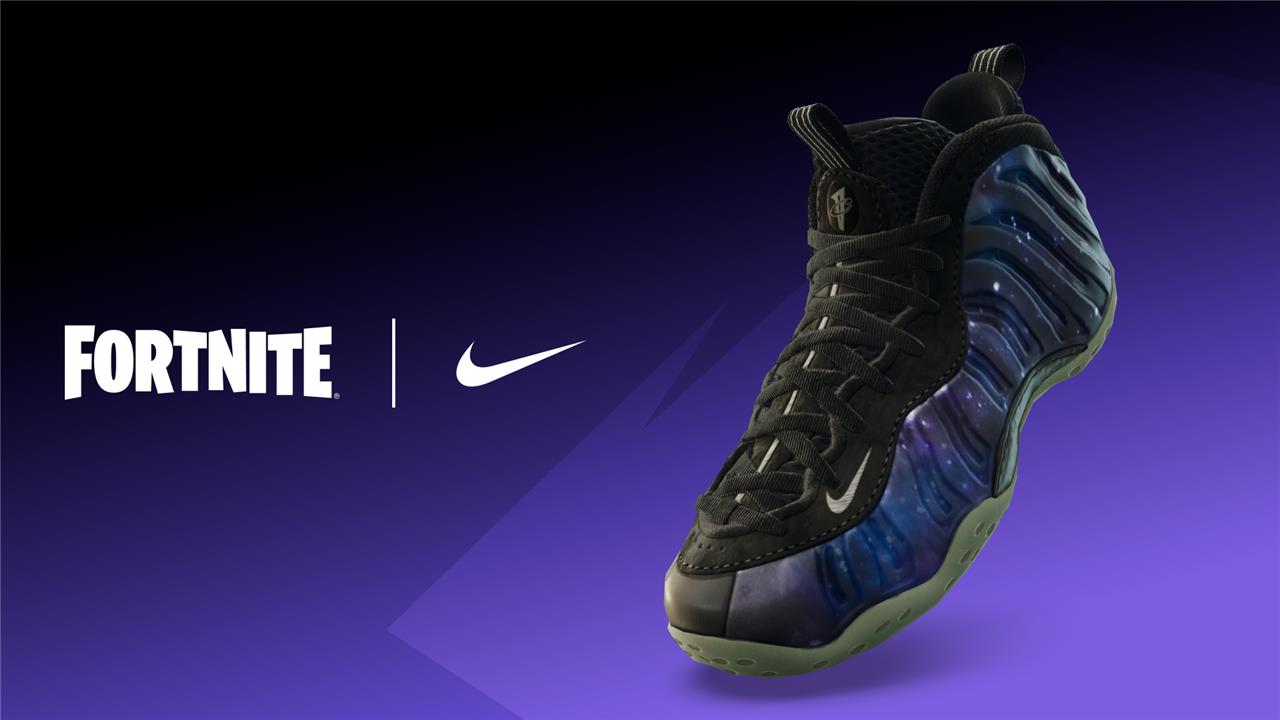
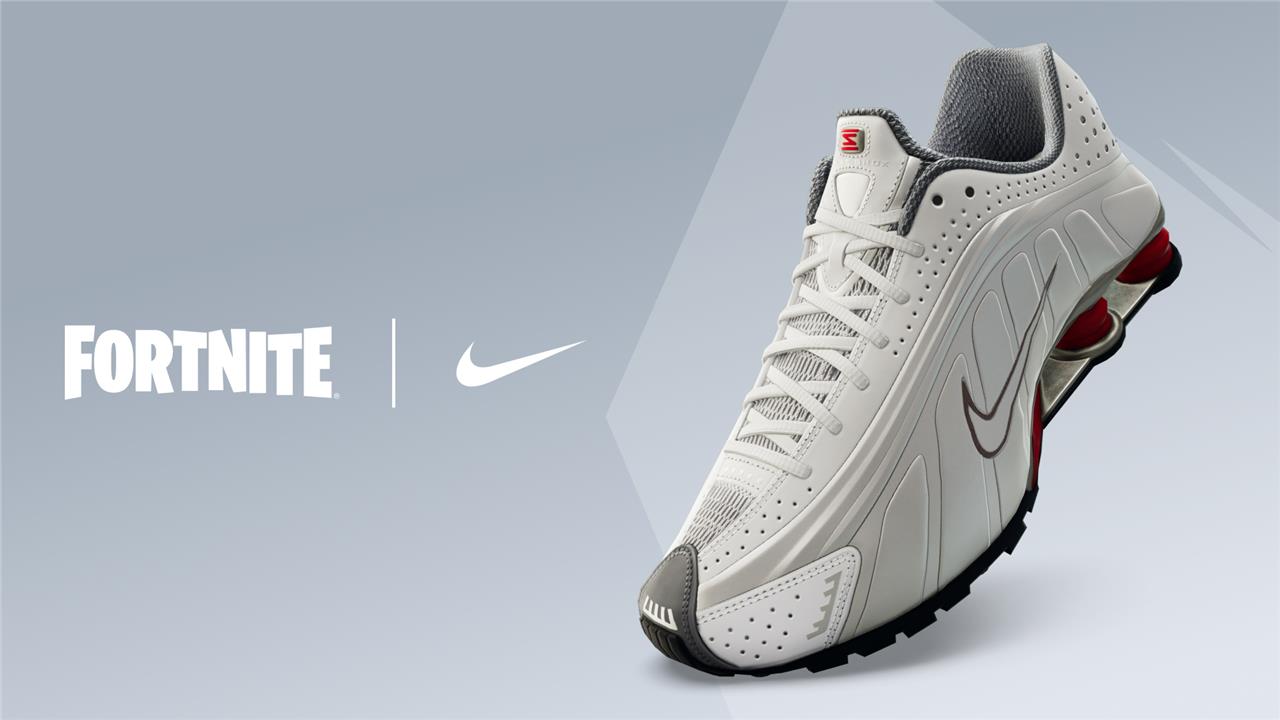
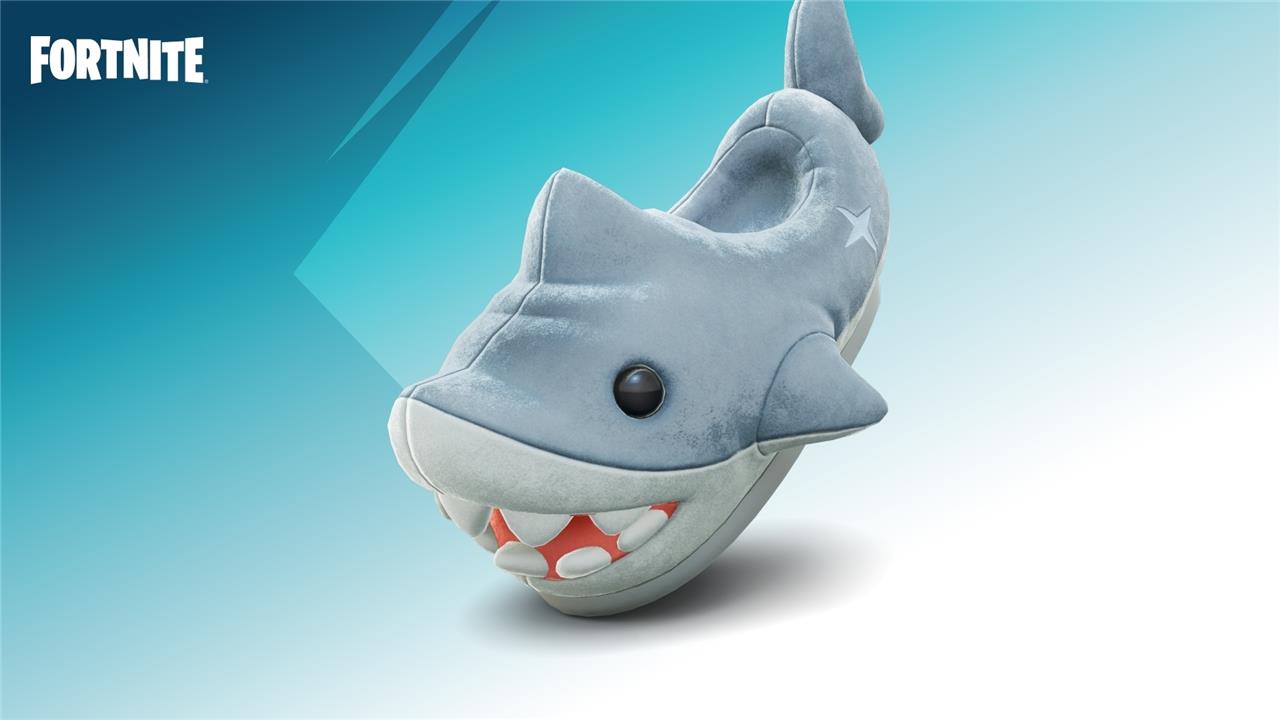
Kick Drop 1 will be in the shop from November 21 to 26. The four shoes and their prices are as follows:
- Nike Cortez Leather OG – 800 V-Bucks
- Nike Air Foamposite One ’Galaxy’ – 1,000 V-Bucks
- Nike Shox R4 ’Comet Red’ – 1,000 V-Bucks
- Chomp Stompers – 600 V-Bucks
Kick Drop 2
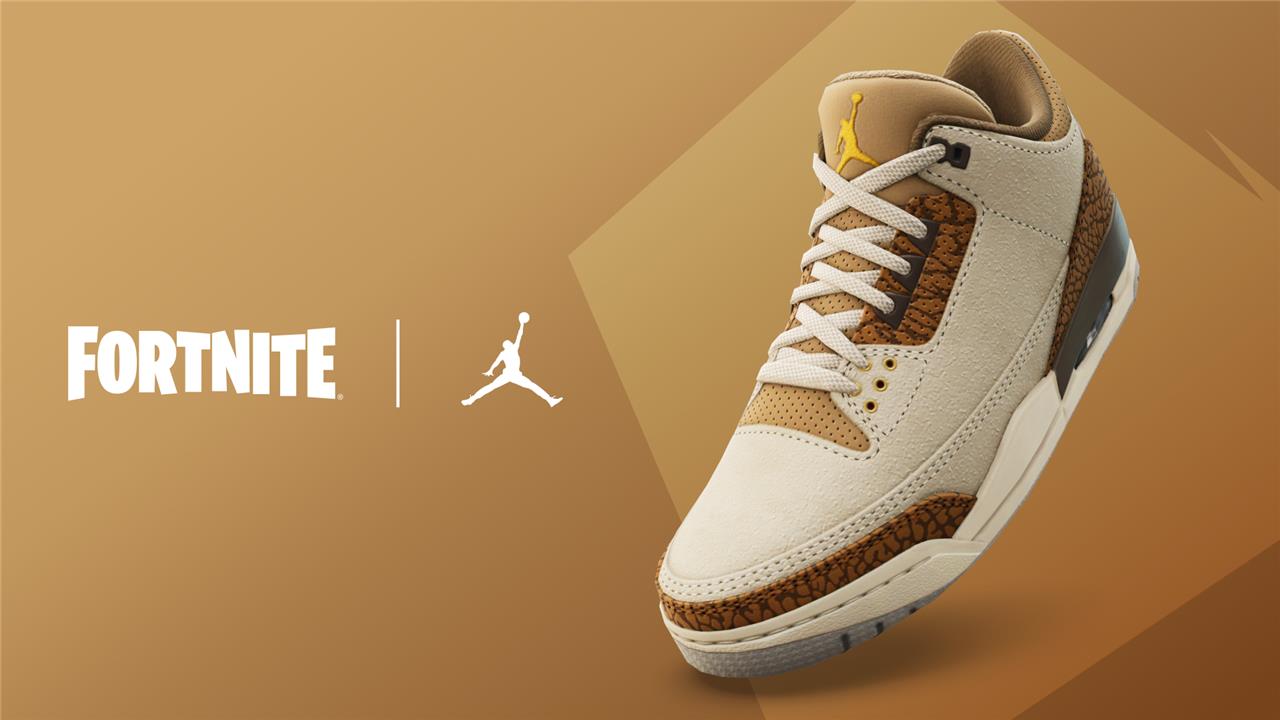
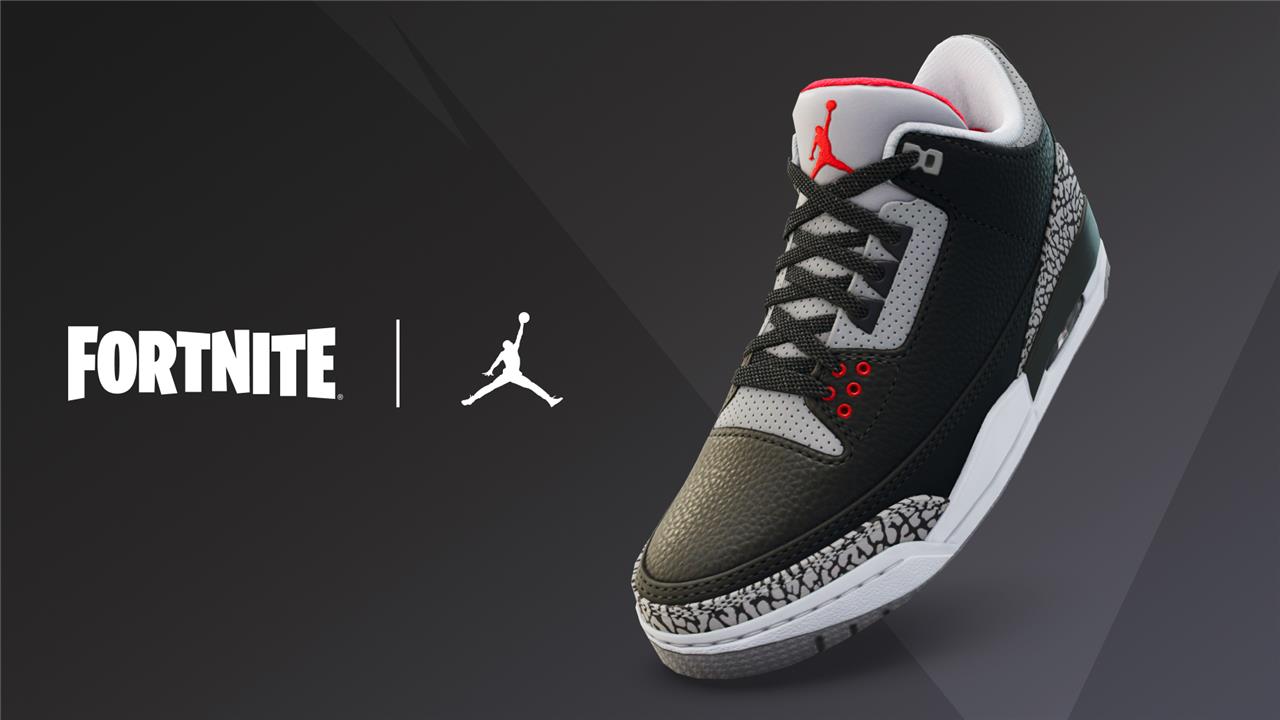
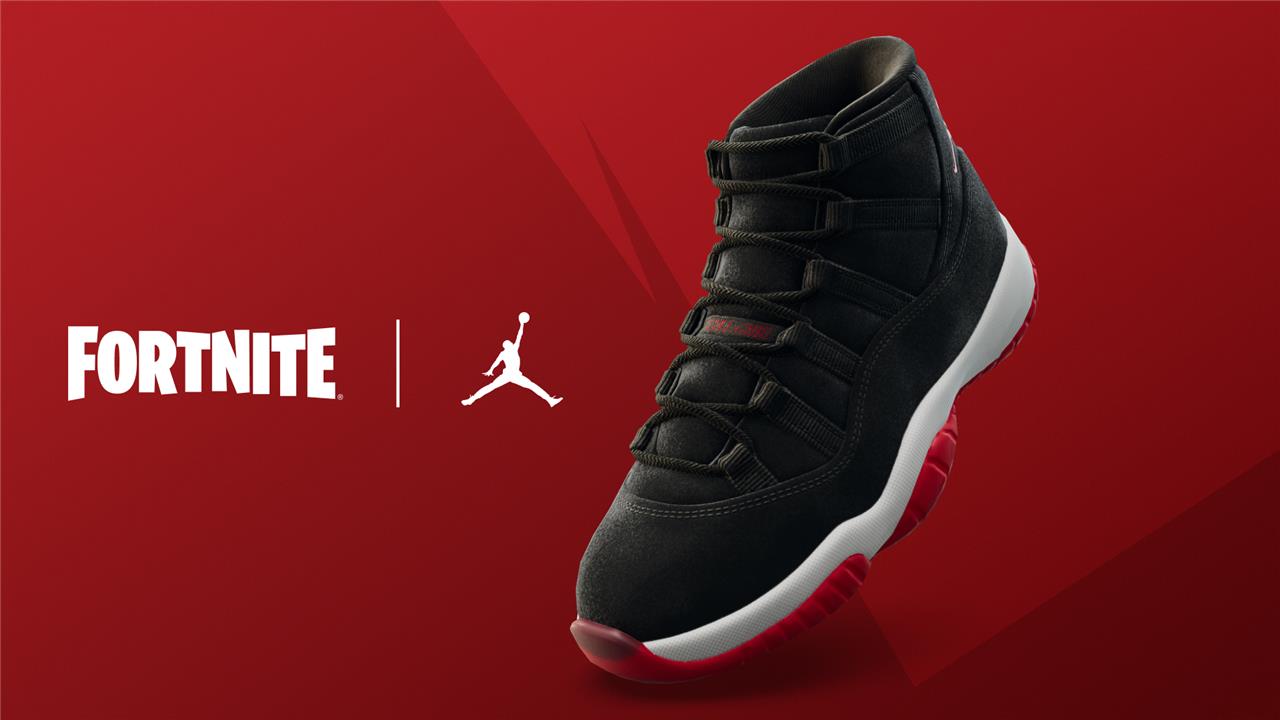
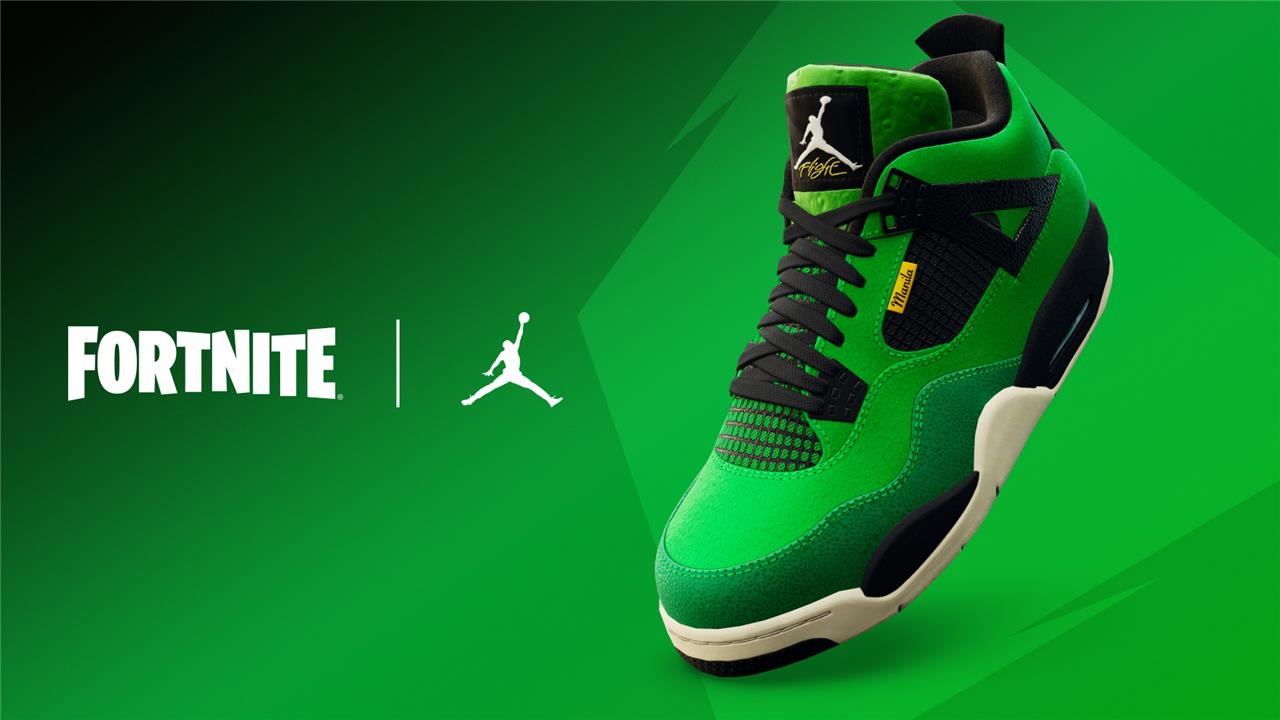
Kick Drop 2 will be in the shop from November 22 to 26. The four shoes and their prices are as follows:
- Air Jordan 3 Retro ’Palomino’ – 800 V-Bucks
- Air Jordan 3 ’Black Cement-Gray’ – 1,000 V-Bucks
- Air Jordan 11 ’Black/Gym Red’ – 1,000 V-Bucks
- Air Jordan 4 Retro ’Manila’ – 1,000 V-Bucks
How to equip Kicks in Fortnite
To equip Kicks in Fortnite, start by accessing your Locker from the main menu. Then, select the “Character” tab where you will find a shoe icon representing Kicks. Click on this icon to view all the Kicks you have unlocked. From there, you can select and equip any pair of Kicks that are compatible with your chosen skin. Note that not all Fortnite outfits currently support Kicks, but you can filter your skins by “Kicks Usable” to see which ones are compatible. Epic Games is gradually increasing the number of skins that can wear Kicks, so more options will become available over time.
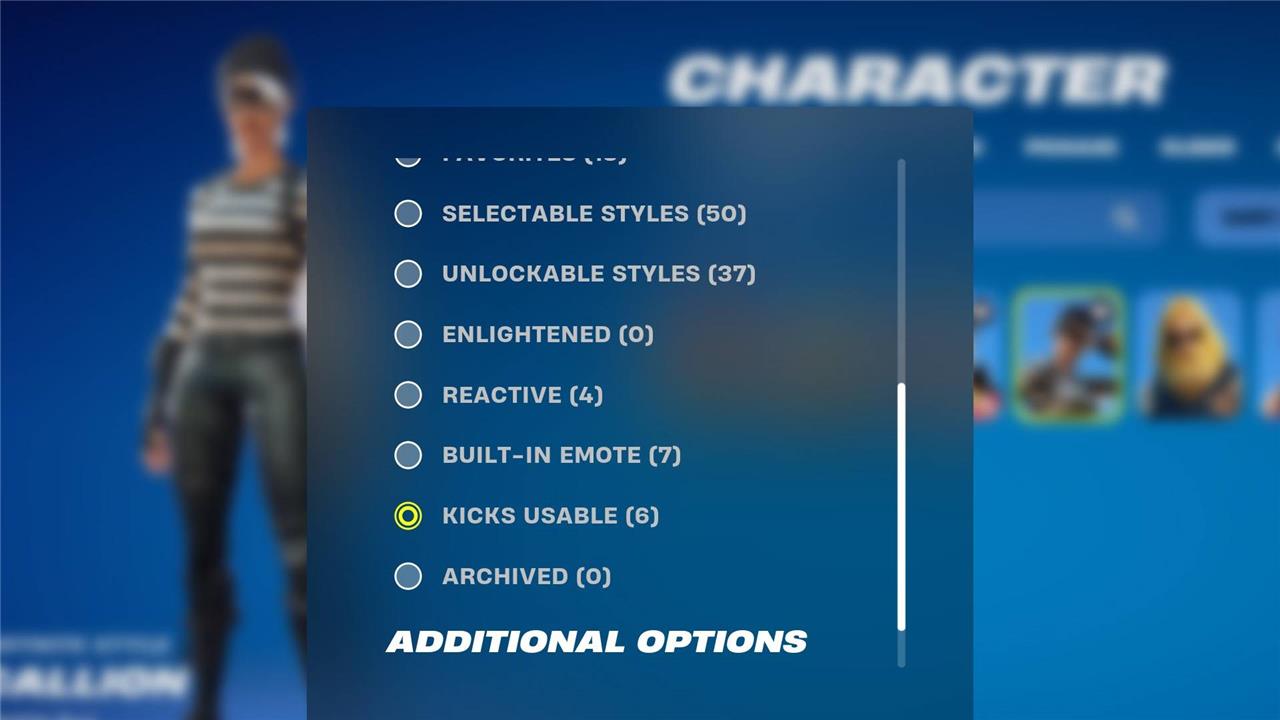
To equip Kicks in Fortnite, head over to your Locker in the main menu and select the “Character” tab. Interact with the shoe symbol to find all of your new Kicks.
As mentioned, not every character is compatible with Kicks at the moment. As time progresses, Epic Games will adjust more skins to be compatible.
For a list of Kick compatible outfits in Fortnite, check out Epic Games’ official support post.
To check in-game which of your outfits can support them, go to your roster and select the “Sort Filter” button. Find the “Kicks Usable” filter, and apply it to see your skins that can use Kicks.
Why Kicks are hidden when equipped
Kicks in Fortnite may be hidden when equipped because not all outfits are compatible with them. If you see a message stating that Kicks are “Hidden when equipped with Outfit,” it means the chosen skin does not currently support wearing Kicks. This limitation is due to the fact that Kicks are a relatively new cosmetic feature, and Epic Games is gradually adding compatibility to more skins over time. Players can check which outfits support Kicks by using the “Kicks Usable” filter in the Locker or consulting Epic Games’ official support resources. Additionally, some visual glitches have caused Kicks to be temporarily disabled on certain skins to prevent issues like character invisibility, leading to restrictions on their use until fixes are implemented.
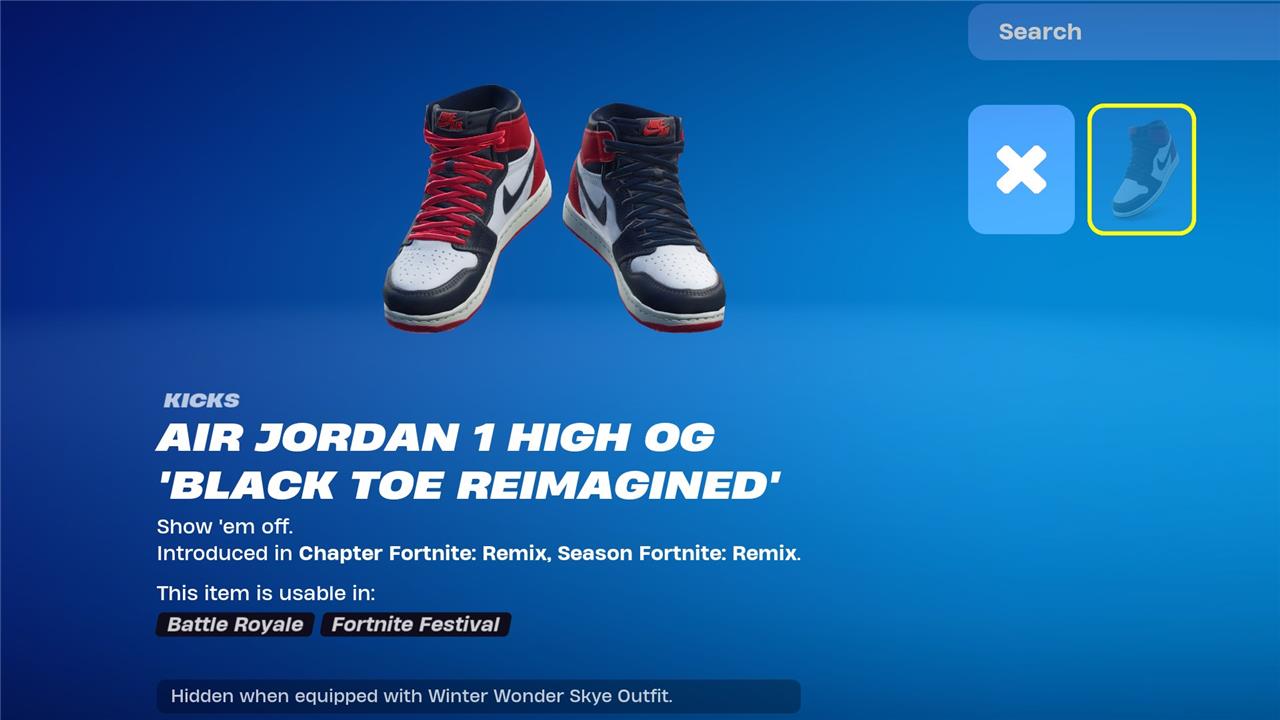
When you equip a Kick, you may see message “Hidden when equipped with Outfit”, which means that said outfit is not compatible with Kicks at the current time.
Unfortunately, Kicks aren’t available for every outfit in Fortnite, but Epic Games has released a list of outfits that are compatible on an official support post. If you don’t see an outfit on the list, they’re not able to use Kicks.
Want to discover the secret methods to unlock stylish Fortnite Kicks fast
To unlock stylish Fortnite Kicks fast, follow these secret methods:
-
Use special codes like “http_free_any_kick” combined with specific numeric sequences to unlock multiple Kicks for free by entering them in your account and performing in-game steps such as opening two chests and thanking the bus driver at match start. This method can take up to one or two weeks for the Kicks to appear in your locker.
-
Progress through the Battle Pass tiers and complete specific quests to earn exclusive Kicks without extra cost.
-
Keep an eye on the Item Shop for limited-time Kicks drops and purchase your favorites with V-Bucks, ensuring compatibility with your chosen skin before buying.
These approaches work across platforms including Mobile, Nintendo, PC, PlayStation, and Xbox, giving you multiple avenues to quickly get your hands on the latest Fortnite footwear.
What are the hidden steps to unlock Fortnite Kicks quickly
The hidden steps to unlock Fortnite Kicks quickly involve a mix of in-game actions and using special codes. One effective method is to enter a specific code such as “http_free_any_kick” followed by a numeric sequence into your account, then select the Kicks you want to unlock. After that, you need to report a bug in the game by going to the pause menu, selecting “Report a Bug,” and choosing options like “Shop,” “Locker,” and “Lobby.” Once done, start a match, open two chests, and thank the bus driver by pressing down on the D-pad at the start of the game. After completing these steps, you must be patient, as the Kicks typically appear in your locker within one to two weeks.
Additionally, Kicks can be unlocked through the Battle Pass by reaching specific tiers or completing quests, or purchased directly from the Item Shop using V-Bucks. However, note that not all skins are compatible with Kicks yet, and there have been some visual glitches causing temporary disabling of the feature, which Epic Games is working to fix.
In summary, the fastest hidden method combines code entry, bug reporting, in-game chest opening, and bus driver interaction, followed by a waiting period for the Kicks to be granted.
