Hidden within Animal Crossing: New Horizons lies a nostalgic twist – miniature Nintendo consoles that can come to life through a few clever in-game moves. Here’s how to bring these classic machines out of storage and power them up right on your island.
How to unlock the Nintendo consoles in Animal Crossing: New Horizons
To get access to Nintendo consoles in Animal Crossing: New Horizons after the 3.0 update, you need to progress the hotel run by Kapp’n’s family on the pier and steadily expand its facilities. As you decorate multiple standard rooms, design at least one VIP room, and complete numerous DIY request deliveries to the hotel’s drop box, the souvenir shop run by Grams will upgrade several times and gain a new “Special” section in its catalog. Once this final expansion is active, you can spend Hotel Tickets earned from decorating work and DIY projects to purchase a range of retro and modern Nintendo systems as furniture. These consoles can be placed either in your home or around your island for decoration, and if you also have a Nintendo Switch Online membership, some of them allow you to launch a built-in classic game directly from the item.
After working at the hotel resort, Gran will upgrade her shop, expanding her wares. Her final shop upgrade adds a new tab of items, labeled “special,” which includes the array of fun Nintendo goodies.
Admittedly, we don’t know the exact requirements that triggered Gran’s shop to hit its final upgrade, but here’s what we did:
- The “main story” of the resort hotel completed, including the creation of the VIP room
- One additional VIP room decorated
- 50 DIY requests turned in on the pier
- A little over 5,000 tickets earned in total
After doing all this, Gran’s shop was upgraded the next day. In our playthrough, we did the 50 requests first, and then did the additional VIP room, so you may need fewer DIY turn-ins than we did. We recommend making the additional VIP room first, and then turning in the DIYs, going to the next day and checking in with Gran sporadically. This would require time travel. You can also check how many DIY requests you’ve turned in by checking your Nook Miles achievements.
If you don’t want to time travel, you can certainly blast out those 50 DIYs in one day, but heed our warning: you might be overshooting the actual requirement quite a bit.
Which Nintendo consoles are available in Animal Crossing: New Horizons?
Players can obtain several nostalgic Nintendo consoles in Animal Crossing: New Horizons, including the Nintendo Switch, Switch Lite, and the Nook Inc.-themed Switch seen early in the game. The update content also introduces classic systems like the Nintendo Entertainment System (NES), Super Nintendo Entertainment System (SNES), Nintendo 64, GameCube, Wii, and Wii U as decorative furniture items. These consoles can be acquired through promotional events, limited-time collaborations, or as special rewards that celebrate Nintendo’s gaming history.
Gran offers quite a few fun items, though only a few of them are playable items. The following consoles can be played with to play these games, only if you have Nintendo Switch Online:
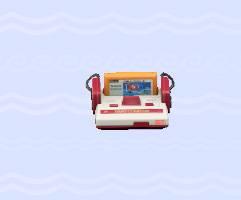
- Famicom: Clu Clu Land
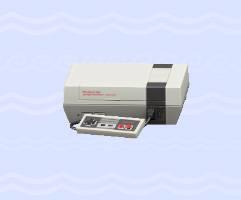
- NES: Ice Climber
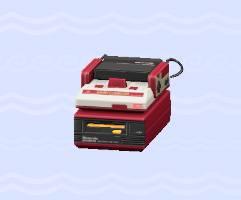
- Famicom Disk System: Ice Hockey
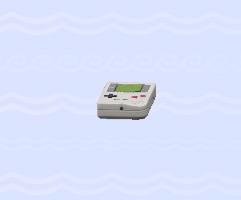
- Game Boy: Dr. Mario
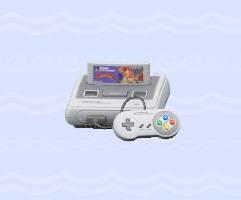
- Super Famicom: Panel de Pon
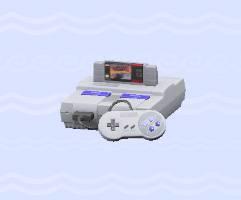
- Super NES (NTSC version): F-Zero
- Super NES (PAL version): F-Zero
Note that you only need an NSO subscription to play these games. You can still buy and decorate your house with these items, even if you don’t have a subscription.
As with other orderable items, you can only order five items from the catalog per day, so make sure you choose wisely (or you’ll need to time travel, if you’re impatient.)
You can see a full list of the retro Nintendo items in Animal Crossing: New Horizons, along with their prices, below.
|
Item |
Cost |
Appearance |
||||||||||||||||||||||||||||||||||
|---|---|---|---|---|---|---|---|---|---|---|---|---|---|---|---|---|---|---|---|---|---|---|---|---|---|---|---|---|---|---|---|---|---|---|---|---|
|
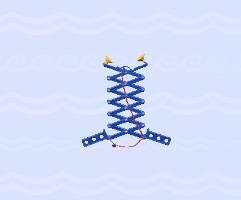
Ultra Hand |
200 tickets |
|
||||||||||||||||||||||||||||||||||
|
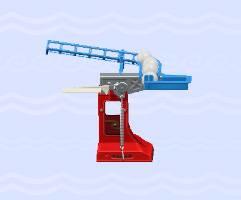
Ultra Machine |
200 tickets |
|
||||||||||||||||||||||||||||||||||
|
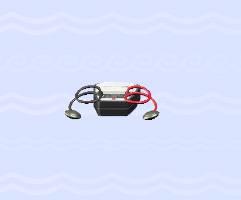
Love Tester |
200 tickets |
|
||||||||||||||||||||||||||||||||||
|
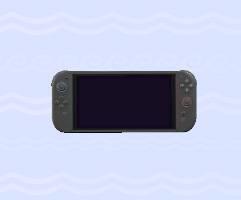
Nintendo Switch 2 |
222 tickets |
|
||||||||||||||||||||||||||||||||||
|
Famicom |
500 tickets |
|
||||||||||||||||||||||||||||||||||
|
NES |
500 tickets |
|
||||||||||||||||||||||||||||||||||
|
Famicom Disk System |
500 tickets |
|
||||||||||||||||||||||||||||||||||
|
Game Boy |
500 tickets |
|
||||||||||||||||||||||||||||||||||
|
Super Famicom |
500 tickets |
|
||||||||||||||||||||||||||||||||||
|
Super NES (NTSC version) |
500 tickets |
|
||||||||||||||||||||||||||||||||||
What Nintendo consoles can you unlock in ACNH 3.0In ACNH 3.0 you can unlock seven Nintendo consoles that actually act as playable systems, plus a few extra Nintendo-themed items that are just decor. Playable Nintendo consoles in 3.0Each of these has one built-in classic game you can launch from inside Animal Crossing: New Horizons (with an active Nintendo Switch Online subscription).
All Nintendo “items” added (consoles + toys)Guides and video rundowns group the Nintendo content in 3.0 as 11 special Nintendo items, which include both consoles and classic toys/hardware references.
You obtain all of these from Grams’ “Special” tab in the hotel souvenir shop once you’ve fully expanded it via the 3.0 hotel content, then order them with hotel tickets. What retro games play on each ACNH Nintendo consoleEach retro console in ACNH 3.0 has exactly one classic game tied to it, with the two SNES models sharing the same title. Console → game list
To play any of these, you need to own the matching console item in-game, place it, interact with it, and have an active Nintendo Switch Online membership.  |