
Start your Pokémon GO adventure with a twist: meet Mateo, the new NPC who lets you exchange gifts with trainers from around the world. Walk a Route, find Mateo at the end, and swap gifts that could bring you surprises from distant lands-unlocking special research rewards and unique postcards along the way. But beware, Mateo’s appearances can be elusive, making each encounter a rewarding challenge for trainers eager to connect globally.
It’s otherwise an extra incentive for completing Routes, alongside finding Zygarde Cells.
Here’s how to exchange a gift with Mateo in Pokémon Go – useful for completing a step in the “A Route to New Friendships” research – and why Mateo might not be appearing for you.
How to exchange a gift with Mateo in Pokémon Go
To exchange a gift with Mateo in Pokémon Go, first complete a route and check the final PokéStop or Gym, where Mateo may appear. Once you find him, tap on Mateo and select the “Exchange Gift” option. Choose a gift you’ve collected from PokéStops during your route and send it to Mateo. After sending, Mateo will return a gift from a random trainer somewhere in the world. Note that you can only exchange one gift per day, so if the quest requires multiple exchanges, you’ll need to repeat this process over several days. If Mateo doesn’t appear, try restarting the app near the last PokéStop or tapping the PokéStop to trigger his appearance. This gift exchange helps complete special research tasks and allows you to receive unique postcards from distant locations.
Mateo is found by using the Route feature. Routes, introduced to the game in the summer of 2023, are found on a tab in the “Nearby” window in the lower right corner of the map screen.
To find and exchange a gift with Mateo, you must walk to the end of a Route. From there, Mateo can appear at the final PokéStop, similar to Rocket Grunts and Leaders.
Similar to Zygarde Cells, there is only a chance he may appear on a Route – so if he doesn’t show up, try another Route to see if you have better luck.
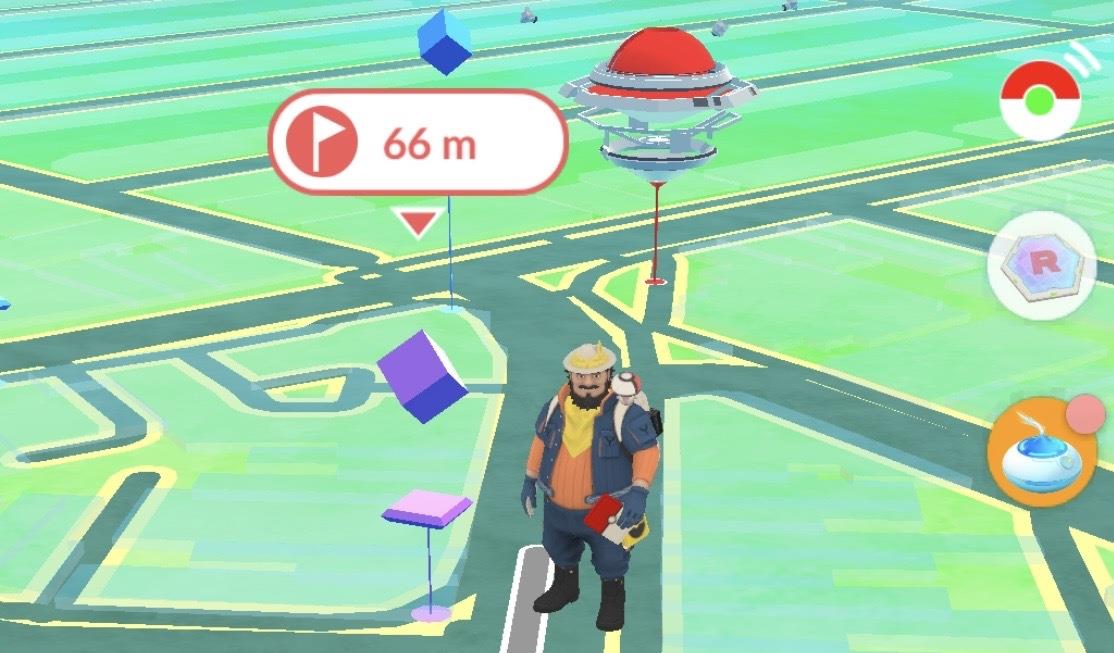
If he’s there, interact with the PokéStop will allow you to engage with Mateo. From there, you can send a Gift found along your route, and then choose from several Gifts to open one in return from another trainer elsewhere in the world – giving you a chance to pin a Postcard from another country.
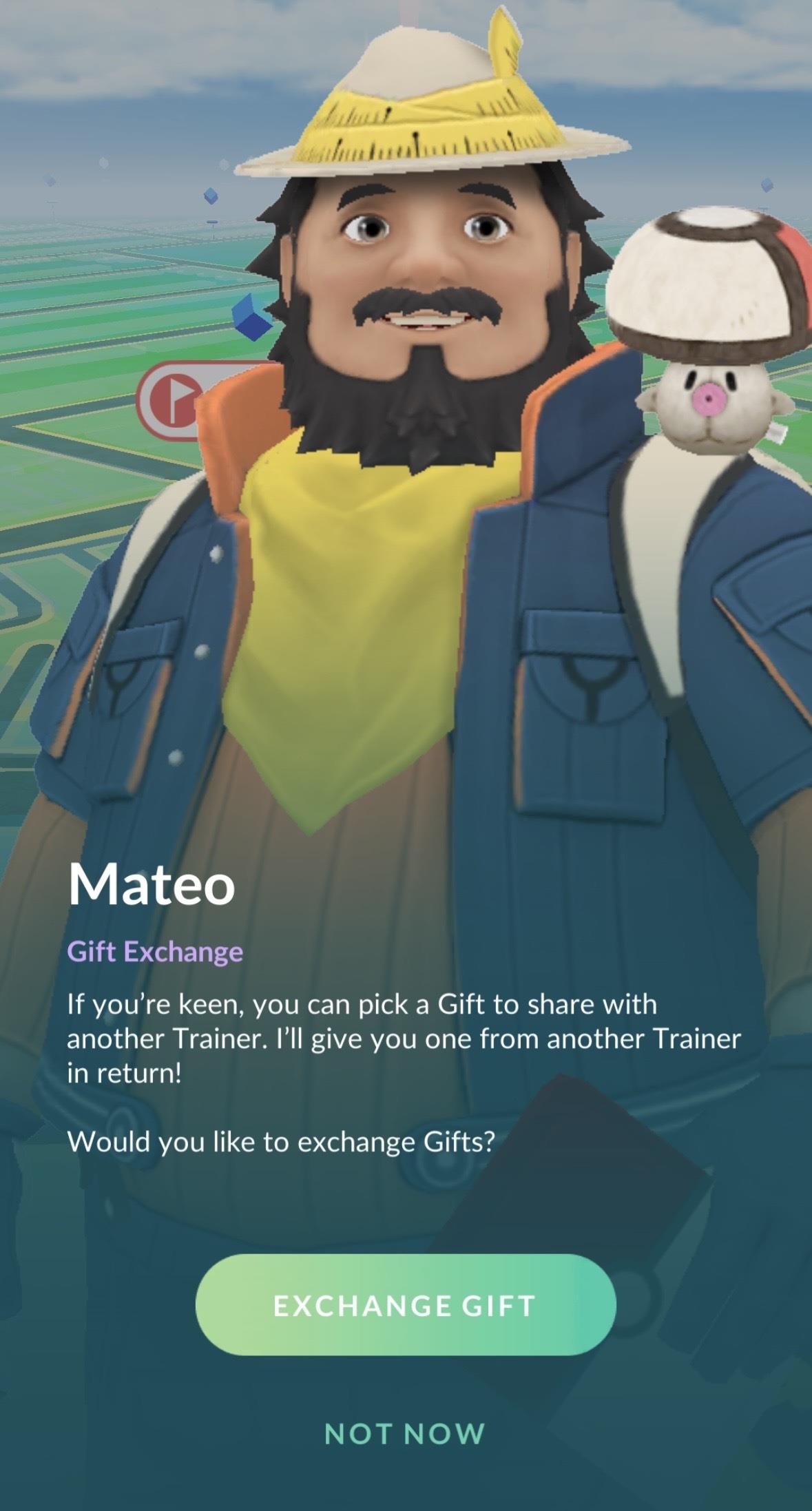
Though the exact mechanics of the Gift exchange are unclear, it’s likely similar to Wonder Trade in the main games, in that that trainers giving gifts to Mateo are in fact exchanging gifts with another trainer at random.
Why isn’t Mateo appearing in Pokémon Go?
Mateo does not always appear in Pokémon Go due to a combination of design limitations and bugs. He only shows up at the end of the first completed Route each day, so players cannot repeatedly encounter him by finishing multiple Routes in one day. Additionally, Mateo’s appearance has been inconsistent, with some players reporting that he does not spawn as intended at the designated Gym or PokéStop. Niantic has acknowledged these issues and is investigating bugs that prevent Mateo from appearing reliably. To improve chances of encountering Mateo, players can try restarting the app near the Route’s end point or tapping the nearby Gym or PokéStop. However, if Mateo still does not appear, players must try completing new Routes on subsequent days, as his spawn rate remains somewhat unpredictable during this initial launch period.
If Mateo isn’t appearing, know that he only “may” show up at the end of a given route, according to developer Niantic.
As such, you might have to complete multiple routes for Mateo to show. This is similar to collecting Zygarde Cells, which only have a chance of appearing when walking Routes – and going by community discussions on The Silph Road subreddit, his appearance is just as uncommon.
How can I increase Mateo’s spawn chances during my routes
To increase Mateo’s spawn chances during your routes in Pokémon GO, follow these tips:
-
Complete your route fully, reaching the final PokéStop or Gym where Mateo can appear.
-
If Mateo does not appear immediately at the end of the route, try restarting the Pokémon GO app while standing near the final stop. This has helped many players trigger his appearance.
-
Tap the final PokéStop or Gym at the end of the route, especially if there is a gym there, as interacting with it can prompt Mateo to spawn.
-
Mateo only appears on your first route of the day, so plan accordingly to maximize your chance to meet him.
-
Avoid spinning other PokéStops during the route to prevent filling egg slots or interfering with the route mechanics that influence Mateo’s appearance.
-
If Mateo still does not appear, try different routes or start a new route the next day, as his spawn can be inconsistent during the feature’s early implementation.
By combining these steps-completing routes, restarting the app if needed, interacting with the final stop, and focusing on your first route daily-you can improve the likelihood of encountering Mateo to exchange gifts.
Does restarting the game after completing a route boost Mateo’s spawn chances
Yes, restarting the Pokémon GO game after completing a route can boost Mateo’s spawn chances. Several players have reported that if Mateo does not appear at the end of a route initially, fully closing and reopening the game often triggers his appearance near the final PokéStop or Gym. This restart seems to refresh the game data related to routes and NPC spawns, making Mateo show up when he otherwise might not. However, this workaround may not be necessary every time, as Mateo has also appeared without restarting on subsequent route completions.
