
From lost keys to missing luggage, Bluetooth trackers promise to save the day. But with options like Apple’s AirTag, Tile, and other contenders, which device truly offers the best mix of precision, range, and reliability?
At some point, you’re going to misplace something important, like your beloved Nintendo Switch, your Steam Deck. And sadly, it’s not possible to remotely track the location of either console, should you lose it. That stinks, but tethering an inexpensive Bluetooth tracker, like the Apple AirTag, or a Tile Mate, to your items could make finding them much easier than mentally retracing your steps. Once you go through the initial step of pairing a tracker to your smartphone or a tablet, you’ll be able to see where your items are hiding by opening an app.
Okay, it’s not always as simple as that. These trackers are most useful within the house, or other places where you can remain within close range of their wireless signal. Because just like Bluetooth controllers and headsets, their wireless range is good, not great.
However, each of the trackers included below defy their signal limitations with an interesting workaround. Bluetooth allows the tracker to anonymously ping other trackers and phones, making up a vast network of interconnected devices that boosts the likelihood of helping you discover lost items. But each network is only as strong as the number of units sold, so our list of trackers are both the best and the most popular models available.
The best Bluetooth tracker
Apple AirTag leads as the best Bluetooth tracker with its seamless iPhone integration and precise Ultra Wideband finding. It attaches easily to keys, bags, or pets, alerting you instantly if separated beyond Bluetooth range. Precision Finding guides you right to it using your iPhone’s compass and haptic feedback. Battery lasts a year on a single CR2032, and its IP67 rating shrugs off water and dust. Tile Pro competes with Android support and a louder 128dB ringer, but AirTag’s ecosystem pulls ahead for Apple users.
Tile Mate
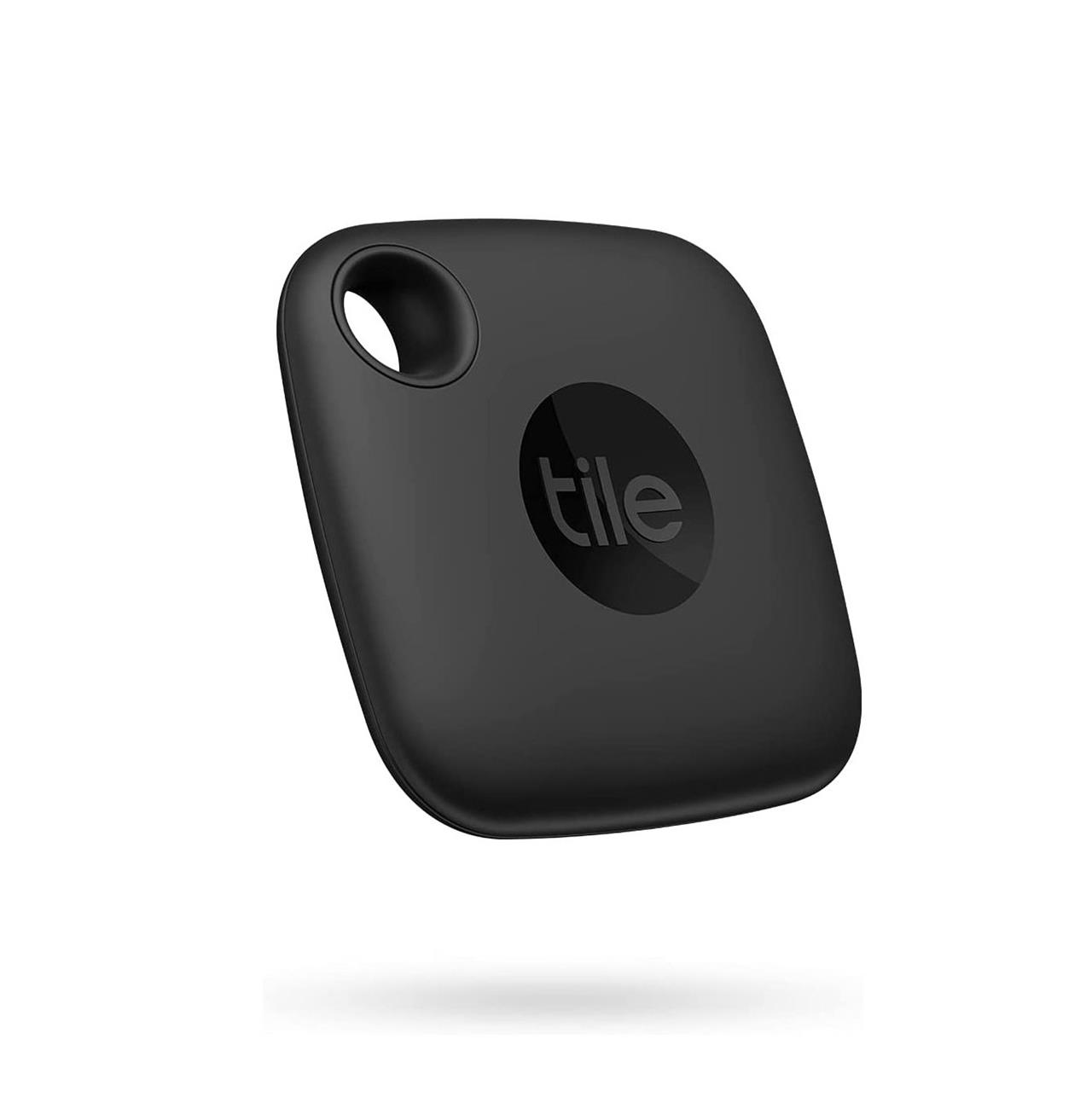
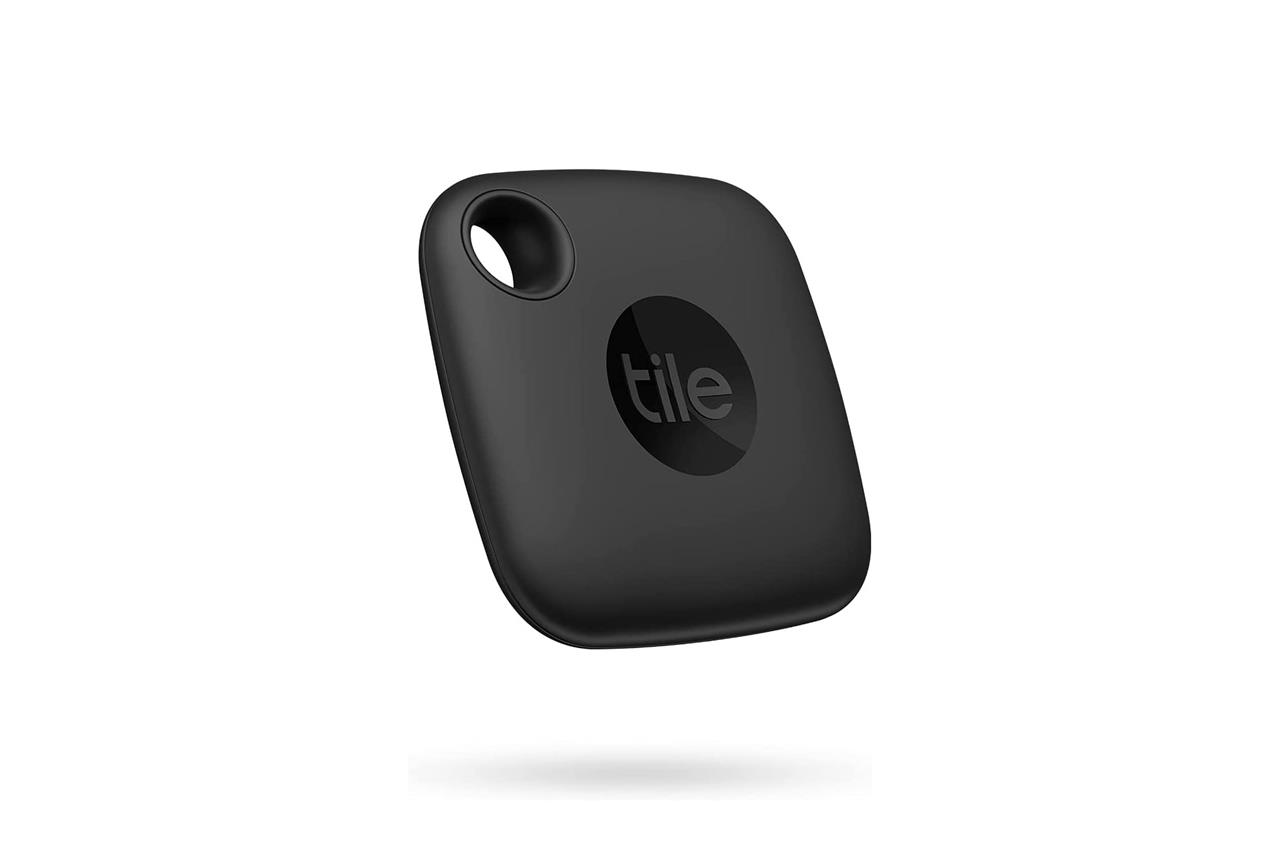
The Tile Mate is easy to recommend for most people. It’s available for a reasonable $24.99 asking price (sometimes less), its non-replaceable battery can last for up to three years, and it has a water-resistant design. It can tap into Tile’s greater network of devices, giving you a fighting chance of getting your lost item back, even if you go outside of the Mate’s 250-foot Bluetooth range. Also, it can work just as well on Android as it can on iPhone – the same can’t be said about Apple’s AirTags.
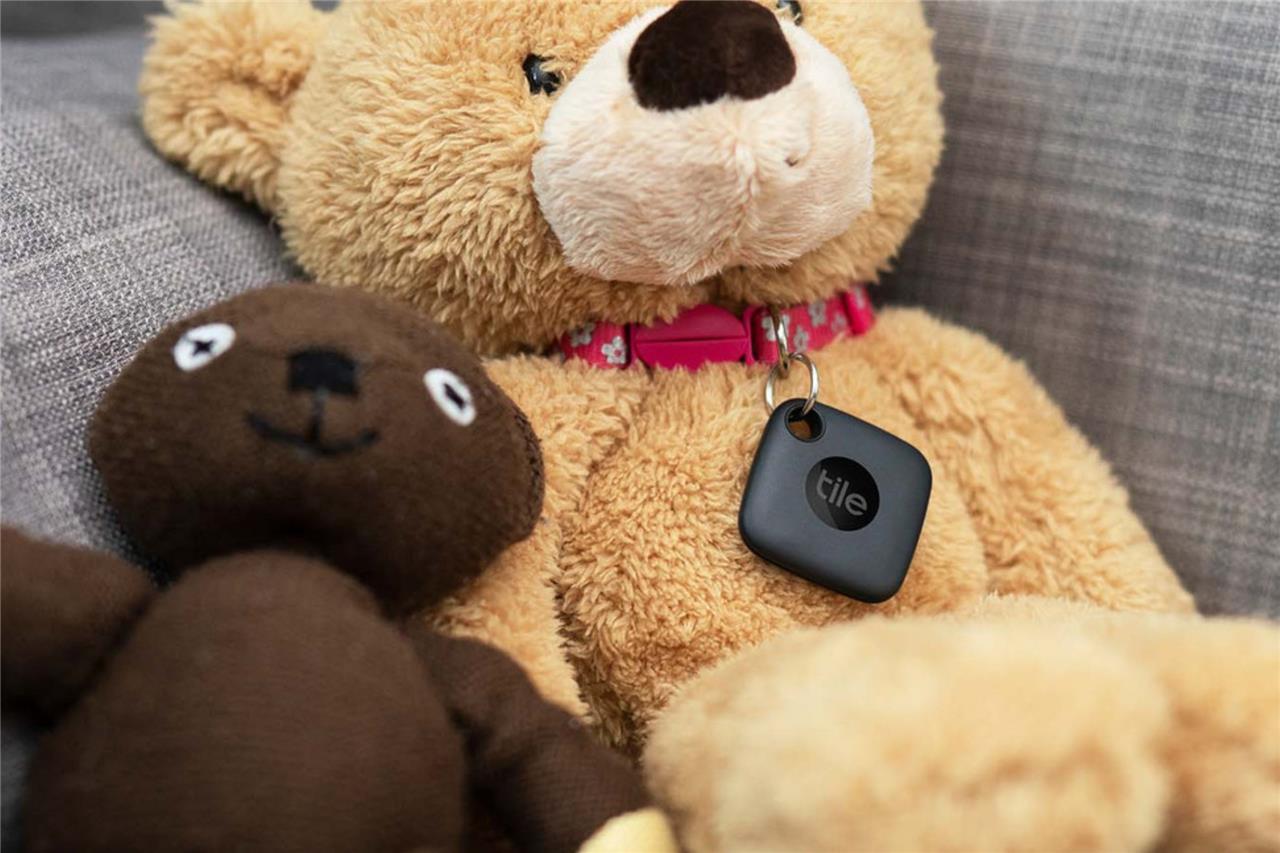
Coming back to the Tile network, the Mate’s Bluetooth capability allows it to anonymously and securely ping other Tile devices that may be nearby, as well as phones that have the Tile app installed. There’s no guarantee that you’ll find your lost item, but having this network to lean on increases the chances that you’ll be able to see where it either presently is on the map, or where it last came into contact with a compatible device. Plus, if you pay for one of Tile’s premium tiers, it’ll reimburse you a certain amount for your lost item if its network falls short of helping you find your possession.
Things to know about Bluetooth trackers
Most trackers have a coin-like shape with a lanyard hole (the AirTag can’t do this without an extra accessory), helping them blend in with frequent shopper keychain cards you might already have next to your key fob, or as a chunky zipper pull on your laptop case. Heck, you can even throw them loose into your bag. Then, there are some the size and shape of a credit card, made to fit in next to your precious payment cards and IDs.
In some cases, Bluetooth trackers run on replaceable coin batteries, making it possible to re-use the trackers indefinitely. However, some trackers – primarily, those shaped like cards – do not allow you to swap the battery out once it dies. Typically, trackers offer great battery life, lasting about a year or more per battery.
Each Mate has a lanyard hole, letting you attach it to keys, bags, pet collars, or on a carabiner clip. You can just as easily stow it in any bag, whether it’s a purse, or a zip-up case for your Nintendo Switch or Steam Deck.
The Tile Mate can also help you find a lost phone or tablet that it’s registered to, so long as it’s in range. You can press the Mate’s button twice, causing the paired device to ring. In case you lose the Tile Mate, it features a QR code on its back that people can scan with their smartphones, which will surface a message that’s configurable in the Tile app, like “if found, please e-mail me and I’ll meet you to pick it up.”
The free features that I’ve listed above should suit most people. But there are a few reasons why you might choose to pay for Tile Premium, its $2.99 per month subscription. For one, it’ll unlock smart alerts, so your phone can be alerted if you leave the Tile behind. You’ll also get a 30-day location history of the tracker, unlimited sharing with trusted contacts, and free battery replacements. It also grants you a warranty on the Tile, as well as a reimbursement of items up to $100 if your item is lost and the Tile network can’t find it. Tile’s $99.99 per year Premium Protect plan offers up to $1,000 in reimbursement.
Tile Mate
$20$2520% off $20
A great, platform-agnostic choice with a big network.
Read More $20 at Amazon$20 at Target$20 at Best Buy
In case you’d prefer other form factors – all of which have similar features- Tile also makes the $29.99 Sticker, a smaller option that can adhere to items (or slide into a cat collar), the $34.99 Pro that has almost twice the range of the Mate and a replaceable battery, and the $34.99 Slim, which is a card-shaped tracker that can fit into a wallet.
Apple AirTag
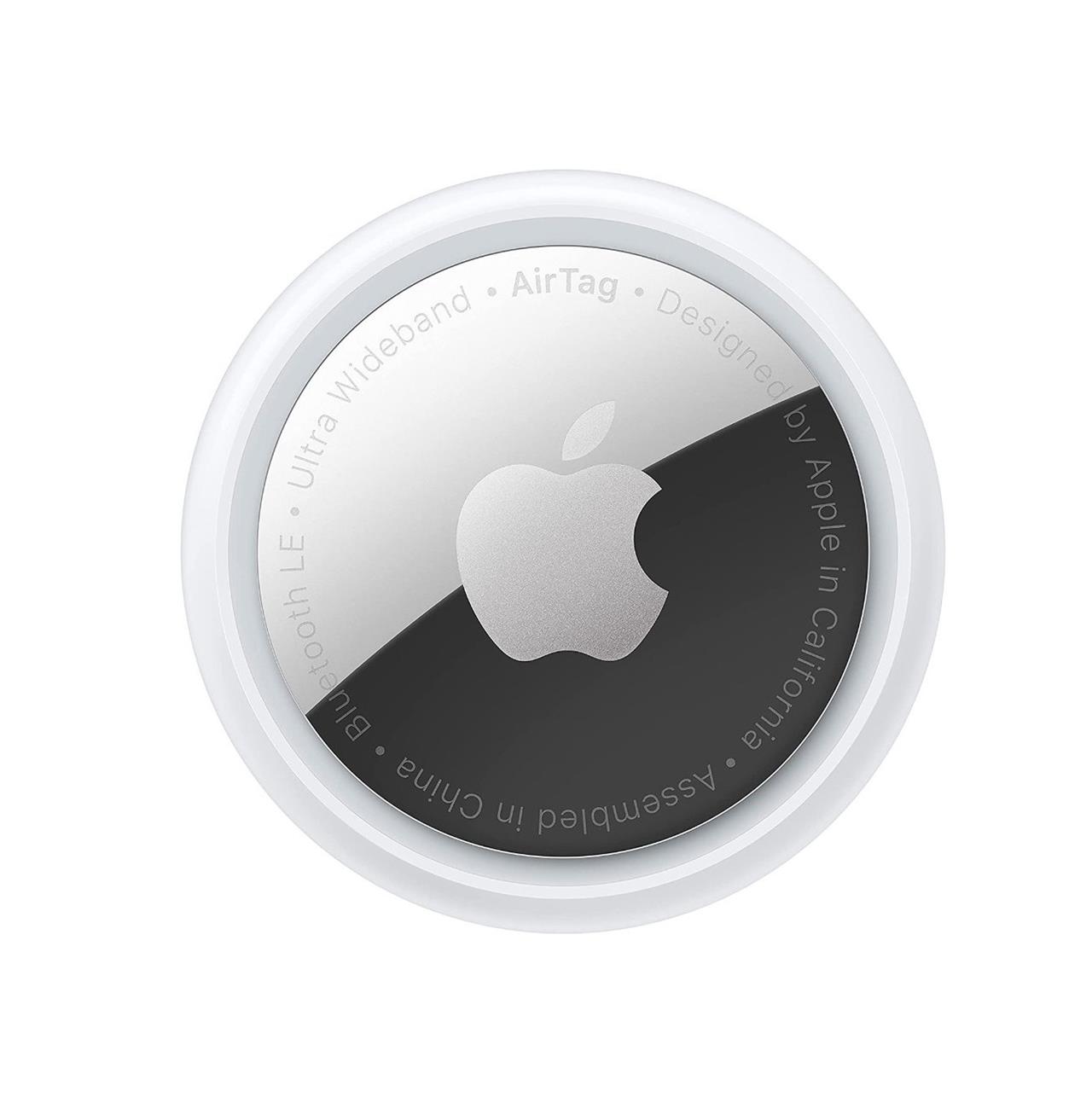
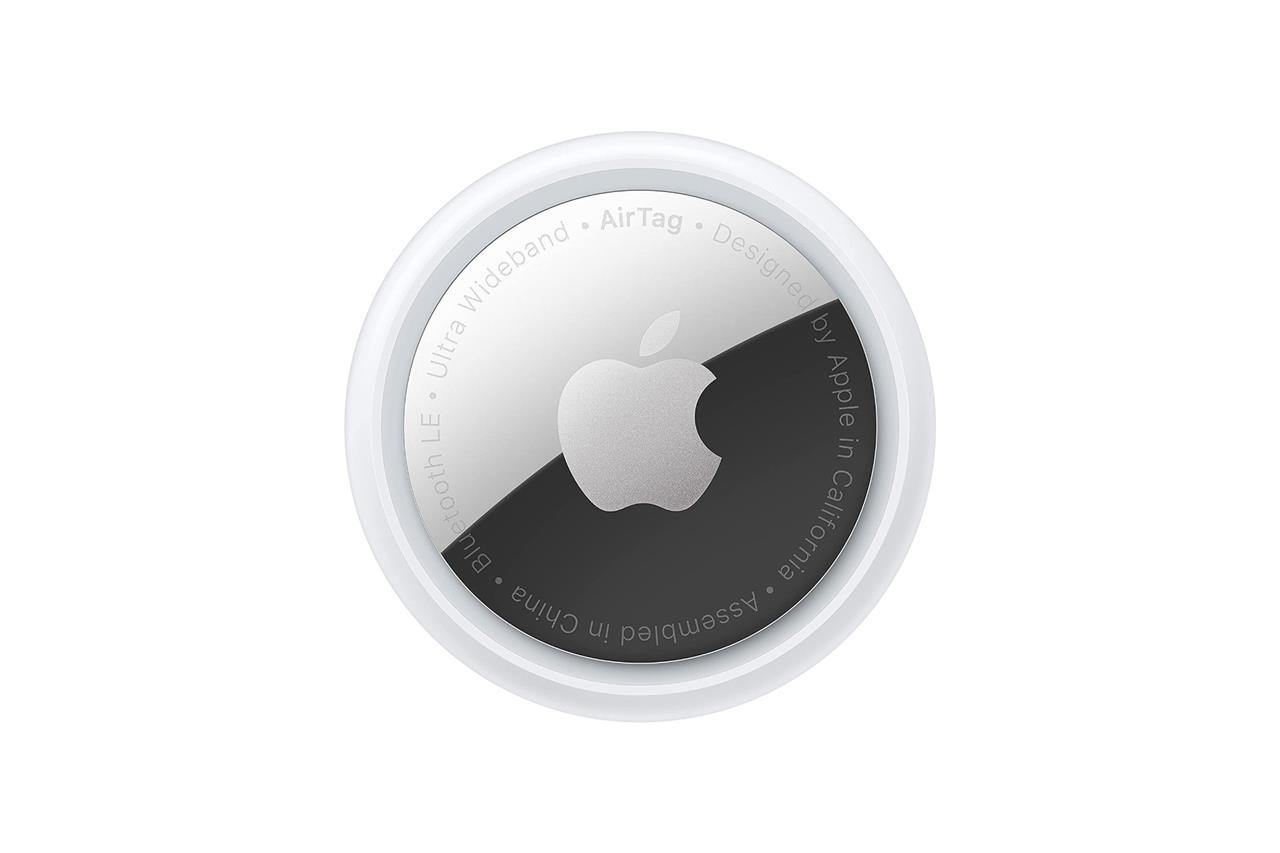
The $29.99 Apple AirTag is functionally identical to how the Tile Mate works, serving as a water-resistant gadget that can help you keep tabs on belongings. However, it can connect only to Apple’s iPhone, iPad, and iPod Touch devices running iOS 14.5 or newer software. This isn’t a tracker that Android users should have on their radar at all, unless they’re buying it for someone who has an iPhone.
One big perk of the AirTag is that it leans on Apple’s vast, accurate Find My app to help you keep tabs on the AirTag. So, if it gets lost, it may not be lost for long. Like Tile’s network, the AirTag securely communicates with other devices to provide a reliable idea of where it might be located. Apple’s Find My network is huge, given that every Apple device from other iPhones, iPads, and Mac computers can serve as a beacon. Apple says it currently consists of “hundreds of millions” of devices, which is a feat that no other tracker can compete with.
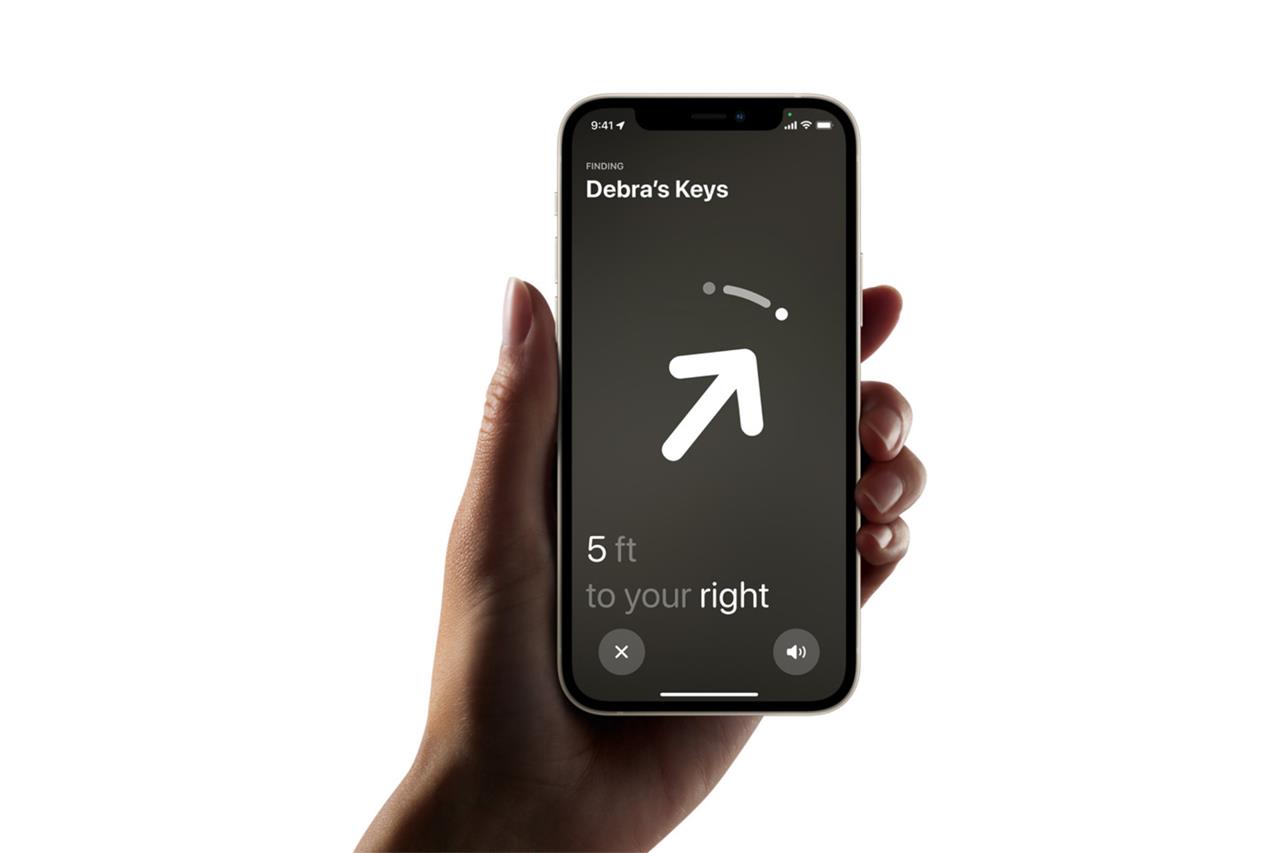
To make finding the AirTag easier when you’re on-foot, the AirTags have a feature called Precision Finding that the iPhone 11 and newer phones can take advantage of. When you’re near the AirTag, your phone can communicate via ultra wideband (UWB) with it to essentially give you more accurate moment-to-moment instructions to find it.
Apple AirTag
$29$290% off $29
The best Apple-specific tracker for your personal belongings that can tap into a huge network of connected devices.
Read More $29 at Best Buy$30 at Target$29 at Amazon
The AirTag’s notifications can be tuned to let you know if you’ve left without it, or not (notably, you don’t have to pay extra for this feature, unlike Tile’s Mate). And, if you unintentionally lose it, you’ll be notified if someone on the Find My network comes close enough to ping it. If you aren’t so lucky, it can be set to “Lost Mode” in the Find My app. Then, if someone taps the AirTag with their phone via NFC, you can share your info with them to coordinate having it returned. Android users aren’t completely left out of the AirTag equation; Apple’s Tracker Detect app is meant to tell you if there are nearby trackers that are, perhaps, being used for malicious purposes. However, you cannot track the exact location of an AirTag with anything but the Apple device it’s connected to.
The biggest downside about the AirTag is that you’ll need an additional accessory if you plan to connect it to your keys, or tether it generally. Apple’s own AirTag lanyard ranges in cost between $20 and $40, although numerous companies make more affordable options. There are also accessories that disguise the AirTag, so it can be hidden discreetly in a way that, say, a thief may not immediately notice.
Chipolo One Spot
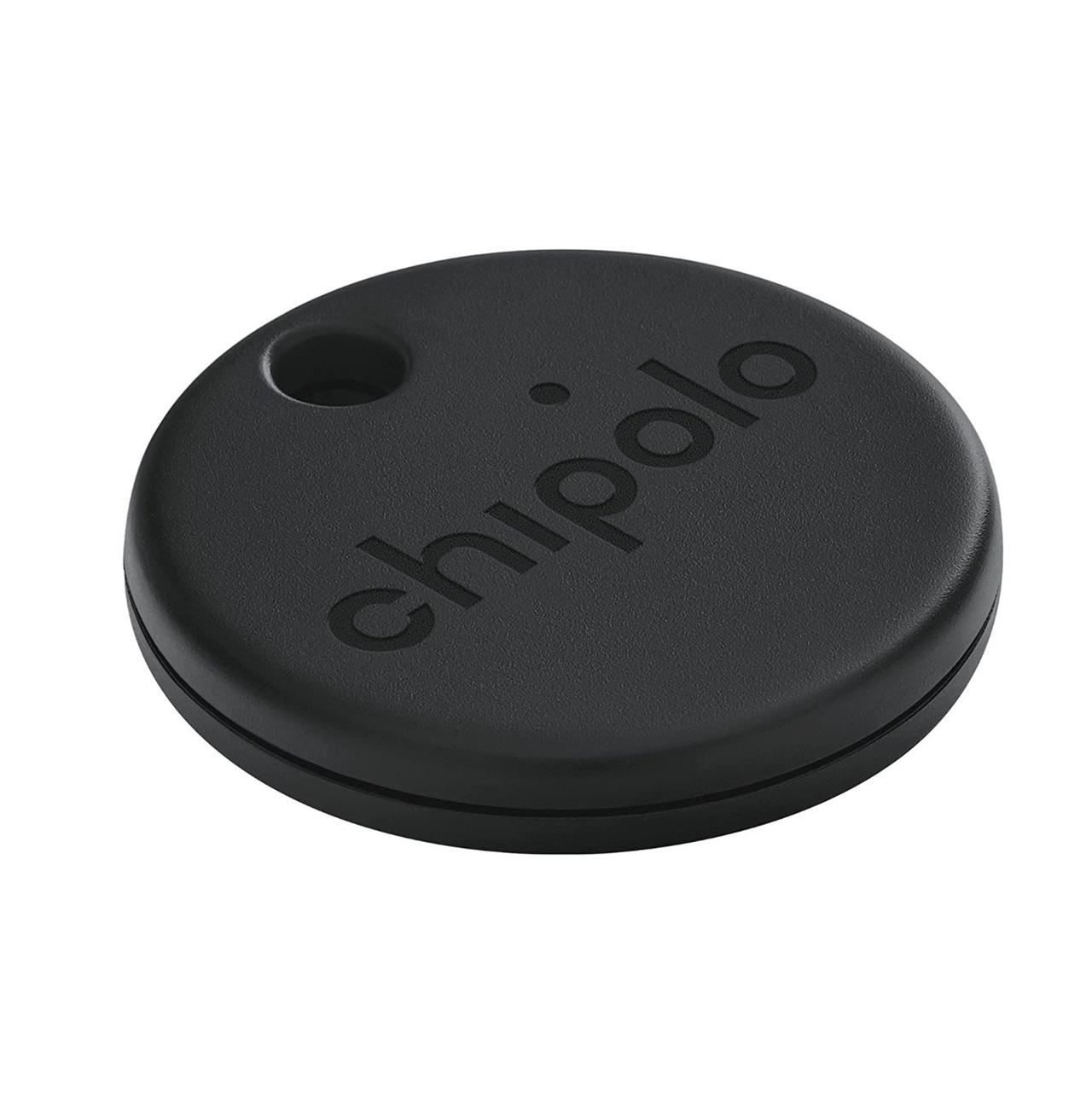
Apple’s AirTag isn’t the only tracker that can utilize the expansive Find My network with your iPhone, iPad, or iPod Touch. The brand Chipolo makes some trackers that can, including the $28 Chipolo One Spot.
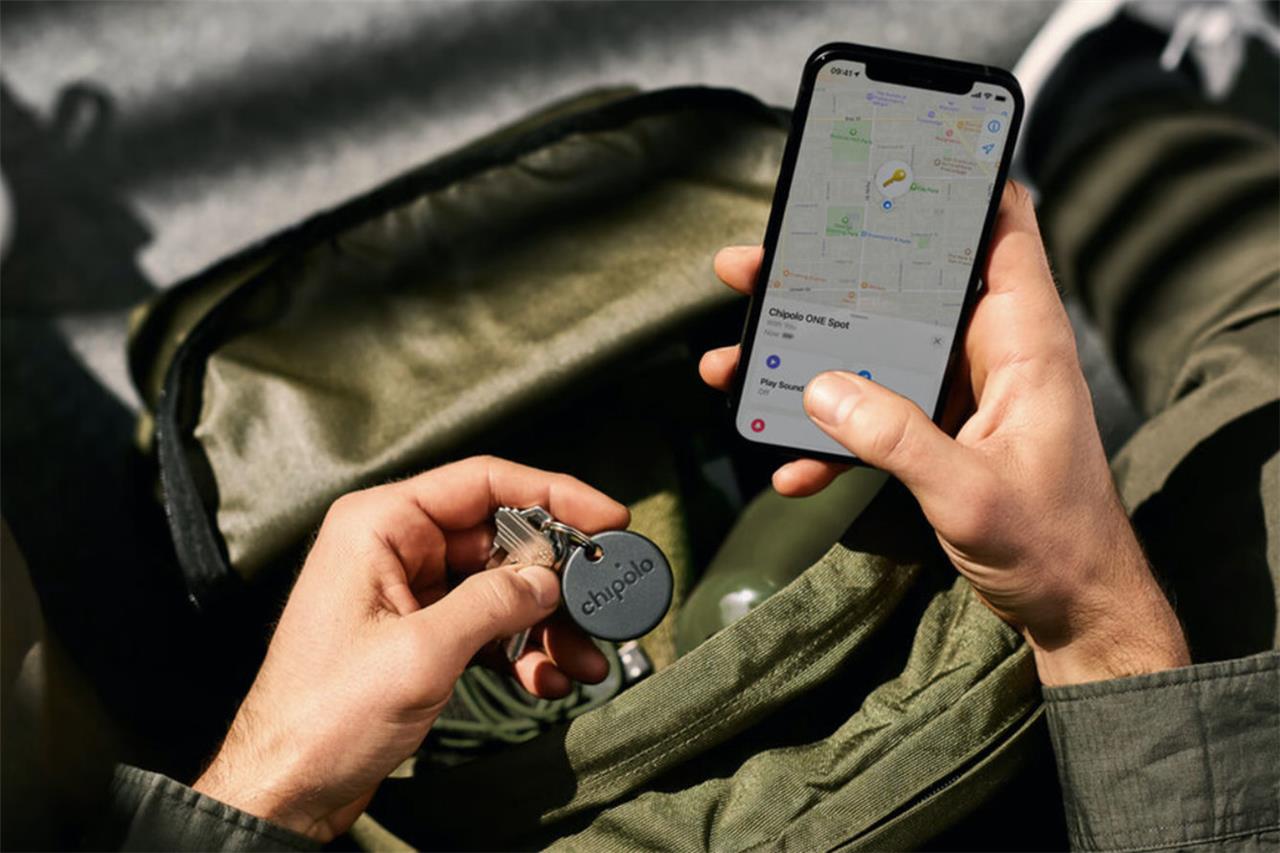
The biggest differences between Apple’s AirTags and these come down to design and convenience. The Chipolo trackers have a simpler look, but one big perk is that the One Spot has a lanyard hole, so you can tag them to keys, bags, and whatever else. And just like the AirTag, the Chipolo One Spot has a replaceable battery.
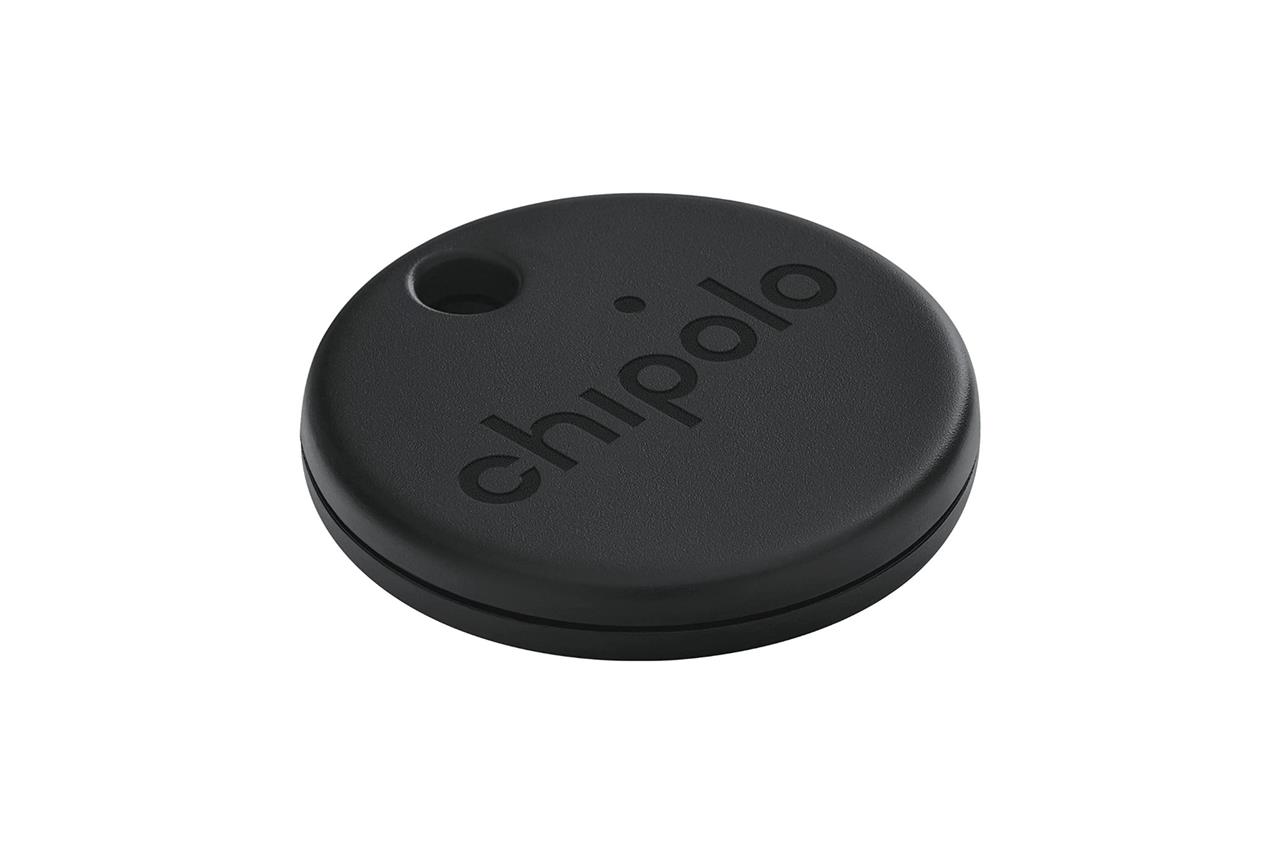
Chipolo One Spot
$28 $28
An Apple-exclusive tracker that’s similar in functionality to the AirTag, but with a lanyard hole.
Read More $28 at Amazon$28 at Best Buy
The best Bluetooth tracker cases
A protective case can make a big difference in how well your Bluetooth tracker holds up over time. The best options combine durability with style-think silicone covers for shock absorption, leather sleeves for a premium touch, or metal frames for extra toughness. Some cases include clips or key rings, making it easier to attach your AirTag or Tile to luggage, keys, or pet collars. A snug fit keeps the tracker secure without blocking its wireless signal or interfering with sound alerts.
The Tile Mate and the Chipolo One Spot can be added to your keychain with ease, but as previously mentioned, Apple’s AirTag needs an extra accessory to achieve the same utility. We’ve listed a few accessories below, some of which are exclusive to the AirTag, while others will work with any tracker.
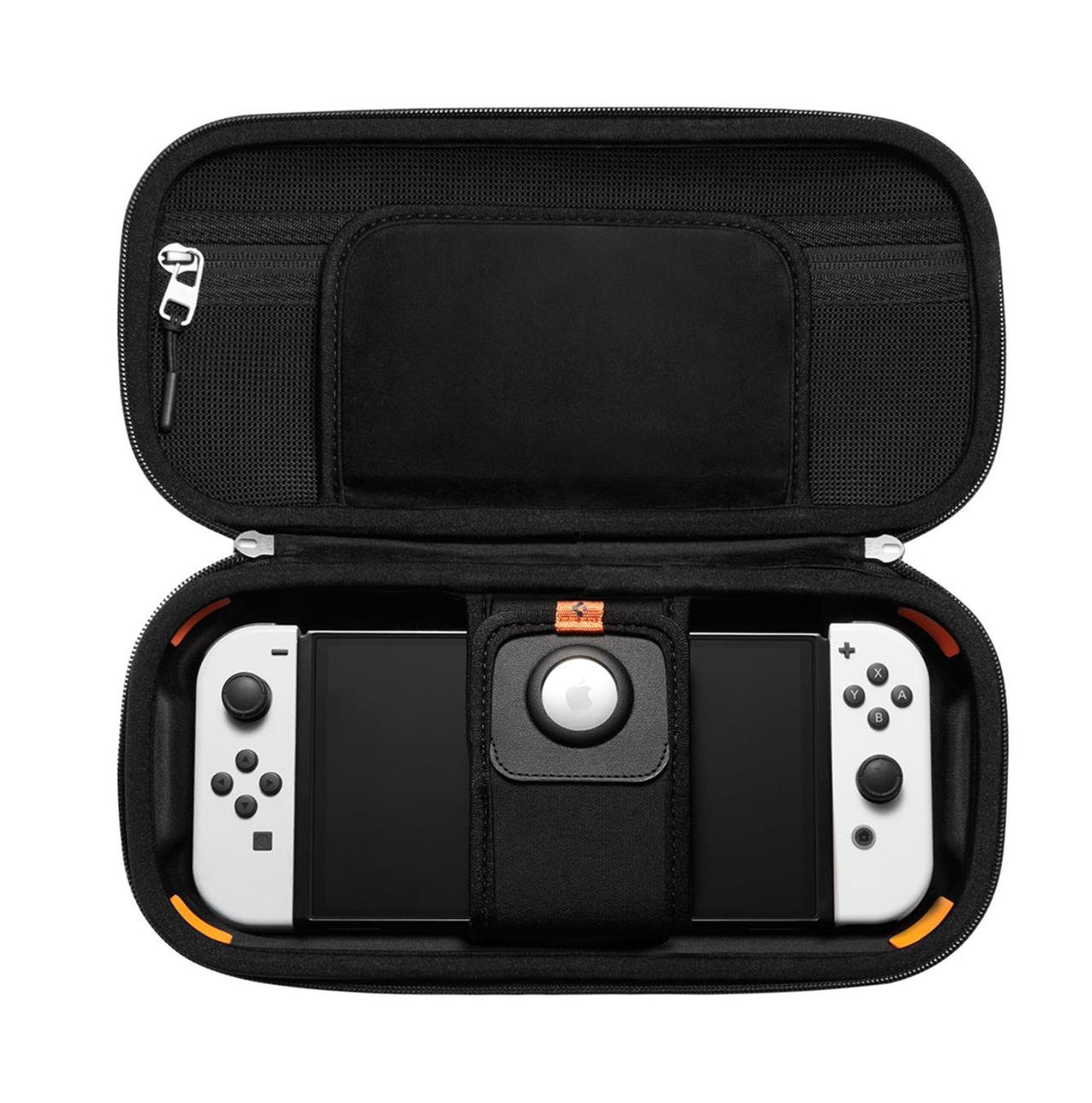
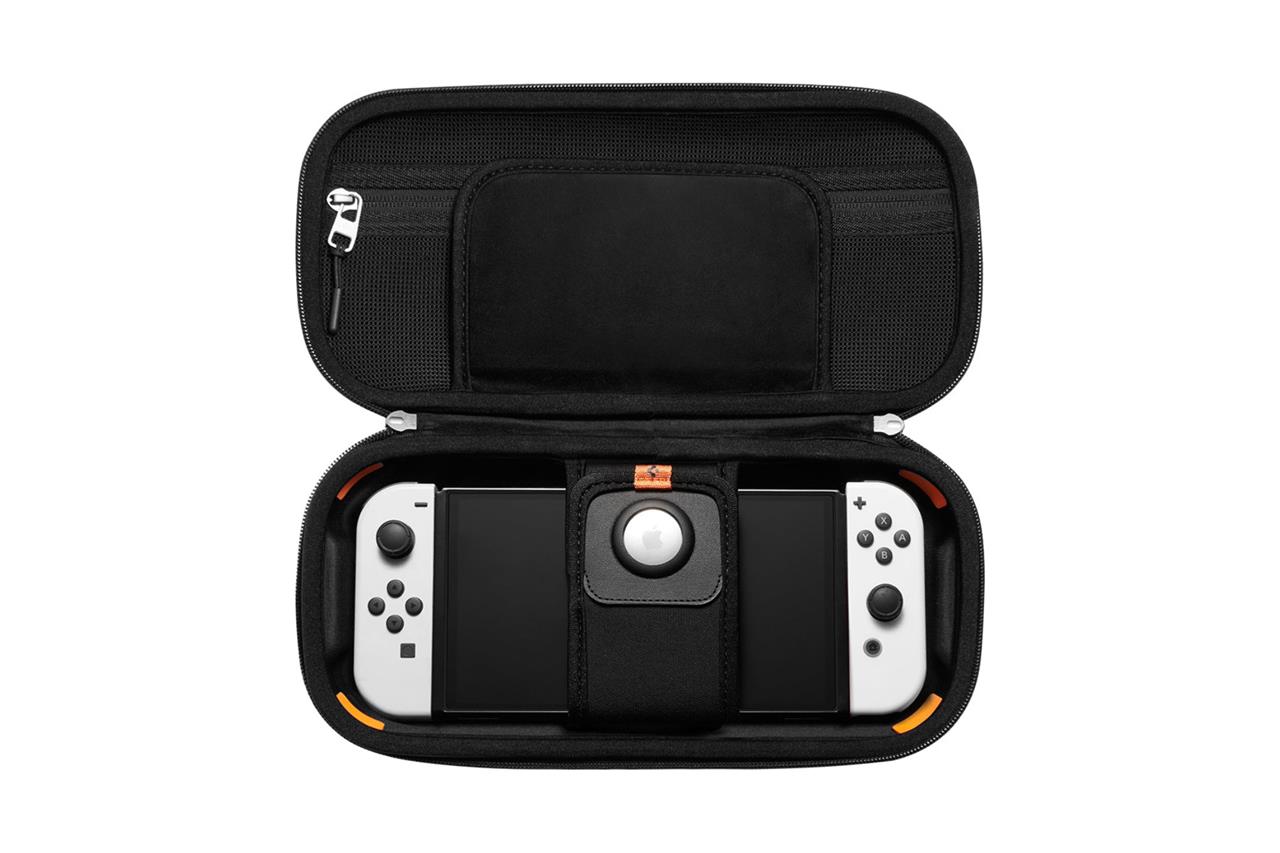
Spigen Rugged Armor Pro case for Nintendo Switch
$30$339% off $30
This case features a strap that can fit an AirTag, so you won’t as easily lose track of your beloved Switch. It’s compatible with the Switch OLED and the regular Switch, but not the Switch Lite.
Read More $30 at Amazon
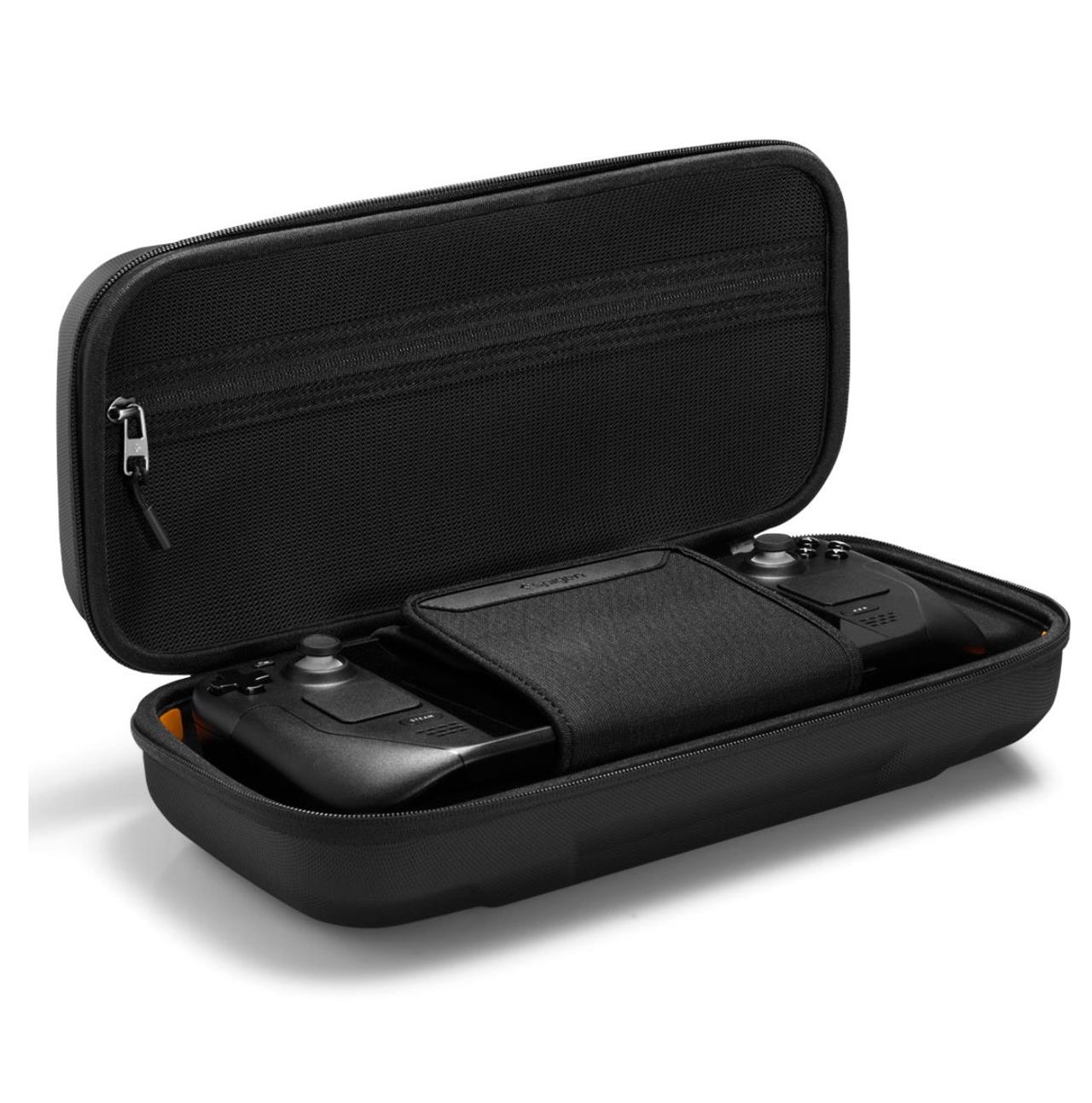
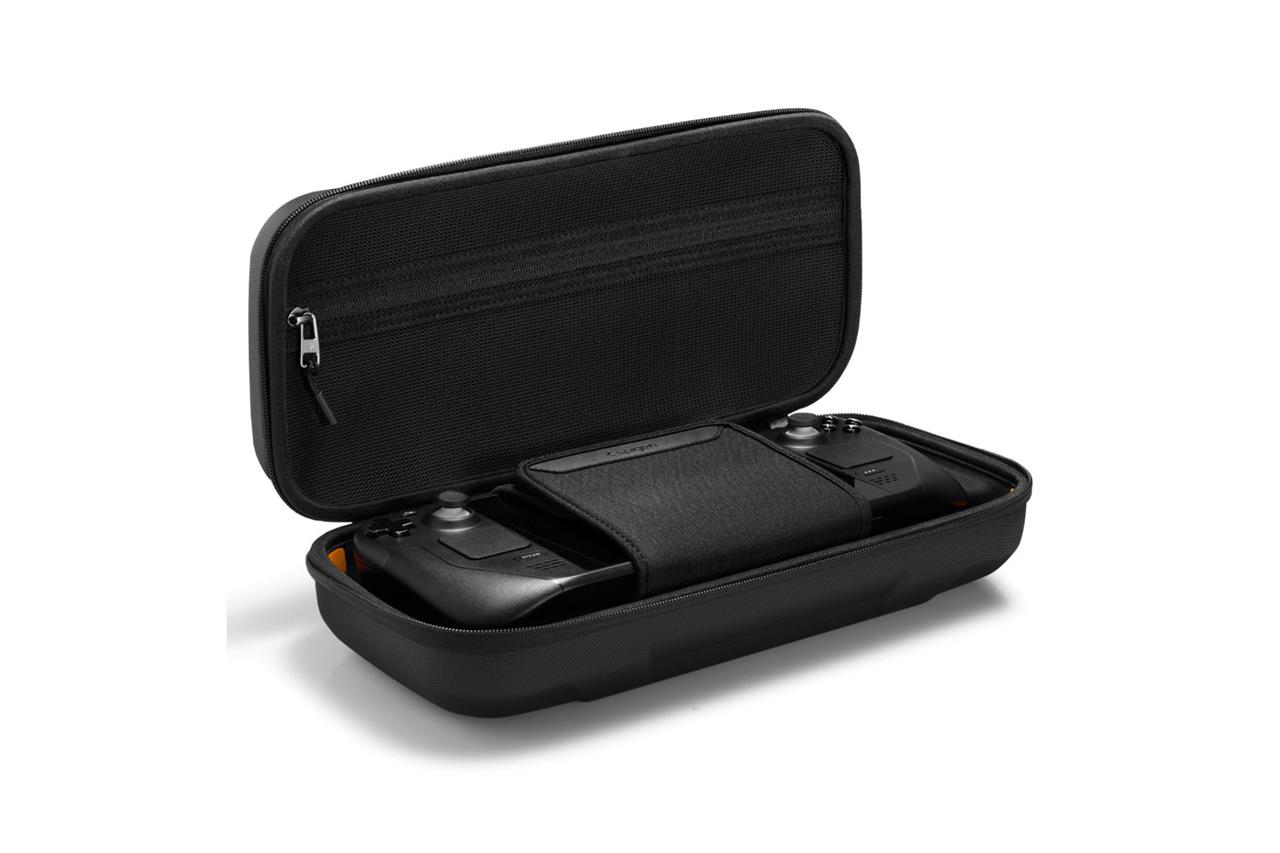
Spigen Rugged Armor Pro case for Steam Deck
$40$4511% off $40 $40 at Amazon
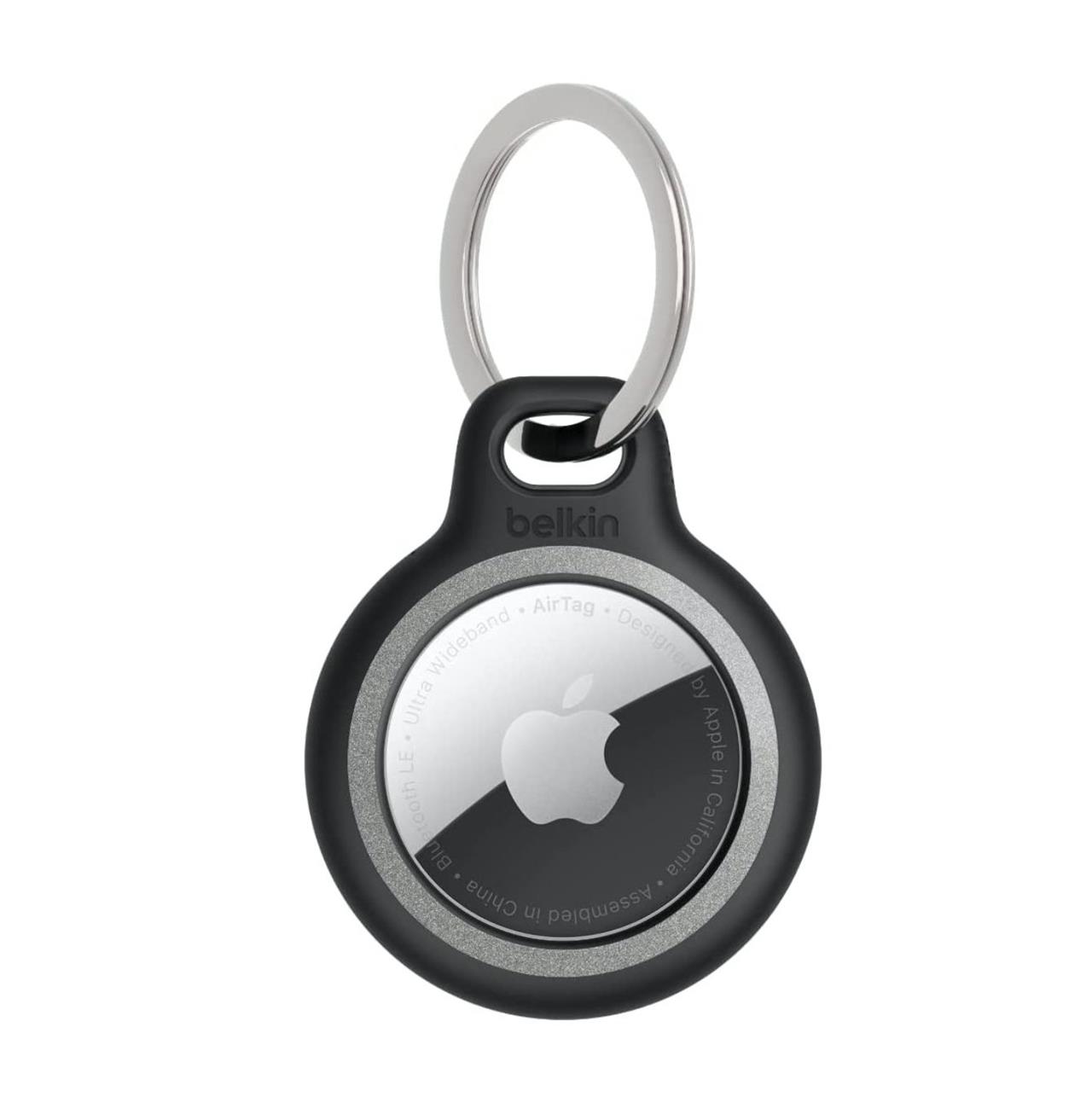
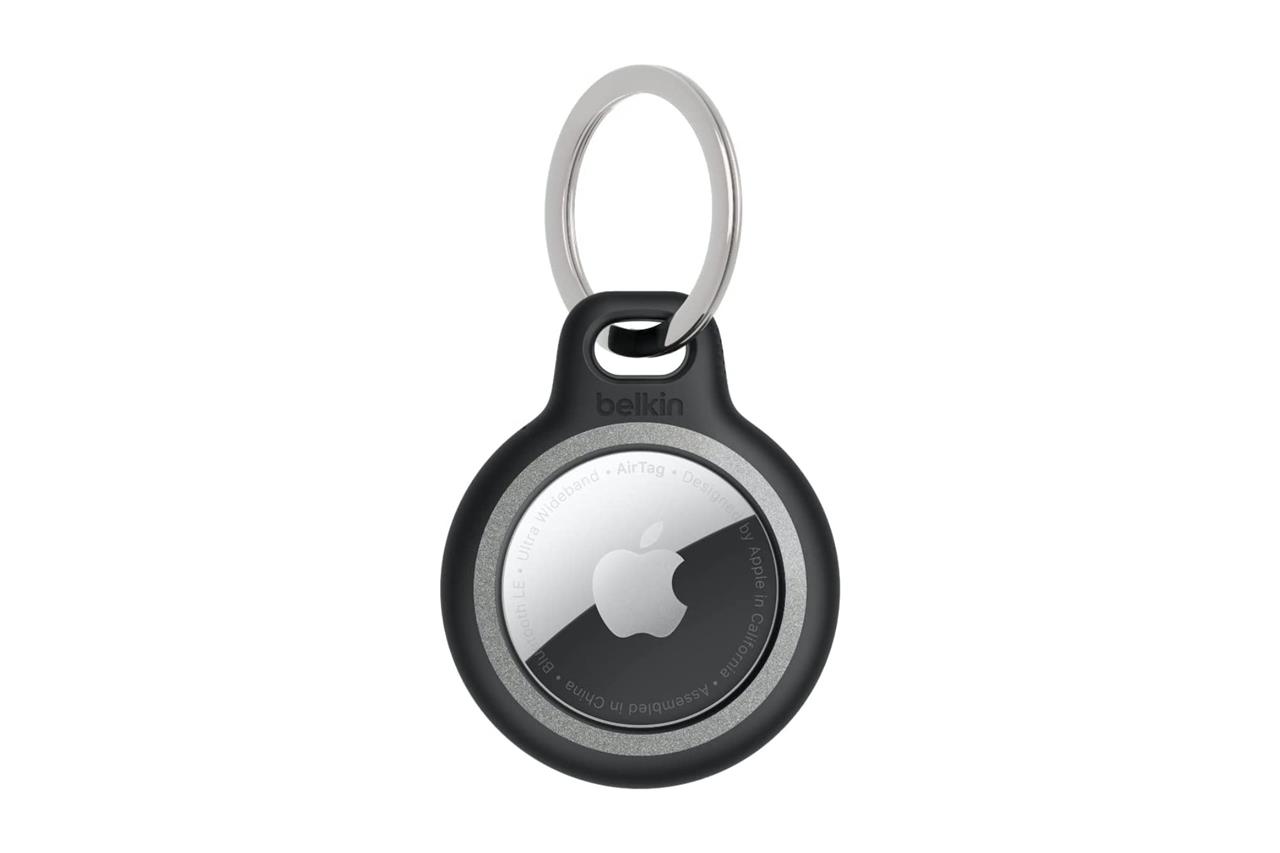
Belkin reflective AirTag key ring holder
$12$1520% off $12 $12 at Amazon
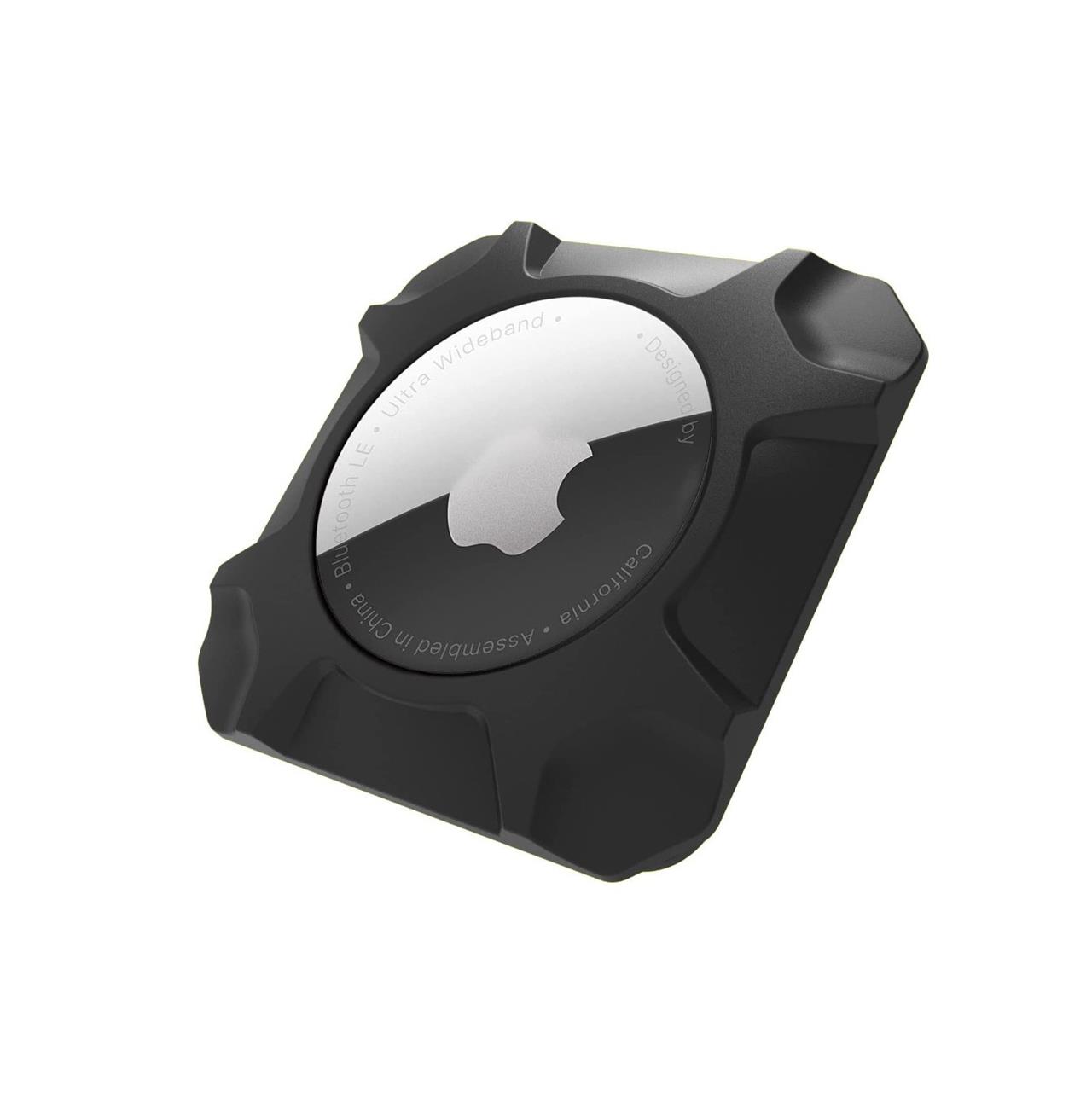
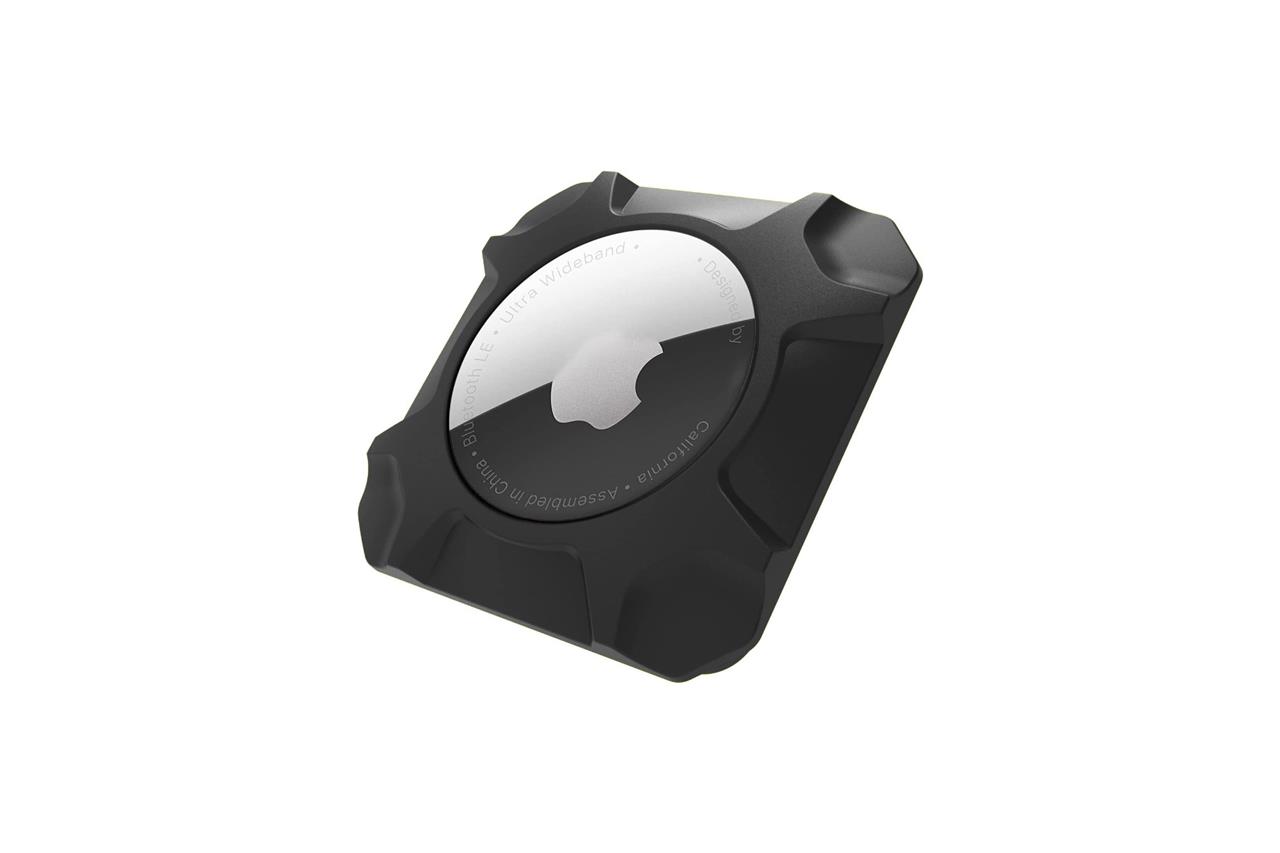
AirTag holder with adhesive
$10 $10 $10 at Amazon
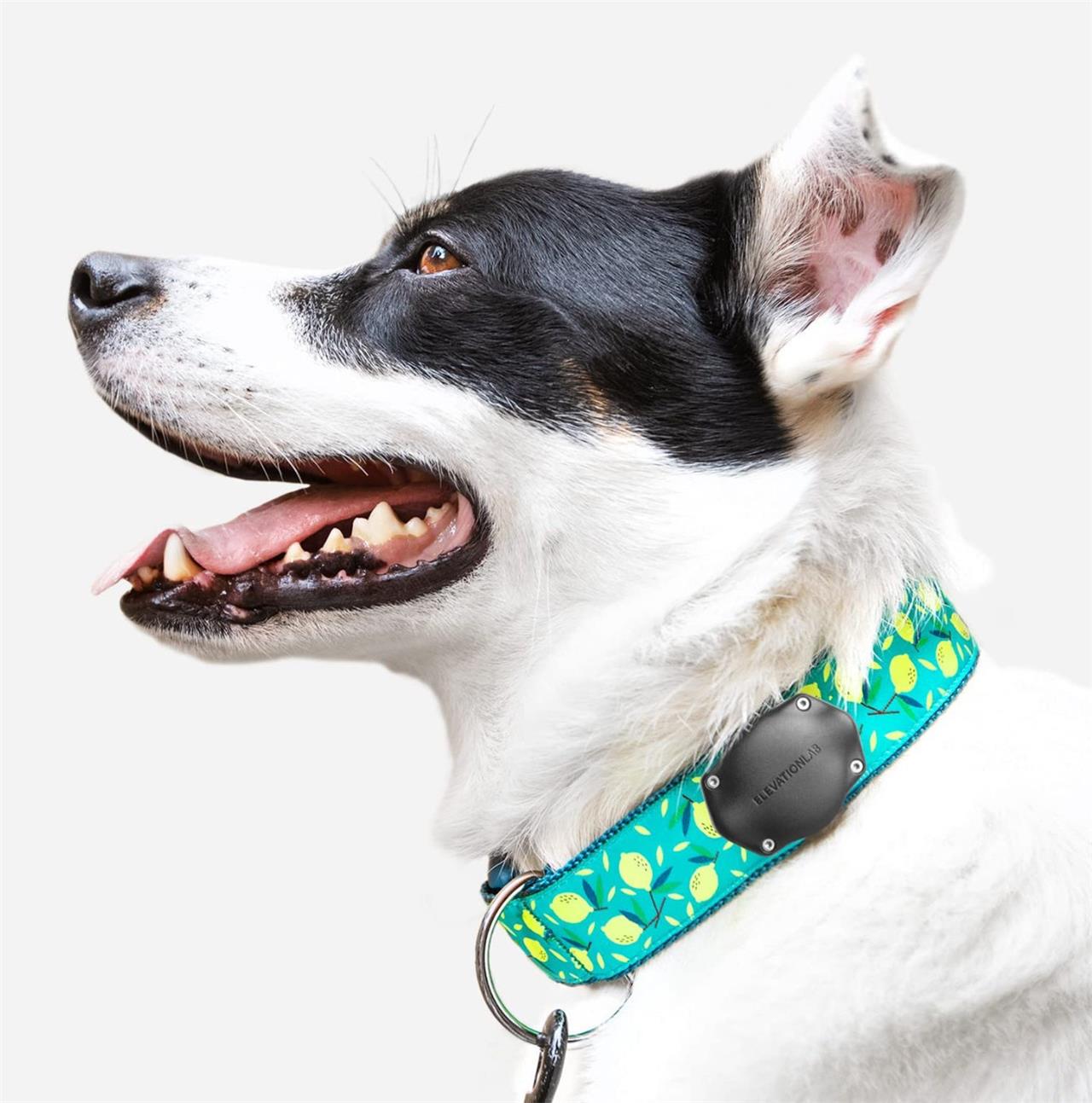
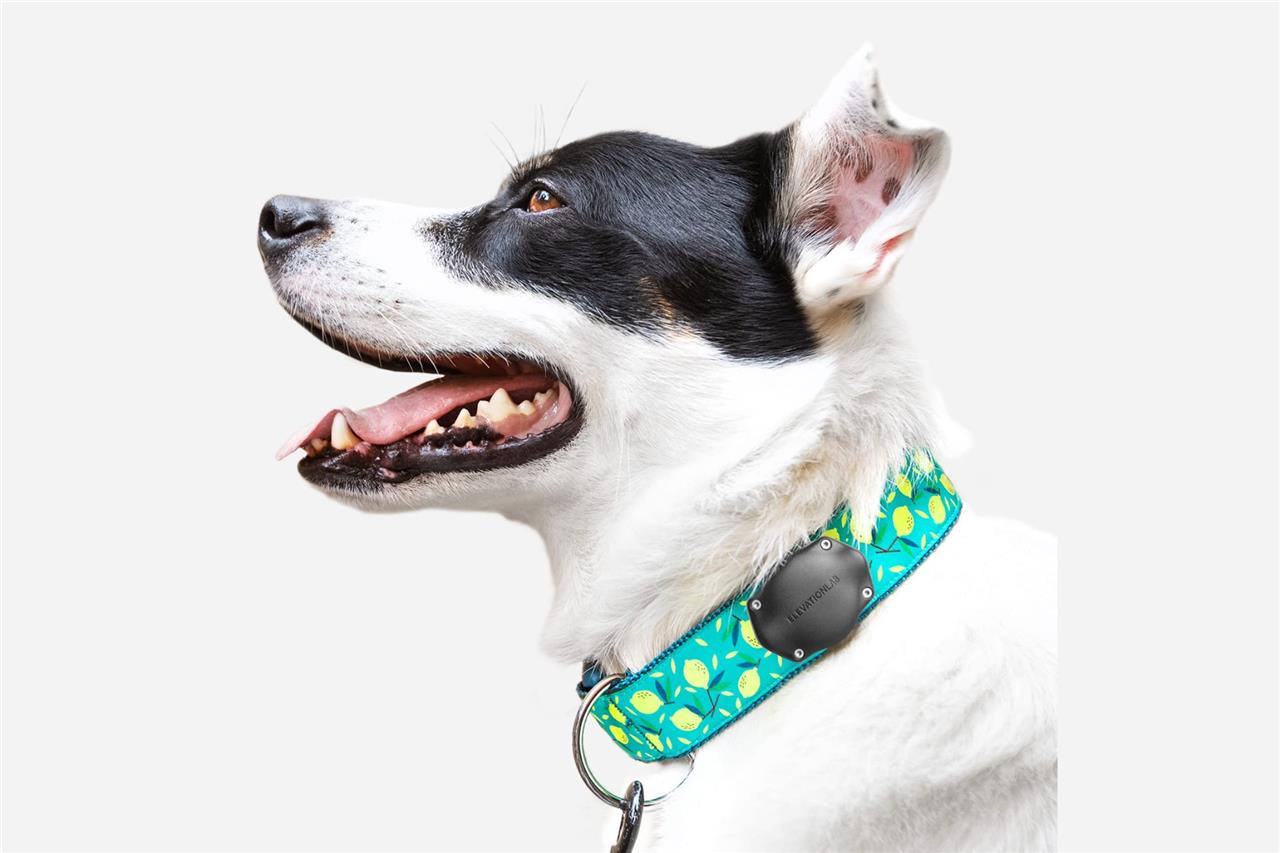
TagVault Dog collar with AirTag holder
$17$2015% off $17 $17 at Amazon
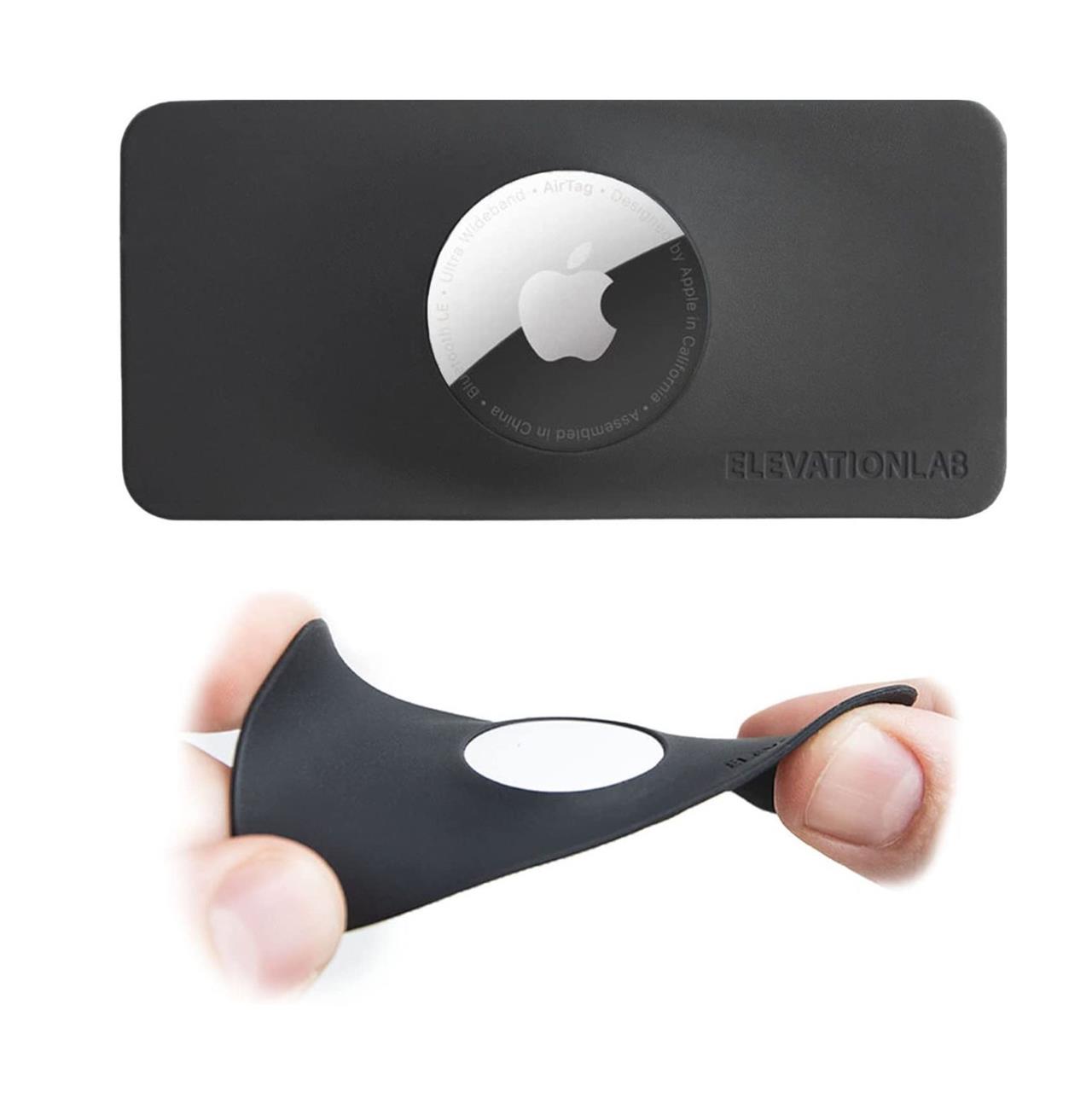
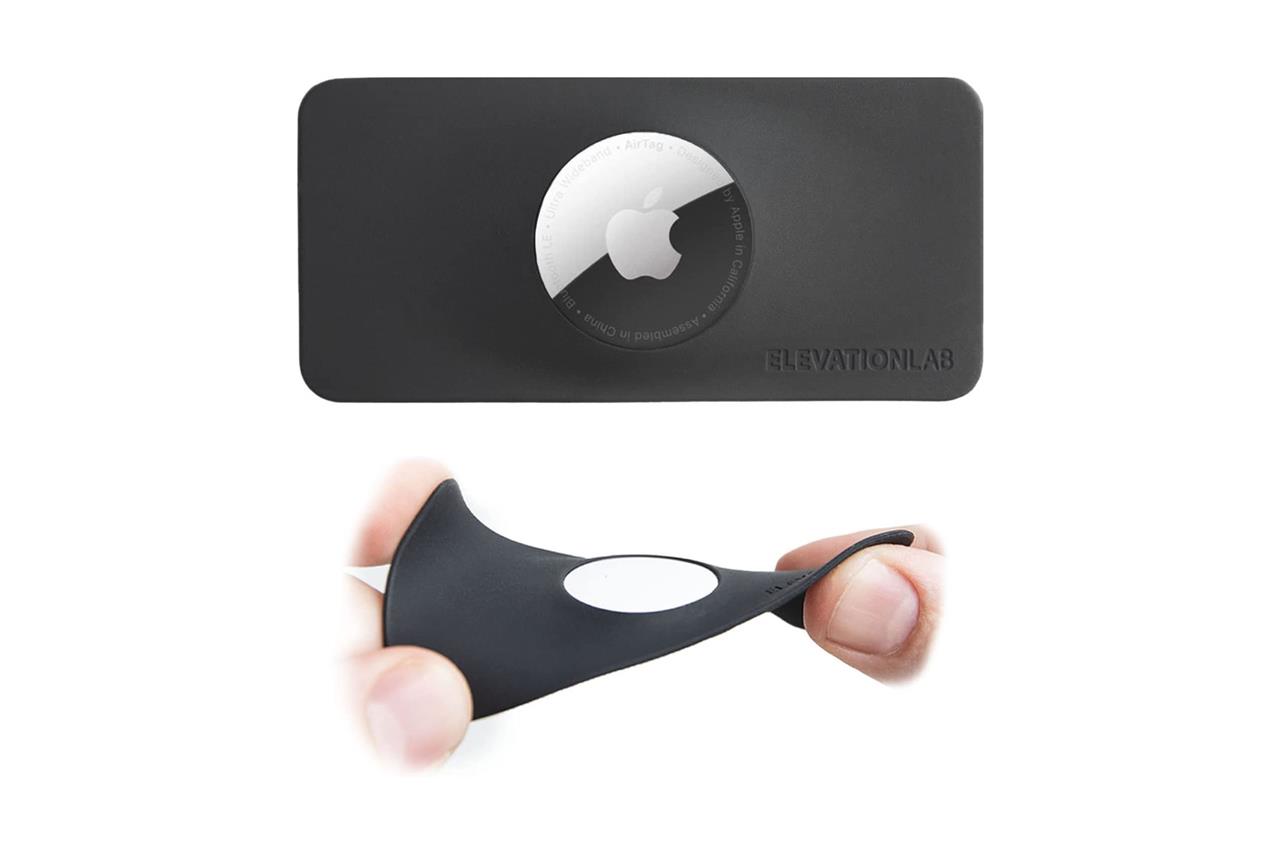
TagVault AirTag wallet insert
$10 $10 $10 at Amazon
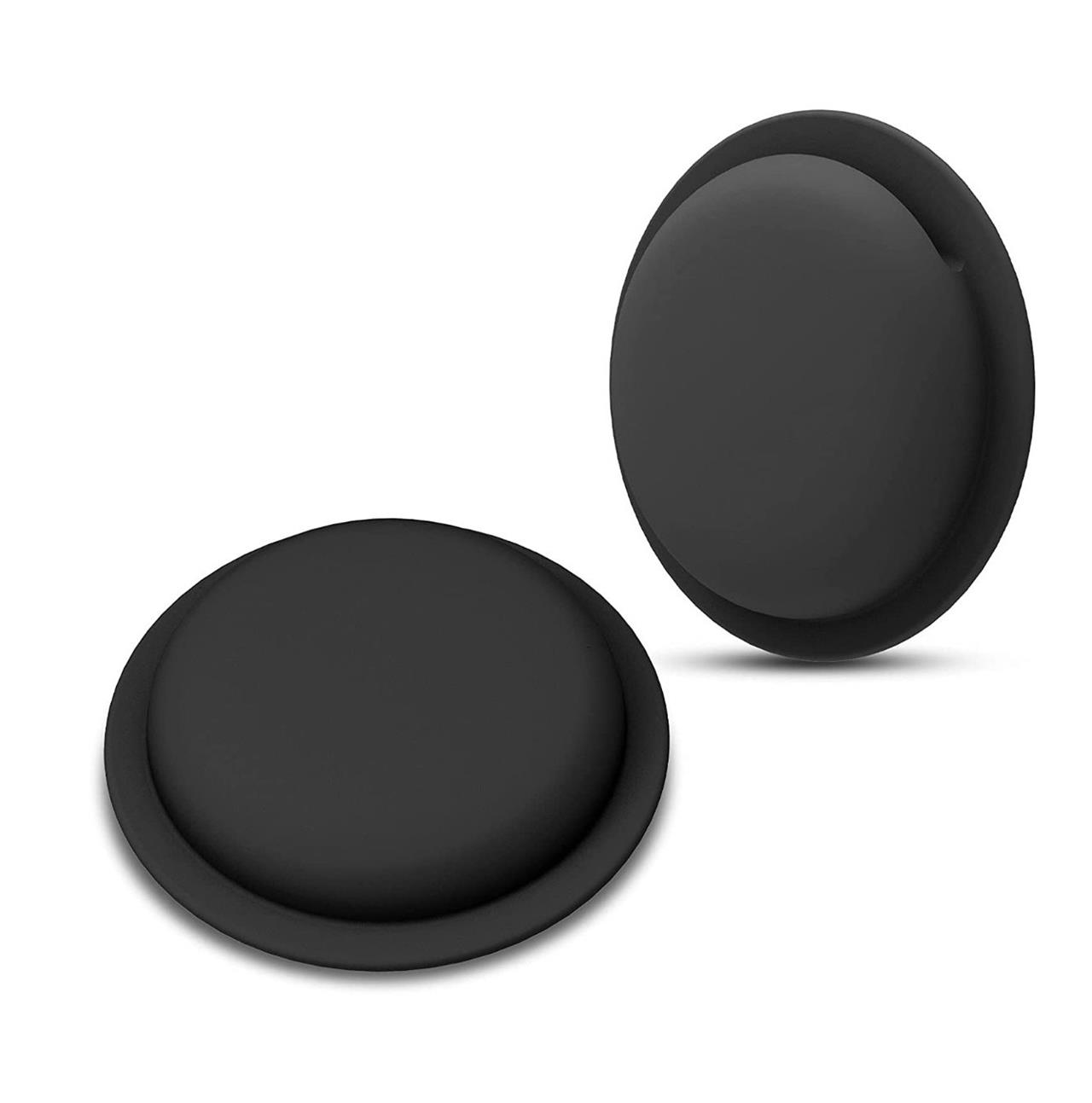
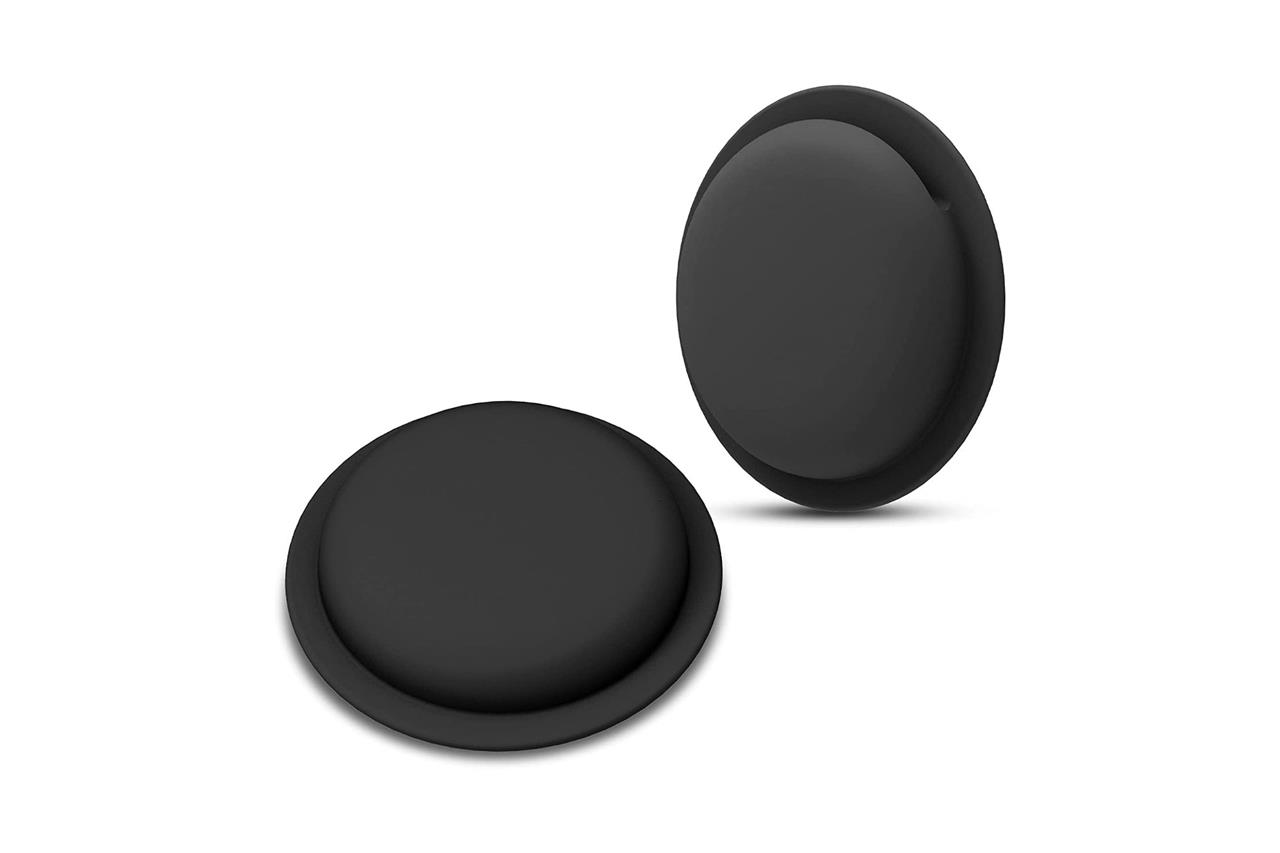
Silicone AirTag concealers with adhesive (two-pack)
$12$138% off $12 $12 at Amazon
Tile Pro vs Moto Tag which is better for Android
Tile Pro is generally better only if you need cross-platform support (Android and iOS), while Moto Tag is the stronger choice for Android-only users because it ties into Google’s Find My Device network and adds UWB precision on supported phones.
Core differences
-
Platform and network
-
Tile Pro works with Android and iOS using Tile’s own Life360/Tile finding network, separate from Google’s system.
-
Moto Tag works only with Android (typically Android 9+), but integrates directly with Google’s Find My Device network, so any nearby Android phone can help locate your tag.
-
-
Wireless range and finding
-
Tile Pro advertises Bluetooth range up to roughly 400 ft / 120 m in ideal conditions and has a loud alert tone for close-range finding.
-
Moto Tag also uses Bluetooth and, on compatible phones, adds ultra-wideband (UWB) for very precise distance and direction when you’re nearby, similar to AirTag-style “precision finding”.
-
-
App and features
-
Tile Pro uses the Tile app, with optional paid subscription for smart alerts and longer location history; it can ring your phone from the tag button.
-
Moto Tag is managed through Android’s Find My Device plus Motorola’s own Moto Tags app, which in reviews has been called a bit buggy for extras like phone-finding and remote-shutter features.
-
Which is better for Android?
-
If you only use Android now and in the future, Moto Tag is the better long-term bet: it plugs into Google’s native network, supports UWB on capable phones, and is increasingly recommended as the top Android tracker.
-
If you might switch to iPhone, share tags with iOS users, or want a mature app with optional subscription features, Tile Pro is safer because it works on both platforms and has a long-proven ecosystem, even if its network is smaller than Google’s and Apple’s.
Simple recommendation
-
Pure Android, especially with a newer phone and no need for iOS support → choose Moto Tag.
-
Mixed Android/iOS household or you value Tile’s extra app features and cross-platform use → choose Tile Pro.
Moto Tag battery life and replacement details
Moto Tag uses a standard coin cell and is designed for roughly one year of use per battery in normal conditions, with easy DIY replacement.
Official battery specs
-
Claimed battery life for the original Moto Tag is up to 1 year with everyday use.
-
The newer Moto Tag 2 increases this by about 35%, to around 500 days (about 1 year and 4-5 months) per battery.
-
Both generations use a replaceable CR2032 coin cell battery.
Replacement details
-
Battery type: CR2032, widely sold at supermarkets, electronics and hardware stores.
-
Access: The back panel of the tag is removable; opening it exposes the CR2032 so you can swap it without tools or special service.
-
Design: The tag is rated IP67 (Moto Tag) or IP68 (Moto Tag 2), so the battery compartment is sealed against dust and brief water exposure when properly closed.
Real-world battery life notes
-
Some Android users report “low battery” warnings after a few weeks or months, often linked to firmware issues or the lower-capacity coin cells that ship in the box, not necessarily true full drain.
-
Replacing the factory battery with a reputable brand (e.g., Duracell, Energizer) typically brings performance closer to the advertised one-year lifespan, assuming normal use and updated firmware.
