
Step into the past and unlock hidden secrets as The Sims 4’s “Echoes of Time” quest whisks players on a whirlwind tour through libraries, museums, and mysterious encounters with elders. As part of the Blast from the Past event, this limited-time challenge tasks you with unraveling the legend of the Shards of Time-one clue at a time-while earning exclusive in-game rewards. Ready to chase echoes across Willow Creek and beyond? Here’s how to complete every step of this time-bending adventure on PC, PlayStation, and Xbox.
In order to get all the free items in the “Blast from the Past” event, you have to do multiple quests. This guide will explain how to unlock the “Echoes of Time” quest in The Sims 4 and give a full walkthrough on how to beat it.
How to unlock ’Echoes of Time’ in The Sims 4
To unlock the “Echoes of Time” quest in The Sims 4, you must first complete two prerequisite quests: “A Strange Visitor” and “Missing Clues.” Once both are finished, the game will automatically trigger the start of “Echoes of Time” with a pop-up notification. Simply click “OK” to begin the quest, which is part of the limited-time “Blast from the Past” event and offers unique in-game rewards upon completion.
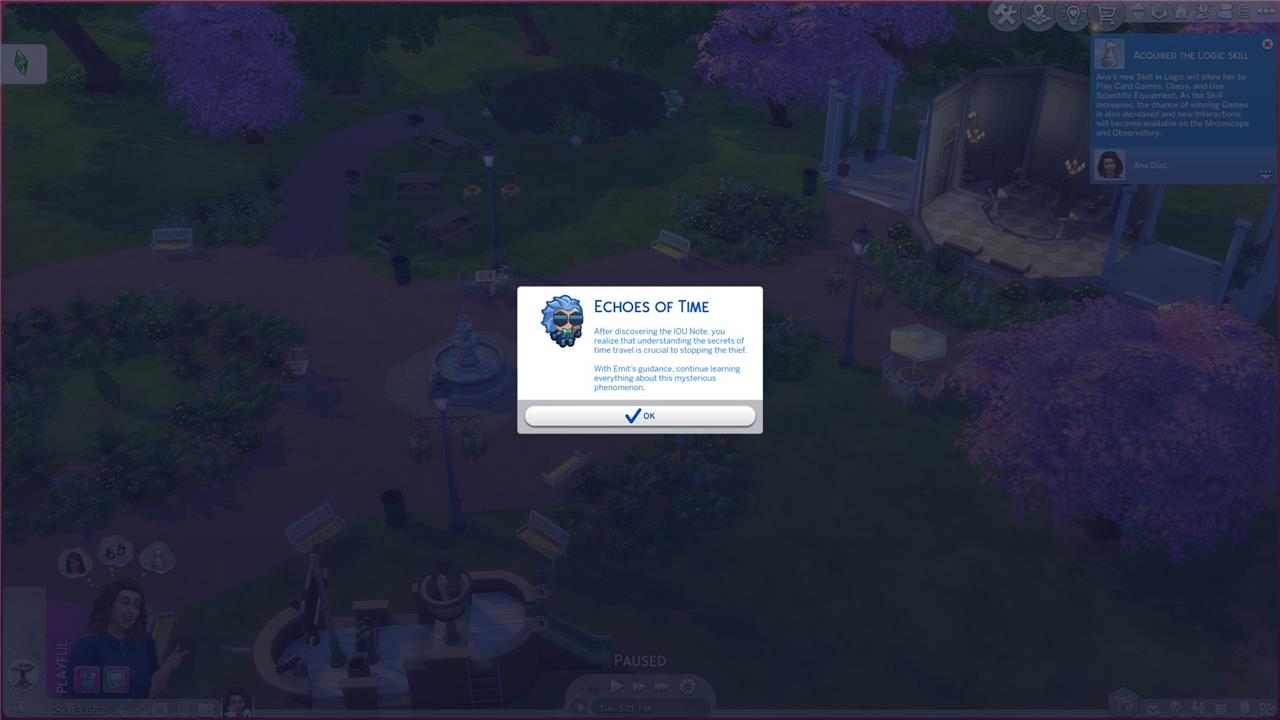
To start the “Echoes of Time” quest, you need to complete two quests before it: “A Strange Visitor” and “Missing Clues.” Once you finish them, the game will automatically prompt the “Echoes of Time” quest with a small pop-up window on your screen. Select, “OK,” and the quest will start.
’Echoes of Time’ quest walkthrough in The Sims 4
The “Echoes of Time” quest in The Sims 4 is a limited-time challenge featured during Week 2 of the Blast From the Past event, offering players a series of tasks that blend exploration, social interaction, and research for unique in-game rewards. To begin, players must first complete the “A Visitor” and “Missing Clues” quests, after which “Echoes of Time” becomes available. The walkthrough involves traveling to the Willow Creek Library to read “History of Time Travel” on any bookshelf, then heading to the local museum to study a historical display. Next, players experience the past by playing “The Sims Archives Vol. 2” on a computer, followed by asking an elder Sim about the mysterious Shard of Time. After learning about the shards, Sims must research them online and then search various objects around the world to collect three Shards of Time. The quest concludes by presenting these shards to Emit, who can usually be found in Magnolia Blossom Park, completing the quest and unlocking further progression in the event.
The game will start with two tasks: “Read the History of Time Travel at a Library” and “Study a Historical Display at a Museum.”
First, pull up your in-game phone and click the green car icon on it to travel to the library in town. Click on the library Willow Creek Archive and then the large car button. Once there, go into the library and left-click on a bookcase, select the option: “Read ’History of Time Travel.’” Wait a bit, and the game will check that quest off.
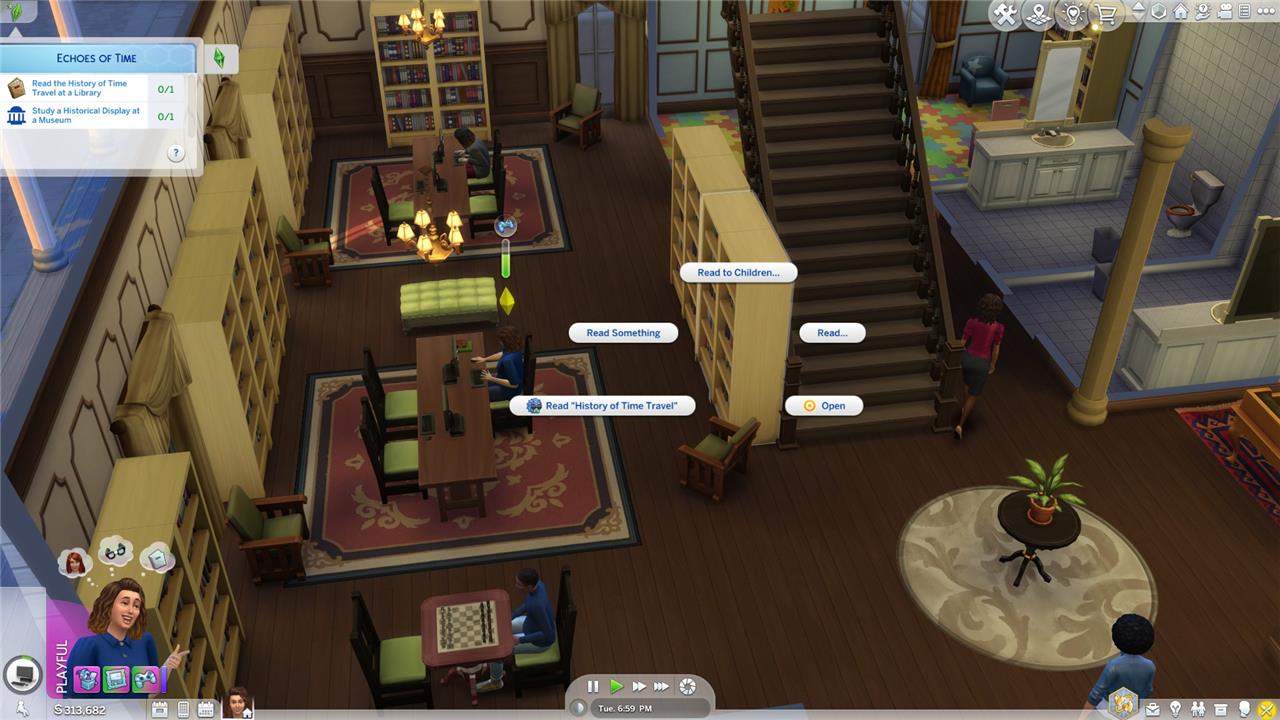
Now it’s time to go to the museum. Pull up your phone to travel again and go to the Municipal Muses, the museum in Willow Creek. Click on any work in the exhibit and click “View.” The view button should have a small Emit icon next to it. Wait for a while and the game will check off this task in the quest.
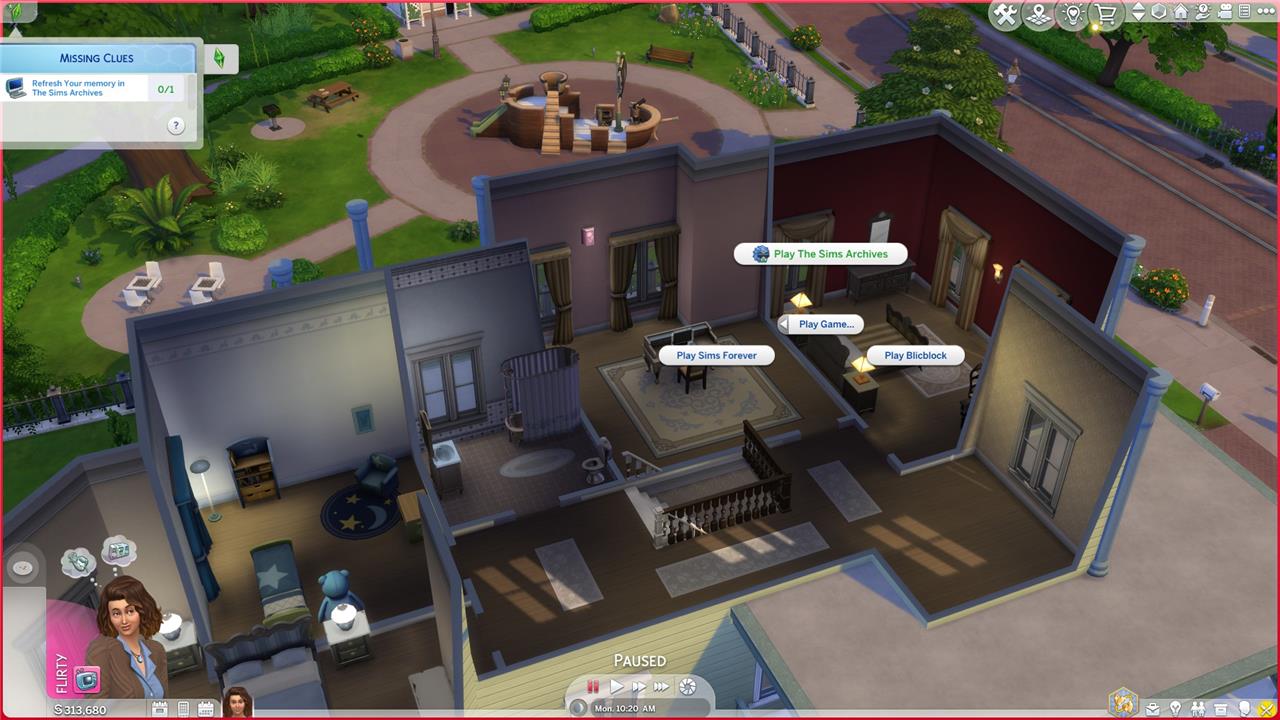
Now go find any computer and click it. Select the “Play Game.” option and then select “The Sims Archives vol. 2.” Once again, wait for a bit as your Sim plays the game and it will prompt the next part of the quest.
Where to find ’an Elder’ in The Sims 4
To find an Elder Sim for the “Echoes of Time” quest in The Sims 4, you have several options. One easy method is to visit a busy community lot, such as Magnolia Blossom Park in Willow Creek, and wait until you spot an older Sim walking by-pause Live Mode and scan the area to make your search easier. You can also hover your cursor over Sims to check their life stage without needing to interact. Alternatively, check your Relationship panel for any existing Elder contacts and invite one over to your lot. If your household already has an Elder Sim, simply switch control to another Sim and complete the interaction with them.
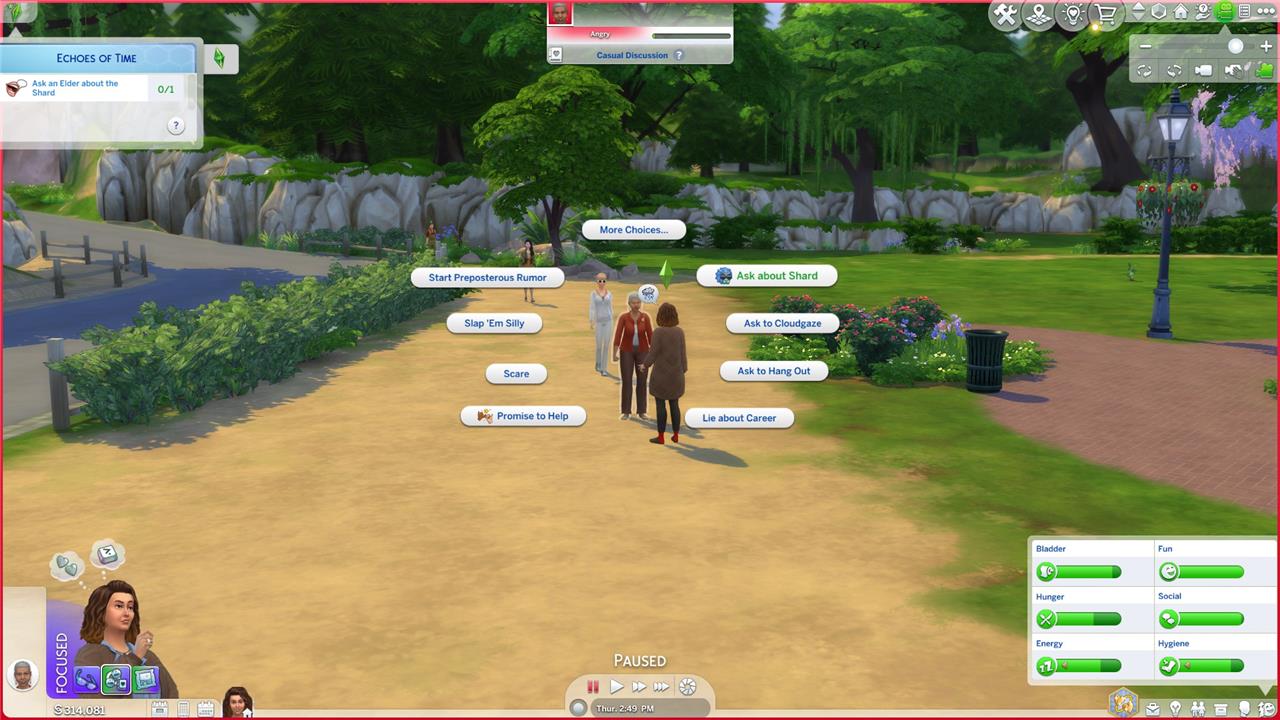
Next, the game tells you to “Ask an Elder about the Shard.” The game just wants you to talk to an older Sim for this step.
To go find an older Sim, we waited around our my house in Willow Creek until seeing one walking around in the green space. Another way to do this is by going to a populated local area, like Magnolia Blossom Park, pausing Live Mode, and scrolling around until you find an older Sim.
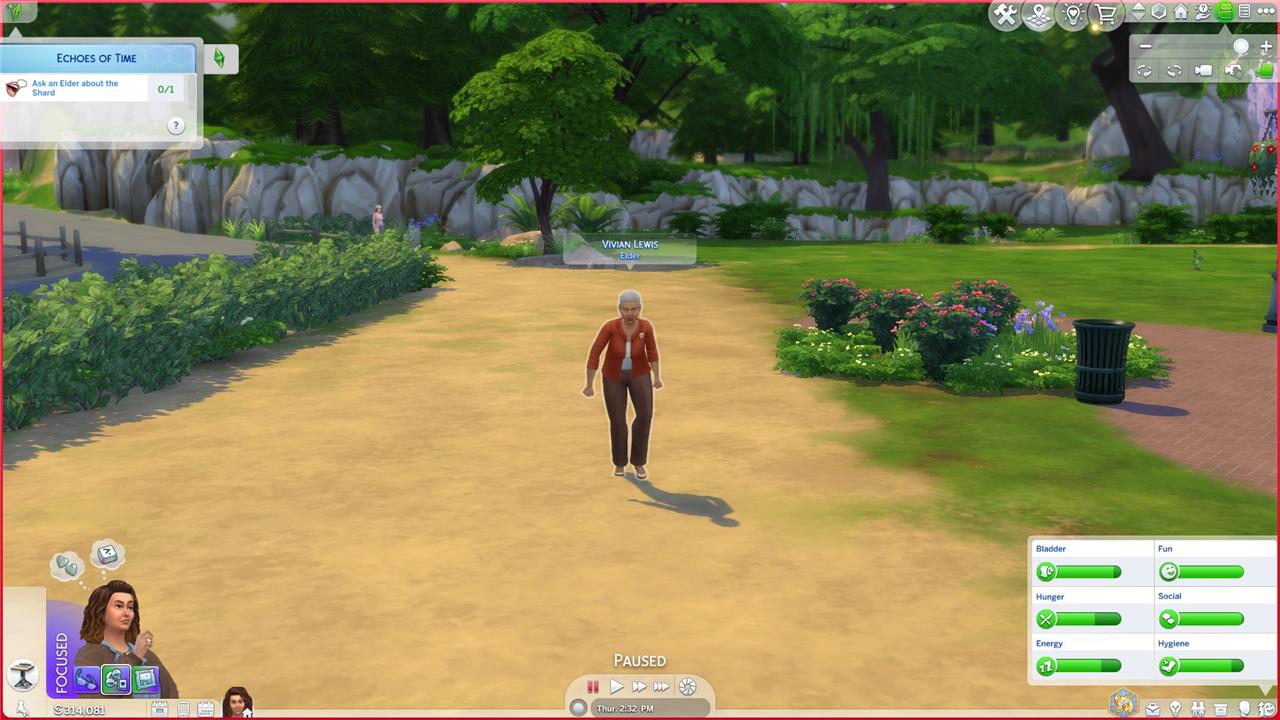
You can check the age of another Sim by hovering your cursor over a Sim without clicking. Once you find a Sim labeled, “Elder,” go and click it. Introduce yourself if you haven’t already. Then click again and select the option, “Ask about Shard.”
Now the game tells you to “Research Shards of Time.” This is pretty easy, but it’s hidden behind a few menu options. Start by going to a computer and clicking the “More Choices.,” option. From there, you need to click “Web.,” and then “Research.” From there, the option, “Research Shards of Time” will pop up; select that option.
How to find the ’Shards of Time’ in The Sims 4
To find the Shards of Time during the ’Echoes of Time’ quest in The Sims 4, you need to search specific objects around your Sim’s home or other lots. After progressing through earlier quest steps-such as speaking with an elder and researching the shards on a computer-the game will prompt you to locate three Shards of Time. Look for the “Search for Shard of Time” interaction, which appears on certain objects like computers, bookshelves, refrigerators, bars, and toilets. Not every object will yield a shard, and you may need to search multiple different items or try the same object more than once. Large lots with plenty of furniture, such as the Spencer-Kim-Lewis house, can make this task easier. Once you have found all three shards, return to Emit at Magnolia Blossom Park to advance the quest.
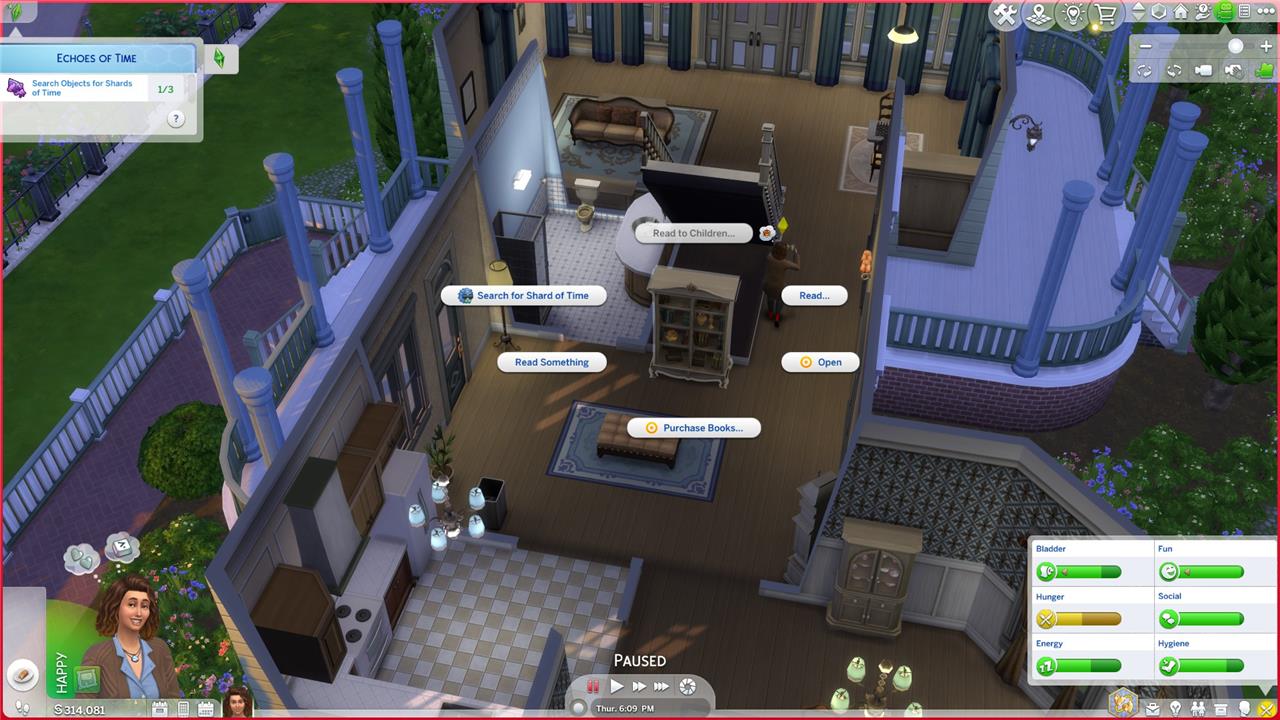
The game now tells you to “Search Objects for Shards of Time” three times. To do this, you need to “search” random objects in your house and see if they have the “Shards of Time.”
Click on various objects in your home – like a couch, computer, bookcase, whatever – until one object pulls up the option to “Search for Shard of Time.” In our playthrough, not every object that we searched had a “Shard of Time,” but it only took us four tries in total to find three shards.
Now that we found three shards, it’s time to show them to our blue-haired buddy. To do that, go and find Emit, the guy you met in the previous quests. (AELGAMES found him in Magnolia Blossom Park going for a brisk jog.) Once you find him select the option, “Show Shards of Time.” Your Sim will show him the Shards and the quest will be complete.
How can I uncover the hidden time travel secrets in The Sims 4
To uncover the hidden time travel secrets in The Sims 4, you need to participate in the limited-time “Blast from the Past” event, specifically by completing the “Echoes of Time” quest. Here’s how you can reveal these secrets step by step:
-
Complete Prerequisite Quests: Finish the “A Visitor” and “Missing Clues” quests. Once done, you’ll unlock the “Echoes of Time” quest.
-
Research Time Travel: Go to the Willow Creek Archive library, interact with a bookcase, and select “Read ‘History of Time Travel’”.
-
Explore Museums: Visit the Municipal Muses museum in Willow Creek and select “View” on any exhibit or artwork to study a historical display.
-
Play The Sims Archives: Use a computer to select “Play Game…” and then “The Sims Archives vol. 2”.
-
Seek Wisdom from Elders: Find an elder Sim (look for them in parks or busy venues) and select “Ask about Shard”.
-
Research Shards of Time: On a computer, go to “More Choices…”, then “Web…”, then “Research…”, and finally choose “Research Shards of Time”.
-
Search for Shards: Interact with various objects (like sofas, bookshelves, computers, or refrigerators) and look for the “Search for Shards of Time” option. You need to find three shards, which may require checking multiple objects.
-
Present the Shards: Once you have three shards, find Emit (often at Magnolia Blossom Park) and select the option to show him the Shards of Time.
-
Continue the Questline: After handing over the shards, you may be prompted to build a time travel component, which involves further tasks and possibly improving your Sim’s handiness skill.
By following these steps, you’ll unlock the hidden time travel secrets and gain access to unique event rewards and story content in The Sims 4.
What are the rarest clues or items needed for time travel in The Sims 4
The rarest clues and items needed for time travel in The Sims 4, particularly during the “Blast from the Past” event, include:
-
Special Time Capsule: This item is found by digging specific rocks in areas like Magnolia Blossom Park or Foundry Cove. Not all rocks will yield the capsule, so you may need to search multiple dig spots until the “Dig for Special Time Capsule” option appears. Once found, opening the capsule gives you the crucial IOU Note, which is required to progress in the questline.
-
Shards of Time: These are hidden collectibles required during the “Echoes of Time” quest. You must search various objects in your Sim’s home (such as couches, computers, and bookcases) for the “Search for Shards of Time” interaction. Not every object will have a shard, making them somewhat rare and requiring persistence to find all three needed for the quest.
-
IOU Note: Obtained from opening the Special Time Capsule, this note is a unique clue that advances the storyline and is necessary to report back to Emit, the time travel event NPC.
These items are event-specific and cannot be found outside of the limited-time quests, making them some of the rarest and most sought-after clues for time travel in The Sims 4.
