
From high-precision controllers to immersive headsets and sleek charging docks, the right PS5 accessories can turn good gaming sessions into unforgettable ones. Here’s what stands out in performance, comfort, and style for Sony’s powerhouse console.
The PS5 is home to gaming experiences you can’t find on any other console. While popular PS5 titles such as Helldivers 2, Ghost of Tsushima, and Marvel’s Spider-Man 2 eventually made their way to Steam and the Epic Games Store on PC, the PS5 is still a fantastic way to play those games. Plus, only with a PS5 can you play exclusives like Astro Bot and other great PS5 games that debut on Sony’s console long before arriving on PC. And, with the PS5 Pro console, you’ll get enhanced visuals that rival what pricier gaming PCs are capable of.
If you already own a PS5 or PS5 Pro, just bought one, or will be buying one soon, there’s just a handful of accessories that I think will help you have a better time with it. In addition to my favorite accessories, I’ve rounded up recommendations from the entire AELGAMES crew for what they use to improve their PS5 experience. This post may be updated due to availability or when new accessories hit the market.
Our 5 must-have PS5 accessories
Enhance your PS5 experience with our five must-have accessories designed to elevate comfort, performance, and entertainment. From a responsive DualSense charging station and high-quality 3D audio headset to an ultra-fast SSD expansion, a sturdy controller grip, and a media remote for effortless streaming, each item adds convenience and style to your setup. These accessories turn your console into a complete entertainment hub that fits every gaming mood.
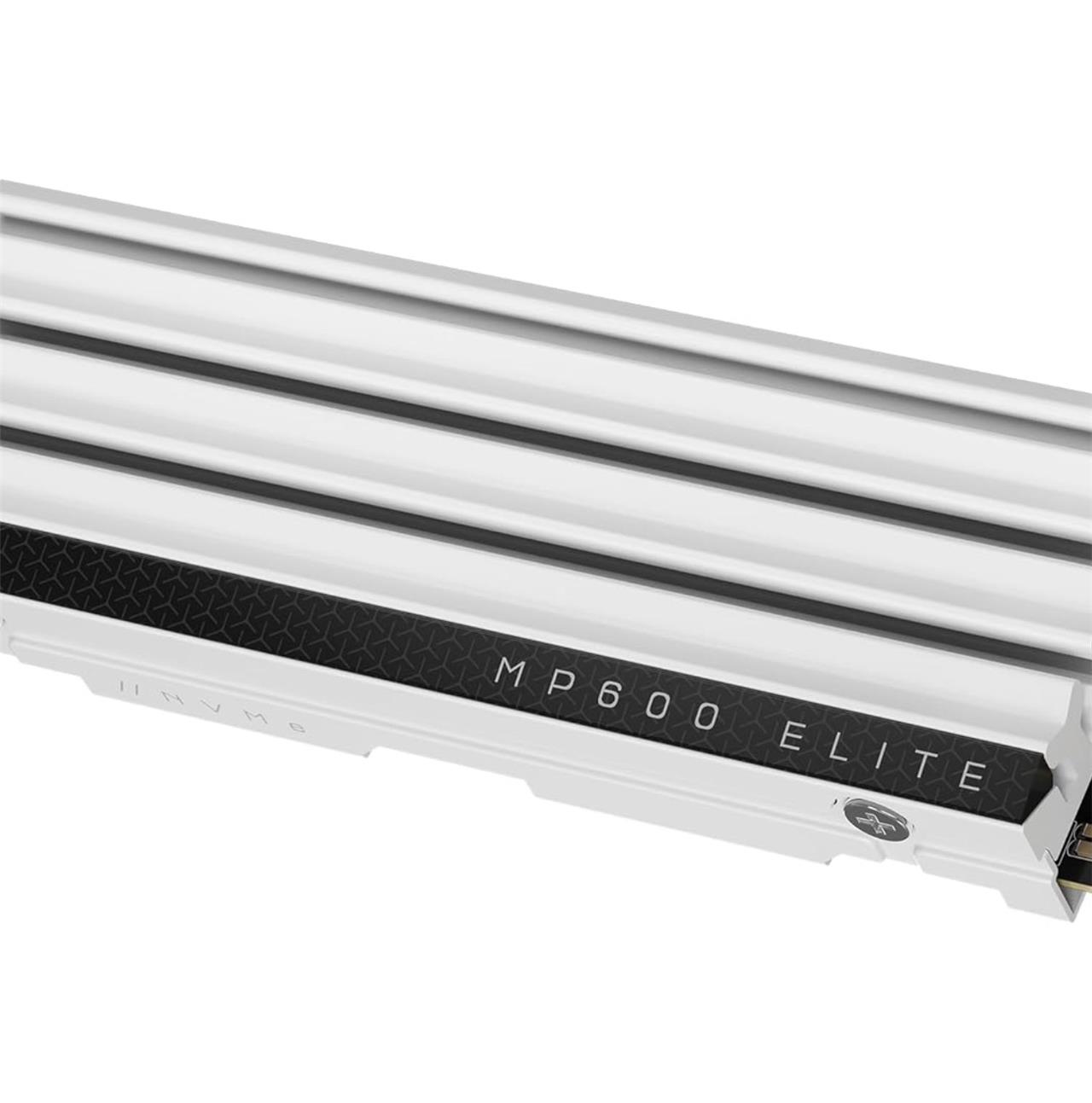
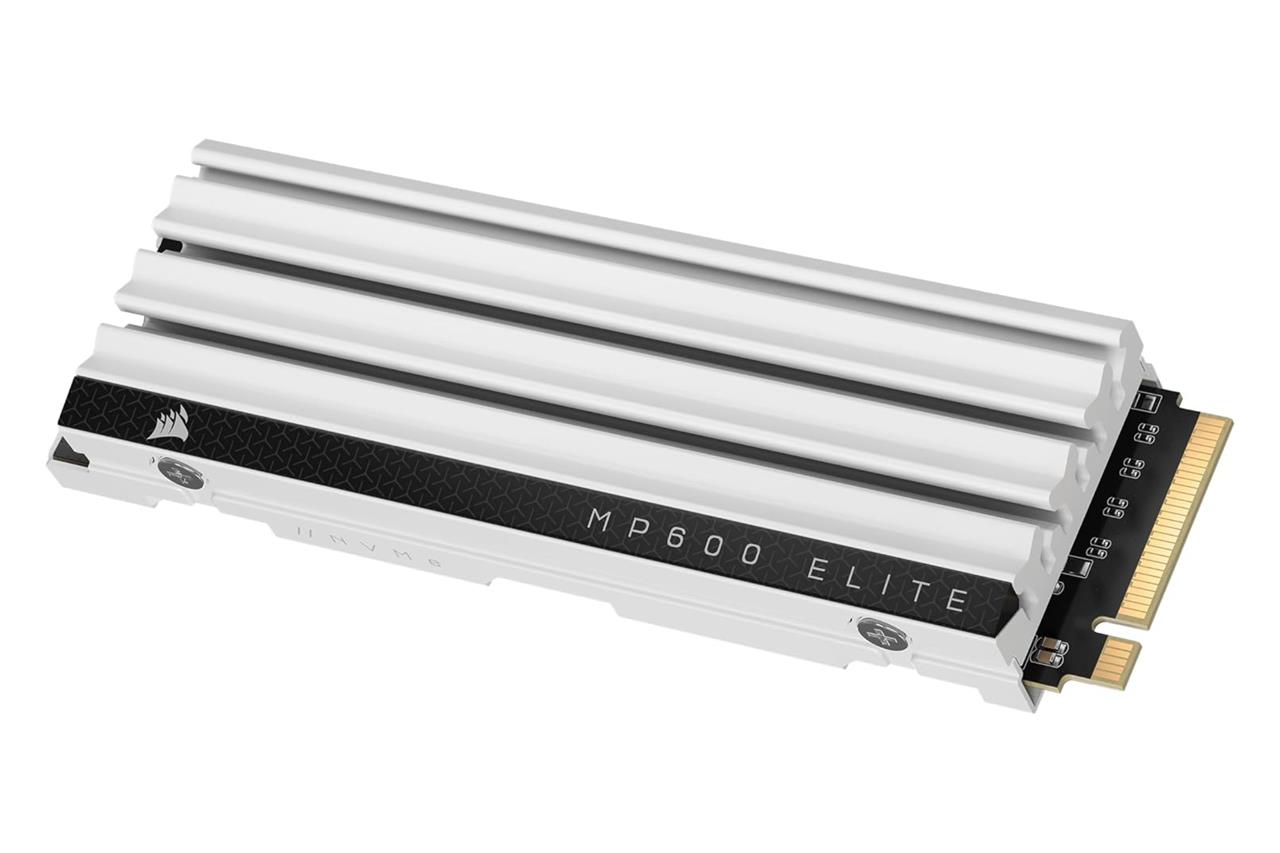
Corsair MP600 Elite 2 TB M.2 SSD
$140$18524% off $140
Out of the box, the PS5 comes with everything you need to get started: a DualSense controller, a power cable, and a high-speed HDMI cable. What it doesn’t come with is very much storage. Its 1 TB internal SSD actually has 825 GB of storage (the PS5 Pro has 1.89 TB of its advertised 2 TB). Though, in reality, the OS takes up some space, so even less of that storage is available to use for games and apps. And once you begin installing stuff, that storage might disappear faster than you think it will. So, the accessory that we recommend for most people is an M.2 SSD, especially since the console now supports up to 8 TB of SSD storage.
Corsair’s MP600 Elite is not just a fast SSD for PS5, but a cost-effective one, too, offering the most storage per dollar compared to the competition. But there are plenty of other good models to choose from, which we’ve rounded up in our handy guide to the best PS5 SSDs.
Read More $140 at Amazon
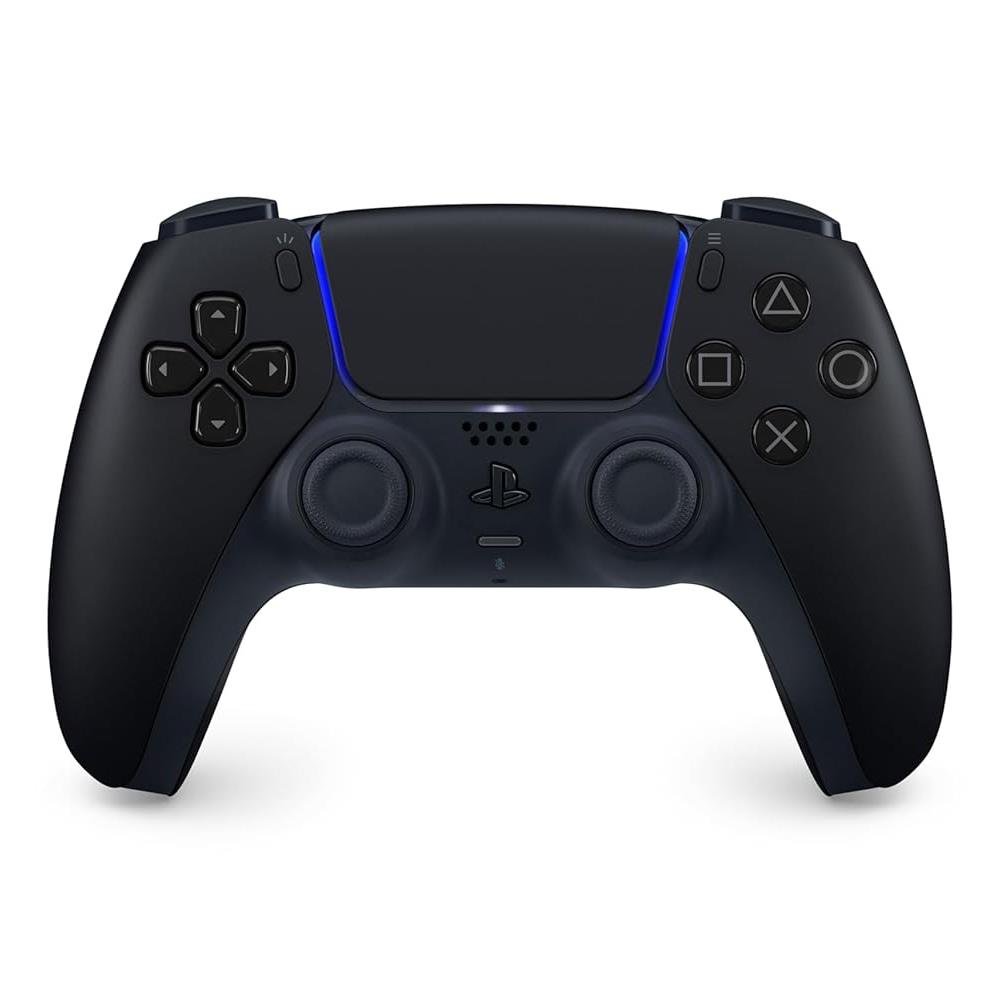
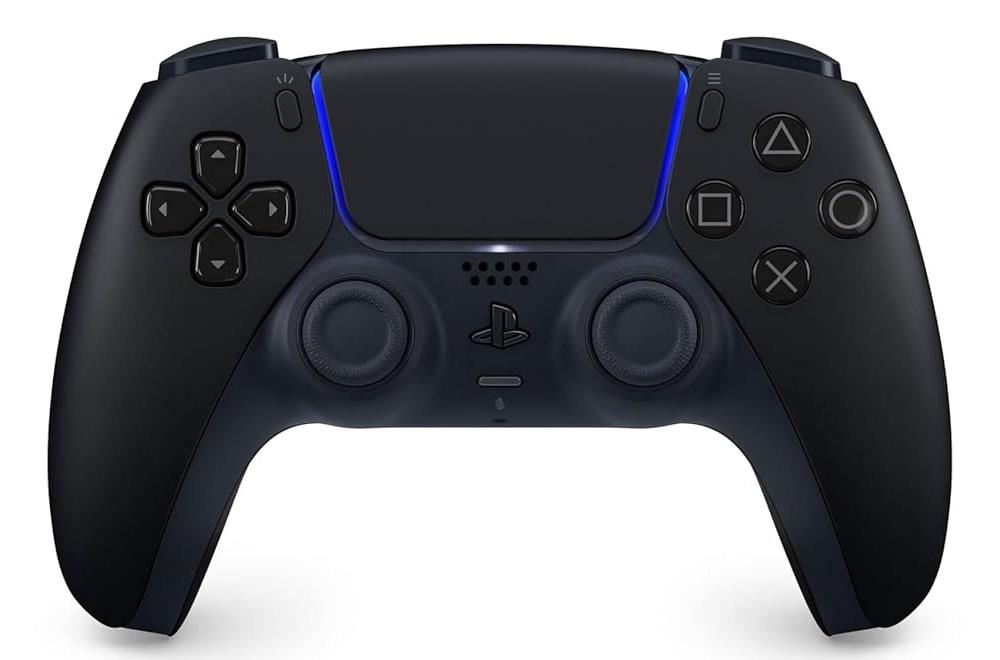
PlayStation DualSense wireless controller
$69$758% off $69
If you have a player 2 at home, you’ll need another controller sooner than later. There’s no better option for the PS5 than Sony’s DualSense. It’s comfortable to use, it has decent battery life, and you can find the color and design that suits you best from its growing list of options. Some colors are pricier than others, but splurging might be worth it to you.
Read More $75 at Amazon$75 at Best Buy$69 at Walmart
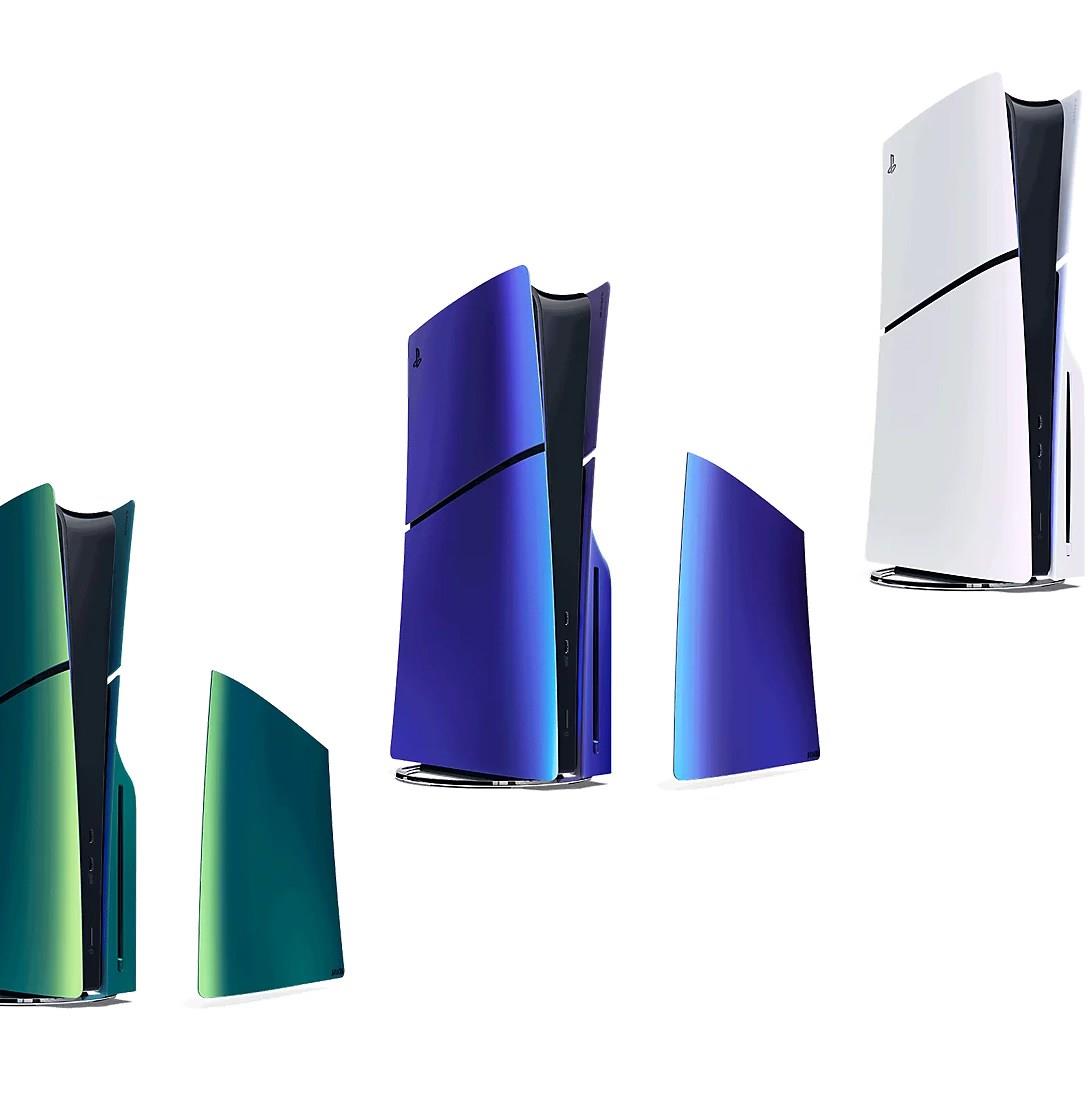
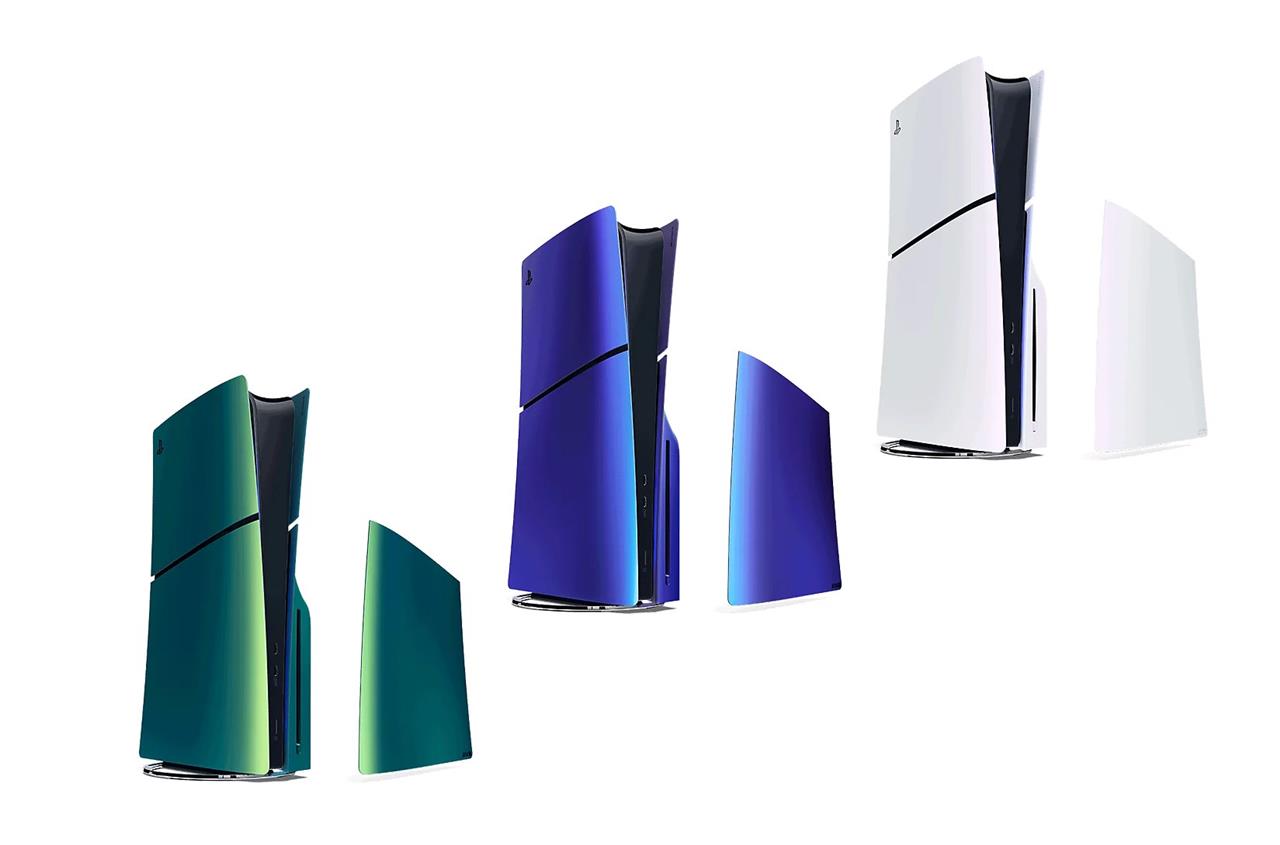
PlayStation Chroma console covers
$65 $65
Sony makes different colors of PS5 console covers, in case you want to yank off the white ones that come by default. You can go for a full color swap or mix and match different colors – but this upgrade doesn’t come as affordably as you might expect. Each set starts at $54.99, and this price goes up for some color schemes.
Another option for giving your PS5 a makeover are Dbrand’s Darkplates 2.0. They have a slightly different design, and you can pay more to customize them.
Read More $65 at PlayStation
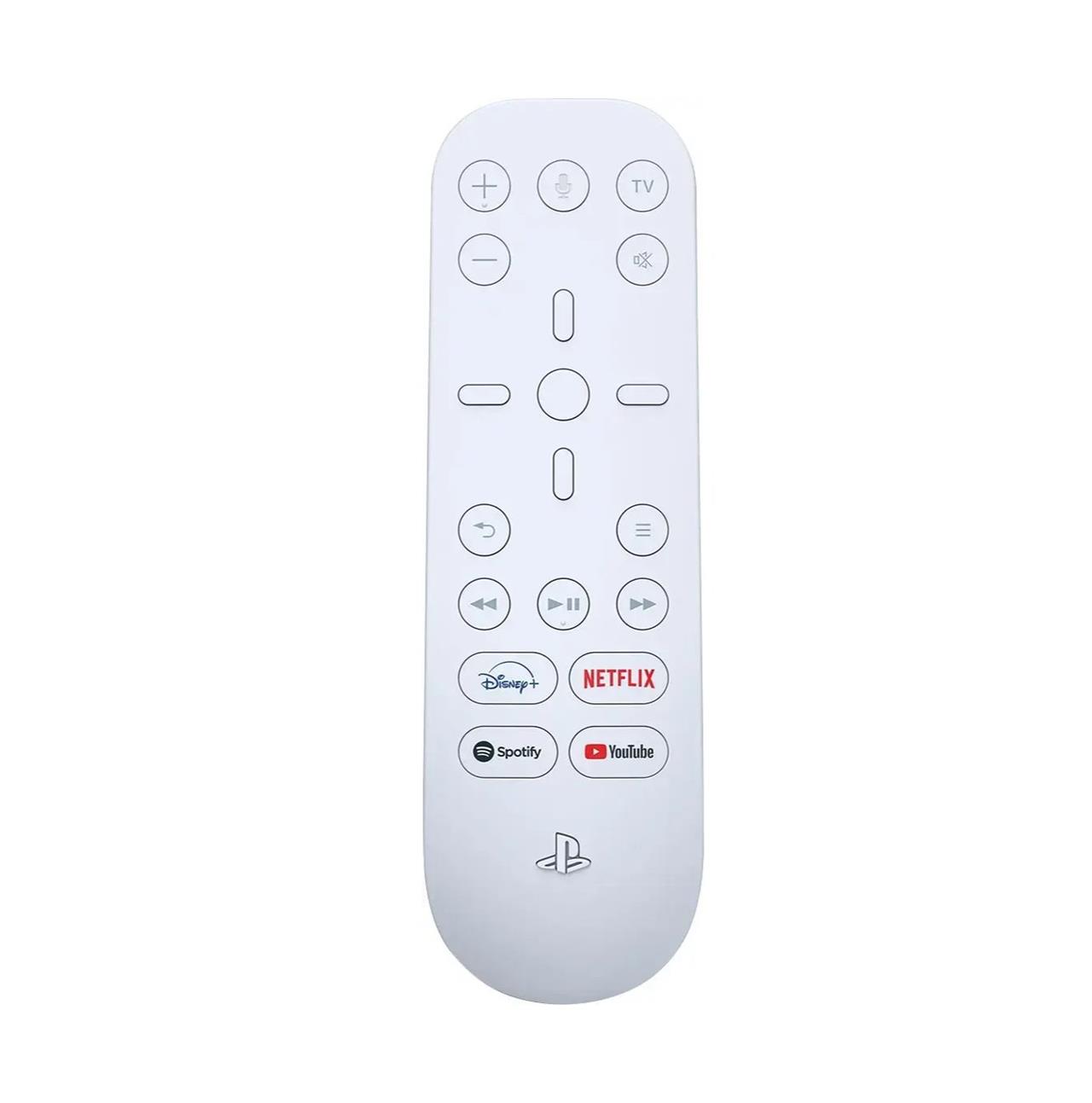
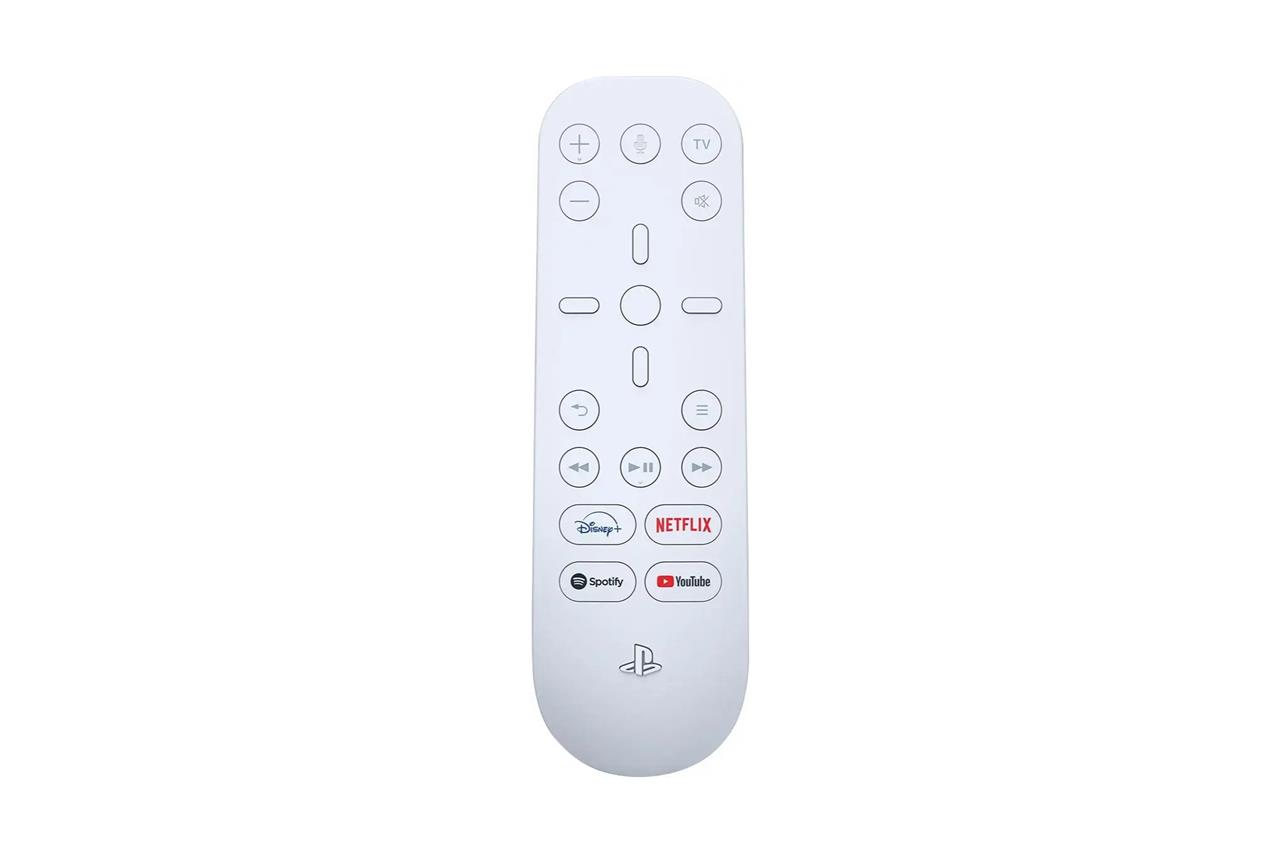
PS5 Media Remote
$30 $30
The PS5 supports media streaming apps, including (but not limited to) Max, Apple TV Plus, Netflix, and Disney Plus. You can control each app with a DualSense, but Sony also makes a dedicated PS5 remote that might be preferable for when you’re watching movies or TV. It provides many of the controller’s inputs, letting you easily hop between system menus – pretty much everything shy of playing games.
Read More $30 at Sony$30 at Amazon$30 at Best Buy
Sony Inzone Buds
$178$19810% off $178
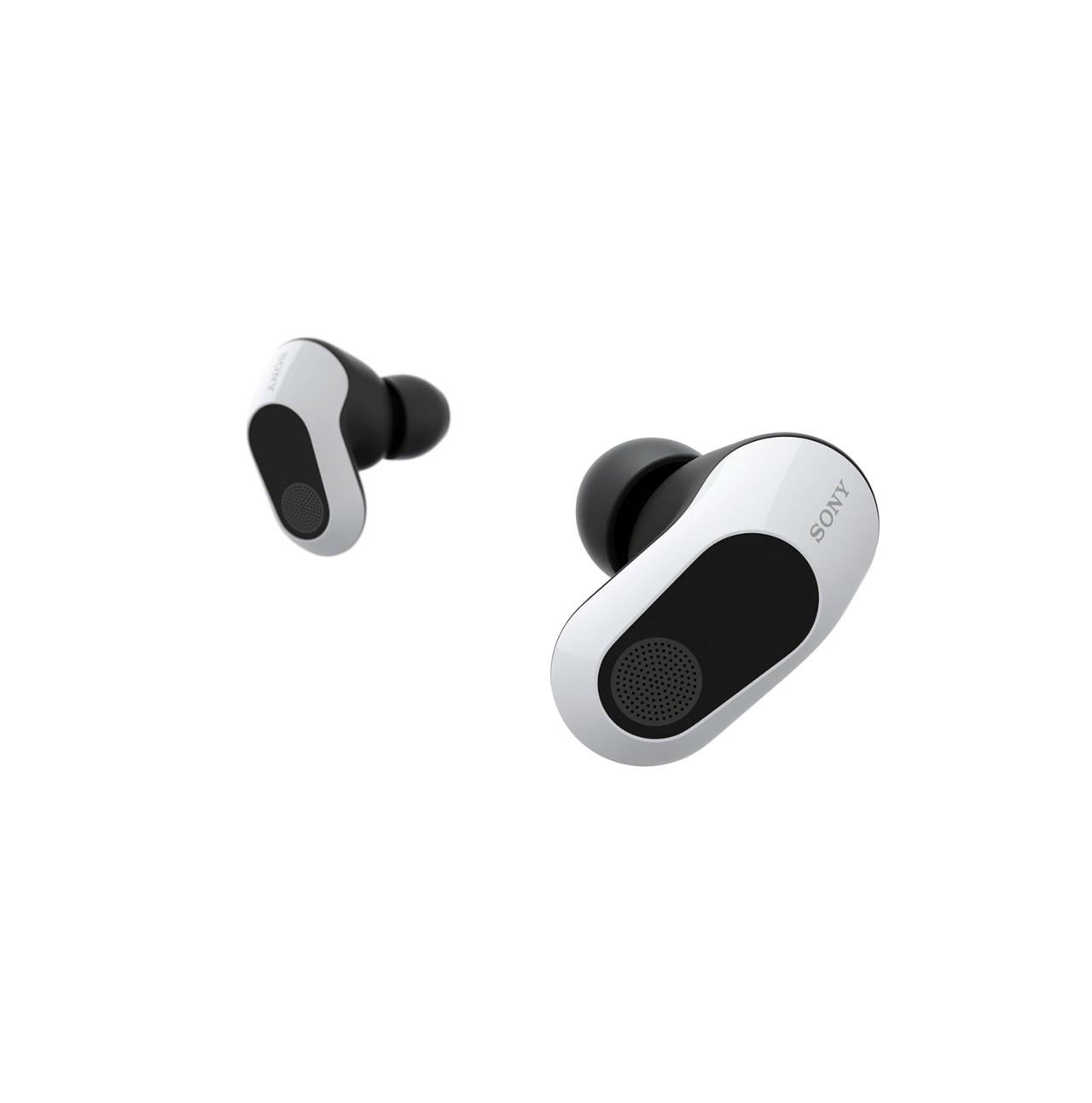
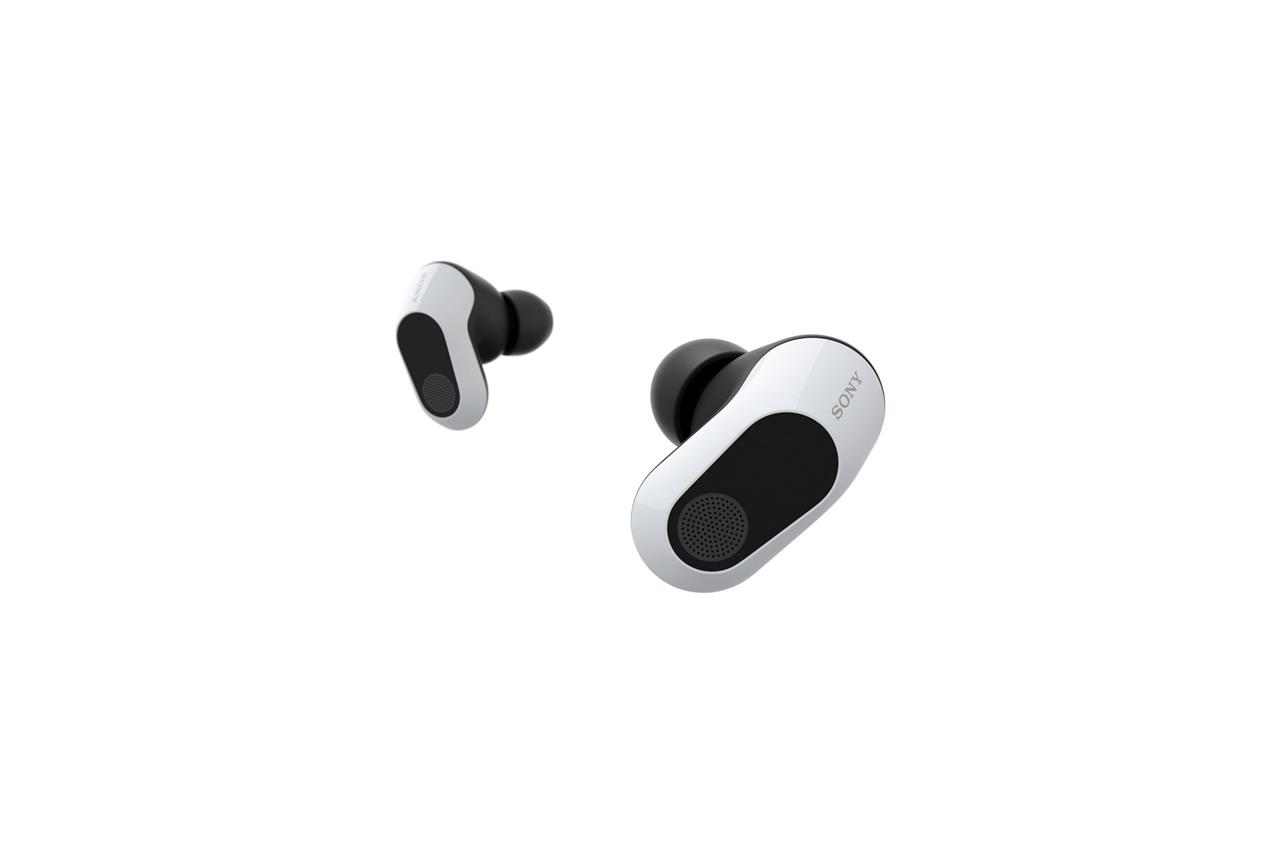
You might not always want to blare your PS5’s audio through your TV or soundbar speakers. When you need to do some private listening, or when you’re jumping into your online squad, a headset is another easy recommendation. Pricing, styles, and capabilities are all over the place in this category, but Sony’s $199.99 wireless Inzone Buds are a great option. They’re available in white or black, and their sound quality is superb, rivaling that of Sony’s flagship earbuds, the WF-1000XM5.
If you prefer over-ear headsets, we have a couple recommendations for those below.
Read More $178 at Amazon$200 at Best Buy
2 great PS5 headsets
Sony’s Pulse 3D headset delivers precise audio tuned for the PS5’s Tempest 3D AudioTech, giving games a clear sense of space and direction. For players who prefer premium sound and build quality, the SteelSeries Arctis 7P+ offers long battery life, a comfortable fit, and low-latency wireless performance that keeps communication sharp during intense matches. Both options pair effortlessly with the console and enhance every session with crisp, immersive sound.
Sony Inzone H9
$198$29834% off $198
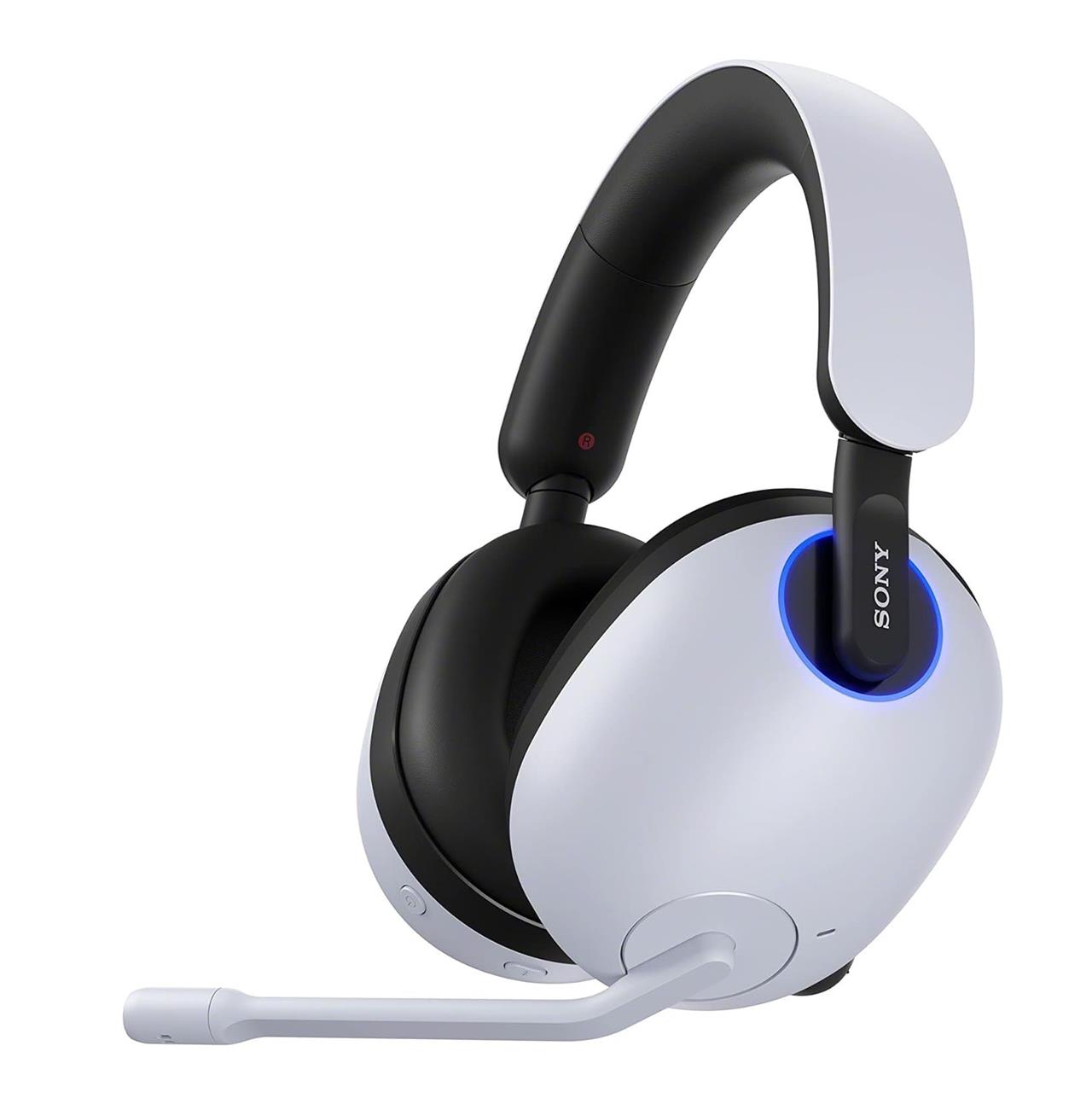
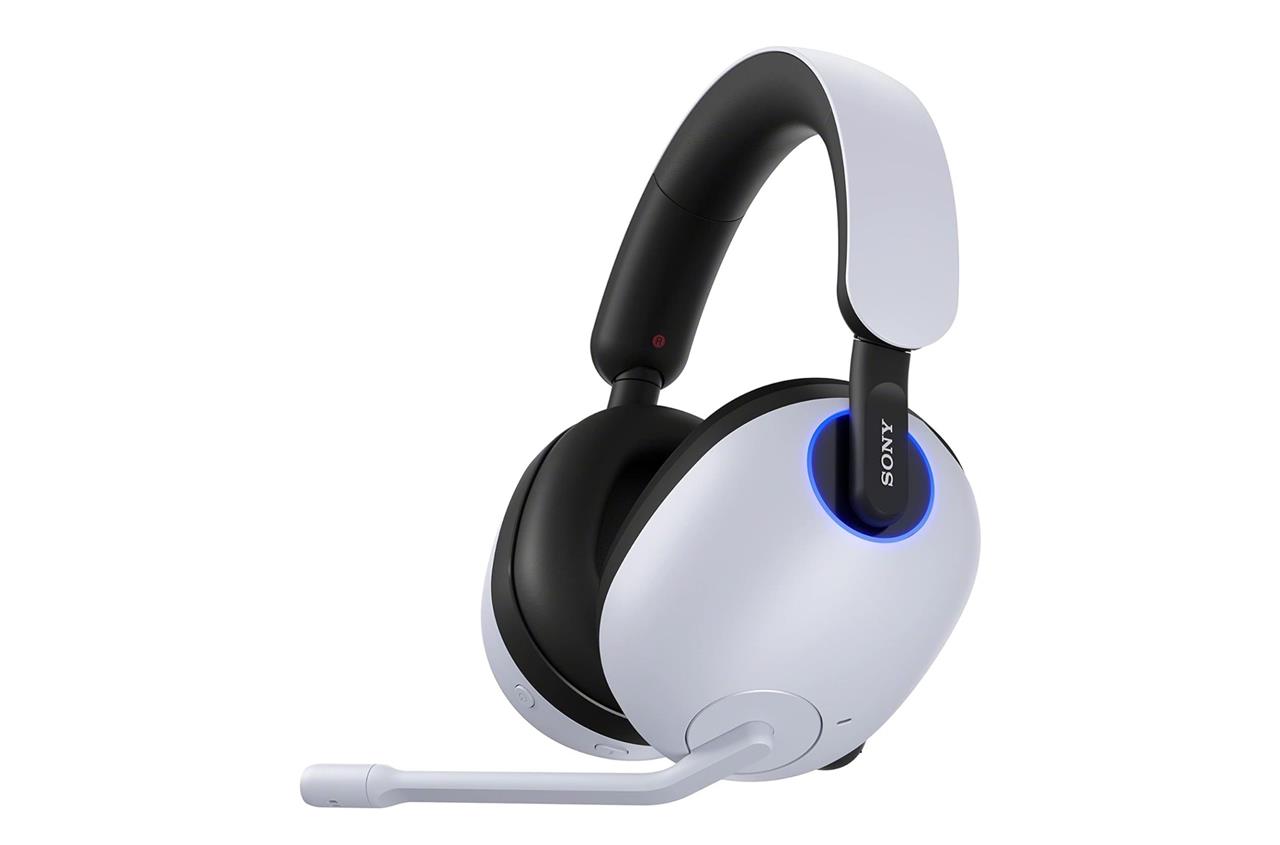
If over-ear headphones are more your style than buds, check out the Inzone H9. While pricey, this headset is made for PS5 and PC, and its USB 2.4 GHz transmitter has a switch that you toggle depending on what you’re using. Its flip-to-mute boom microphone is an improvement over the beamforming mics on the Pulse 3D, partially because it’s easier to bring the mic right up to my mouth. But in terms of quality, online friends have told me that the difference isn’t stark compared to cheaper headsets.
It has some other perks, including Bluetooth support, so you can toggle between game audio, a phone call, or podcast audio. The H9 also features very effective noise cancellation, which is handy if you want to really focus in on games.
Read More $198 at Amazon
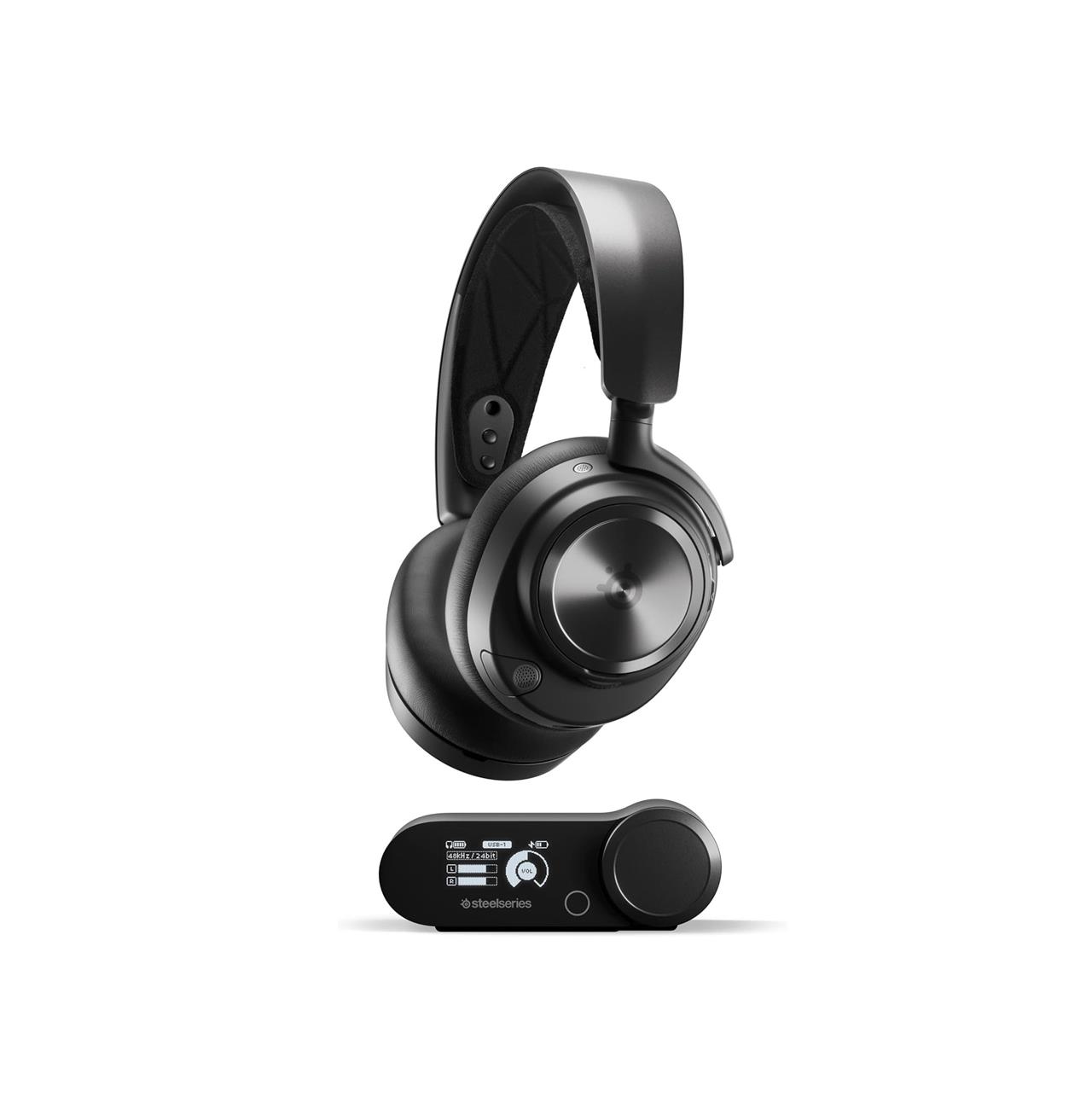
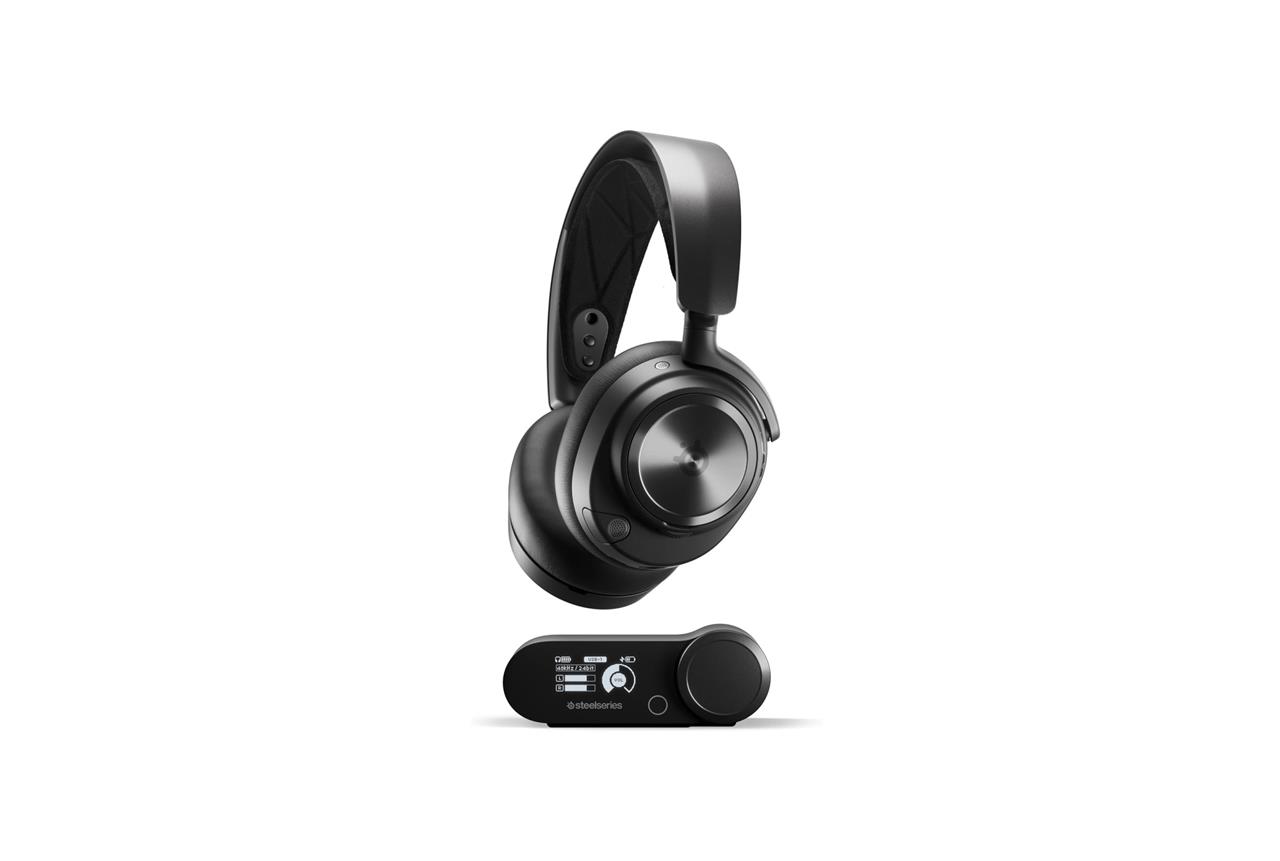
Steelseries Arctis Nova Pro wireless headset
$299$35015% off $299
For most people, I don’t suggest spending $300 – nearly the price of the PS5 itself – on a headset. It’s just not practical advice. Now that I’ve gotten that levelheaded intro started, I can say that SteelSeries’ Arctis Nova Pro might totally be worth it to you. I reviewed it over at The Verge, and its build quality and design are a couple of notches above the Inzone H9 and Inzone Buds. It looks so sleek, the Arctis Nova Pro might even pass as high-end over-ear headphones when you’re out and about. The active noise cancellation is also a huge boon for when you need to concentrate.
Part of the high price is due to the wireless base station that’s included. This lets you connect to a PS5 and another device, like a Switch or a PC. (SteelSeries makes a slightly different model with USB ports that works with Xbox.) You can switch audio sources easily on the station. The station also houses and charges a spare battery, so you can hot-swap batteries during gameplay with relative ease.
This is the full package, and I recommend it to someone who wants the ultimate personal audio setup – and especially to those who want a headset that’s just as great on PS5 as it is on other platforms. If you’re looking for a wireless SteelSeries PS5 headset with some, but not all, of the same features at a lower price, you should consider its Arctis Nova 7P, which currently costs $175 at Amazon.
Read More $299 at Amazon$303 at Best Buy
Other worthwhile PS5 upgrades
Beyond controllers and headsets, consider a PS5 stand with cooling fans to prevent overheating during long sessions, or an external SSD for faster load times and extra storage. A capture card like the Elgato HD60 S+ lets you stream gameplay effortlessly to Twitch or YouTube. Power surge protectors guard against electrical issues, while wall mounts save desk space and reduce clutter. These additions enhance comfort and reliability without breaking the bank.
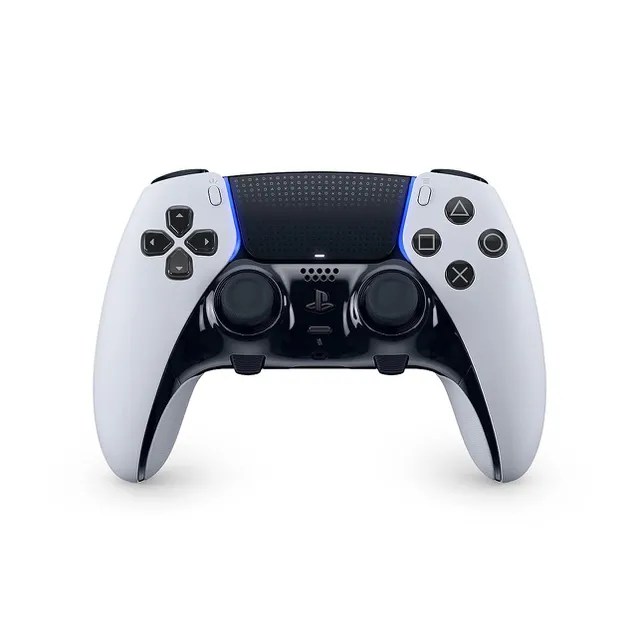
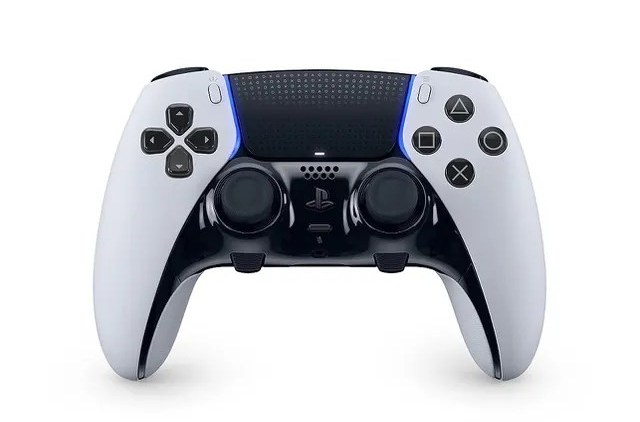
DualSense Edge PS5 wireless controller
$200 $200
Do you like the DualSense, but want a more pro-level version of it? The DualSense Edge is what you’re looking for. Sony’s $199 option adds customizable back paddles, as well as the ability to toggle through custom control schemes with a couple button presses. It’s largely the same as the DualSense in terms of look and feel, and it has the same stellar haptic feedback and adaptive triggers. But there’s just more stuff to tweak to your liking here, in exchange for a small yet noticeable hit to battery life.
The triggers, for instance, have switches that adjust the pull distance in case you want a more responsive feel. Those back paddles I mentioned? Those can be mapped to almost any button on the controller, so you can more comfortably execute a move, drink a potion, or do anything else without taking your fingers off the analog sticks. On the topic of analog sticks, these use the same sticks as the DualSense’s, but one big difference is that they are in modules that can be swapped, in case one should break.
Read More $200 at Amazon
PlayStation VR 2 bundle
$400$60033% off $400
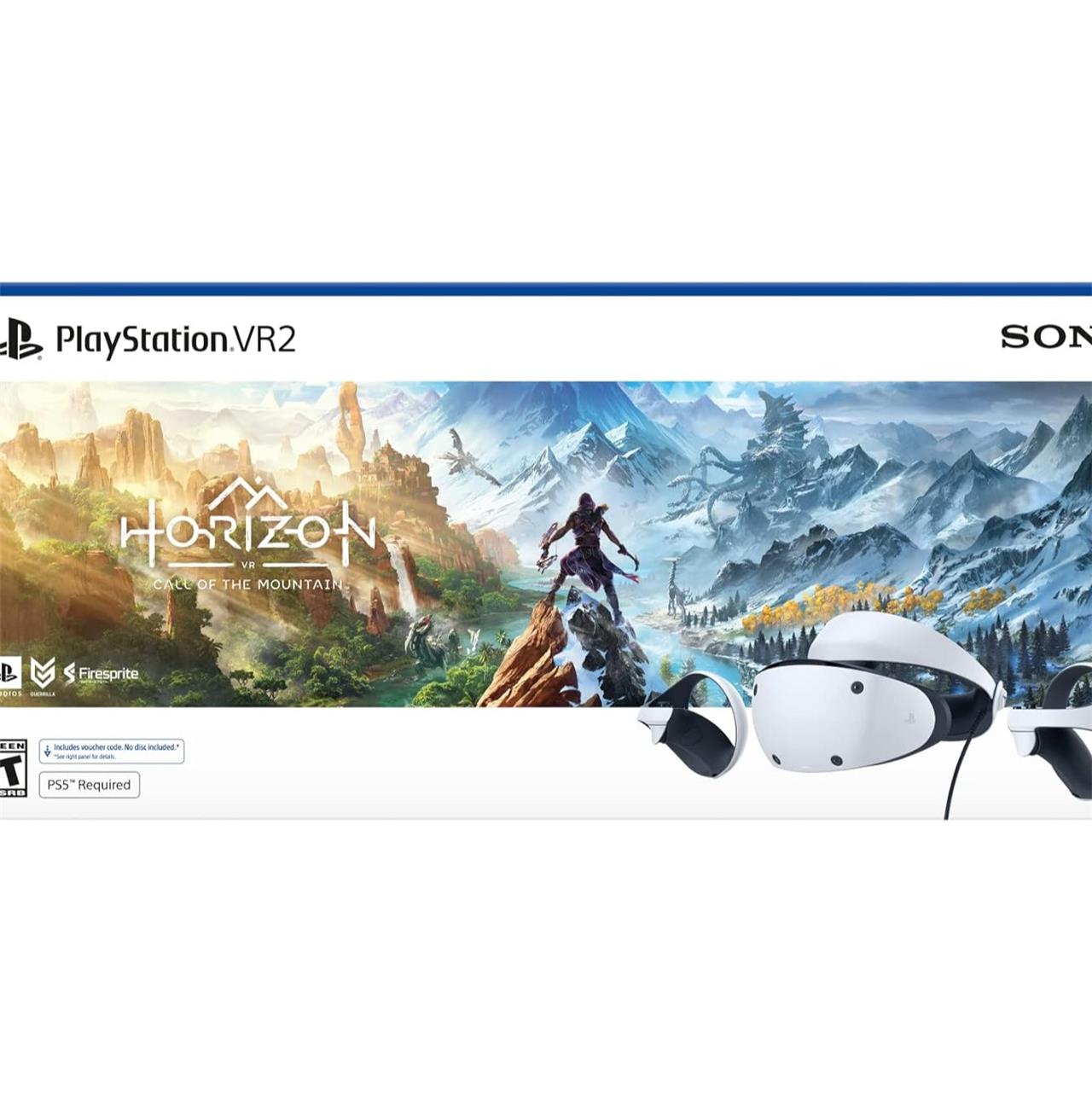
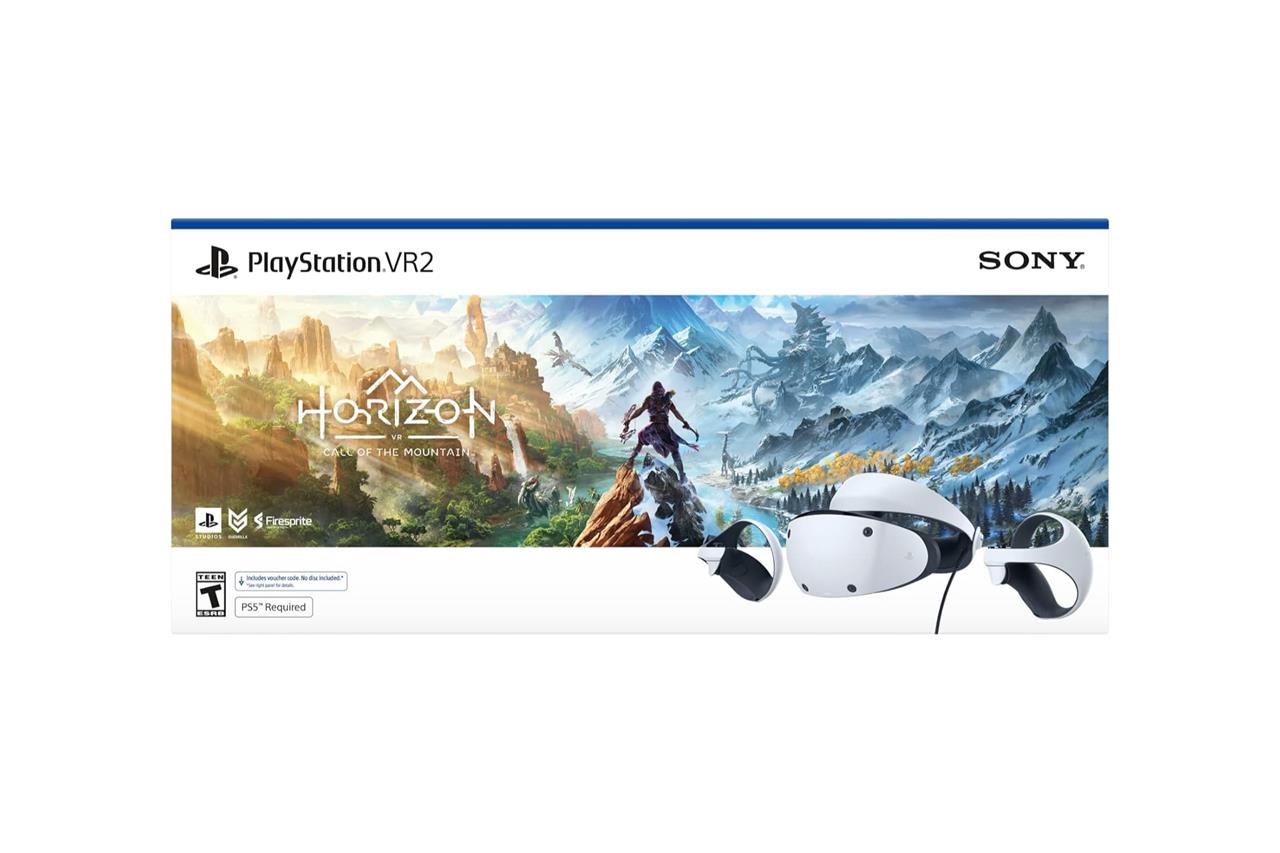
While the original PSVR was designed for the PS4, the Sony PlayStation VR 2 headset was made to take advantage of the PS5’s power. This kit includes the wired headset, plus two controllers. The setup process has been greatly simplified from the previous generation, requiring just a single USB-C connection on the front of the PS5 console. The PlayStation VR 2’s built-in cameras and sensors can also detect where you are in your room to safeguard you from obstacles.
Every platform’s VR library starts out small, and the PlayStation VR 2’s is no different. It’s not helped by the fact that it isn’t backward-compatible with PSVR games. Still, there are some winners already, including Gran Turismo 7, Resident Evil Village, No Man’s Sky, and Horizon Call of the Mountain. The Resident Evil 4 remake now has a free VR mode, too.
Sony also released a PC adapter that makes it possible to connect the PlayStation VR 2 headset to a gaming PC, so you can play PC VR titles, such as Half-Life: Alyx.
Read More $400 at Best Buy
PlayStation Portal
$200 $200
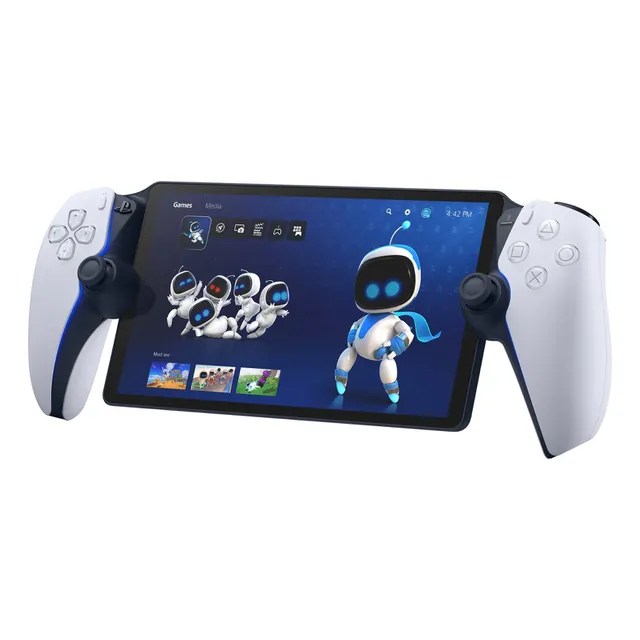
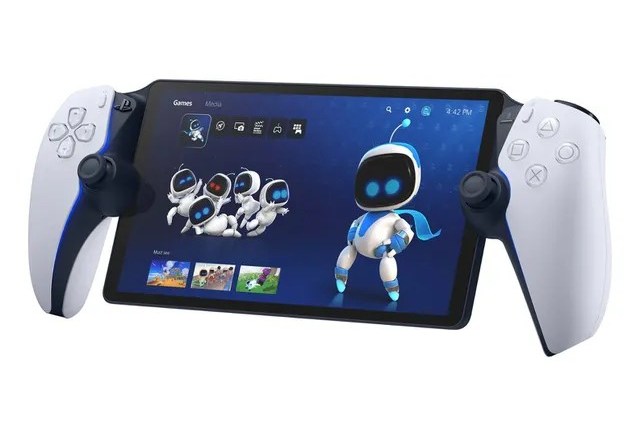
Sony is out of the handheld game (for the moment) and doesn’t compete directly with the Nintendo Switch and Steam Deck, but it carved out an area of its own with the PlayStation Portal. It’s a game streaming device that, over Wi-Fi, can display games from your PS5, allowing friends and family to hijack your TV for other purposes.
It’s far from an essential accessory, as modern phones that support Remote Play can effectively mimic the Portal’s features. However, the Portal’s design, large display, and convenience make it a more premium alternative.
Read More $200 at GameStop$200 at Sony
PS5 SSD installation guide
Installing an M.2 SSD in your PS5 expands storage for games without sacrificing speed, following official Sony specs for compatible PCIe Gen4 NVMe drives with heatsinks.
Preparation
Update your PS5 system software first via Settings > System > System Software Update. Power off completely (hold power button until lights fade), unplug all cables, and discharge static by touching grounded metal. Use a Phillips screwdriver; ensure your SSD (e.g., 2230-22110 size, 250GB-8TB) has a heatsink under 11.25mm total height.
Remove Covers
Lay PS5 horizontally (logo down, ports toward you). Grip bottom-right and top-left cover edges, slide left to remove. Unscrew and lift the rectangular expansion slot cover near the top-right.
Install SSD
Remove the slot screw and spacer ring; reposition spacer to match SSD length (e.g., “80” for 2280). Align SSD notch at 30-45° angle, slide firmly into slot, press down flat, and secure with screw through spacer.
Reassemble and Format
Replace slot cover and screw it in. Slide main cover back until it clicks. Reconnect cables, power on; go to Settings > Storage > M.2 SSD Storage to format (erases data).
Quick Comparison
| Step | Common Mistake | Fix |
|---|---|---|
| Angle Insert | Too straight, won’t seat | 30-45° with notch aligned |
| Spacer | Wrong position | Match SSD size marking |
| Heatsink | Too tall | Max 8mm above board |
Best M.2 SSDs for PS5 in 2026
The best M.2 SSDs for PS5 in 2026 meet Sony’s requirements: PCIe Gen4 x4 NVMe drives with 5500+ MB/s sequential read speeds, M.2 2280 form factor (2230-22110 supported), and total height under 11.25mm including heatsink.
Top Picks
Samsung 990 PRO leads with excellent PS5 benchmark scores around 6526 MB/s read, strong real-world game copying (100GB in under 45 seconds), and capacities up to 4TB; it excels in sustained performance. WD_BLACK SN850X follows closely with 7,000+ MB/s speeds, reliable thermals, and broad availability in 1-4TB sizes for fast loading.
Value Options
Seagate Game Drive M.2 SSD offers official Sony licensing, solid 6459-6526 MB/s PS5 tests, and affordability in 1-2TB (no 4TB yet). Corsair MP600 PRO LPX provides balanced speed up to 7100 MB/s with pre-installed heatsink and 5-year warranty, ideal for easy install.
SSD Comparison
| SSD | Read Speed (MB/s) | Capacity Options | Heatsink Included | PS5 Notes |
|---|---|---|---|---|
| Samsung 990 PRO | 1-4TB | Optional | Top real-world performer | |
| WD_BLACK SN850X | 1-4TB | Optional | Excellent value, reliable | |
| Seagate Game Drive | 1-2TB | Yes | Officially licensed | |
| Corsair MP600 PRO LPX | 1-4TB | Yes | Easy plug-and-play |
