
Fast load times, seamless gameplay, and room for every title – upgrading your PlayStation 5 with the right SSD transforms your console’s performance. Here’s how the best options stack up for speed, capacity, and value.
Expanding the storage of your PlayStation 5 isn’t as expensive (or as difficult) as you may fear. And, best of all, many M.2 SSDs are compatible, so you can shop for the one that’s right for your budget. However, there are some requirements. First is speed. Per Sony, the one you choose needs to be a PCIe 4.0 model with a sequential read speed of at least 5,500 MB/s. All of our options below meet that criterion.
Secondly, while the PS5 can handle one M.2 SSD of at least 250 GB and up to 4 TB (8 TB, thanks to a software update) in capacity, the SSD needs its own heatsink to operate properly. Most of our picks come with one pre-installed, a convenience that usually results in a slightly higher price than their heatsink-less counterparts. But if you find a great deal on a heatsink-less model, this low-profile heatsink is just $10.99 at Amazon and can be installed in minutes.
For each SSD, we’ve listed the specs provided by the manufacturer, but it’s important to note that their speed may not directly impact load times or gameplay.
Best-value PS5 SSDs
These SSDs offer a strong balance between speed, capacity, and price, making them ideal for gamers who want solid performance without spending too much. They meet Sony’s requirements for PS5 compatibility, provide quick load times, and are easy to install. Whether expanding storage for large game libraries or improving overall performance, these drives deliver smooth gameplay and dependable value.
Corsair MP600 Pro LPX
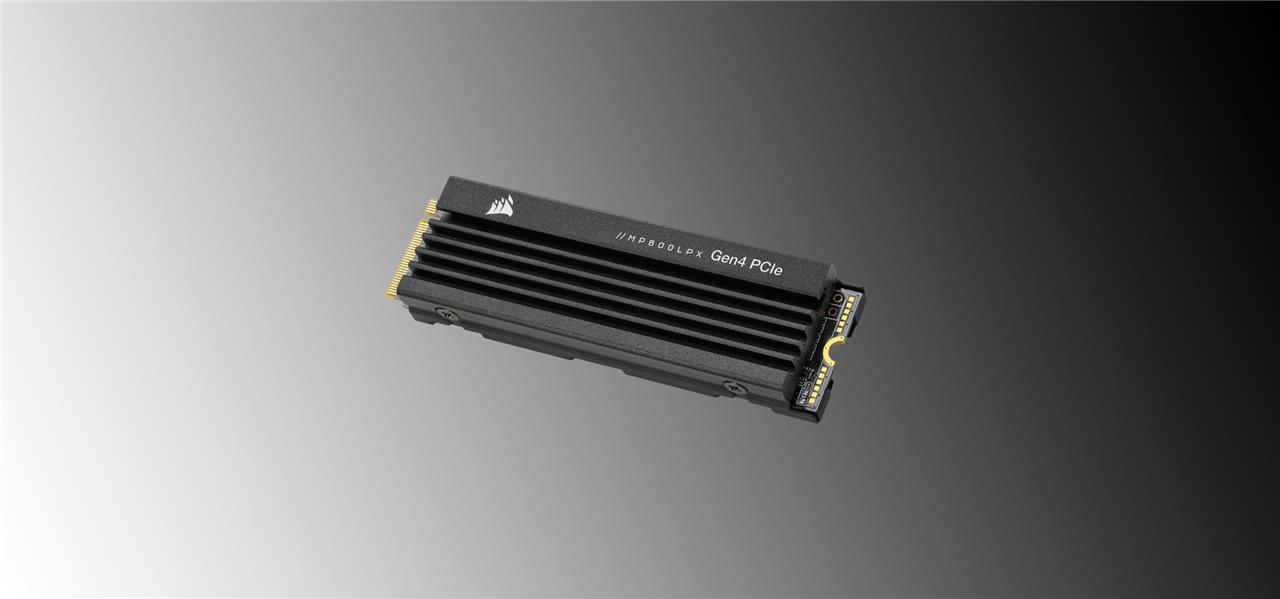
The Corsair MP600 Pro LPX SSD is a good one to get when the price dips as low as it currently has. The MP600 yields a slightly faster read speed than Samsung’s 980 Pro below. You can find the 1 TB version SSD for $89.99 (normally $184.99). You’re getting about 14 GB per dollar spent, which is among the best value on this page. The 2 TB version costs $164.99 (normally $209.99).


Corsair MP600 Pro LPX SSD with heatsink
$90$12025% off $90 $90 at Best Buy (1 TB)$165 at Best Buy (2 TB)
Samsung 980 Pro
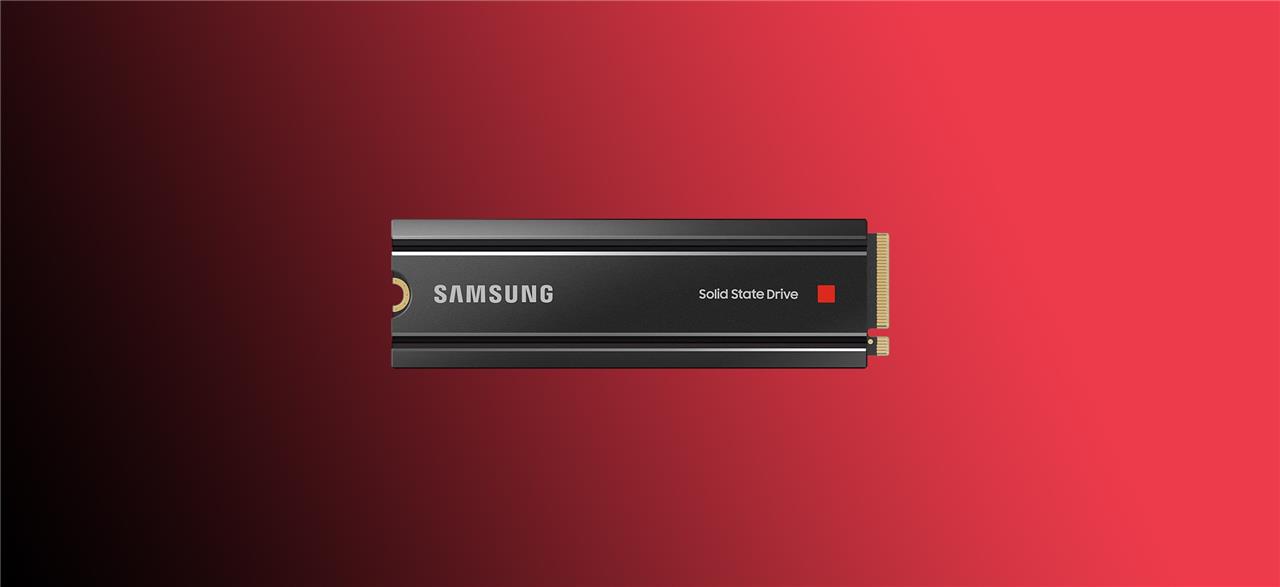
The Samsung 980 Pro M.2 SSD is likely the most popular option, due to being one of the debut PCIe 4.0 SSDs on the market. It’s also a good value, thanks to its great performance, falling price, and wide availability.
Despite its solid performance, it’s worth noting that there are reports of the 980 Pro, specifically its 2 TB version, failing for some people (via Puget Systems). There were enough affected that Samsung issued new firmware that you should install to it via Samsung’s Magician software for PC. However, you’ll need either a desktop or a laptop with an available M.2 port to do this, or you can try to use this M.2 to PCIe adapter.
It’s possible that you may never experience a problem (some AELGAMES staffers use this model inside of their PS5s without issue), but you should at least know what you’re getting into. Currently, you can pick up either 1 TB or 2 TB models at Amazon for $119.74 and $174.99, respectively.


Samsung 980 Pro SSD with heatsink
$175$23024% off $175 $185 at B&H Photo (2 TB)$175 at Amazon (2 TB)
Adata XPG Gammix S70 Blade
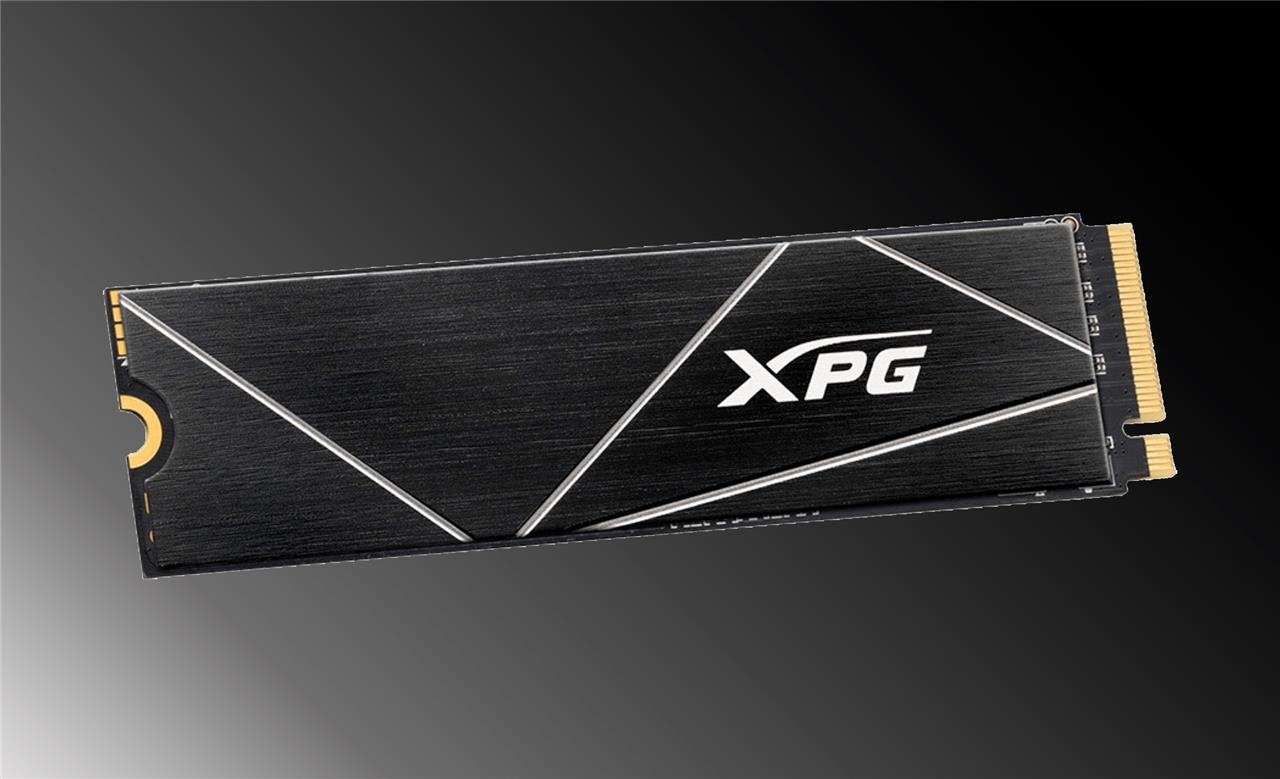
If you want a nice chunk of speedy storage for under $100, the Adata XPG Gammix S70 SSD offers the best bang for your buck. Amazon is currently discounting the 1 TB version of the S70 to just $89.99 (normally $109.99), and the 2 TB version is on sale for $169.99 (normally $209.99).


Adata XPG S70 Blade with heatsink
$90$11018% off $90 $90 at Amazon (1 TB)$170 at Amazon (2 TB)
Fastest PS5 SSDs
The PS5-friendly drives below 1 TB offer blazing sequential read speeds and compact form factors, making rapid game installs and in-game loading nearly seamless, while higher capacities provide ample space for large game libraries without compromising performance.
WD Black SN850X
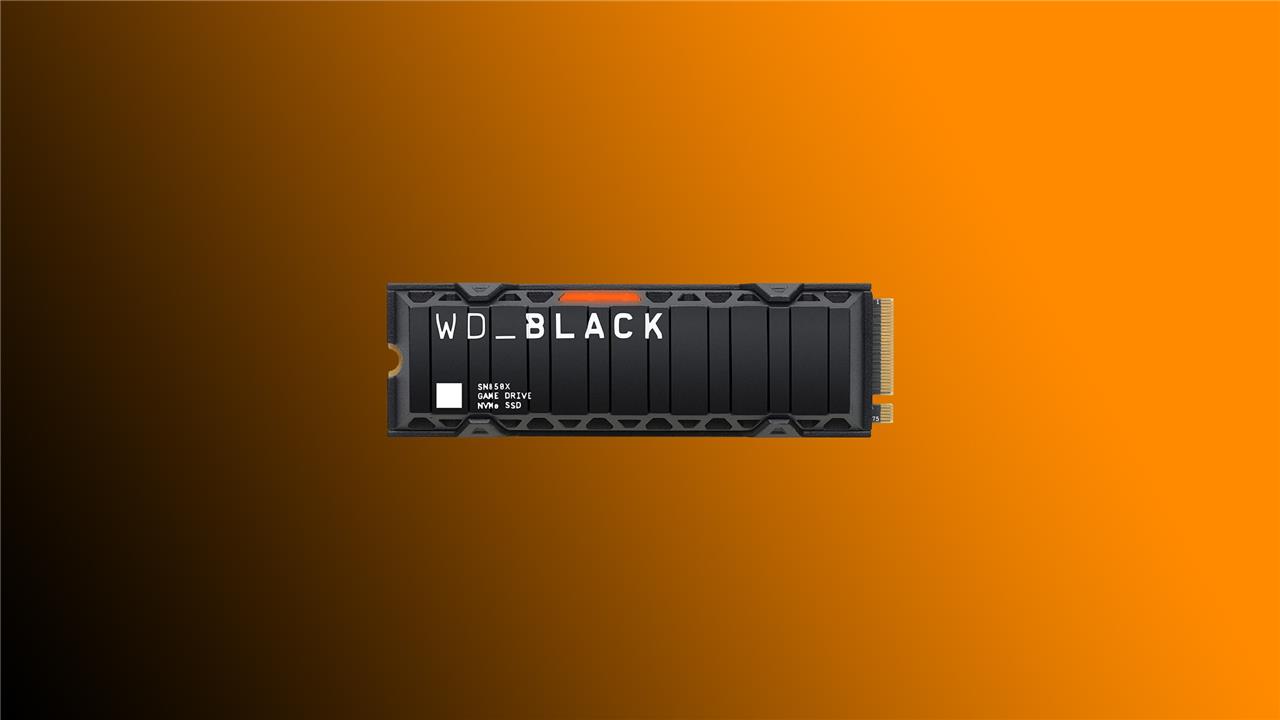
WD Black, an offshoot of Western Digital, also makes an M.2 SSD for PlayStation 5 modeled after its SN850X line of SSDs. Right now, you can find the 2 TB SN850X with a heatsink at Amazon for $179.99 (originally $199.99). You can also find the 1 TB version at Amazon for $109.99 (originally $179.99).


WD Black SN850X SSD with heatsink
$110$18039% off $110 $110 at Amazon (1 TB)$180 at Amazon (2 TB)
Samsung 990 Pro SSD
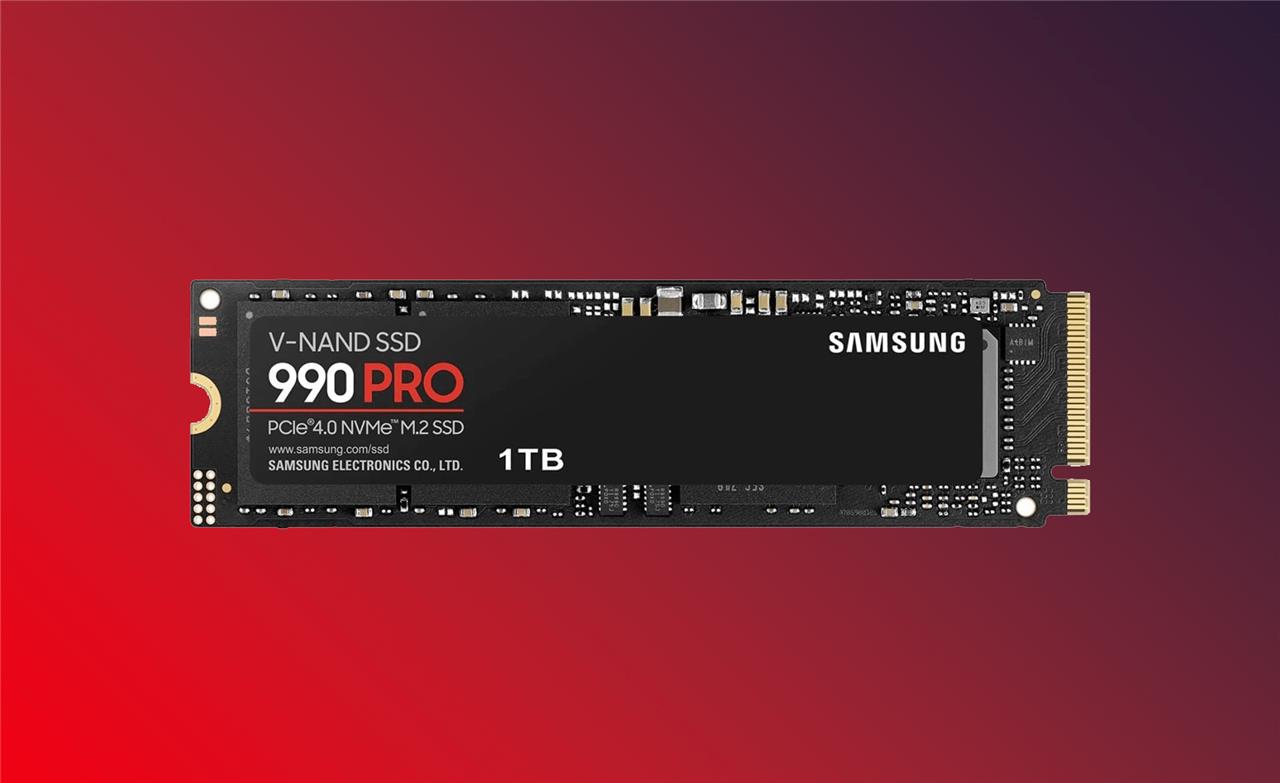
The newer Samsung 990 Pro promises even faster sequential read speeds of up to 7,450 MB/s. However, it’s a bit more expensive than the above WD Black recommendation, and you’ll have to foot the bill for the heatsink. The 1 TB version (sans heatsink) starts at $129.99 (the 2 TB model is also available for around $189.99).


Samsung 990 Pro SSD
$170$25032% off $170 $330 at Best Buy (4 TB)$170 at Best Buy (2 TB)
4 TB PS5 SSDs
4 TB PS5 SSDs offer massive storage for players who don’t want to manage game space constantly. These drives provide the same fast load times and reliability as smaller options but with room for large libraries of AAA titles, updates, and downloadable content. Brands like Samsung, Crucial, and WD Black make models that meet Sony’s speed and compatibility requirements, giving plenty of choice for users who want performance without compromise.
WD Black SN850X
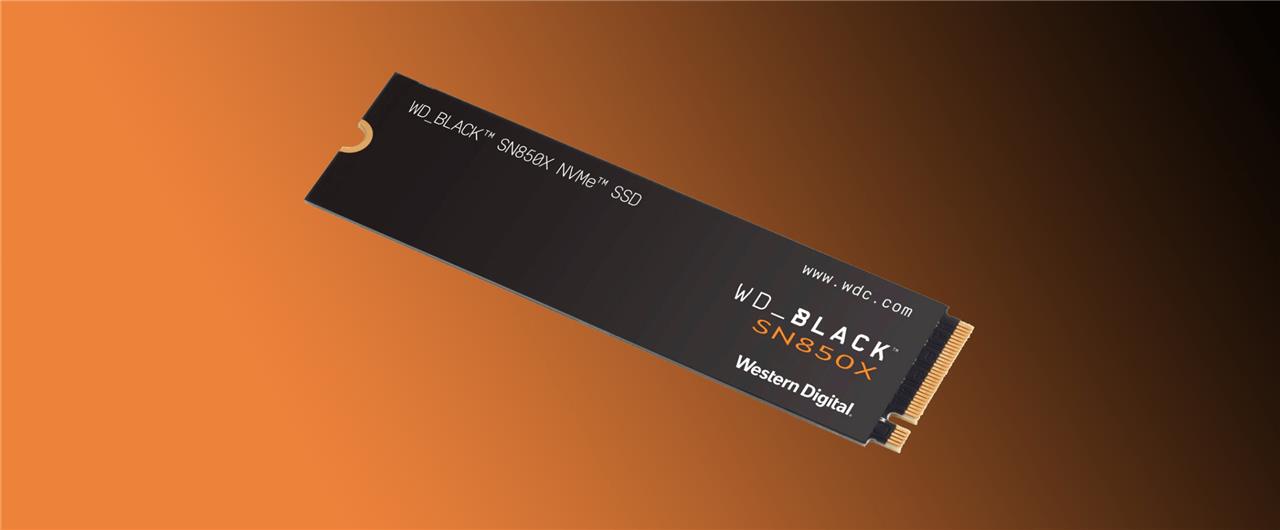
If you’re comfortable installing an M.2 heatsink, the heatsink-less version of the SN850X is just as fast as the heatsink-equipped version above but slightly cheaper. The 4 TB model costs $399.99 and is currently available at Best Buy.


WD Black SN850X SSD
$100$11513% off $100 $100 at Amazon (1 TB)$170 at Best Buy (2 TB)$400 at Best Buy (4 TB)
Corsair MP600 Pro LPX
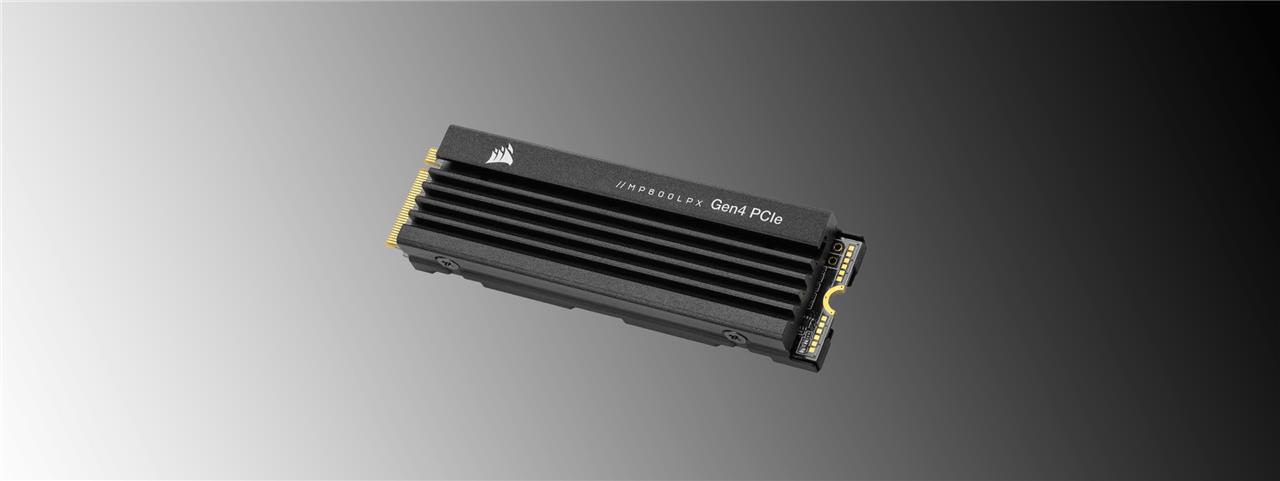
The Corsair MP600 Pro LPX is making another appearance here. Its 4 TB model comes in at $329.99. That’s considerably cheaper than the SN850X above, and it’s the one you should get, given its slightly increased speed and having a built-in heatsink.


Corsair MP600 Pro LPX SSD with heatsink
$90$12025% off $90 $90 at Best Buy (1 TB)$165 at Best Buy (2 TB)
Crucial P3
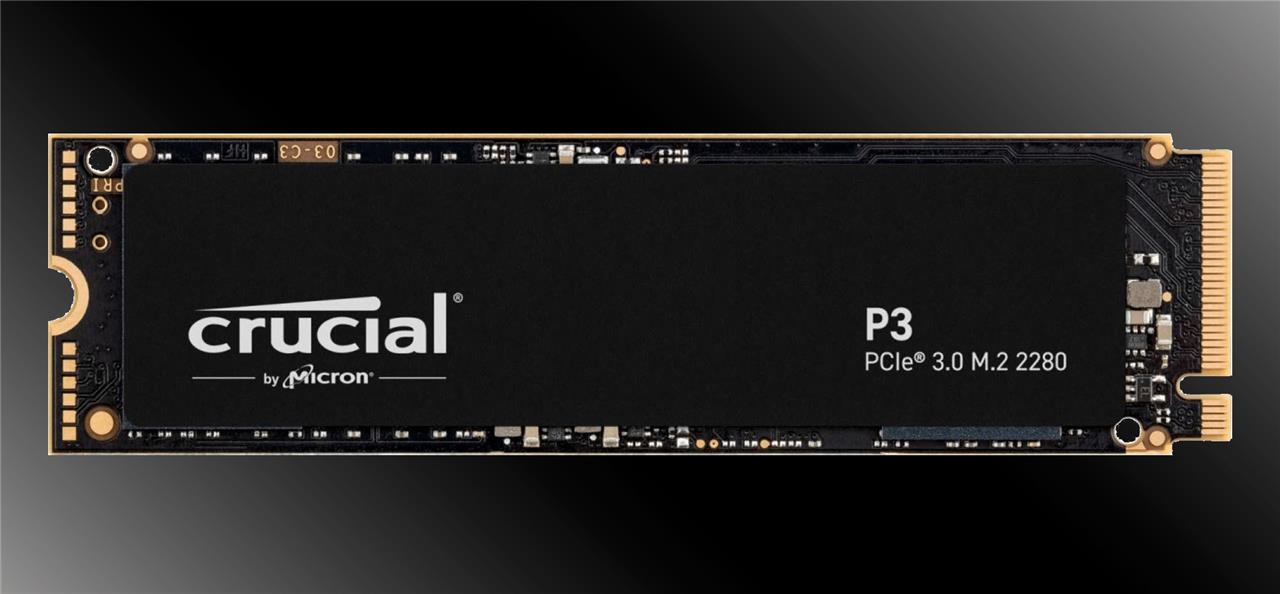
The Crucial P3 SSD is available in sizes ranging from 500 GB to 4 TB, and the 4 TB model goes for $344.99. While the 4 TB model of the P3 offers a substantial value, we wouldn’t suggest going this route if the 4 TB SN850X is available for a similar price.


Crucial P3
$345 $345 $345 at Best Buy
Kingston Fury Renegade

The Kingston Fury Renegade SSD is available in sizes that range from 500 GB to 4 TB. If you’re in the market for a larger size, B&H Photo currently has the 4 TB M.2 SSD for a whopping $449.99 (normally $749.99). Again, it’s not a great value, but it exists, and it’s fast.


Kingston Fury Renegade SSD
$125 $125 $125 at B&H Photo (1 TB)$220 at B&H Photo (2 TB)$635 at B&H Photo (4 TB)
External PS5 hard drives
External PS5 hard drives are ideal for storing PS4 games or archiving PS5 titles you’re not currently using. While they can’t run native PS5 games directly, they free up valuable space on your internal SSD for newer releases. Choose a high-capacity USB 3.0 HDD or SSD for quick transfers and reliable performance. Many players keep their PS5 library organized by moving finished games to an external drive, ensuring the console’s internal storage stays ready for high-speed gaming.
There are even bigger hard drives out there that can attach via USB to your PS5. However, these can only be used to store a PS5 game’s installation files, not to actually play it (although PS4 games can be both stored and played from an external hard drive). To play PS5 games that you’ve offloaded, you’ll need to transfer the files from the external storage to the console’s internal SSD. This might not sound like a stellar solution, but it’s a clever alternative to redownloading games over and over.
WD Black D30
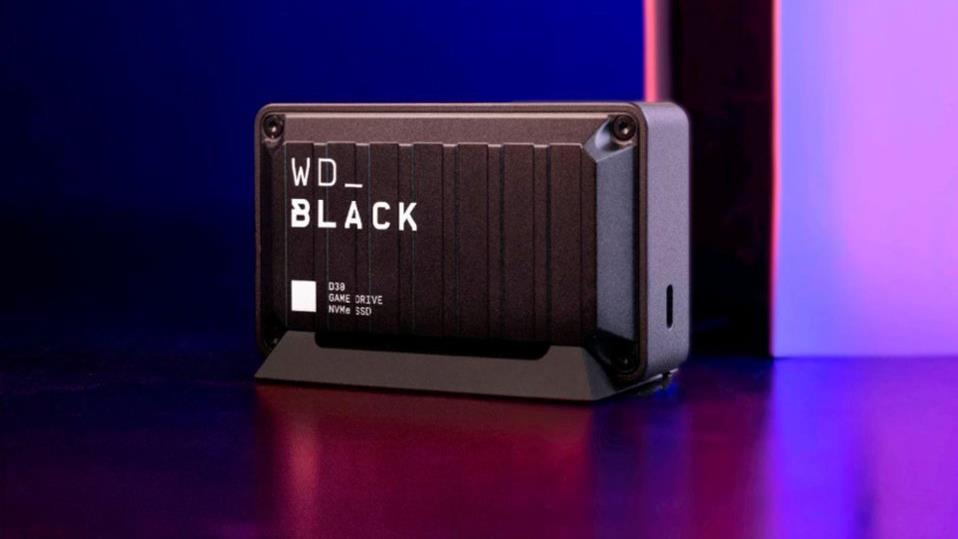
The WD Black D30 Game Drive is a stocky, external drive available in 500 GB, 1 TB, or 2 TB configurations. The Game Drive uses a USB-C-to-A interface that offers transfer speeds of up to 900 MB/s. The 1 TB and 2 TB configurations are also available for $109.99 (normally $149.99), and $149.99 (normally $239.99).


WD Black D30 Game Drive
$110$15027% off $110 $110 at Best Buy (1 TB)$150 at Best Buy (2 TB)
WD Black P40
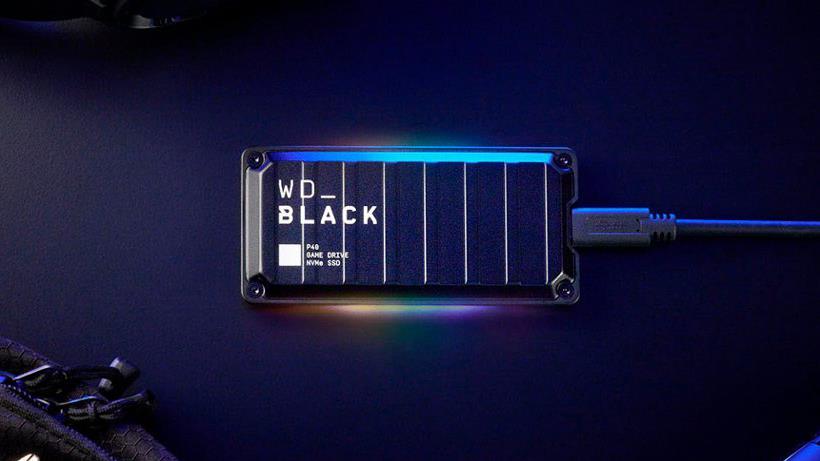
The WD Black P40 Game Drive SSD offers a slimmer storage solution than the D30 that’s a little more expensive, due to its slimmer design and faster transfer speeds of up to 2,000 MB/s. Best Buy currently has the 1 TB WD Black P40 model available for $119.99 (normally $179.99), and the 2 TB SSD costs $329.99.

How to install an SSD in PS5 step by step
Installing an SSD in your PS5 is straightforward with the right compatible M.2 NVMe drive (PCIe 4.0, heatsink-equipped) and takes about 10-15 minutes. Always power off and unplug the console first to avoid damage.
Tools Needed
-
Phillips-head screwdriver (small size).
-
Tweezers (for the tiny spacer).
-
Clean, static-free workspace; optional anti-static wrist strap.
Preparation Steps
-
Turn off the PS5 completely (hold power button if needed), unplug all cables, and let it cool.
-
If your SSD lacks a heatsink, attach a compatible one per its instructions (peel adhesive and press on).
-
Lay PS5 flat with logo down and ports facing you.
Remove Covers
-
Grip top-left and bottom-right corners of the side panel; lift bottom-right while sliding left-it pops off easily.
-
Locate the rectangular expansion slot cover (near top); unscrew and remove it.
Install SSD
-
Unscrew the small M.2 screw from the right hole; use tweezers to move the ring spacer to match your SSD length (e.g., 80mm or 110mm-most are 110mm).
-
Align SSD notch with slot (heatsink up, contacts left); press firmly at 30-degree angle until seated, then lower right end onto spacer.
-
Secure with the M.2 screw-drive should lie flat.
Reassemble and Format
-
Replace expansion cover and screw it in.
-
Slide side panel back on (align and click into place).
-
Reconnect cables, power on-PS5 prompts to format the SSD; follow on-screen steps.
What SSD specs are required for PS5 compatibility
PS5 SSDs must meet Sony’s strict specs for compatibility to ensure optimal performance and prevent overheating. These requirements haven’t changed fundamentally since launch, though firmware now supports up to 8TB drives.
Core Specifications
-
Interface: PCIe Gen4 x4 M.2 NVMe SSD (M-Key type); Gen5 works but runs at Gen4 speeds, Gen3 is prohibited.
-
Sequential Read Speed: Minimum 5,500MB/s (most top drives exceed 7,000MB/s).
-
Capacity: 250GB to 8TB.
Physical Dimensions
-
Form Factors: 2230, 2242, 2260, 2280, 22110 (2280 is most common).
-
Size Limits (including heatsink): Width up to 25mm, length 30/42/60/80/110mm, thickness up to 11.25mm (8mm above board, 2.45mm below).
Single- or double-sided drives are fine.
Cooling Requirement
Effective heat dissipation is mandatory-use SSDs with built-in heatsinks or add one (PS5 slot provides basic cooling, but extras prevent throttling). Sony doesn’t guarantee all compliant drives work perfectly.
