
Precision grips and seamless compatibility separate great PC controllers from the rest.
At AELGAMES, we play games on a lot of consoles and platforms – both new and old. Our staff has a wide variety of preferences and needs. We’ve come together to share our favorite PC-ready controllers.
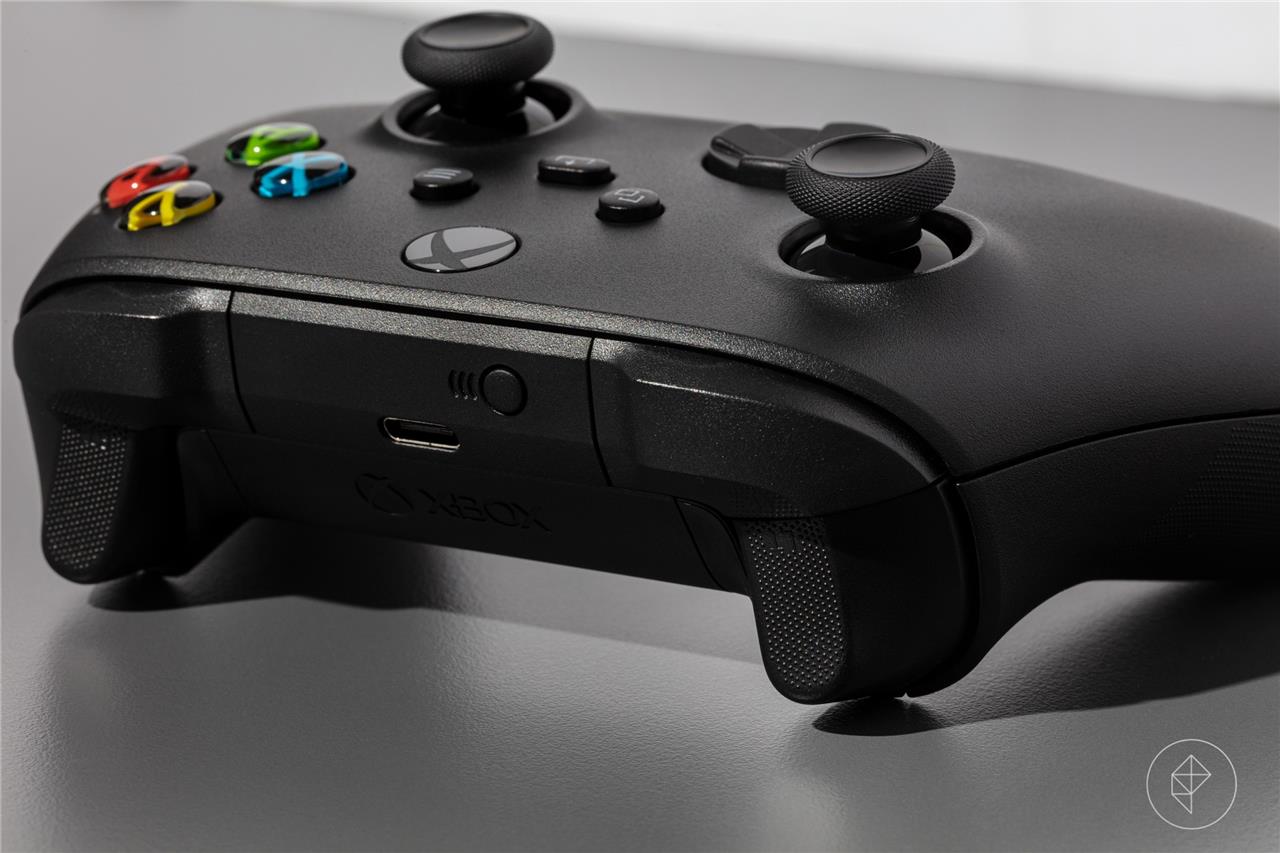
Microsoft Xbox controller
The Microsoft Xbox controller is a reliable choice for PC gamers thanks to its comfortable ergonomics, solid build quality, and precise analog sticks. It connects easily via USB-C or Bluetooth, making it compatible with most modern gaming setups. The responsive triggers and well-balanced button layout provide a familiar console feel, while support in Windows ensures smooth performance across a wide range of titles. Its broad availability and integration with Xbox Game Pass make it a dependable option for players who want consistency and comfort in long gaming sessions.
On the AELGAMES team, the Xbox controller got the highest number of endorsements of any controller. This speaks to its comfort and value, and that Microsoft has released enough colors to satisfy varying tastes in design. It also helps that it’s usually around $50 (depending on the color), and that it just works with most PC games. Regardless of the Windows PC game client, there are no extra steps for setting it up.
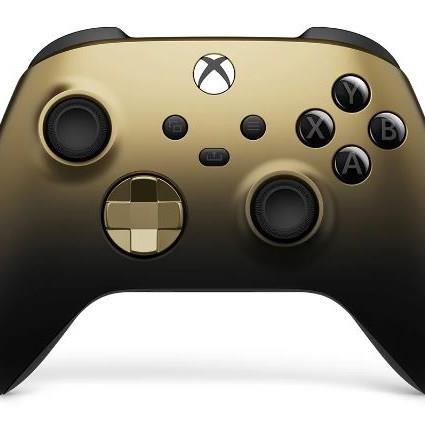
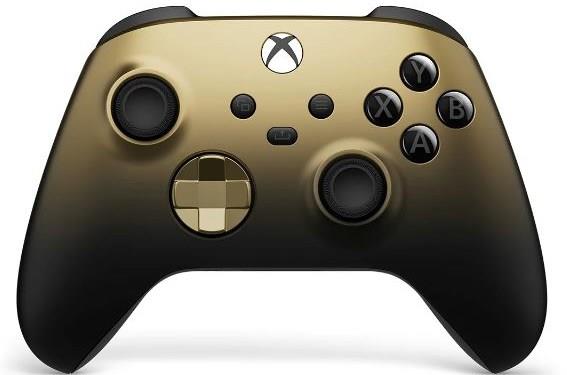
Xbox wireless controller
$60 $60
Compatible with PC, Steam Deck, Xbox, mobile (Android/iOS)
Read More $60 at Walmart$60 at Amazon$60 at Amazon
This controller is a refined version of Microsoft’s Xbox One wireless model, with added texture around its grips, plus a capture button in the middle. It can, of course, connect to Xbox consoles, and to PCs that have Bluetooth. One universally positive change from the older version is that, if you want to connect via a cable for wired play, its connector port is the more ubiquitous USB-C instead of Micro USB. It also has a 3.5mm headphone jack for private listening, though it can only be used if your controller is wired into your PC, not wirelessly.
“The Xbox wireless controller just works for me – it fits right in my hands, the texture feels just right, and it’s not too heavy” -Nicole Carpenter
Beyond PC compatibility, the Xbox controller boasts native compatibility on Steam Deck, plus recent versions of Android and iOS. So, whether you have a phone or tablet, this controller can easily connect via Bluetooth. A growing number of mobile games support it, too, and it works like a charm with the Xbox Game Pass game streaming app.
It can work on even more platforms if you purchase 8BitDo’s clever $19.99 USB Adapter 2. With it, you can use the Xbox controller on your Nintendo Switch. In addition to Switch support, this USB adapter lets you easily connect your Xbox controller to other devices, like Mac, Raspberry Pi, and more.
<
The biggest downside to the Xbox controller might not bother you: It requires two AA batteries, though on a positive note, the battery life is around the 40-hour range, depending on usage. If you don’t want to change out batteries, we recommend this $44.99 8BitDo dual controller charging dock, which includes two rechargeable battery packs, enough for two controllers.
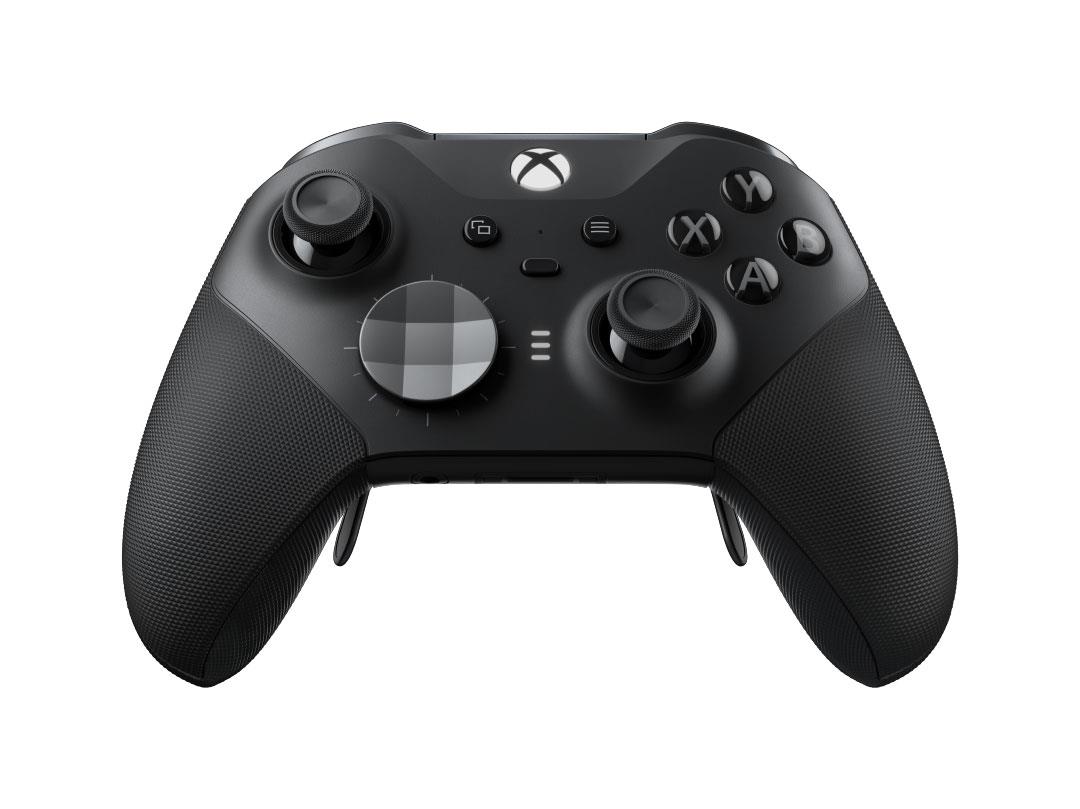
Microsoft’s Xbox Elite Series 2 builds on the excellent foundation of Microsoft’s Xbox controller with features that enthusiast gamers may appreciate. It features swappable stick caps and directional pads, adjustable tension for its analog sticks, and customizable back paddles. It also ships in a nice zip-up case. If you want more buttons and tweakable settings in a controller, this might be worth its $178.99 price. This model is compatible with Xbox and PC.
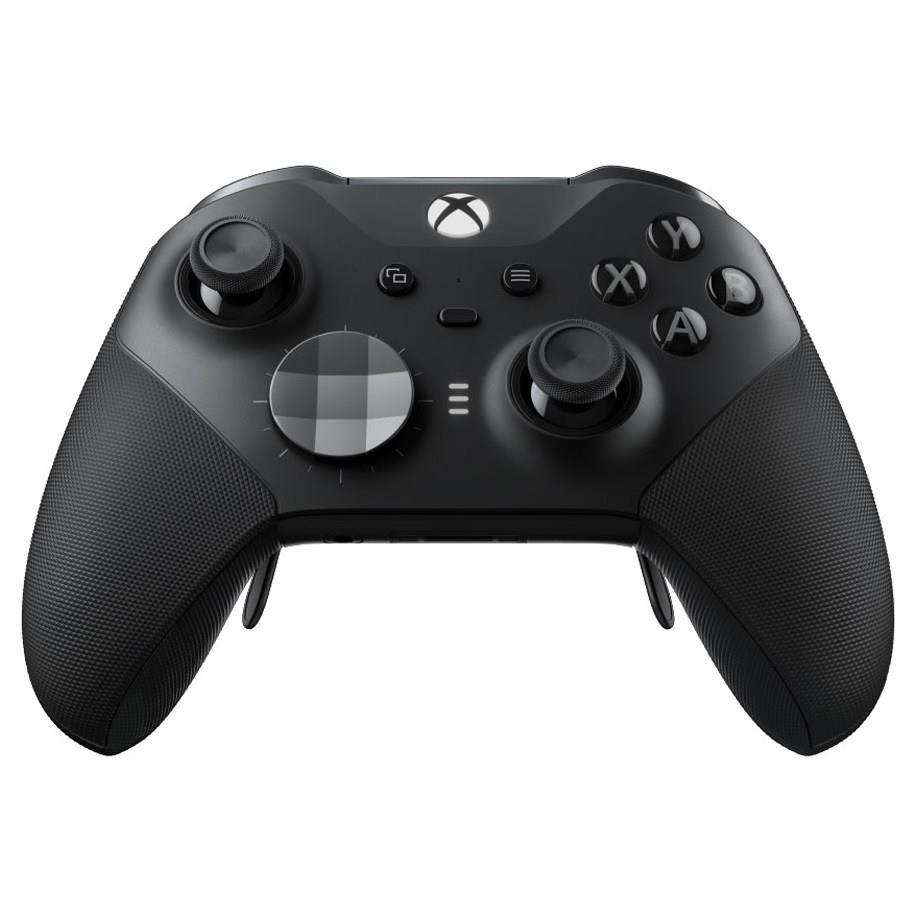
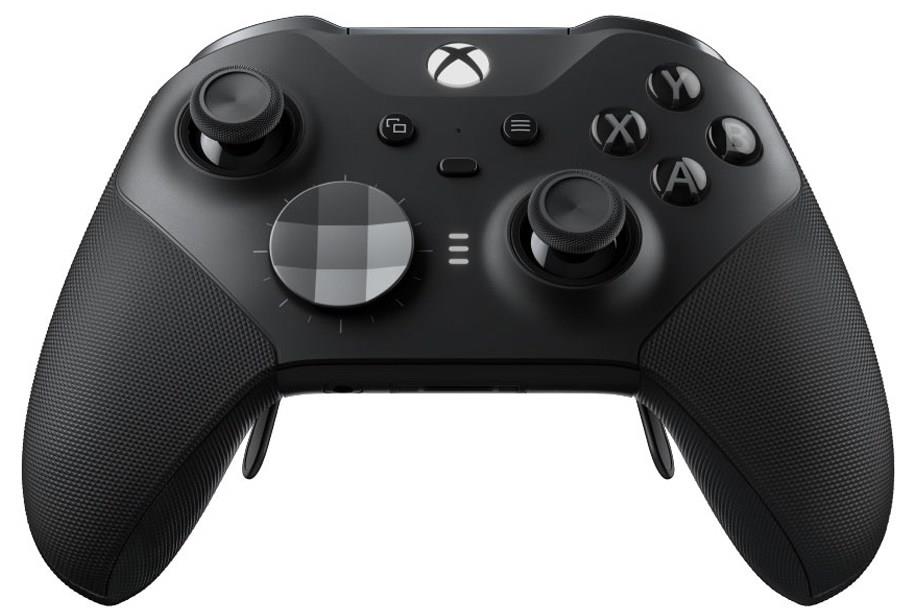
Xbox Elite Series 2 wireless controller
$151$18016% off $151 $151 at Amazon$151 at Microsoft
If you don’t need all of the extra accessories that come with the Elite Series 2, Microsoft makes a cheaper Elite Series 2 Core. If you decide later on that you want the paddles, zip-up case, and swappable sticks, you can buy this third-party kit on Amazon for $22.99.
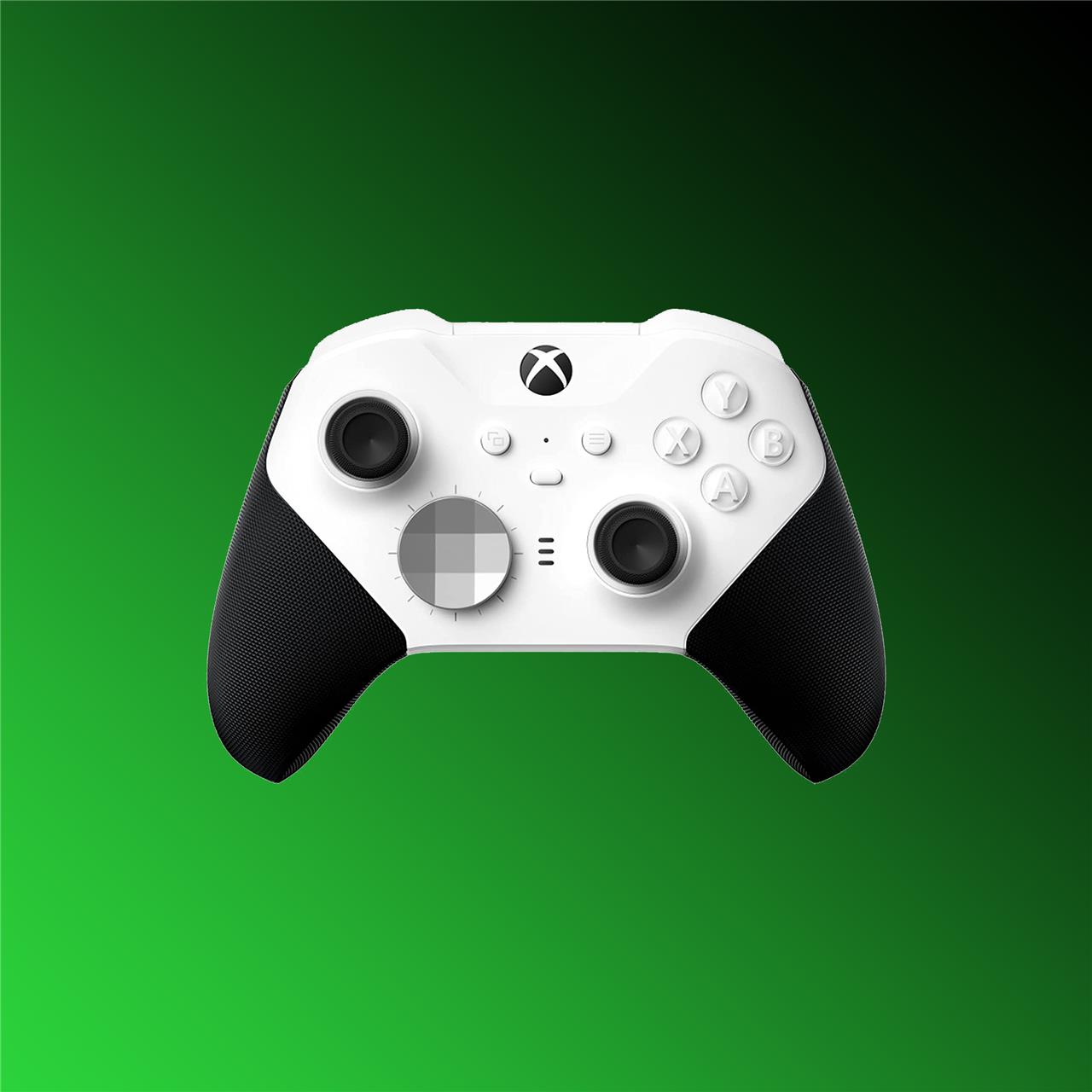
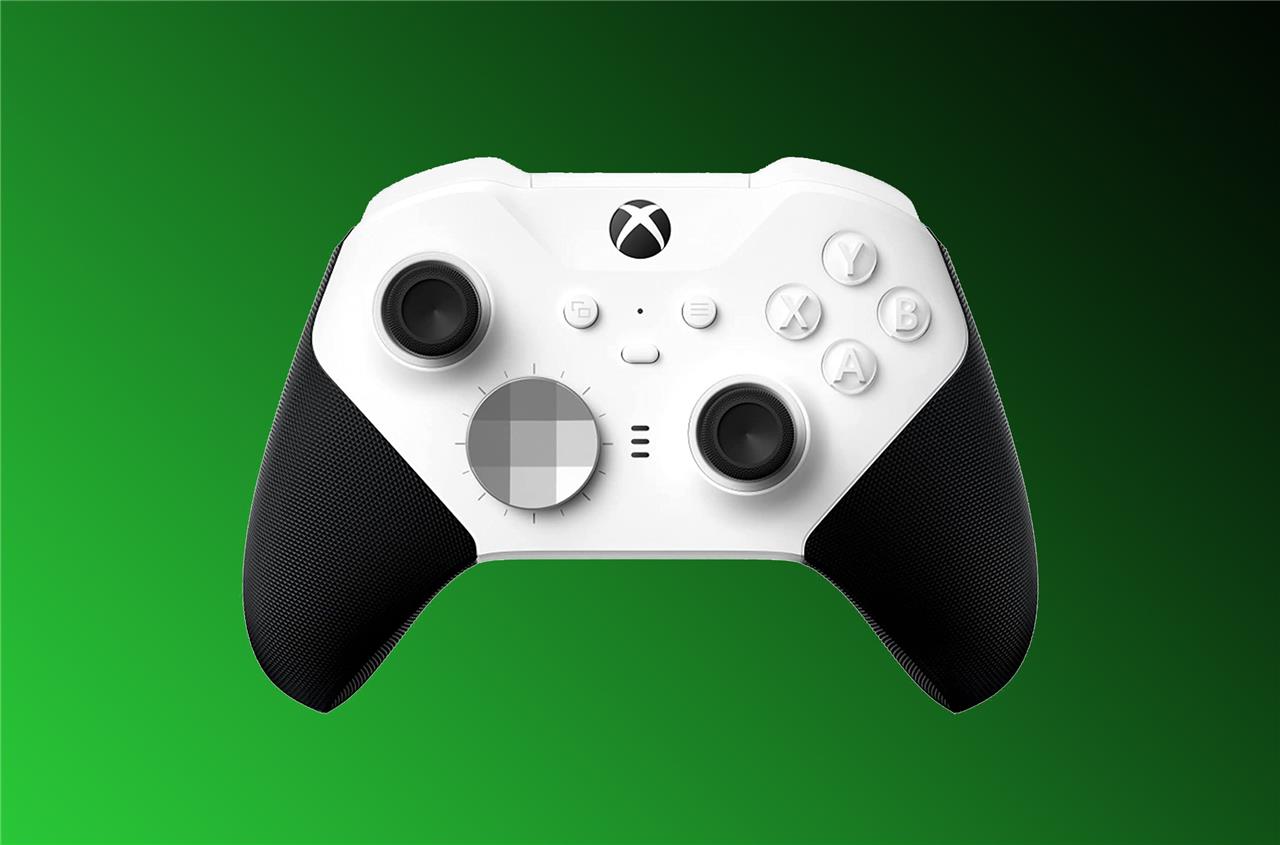
Xbox Elite Series 2 Core wireless controller
$105$13019% off $105 $105 at Amazon$105 at Target$130 at GameStop<
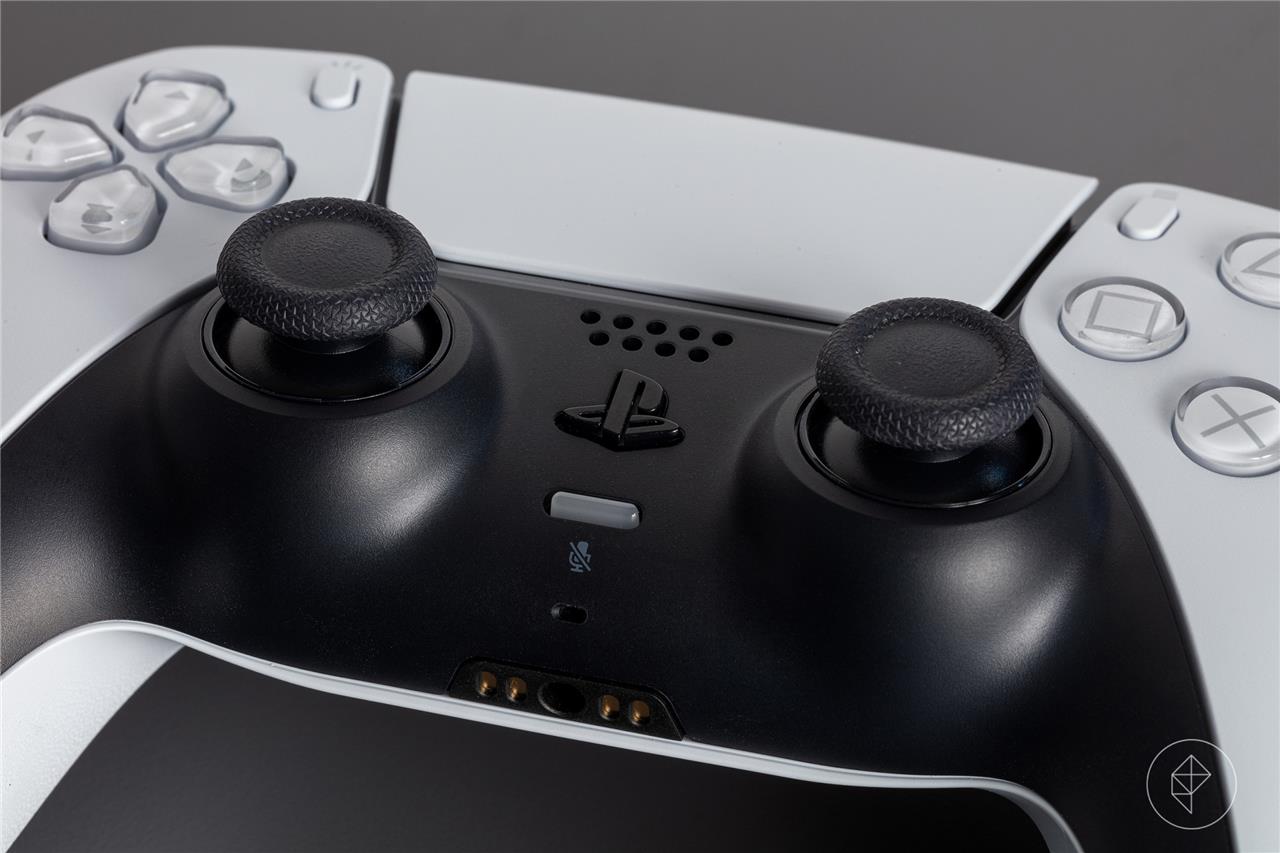
Sony DualSense controller
Sony’s DualSense controller brings advanced haptic feedback and adaptive triggers to PC gaming, adding realistic resistance and tactile precision to actions like braking or drawing a bow. Its comfortable grip and balanced weight make it suitable for long sessions, while the touchpad, built-in microphone, and motion sensors offer added versatility. Though some features are limited outside the PlayStation ecosystem, Steam and other platforms provide strong support, making it a great option for players who value immersion and responsiveness.
There’s another slice of our staff who swear by Sony’s DualSense, a modern controller that retains the symmetrical analog stick arrangement that PlayStation controllers are known for. Compared directly to the Xbox controller, the DualSense has similar levels of compatibility (both are compatible with Android and iOS, and feature built-in Bluetooth for support on PC). However, the DualSense does have key differences, as well as a few perks that help to justify its higher $69.99 price.
In terms of using the DualSense on a PC, it’s possible to do, but it’s a little complicated. It can connect via Bluetooth for a wireless connection, but games that don’t support the DirectInput controller API likely won’t recognize it as a controller. Plugging the controller into your PC might solve that issue, but there are other ways to get around this barrier if playing wirelessly is important to you.
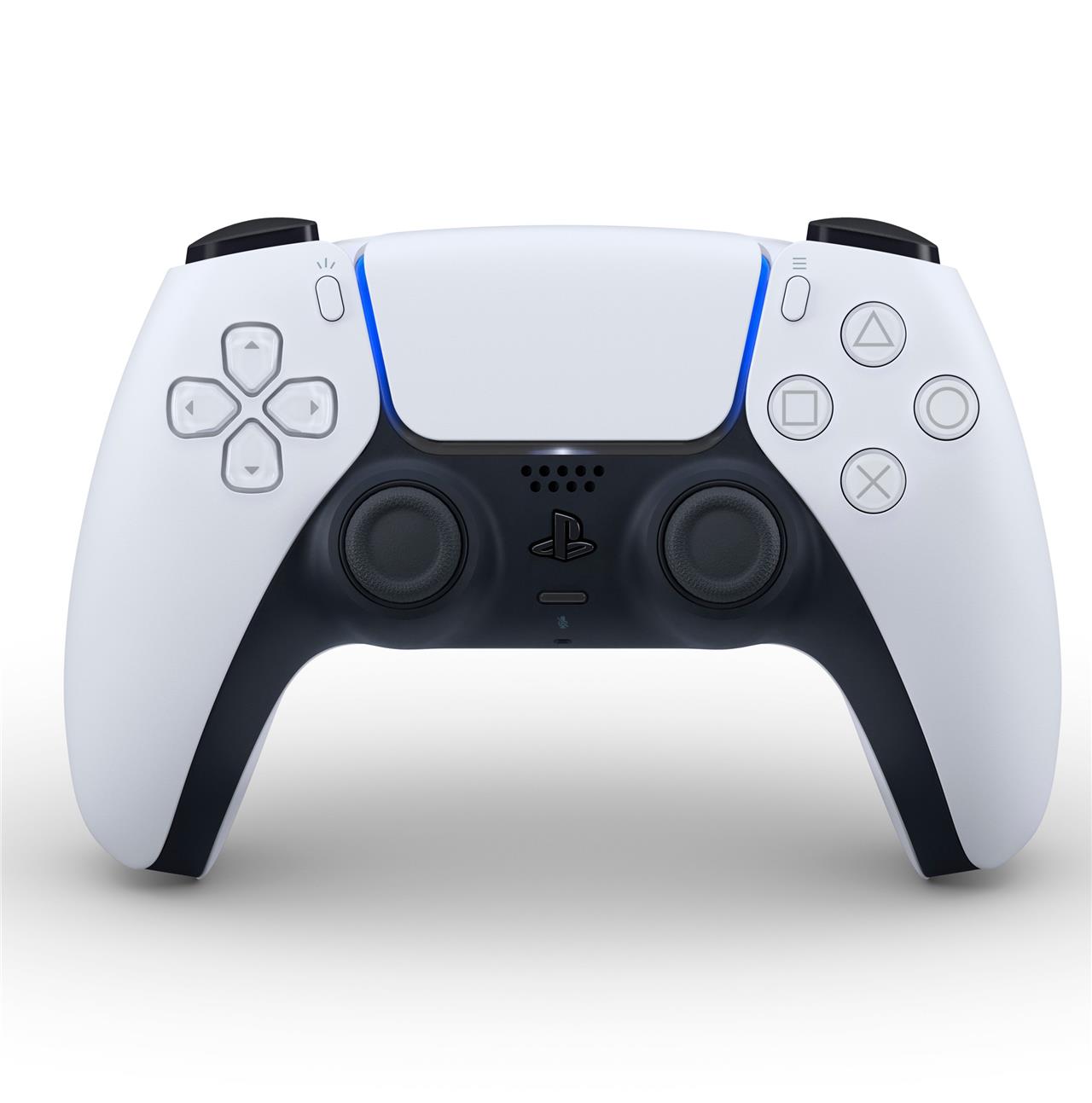
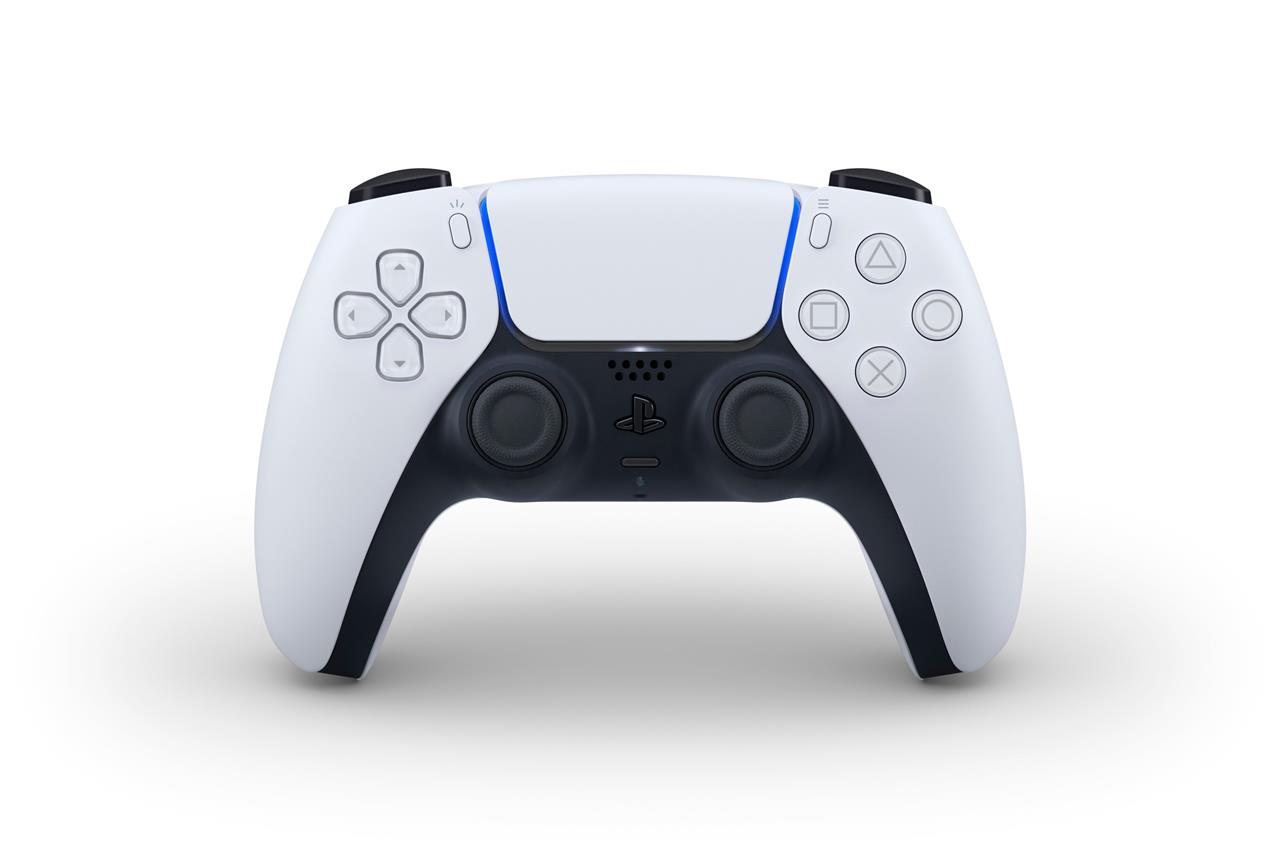
PlayStation DualSense wireless controller
$70$757% off $70 $70 at Amazon (cobalt blue)$70 at Amazon (white)$75 at Amazon (cosmic red)
One is to rely on Steam, which supports the DualSense controller with its SteamInput API. That makes Sony’s controller a first-class citizen in the eyes of Steam, right next to the Xbox controller, and plenty of games should offer no-fuss DualSense support.
If you have PC games that you want to play on other services, like PC Game Pass, Epic Games Store, and more, you might experience some middling compatibility with the DualSense. However, adding them as a “non-Steam game” within Steam can solve for this. To do this, click the “Add a Game” option in the bottom left corner of the Steam client, then find the executable file (.exe) in your storage.
“I like the PS5 DualSense because it’s incredibly precise – using it, after coming from previous gen controllers, felt like putting on glasses and seeing the world come into focus” -Nicole Clark
To get around using Steam entirely, you can download an app called DS4Windows along with some drivers, which ensures game compatibility on PC by emulating the DualSense as an Xbox controller. The app gives you a host of settings to customize the DualSense’s button mapping, if you wish. And, in case you want to go down the rabbit hole of figuring out which PC games support the DualSense’s haptics and adaptive trigger features (and the steps to getting them to work), the site PCGamingWiki has you covered.
<
The DualSense is the official controller for the PS5. In games that support its features, it can have realistic-feeling haptic feedback and gyroscopic motion controls, and its triggers can provide tension to make certain actions feel more realistic. There’s no better controller for the PS5 than this one. It’s a good controller for using PS Remote Play, too. When it’s connected to an Android device for a PS Remote Play session, the DualSense supports adaptive triggers in games that take advantage of the feature.
8BitDo’s $19.99 USB Adapter 2 also works perfectly with the DualSense, letting you play games on your Switch with it once it’s paired. I preferred to play Splatoon 3 with my PS5 controller’s analog stick arrangement. Heck, it even supports gyroscopic camera movement, just like the official Switch controllers.
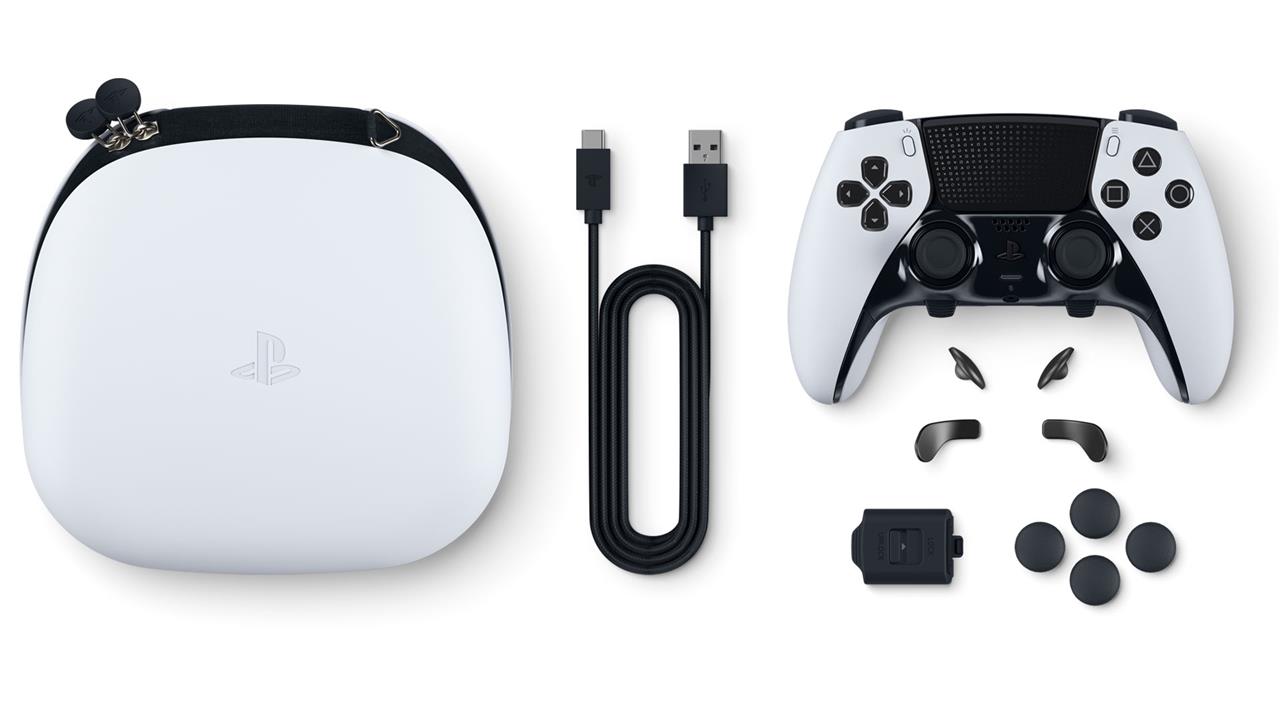
Just like Microsoft, Sony also has its own pro-grade controller. It’s the $199.99 DualSense Edge, which is compatible with the PS5. It’s tempting to call out its similarities to the Xbox Elite Series 2, of which there are plenty, but it’s more helpful to speak about how it differs. For one, its stick modules can be replaced entirely – a move that makes the DualSense Edge a little more user-repairable. Also, the PS5’s interface for the Edge is intuitive, and it makes remapping controls and setting schemes the breeze that it should be.
While the Edge is compatible on PC, Sony and Steam haven’t developed drivers that let gamers take full advantage of its back paddles and swappable control schemes.
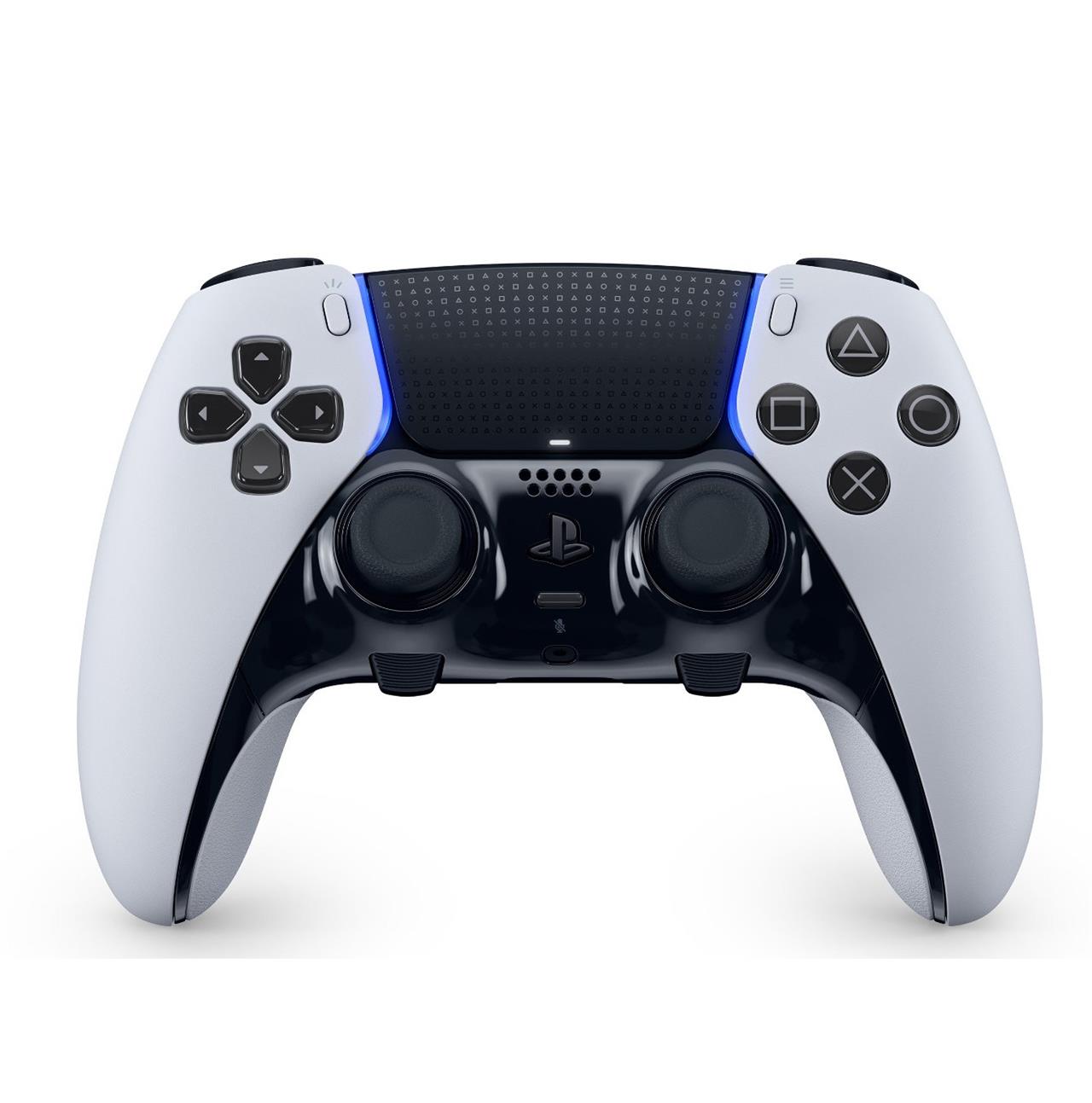
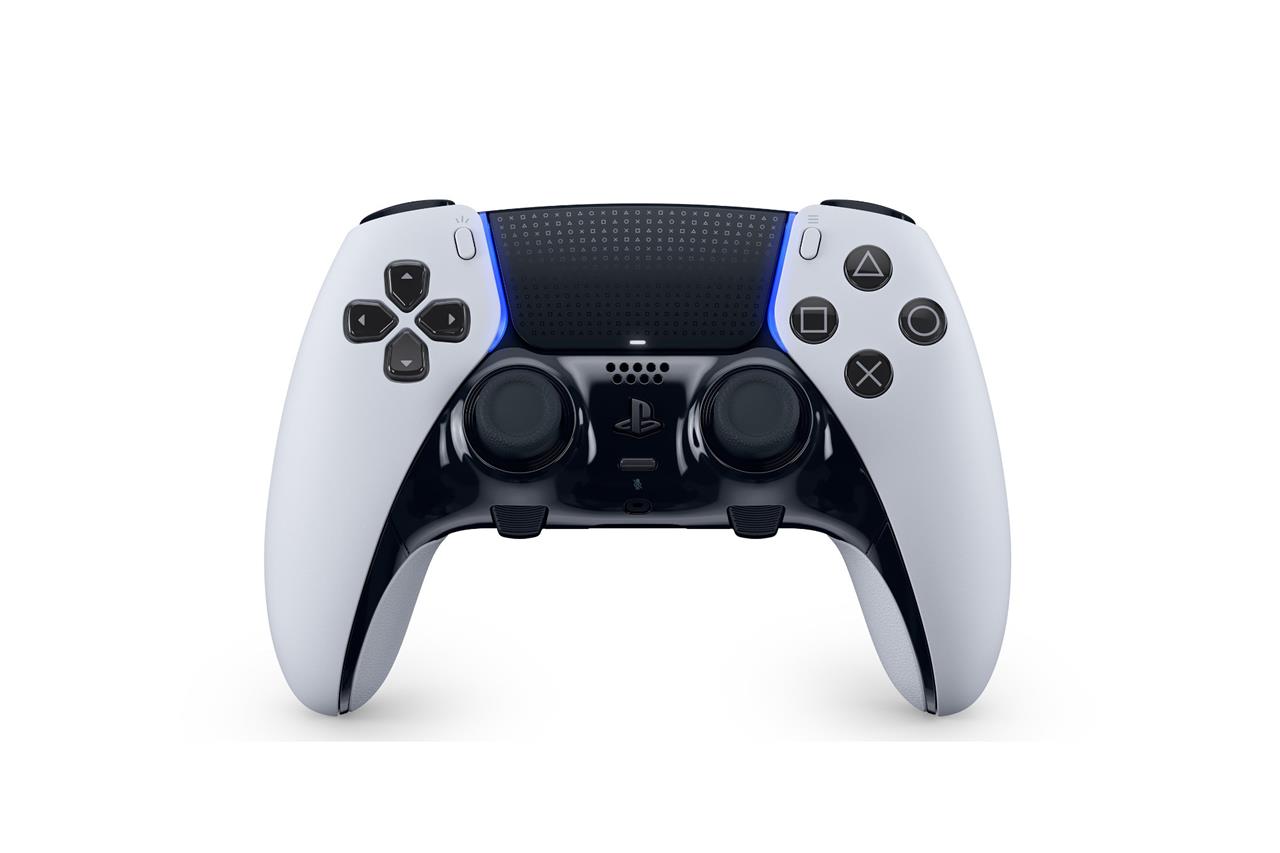
Sony DualSense Edge
$200 $200 $200 at Best Buy$200 at Amazon$200 at Walmart
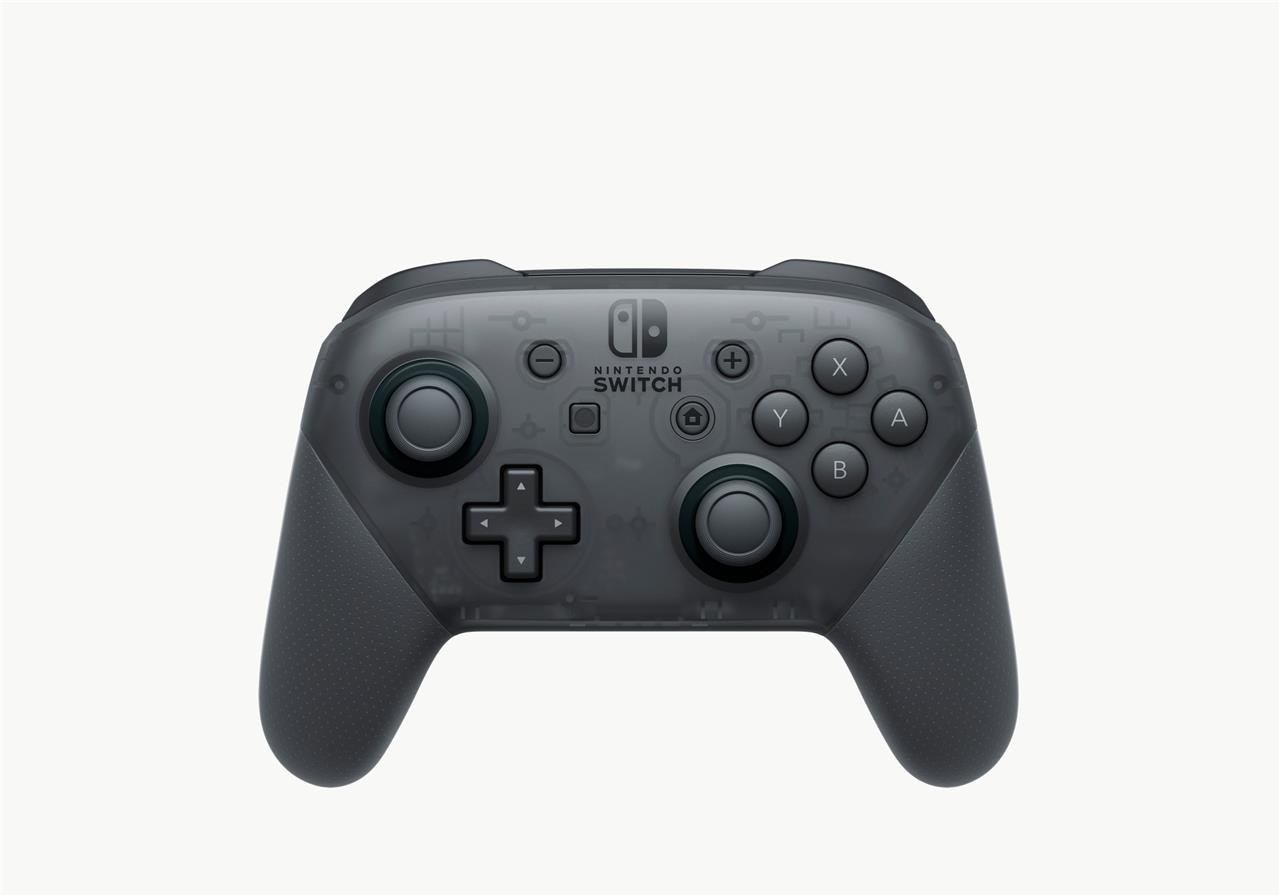
Nintendo Switch Pro controller
The Nintendo Switch Pro controller offers a comfortable and sturdy design that feels great for long gaming sessions. Its responsive buttons, precise analog sticks, and reliable D-pad make it suitable for a wide range of PC games. With Bluetooth support and wide compatibility through Steam, setup is straightforward. The battery life is impressive, often lasting over 30 hours on a single charge, making it a dependable choice for players who value both comfort and consistency.
The Switch Pro controller is another staff favorite. If it’s a great Nintendo Switch and PC controller you’re after, this is the pinnacle in terms of comfort, durability, battery life, and other Switch-specific extras, but we’ll get to those a little later.
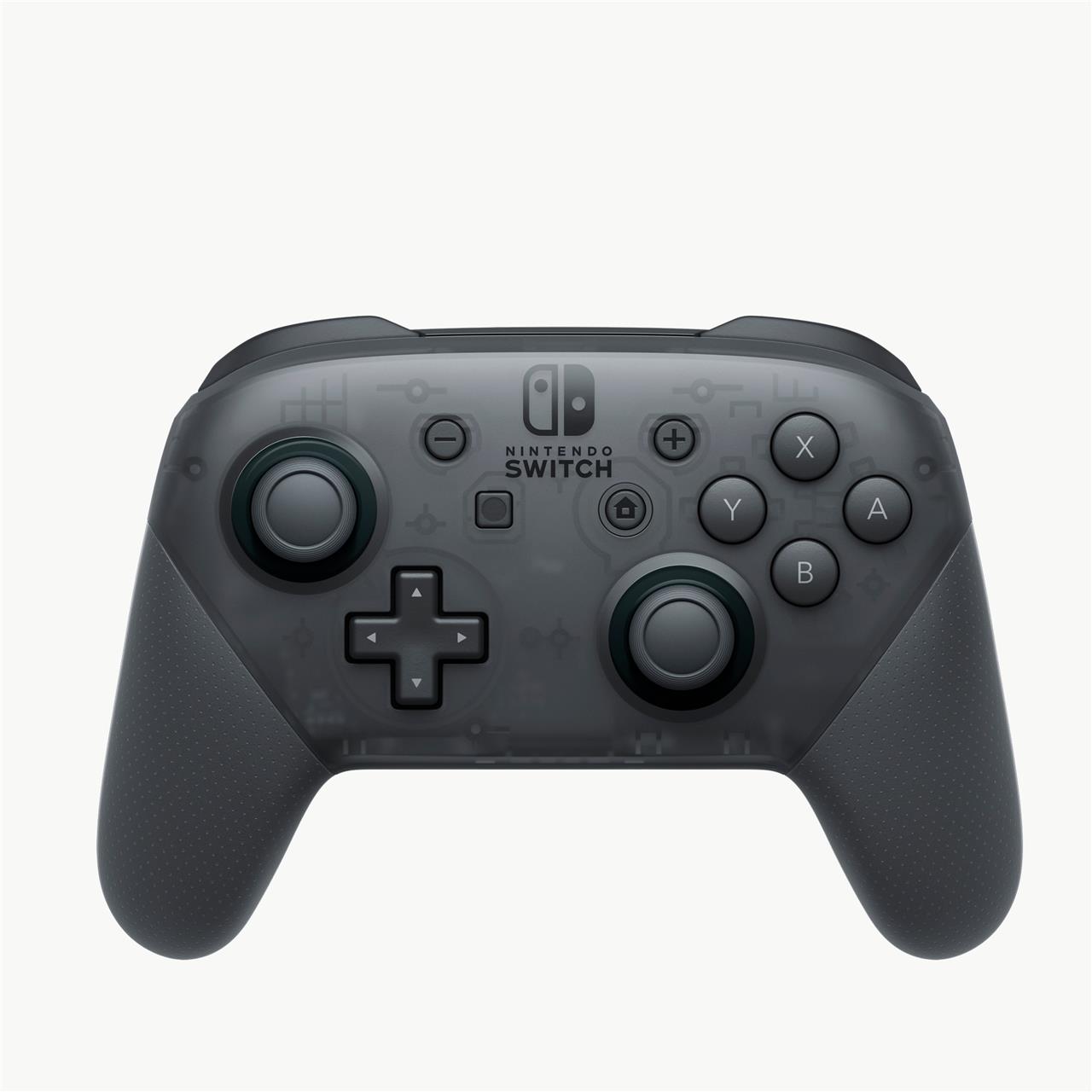
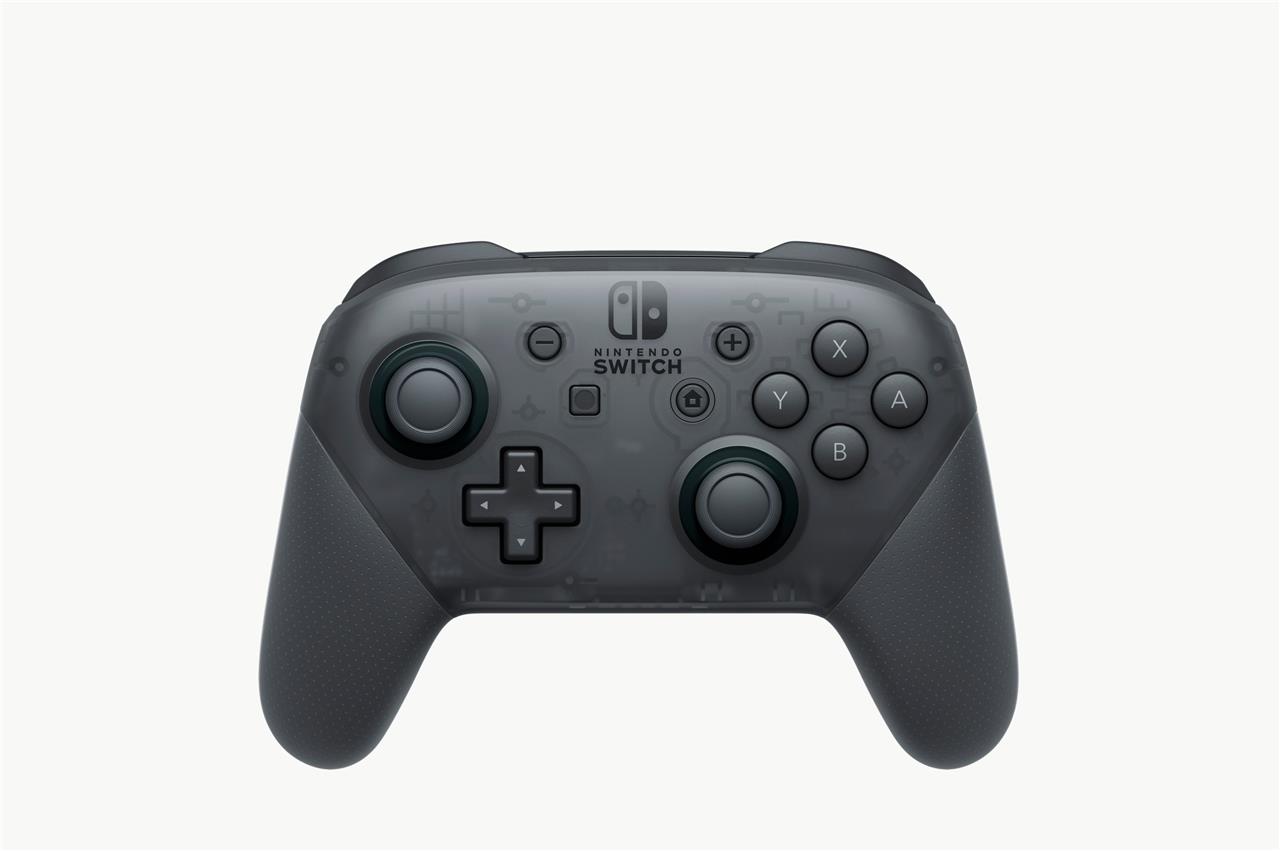
Nintendo Switch Pro controller
$69 $69
Compatible with PC, Switch
Read More $69 at Amazon$70 at GameStop$70 at Best Buy
The Switch Pro controller can be used to play PC games. But like the DualSense, it’s not a plug-and-play affair unless you literally plug it in via USB. To use it wirelessly, running Steam can help you out, as it officially supports the Switch Pro controller. Adding non-Steam games to your Steam library is a clever way to ensure compatibility for games that support controllers. Again, you can do that by clicking the “Add a Game” option on the bottom left corner in the Steam client.
“This is a very solid, unassuming but beautifully engineered pad, with Nintendo’s typically great ergonomics and switchgear. The D-pad is one of the best out there, and those lovely, fat, responsive face buttons will give you SNES flashbacks in a good way” -Oli Welsh
Alternatively, if you don’t want to use Steam to play your games, relying on DS4Windows and its bevy of drivers is a free yet slightly advanced way to make Windows recognize your Switch Pro wireless controller. Of course, that $19.99 8BitDo USB Adapter 2 that I keep referencing can come in handy here, too. After plugging it into your PC and tethering wirelessly to it, you’re good to go – no fussing with apps required.
The Switch Pro controller is, unsurprisingly, a fantastic Switch controller. Like the Joy-Cons, it supports motion controls, HD rumble for more subtle, accurate jolts of haptic feedback in games, and amiibo connectivity to redeem in-game perks in several games, including the upcoming The Legend of Zelda: Tears of the Kingdom.
This might seem small, but it stands out as being one of a few wireless Switch controllers in existence that can wake the console remotely by holding down its home button. Many require you to manually turn on the console, which can be a minor annoyance.
<
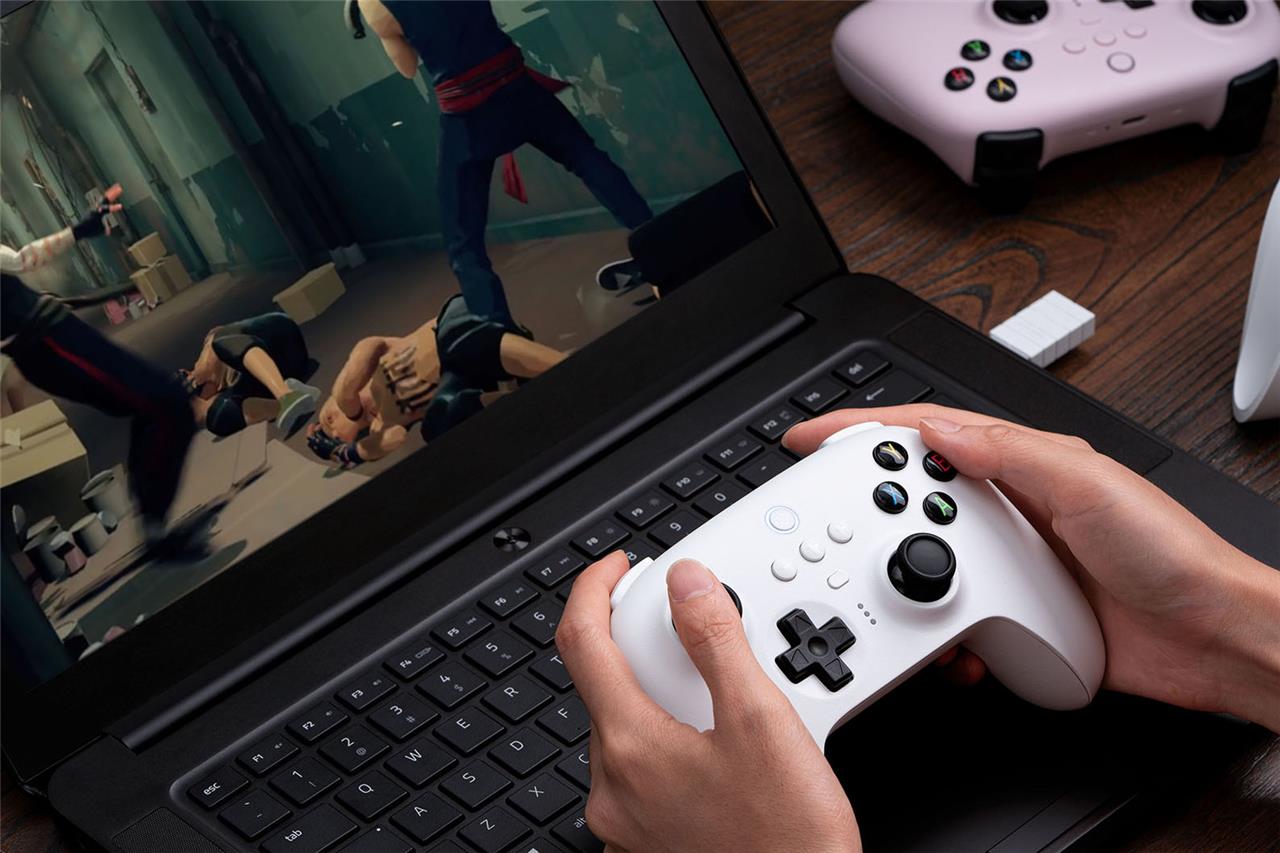
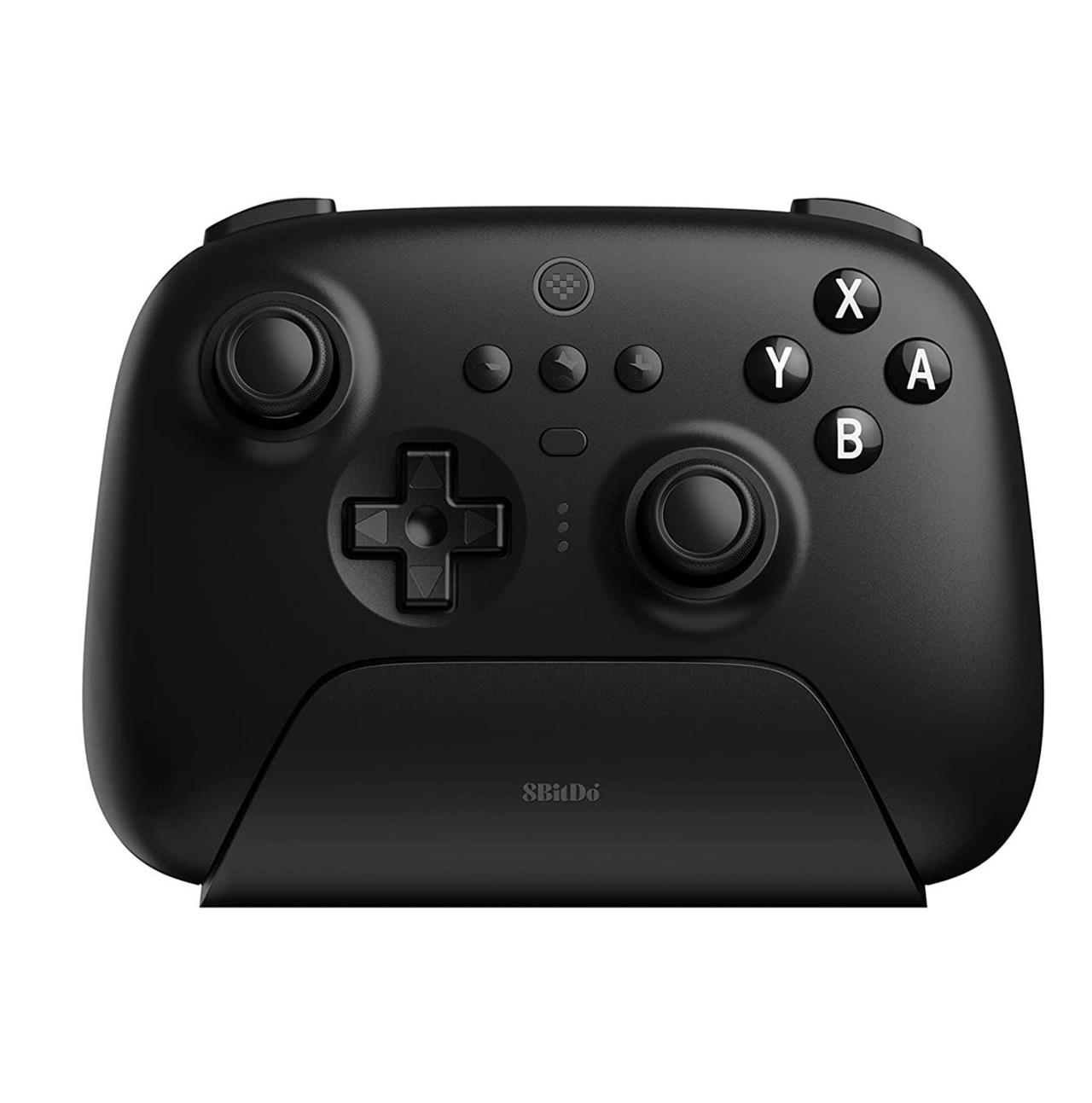
8BitDo Ultimate 2.4g controller
The 8BitDo Ultimate 2.4g controller pairs Nintendo-inspired ergonomics with reliable wireless performance for PC gaming. Its Hall effect joysticks resist drift, while customizable back paddles and motion controls enhance precision in fast-paced titles. Charging dock simplifies setup, and software lets you remap buttons or tweak profiles. Compatible with Windows via USB dongle, it delivers low-latency response without Bluetooth hassles.
8BitDo has released a lot of controllers in recent years, but the name for its Ultimate controller is fitting. It has many of the features from its best gamepads, plus some extras that should settle any sticker shock associated with its $49.99 price.
For starters, its asymmetrical analog stick layout, overall shape, and face button labels should feel right at home for people who love the shape of the Xbox controller. All of the buttons, triggers, and sticks feel just as good to use as any modern controller from a console manufacturer.
Like several other 8BitDo controllers, this one can be thoroughly customized with its Ultimate software on mobile devices, or on PC. From there, you can remap controls, assign buttons to its two rear paddle buttons, tweak the actuation sensitivity of its triggers, and adjust stick settings. The controller allows up to three custom control schemes, which you can switch between with its middle “star” button.
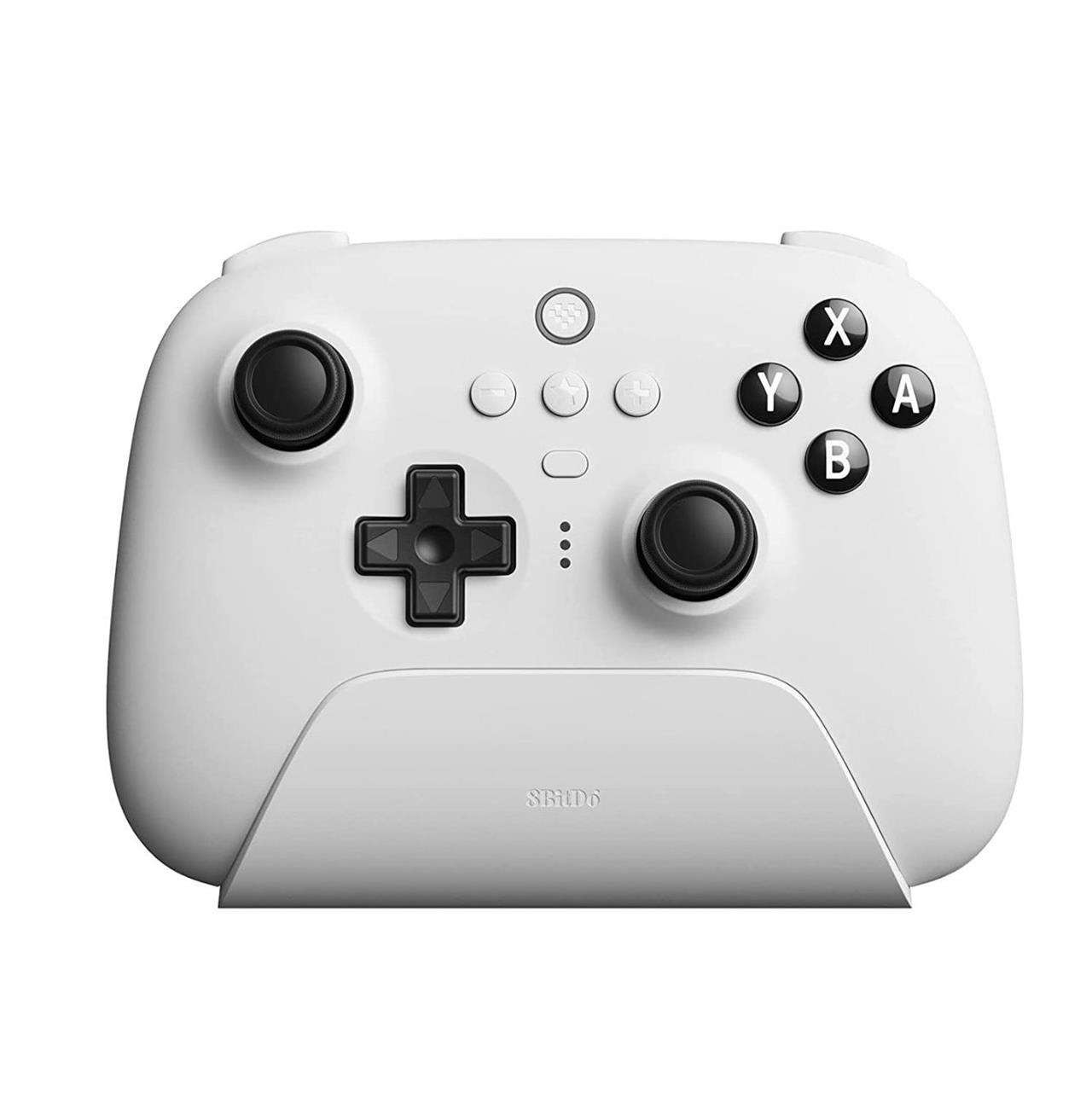
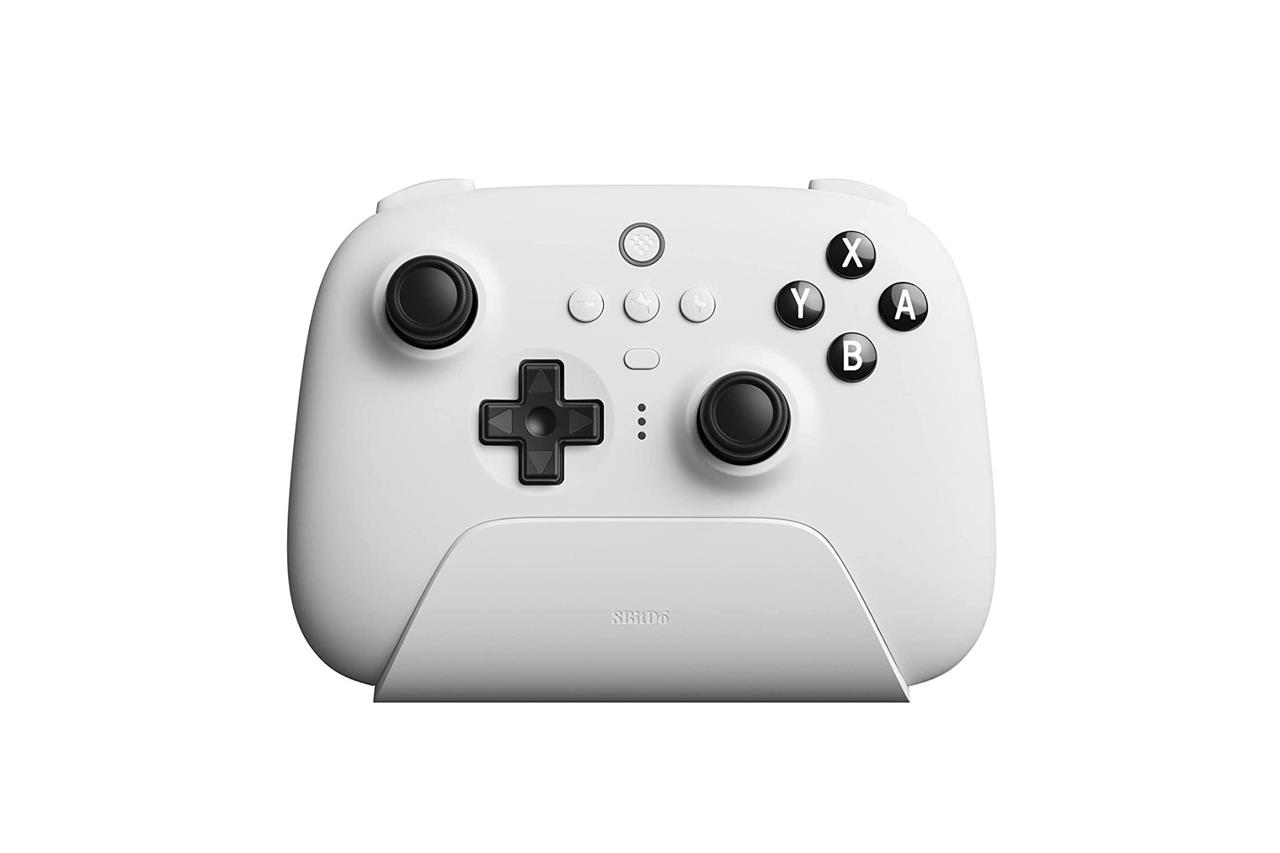
8BitDo Ultimate 2.4g controller
$50 $50
Compatible with PC, Android, iOS, iPadOS, Apple TV, and Mac hardware
Read More $50 at Amazon<
The Ultimate controller ships with a charging dock, and nesting inside of that dock is a 2.4 GHz transmitter that makes it fast and easy to connect to a PC. The dock makes for a convenient way to charge the controller, and you can switch between DirectInput and XInput by using a switch on its back, depending on the requirements of each PC game.
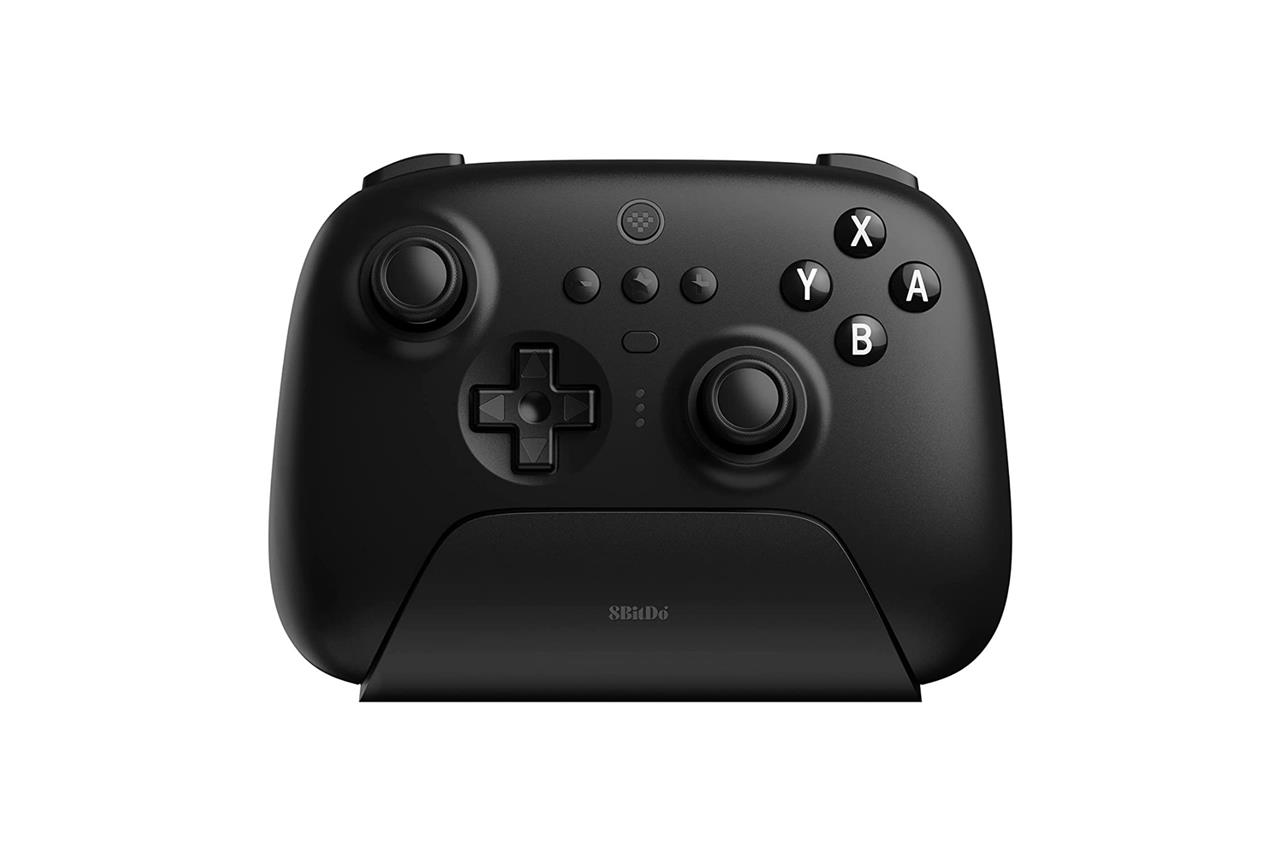
8BitDo makes a pricier version of this controller with Nintendo-style face buttons called the Ultimate Bluetooth. They’re virtually identical, and it can work via 2.4 GHz with PC, too. However, its biggest benefit is its Gulikit Hall effect analog sticks, which are resistant to developing drift over time by design. By comparison, the potentiometer-based sticks used in the Ultimate 2.4g (and all of the other controllers mentioned so far) bear no such guarantee. There’s a possibility you may never experience the issue firsthand, but the anti-drifting sticks alone might be a reason for some to consider buying the Ultimate Bluetooth.
The Ultimate Bluetooth is similar in a lot of ways to Nintendo’s Switch Pro controller, with its motion control support, rechargeable battery, and Nintendo-style face button layout. However, it doesn’t have all of the same features. For instance, it doesn’t support NFC, so you can’t tap an amiibo on it, and its haptics aren’t up to par with Nintendo’s. However, it’s one of a few third-party Switch controllers that can wake your console from sleep. If it’s paired, press the home button, then shake the controller to awaken the Switch.
8BitDo Ultimate Bluetooth controller
$54$7023% off $54 $54 at Amazon (black)$59 at Amazon (white)
Xbox Series X controller vs DualSense for PC gaming
Xbox Series X controller outperforms DualSense for most PC gaming due to superior plug-and-play compatibility with Windows. DualSense offers advanced haptics and adaptive triggers for immersive experiences in supported Steam games.
Compatibility
Xbox Series X controller connects effortlessly via Bluetooth or USB-C with native XInput support across nearly all PC titles-no extra software required. DualSense works well on Steam but often needs tools like DS4Windows for full functionality elsewhere, with occasional pairing issues.
Features and Ergonomics
DualSense shines with haptic feedback simulating textures, adaptive triggers for variable resistance, built-in mic, and gyro aiming, though limited game support reduces its edge. Xbox provides reliable rumble, improved D-pad, textured grips, and symmetrical sticks preferred by many for comfort during long sessions; it’s lighter and suits smaller hands better.
Battery and Build
Xbox lasts 30-40 hours with AA batteries or rechargeable packs, allowing quick swaps. DualSense manages about 12 hours on its built-in battery via USB-C but feels bulkier.
| Aspect | Xbox Series X Controller | DualSense |
|---|---|---|
| PC Setup | Native, instant | Steam-native; software elsewhere |
| Immersion | Standard rumble | Haptics/triggers (limited support) |
| Battery Life | 30-40 hrs, swappable | ~12 hrs |
| Ergonomics | Slimmer, asymmetrical sticks | Larger, symmetrical sticks |
| Price Tier | Mid (~$50-60) | Mid (~$70) |
Best software for DualSense full features on PC
DS4Windows is the top free tool for unlocking DualSense’s full features like haptics, adaptive triggers, gyro, and mic on PC outside Steam. Steam Input provides native support for most features in its games without extra software.
Top Software Options
-
DS4Windows: Emulates Xbox controller for broad compatibility; customizes rumble, lights, buttons, and triggers; works wired or Bluetooth.
-
Steam Input: Built-in, enables haptics/gyro in Steam titles; simplest for Steam users but limited elsewhere.
-
DualSenseX: Advanced paid alternative with enhanced trigger/haptic tuning; ideal for non-Steam precision.
-
DSX (Steam app): Tailors response curves, lighting, and feedback per game.
-
PlayStation Accessories: Official for firmware updates and Edge customization; basic input support.
Setup Tips
Connect via USB first for stability, then pair Bluetooth. DS4Windows needs ViGEmBus/HidHide drivers to avoid conflicts; test in non-Steam games via its profiles. Full haptics/triggers require developer support or emulation-Steam/DS4Windows cover 90% of cases.
| Software | Cost | Full Haptics/Triggers | Non-Steam Support | Ease of Use |
|---|---|---|---|---|
| DS4Windows | Free | Yes | Excellent | Medium |
| Steam Input | Free | Partial (Steam-only) | No | High |
| DualSenseX | Paid | Yes | Good | Medium |
| DSX | Paid | Yes | Steam-focused | High |
