
Unlock exclusive Fortnite skins with a simple link-up: connect your LEGO Insider and Fortnite accounts to instantly claim the unique Explorer Emilie and Mr. Dappermint outfits, blending iconic LEGO charm with Fortnite’s battle-ready style. Whether you’re on PC, Nintendo, PlayStation, or Xbox, this quick guide will show you how to score these free skins and elevate your game look without spending a dime.
This means if you haven’t linked your Lego account to your Epic Games account already, you’ll get two skins: Mr. Dappermint and the Explorer Emilie skin.
If you have already linked your Lego Insider and Epic Games accounts prior to the free release of Mr. Dappermint, you don’t have to re-link your account or anything. You should just get the skin once you log in.
Here is a step-by-step guide to linking your LEGO Insider and Fortnite accounts.
How to link your LEGO and Fortnite accounts
To link your LEGO Insider and Fortnite accounts for free skins, start by creating a LEGO Insiders account on the official LEGO website if you don’t already have one. Then, log into your Epic Games account via the Epic Games website using a web browser on your device. Once logged in, navigate to the ’Account’ section, select ’Apps and Accounts,’ and find the LEGO Account section. Click ’Connect,’ which will redirect you to the LEGO site where you log in and authorize the connection. After linking, you will immediately receive exclusive Fortnite skins like Explorer Emilie and Mr. Dappermint, which feature both LEGO and Fortnite styles and automatically switch depending on the game mode you play.
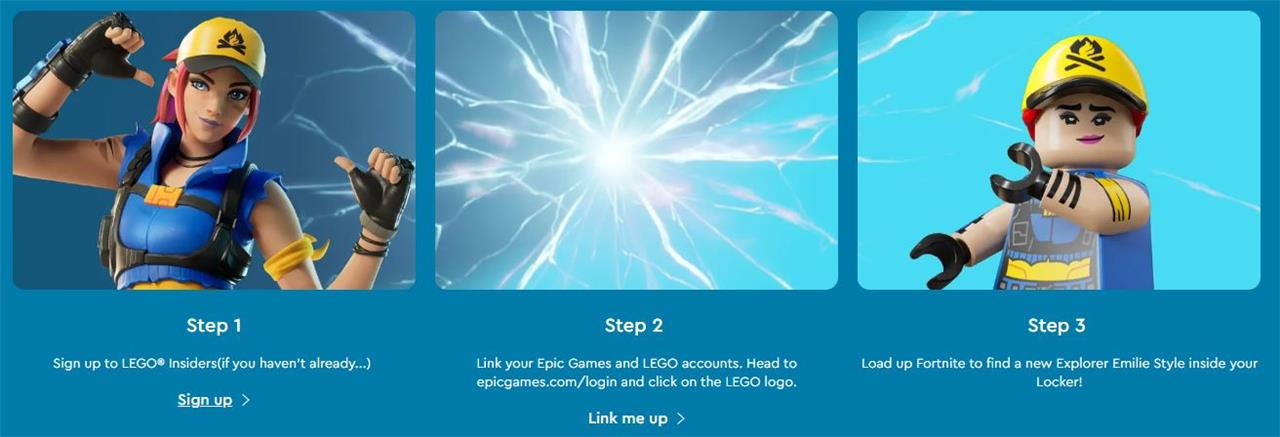
- First, make a LEGO Insiders account. You can sign up on the official LEGO site here. If you have an account with LEGO already, try logging in with that first, as it’s likely one and the same.
- Log into your Epic Games account on the official site in a web browser on your phone / tablet / computer. If you have played Fortnite before, you will already have one of these, and would have logged into upon first playing the game. If you have forgot your login details, then perform a password reset.
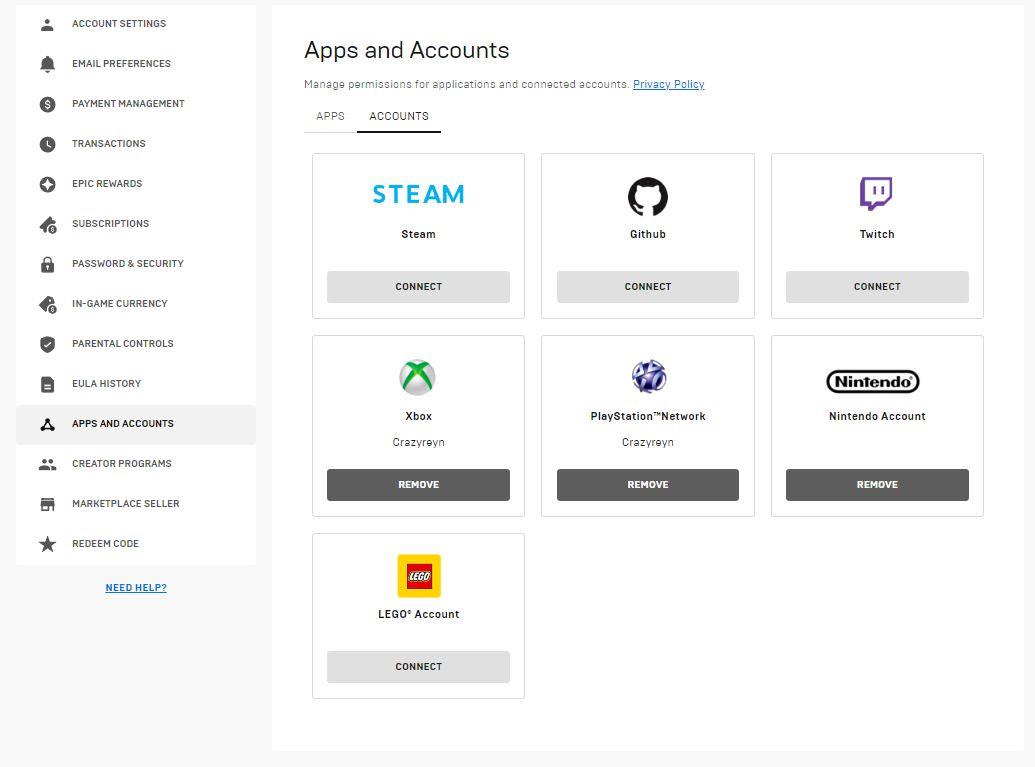
- Once logged into your Epic Games account, visit the “Apps and Accounts” area, which you can visit directly here. This will show all your connected accounts at a glance, including for the likes of Xbox, PlayStation, and Nintendo. Click “Connect” below the LEGO Account box.
- This will then direct you the LEGO site. Provided you are already logged in there, you simply have to select “Allow.” Wait a few moments, and you should be redirected back to the Epic Games “Apps and Accounts” area with your connected account.
A final, optional step – if you’re like us and you aren’t happy with your LEGO account name, you can change this by visiting the LEGO profile page (direct link here). Note that you can only select between more randomly generated names, and not a custom one.
When will you receive the free Lego skins?
After linking your LEGO Insider account with your Epic Games account, you will receive the free LEGO-themed Fortnite skins, Explorer Emilie and Mr. Dappermint, immediately or shortly thereafter. However, if you link your accounts before the official LEGO Fortnite mode release, the skins will become available on the launch day, which was December 7th, 2023, or shortly after for new skins like Mr. Dappermint introduced later. Simply logging into Fortnite after linking your accounts will grant you access to these skins without delay.
Want to discover how linking LEGO Insider unlocks exclusive Fortnite skins for free
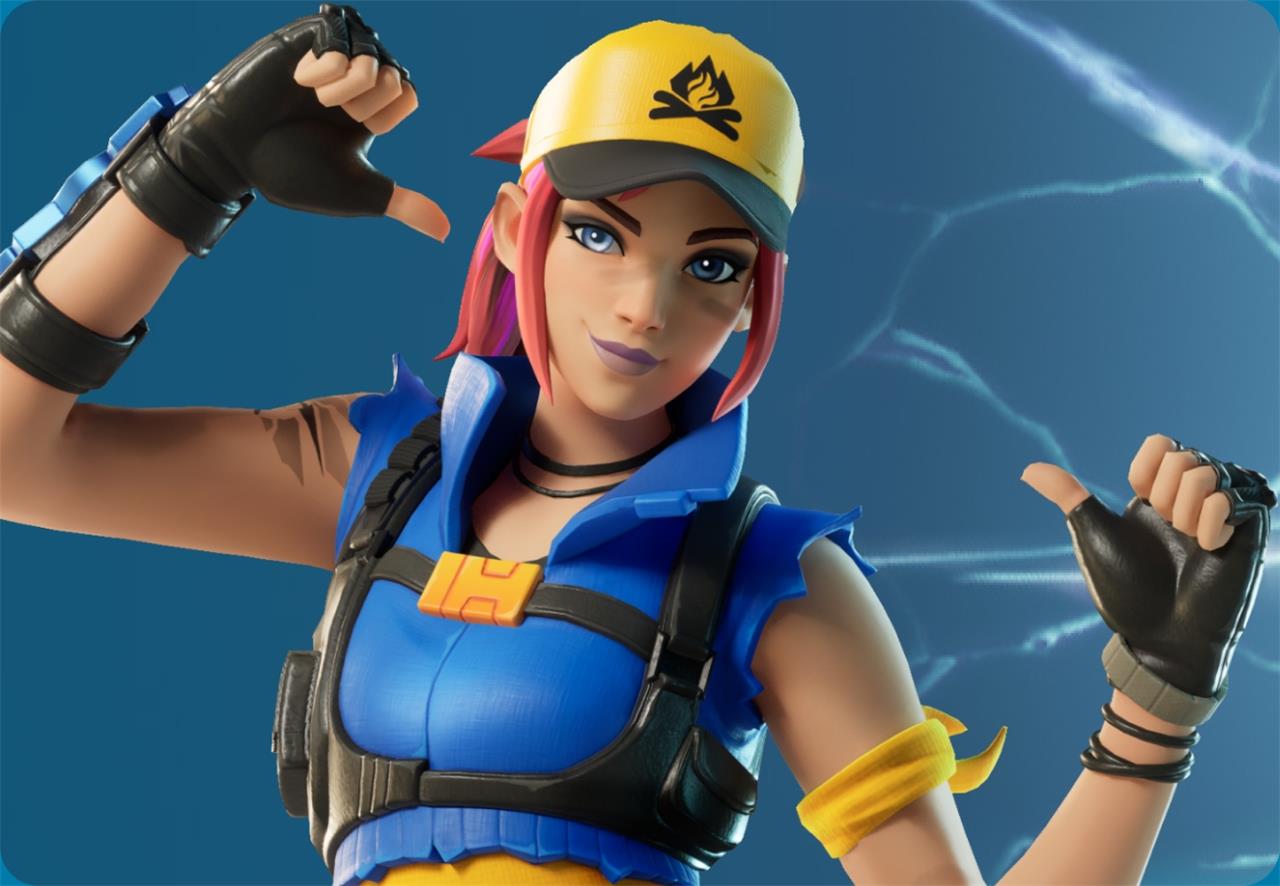
Linking your LEGO Insider account to your Fortnite Epic Games profile unlocks exclusive free skins like Explorer Emilie and Mr. Dappermint, blending LEGO’s iconic style with Fortnite’s battle royale flair. Simply create a free LEGO Insider account, connect it through the Epic Games website under Apps & Accounts, and the skins will automatically appear in your Fortnite Locker across platforms including PC, PlayStation, Xbox, and Nintendo. This seamless link not only grants you unique cosmetic rewards but also enhances your experience in the LEGO Fortnite mode introduced in Chapter 5 Season 1.
How does linking LEGO Insider automatically unlock Fortnite skins for me
Linking your LEGO Insider account to your Fortnite Epic Games account automatically unlocks exclusive skins because the two accounts “communicate” through Epic Games’ account linking system. When you connect them via the Epic Games website under the Apps & Accounts section, you authorize the sharing of account data between LEGO and Fortnite. This triggers the immediate addition of the Explorer Emilie and Mr. Dappermint skins to your Fortnite Locker. These skins feature dual styles-one designed for Fortnite Battle Royale and another for the LEGO Fortnite mode-that switch automatically depending on which mode you play. The process is seamless: after linking, the skins appear without any extra steps, reflecting the integrated reward system Epic Games set up to grant these cosmetics as a benefit of linking the accounts.
