
Capture every frame with precision – from crisp 1080p streams to flawless 4K recordings. Whether you’re editing gameplay or producing live content, these capture cards, led by the Elgato HD60 X, bring smooth performance and professional quality to any setup.
There are several competing options out there, and our guide narrows it down to the most feature-packed USB-based capture cards, whether you want to record games at 1080p or get one that can go all the way up to 4K with a fast frame rate. And, since we know that many streamers want to use a high-end DSLR as a webcam, we’ve included some camera capture card recommendations as well.
Best overall capture card
The Elgato HD60 X stands out for its smooth performance, ease of use, and reliable 4K capture capabilities. It supports 4K60 HDR10 passthrough and records up to 1080p60, making it perfect for both streaming and content creation. With low-latency USB 3.0 connectivity and software compatibility across major platforms, it delivers consistent quality without dropped frames. Its compact design and plug-and-play setup make it ideal for creators who want to focus on production rather than technical setup.
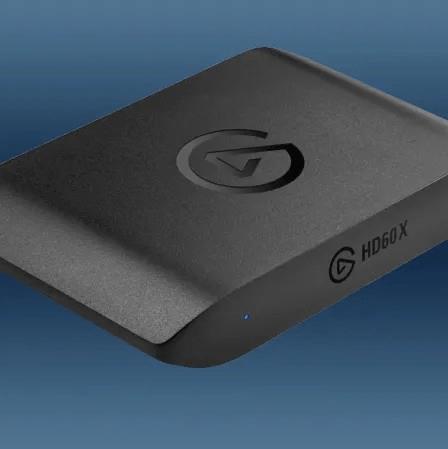
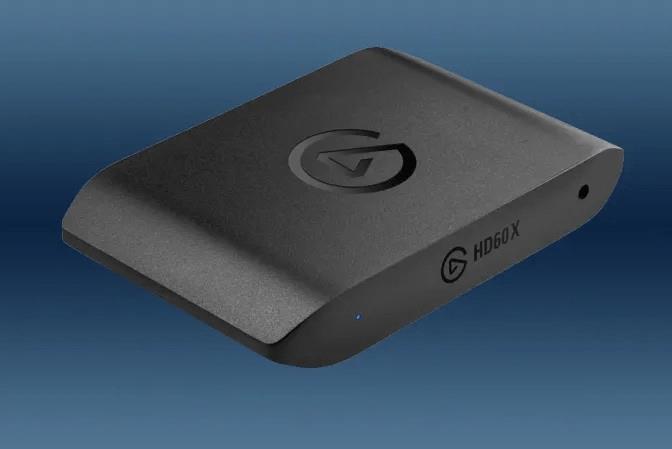
Elgato HD60 X
$139$16013% off $139
The best capture card for most people is going to be the Elgato HD60 X. When we polled the AELGAMES video team for their input, the HD60 X was the unanimous winner. It was chosen because they think it offers the best performance and features compared to other capture cards in its price range.
The HD60 X connects to PCs via USB (it includes a USB-C to USB-A cable), and it has a maximum capture resolution of 4K at 30 frames per second. It can handle 4K passthrough at up to 60 fps (passthrough means the video quality you will see on your screen while you play a game). These specs are more than sufficient for capturing footage from any current-gen console. If you’re recording in 1440p or 1080p resolutions, it can capture at a faster 120 fps.
Adding to its impressive list of specs, the HD60 X grants buyers access to Elgato’s 4K Capture Utility software. This application isn’t totally necessary, but it’s easier to learn for streaming newcomers than OBS Studio. The 4K Capture Utility also allows you to record commentary over your video clip, if you’d like, and take high-quality screenshots from the captured video.
If capturing 4K at 144 frames per second is something you seek, we’ve got you covered with a recommendation below.
Read More $139 at Amazon
Best 4K-ready capture card
The Elgato HD60 X stands out for 4K capture with its passthrough at 1440p60 HDR or 4K30, ensuring smooth gameplay without lag. It records crisp 4K30 or 1080p60 footage via USB 3.0, pairs seamlessly with OBS and Streamlabs, and includes solid software for color tweaks and scene setups. Built tough with low-latency performance, it handles demanding streams and clips from PS5, Xbox Series X, or PC rigs.
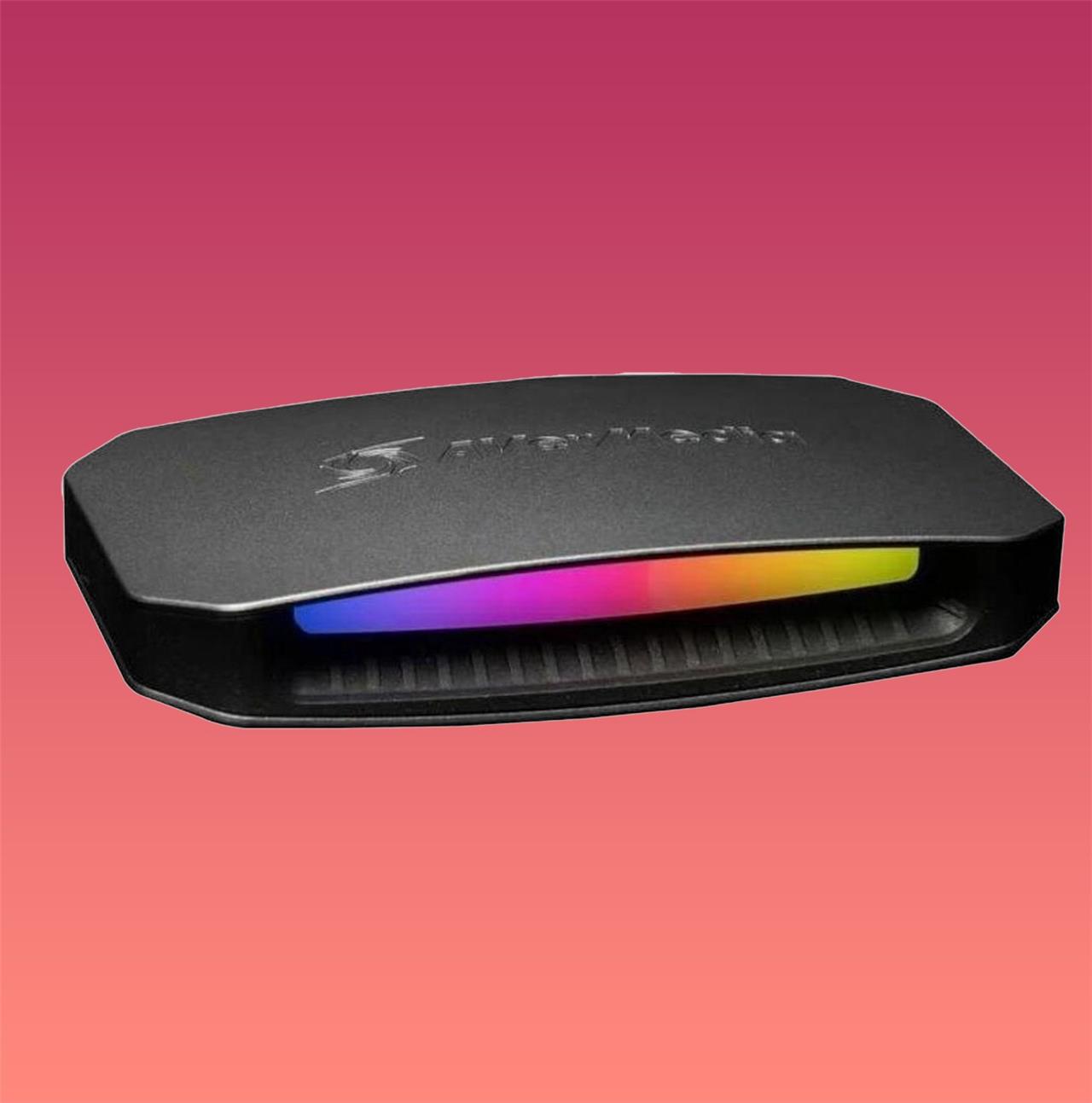
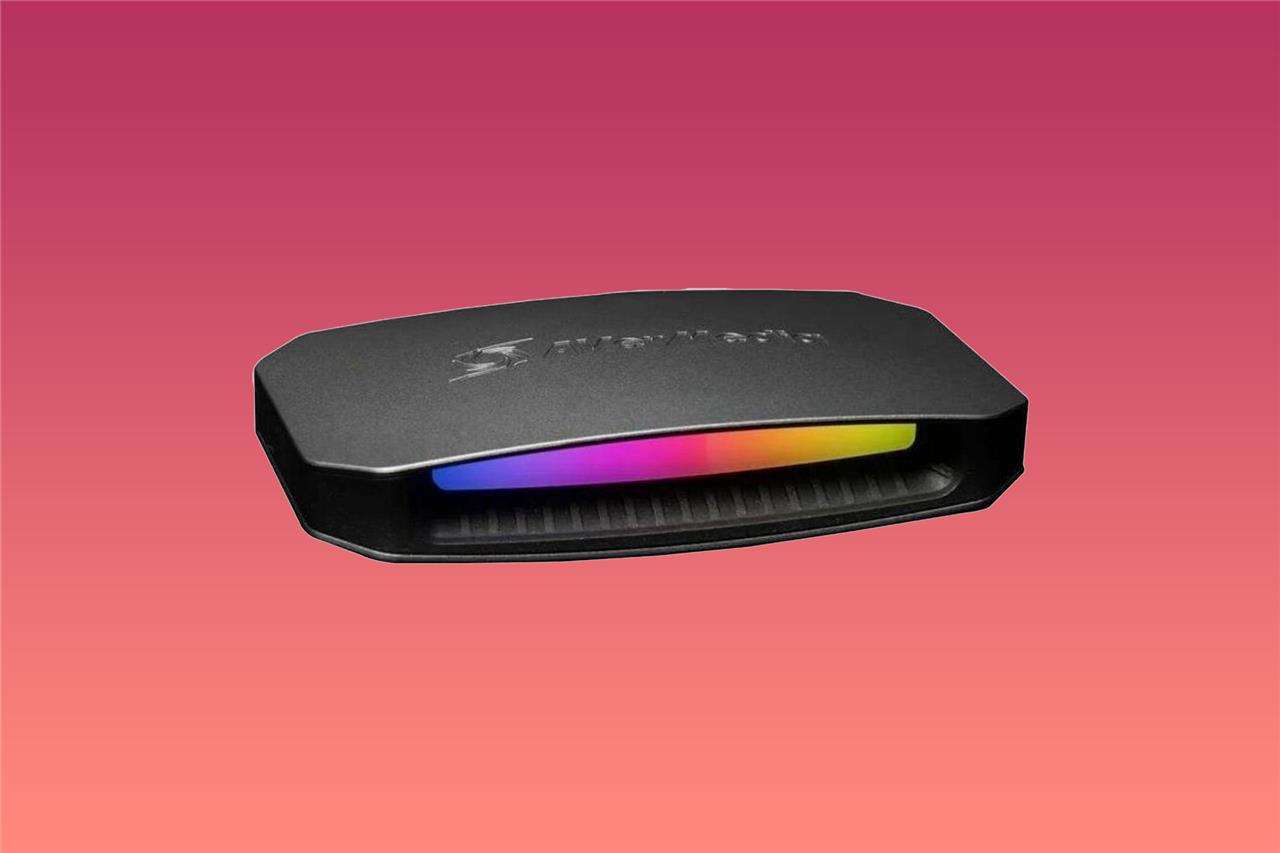
AVerMedia Live Gamer Ultra 2.1
$230 $230
PCIe capture cards used to be your best – and only – option if you wanted to capture 4K gameplay beyond 60 frames per second. Those required slotting them into a PC, which isn’t convenient. But thanks to the widespread adoption of HDMI 2.1, newer USB capture cards like the AVerMedia Live Gamer Ultra 2.1 are able to do this without the need to open up your PC.
The Live Gamer Ultra 2.1 is capable of capturing 4K footage at 144 frames per second, plus it offers up to a 4K / 144 Hz passthrough resolution (it can also capture at various 1440p ultrawide resolutions). Recording footage at even higher frame rates is also possible, with a maximum of 240 frames per second at 1080p. If the PC you’re plugging the Live Gamer Ultra 2.1 into lacks a USB-C Gen 2 port, it’s worth knowing that your 4K capture will be limited to just 60 fps.
The Live Gamer Ultra 2.1 is one of a select few options for capturing 4K footage at over 60 frames per second, along with the Elgato 4K X that’s selling at the same $229.99 price. The AVerMedia capture card seems to be the better of the two options if you’re hoping to capture ultrawide resolutions.
Read More $230 at Amazon$230 at Newegg$300 at B&H Photo
Best budget-friendly capture card
The Elgato HD60 X stands out as the best budget-friendly capture card for most users. It delivers smooth 1080p60 HDR passthrough and recording at a price under $200, making 4K60 capture accessible without breaking the bank. Setup proves straightforward via USB-C, and it handles console gameplay from PS5 or Switch flawlessly with minimal latency. Pair it with OBS for instant streaming, and its compact design fits any setup.
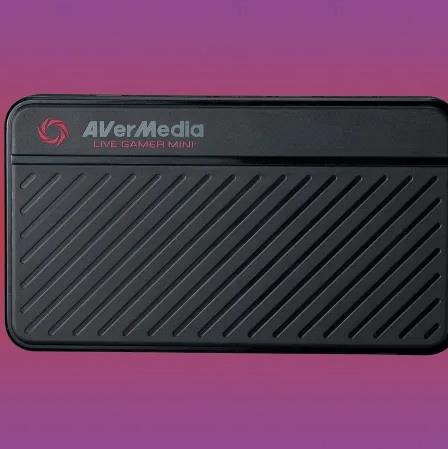
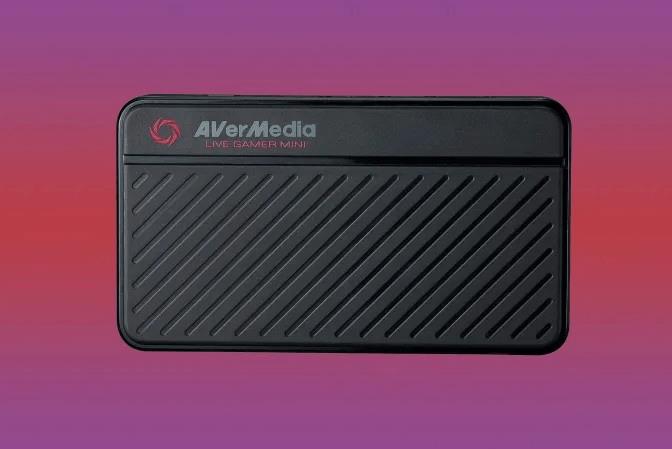
AVerMedia Live Gamer Mini
$70$10030% off $70
If you’re testing the waters with capturing and editing gameplay footage, there are some good capture card options that cost well under $100. The AVerMedia Live Gamer Mini is one of them, regularly available for around $70.
This pocket-size capture card is capable of recording 1080p footage at up to 60 frames per second and has a matching passthrough resolution and frame rate. The Live Gamer Mini is compatible with other consoles as well, but this model won’t make PS5 and Xbox games look their best due to the limit of 1080p capture resolution.
Read More $70 at Amazon$70 at Micro Center
Best capture card that doesn’t require a PC
For creators who prefer a standalone setup, the AVerMedia Live Gamer Portable 2 Plus is an excellent choice. It records directly to an SD card without needing a computer, making it ideal for console players who want flexibility. The device supports 1080p60 recording, offers simple controls, and provides pass-through for seamless gameplay. Its compact build and dependable performance make it a convenient tool for capturing content anywhere.
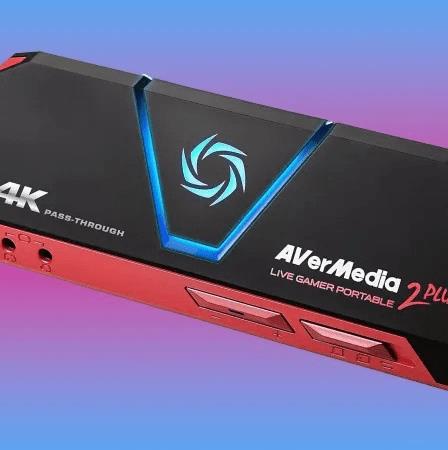
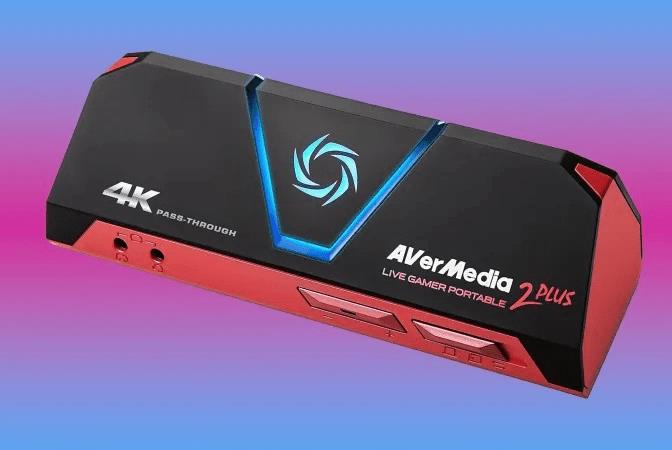
AVerMedia GC513 Portable 2 Plus
$119 $119
Stand-alone capture cards can capture footage without being tethered to a PC, making them incredibly useful for, say, capturing footage at a gaming tournament.
Instead of connecting to a PC, they simply store footage on either a microSD or full-size SD card until you can deposit the files later onto your PC. This feature makes this kind of capture card the most versatile option, even though they currently support a lower capture resolution than the alternatives.
Until Elgato follows up its discontinued 4K60 S , your best option for a stand-alone capture card is the AVerMedia GC513 Portable 2 Plus, which supports 4K passthrough at 60 fps, but is limited to recording 1080p at 60 fps. While recording to remote storage is a key selling point for the GC513, it can also be used while connected directly to a PC, just like other capture card models.
Read More $119 at Amazon$150 at B&H Photo
Best camera capture card
The Elgato HD60 X stands out with its superior camera capture capabilities, delivering crisp 4K60 HDR passthrough and zero-lag recording for streamers and creators. Its compact design plugs straight into USB 3.0 for instant setup, while low-latency encoding ensures smooth streams on platforms like Twitch or YouTube. Pair it with DSLR or mirrorless cameras via HDMI, and you get pro-level footage without frame drops or quality loss, making it ideal for high-res content production.
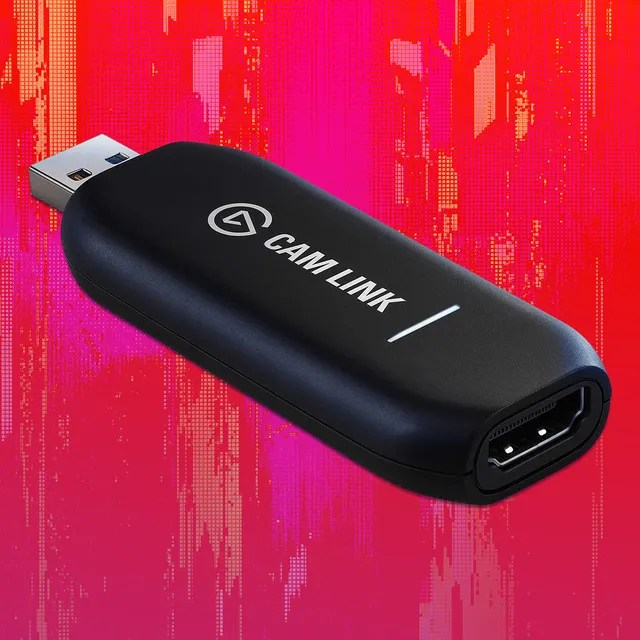
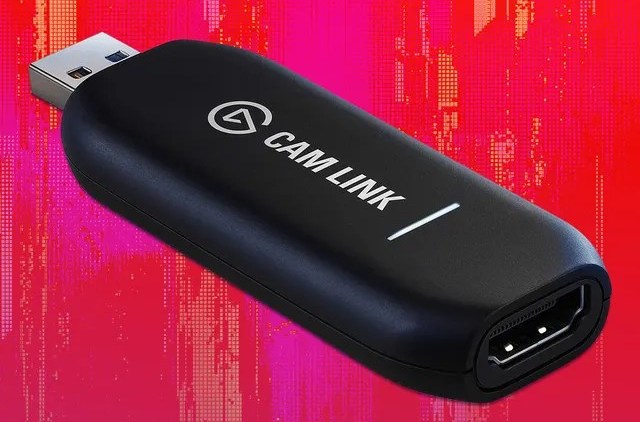
Elgato Cam Link 4K
$98 $98
Camera capture cards are more of a niche product, allowing you to turn most DSLR cameras into a webcam. Some newer DSLR cameras support this feature out of the box with native USB connections, but other cameras will need to rely on a camera capture card to translate what your camera sees into a video signal that’s usable by your PC.
Your best option for this is the Elgato Cam Link 4K, which allows for 4K video capture at up to 30 fps and is fully compatible with a variety of DSLR cameras from popular manufacturers like Nikon, Canon, and GoPro.
AVerMedia offers a slightly less expensive camera capture card that features similar specs for about the same price. The AVerMedia BU113 can technically record 4K footage at 30 fps, but its shorter list of fully compatible cameras means only a handful of devices can support this feature.
Read More $98 at Amazon$100 at Best Buy$100 at Elgato
Which capture card is best for 4K60 HDR streaming
AVerMedia Live Gamer Ultra S (GC553Pro) stands out as the best capture card for 4K60 HDR streaming due to its true 4K60 HDR capture, VRR passthrough, and plug-and-play USB compatibility.
Key Strengths
This external USB card captures brilliant 4K60 footage with HDR support at a reasonable price under $200, outperforming the Elgato HD60 X, which limits capture to 1080p60 HDR despite strong passthrough. It integrates well with OBS for low-latency streaming on PS5, Xbox Series X, or PC setups.
Alternatives
Elgato 4K X offers excellent 4K240 passthrough with VRR/HDR but captures only 4K30 HDR or 4K144 SDR, making it less ideal for full 4K60 HDR streams. For internal PCIe users, AVerMedia Live Gamer 4K 2.1 (GC575) or Elgato 4K60 Pro MK.2 provide 4K60 HDR capture with HDMI 2.1 features like 4K144 passthrough.
Considerations
Prioritize USB external cards like GC553Pro for portability and ease; test software compatibility for HDR streaming, as some require specific apps. Budget options sacrifice full 4K60 HDR for passthrough focus.
Compare Elgato 4K S vs AVerMedia Live Gamer Ultra S performance
Elgato 4K60 S+ outperforms AVerMedia Live Gamer Ultra S in standalone 4K60 HDR recording without a PC, but the Ultra S edges ahead in low-latency USB streaming and passthrough flexibility.
Performance Comparison
| Feature | Elgato 4K60 S+ | AVerMedia Live Gamer Ultra S (GC553Pro) |
|---|---|---|
| Capture Resolution/FPS | 4K60 HDR (standalone to SD card) | 4K60 HDR or 1080p240 |
| Passthrough | 4K60 HDR | 4K144/1440p144 VRR HDR |
| Latency | ~250-500ms (USB bottleneck issues) | Near-zero with uncompressed preview |
| Connectivity | USB 3.0 external | USB 3.2 external (better bandwidth) |
| HDR Handling | Full 4K60 HDR capture/passthrough | 4K60 HDR capture + VRR support |
Strengths and Weaknesses
Elgato 4K60 S+ shines for PC-free workflows and reliable OBS integration, though it suffers occasional audio sync issues and pixelation at max settings. AVerMedia Live Gamer Ultra S delivers superior real-time preview, higher passthrough rates, and 5.1 audio, but requires stronger PC hardware for sustained 4K60 HDR streams.
Recommendation
Choose AVerMedia for live 4K60 HDR streaming on PS5/Xbox due to lower latency and VRR; select Elgato for portable, standalone recording.
