
In Star Wars Jedi: Survivor Chamber of Duality, every choice splits the path, and the shadows you chase reveal who you are.
Chamber of Duality location
The Chamber of Duality is found on Bogano, within the Undercity Ruins area, shortly after Cal meets BD-1. To reach it, follow the path from the Meditation Point, move across the broken bridges, and use wall runs to reach the lower section of the ruins. The chamber’s entrance is marked by a mechanical door that opens once you activate the nearby mechanism. Inside, players will find a puzzle that combines droid cooperation, ball positioning, and force manipulation to progress through the chamber.
Once you reach the town of Rambler’s Reach Outpost on Koboh, you’ll head into Pyloon’s Saloon to reunite with Greez. After a quick nap, he’ll send you down into the Smuggler’s Tunnels to look for the parts you need to repair the Mantis.
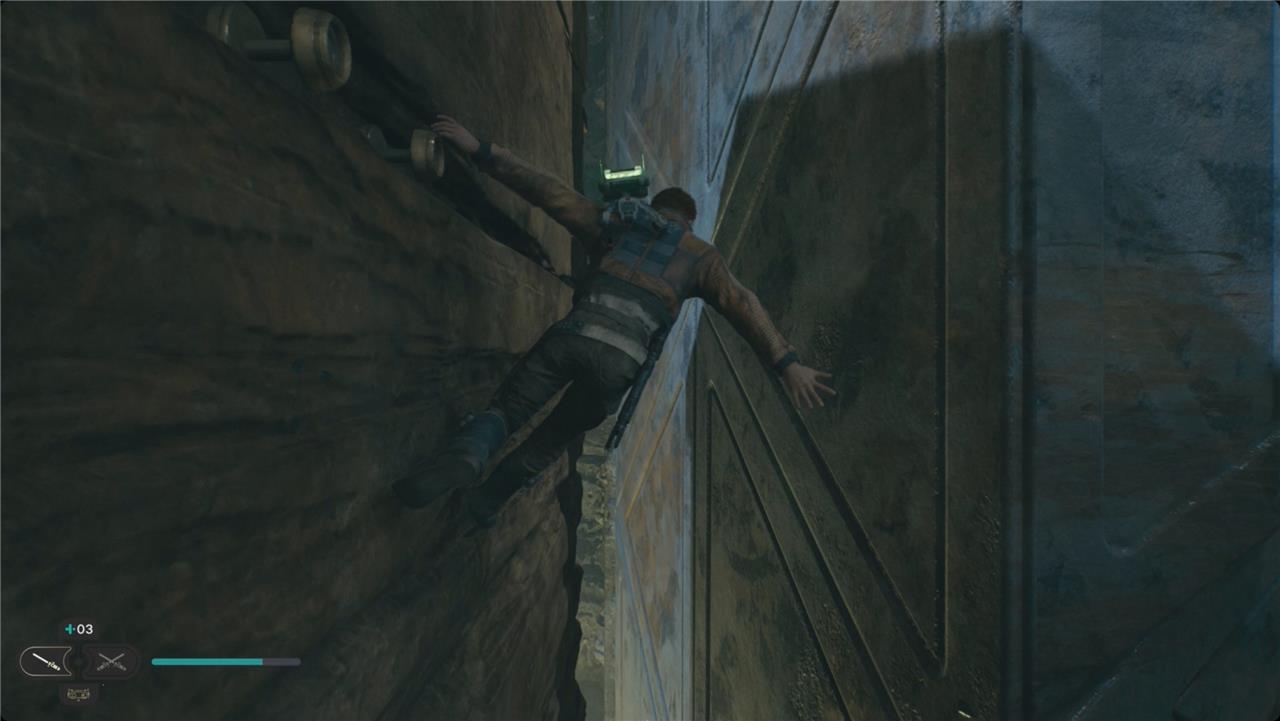
In true video game fashion, when you find the gyro, you’ll fall into a Collapsed Passage. A big of wall running and jumping later, you’ll arrive at the Chamber of Duality.
Chamber of Duality walkthrough
The Chamber of Duality in Star Wars Jedi: Survivor challenges players with puzzles focused on balance and manipulation of mechanics. You’ll need to use Force Pull and Push to move orbs that control bridges and energy fields while defending against droids guarding the chamber. Careful observation of the environment helps reveal paths through rotating platforms and shifting energy beams. After solving the final puzzle and freeing the trapped droid, the chamber rewards you with an upgrade that enhances your connection to the Force.
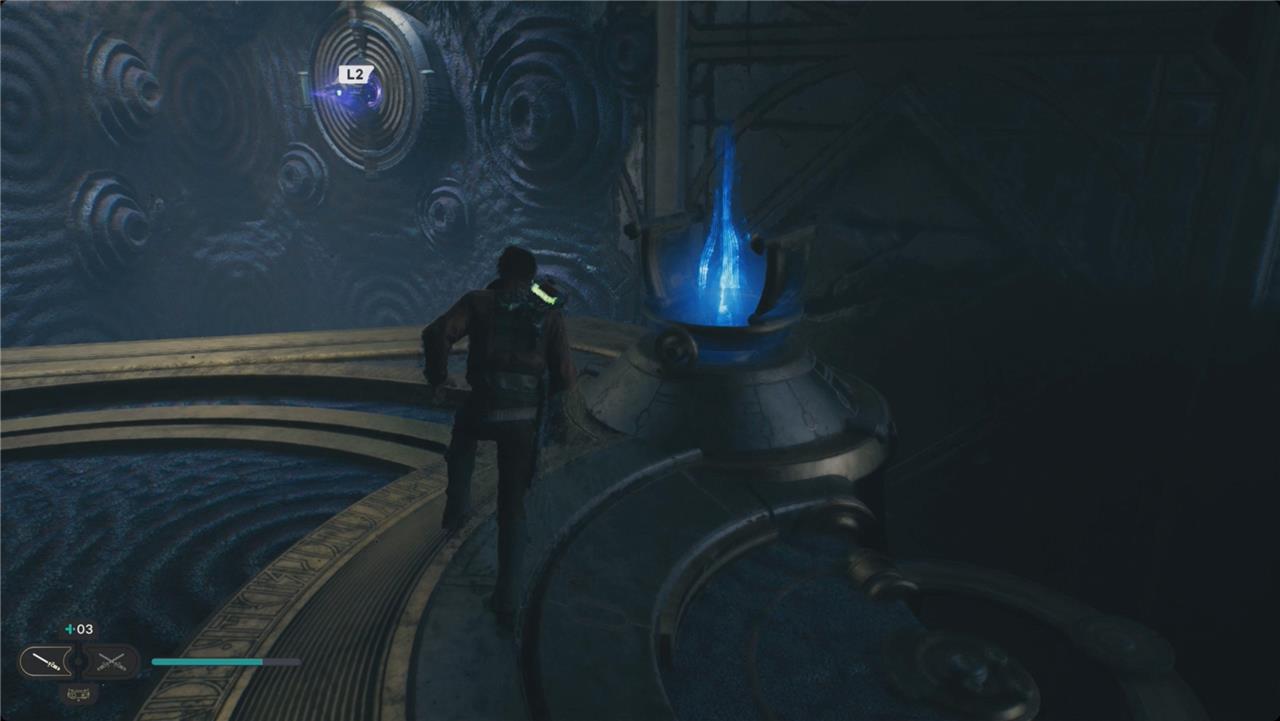
When you squeeze through the gap to enter the Chamber of Duality, Cal will make a comment about getting the lights on. Turn left and Force Pull the glowing orb out of the wall. Drop it into the socket on the same platform that you are.
Cross the weird bridge that appears, and a trigger a cutscene where you investigate the droid there. Once Zee wakes up, look back across the bridge you came over.
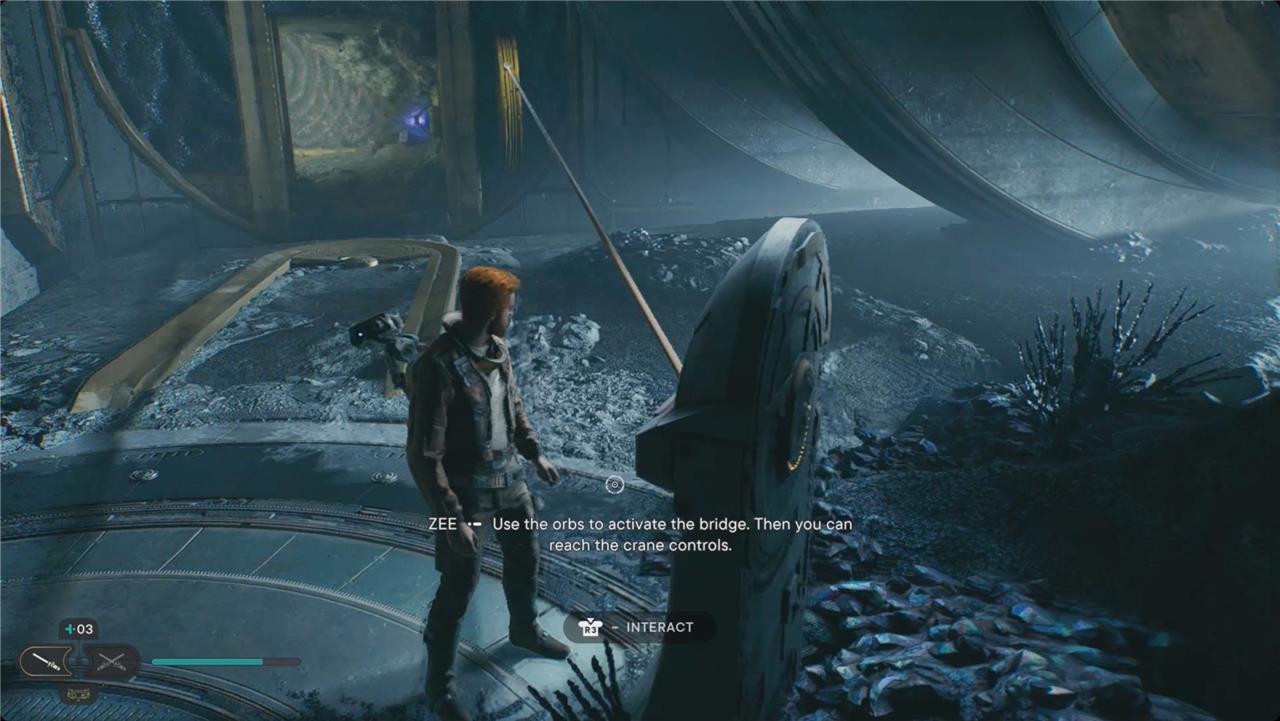
Force Pull the orb to you, and place it in the socket directly in front of Zee. Cross that bridge and look to the left to find a cable. Force Pull it to you, and attach it to the socket on your right. Jump through the door you just pulled open. As soon as you enter, turn left to find a data disc treasure.
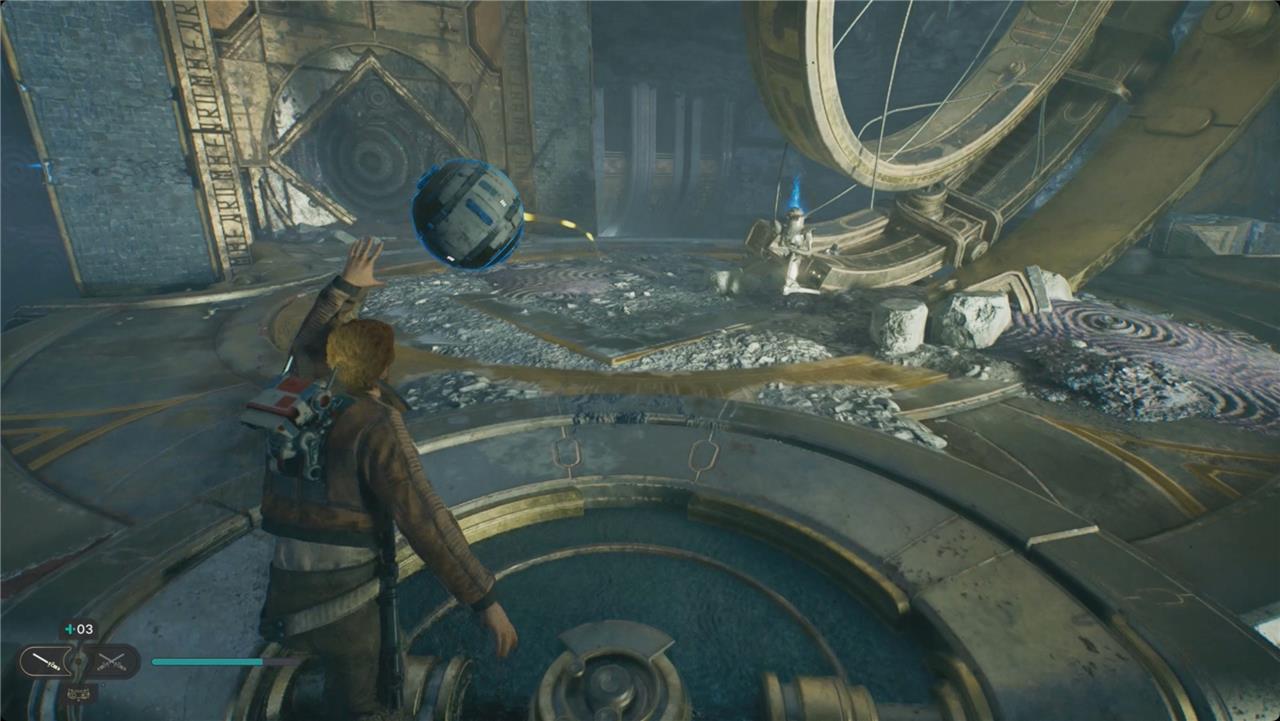
Yank the orb from the wall on your right, and toss it back through the doorway. Follow it through, and take it over to one of the other two sockets behind Zee. Turn around to pull the original orb, and place it in the other one.
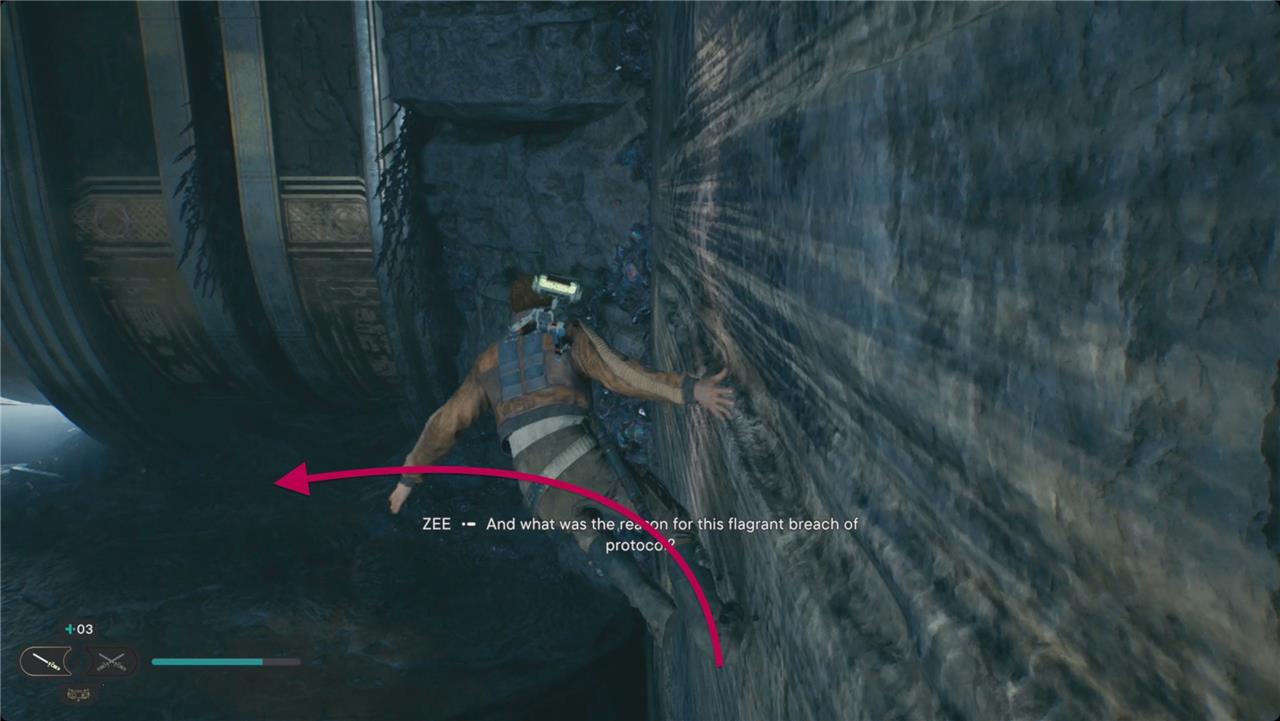
Cross the new bridge. At the far side, wall run to the left. You’ll land on a ledge with a chest containing Jedi paint weapon material. Continue past the chest and use the two walls in the corner to jump up to the next level.
Turn left in the next room and Force Pull the cable along the ceiling. Plug it into the socket in the back corner, and then make your way back to Zee.
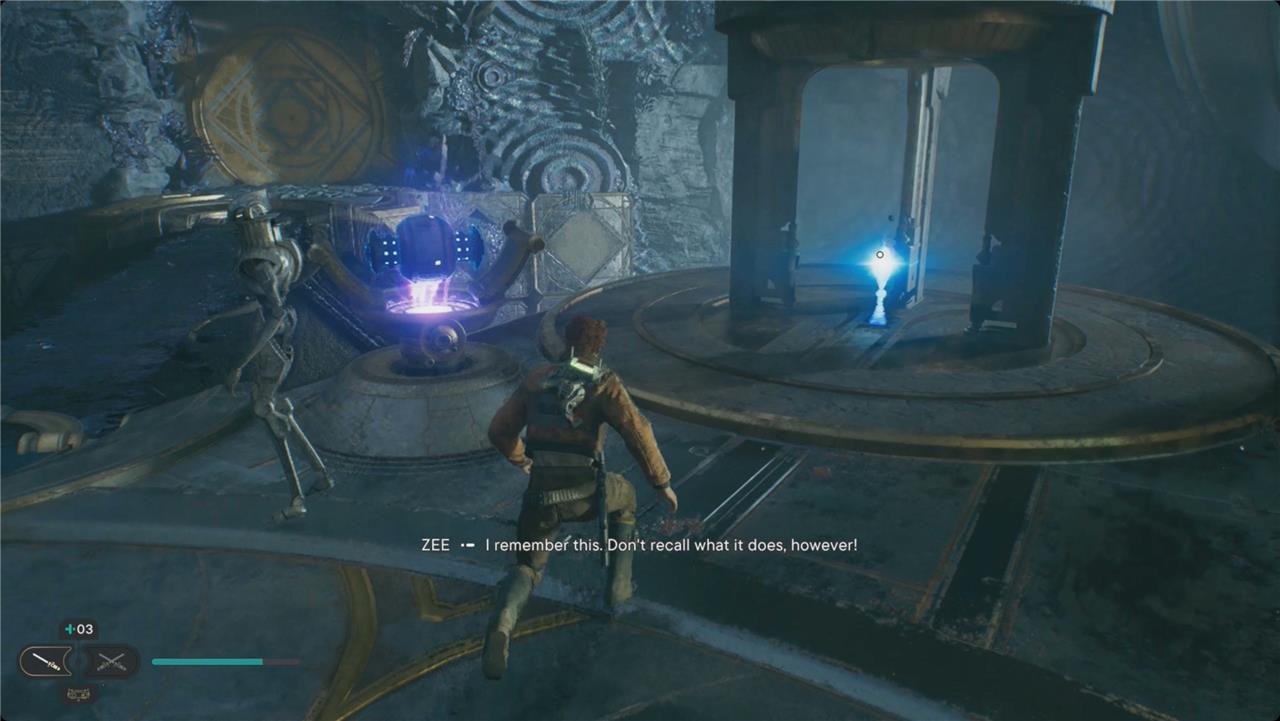
After you free Zee, they’ll use their tuner to open a meditation chamber where you can pick up the Resilience perk (to left of where they were trapped).
What is the Resilience perk from Chamber of Duality
The Resilience perk from the Chamber of Duality is a defensive perk that increases your block meter (block stamina) and it only costs 1 perk slot to equip.
A few practical notes about it:
-
You obtain it by picking up the Perk Essence that appears after you free Zee and finish the Chamber of Duality on Koboh.
-
A larger block meter lets you block and deflect more melee hits and blaster bolts before your guard breaks, which is especially helpful on higher difficulties or with low-stamina stances like Dual Wield.
How do I equip and unequip perks in Jedi Survivor
You equip and unequip perks at Meditation Points or workbenches, not from the regular pause menu.
How to equip perks
-
Go to a Meditation Point (or a workbench like in Pyloon’s Saloon) and interact with it to open the menu.
-
Select the Perks tab/button from the meditation/workbench menu.
-
On the right, highlight a perk you’ve unlocked and choose Equip; it will fill a number of perk slots equal to its cost.
-
Make sure you have enough free perk slots (you start with a few, and can unlock more Essences/perk slot upgrades later).
How to unequip perks
-
At a Meditation Point or workbench, open the Perks screen again.
-
Highlight a perk currently shown in the “equipped” slots on the left and select Unequip/Remove; this frees its slot cost so you can assign something else.
-
Changes only take effect when done at meditation/workbenches; the pause-menu Perks screen is view-only and won’t let you change loadouts.
If you tell me which platform you’re on (PC/PlayStation/Xbox), I can map this to the exact buttons you need to press.
