
Unleash the full potential of your ASUS ROG Ally with the ultimate lineup of accessories designed to protect, enhance, and expand your handheld gaming experience. From rugged cases and screen protectors to powerful docking stations and wireless earbuds, discover what every ROG Ally owner needs to elevate their gameplay, whether at home or on the go. Dive into our comprehensive guide to find the must-have gear that transforms this sleek handheld PC into a versatile gaming powerhouse.
The accessory ecosystem has blossomed since the ROG Ally’s debut, more or less on par with the best Steam Deck accessories, which is great to see. And, thanks to the ROG Ally’s port and design similarities to the Steam Deck, some accessories work just fine with either handheld. Here are our top picks for accessories to help you get the most out of your ROG Ally.
Our 4 must-have Asus ROG Ally accessories
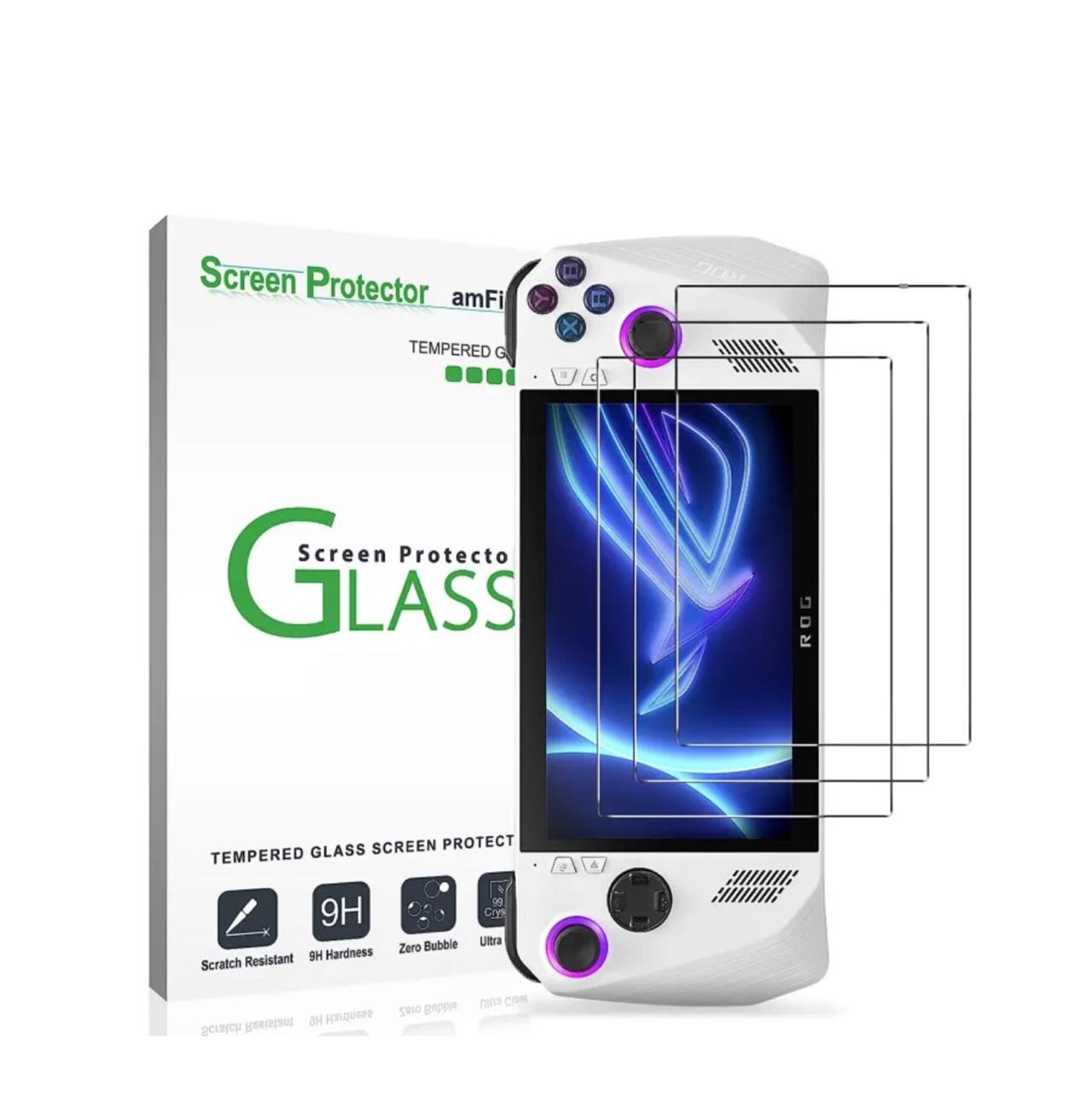
For the ultimate Asus ROG Ally experience, these four must-have accessories stand out: first, the amFilm tempered glass screen protector, which offers robust 9H hardness protection against scratches and smudges; second, the Skull & Co. thumbstick grips that enhance control and comfort during extended gaming sessions; third, a high-capacity external SSD enclosure like the ASUS ROG Strix Arion to expand your storage for more games; and fourth, a versatile docking station such as the Baseus GamerX 6, enabling seamless connection to larger displays and additional peripherals for a full gaming setup. These accessories not only protect your device but also significantly elevate your gaming performance and convenience.
amFilm screen protector for Asus ROG Ally
$10 $10
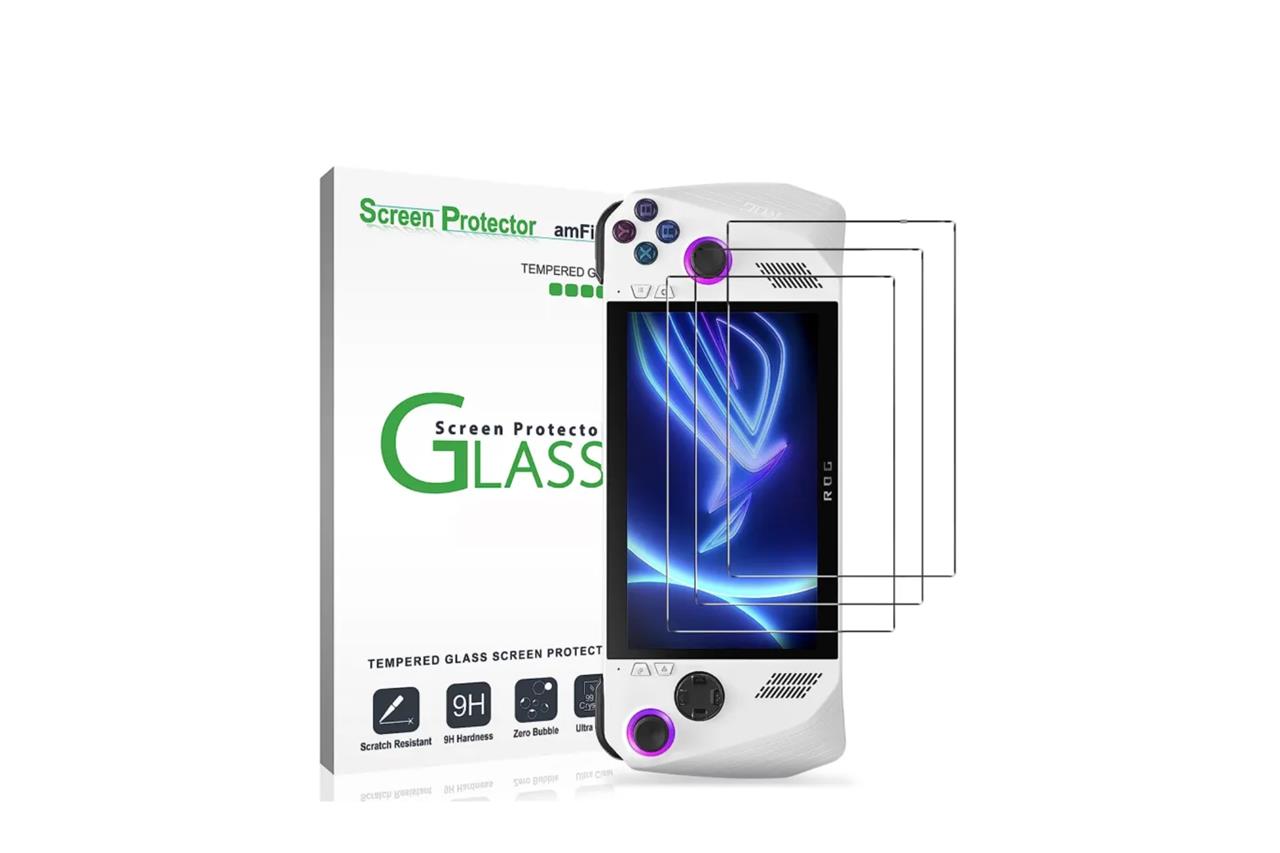
One of the first accessories you should buy for the ROG Ally is this three-pack of tempered glass screen protectors from amFilm. These will keep your screen safe from scratches and other minor cosmetic damage, and they’re easy to apply. Best of all, they’re affordable. The three-pack is available from Amazon for $9.99.
Read More $10 at Amazon
Skull & Co. thumbstick grips
$10 $10
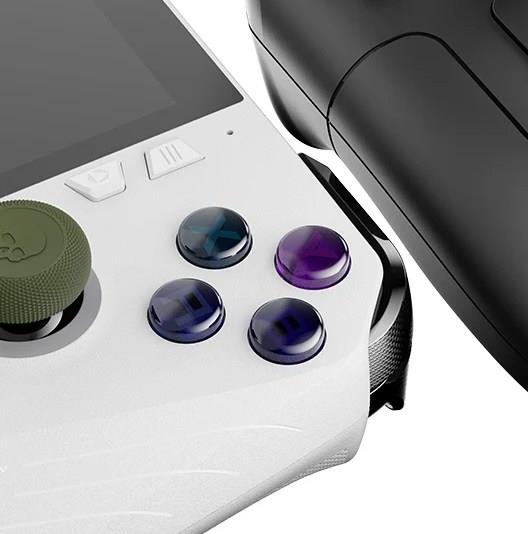
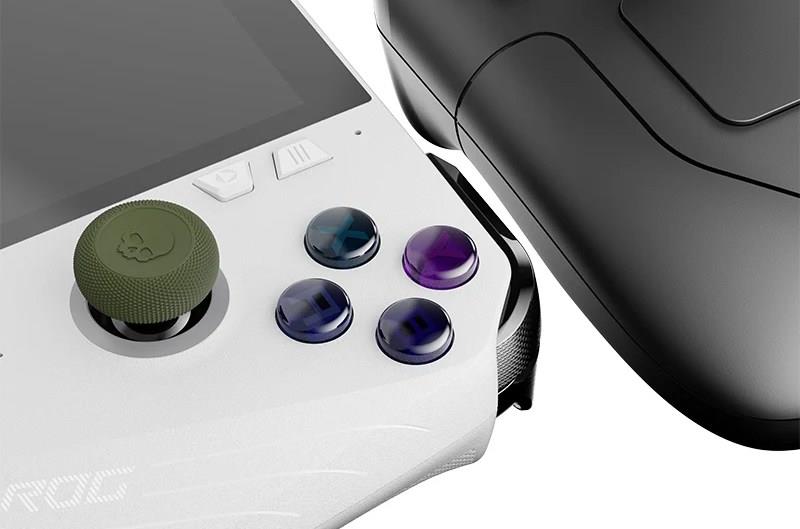
If you’re using the ROG Ally primarily as a handheld (as opposed to docking it to a monitor or TV), you may wish to make its thumbsticks a little cozier. If so, Skull & Co. makes a set of $9.99 thumbstick grips that are up to the task. While modeled after the sticks on the Steam Deck, the ROG Ally’s are close enough in size to be compatible with these grips as well. Once applied, they provide a bit more surface area for your thumbs, and certain grips can adjust the height if that’s something you prefer.
Read More $10 at Amazon (Steam Deck, ROG Ally)
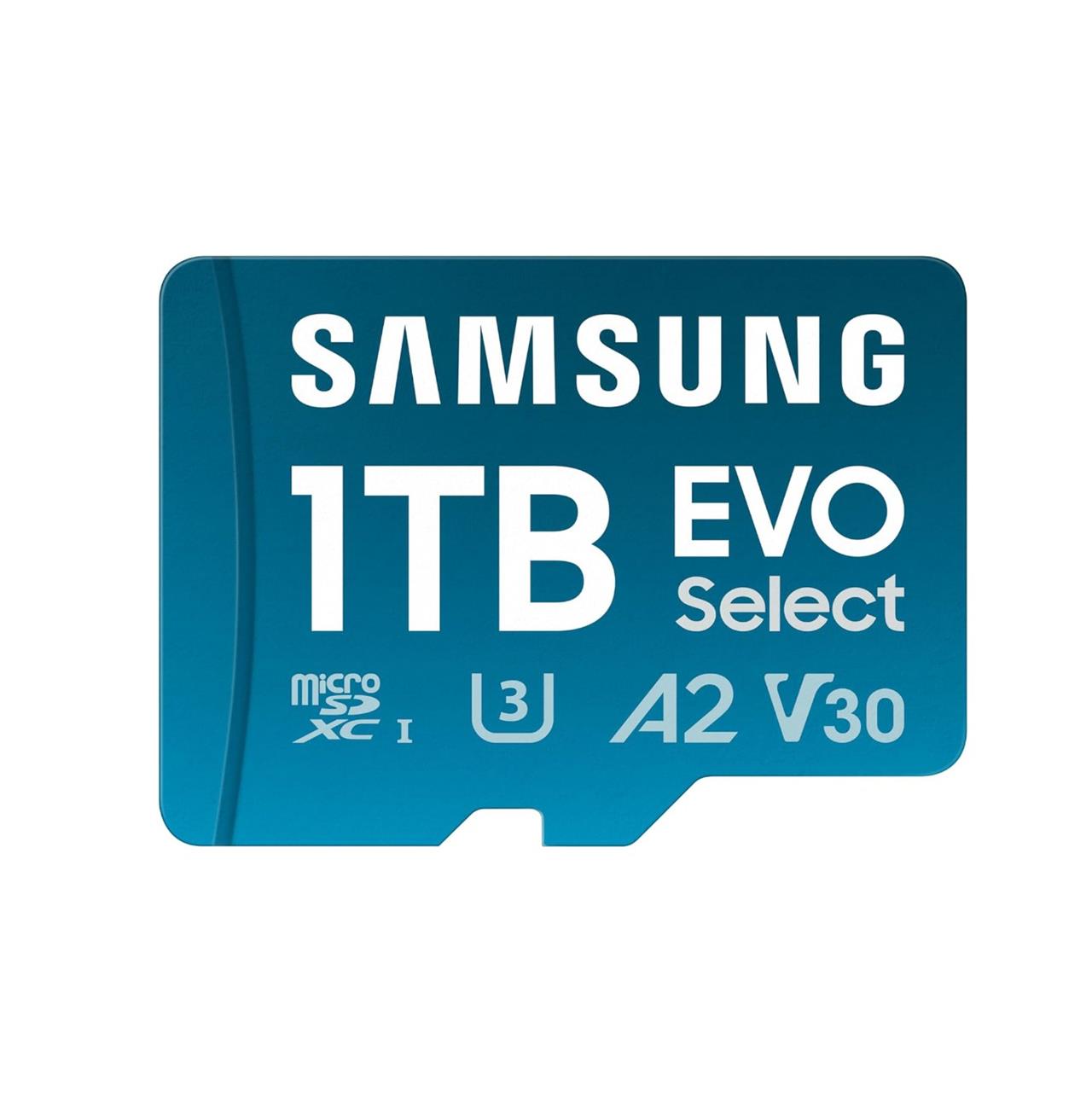
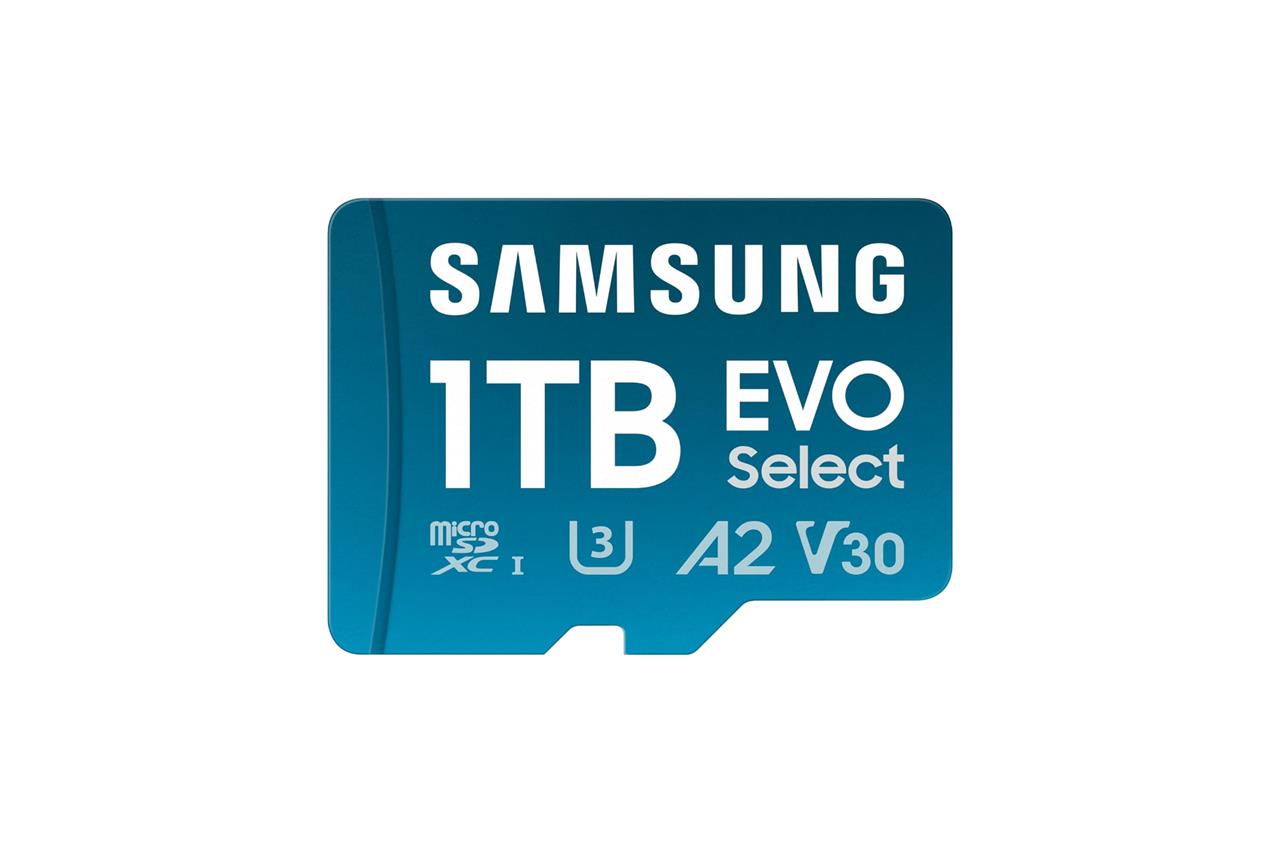
Samsung 1 TB Evo Select microSD card
$70$11036% off $70
While the Asus ROG Ally and Ally X support fast UHS-II microSD cards, it’s a pricey route to suggest for most people. Until more reliable brands hop on the UHS-II microSD card train, we have some tips on how to add even faster storage to your handheld.
The easiest and least expensive option for expanding the ROG Ally’s storage is using a microSD card, which are available in sizes ranging from 32 GB to 1 TB from a number of reliable brands, including SanDisk and our top pick, Samsung.
Read More $70 at Amazon
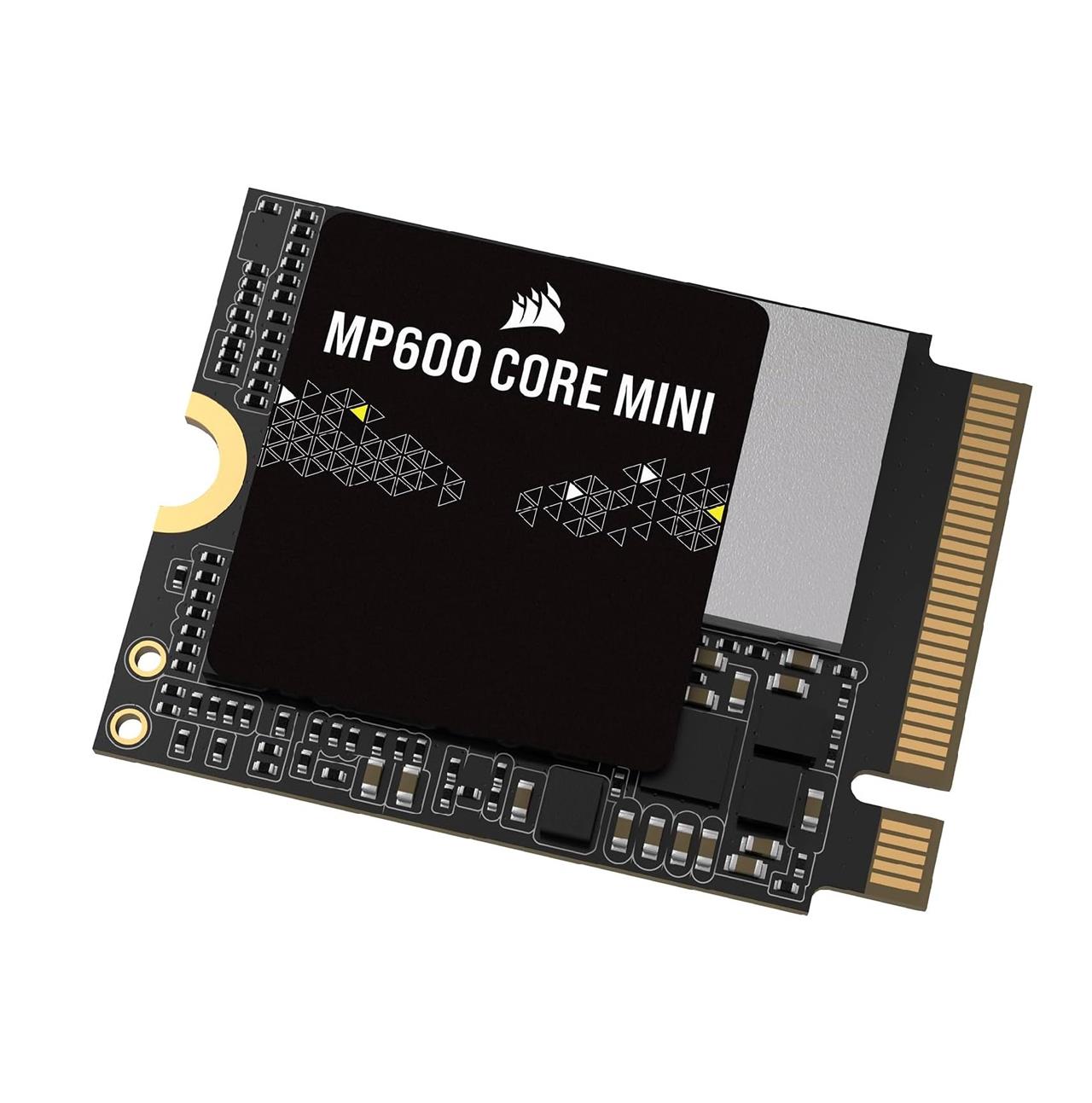
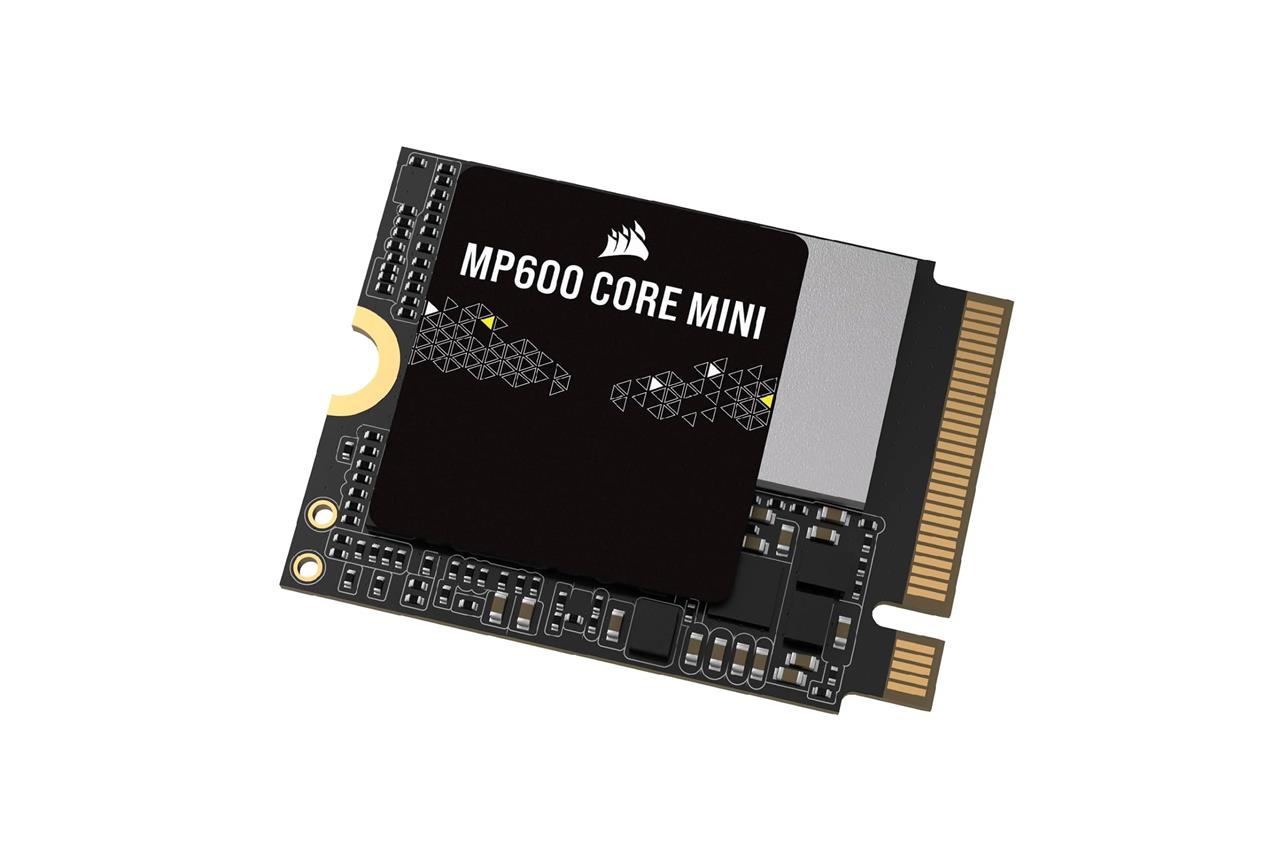
Corsair MP600 Mini M.2 SSD
$75$11535% off $75
For storage that’s both spacious and fast, your best option is getting a 2230-size M.2 SSD (though, heads up, this will involve opening up the ROG Ally). If you’re looking for a 1 TB SSD, our recommendation is the MP600 Mini M.2 SSD from Corsair, which offers much faster transfer speeds compared to microSD cards.
Want to know how to install an M.2 SSD in your ROG Ally or ROG Ally X? We’ve got you covered.
Read More $75 at Amazon (1 TB)$140 at Amazon (2 TB)
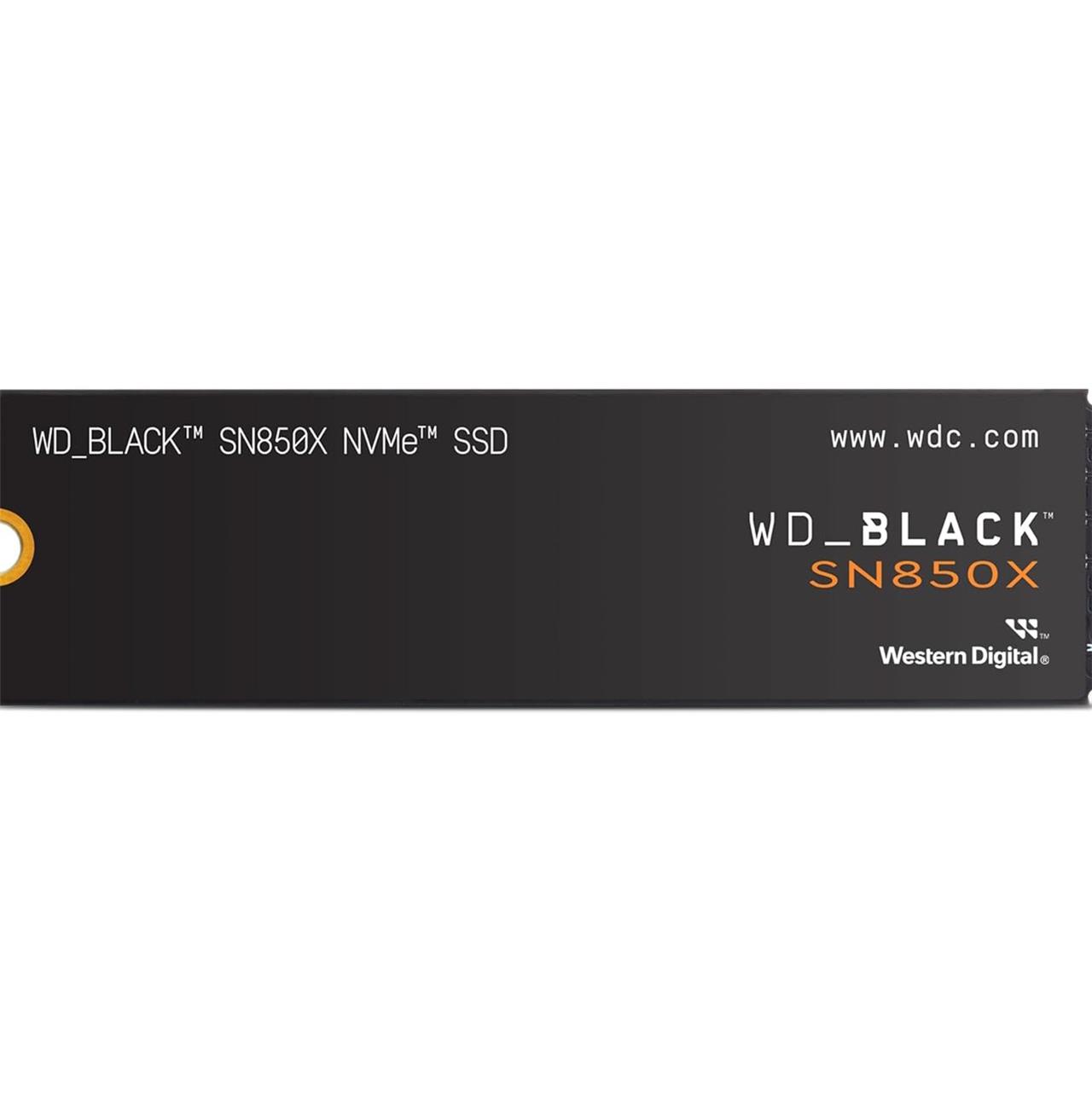
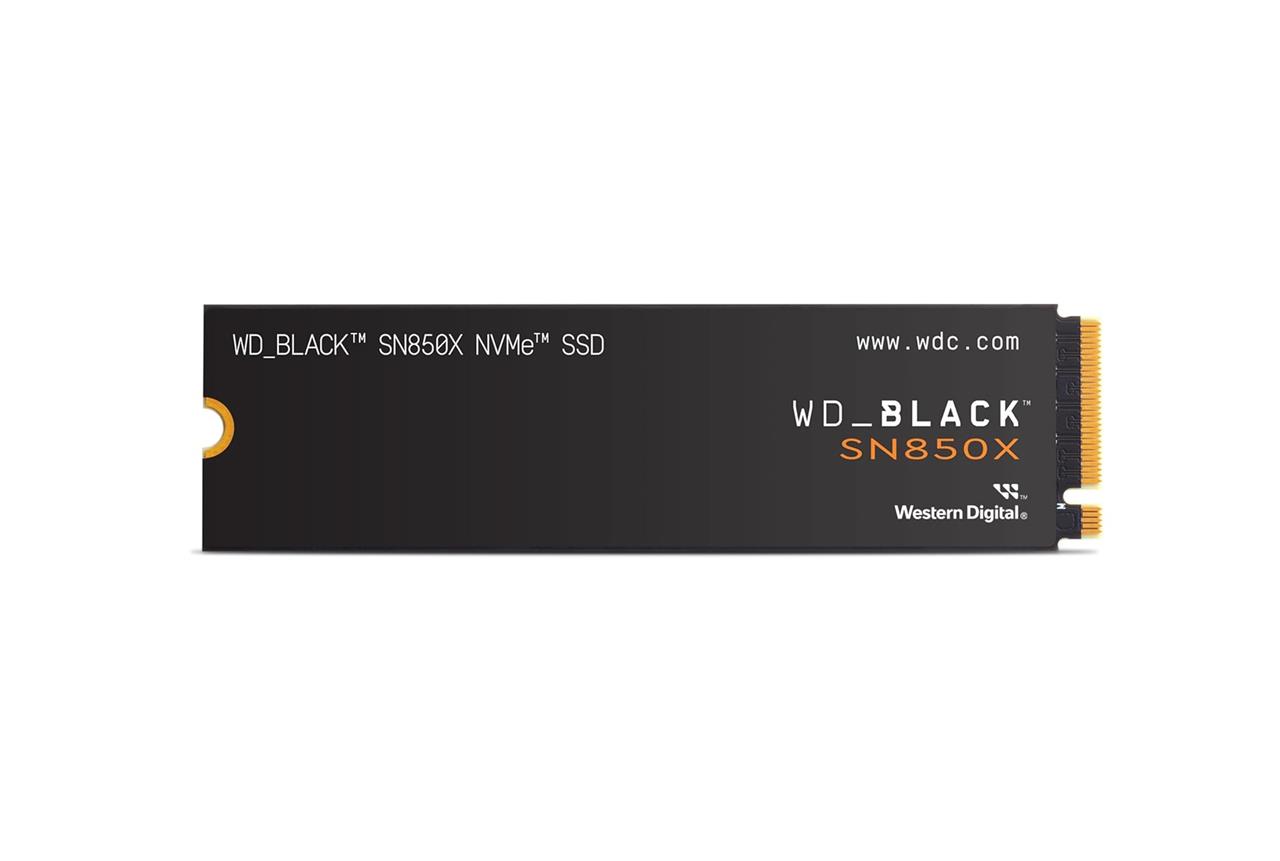
WD Black SN850X M.2 SSD
$140$19026% off $140
One of the most substantial differences in the ROG Ally X compared to the ROG Ally is its support for M.2 2280 SSDs, which are bigger in size, but often available from more companies at multiple price points. If you’re expanding the SSD storage of your Ally X, the WD_Black SN850X is one of the most affordable options and offers similar performance when stacked up against more expensive competitors.
Read More $140 at Amazon (2 TB)$600 at Amazon (8 TB)
Best Asus ROG Ally docks
For the best Asus ROG Ally docks, the JSAUX 6-in-1 Multifunctional Docking Station stands out as the top choice, especially for the ROG Ally X. It is specifically designed to fit the larger size and unique port placement of the ROG Ally X, offering a sturdy base, a long braided USB-C cable that reaches the handheld’s ports, and a wide array of connections including USB-A, USB-C, Gigabit Ethernet, and 4K HDMI output at 120Hz. This dock supports 100W power delivery, making it perfect for extended gaming sessions and desktop setups. Other docks like the Ugreen 7-in-1 and the Hagibis models offer good functionality but may face compatibility issues due to port placement or cable length. For flexible use, USB-C hubs like the Ugreen Revodok Pro are also worth considering, though they lack a dedicated stand. Overall, the JSAUX 6-in-1 dock is the best dock tailored for the ROG Ally X experience.
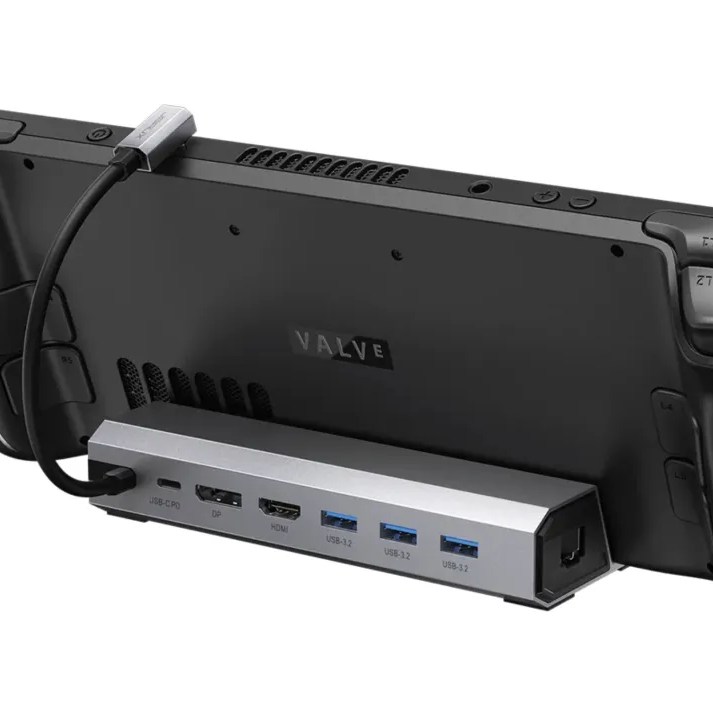
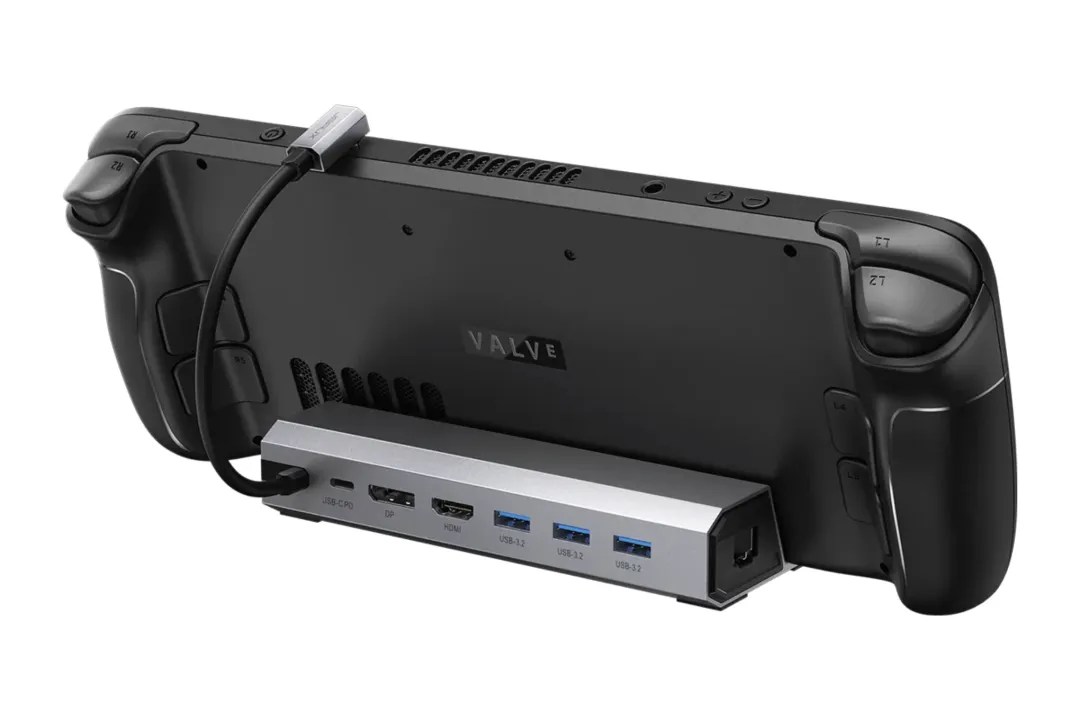
JSAUX docking station
$55$608% off $55
The most popular third-party Steam Deck dock also happens to be the best option for anyone who needs a dock for the ROG Ally. The versatile $59.99 JSAUX Steam Deck dock is a simple and straightforward way to expand the handheld’s connectivity options, allowing you to hook up monitors, keyboards, and other wired peripherals. The JSAUX dock features a trio of USB-A ports, and a single USB-C port for power in addition to an HDMI 2.0 output and ethernet port. All you have to do is slot the ROG Ally in the dock, then plug it in via USB-C.
The JSAUX docking station provides up to 100 W of power, which is enough juice to satisfy the 65 W charging requirements of the ROG Ally (plus most connected accessories). The dock is even capable of running the ROG Ally in its Turbo mode if you have a 100 W wall charger.
Read More $55 at Amazon
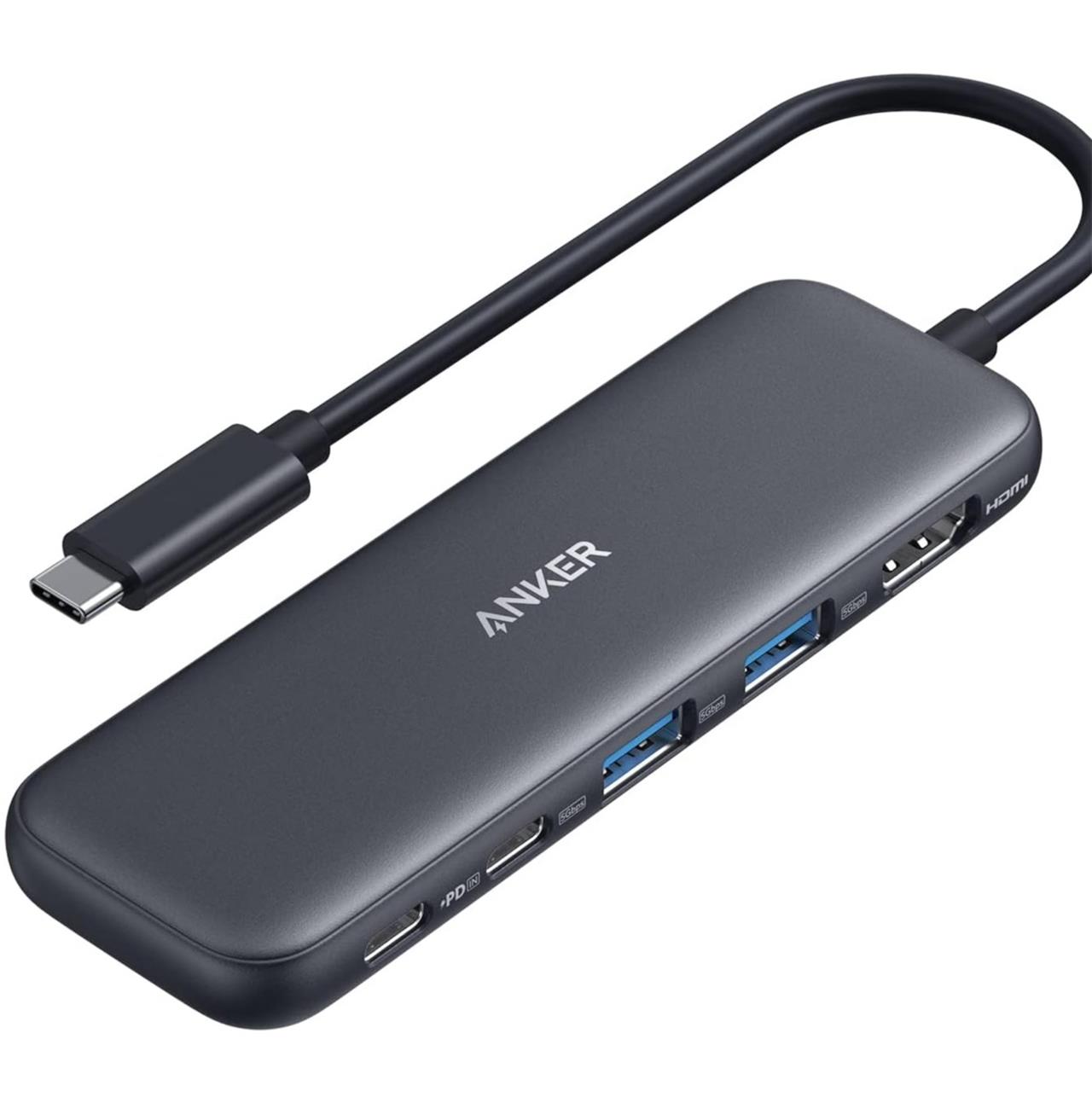
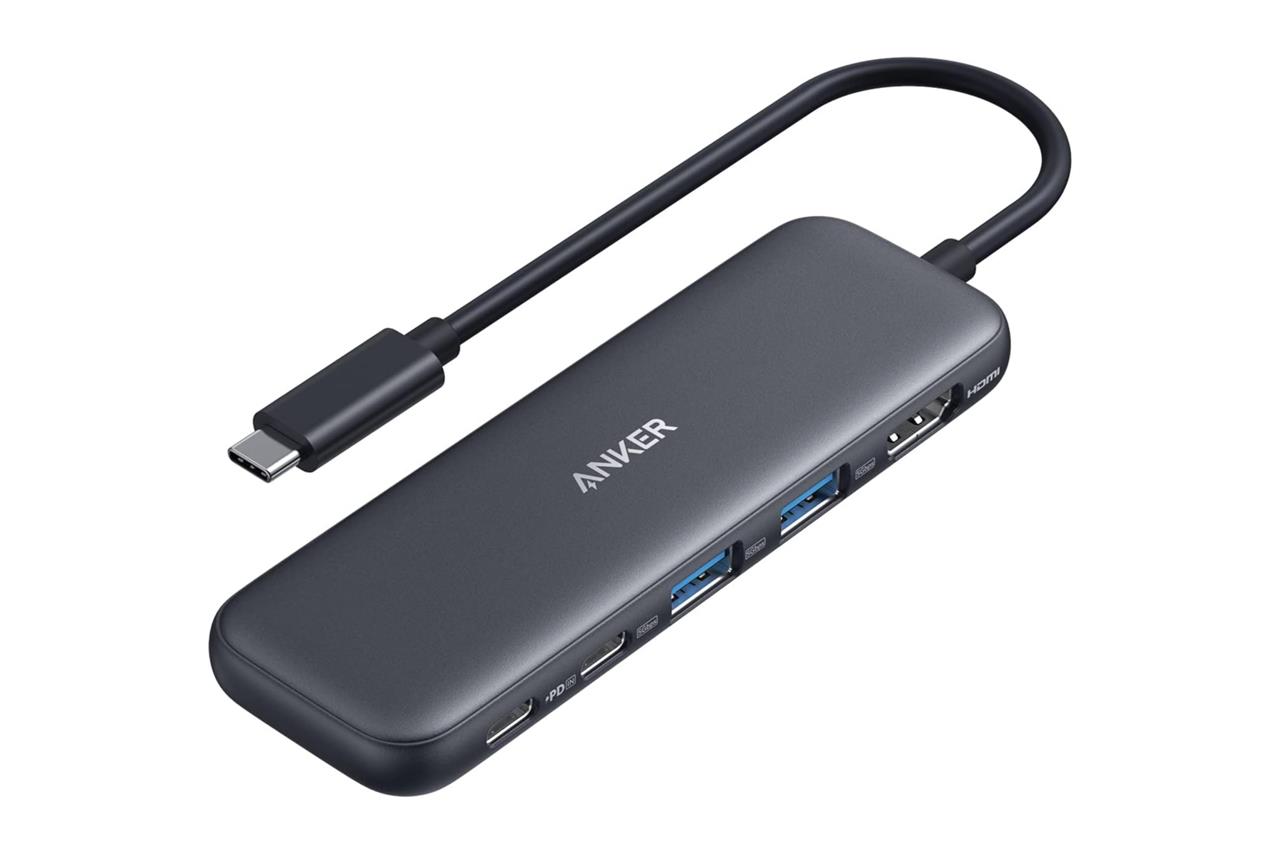
Anker 332 USB-C hub
$25$3529% off $25
If you’d rather hook up some accessories to a more compact hub, Anker’s 332 USB-C hub is a cheaper solution at $24.99. It even provides similar connectivity options to the JSAUX docking station, but its power passthrough is slightly lower (yet still acceptably fast) at 85 W.
Read More $25 at Amazon
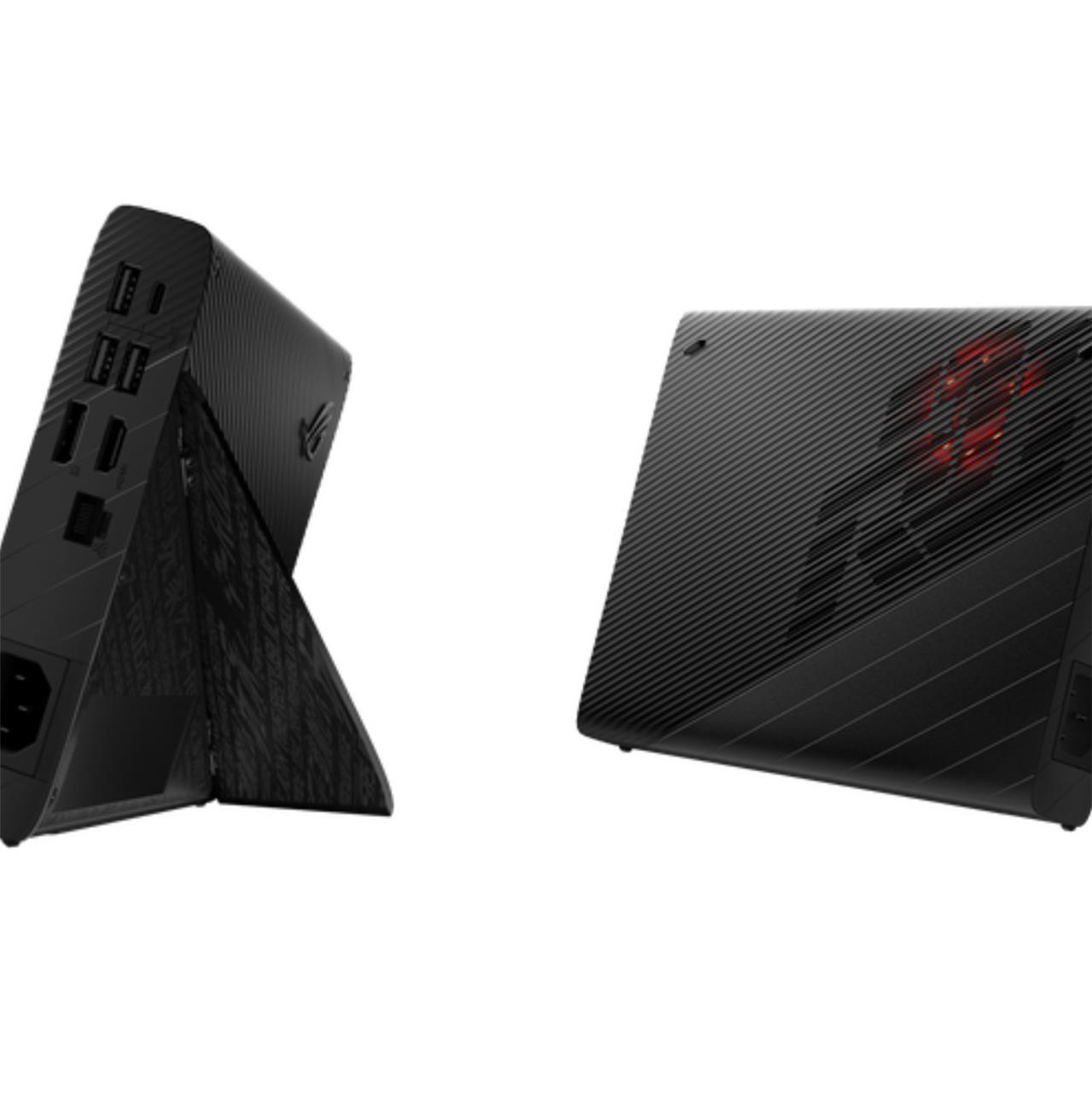
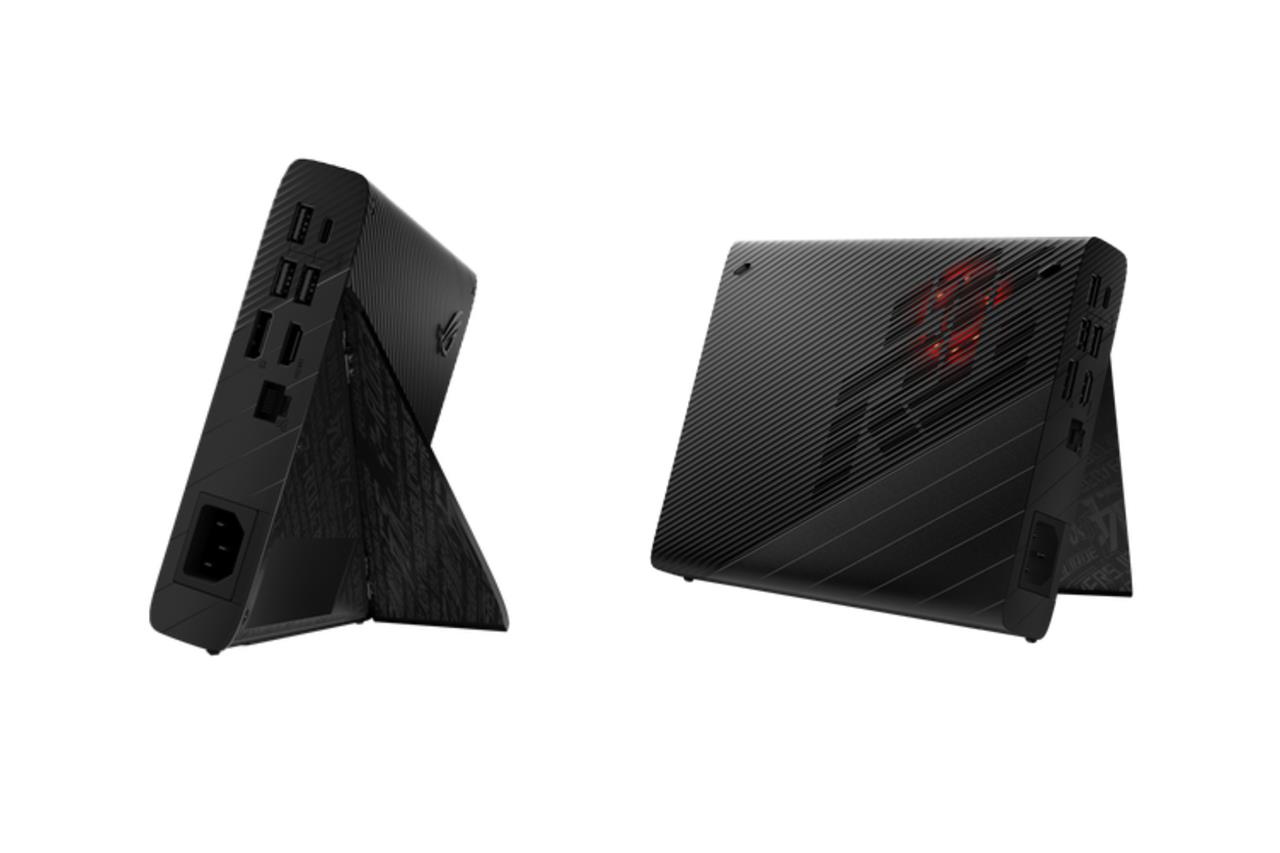
Asus ROG XG Mobile external GPU dock
$2000 $2000
The ROG XG Mobile external GPU dock not only adds ports, but it can greatly boost performance with its built-in Nvidia GeForce RTX 4090 graphics card – at a premium cost of $1,999.99. Originally designed for select Asus gaming laptops, this dock can also plug into the ROG Ally’s proprietary connector, allowing the handheld to benefit from the additional rendering power of the RTX 4090. This ridiculously priced eGPU is out of budget for most people (and it won’t work on the ROG Ally X as it doesn’t have the XG Mobile port), but it’s there in case you want to get the absolute most out of your handheld.
Read More $2000 at Asus
Best Asus ROG Ally controllers
For the best Asus ROG Ally controllers, the Xbox Wireless Controller stands out as the top choice due to its matching A/B/X/Y button layout and versatile connectivity options, including Bluetooth and USB-C wired connections. For gamers seeking a premium experience, the Xbox Elite Wireless Controller Series 2 offers additional paddles, a rechargeable battery pack, and enhanced grips. Those preferring a wired option can opt for the PDP Wired Game Controller, which provides reliable performance without worrying about battery life. Other notable controllers compatible with the ROG Ally include the Sony PlayStation DualSense for PlayStation fans, the Nintendo Switch Pro Controller for Nintendo game emulation, and the 8BitDo Ultimate Wireless 2.4g Controller for a feature-rich retro gaming experience. Each of these controllers complements the ROG Ally’s handheld design, whether gaming docked or on the go.


8BitDo Ultimate Bluetooth Controller
$51$7027% off $51
If you’re planning to use the ROG Ally either docked or hooked up to an external monitor, you’ll want to consider a Bluetooth controller. It might be tempting to go all out with a pro-grade controller like the $119.99 Xbox Elite Series 2 core or the $199.99 DualSense Edge. But other, less expensive models work just as well.
For a reliable controller that doesn’t skip on essential features, we recommend the $69.99 8BitDo Ultimate Controller. The Switch Pro-like gamepad comes packaged with its own charging dock and can connect to a variety of devices via Bluetooth or 2.4 GHz wireless. Best of all, it’s equipped with Hall Effect joysticks that are resistant to drifting over time.
It also supports remappable inputs courtesy of the 8BitDo Ultimate app, which also allows you to set up macros, adjust vibration, fine-tune stick sensitivity, and more.
Read More $60 at Amazon$51 at Best Buy<
Best Asus ROG Ally portable batteries
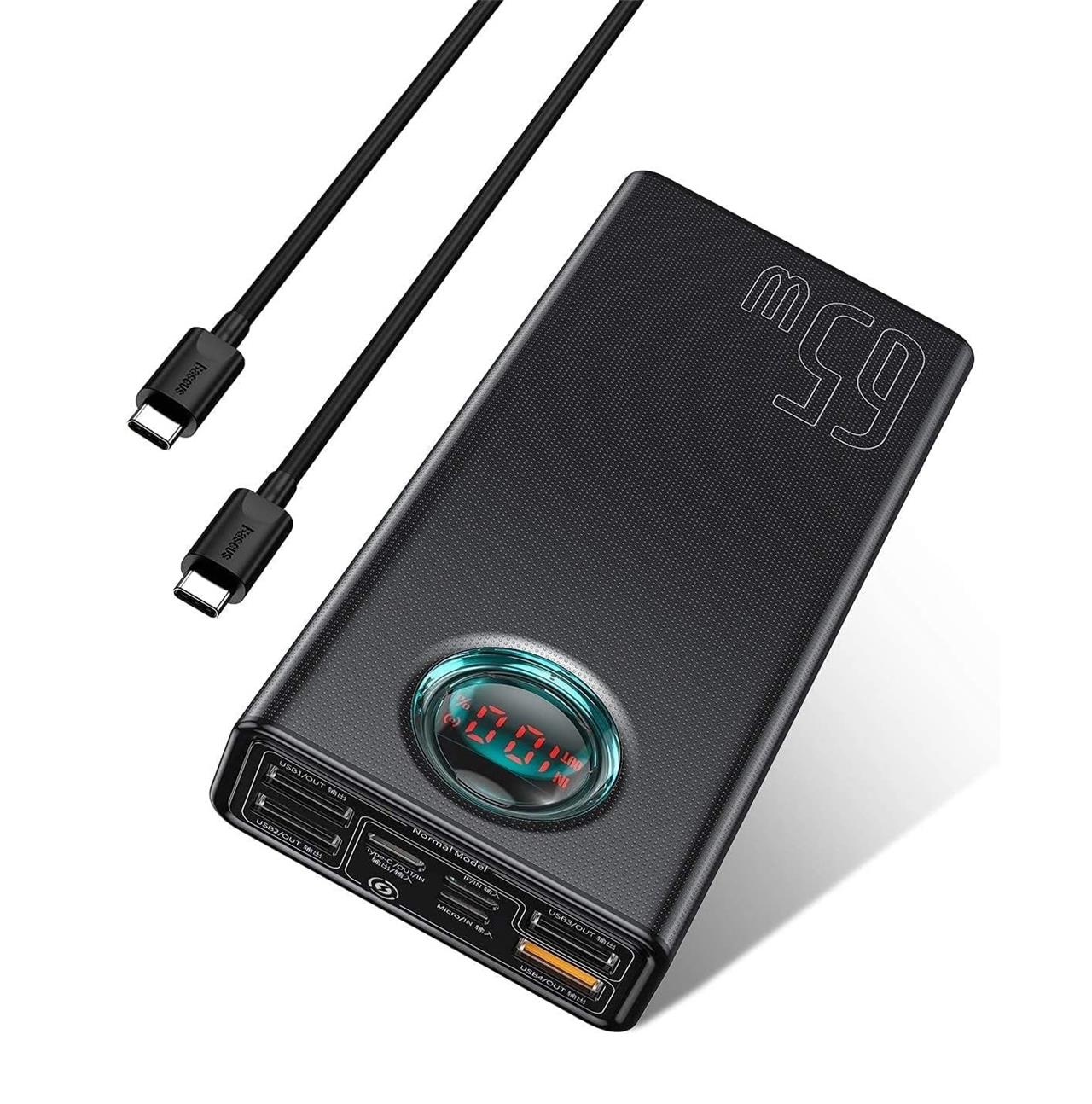
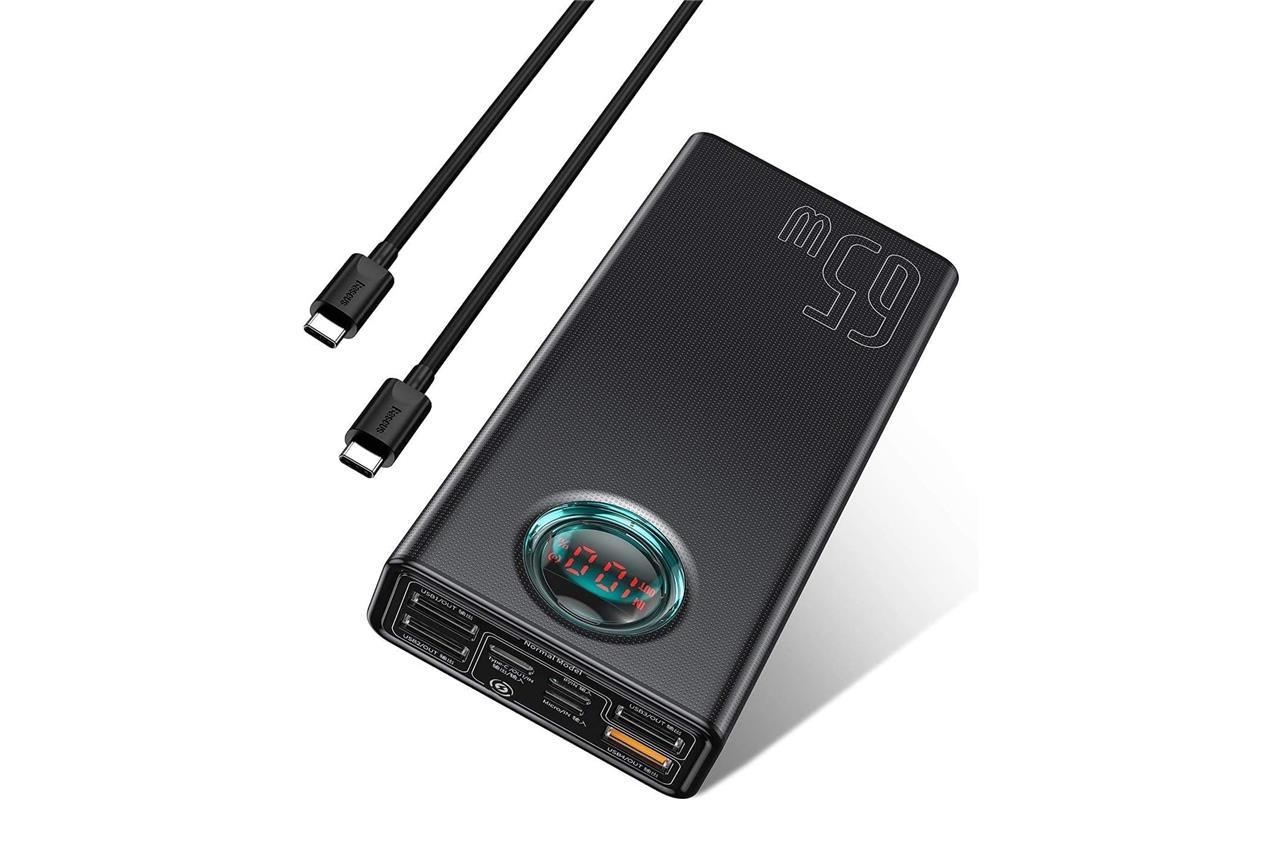
When it comes to keeping your Asus ROG Ally powered up during long gaming sessions or travel, choosing the right portable battery is crucial. The Anker PowerCore A1291 stands out as the top choice, offering a robust 87W output and a high 25,600mAh capacity-enough to handle the ROG Ally’s demanding Turbo mode and provide extended playtime. For those seeking a more budget-friendly option, the INIU 65W 25,000mAh power bank delivers solid performance and features a helpful LED display, all at a lower price point. If portability and design matter, the Baseus Blade offers a slim profile with a 100W output and 20,000mAh capacity, making it easy to carry while still meeting the Ally’s power needs. No matter your choice, ensure your power bank delivers at least 65W output and 20,000mAh capacity to keep your ROG Ally running smoothly on the go.
Baseus 30,000 mAh power bank
$56$8030% off $56
Like most portable handhelds, battery life isn’t the ROG Ally’s strongest suit, and that’s especially true if you’re playing newer, more graphically impressive games. To keep your ROG Ally topped off – or to recharge it in a jiff – we’d recommend going with the Baseus 30,000 mAh power bank. This 65 W power bank has more than enough power to charge your ROG Ally X or Ally while you game, and it includes a handy LED display showing its charge level and voltage.
Read More $56 at Amazon
Anker 737 24,000 mAh 140 W power bank
$50$15067% off $50
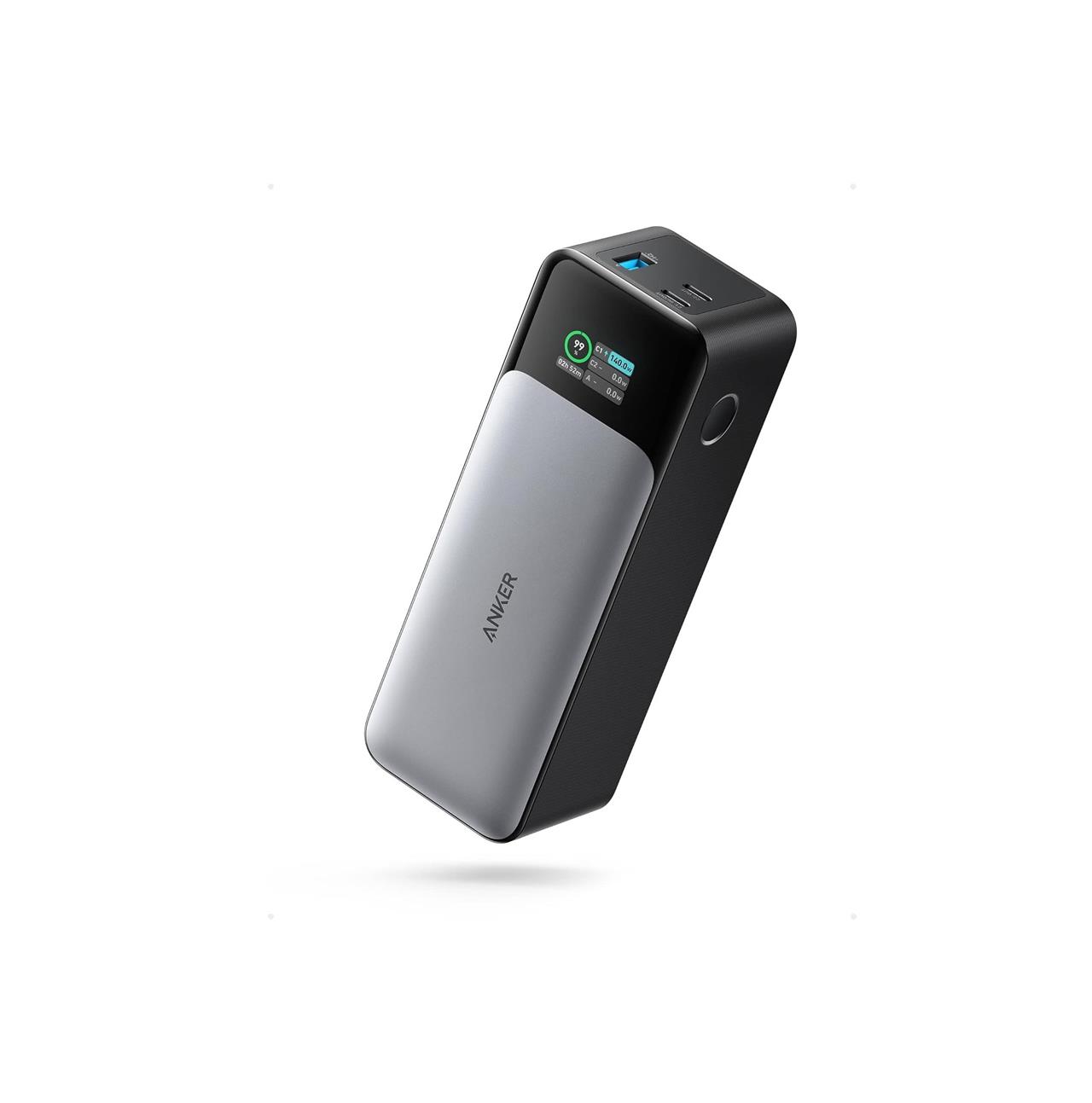
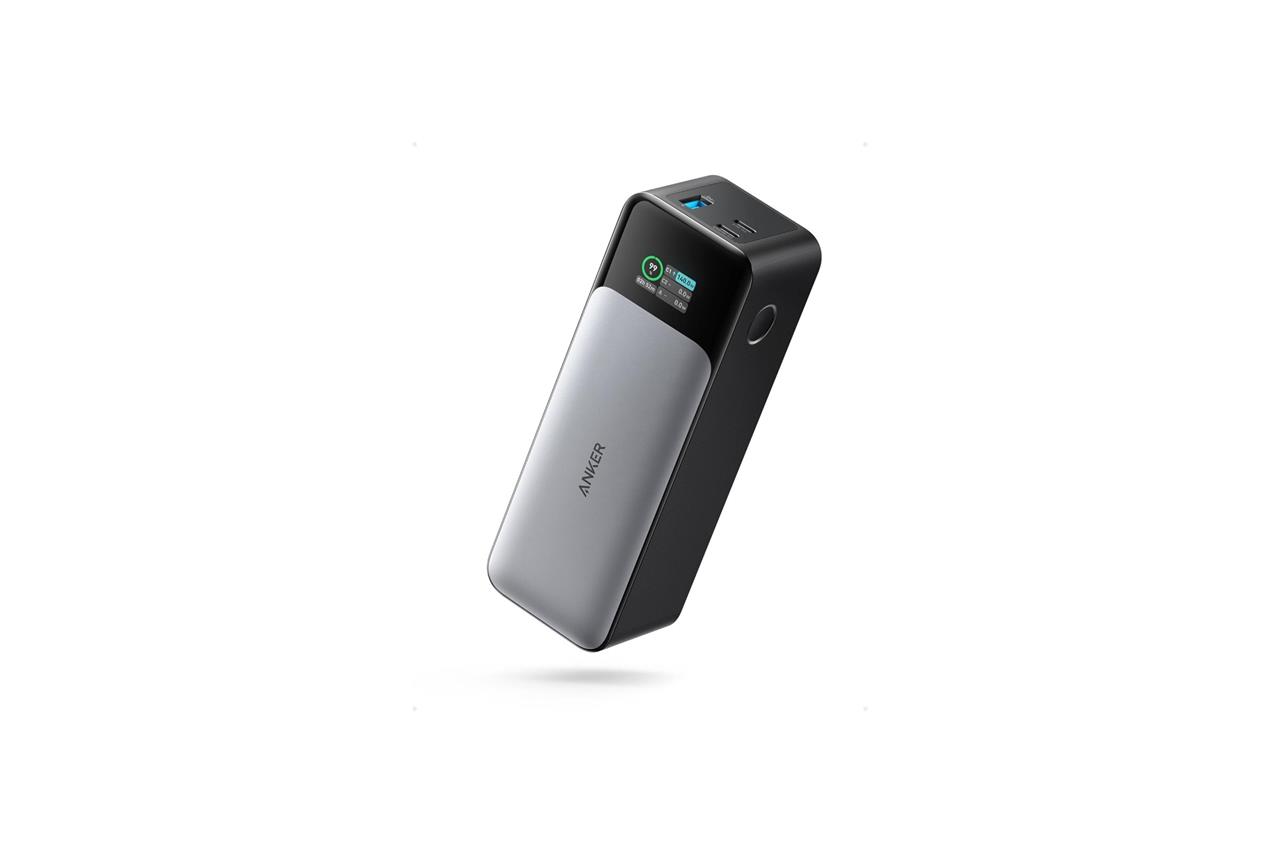
The Anker 737 is a substantially more expensive than models from Baseus, and has a reduced 24,000 mAh capacity. However, this is one of the few power banks capable of recharging your ROG Ally and other devices simultaneously – and at top speeds – thanks to its 140 W output. This model also comes equipped with a detailed LED display showing not just the remaining charge, but the throughput for each port, as well.
Read More $50 at Amazon
Best Asus ROG Ally cases
For the best protection and enhanced usability of your Asus ROG Ally, several top cases stand out in 2025. The official ROG Ally Premium Hard Case offers robust protection with a water-repellent PU exterior, plush fleece lining, and dedicated compartments for chargers and cards, making it ideal for travel and daily use. The ROG Ally Travel Case provides similar all-weather protection with a soft outer material and fleece inner liner, plus it doubles as a portable stand for gaming on the go. For gamers seeking ergonomic grips and modular options, the ModCase by JSAUX is highly recommended; it features a protective back case with a metal stand, TPU edge wrap for impact absorption, and compatibility with cooling fans and power banks for extended play sessions. Other popular choices include the Skull & Co. grip case, praised for its standalone support, and the JSAUX mod case, favored for screen and joystick protection during travel. For slim and shock-absorbing protection with enhanced grip, the Spigen Rugged Armor case is also a top contender. These cases combine durability, portability, and added features to keep your ROG Ally safe and comfortable during gaming.
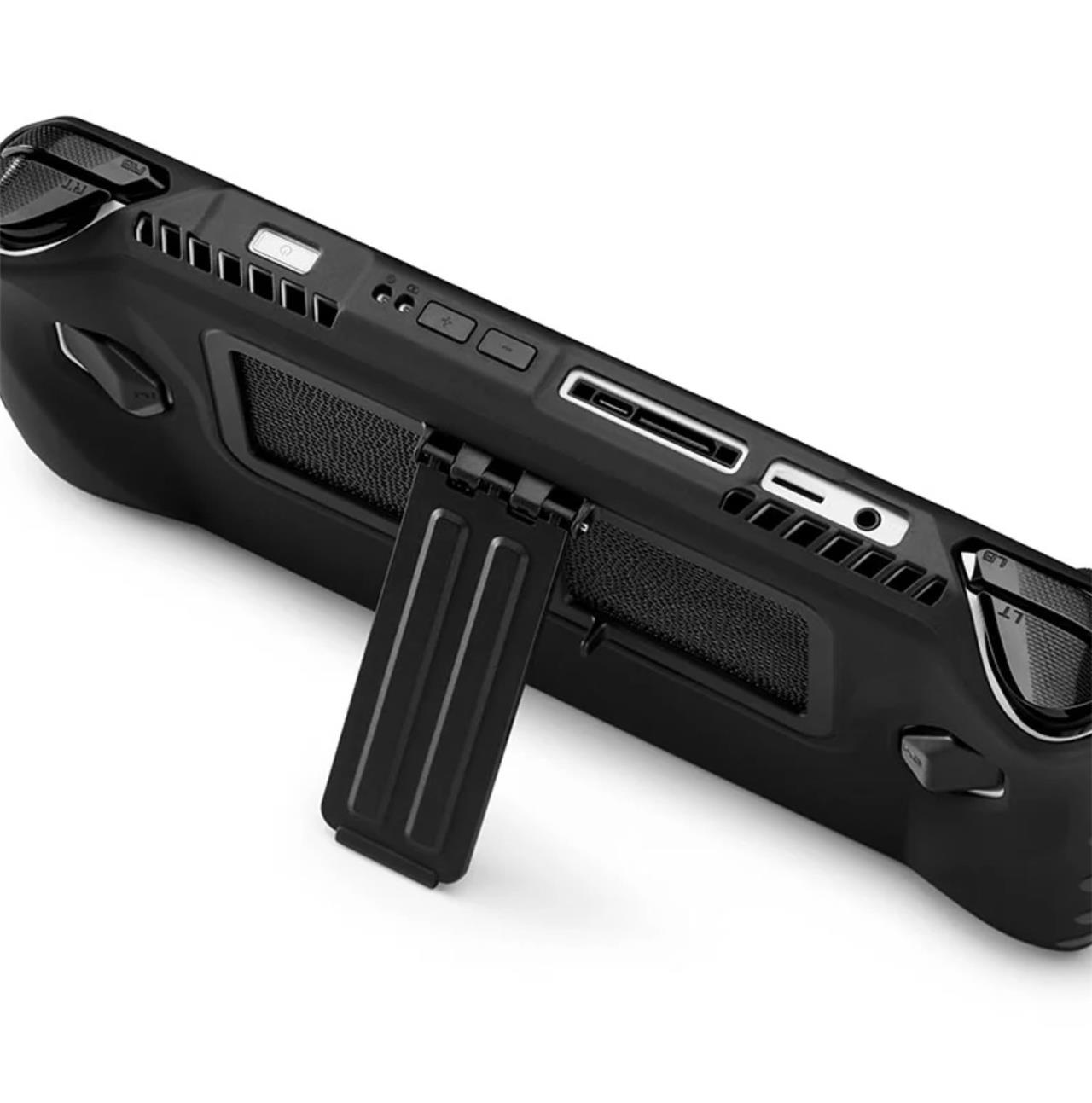
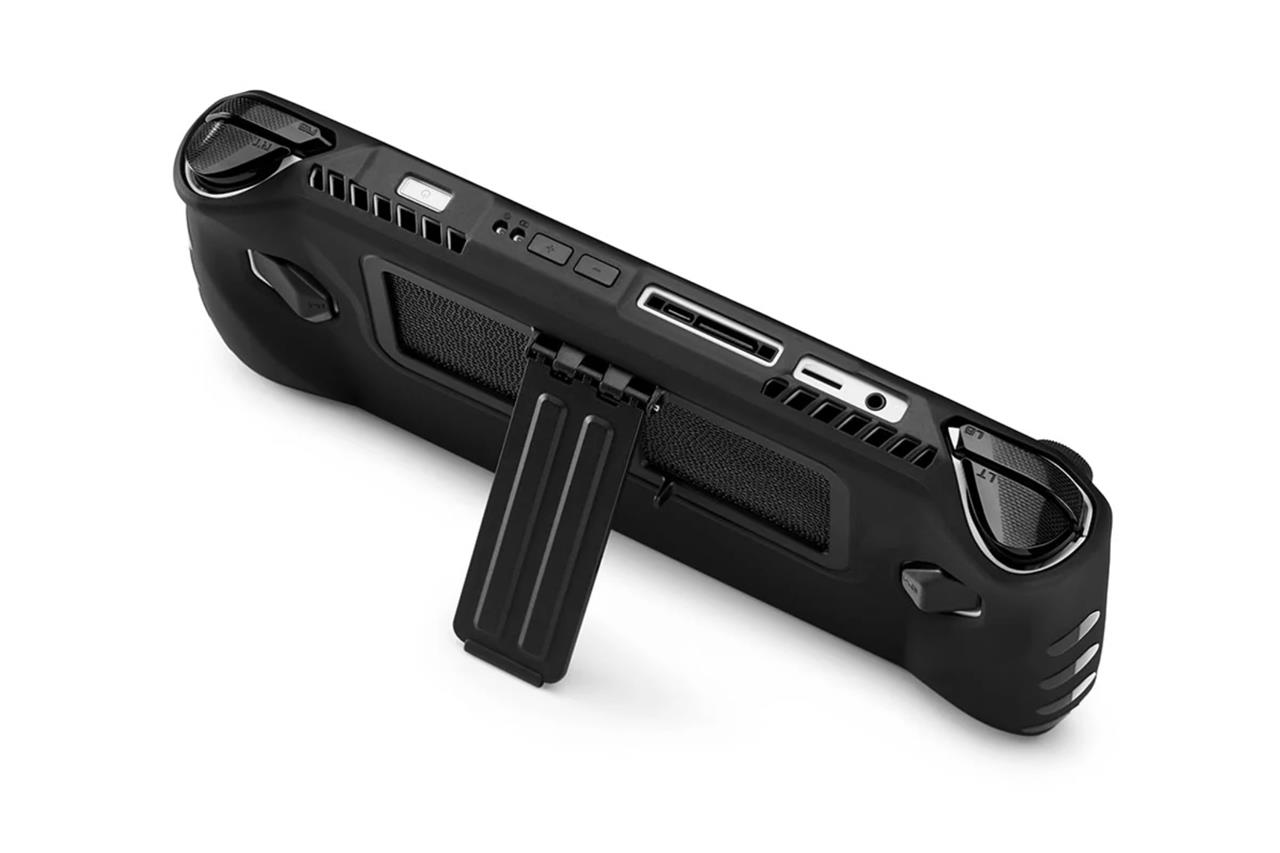
Dbrand Project Killswitch hard case
$60 $60
While Dbrand prioritized the Steam Deck when it debuted its modular Killswitch case, the ROG Ally is now a part of its lineup. It offers the same thorough protection, a kickstand, and a great-feeling grip, getting snug with your console while leaving access for buttons, ports, and most importantly, air flow. The $59.99 tier also includes a skin for your console.
Read More $60 at Dbrand
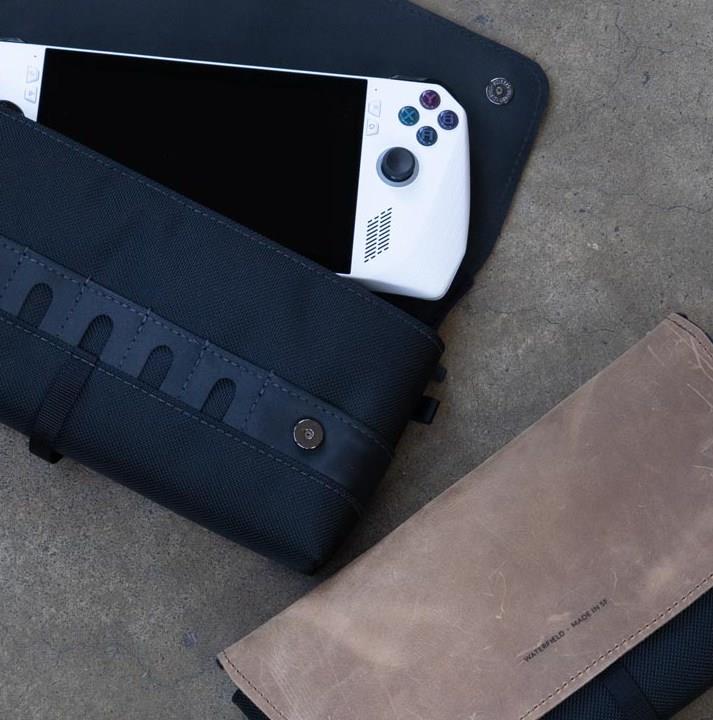
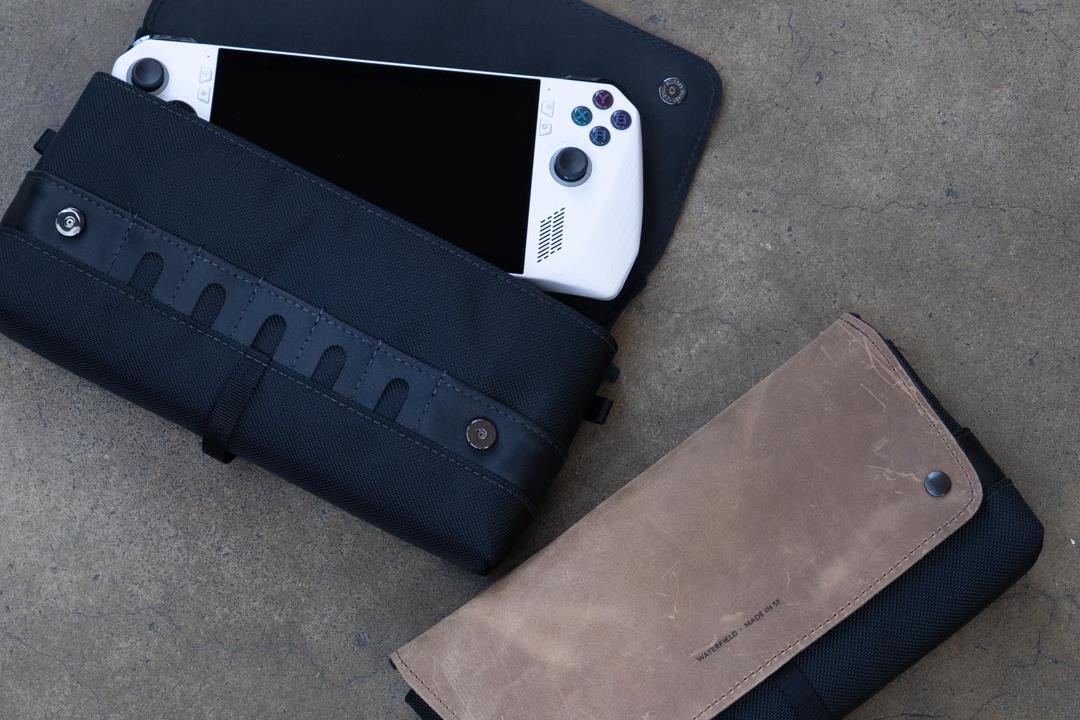
Waterfield CitySlicker Case
$119 $119
If you’d prefer to forgo the hard case and opt for something a little classier that fits the ROG Ally like a glove, the CitySlicker case from Waterfield is great for people with room in their budget. These $119 compact, soft cases are available in either waxed canvas or ballistic nylon.
Read More $119 at Waterfield
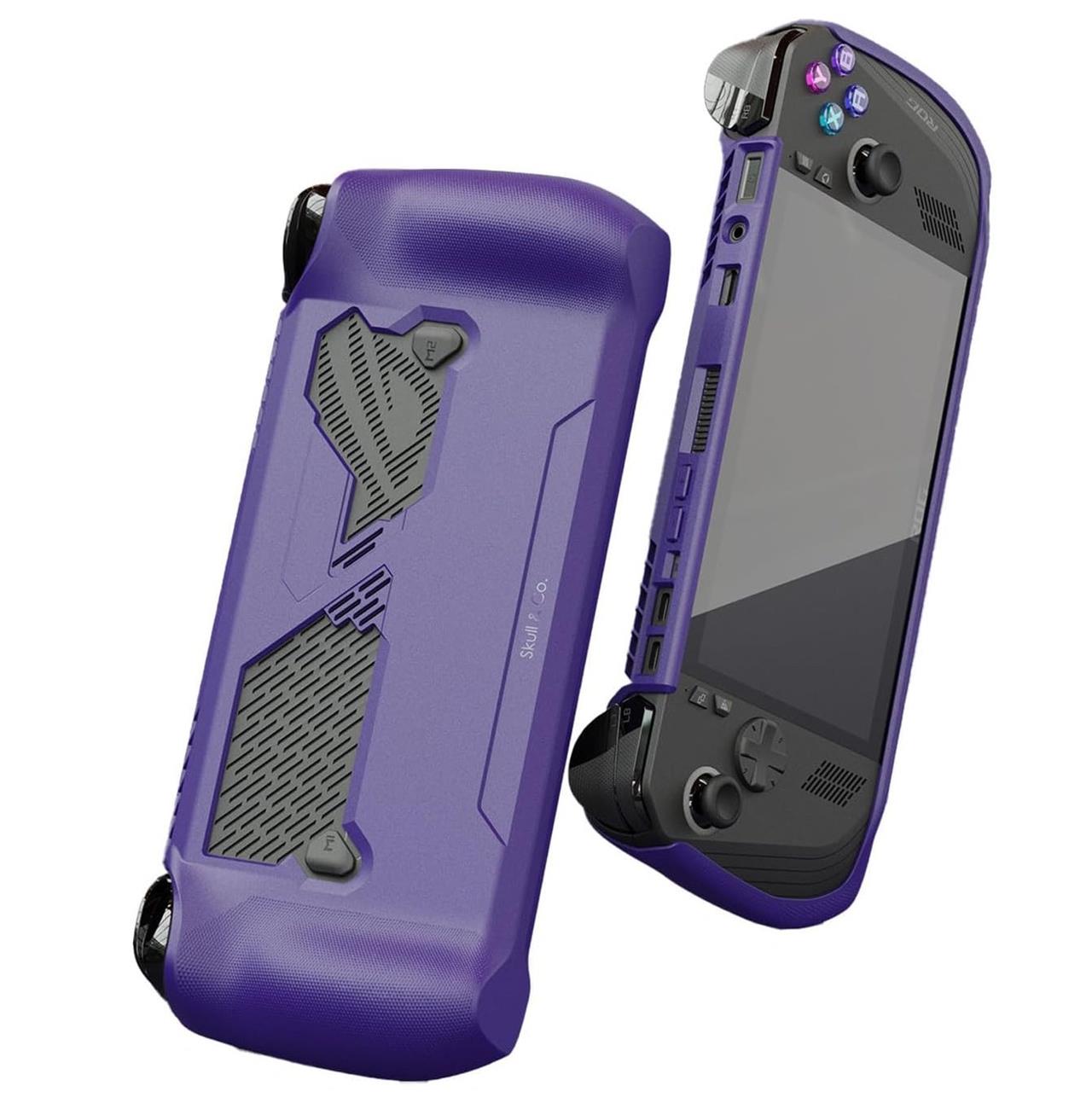
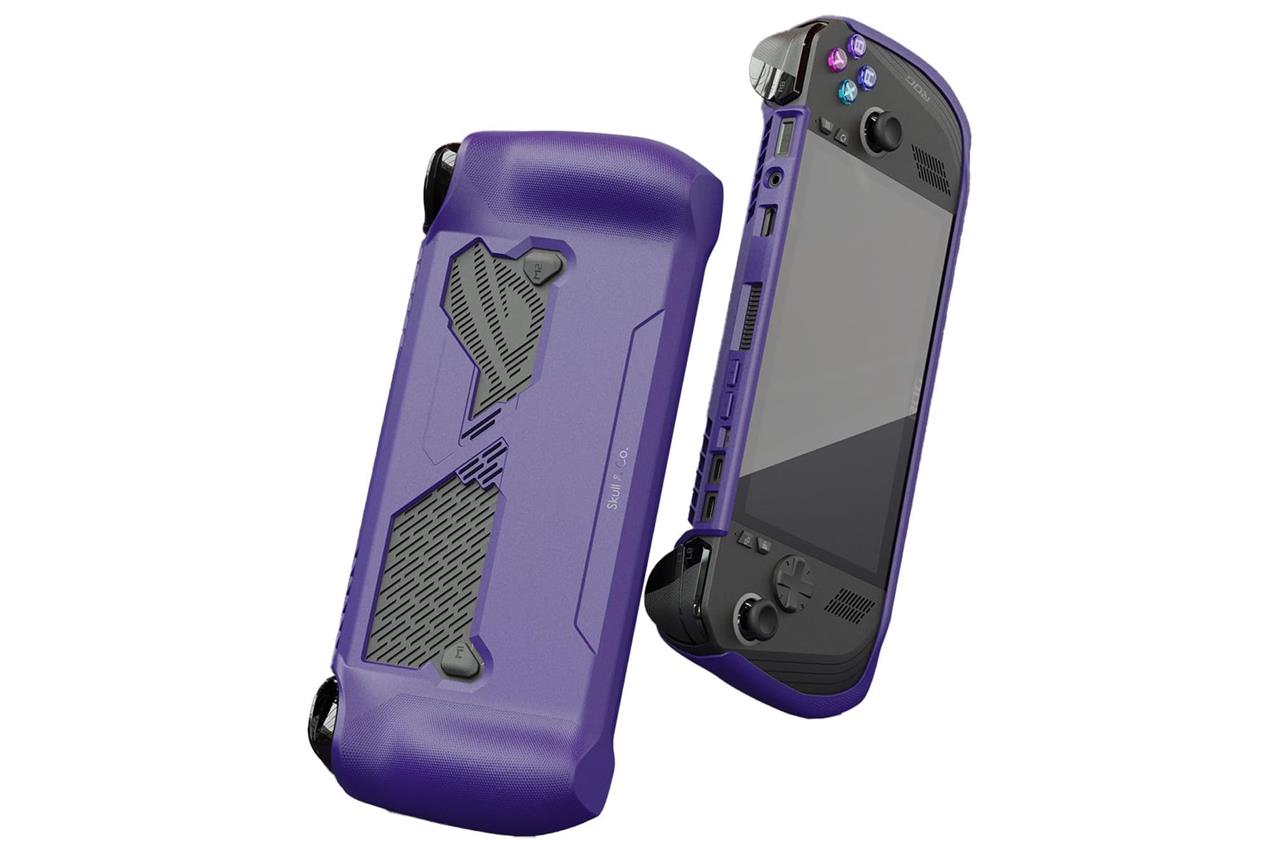
Skull & Co. GripCase
$20 $20
The company that makes the great, simple analog stick nubs we recommend in this guide is behind the GripCase. This affordable and soft case easily snaps onto your ROG Ally, providing a textured pattern around the grips for ergonomics. Plus, it covers almost every angle to prevent accidental nicks and scratches. It protects while still letting you appreciate the front-facing design of your handheld.
Read More $20 at Amazon (ROG Ally X)$20 at Amazon (ROG Ally)
Best Asus ROG Ally wall or monitor mounts
For the best Asus ROG Ally wall or monitor mounts, several options stand out to enhance your gaming setup. Wall mounts designed specifically for the ROG Ally provide a secure and stylish way to display and dock your handheld, often coming with included screws for easy installation and compatibility with power banks like the Anker 737. VESA mounts are also available for attaching the Ally to monitor arms, offering flexibility for desk setups and multi-display gaming. Popular mounts and docking stations, such as the Insignia Rog Ally Docking Station, provide additional connectivity and charging options while keeping the device accessible and visible, though some users note limitations like fixed angles or power passthrough quirks. These mounts not only save space but also integrate seamlessly with your gaming environment, making them essential accessories for maximizing the utility and aesthetics of the Asus ROG Ally.
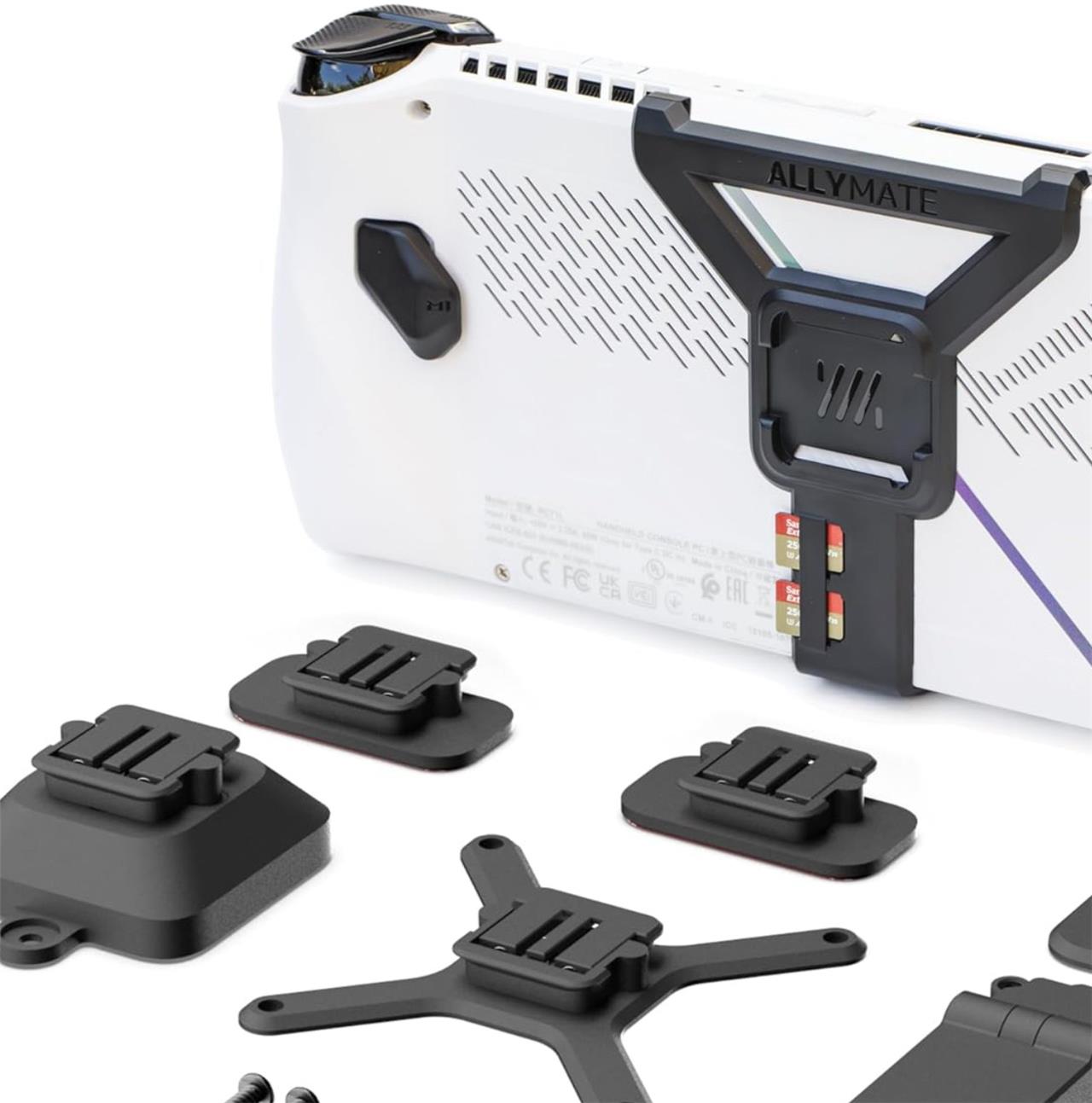
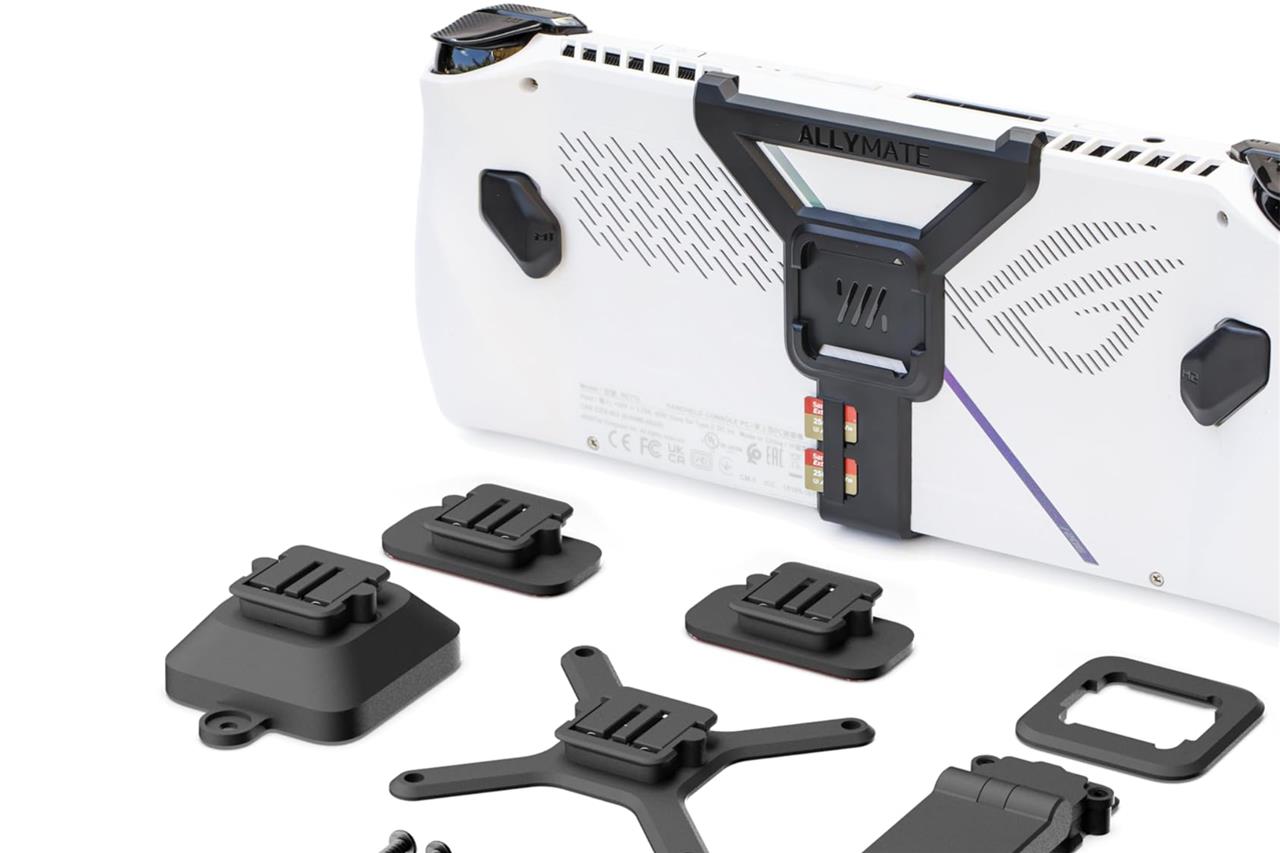
Mechanism Allymate
$49 $49
At $49 for the whole kit, Mechanism’s Allymate lets you use your ROG Ally or Ally X in more situations. The core of this bundle is plastic plate that attaches to the back of your ROG Ally, allowing it to connect with several included mounting options with a satisfying click. The mounting options include a wall mount (complete with screws), a VESA mount for monitor arms, and a kickstand for table use.
Also included in the kit is a pair of universal, adhesive-backed pucks, which can be stuck on awkwardly-shaped gaming necessities like battery packs, external SSDs, and USB-C hubs. Once you’ve done that, you easily attach them onto the back of your ROG Ally. The beauty of this modular system is that it lets you easily add and remove things as desired.
Read More $49 at Amazon (ROG Ally)$49 at Amazon (ROG Ally X)$50 at Mechanism
Wali single VESA monitor arm
$33 $33
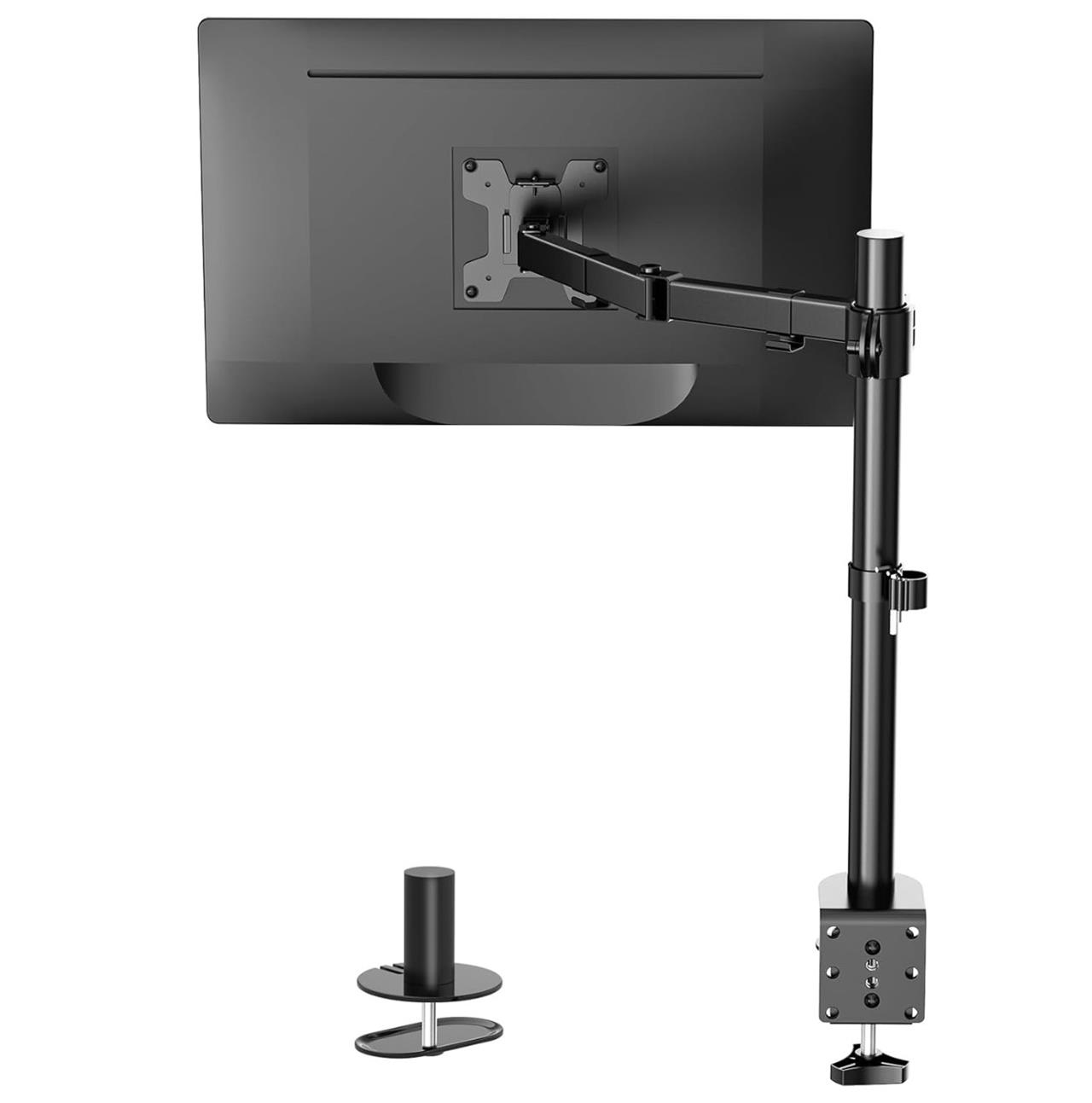
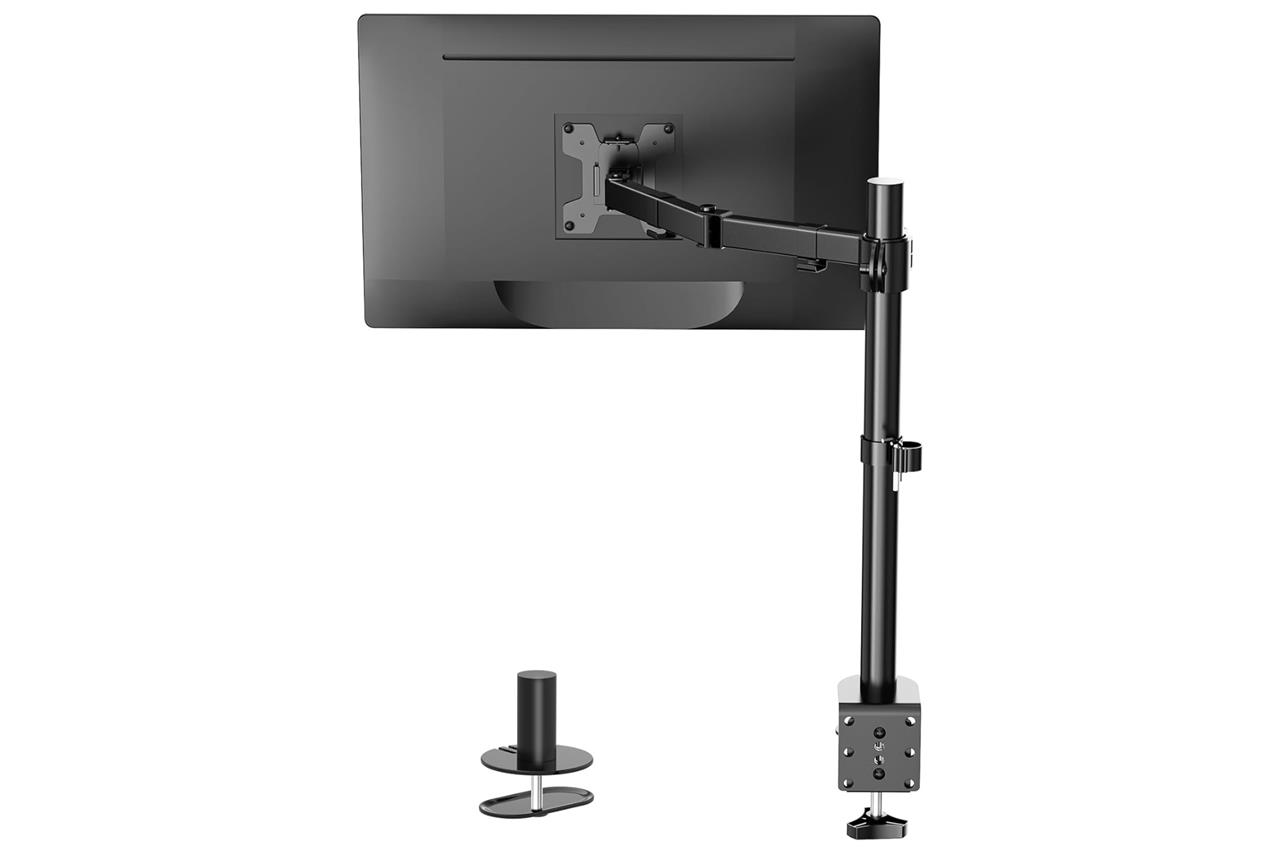
If you’re looking for a VESA mounting solution for your ROG Ally (perhaps, after you’ve purchased the Allymate), consider a static monitor arm like the Wali monitor mount, which is usually available on Amazon for around $30. The Wali monitor mount can be a little difficult to adjust, but we found that smaller mounts intended for tablets or even the Nintendo Switch just aren’t up to the task of reliably holding gadgets, especially one on the heftier side, like the ROG Ally.
Read More $33 at Amazon
What are the must-have accessories to maximize my ROG Ally gaming experience
Must-Have Accessories to Maximize Your ROG Ally Gaming Experience
Screen Protection
-
Tempered glass screen protectors (such as those from amFilm, iVoler, or Zagg) are essential to safeguard your ROG Ally’s display from scratches, smudges, and accidental drops.
Carrying Case or Shoulder Bag
-
A sturdy carrying case or a shoulder bag (like the Tomtoc Arccos-G47) protects your device and provides space for accessories, making travel easier and safer.
Power Bank
-
High-capacity power banks (e.g., Anker 140W) ensure extended gaming sessions without worrying about battery life, especially on the go.
Docking Station
-
A docking station (such as the Baseus GamerX 6 or JSAUX 6-in-1 Multifunctional Dock) allows you to connect the ROG Ally to larger screens, keyboards, mice, and other peripherals, transforming it into a home gaming hub.
External Storage
-
Expand your storage with a high-capacity microSD card (like SanDisk 1TB) or an SSD enclosure (ASUS ROG Strix Arion) for more games and faster load times. Note: Some users have reported overheating issues with microSD cards, so upgrading the internal SSD may be preferable for heavy use.
Wireless Earbuds or Headset
-
Low-latency wireless earbuds (such as ROG Cetra True Wireless SpeedNova) or a quality headset (like HyperX Cloud III) enhance audio immersion and provide privacy for gaming in public or noisy environments.
Grip Case
-
A grip case (e.g., Skull & Co. or ASUS ROG Ally Hard Case) adds comfort and protection, especially during long gaming sessions.
Cable Adapter
-
A right-angle cable adapter (such as Xaosun) helps prevent wear and tear on the charging port by redirecting cables, which is especially useful given the ROG Ally’s port placement.
Charging Station
-
The official ROG Gaming 65W Charging Station offers fast, efficient charging to keep your device powered up for long sessions.
Specialized Accessories
-
The Allymate is a versatile accessory that functions as a kickstand, wall mount, and VESA mount, and provides slots for SD cards and battery packs.
These accessories collectively protect your investment, expand your gaming capabilities, and make the ROG Ally more versatile-whether you’re gaming at home or on the move.
What are the top features to look for in a high-performing laptop?
Key features to look for in a high-performing laptop:
-
Processor: High-speed multi-core CPUs like Intel Core i7/i9 or AMD Ryzen 7/9 for smooth multitasking and demanding tasks.
-
RAM: At least 16GB for multitasking; 32GB+ for intensive workflows like video editing or 3D rendering.
-
Graphics: Dedicated GPUs (e.g., NVIDIA GeForce RTX series) for gaming, creative work, or graphic-intensive applications.
-
Storage: SSDs (512GB or more) for faster boot times and file access; additional HDDs for extra storage if needed.
-
Display: High-resolution screens (2K/4K), OLED or IPS panels, and refresh rates of 120Hz+ for smoother visuals.
