
Asus crushes 1080p gaming with monitors that deliver razor-sharp visuals and buttery frame rates.
Buying a gaming monitor is a big decision. It’s the screen that you’ll be gazing at for hours at a time, over the course of (hopefully) many years of happy ownership. You owe it to yourself to get it right. It’s not just about finding the right size and picture resolution, but ideally making sure it has a design you like, as well as enough ports and features to let you get the most out of your gaming PC, PS5, Xbox Series X, and handheld PCs like the Steam Deck and Asus ROG Ally.
As with most gaming-adjacent components, you can get involved in the process of selecting the perfect monitor, absorbing a host of acronyms and understanding the small yet very important ways some of them differ – or you can let us do the work of sorting out which models currently offer the best performance at the best price. Knowing there are all kinds of gamers out there, our guide includes monitors at varying price ranges and with different resolutions and capabilities.
Best 1080p gaming monitor
A great 1080p gaming monitor offers sharp visuals, smooth motion, and responsive performance without overloading your system. It pairs well with mid-range hardware, delivering high refresh rates like 144Hz or more for fluid gameplay. Many models include adaptive sync support to eliminate screen tearing and provide a more consistent experience. With crisp detail and low input lag, a quality Full HD display remains a reliable choice for competitive gamers who prioritize speed and clarity.
Even though many gamers today use consoles and PC hardware that support high resolutions, like 1440p (also referred to as QHD) or 4K, 1080p is still a popular choice for several reasons. For one, rendering games at 1080p is much less taxing on systems. Depending on what consoles or components you intend to connect to your monitor, 1080p might be the best-performing option (and in the case of the Nintendo Switch, 1080p is the maximum resolution supported in docked mode).
Lastly, unless your eyes have been spoiled by the sharpness offered by QHD or 4K, 1080p still looks acceptably sharp on smaller displays (the bigger your 1080p screen, the more pixelated the picture will appear).
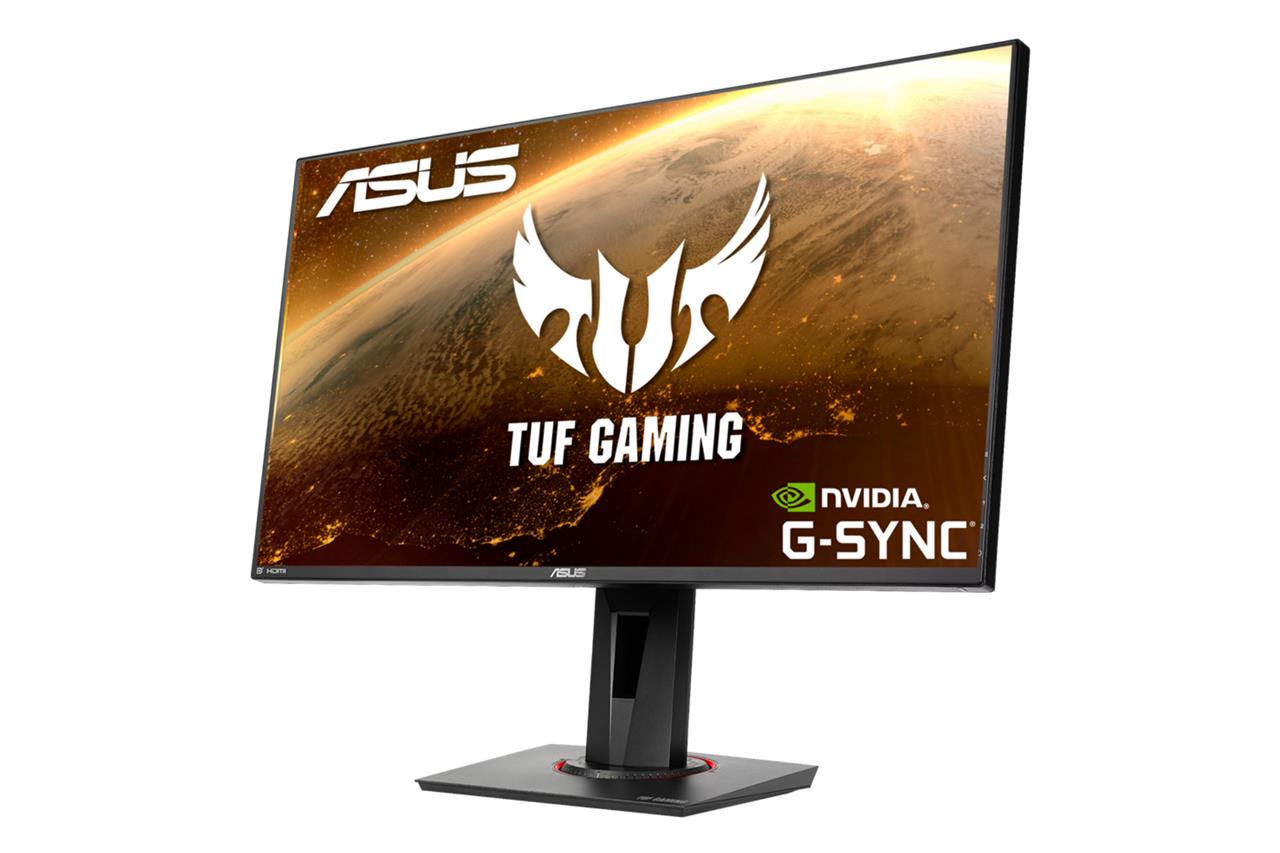
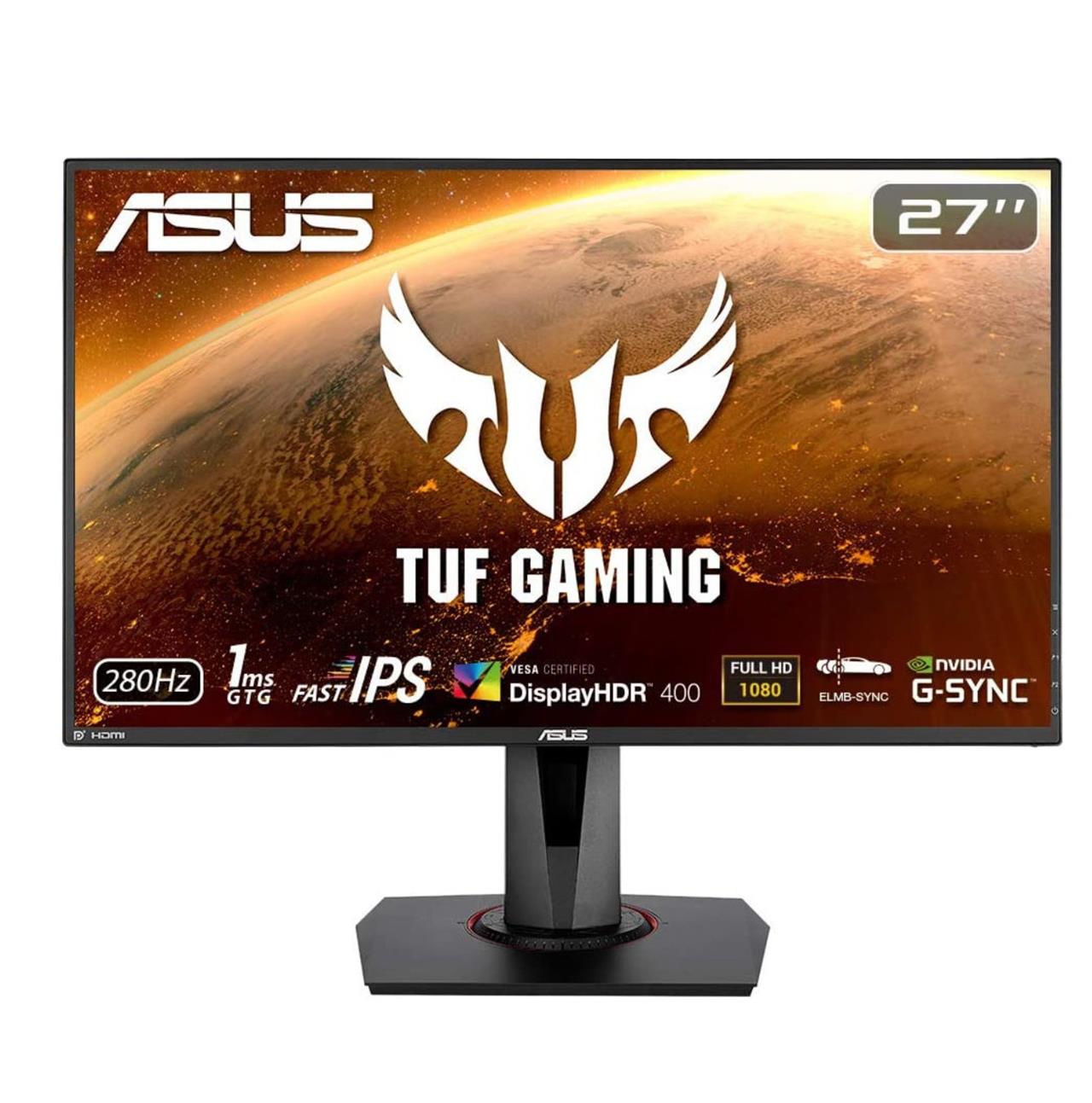
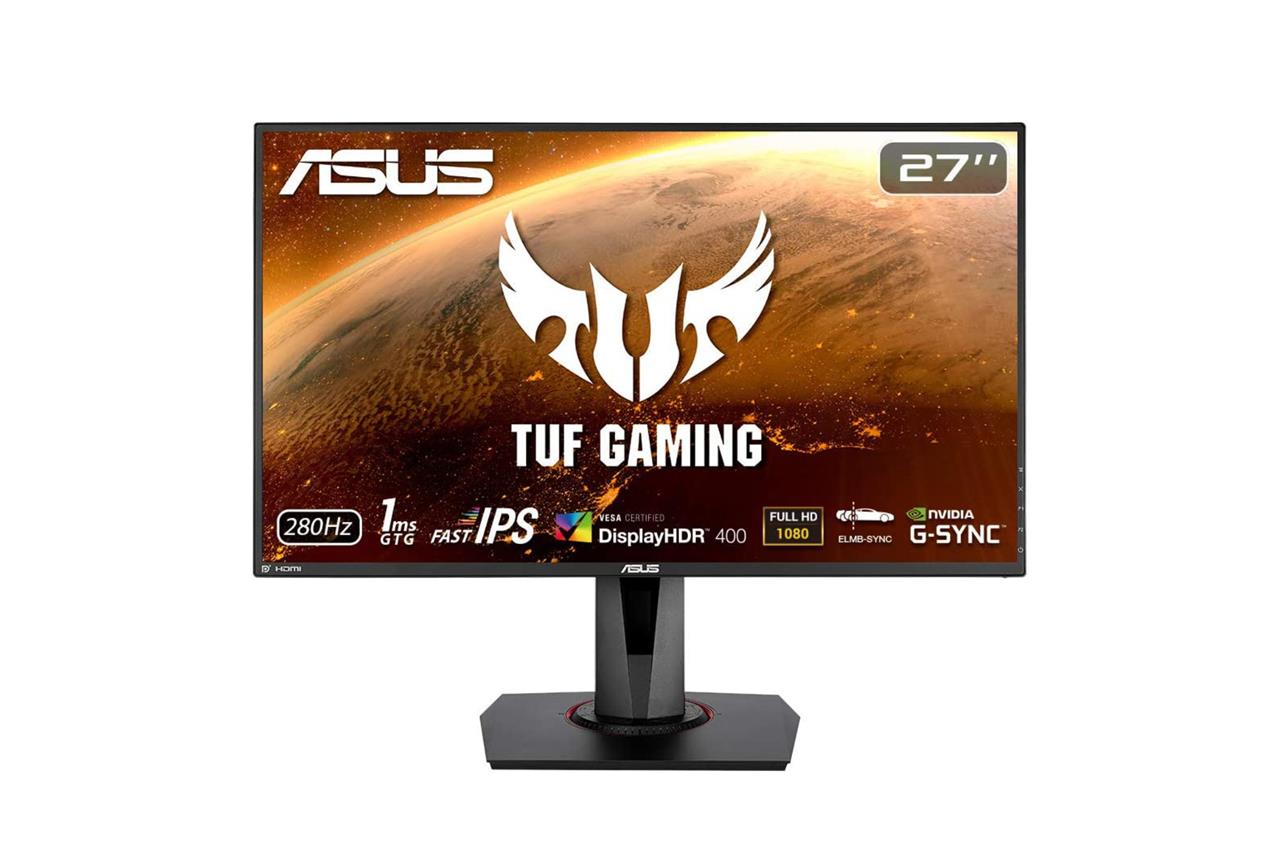
There are more affordable options out there, but you can’t go wrong with the 27-inch Asus TUF Gaming VG279QM 1080p gaming monitor, which usually costs about $280. It’s not slacking on a single spec, with its slim bezels and elegant design, fast refresh rate, great picture quality, and variable refresh rate with Nvidia G-Sync compatibility.
Asus 27-inch 1080p TUF VG279QM
$249$33025% off $249 $250 at Amazon$282 at Best Buy$249 at B&H Photo
How to shop for a gaming monitor
A monitor’s visual characteristics, including viewing angles, contrast, response time, and more, are determined by its underlying panel type. VA, TN, and IPS LCDs are the most common types, each with some pros and cons associated with them.
VA panels will likely provide the best contrast, so your games will look closer to how their creators intended. IPS is known for its great viewing angles, which may be a consideration if you won’t be facing the center of the monitor at all times. TN panels, while not the best-looking option in terms of contrast or color accuracy, make up for it with the fastest refresh rates and response times, resulting in the smoothest playback.
Then you have pricier options. OLED is the unbeatable ruler of viewing angles, response time, contrast, and color accuracy (the pricey Mini LED tech isn’t far behind in some regards). If you’re concerned about OLED burn-in, only some of that worry is warranted. Some monitors include extended warranties with burn-in coverage.
Regardless of your panel choice, the first thing you should do when you get your new monitor is to check for dead pixels – individual pixels that don’t light up – and promptly contact the manufacturer if you notice an issue.
While IPS panel tech isn’t known for offering fast refresh rates that can compete with TN LCD panels, this monitor’s Fast IPS tech is a relatively new innovation that allows it to go up to a super-fast 280 Hz, a refresh rate that far exceeds what most monitors and TVs at this price point can achieve. So, games will run smoothly, assuming your PC hardware supports 280 Hz; consoles like the PS5 and Xbox Series X do not (they top out at 120 Hz), but some PCs can via DisplayPort.
This monitor’s rear-facing ports include one DisplayPort 1.2 port, two HDMI 2.0 ports, and a headphone jack. The buttons to control the monitor’s on-screen display are on the back-right side of it. If you’d prefer to remove the included height-adjustable stand, the Asus monitor can be mounted to a VESA monitor arm, or to a wall mount.
Best 1440p gaming monitor
For players chasing sharp detail and smooth performance, a 1440p gaming monitor strikes a great balance between image quality and frame rate. It offers far clearer visuals than 1080p without demanding the extreme power of 4K. Models like the ASUS ROG Strix or Gigabyte M27Q provide fast refresh rates, strong color accuracy, and adaptive sync support that keeps gameplay fluid across a variety of titles.
Despite being a significant leap in visual quality over 1080p, prices have come way down on 1440p monitors. Like, they’ve become so affordable that most people should, with the future in mind, consider one of these instead of a 1080p model. Text will be easier to read, images will look cleaner, and of course, games will benefit greatly from the extra sharpness offered at the 1440p resolution. It’s the sweet spot in terms of price and performance.
On aspect ratio
Gaming monitors come in all sizes and shapes. There are flat panel options, as well as curved displays that have a wider aspect ratio that aims to immerse you more deeply in your games. On PC, a much larger percentage of games support the standard 16:9 aspect ratio than ultrawide 21:9 and 32:9 aspect ratios used in some monitors. That said, support for ultrawide resolutions is on the rise. Modern consoles can only display a 16:9 aspect ratio image, so keep in mind that connecting one with an ultrawide monitor won’t stretch the image to fill the entire screen. Instead, it will display the picture in the middle, flanked by unused monitor real estate on both sides.
If you’re deciding between 1440p and 4K, I recommend comparing the resolutions in person if you can. The difference might not be as noticeable as you’re expecting (maybe it will be – that’s totally cool, too). The bigger thing to keep in mind is, just like we mentioned with 1080p monitors, rendering games at 1440p will typically produce smoother visuals than trying to squeeze true 4K (2160p) out of your hardware.
As far as what hardware supports 1440p resolution, both the PS5 and Xbox Series X can – and at a fast 120 Hz refresh rate in games that support it, too. On the PC side, you’ll need a relatively capable set of hardware specs, including (but not limited to) one of AMD or Nvidia’s midrange graphics cards from the last couple of years. Of course, the hardware required to run certain games varies, depending entirely on how graphically demanding they are. For example, playing Cyberpunk 2077 at high settings is much tougher on a machine than Cult of the Lamb is.
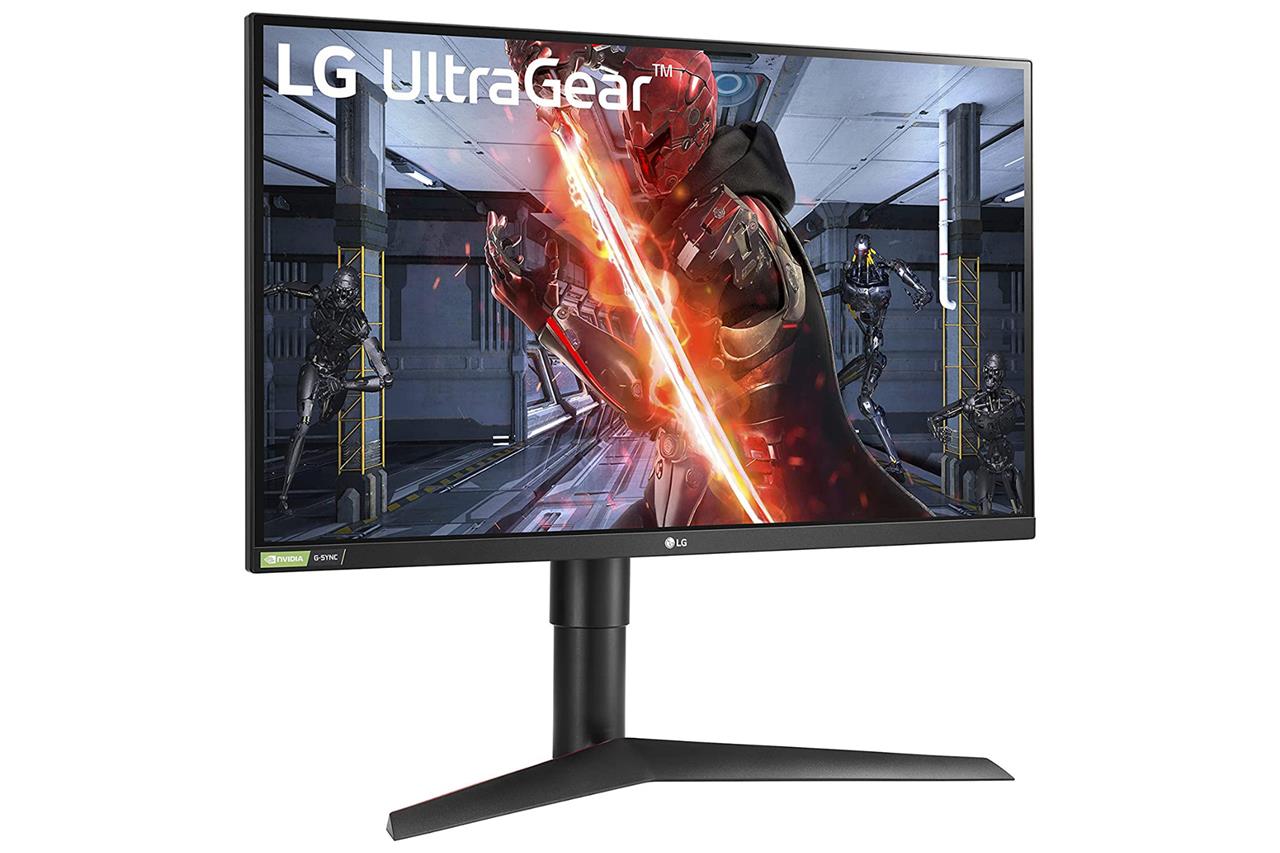
LG makes some great 1440p gaming monitors, and does so at a range of prices so that everyone can get in on the action. One of its most affordable yet feature-packed options is its 27-inch 27GL83A-B (I said LG was gifted at making monitors, not naming them – they aren’t alone in that regard), a model that offers just enough of everything to justify its already digestible price. At Amazon, it’s currently $299.99, but it tends to fluctuate by $50 or so.
For that price, it offers a lot of solid specs. Beyond its QHD resolution, it has great viewing angles thanks to its IPS LCD panel. It boasts up to a 144 Hz refresh rate via DisplayPort (with Nvidia G-Sync compatibility and AMD FreeSync adaptive sync support), though consoles like the PS5 and Xbox Series X can run at 1440p with a max refresh rate of 120 Hz in supported games. Your games that top out at 60 frames per second will look great on this monitor, too.
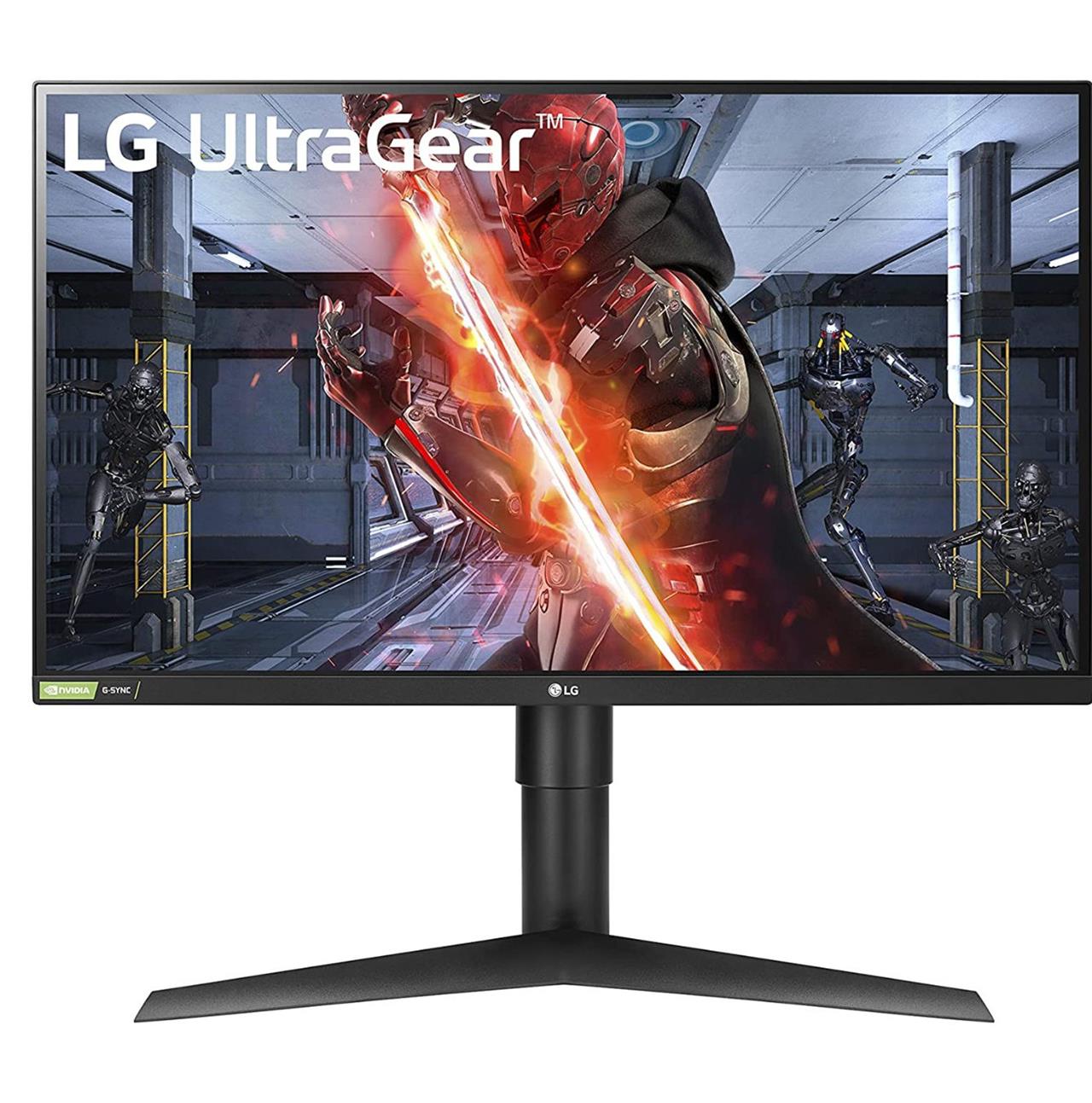
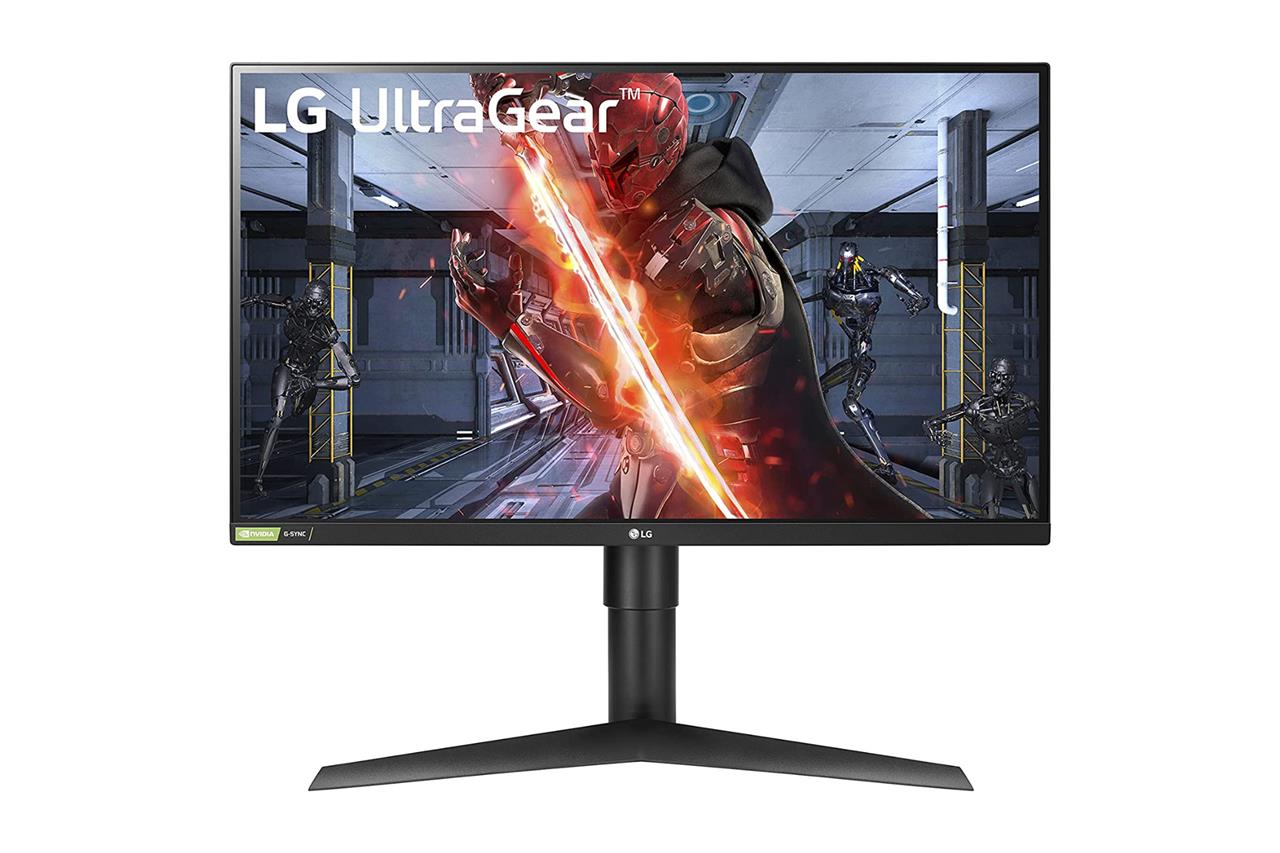
LG 27-inch QHD UltraGear 27GL83A-B
$210$30030% off $210 $210 at Amazon$300 at Newegg
This affordable UltraGear monitor has slim bezels on each of its sides, making it a slick deskmate. On its back, there are a handful of ports, including one DisplayPort 1.4 port, two HDMI 2.0 ports, and a headphone jack. If you want to detach its stand to mount it to a monitor arm, this model supports VESA mounts, so you’re all set there.
Unlike most other monitors that use multiple buttons, LG uses a slightly more user-friendly joystick on its bottom that’s responsible for controlling the on-screen menus. My biggest complaint with this model is that its power cord is on the short end.
If you would like to check out another similarly priced option, check out the $249.99 Acer Nitro XV272U. It’s one of the monitors that I use, and I’m presenting it here in case you prefer how its design looks compared to the LG model above. In terms of specs, its refresh rate can go up to 170 Hz for PCs, but it’s otherwise similar.
For a bigger, more unique option, Gigabyte’s M32Q is a 32-inch QHD model that’s available for $399.99. Aside from being larger, it sports a KVM switch, which allows you to control multiple computers connected to it via video inputs with a single keyboard and mouse. This could be great if you want to use the same monitor for work and play, with your gaming PC connected alongside your work computer. Gigabyte makes a similar 27-inch QHD model that costs $329.99.
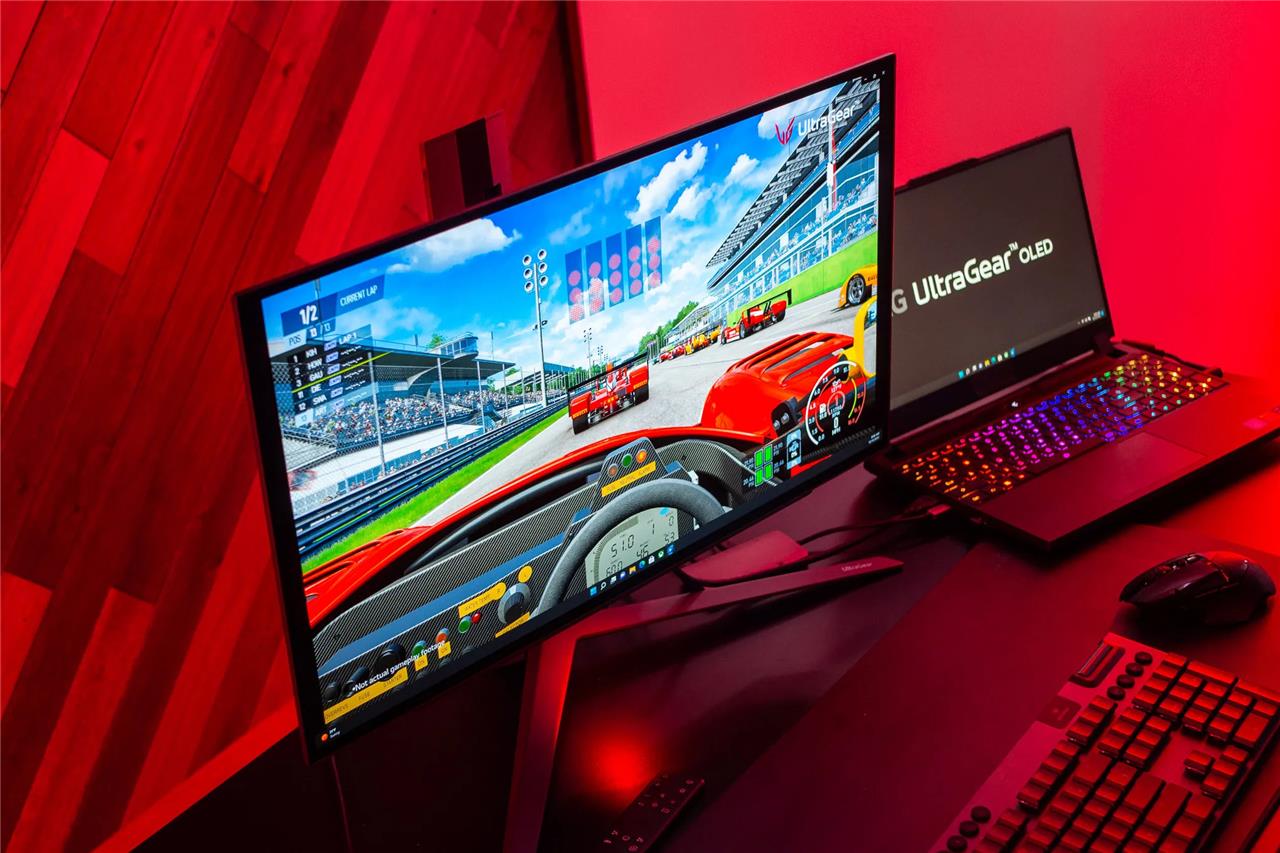
One of the best things about shopping for a QHD monitor is that you have a growing batch of OLED options to consider. For those who don’t know, OLED technology delivers the pinnacle of picture quality. It offers unbeatable black presentation (the diodes simply don’t illuminate at all in black scenes, giving off complete darkness where it matters most), as well as contrast that’s so good you’ve got to see it to believe it.
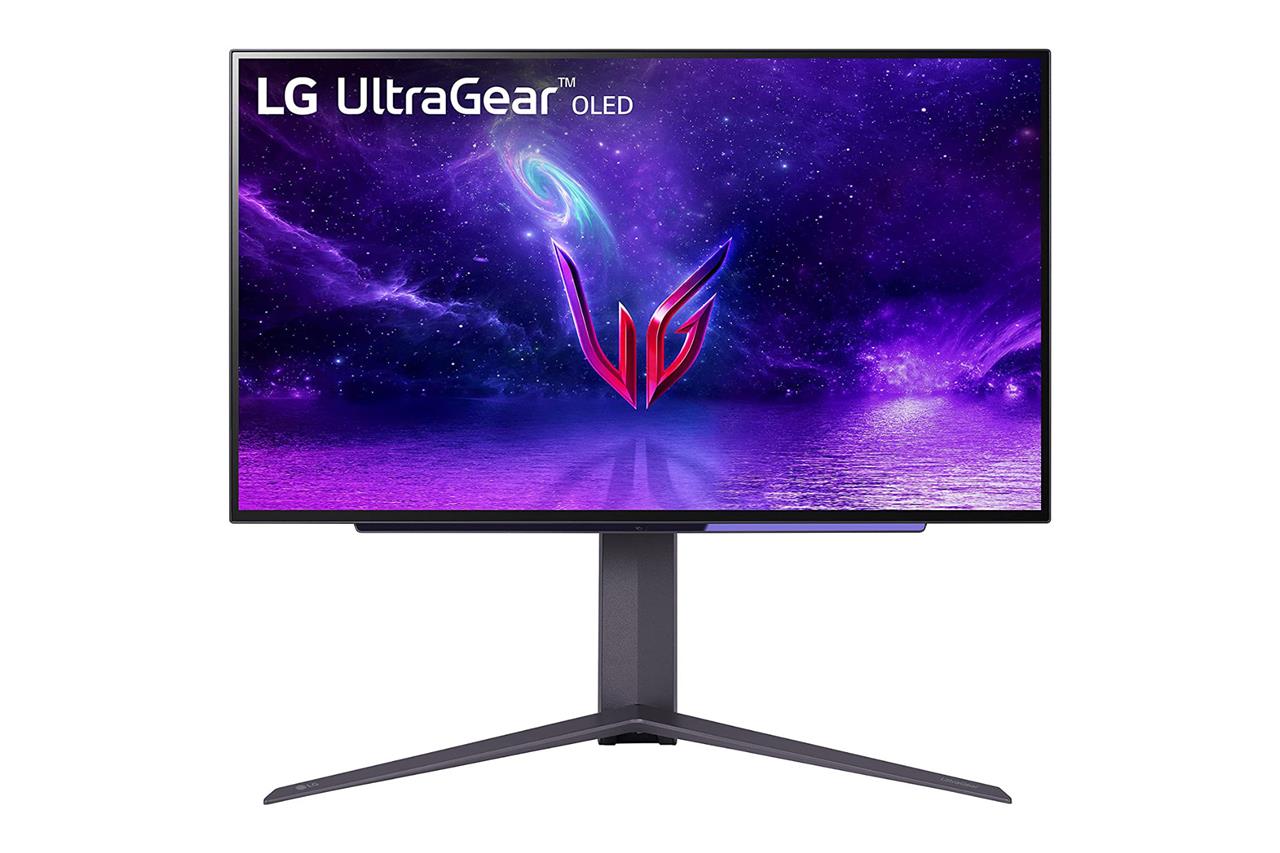
An easy recommendation for people who are willing to spend a lot for top-notch picture quality and visual fidelity is LG’s 27-inch, $896.99 UltraGear OLED gaming monitor. While it’s the same size as our cheaper pick above, it packs in an OLED panel that, in addition to making games and movies look their best, results in a lightweight build compared to other similarly-sized monitors.
The 27-inch UltraGear is technically more capable than many of LG’s OLED TVs, thanks to its faster 240 Hz variable refresh rate and lower response time, the addition of DisplayPort, plus two HDMI 2.1 ports. Fast PCs can take advantage of its full range of refresh rate, while consoles like the PS5 and Xbox Series X will top out at 120 Hz refresh rate in supported games.
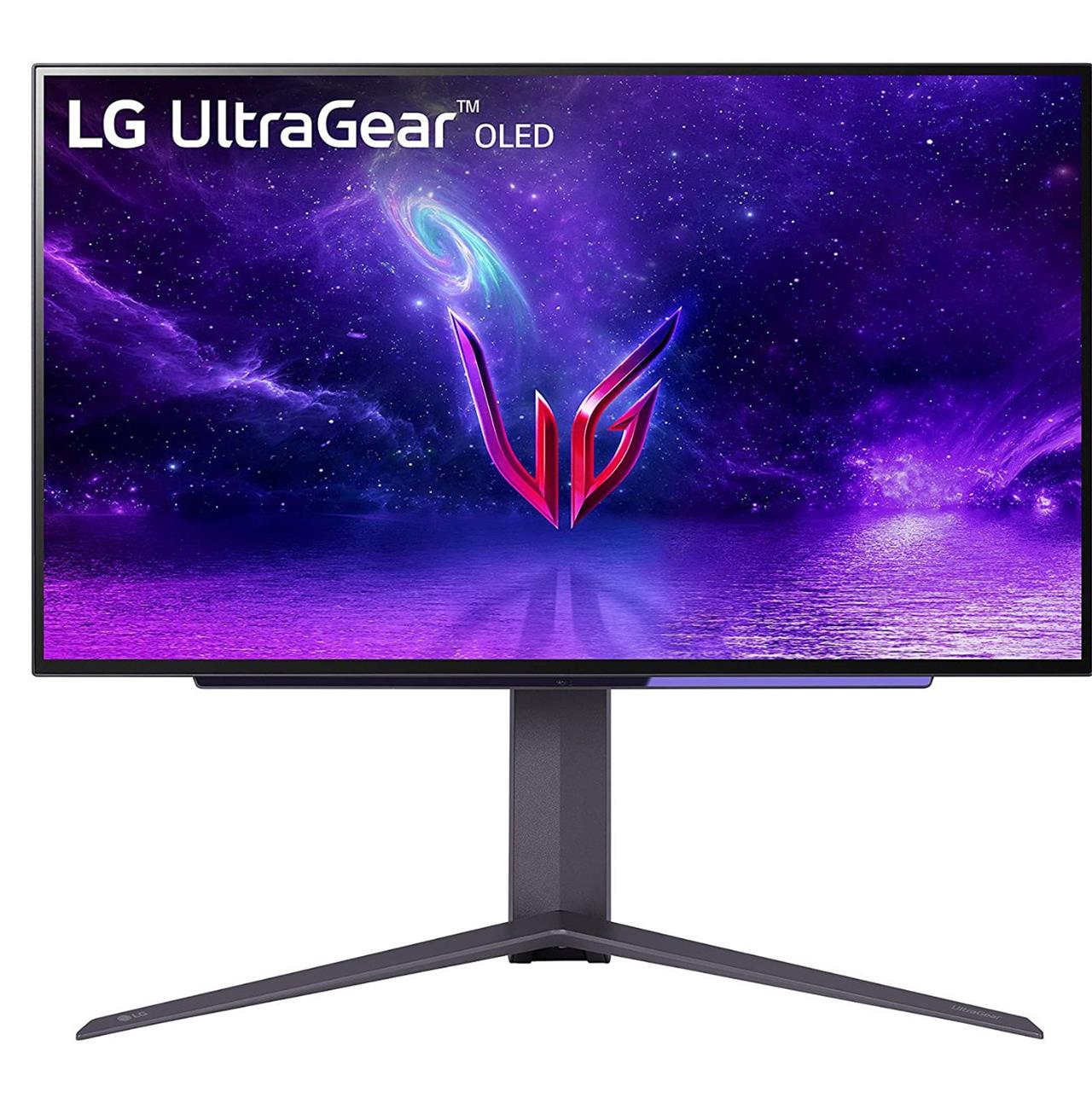
LG 27-inch QHD Ultragear OLED
$897$100010% off $897 $897 at Amazon$1000 at Best Buy
If you have an opportunity to try it before you buy it, I strongly suggest doing so. That’s partly so you can witness how great the contrast is in person, but also to check if its resolution and pixel density looks worth the money to you. After all, $1,000 for a monitor is a lot of money. This and competing QHD OLED gaming monitors have a relatively low pixels-per-inch (PPI) count, which sometimes makes text appear somewhat pixelated. Again, try before you buy, if you can. Or, at the very least, make sure you buy from a retailer that has a very good return policy.
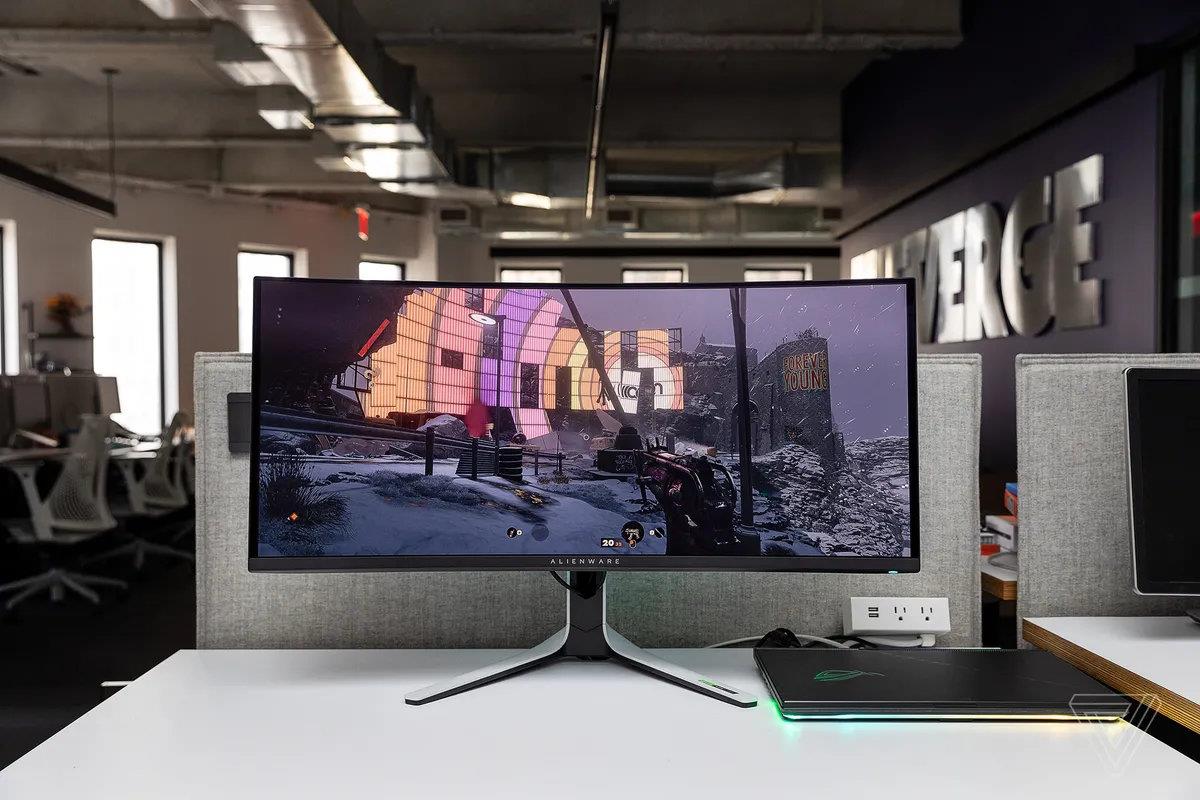
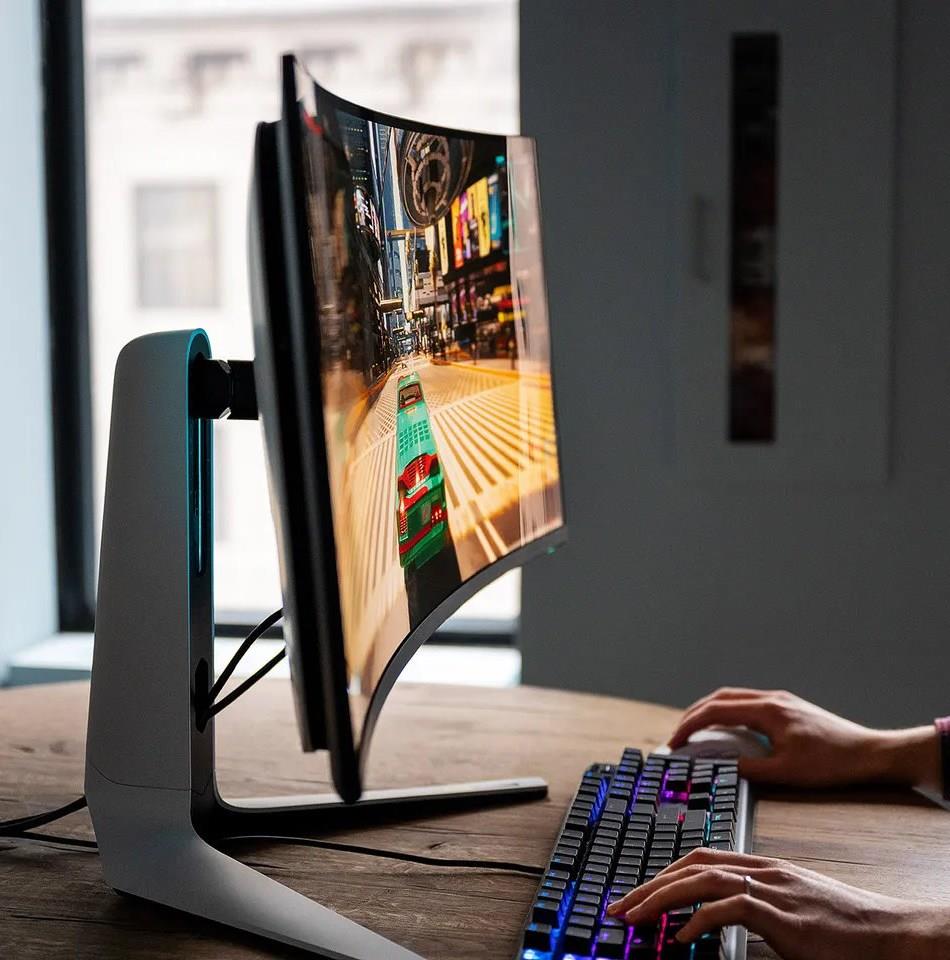
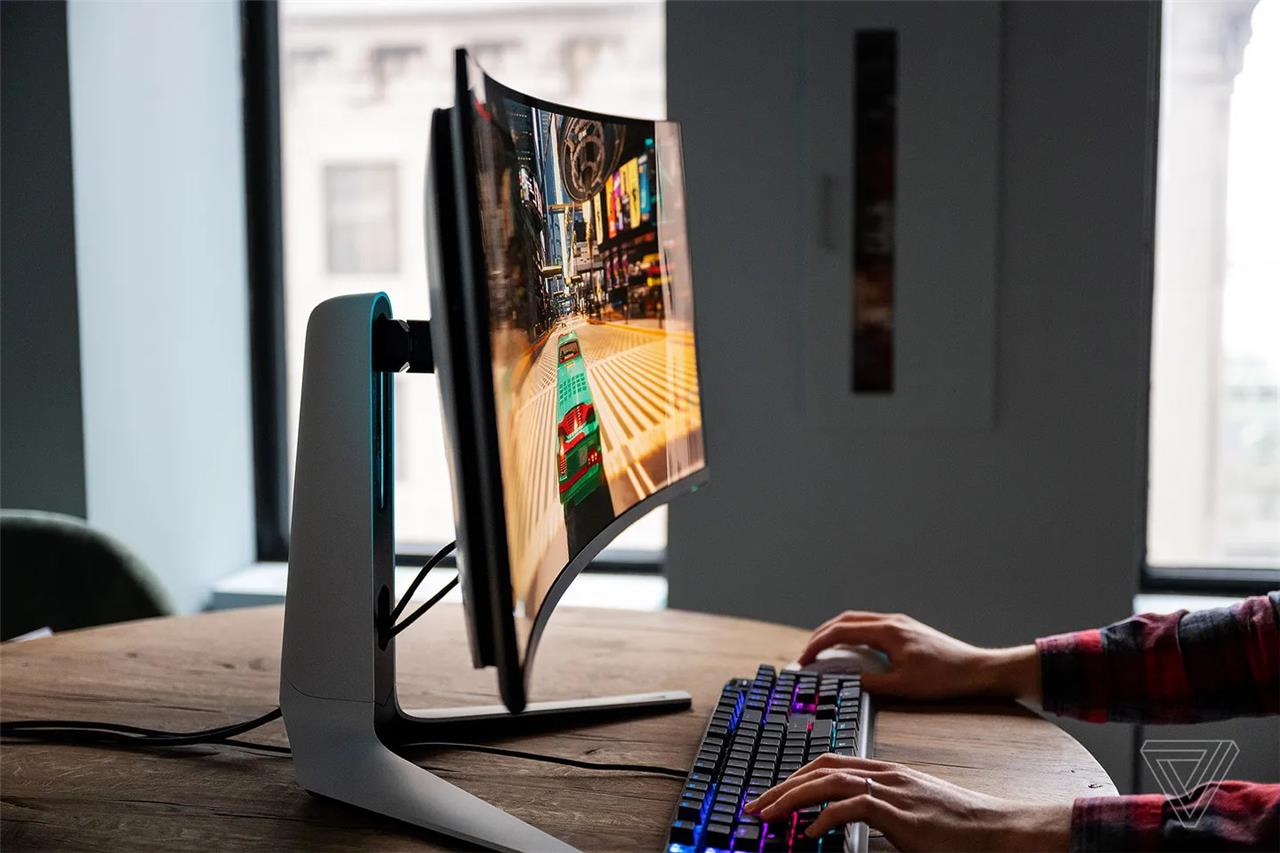
Another OLED worthy of your consideration is Alienware’s 34-inch AW3423DW curved gaming monitor, which I reviewed for The Verge. It uses a QD-OLED panel manufactured by Samsung Display, which allows it to shine a little brighter than competing OLED panels currently developed by LG Display. While the difference between the two screen types isn’t night-and-day (they all look spectacular), what could be more revelatory is this monitor’s slight yet noticeable 1800R curvature that puts the screen in more parts of your peripheral vision.
This bigger monitor carries a slightly larger price tag that recently has hovered around $1,099.99 – pricey, but not unreasonable considering it’s 7 inches larger than the LG model mentioned above, and that it’s curved. However, not all the Alienware QD-OLED unique qualities are universally positive for gamers. For instance, it has a widescreen 21:9 aspect ratio, which is supported in some but not all PC games. As a result, you may be stuck playing new releases, or old favorites, with huge vertical black bars surrounding the picture. For consoles like the PlayStation 5 and Xbox Series X, 21:9 aspect ratio isn’t supported at all, so you’ll only take advantage of the center portion of this monitor’s panel real estate. Movies and other content made in the 16:9 aspect ratio will also look this way.
That potential issue aside, the AW3423DW is packed with features and ports. With its single DisplayPort input, it can display up to a 175 Hz refresh rate (with support for Nvidia G-Sync Ultimate), or up to 100 Hz through either of its two HDMI 2.0 ports. It also has multiple USB ports for connecting accessories to your PC.
Alienware 34-inch QHD AW3423DW
$854$110022% off $854
Alienware’s AW3423DW gaming monitor features a curved QD-OLED screen, which provides amazing picture quality and contrast. Its fast 175 Hz refresh rate works with PC games, and it supports up to 100 Hz with consoles.
Read More $854 at Amazon
Alienware makes a slightly less costly version of this monitor, called the AW3423DWF. It sells for $999.99 at Best Buy, sometimes less at Dell, and it knocks the maximum refresh rate down to 165 Hz for DisplayPort (it retains a 100 Hz max refresh rate via HDMI 2.0), and replaces the onboard Nvidia G-Sync Ultimate support with AMD FreeSync Premium Pro. One other difference that may be huge (in a positive way) for some is that, according to PC Gamer’s review, this version has a glossy coating on its screen instead of a matte coating. To some, the matte coating can alter the purity of an OLED’s perfect contrast ratio, to the point that they’d rather accept some glare.
There are seriously so many interesting QHD gaming monitors out there. If you want more OLED options, there’s the $1,599.99 45-inch Corsair Flex, which can be physically bent to be curved or flat – your choice. I took a close look at a non-final version of it at The Verge before it launched in early 2023. For a slightly cheaper alternative that has identical specs, LG’s $1,299.99 45-inch UltraGear OLED has a similar shape, but it’s stuck in curved mode.
<
Best 4K gaming monitor
The Asus ROG Swift PG27UQ delivers stunning 4K visuals at 144Hz with G-Sync support, making it ideal for immersive gaming sessions. Its 27-inch IPS panel offers precise colors and wide viewing angles, while the 1000 nits peak brightness handles HDR content effortlessly. Response times stay below 4ms for smooth action without ghosting, and robust connectivity includes DisplayPort 1.4 plus USB-C. Gamers appreciate the ergonomic stand for tilt, height, and swivel adjustments.
We don’t blame you for being interested in a 4K gaming monitor. While 8K looms on the tech landscape’s horizon, 4K shows no sign of fizzling out. It’s still the high-end option of choice for gamers and moviegoers. However, there are some things to know before buying a 4K gaming monitor.
Can’t I just use my 4K TV?
Well, sure you can, so long as your TV has an HDMI port to connect them to each other. There’s absolutely nothing wrong with going this route if you’re able to find an affordable (or premium) 4K TV that you like and that has all of the features you’re looking for. The chances are good that you’ll be able to find a much bigger TV screen for your money than you’d get when shopping for a gaming monitor. There are caveats, however.
For one, TV stands generally aren’t as desk-friendly as monitor stands, nor do they allow height adjustments, pivoting from side to side, or twisting 90 degrees. Then, there’s the user interface. You may find it tough to look past using a remote and a TV interface that’s made to cater to a wide, predominantly non-gaming-focused audience.
Lastly, unless you’re buying a fancy OLED TV, like the LG C3, your TV will likely lack the gaming features common in many gaming monitors. This ranges from variable refresh rate with Nvidia G-Sync and AMD FreeSync compatibility, and HDMI 2.1 ports to display content at a high resolution and a fast refresh rate. Monitors also have TVs beat by including DisplayPort, which allows even higher refresh rates for PCs than HDMI.
While it’s less of a struggle for the latest gaming consoles and high-end PCs to run games at the demanding 4K resolution, the struggle is still there. Even if your 4K monitor is capable of a 144 Hz refresh rate or higher, you might only have a handful of games that can run well enough to let you enjoy all of the monitor features you’re paying for (that is, unless you turn down some graphics settings).
Also, while they have become cheaper in the past couple of years, 4K monitors are considerably more pricey than 1440p monitors. It’s common for them to cost hundreds of dollars more than a similar-sized (and similarly featured) 1440p gaming display, just because of their higher resolution. If you’re serious about getting a 4K monitor, try to test some out in person before you buy. Sitting closely to your monitor? 4K might be more worth the cost in that scenario than if you’re sitting farther away.
This is the third 27-inch LG gaming monitor that I’ve included on this list – listen, LG makes good displays and solid stands, and I just think that 27 inches is an ideal size for most people. Design-wise, this 4K UltraGear 27GP95R-B doesn’t stand out much from its QHD and FHD counterparts. However, there are some improvements, both inside and outside.
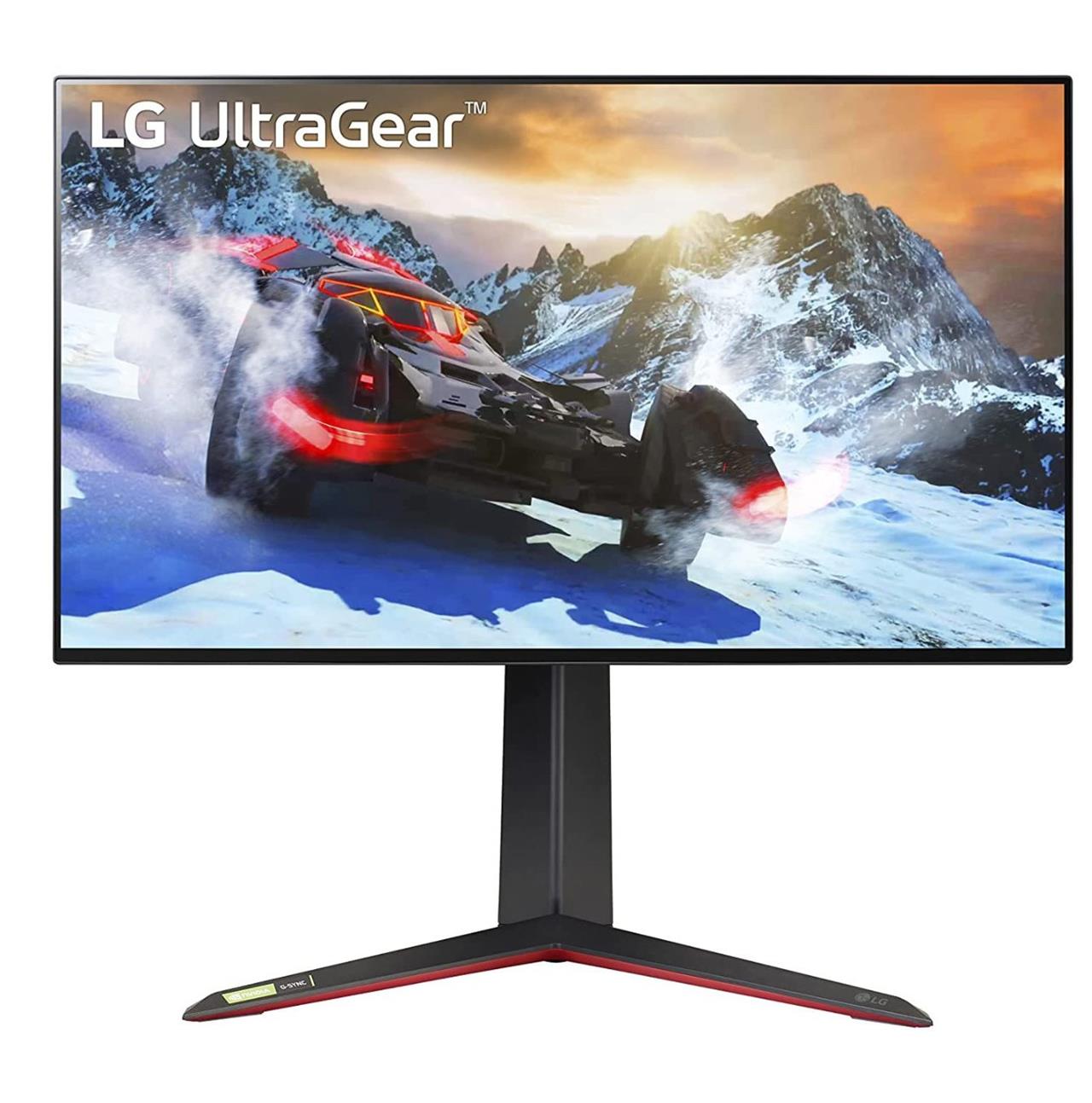
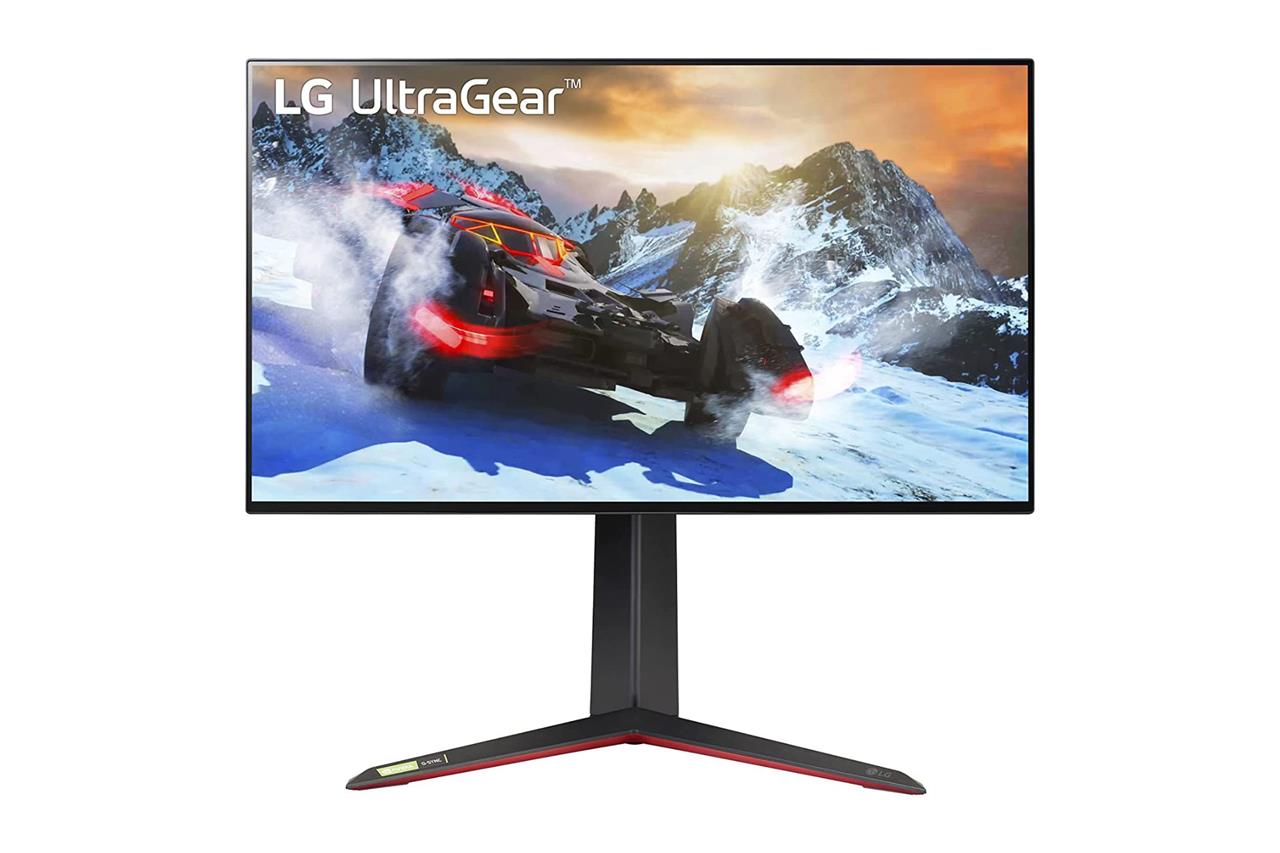
LG 27-inch 4K UltraGear 27GP95R-B
$625$77019% off $625 $625 at Amazon
Starting with design, the bezels are very thin, delivering a higher screen-to-body ratio, in case you want a minimalist look. For a little flair, there’s a circular ring of colorful LEDs around its back that can be customized within the monitor’s software.
It has a Nano IPS display, which is an LG-developed panel type that has an increased color gamut compared to standard IPS for more lifelike contrast, according to DisplayNinja. It doesn’t compare with the likes of OLED, but it’s not bad. As such, this could be a fantastic alternative to LG’s 27-inch UltraGear QHD OLED, if that one’s $999.99 price is too steep. This $647 monitor offers a superior 4K resolution for less, and it should still make games and movies look stunning.
We wouldn’t include this monitor if it didn’t have killer specs. It doesn’t disappoint with its 144 Hz refresh rate, plus adaptive sync support for AMD FreeSync Premium Pro and Nvidia G-Sync compatibility. In terms of ports, it features one DisplayPort and two HDMI 2.1 ports, allowing the PS5, Xbox Series X, and some PC GPUs to output 4K resolution at 120 Hz in games that support it.
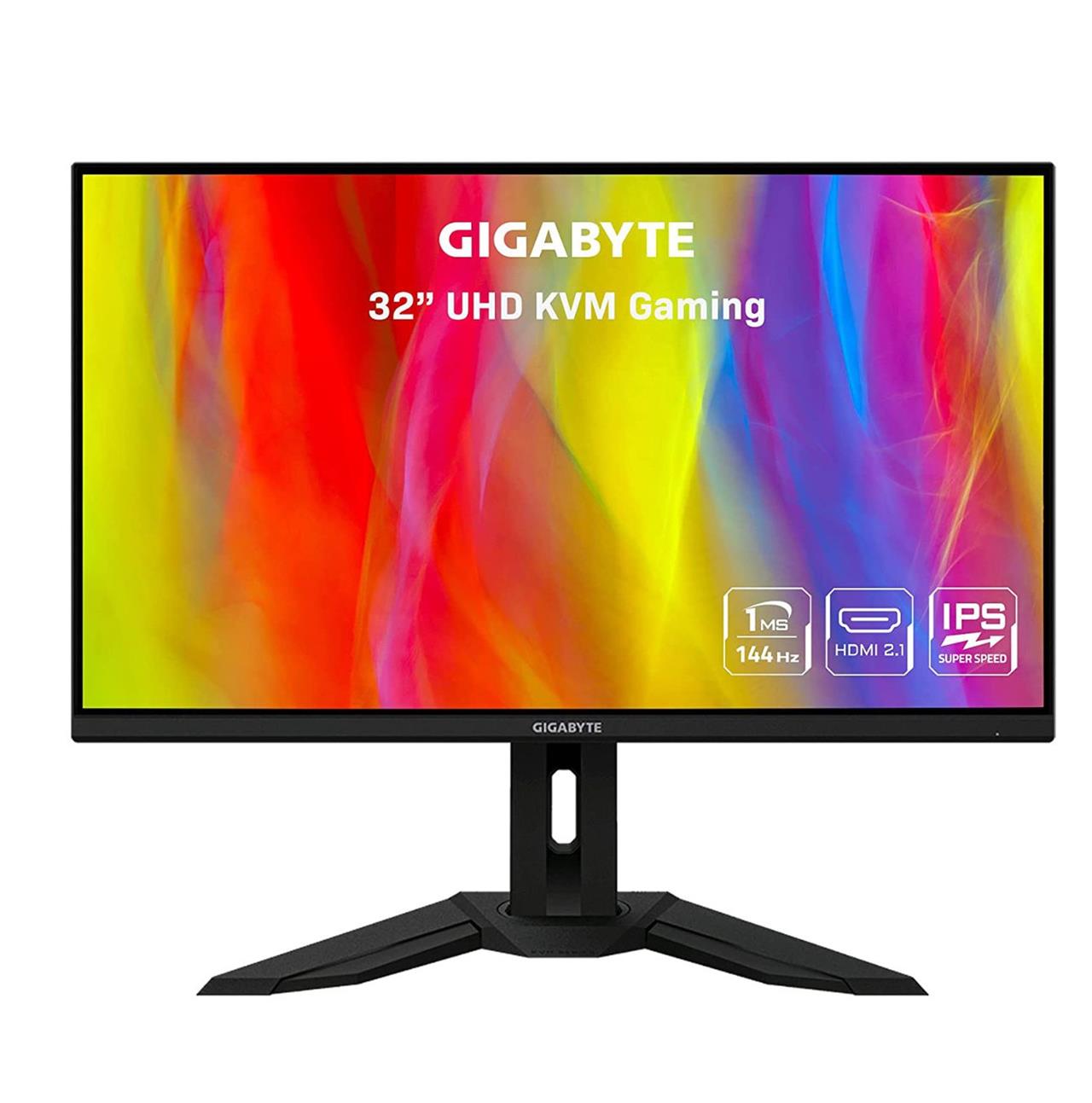
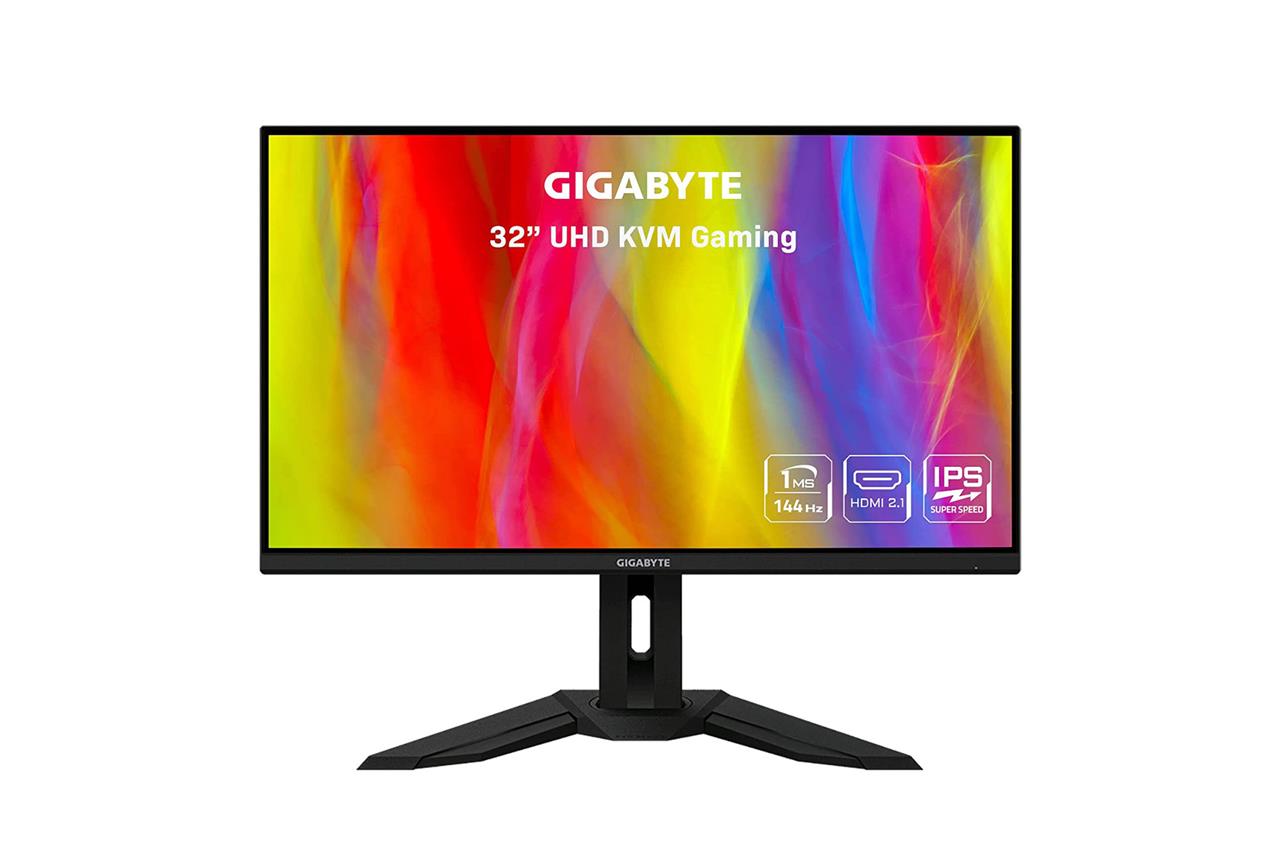
Gigabyte 32-inch 4K M32U
$650$73011% off $650 $650 at Amazon
Another one you may want to consider is Gigabyte’s $649.99 32-inch M32U. Its design isn’t as minimalist as the LG model above (and its IPS panel doesn’t get as bright, nor does it support as wide of a color range), but I’m honestly nitpicking. It might have many of the specs that you’re looking for in your next monitor, and at a price that sits better with your budget.
The M32U similarly features a 144 Hz refresh rate, and support for AMD FreeSync Premium Pro and Nvidia G-Sync compatibility. In terms of ports, you’ll find a single DisplayPort 1.4 port, two HDMI 2.1 ports, and a headphone jack on its back, plus multiple USB ports for connecting accessories to your PC. Uniquely, you can plug a second video source into its USB-C port, like another computer, then hit the monitor’s KVM (keyboard, video, mouse) switch button to assume control of it with all of your connected accessories. It’s pretty cool.
I’m also smitten with the Acer Predator XB283K, a 28-inch 4K gaming monitor that currently costs $549.99 at Amazon. Its ports, panel type, and features are nearly identical to the other options mentioned above.
Best portable gaming monitor
A portable gaming monitor combines compact design with impressive display quality, making it ideal for gaming on the go or adding a second screen to your setup. Models like the ASUS ROG Strix XG17 deliver smooth 240Hz refresh rates, low response times, and built-in batteries for uninterrupted play sessions. With Full HD resolution and adaptive sync support, these monitors provide sharp visuals and fluid performance, whether you’re connecting a laptop, console, or mobile device.
It’s possible to buy small gaming monitors, but you might want something even smaller for your setup, or at least more portable for travel. For that, portable gaming monitors can be easily packed away, and just as easily set up to play some games on. There are a bunch of similar options, and just a couple that stick out as being worth your money.
If you were tempted by the OLED gaming monitors above, there’s good news: a brand called Innocn makes a solid 13.3-inch portable OLED monitor that won’t break the bank. Currently $199.99 at Amazon (sometimes there’s a coupon to save even more), you’ll get stunning picture quality on a small screen that you can plug your console or PC into. It ships with a USB-C to USB-C cable for PCs and other devices (including Steam Deck), plus a Mini HDMI to HDMI cable for consoles. While it tops out at 60 Hz refresh rate and 1080p resolution, it has a fast 1 ms response time, so at least your inputs won’t feel delayed.
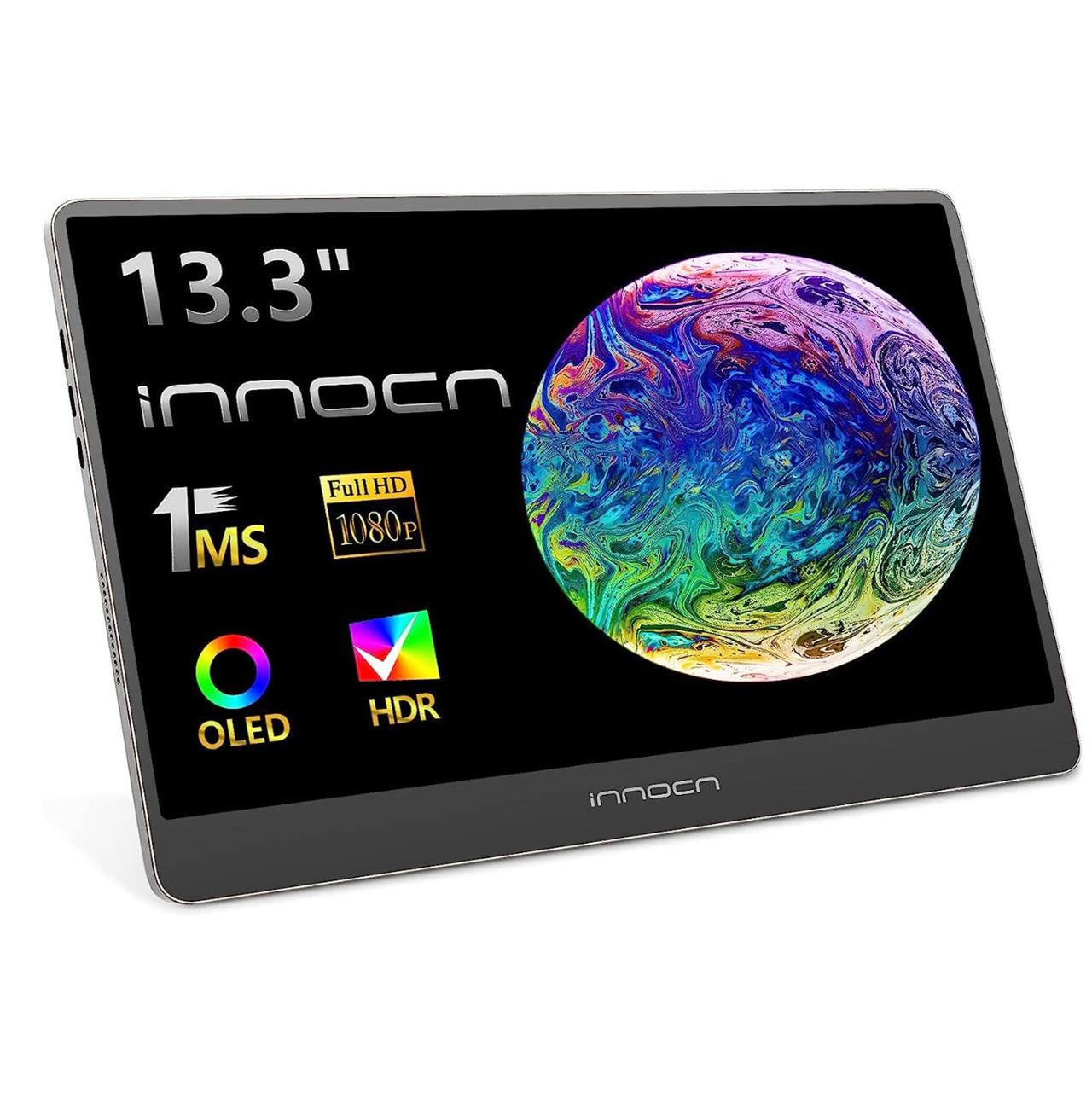
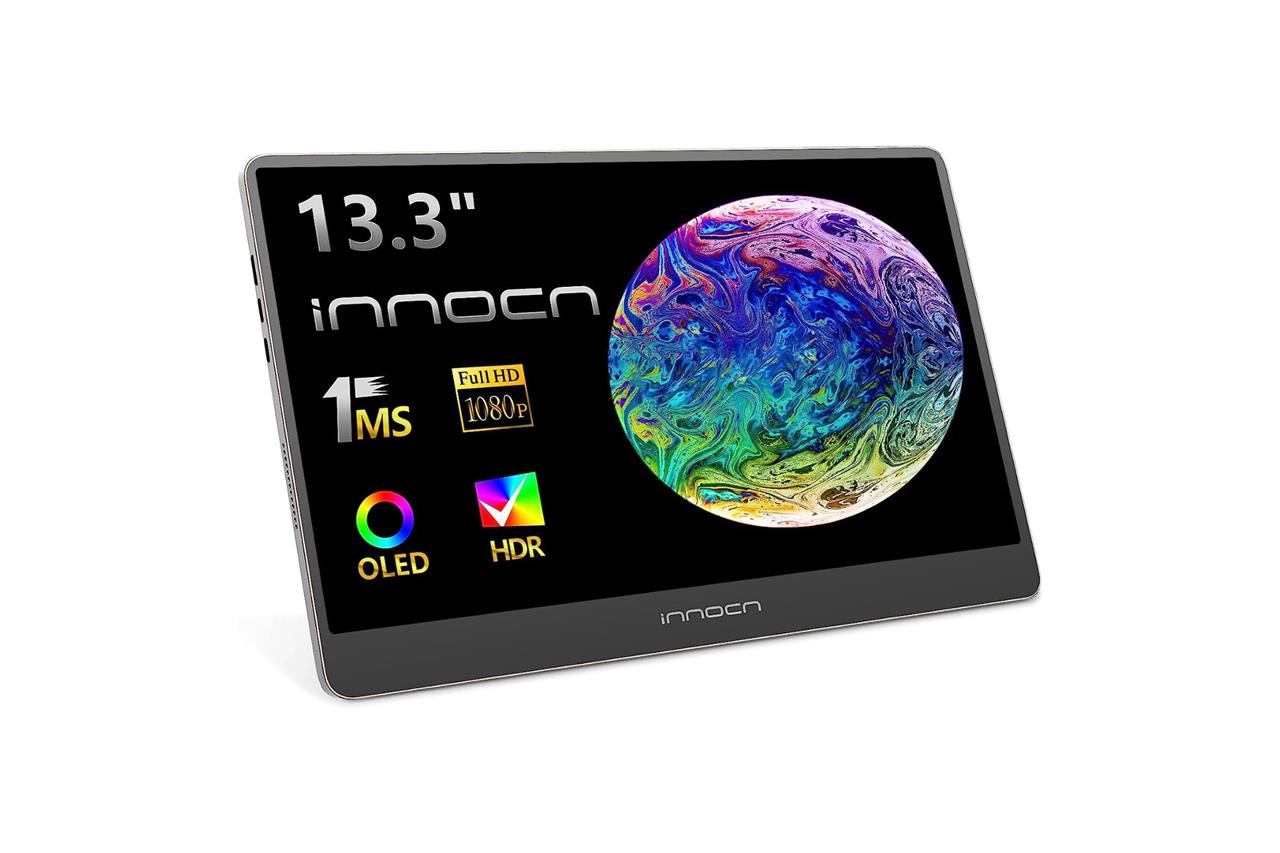
Innocn 13.3-inch portable OLED monitor
$200 $200 $200 at Amazon
I first heard of this brand and monitor thanks to Digital Foundry’s John Linneman, who reviewed it in 2022. Some things worth knowing before you race off to buy either the 13.3-inch or 15.6-inch model is that that they can’t be mounted to a VESA mount (they include a kickstand), and that their brightness is determined by the amount of power they’re getting. They can reach a peak 400 nits when plugged in with their included power adapter, though Linneman notes that they can be powered via USB ports with varying levels of brightness.
Which 1080p ASUS monitors offer the highest refresh rates
ASUS offers several top-tier 1080p gaming monitors with exceptionally high refresh rates, peaking at 610Hz for elite esports performance. Models like the ROG Strix Ace XG248QSG lead with a native 600Hz (overclockable to 610Hz) Super TN panel, prioritizing motion clarity over color vibrancy.
Highest Refresh Rate Models
The ROG Strix Ace XG248QSG stands out at 610Hz overclocked, using a 24-inch Super TN panel with 0.1ms response time, ELMB 2 for blur reduction, and G-Sync/FreeSync support. Other high-end ASUS 1080p options include the ROG Swift Pro PG248QP at 540Hz with a 0.2ms E-TN panel for competitive edges in FPS games.
Key Specs Comparison
| Model | Size | Refresh Rate | Panel Type | Response Time |
|---|---|---|---|---|
| ROG Strix Ace XG248QSG | 24″ | 600Hz (610Hz OC) | Super TN | 0.1ms |
| ROG Swift Pro PG248QP | 24.1″ | 540Hz | E-TN | 0.2ms |
| ROG Strix XG259CS | 24.5″ | 310Hz | IPS | 1ms |
Compare ASUS 1080p monitors with 240Hz vs 360Hz performance
ASUS 1080p gaming monitors with 360Hz refresh rates outperform their 240Hz counterparts in motion clarity and input lag for competitive play, though differences diminish for casual users. 360Hz models like the ROG Swift 360Hz Pro reduce frame times to about 2.78ms versus 4.17ms on 240Hz, aiding esports titles with faster target tracking.
Performance Differences
360Hz panels deliver superior smoothness in fast FPS games, minimizing blur during rapid movements compared to 240Hz, where motion can appear choppier in side-by-side tests. Input lag drops further (e.g., 1.39ms less), benefiting pros, but requires GPUs pushing 360+ FPS consistently.
ASUS Model Comparison
| Refresh Rate | Example Model | Motion Clarity | Input Lag Advantage | Ideal Use Case |
|---|---|---|---|---|
| 240Hz | ROG Strix XG248Q | Good | Baseline (~4.17ms) | Balanced gaming |
| 360Hz | ROG Swift PG259QN | Excellent | ~1.4ms lower | Esports/FPS pros |
Higher Hz demands stronger hardware and shows most gains in competitive scenarios over AAA titles.
