
Your Steam Deck can be more than a portable console-it can be a full gaming setup in your hands. From compact docks to pro-level grips and cases, here are the accessories that truly elevate every session.
The Steam Deck is a portable gaming powerhouse. After its 2022 launch, it didn’t take long for the Steam Deck accessory scene to blossom – and it shows no signs of slowing down. The accessories range from all but necessary add-ons (a microSD card and glass screen protectors) to some that are just nice to have (a comfortable gaming pillow).
If you want to protect your Steam Deck, load more games onto it, and make playing on the go easier even easier, you’ve come to the right place. We’ve found the best Steam Deck add-ons to can make your gaming time better, starting with our picks for the five must-have accessories.
<
Our 5 must-have Steam Deck accessories
A few smart add-ons can make a huge difference in how you use the Steam Deck. A sturdy carry case protects it on the go, while a high-speed microSD card expands storage for your library. A compact dock turns the handheld into a mini console setup, perfect for connecting to a TV or monitor. Comfortable grips or a protective shell improve long sessions, and a quality screen protector guards against scratches and glare for a clearer display.

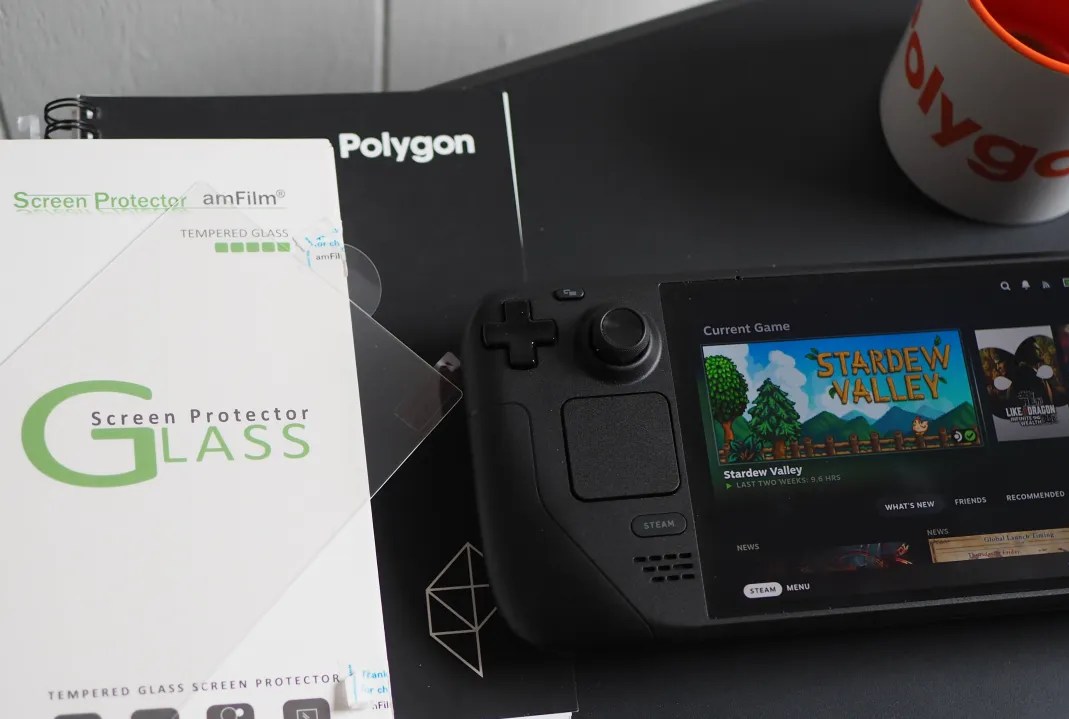
amFilm 3-pack of Steam Deck glass screen protectors
$7$813% off $7
Like all tech, the Steam Deck houses many fragile components. But the one that’s most prone to accidental damage is its 7-inch (or 7.4-inch, if you have a Steam Deck OLED) glass-covered display. I highly recommend that every Deck owner buys a set of tempered glass screen protectors, and I’ve had nothing but good experiences from ones from amFilm. It may not save your Deck from catastrophic damage, but its job is to absorb scrapes and jabs instead of the actual glass covering your display (screen replacements aren’t exactly cheap). When the cover eventually gets scratches or cracks, simply remove it and apply a new one.
Note: While the Steam Deck OLED’s screen is bigger than the original Steam Deck, the size of the glass covering the display on both models is identical, so these screen protectors are great for whichever Steam Deck you buy.
Read More $7 at Amazon
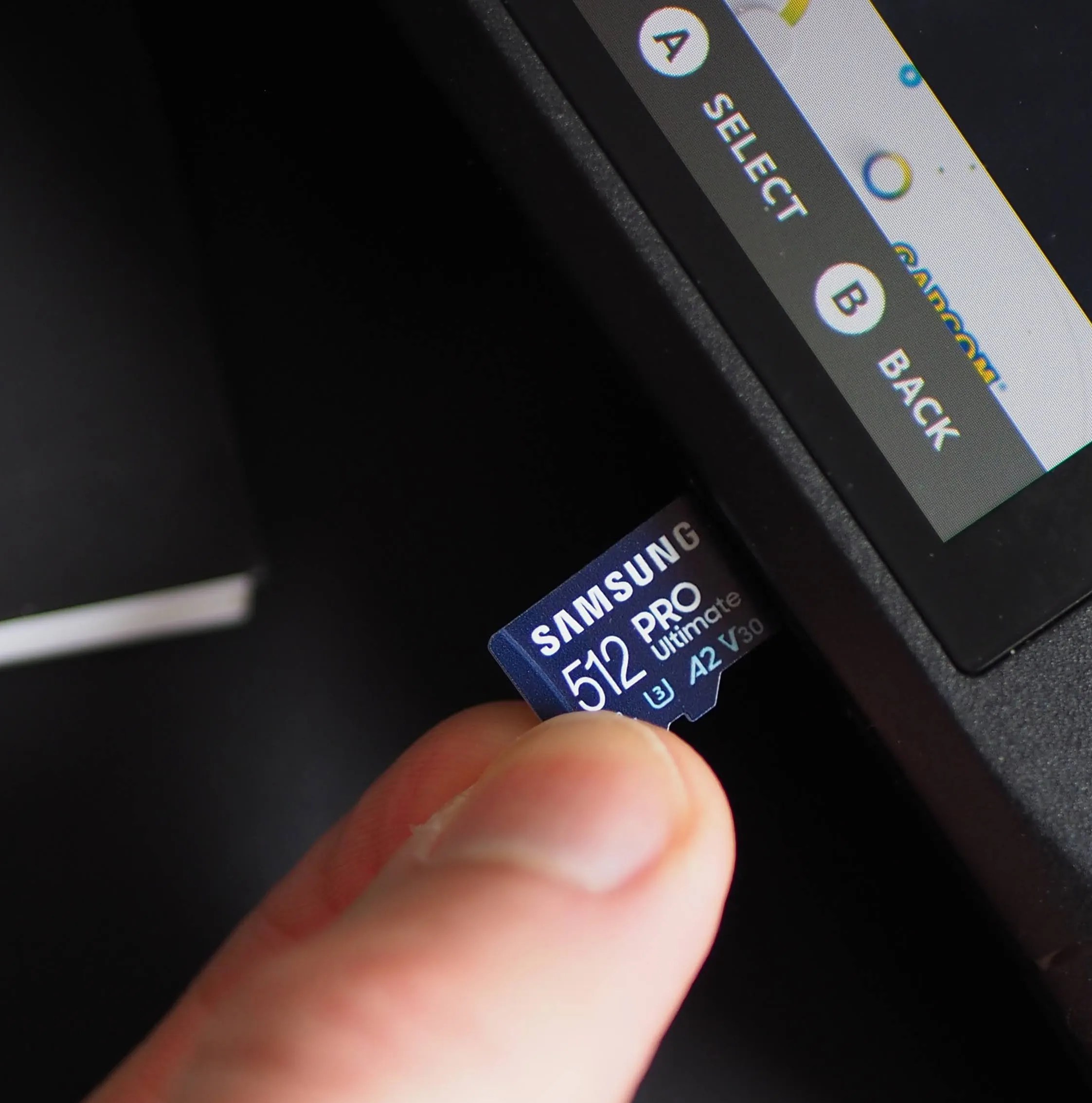
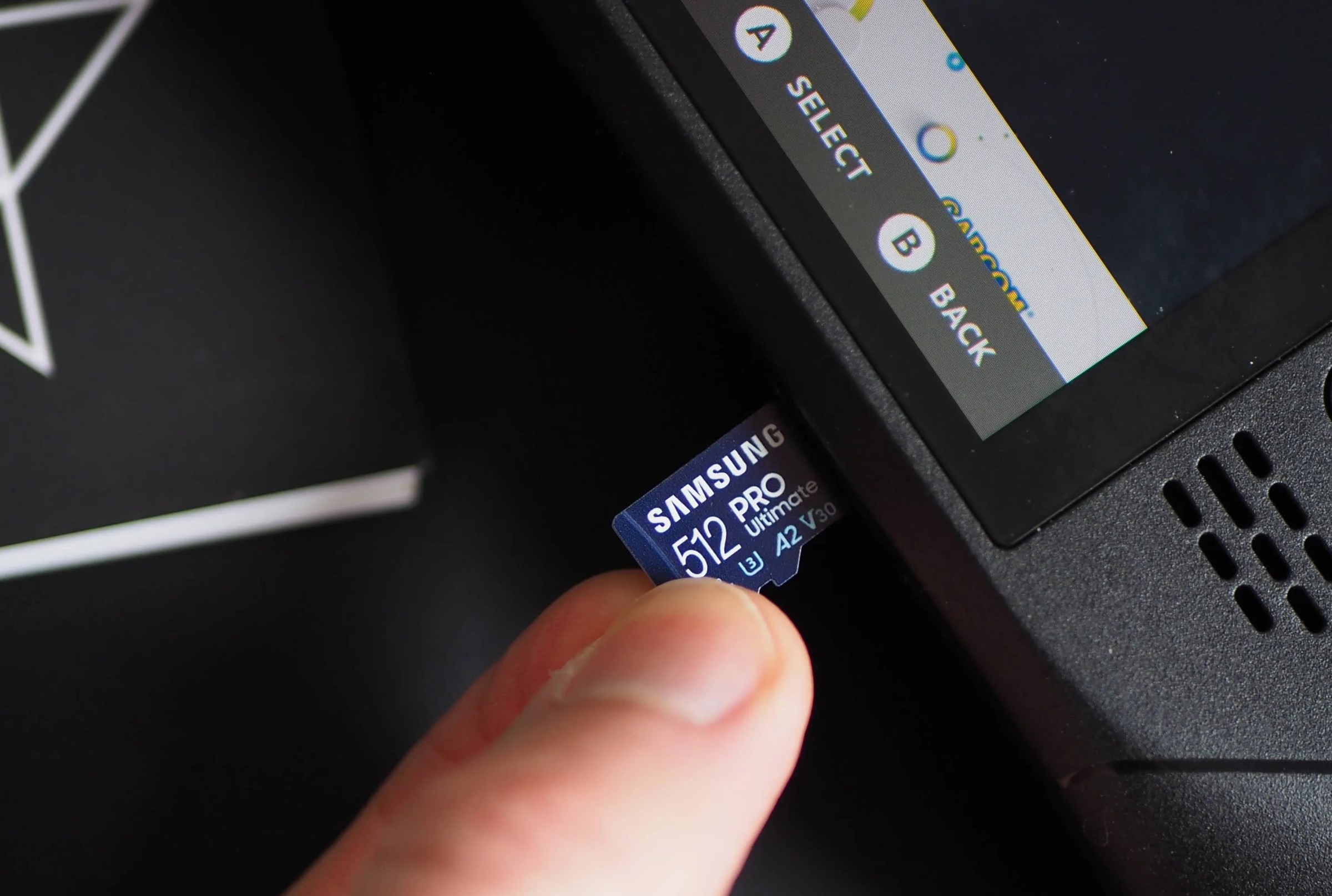
Samsung 512 GB Evo Select microSD memory card
$40$5629% off $40
The Steam Deck comes with up to 1 TB of SSD storage if you buy the $649 OLED model. However, the more affordable models come with either 256 GB or 512 GB. That’s not an abundance of storage either way, given that PC games routinely come in 30-60 GB (or higher) install sizes. Whichever model you have, buying a microSD card for extra game space is pretty much essential. You might be able to put it off for now, but likely not for long.
In terms of what’ll work best in your Deck, you can’t go wrong with any 512 GB microSD cards from the SanDisk Ultra, Samsung Evo Select, or Samsung Pro Ultimate lineups (these are advertised with different read/write speeds, but perform similarly in the Deck).
Read More $40 at Amazon
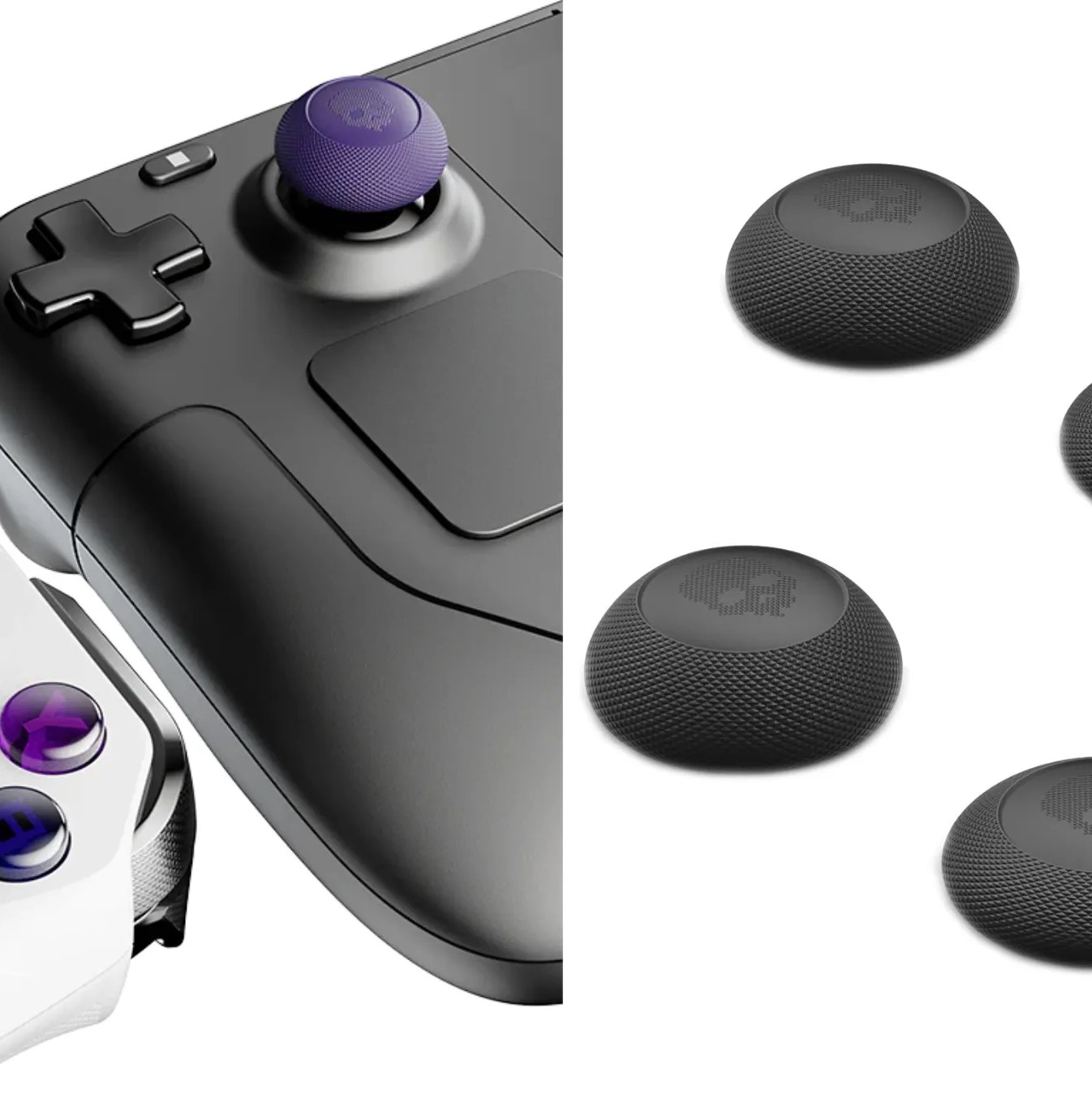
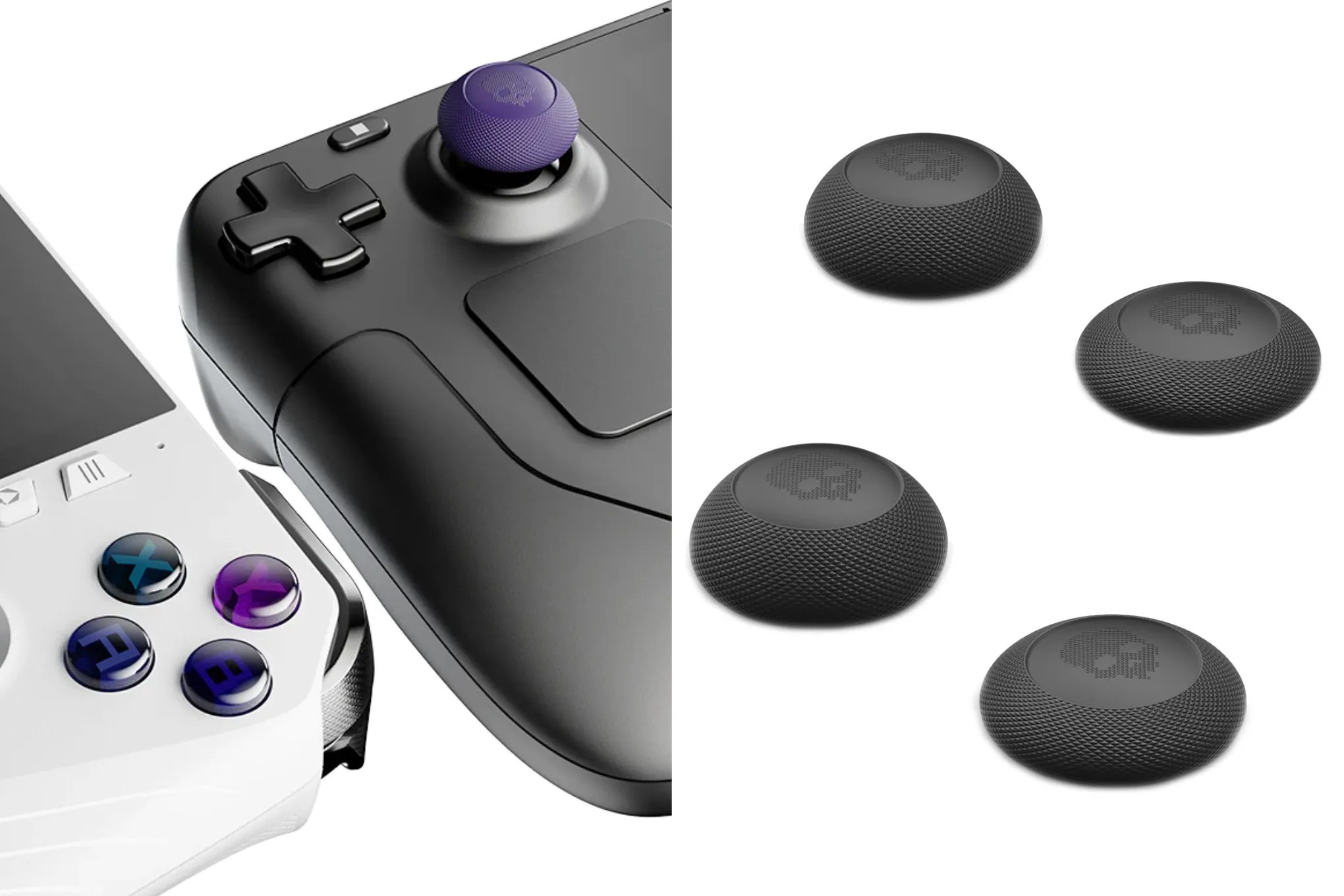
Skull & Co. 4-pack convex thumbstick grips
$10 $10
Many people jibe with the feel of Valve’s thumbsticks on the Steam Deck. But if you dislike how slippery they can be (especially those used in the Steam Deck LCD), simply pop some of these affordable grips from Skull & Co. on top of your Deck’s sticks. The price includes two pairs of thumb pads in the color of your choice that lengthen the height of your sticks, add some roundness to them, and add grip. Keep in mind, however, that they may prevent the Deck’s capacitive thumbstick feature from working as intended.
Read More $10 at Amazon$10 at Skull & Co
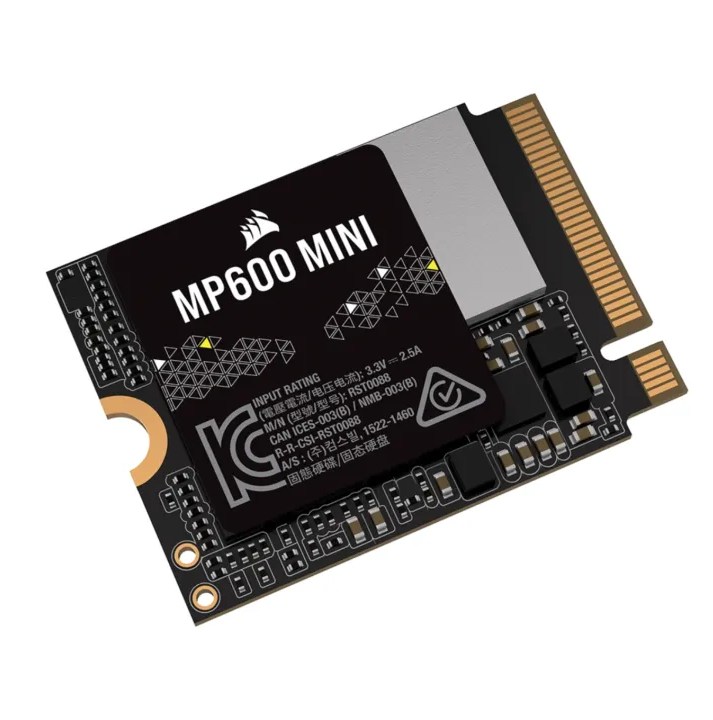
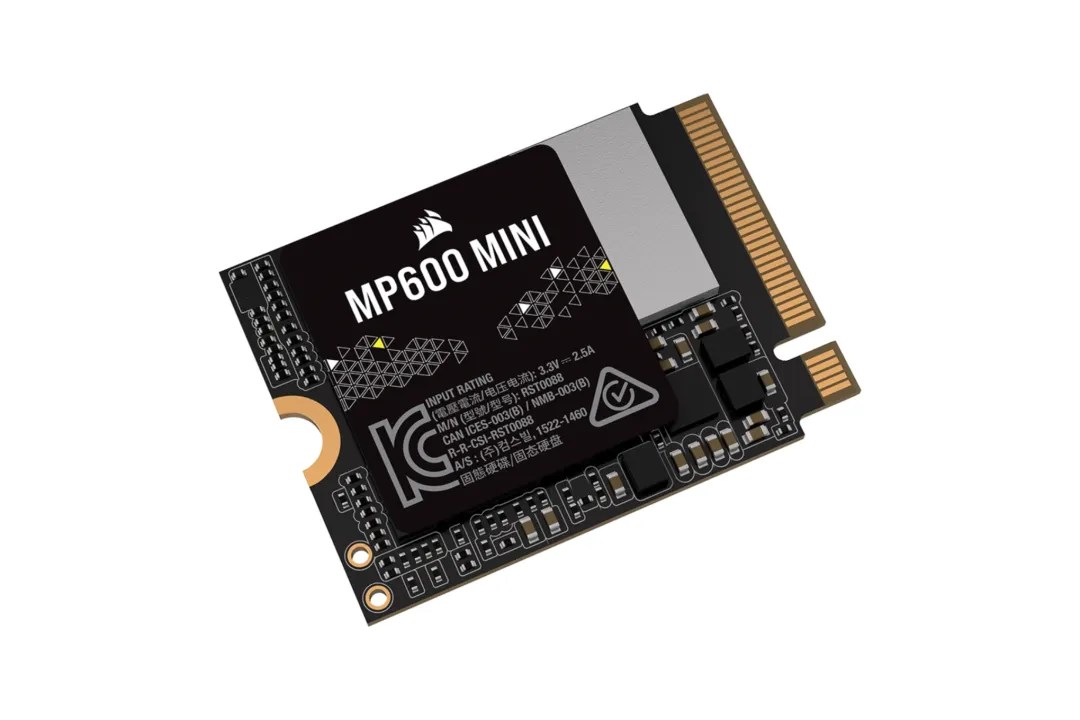
Corsair MP600 Mini 2 TB M.2 SSD
$140$26046% off $140
While much tougher to install than a microSD card, Corsair’s MP600 Mini 2 TB M.2 SSD is worth the effort if you want faster storage for your games. But you’ll likely need some tools, like this iFixit Essentials tool kit for $30, to open up your Steam Deck.
Read More $140 at Amazon
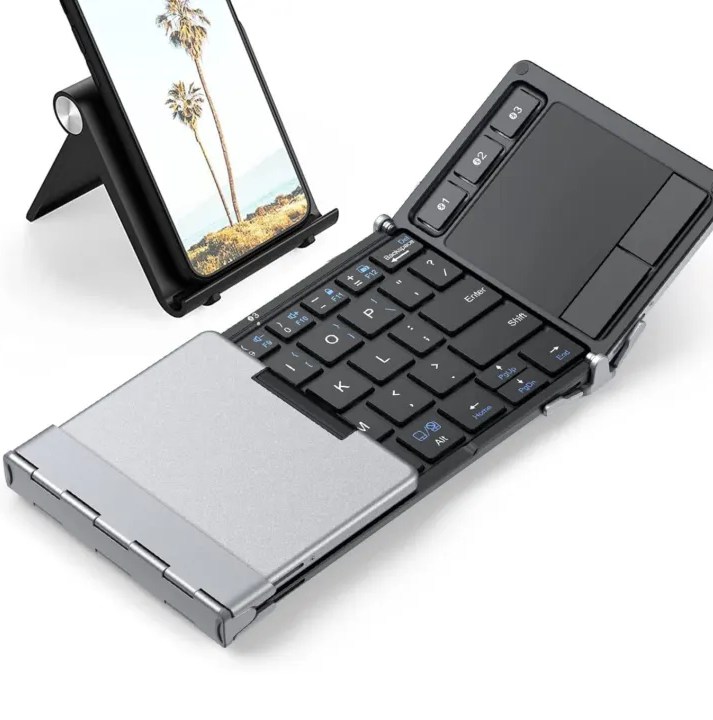
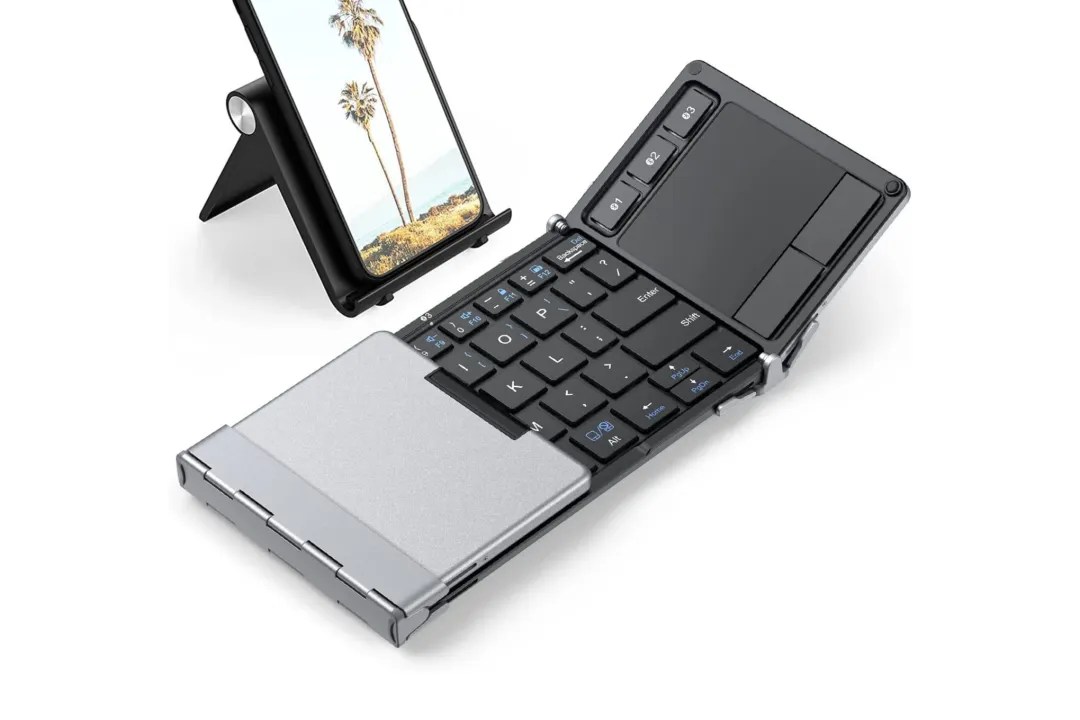
iClever foldable Bluetooth keyboard with built-in trackpad
$54 $54
If you envision going into the Steam Deck’s desktop mode, you may want to grab a compact wireless keyboard to type on. Without it, it’s a real pain to touch type and navigate on the Deck’s screen (especially if you have big fingers). So, do yourself a favor and buy this all-in-one, foldable keyboard that has a trackpad built in. If that’s a too bit pricey and you don’t particularly care whether the keyboard folds, you can get Logitech’s reliable K400 Plus wireless model that has a trackpad built-in for about $25.
Read More $54 at Amazon
Best Steam Deck docks
A good dock expands the Steam Deck’s versatility, turning it into a desktop gaming setup or media station. Many docks provide HDMI or DisplayPort outputs for external displays, multiple USB ports for peripherals, and Ethernet for a stable connection. Valve’s official dock offers solid build quality and perfect compatibility, while third-party options like JSAUX or Anker often deliver similar features at lower prices. Choosing one depends on your preferred setup-whether that’s connecting to a 4K monitor, charging while playing, or managing several accessories at once.
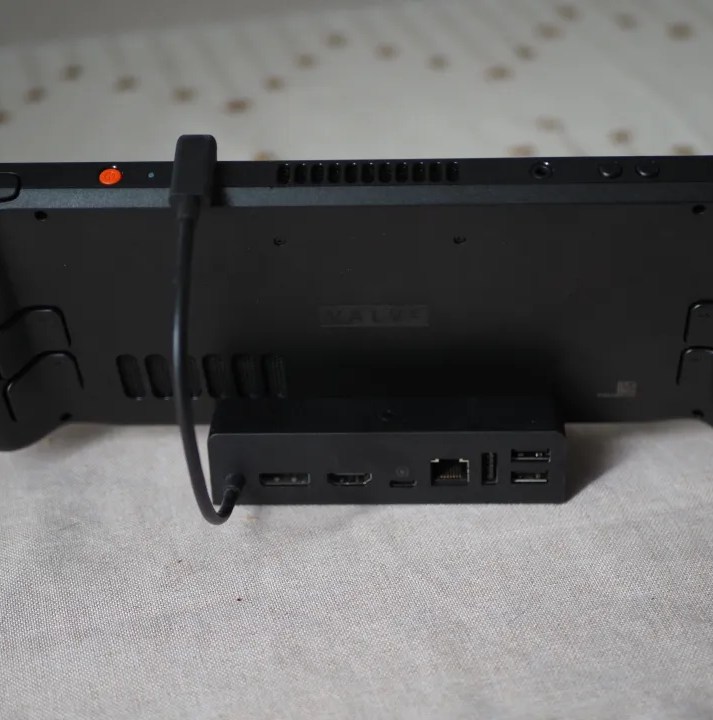
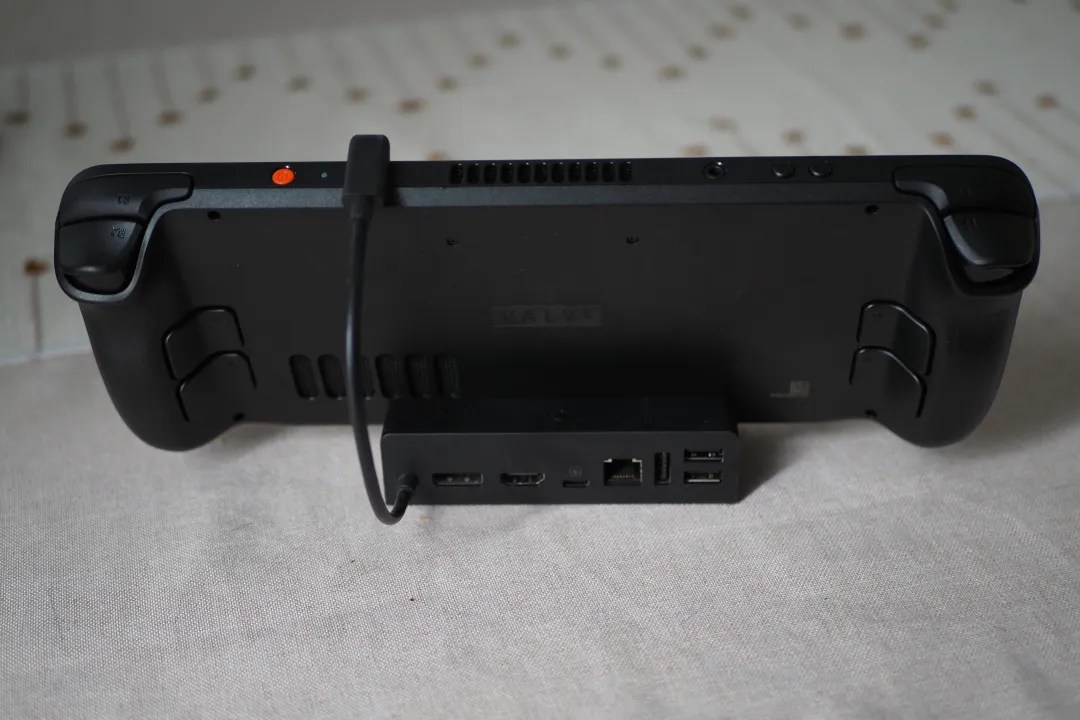
Steam Deck dock
$79 $79
While Valve wasn’t the first company to launch a Deck-compatible dock, its version is one of the most port-rich options. Its Deck Dock has an HDMI 2.0, DisplayPort 1.4, a USB-C port to receive power from a wall adapter (it includes the same 45 W model that the Steam Deck ships with), a gigabit Ethernet port, and three USB-A 3.1 ports. The inclusion of a DisplayPort sets it apart from most USB-C hubs, along with its elegant design. But it comes at a pricier cost than most third-party alternatives.
Read More $79 at Steam
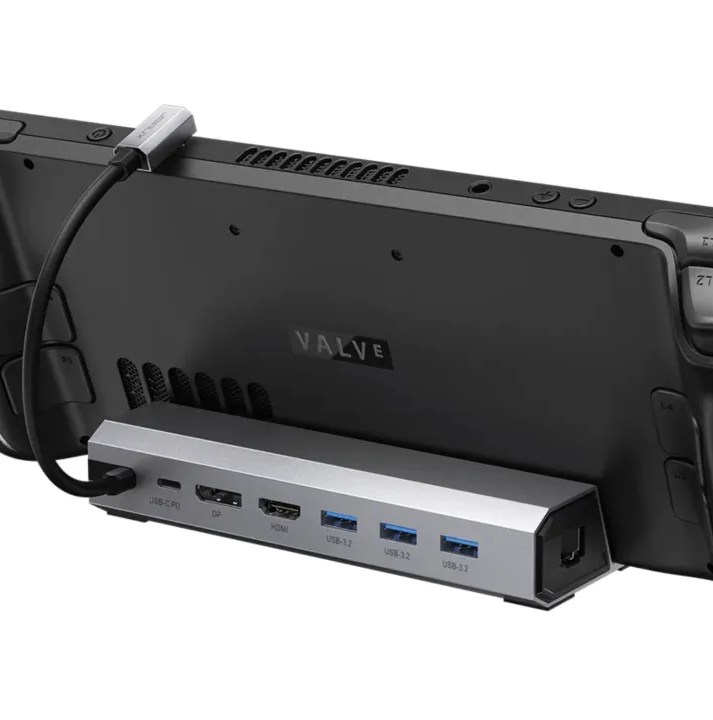
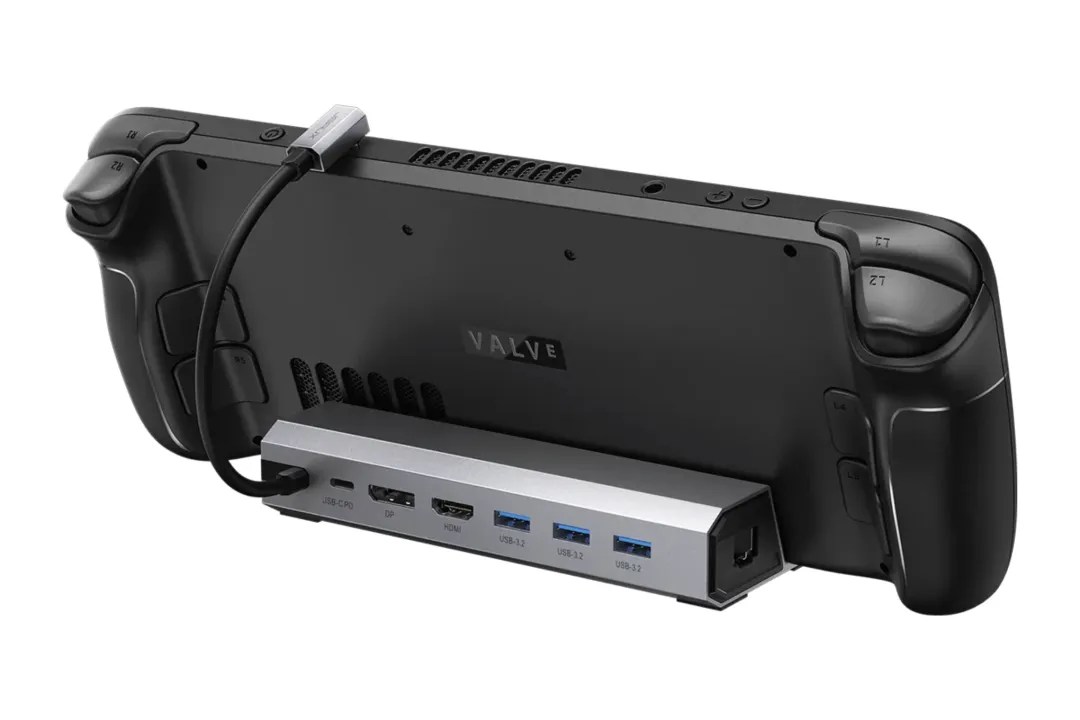
JSAUX Steam Deck docking station (model HB0702)
$55$608% off $55
Jsaux makes a very similar option to Valve’s official Deck Dock, albeit with a less catchy name. It’s called the HB0702, and like the Deck Dock, it has USB-C for power, DisplayPort 1.2, HDMI 2.0, three USB-A 3.2 ports, and gigabit Ethernet support. This is a great option if you don’t care whether you have the official Deck Dock, but want nearly identical features for a lower price.
Read More $55 at Amazon
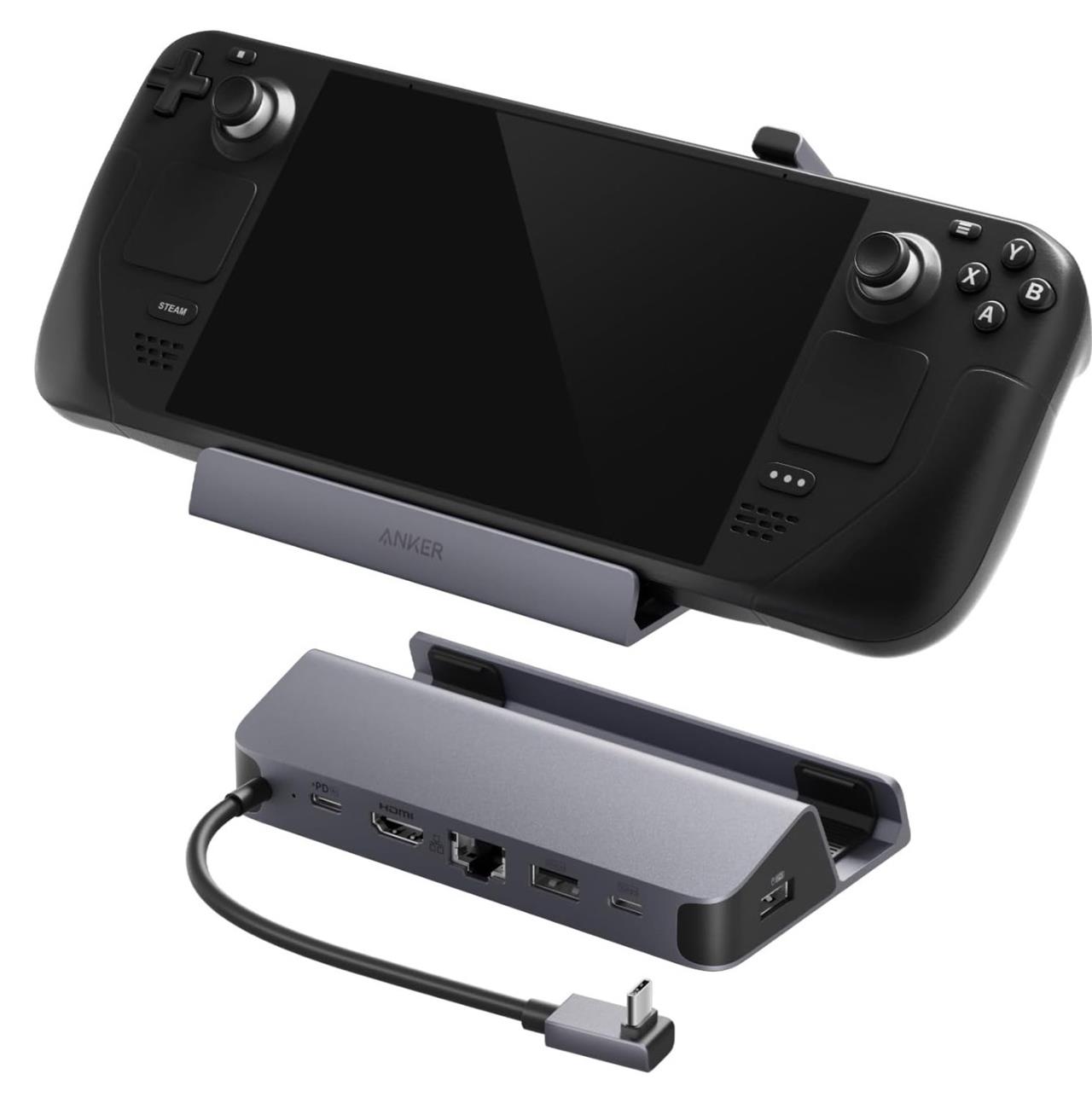
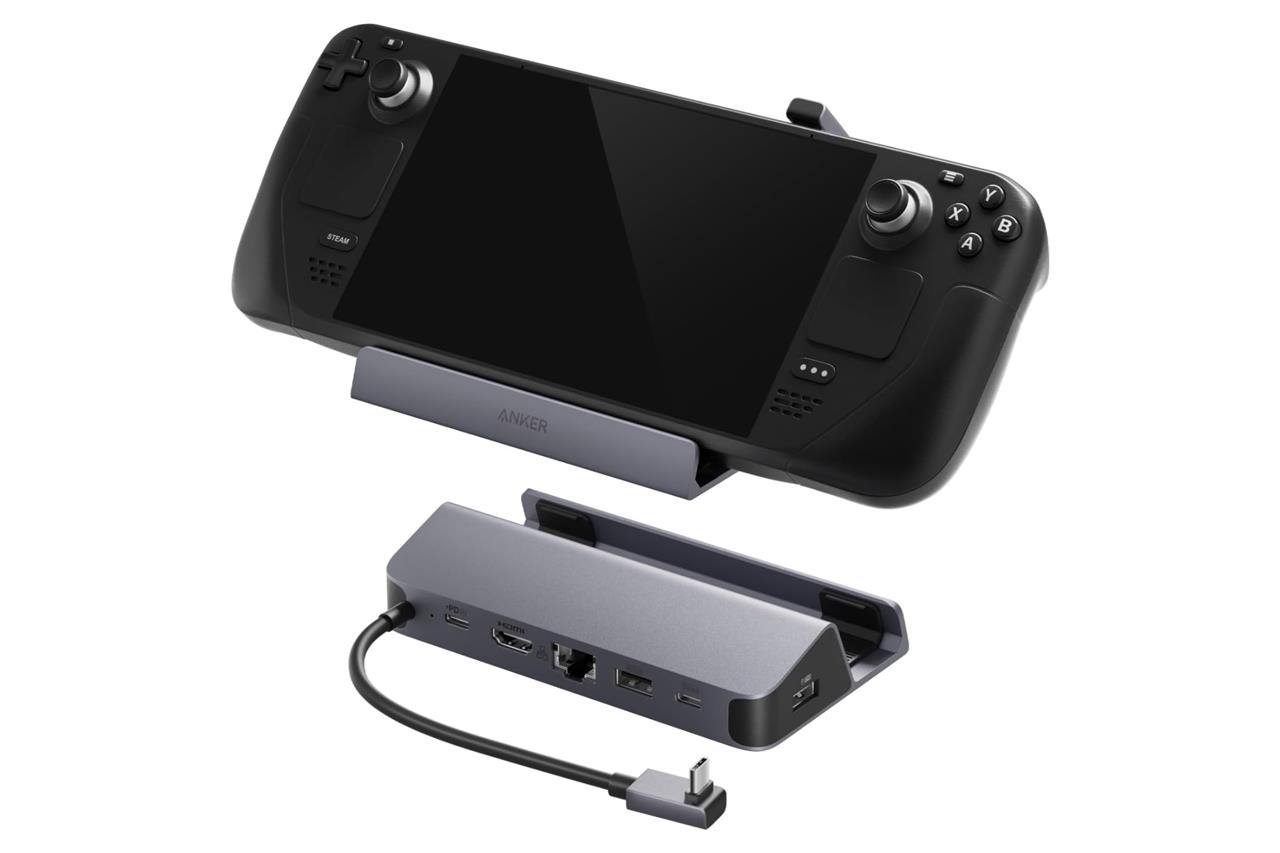
Anker charging station
$28$4030% off $28
If you want a slick-looking dock that doesn’t break the bank, Anker’s 6-in-1 charging station fits the bill. It has nearly everything we’re looking for in a dock, except for a DisplayPort for connecting to gaming monitors. If that omission isn’t a big one for you, it has everything else covered, including ethernet, HDMI, and multiple USB-A and USB-C ports.
Read More $28 at Amazon
Best Steam Deck mounts
A good Steam Deck mount keeps your handheld secure and accessible while you play, charge, or stream. Desk and wall mounts with adjustable arms offer flexible positioning, while clamp stands are great for saving space. Many users prefer mounts that rotate or tilt for perfect screen angles, especially when paired with a Bluetooth controller or keyboard. Choose a sturdy model with a non-slip base or padded grip to avoid scratches and movement during gameplay.
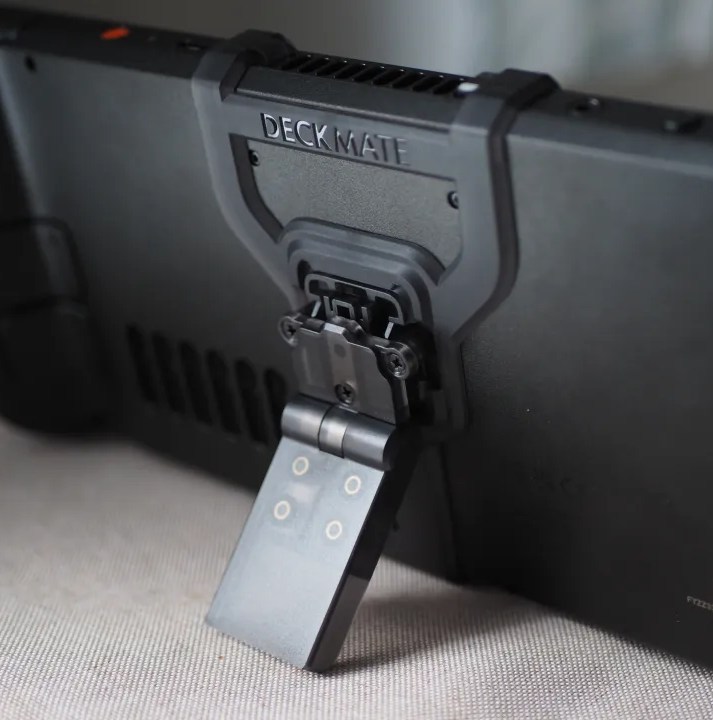
Mechanism Deckmate
$49 $49
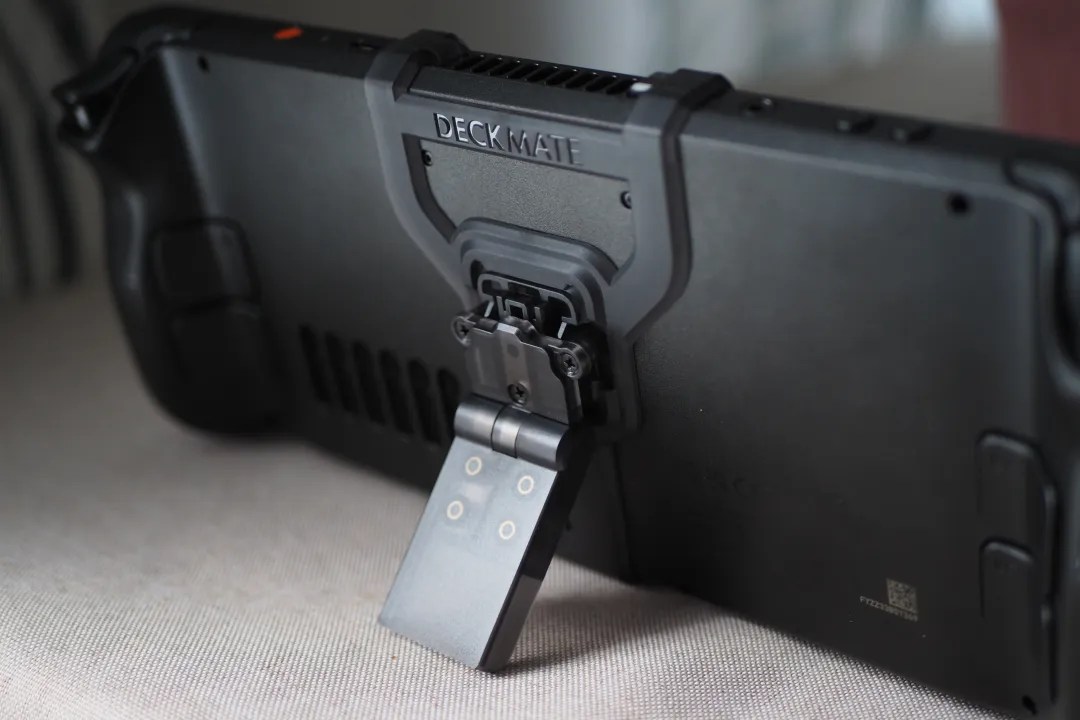
Mechanism makes the best overall Steam Deck mounting system, satisfying multiple needs and use cases. The Deckmate “entire system” bundle includes more than you may need, like a console grip, a kickstand (shown above), mounts for attaching accessories like a portable battery, a VESA mount, and more.
The wall mount included is self-explanatory, It’s a mount that you can secure to your wall by two screws, or just by its strong 3M VHB adhesive. Then the Deckmate’s grip lets it snap onto the wall. As for the monitor mount, you’re getting a mount that can be screwed into any VESA-compliant stand. Then you just snap the Deck onto it.
Mechanism recently added a phone mount to the Deckmate’s skill set. The $25 accessory includes an arm that snaps into the Deckmate frame. It supports any phone, thanks to its strong construction, and it works especially well with MagSafe Apple devices. It includes a low-profile, circular magnet you can adhere to any surface you wish to stick your Steam Deck on.
Read More $49 at Amazon


Mechanism gaming pillow
$58$649% off $58
In addition to cornering the market on Steam Deck mounts, Mechanism supplies a nice lap-friendly pillow that’ll make playing on your couch or in bed even easier. The gaming pillow utilizes the Deckmate’s clever attachment to let your Steam Deck be angled toward you just right, so that it’s both comfortable to look at and to use.
Read More $58 at Mechanism
Best Steam Deck controller
The 8BitDo Ultimate Bluetooth Controller stands out as an ideal companion for the Steam Deck, offering a comfortable grip, precise sticks, and responsive triggers that suit a wide range of games. Its seamless wireless connection keeps input lag to a minimum, while the included charging dock makes upkeep simple. With customizable profiles and smooth motion controls, it delivers the feeling of a full console experience wherever you play.


8BitDo Ultimate Bluetooth controller
$51$7027% off $51
If you’re looking for a platform-agnostic controller, the 8BitDo Ultimate is one of many great options. This unique gamepad has the Xbox analog stick layout, Hall effect joysticks that won’t degrade over time compared to standard analog sticks, plus native wireless support with the Nintendo Switch.
Read More $60 at Amazon$51 at Best Buy

8BitDo USB Adapter 2
$18$2010% off $18
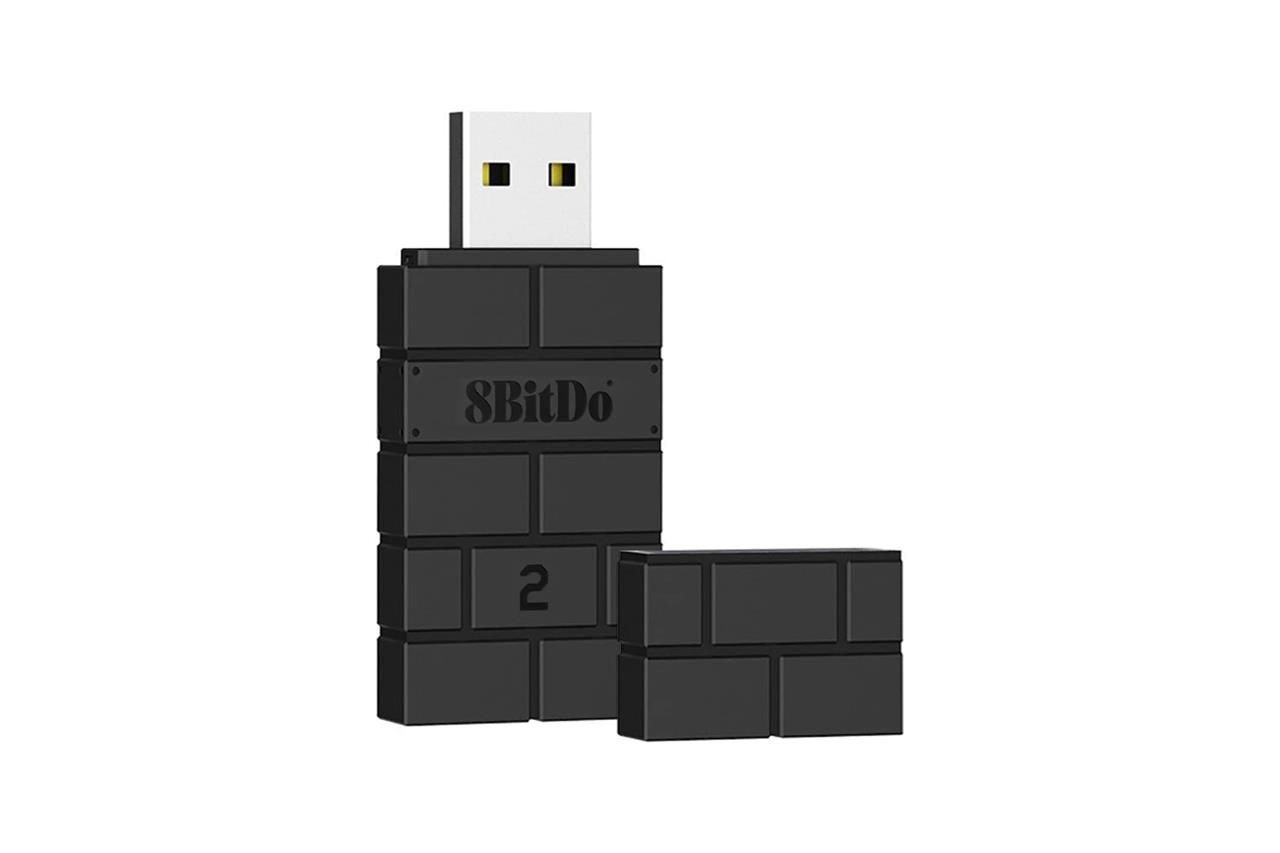
There’s a strong likelihood that you already own many wireless controllers for various consoles. In that case, why not use one of those? You can easily pair one up with your Steam Deck with one of 8BitDo’s USB Adapter 2 transmitters. Simply plug it into your Deck’s dock (or directly into the Deck with a USB-A to C adapter), then pair the transmitter and your controller at the same time.
With this adapter, you can connect controllers going back to the PS3 and Wii U consoles. It also supports recent controllers, like the Sony DualSense, Xbox Wireless Controller, and the Switch Pro controller.
Read More $18 at Amazon$20 at Best Buy
Best Steam Deck portable battery
A reliable portable battery keeps your Steam Deck powered through long gaming sessions away from an outlet. Choose a high-capacity power bank with at least 45W USB-C PD output to match the console’s charging requirements. Models like the Anker 737 Power Bank or Baseus Blade 100W are great options, offering fast charging and multiple ports for your other devices. A slim design and clear power indicator make travel and quick top-ups simpler, ensuring your games never pause mid-adventure.
Baseus 24,000 mAh 140 W USB-C portable battery
$60$8025% off $60
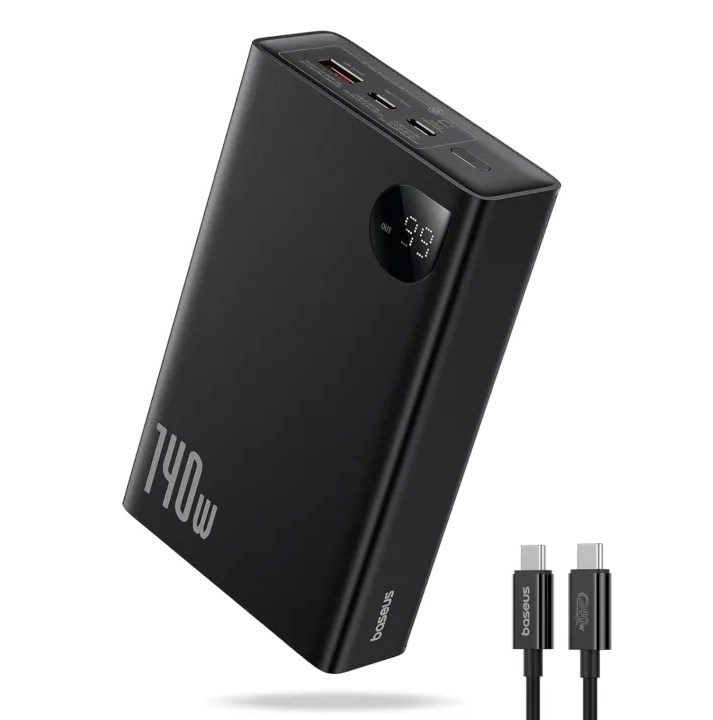
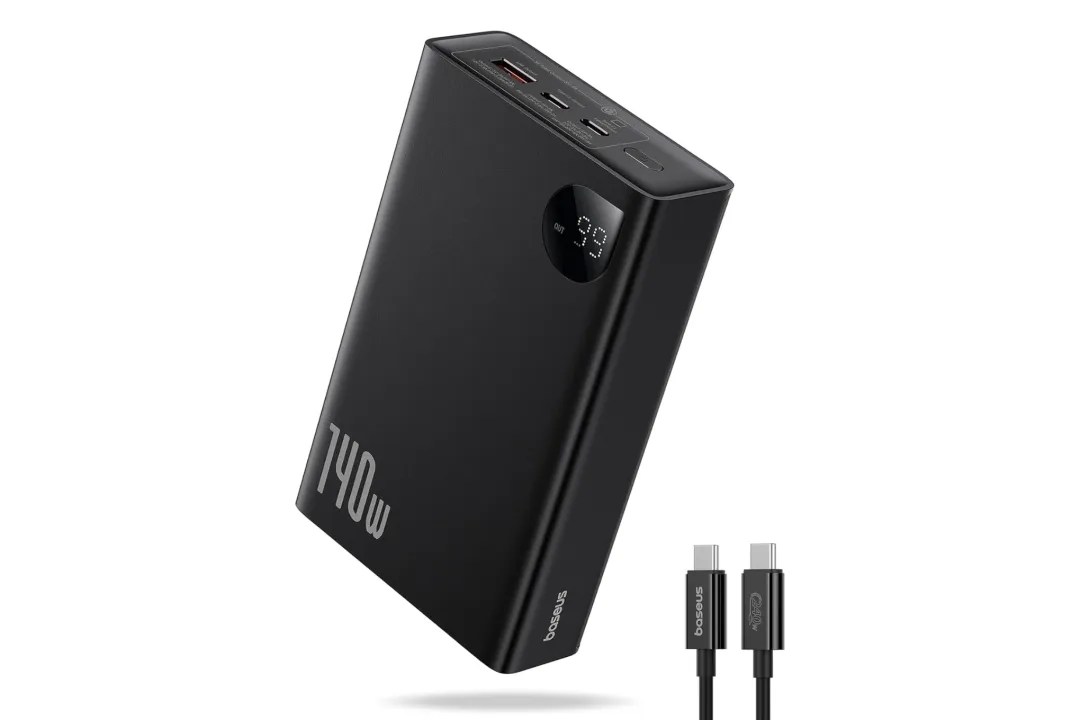
Baseus’ 24,000 mAh battery has a 140 W USB-C output speed, which is ridiculously overpowered for just the Steam Deck’s needs. Only some laptops out there are so power-hungry to take full advantage of its charging speeds – but who out there is going to complain about a battery being too good?
Read More $60 at Amazon
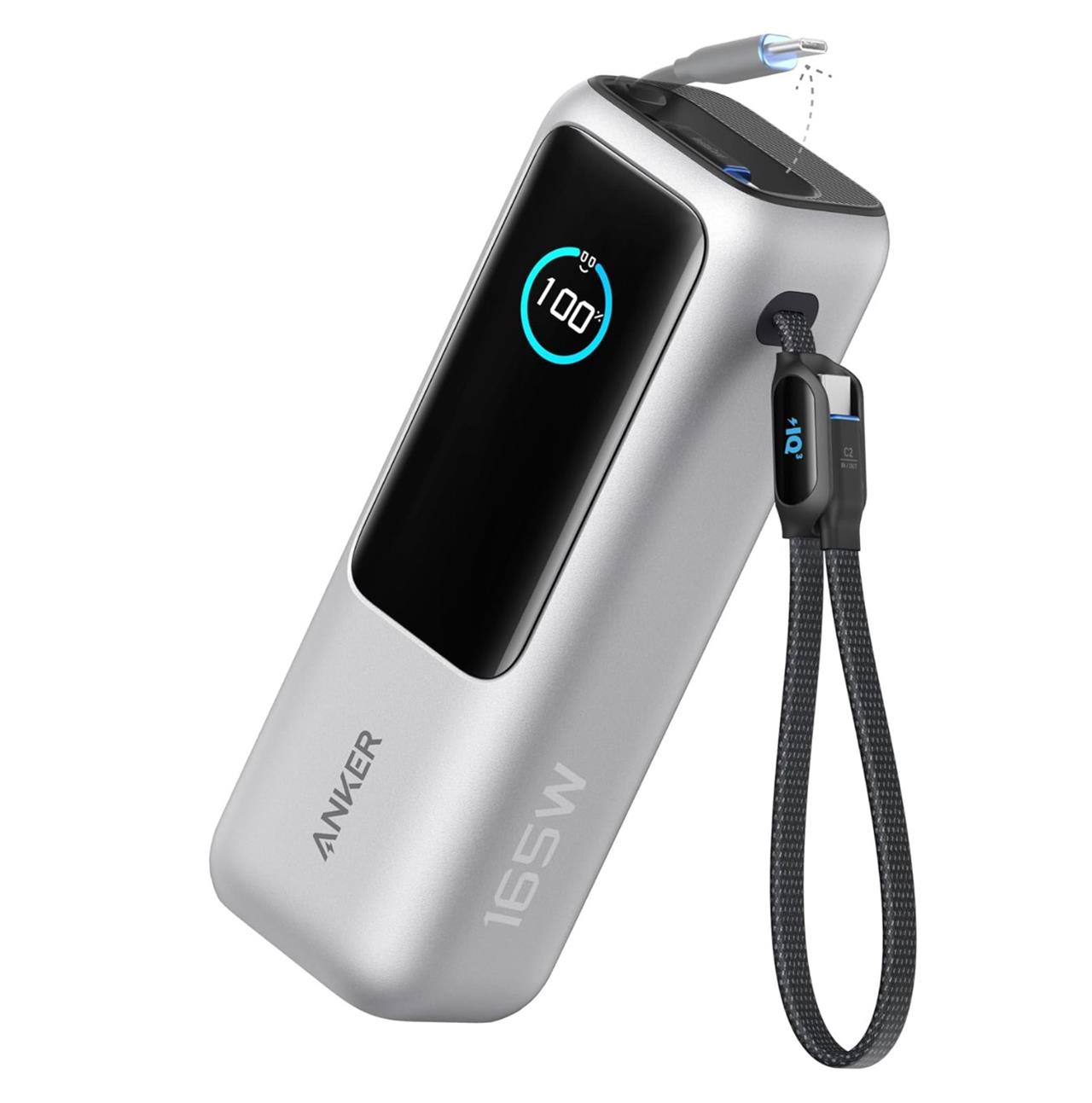
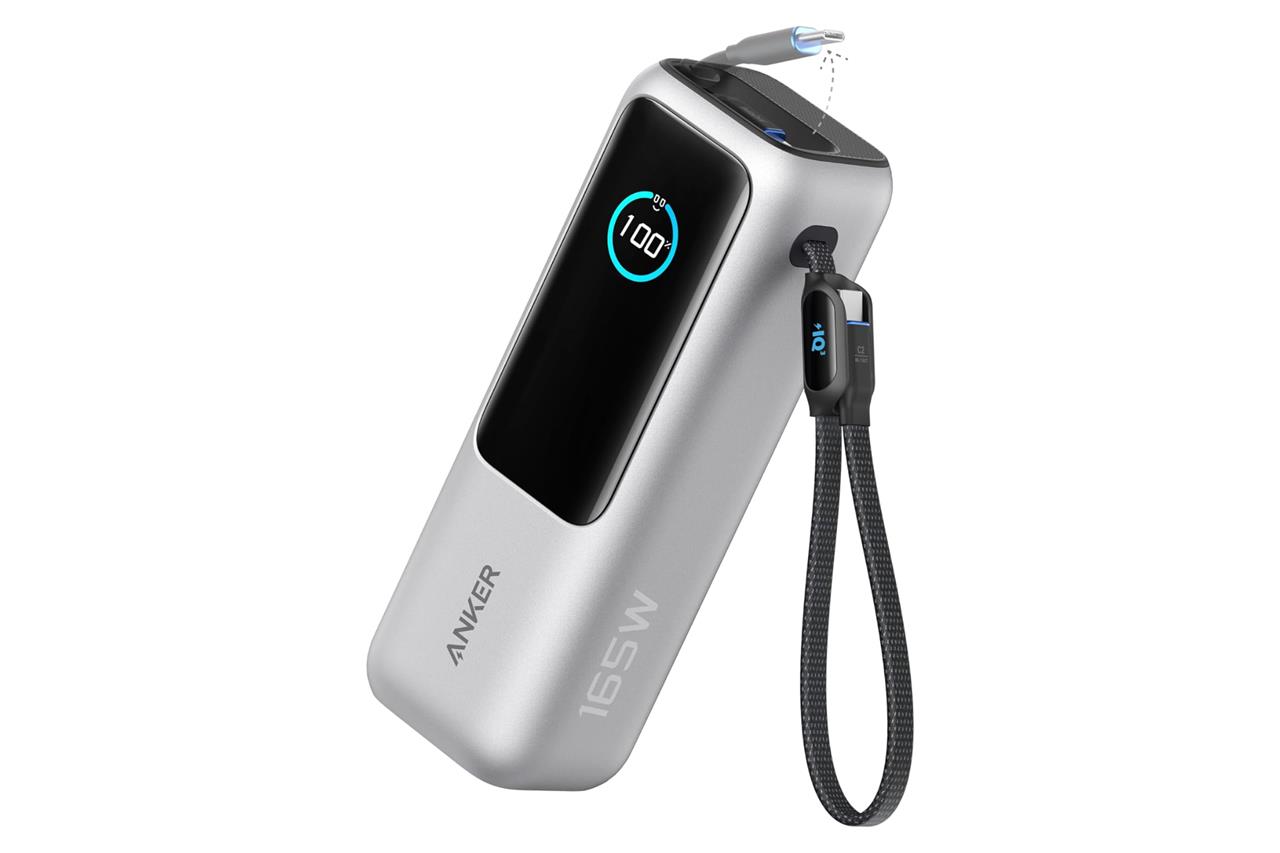
Anker 25,000 mAh 100 W with built-in cables
$90$10010% off $90
Anker’s 100 W power bank is capable of charging your Steam Deck much faster than the wall adapter included with your console. With its 25,000 mAh capacity, you should be able to recharge the Deck’s battery a couple of times. However, as with all portable batteries, expect it to drain faster if you’re gaming on the Deck as you’re charging it.
What’s notable about this model is that it includes two USB-C cables built-in, so you don’t need to provide your own cable.
Read More $90 at Amazon$90 at Anker
Best Steam Deck cases
A good case keeps your Steam Deck safe during travel and daily use, protecting it from scratches, drops, and dust. Hard-shell options from brands like JSAUX and Tomtoc offer solid impact resistance and snug interiors, while slim fabric sleeves are better for quick commutes or fitting into backpacks. Some cases include storage for chargers and SD cards, giving you one place to store everything. The right choice depends on whether you value durability, portability, or extra space for accessories.
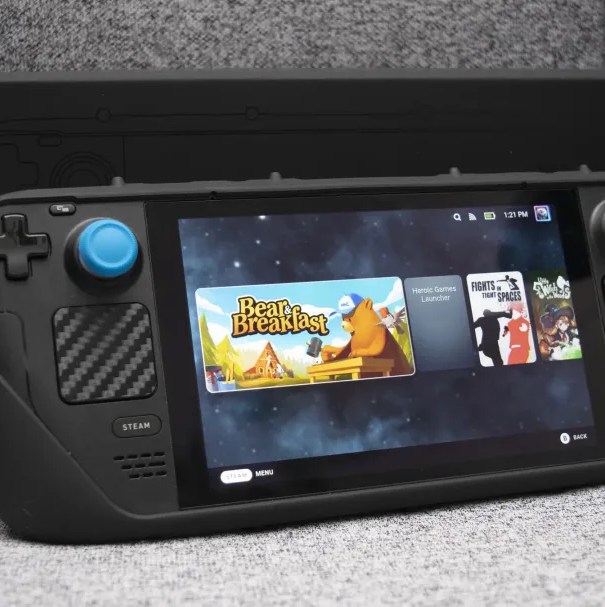
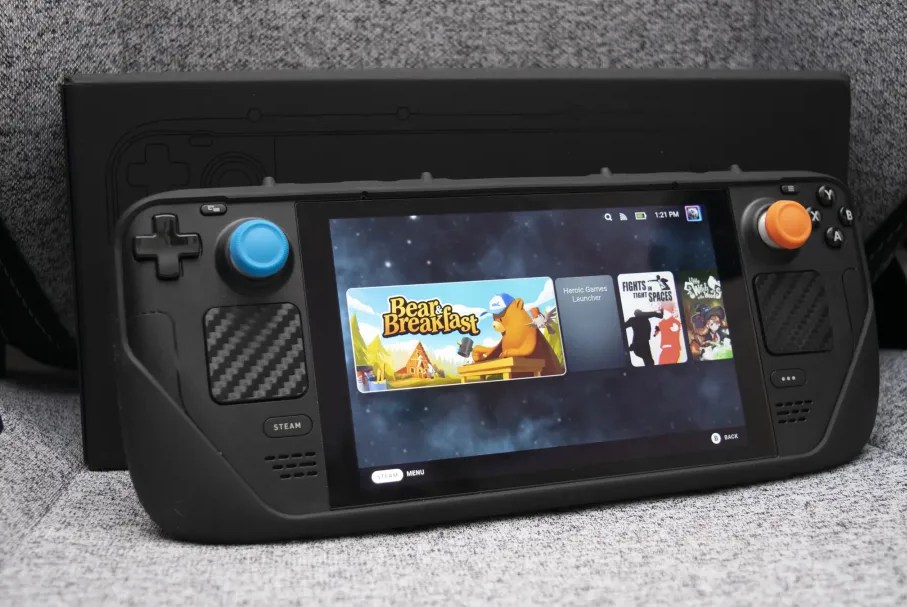
Dbrand Project Killswitch
$60$658% off $60
There are a bunch of soft and hard cases out there that you can slip your Steam Deck into to ruggedize it. But we’ve really enjoyed the Dbrand Project Killswitch, which lets you add or remove a kickstand, in addition to doing a great job of protecting your console and adding some grip.
Like most options, the Killswitch leaves easy access to all of its buttons, triggers, ports, and most importantly, its fan’s airflow. But it’s great that you can add or remove the included kickstand with its lock slot. The kit includes the Killswitch case, as well as a kickstand, plus skin decals of your choosing.
Read More $60 at Dbrand
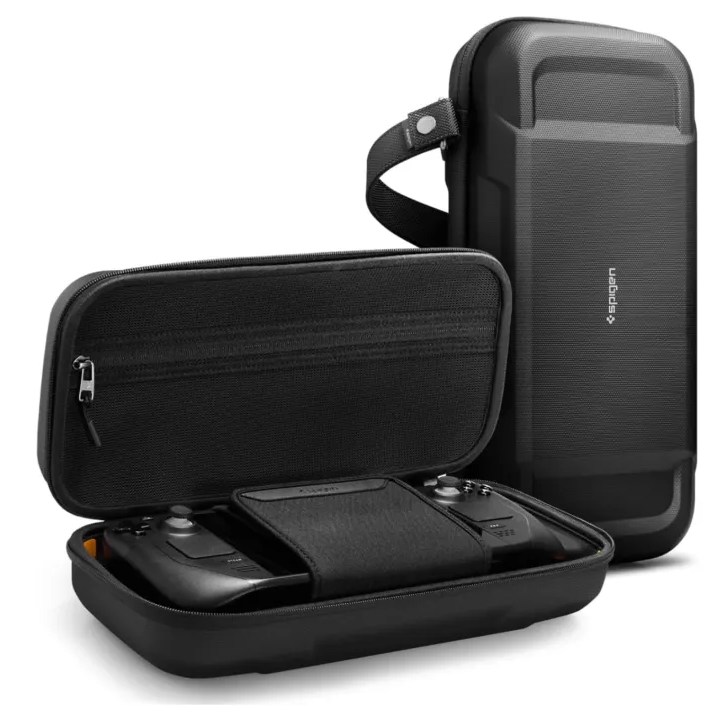
Spigen Rugged Armor Pro case for Steam Deck
$50$559% off $50
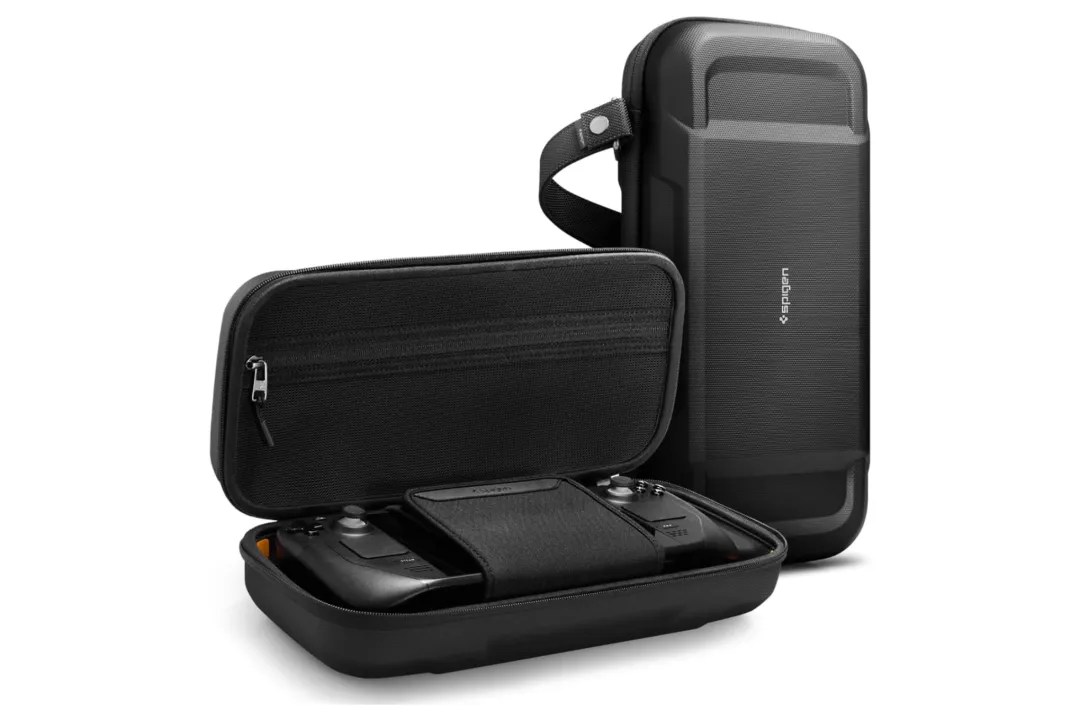
It’s a shame that Valve doesn’t offer its improved case bundled exclusively with the Steam Deck OLED 1 TB edition for general sale. It gives you the option of a thick, tough case Deck owners are used to, but its special trick lies in its ability to transform into a slimmer case when you pull away its Velcro-locked inner layer. Until that becomes widely available, anyone who’s looking for a case replacement should check out Spigen’s Rugged Armor Pro, a semi-hard case with a pocket. Additionally, it secures the Deck inside with a strap, and if you’re worried about losing your console, there’s enough room in its pocket for a Bluetooth tracker, like an Apple AirTag.
Read More $50 at Amazon
JSAUX Mod Case vs dBrand case for Steam Deck
JSAUX Mod Case and dBrand Killswitch (often called dBrand case) are both modular protective cases for Steam Deck, offering grips, kickstands, and expandability over the stock case.
Design & Build
JSAUX Mod Case slides on with rubberized back protection for buttons and a front cover; it feels slightly flimsier but prioritizes modularity. dBrand Killswitch uses higher-quality plastic with a secure locking lid for better drop confidence, though buttons stay exposed until closed.
Accessories
JSAUX excels in ecosystem with cheaper add-ons like NVMe slots, USB-C hubs, coolers, and power banks starting at $29.99 for basics. dBrand focuses on protection with skins, stick grips, and optional travel covers but fewer expansions announced.
Price & Value
Basic JSAUX kit costs $30, bundles up to $140; dBrand starts higher with premium feel but less versatility.
| Feature | JSAUX Mod Case | dBrand Killswitch |
|---|---|---|
| Protection | Good, rubber buttons | Superior drop resistance |
| Modularity | Extensive (hubs, storage) | Limited (skins, grips) |
| Price (Basic) | $30 | $40+ |
| Best For | Home tinkering | Travel durability |
Current prices for JSAUX ModCase and dbrand Killswitch
Current prices for JSAUX ModCase and dBrand Killswitch vary by retailer, kit, and region, but recent 2026 data shows JSAUX remaining more affordable. Prices reflect basic kits unless noted; check official sites for taxes/shipping from Frankfurt.
JSAUX ModCase
Basic set (back case, front cover, kickstand, loop) costs around $30 USD on JSAUX site and Amazon, with bundles up to $140 USD for full accessories like hubs or coolers. In AUD comparisons, it hits ~$46, undercutting premium rivals.
dBrand Killswitch
Essential kit (back case, kickstand, skin) starts at $59.95 USD direct from dBrand, with Travel Bundle at $74.95 USD plus extras like tempered glass (~$20). Bundles with Steam Deck can reach $550 USD on resellers.
| Model | Basic Kit Price (USD) | Full Bundle | Notes |
|---|---|---|---|
| JSAUX ModCase | $29.99-$50 | $139.99 | Modular add-ons cheap |
| dBrand Killswitch | $59.95 | $94.90+ | Premium build, skins incl. |
