
From precision controllers to memory-boosting drives, the right accessories can transform your Xbox Series X into a powerhouse of comfort and performance. Here’s a closer look at the smartest gear-from Microsoft’s own innovations to standout picks by Seagate and 8BitDo-that every gamer should know about.
We’ve pulled together a bunch of our favorite ones below. Most of them are supplemental to the gaming experience, although some might be essential to you, like the Seagate storage expansion card so you can download more games, or a headset for chatting with friends or family. This post may be updated due to availability, or when new or noteworthy accessories hit the market.
Xbox Series X accessory starter kit
A good starter kit for the Xbox Series X should cover the basics that improve comfort and convenience from day one. Begin with a second wireless controller for local multiplayer, paired with a charging dock to keep both controllers powered up. Add a reliable headset for clear communication and immersive sound, and consider a Seagate storage expansion card for extra space without performance loss. A controller grip or rechargeable battery pack rounds out the setup, making gaming sessions smoother and more organized.
The Xbox Series X includes one black wireless controller, so you might need a second one if you have more than one gamer in your house, or if you just want one in a different color. Thankfully, Microsoft’s Xbox wireless controllers are relatively inexpensive, considering how feature-packed they are. Some colors of the Xbox wireless controller are pricier than others, although many of them commonly sell for under $50. Just be sure to buy some backup AA batteries to go along with it, or a recharging kit and dock.
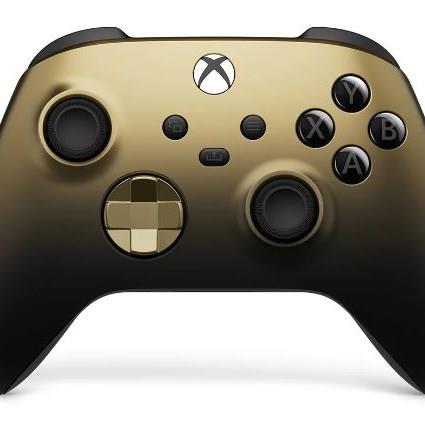
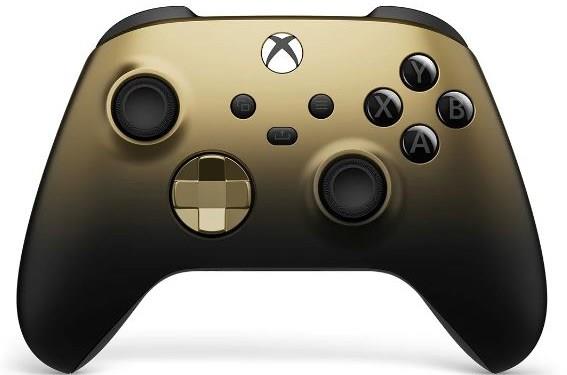
Xbox wireless controller
$60 $60
Compatible with PC, Steam Deck, Xbox, mobile (Android/iOS)
Read More $60 at Walmart$60 at Amazon$60 at Amazon
Investing in a rechargeable controller kit provides you with a convenient way to keep your controllers topped off without spending a mint on disposable batteries. It’s also more convenient than swapping and charging rechargeable batteries. Our favorite is the $45 8BitDo dual charging dock, which comes packaged with a pair of rechargeable battery packs. Once those are installed, it can charge two controllers at once – and looks pretty slick doing it.
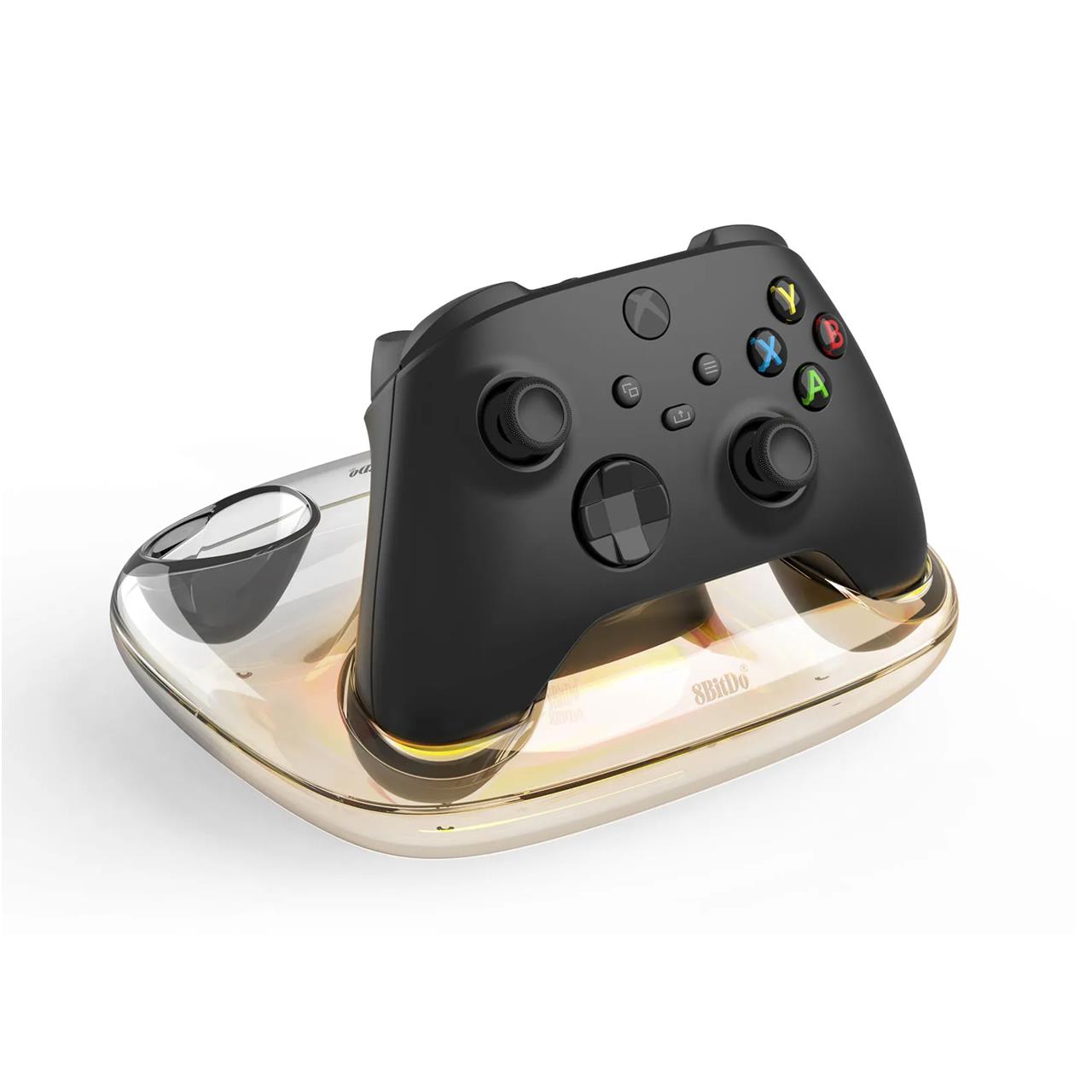
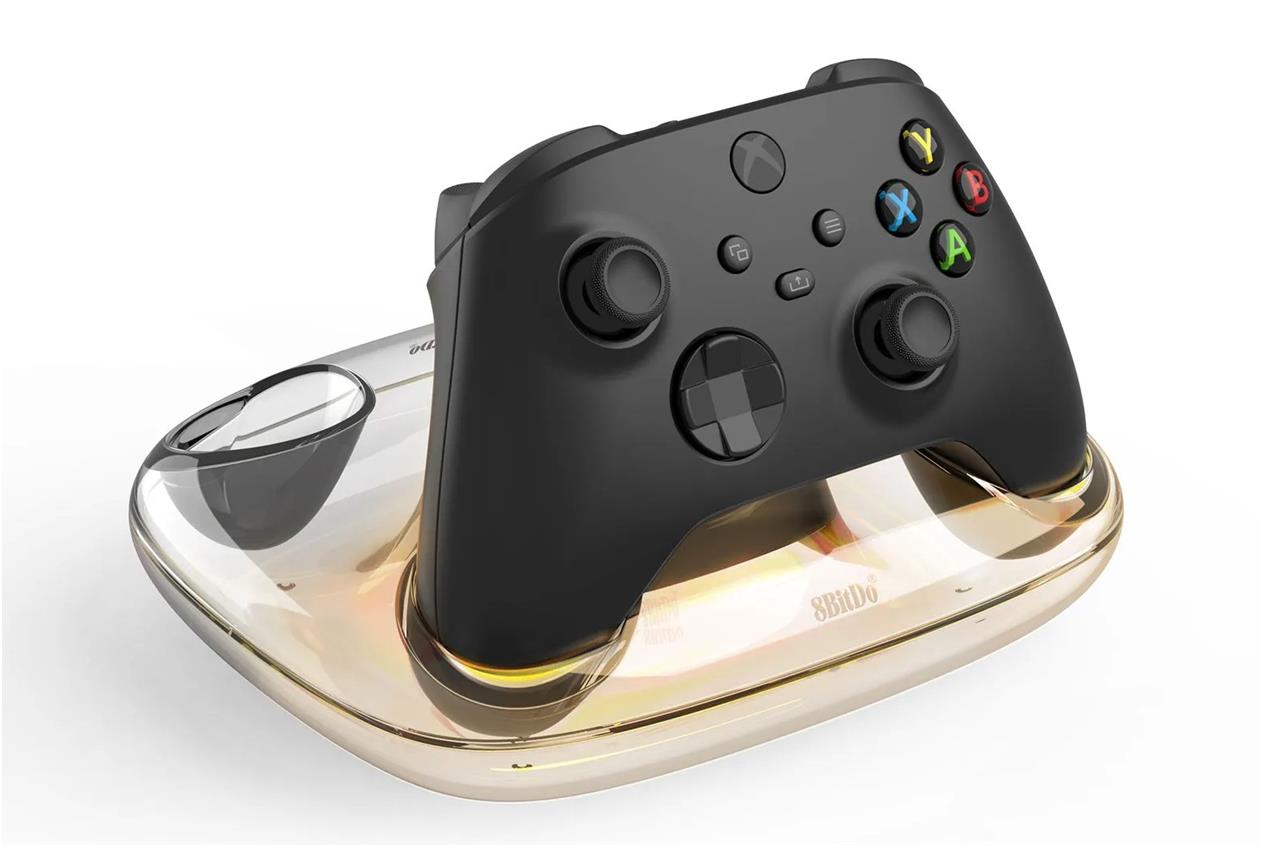
8BitDo Charging Dock for Xbox
$45 $45 $45 at Amazon
The Xbox Series X is billed as having a 1 TB SSD, but in reality, you have access to just 802 GB of it. The 512 GB in Microsoft’s Xbox Series S? More like 364 GB. With that amount of storage remaining, the allotted space for games, updates, and apps isn’t plentiful.
If you don’t mind paying an exorbitant price for up to 2 TB of extra storage, Seagate’s storage expansion cards are your best – and pretty much only – option. You simply insert this card into the back of your console, then set concerns about storage to the side (for now, at least).
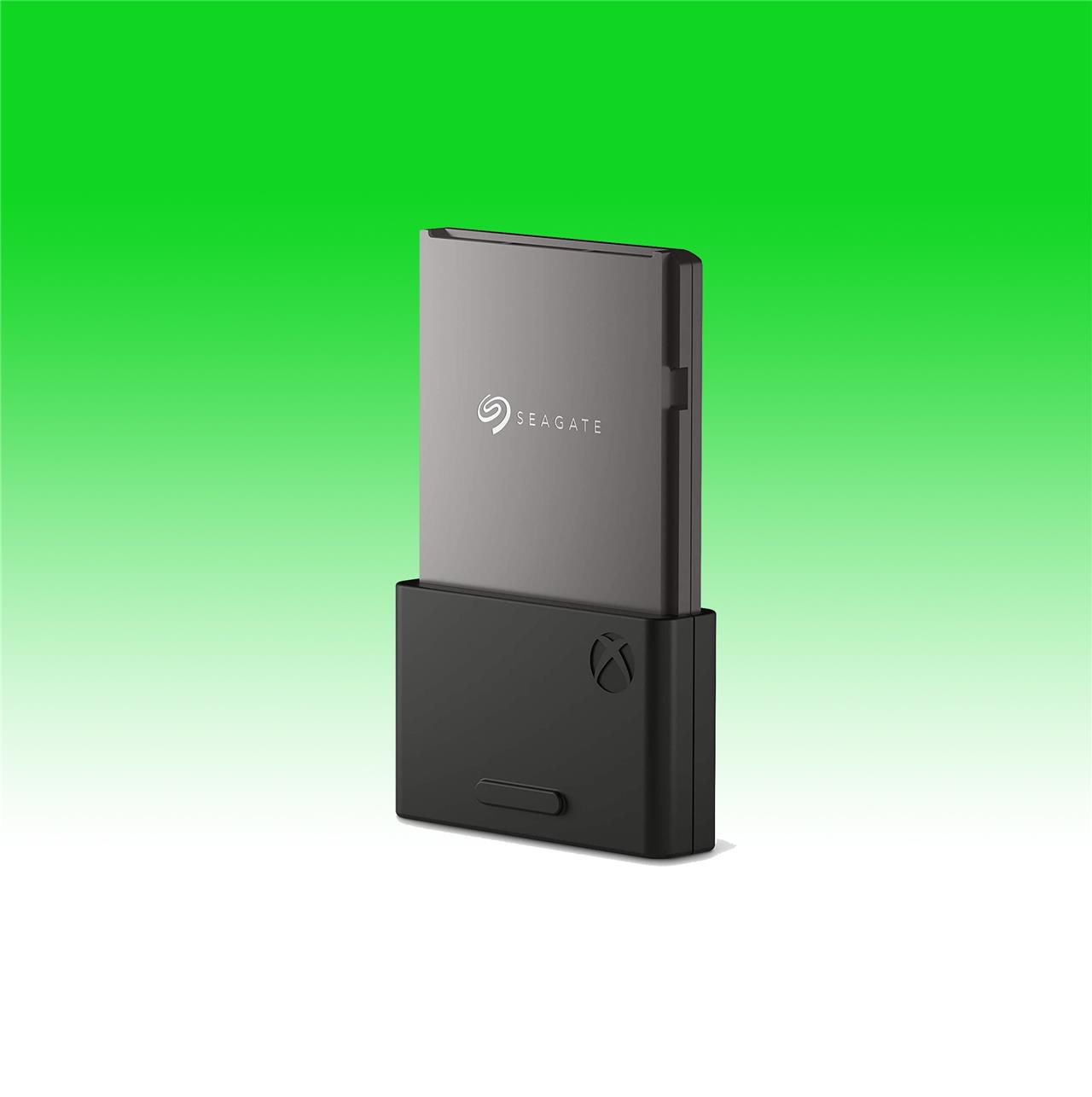
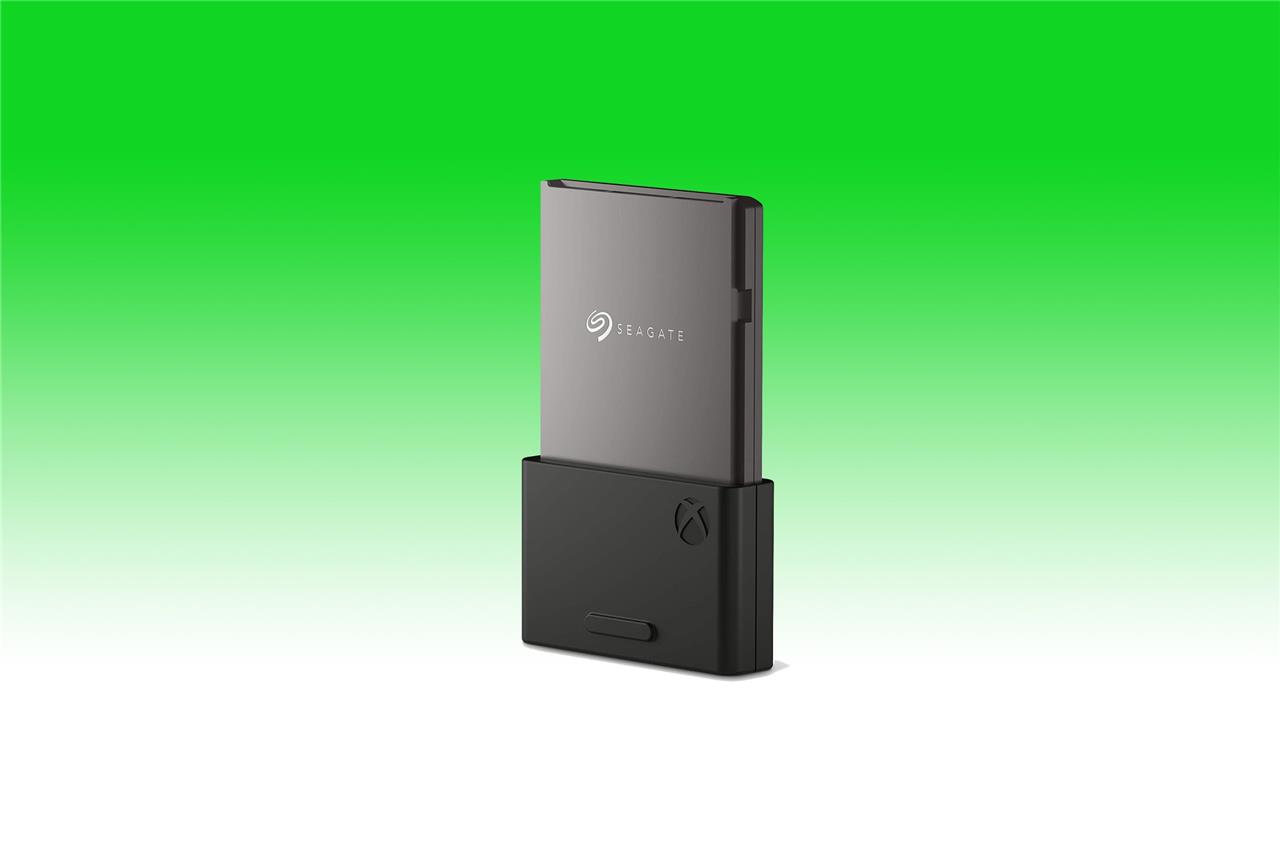
Seagate storage expansion card
$140$22036% off $140 $227 at Amazon (2TB)$140 at Best Buy (1TB)
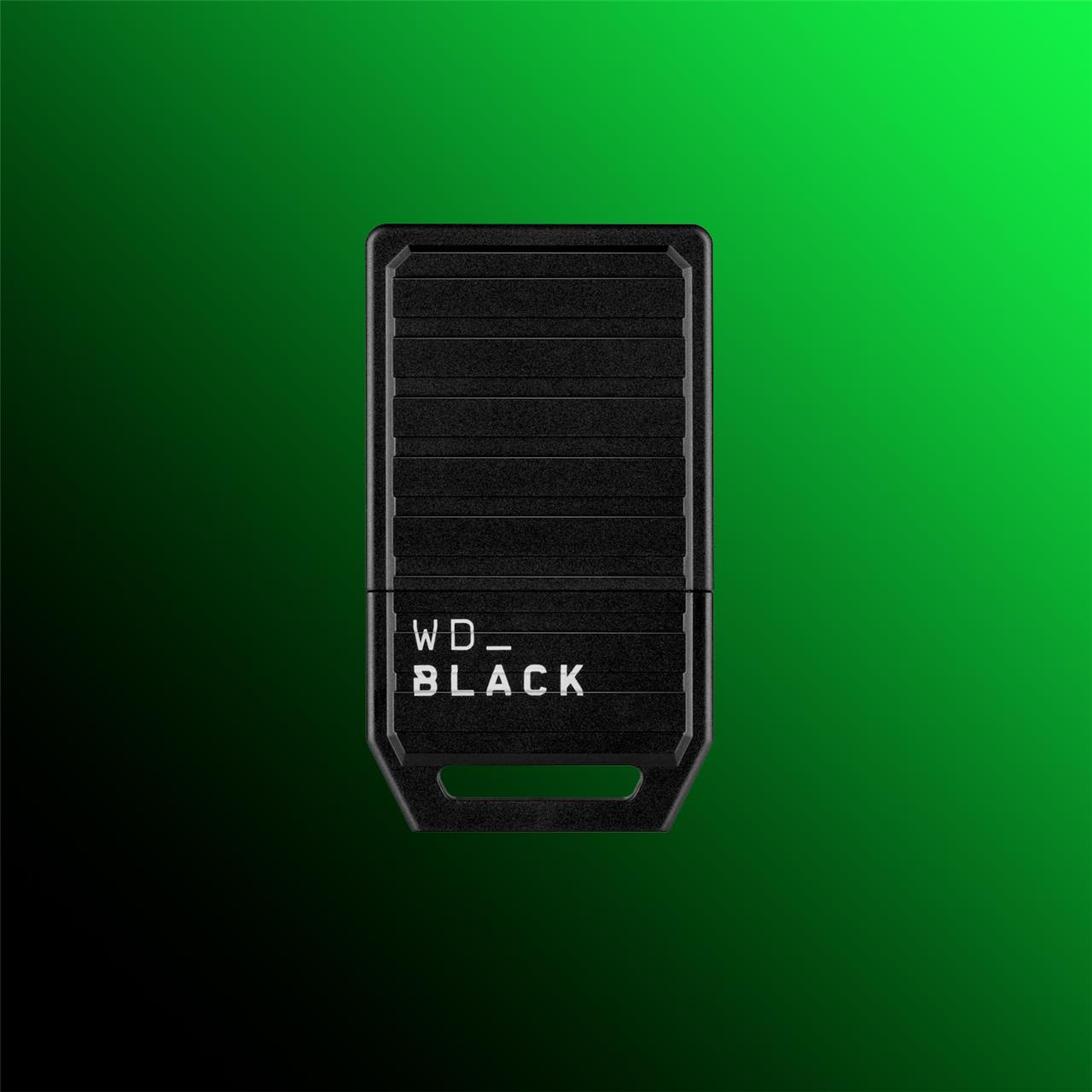
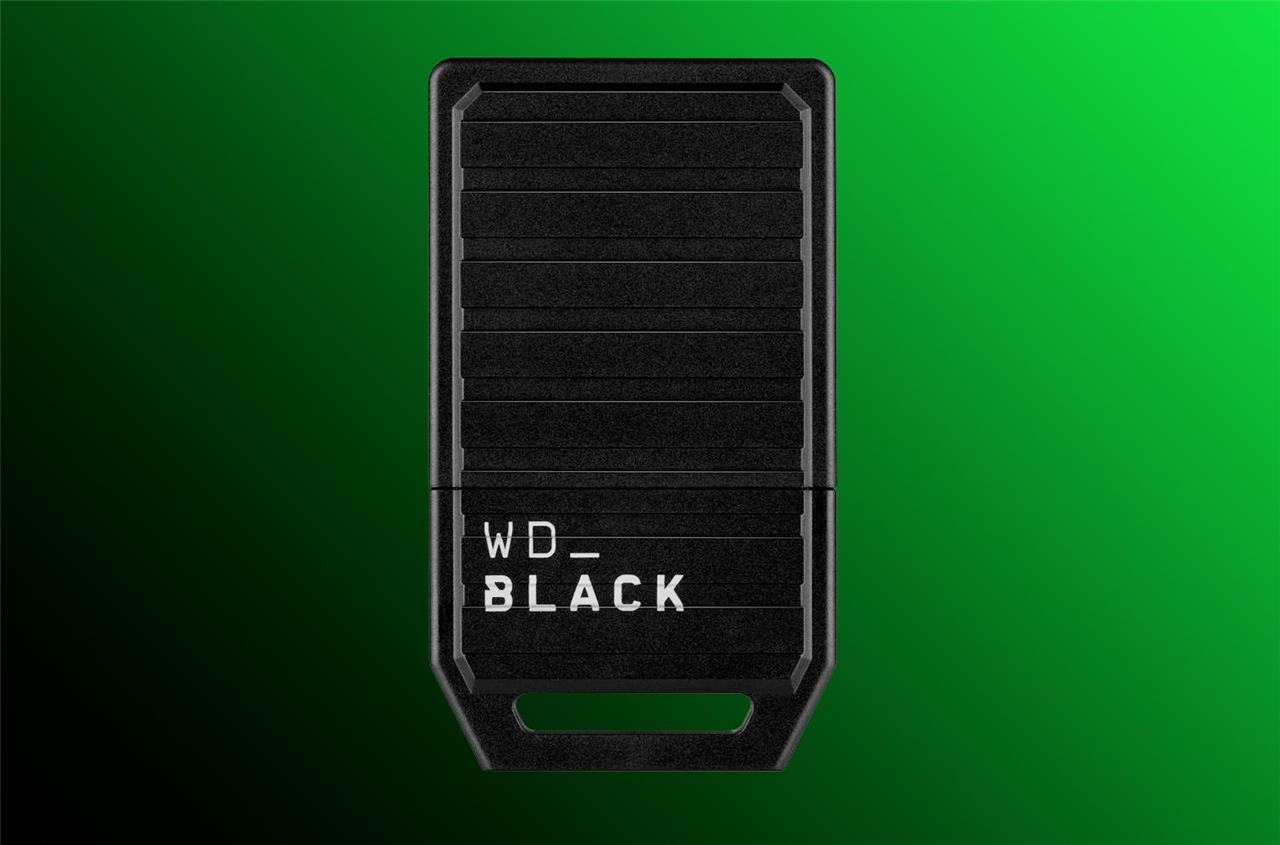
Western Digital C50 Expansion Card
$150 $150 $150 at Amazon (1 TB)$150 at GameStop (1 TB)$150 at Best Buy (1 TB)
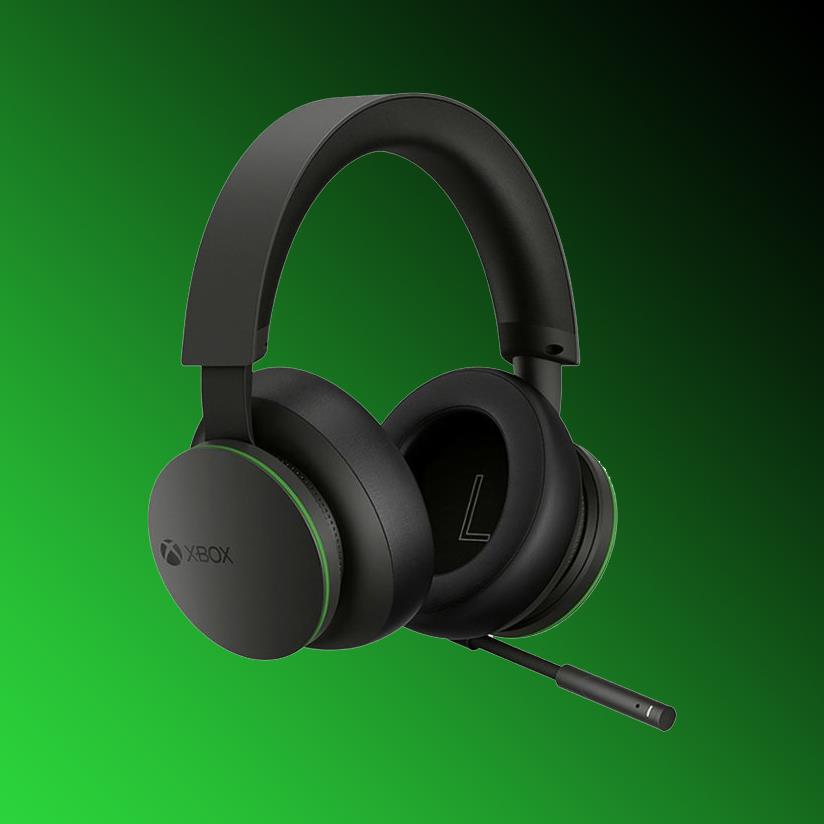
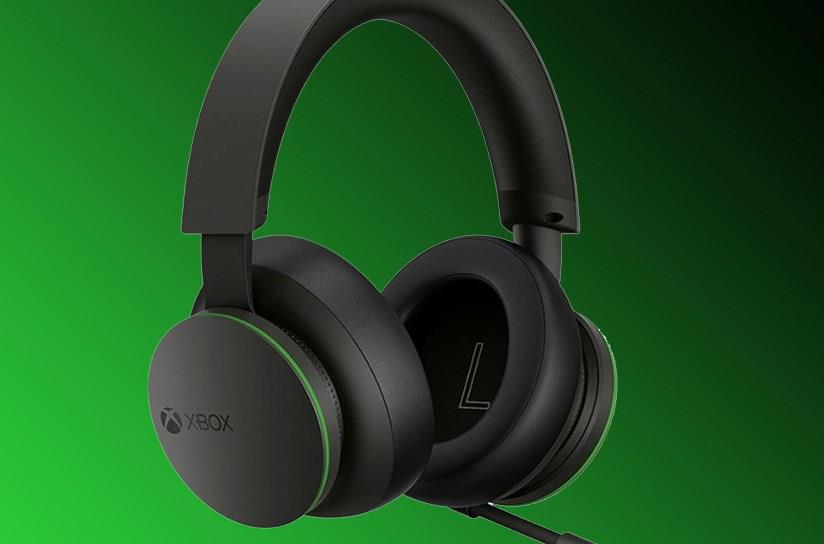
You don’t need to spend a bunch on a headset. In fact, you can plug any set of wired headphones into your controller’s 3.5 mm jack for audio. However, if you’re looking for a wireless option that isn’t too expensive, and that has the best headset integration we’ve seen on a console in a while, check out Microsoft’s official Xbox Wireless headset.
It’s $99.99 (and sometimes less), and it delivers a comfy, easy-to-use experience for the price. Its volume and game/chat audio dials are its most novel design features, adjusting their levels as you rotate the left or right ear cups. These also have Bluetooth support, so you can connect your phone or tablet in case you need to take a call.
Xbox Wireless Headset
$80$11027% off $80 $80 at QVC$100 at Best Buy$90 at Amazon
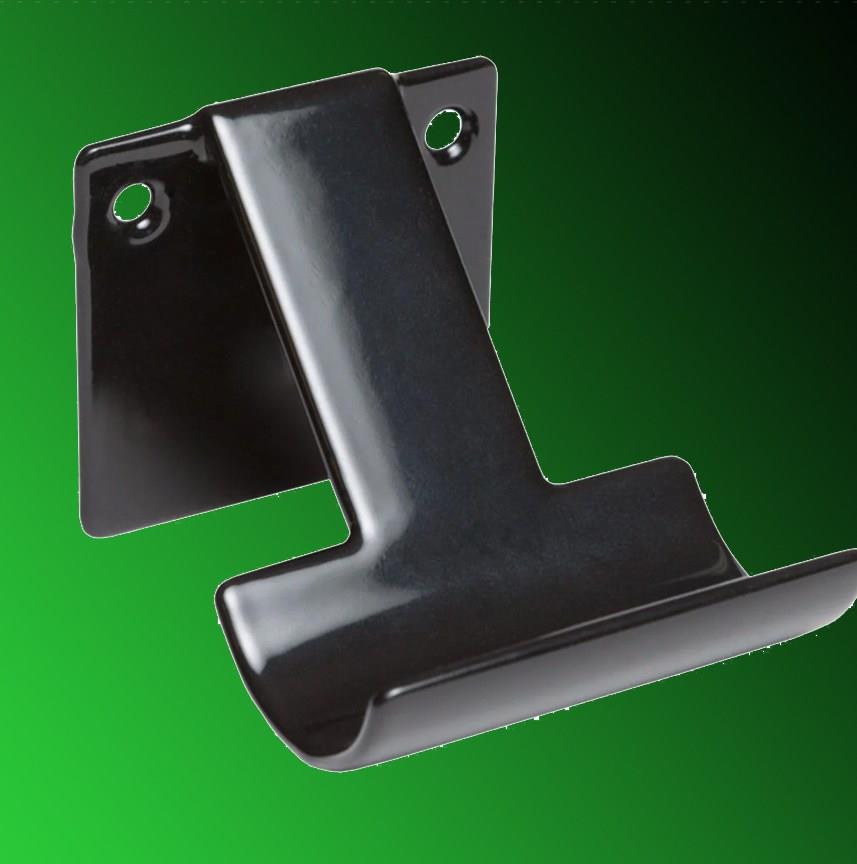
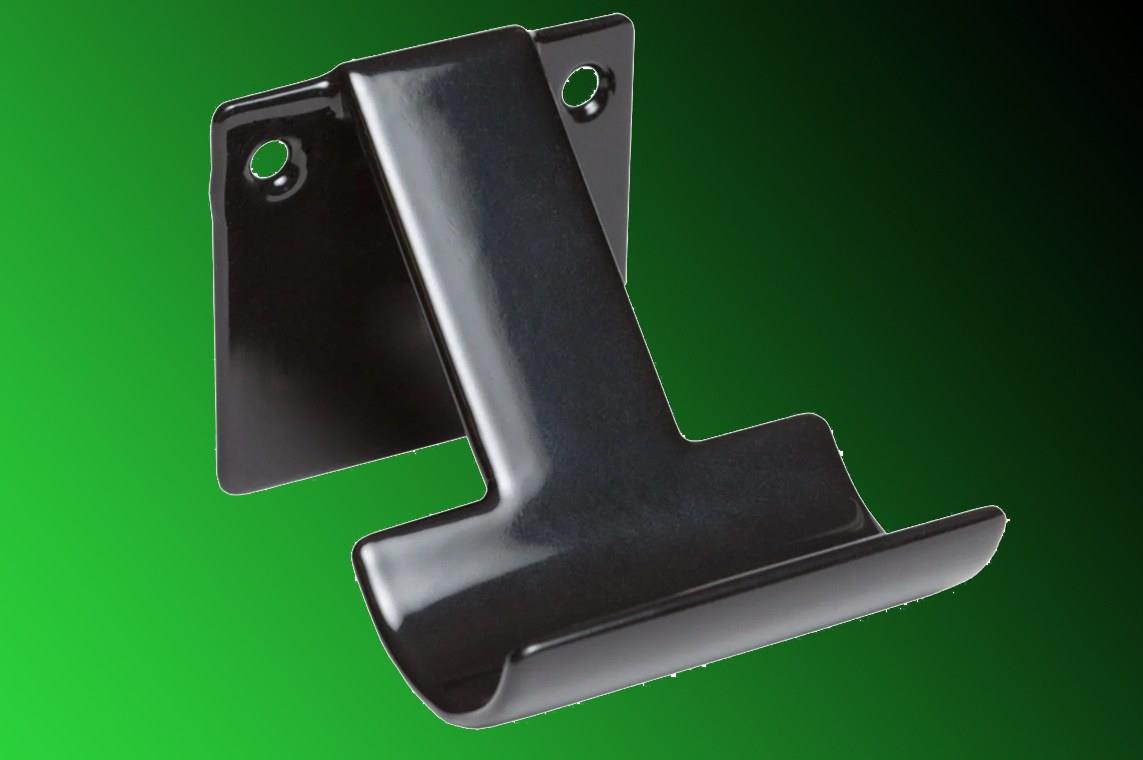
HIDEit mounts do the obvious: provide you with a sturdy, low-profile mounting solution for your console or controllers, in case you want to hide them. The controller mounts come in packs of two for around $18, and it’s a clever idea if you’re sick of leaving your gamepads lying on your coffee table.
The $30 Series X mount lets you attach your big Xbox to the wall either on its side or vertically. Now, before you say that you could get roughly the same effect from a cheaper floating shelf purchased from Ikea, as an example, hear me out: HIDEit mounts are designed like brackets, holding the console snugly by its dimensions – effectively locking it in place. So, it’s not the same kind of risk as putting it on a shelf, as your Xbox likely won’t take an unexpected 4-foot fall because your cat was feeling particularly spicy that day.
HIDEit controller mount (2-pack)
$15$1817% off $15 $15 at Amazon
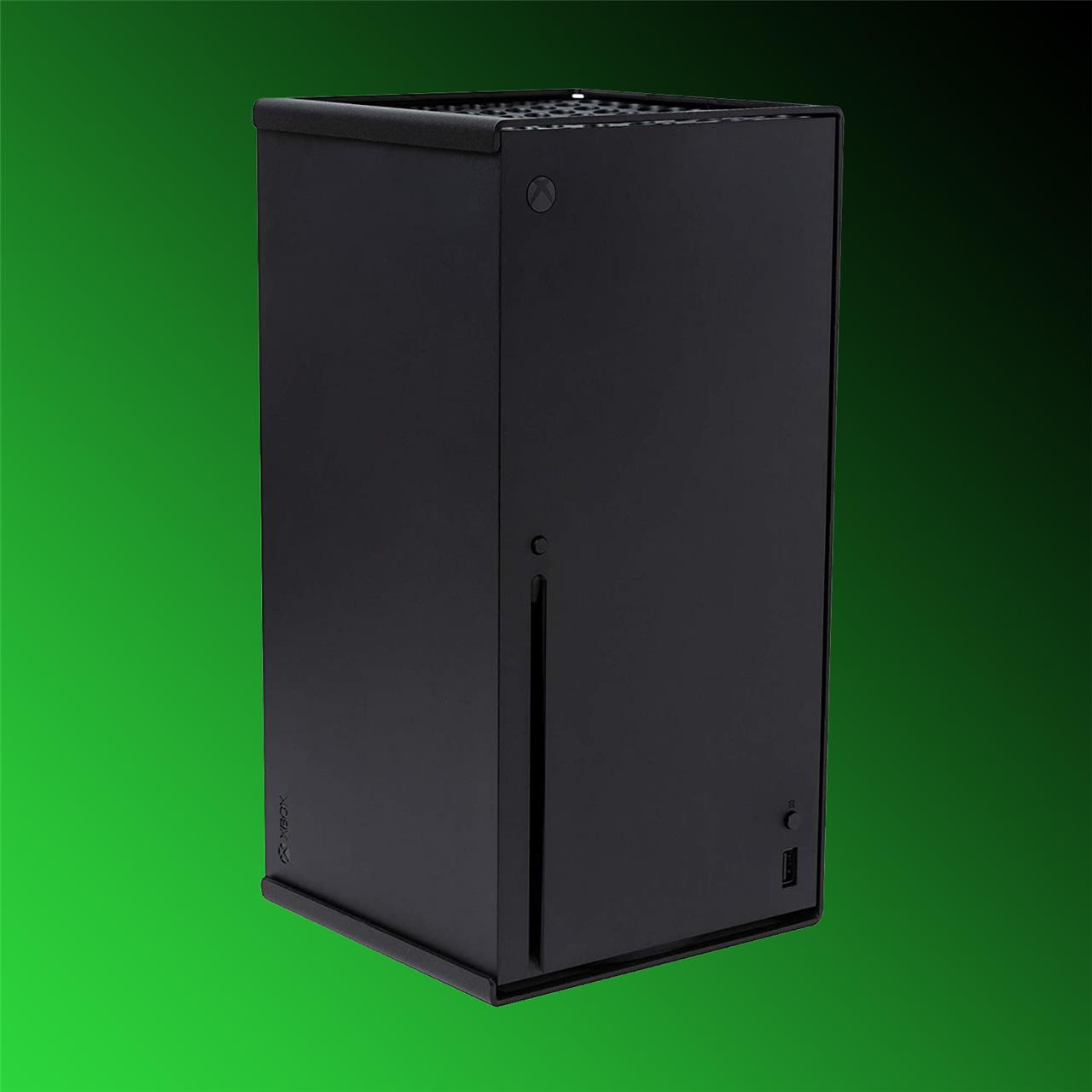
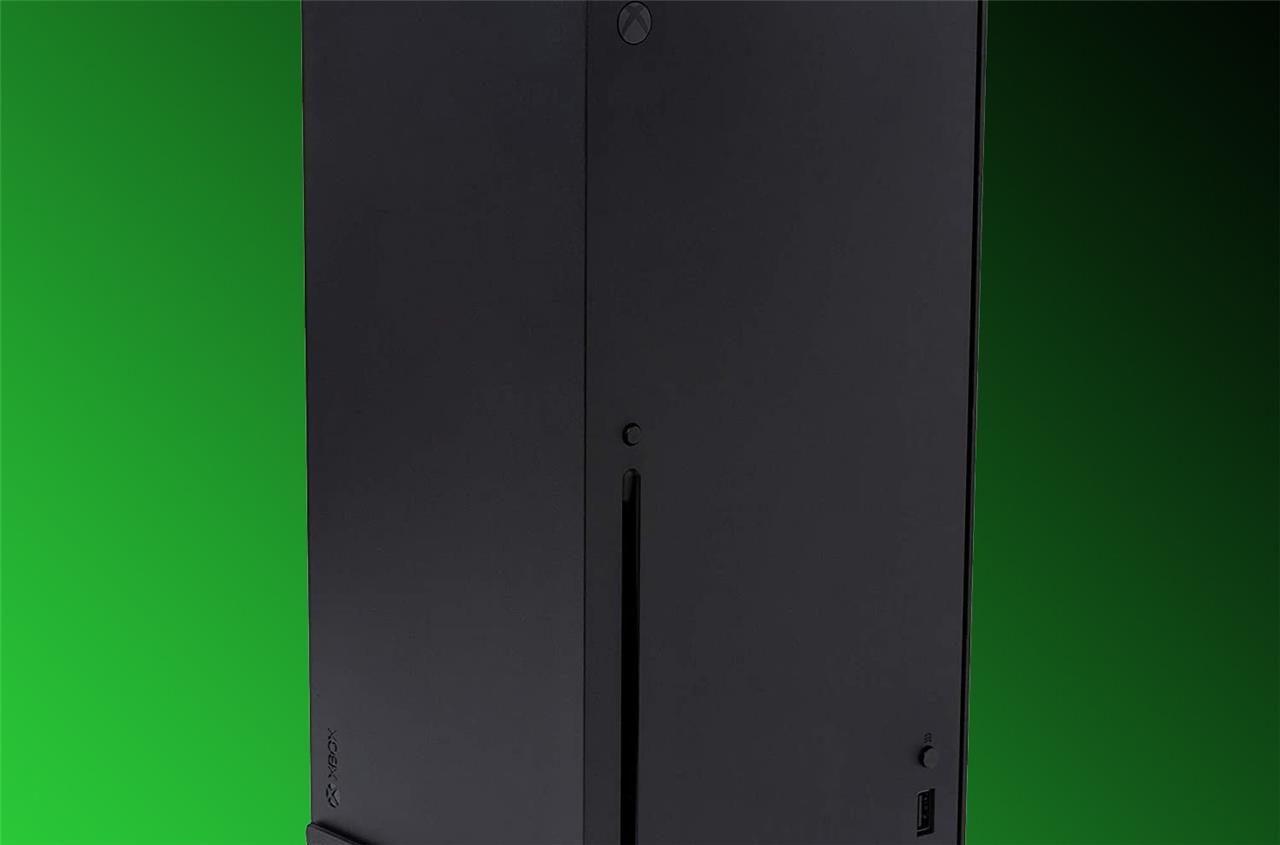
HIDEit wall mount for Xbox Series X
$30 $30 $30 at Amazon
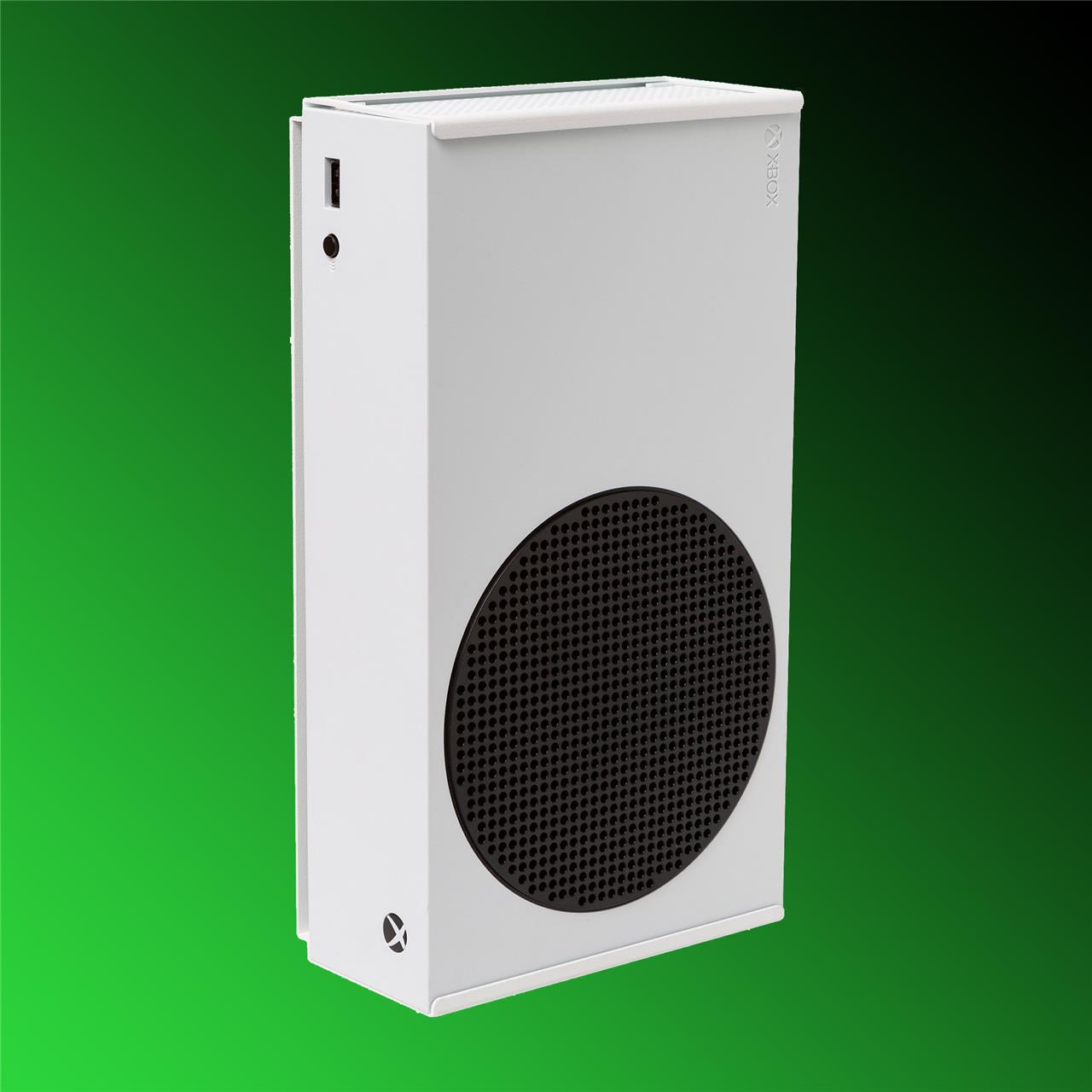
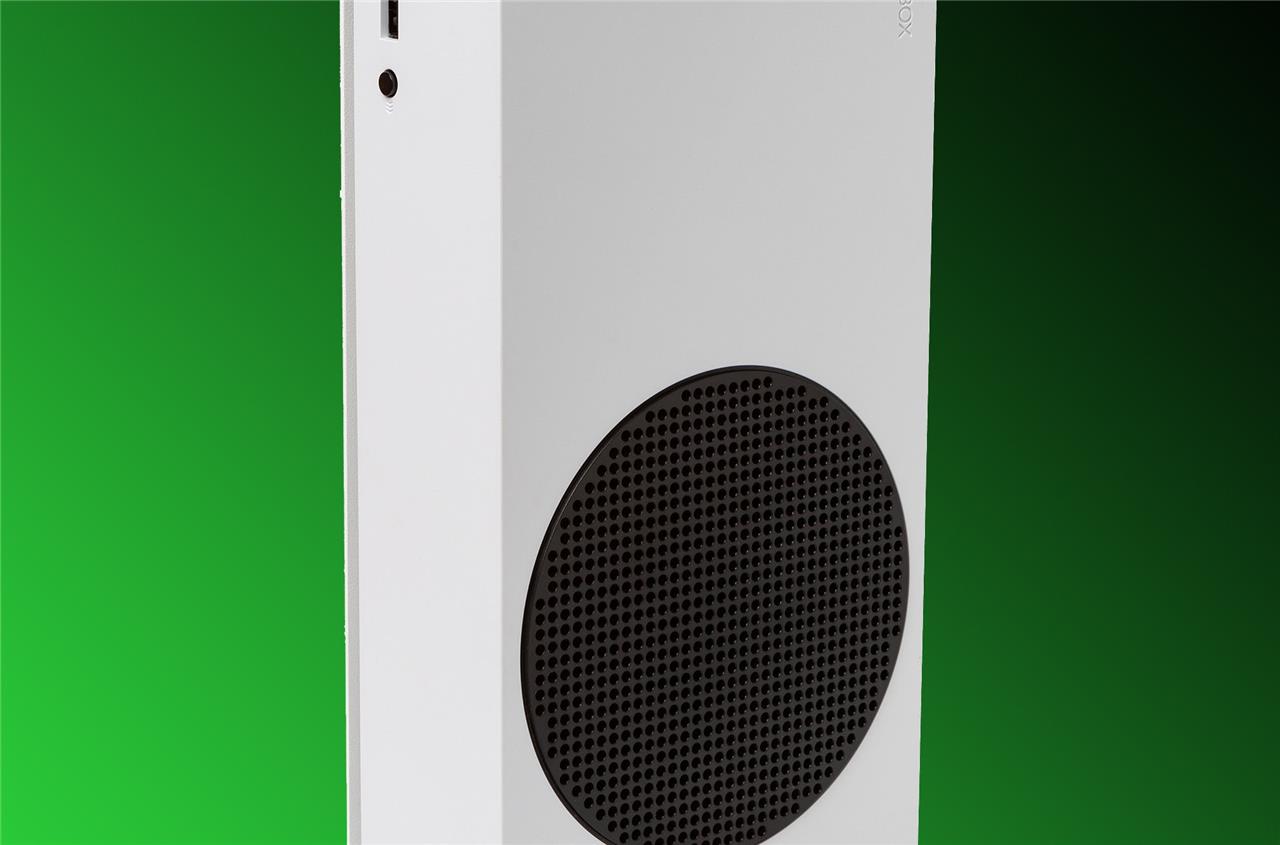
HIDEit wall mount for Xbox Series S
$37 $37 $37 at Walmart
Best Xbox Series X controller
The Xbox Elite Series 2 controller sets the standard for premium gamepads with its adjustable-tension thumbsticks, swappable components, and Bluetooth connectivity. Its built-in rechargeable battery lasts up to 40 hours, while the textured grips and metal triggers give it a solid, responsive feel during long gaming sessions. Players can fine-tune button mapping and sensitivity through the Xbox Accessories app, making it ideal for competitive play and customization.
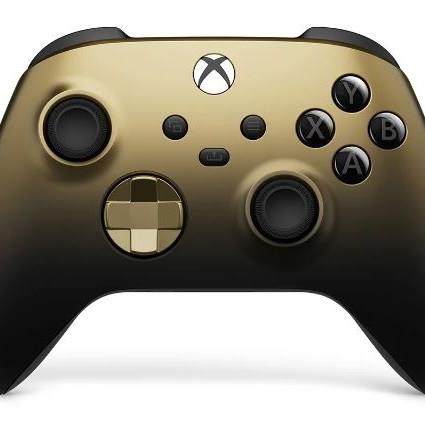
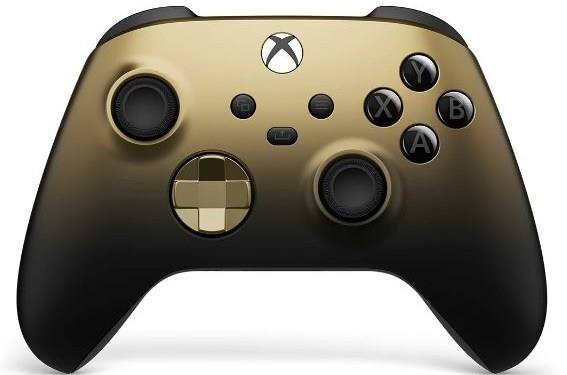
The Xbox wireless controller is an obvious inclusion, as it’s still one of the best controllers you can buy for your Xbox. The latest iteration of Microsoft’s Xbox wireless controller – the same one that ships with the Series X and Series S – doesn’t break with tradition. For fans of the Xbox One controller, it offers a similar look and feel, but comes with more features.
It’s compatible not just with your Xbox console, but also with PCs and mobile devices thanks to its Bluetooth connectivity. Compared to Sony’s DualSense, the Xbox wireless controller is available in a wider array of colors, and you can even make your own custom color scheme through the Xbox Design Lab for an additional fee.
It’s annoying that Microsoft’s controller uses AA batteries, as opposed to offering a rechargeable solution by default. However, at least its battery life is quite good. If you want to bypass batteries altogether, you can find affordable rechargeable kits, or simply use the controller wired by connecting it to your console or PC via USB.
Xbox wireless controller
$60 $60
Compatible with PC, Steam Deck, Xbox, mobile (Android/iOS)
Read More $60 at Walmart$60 at Amazon$60 at Amazon
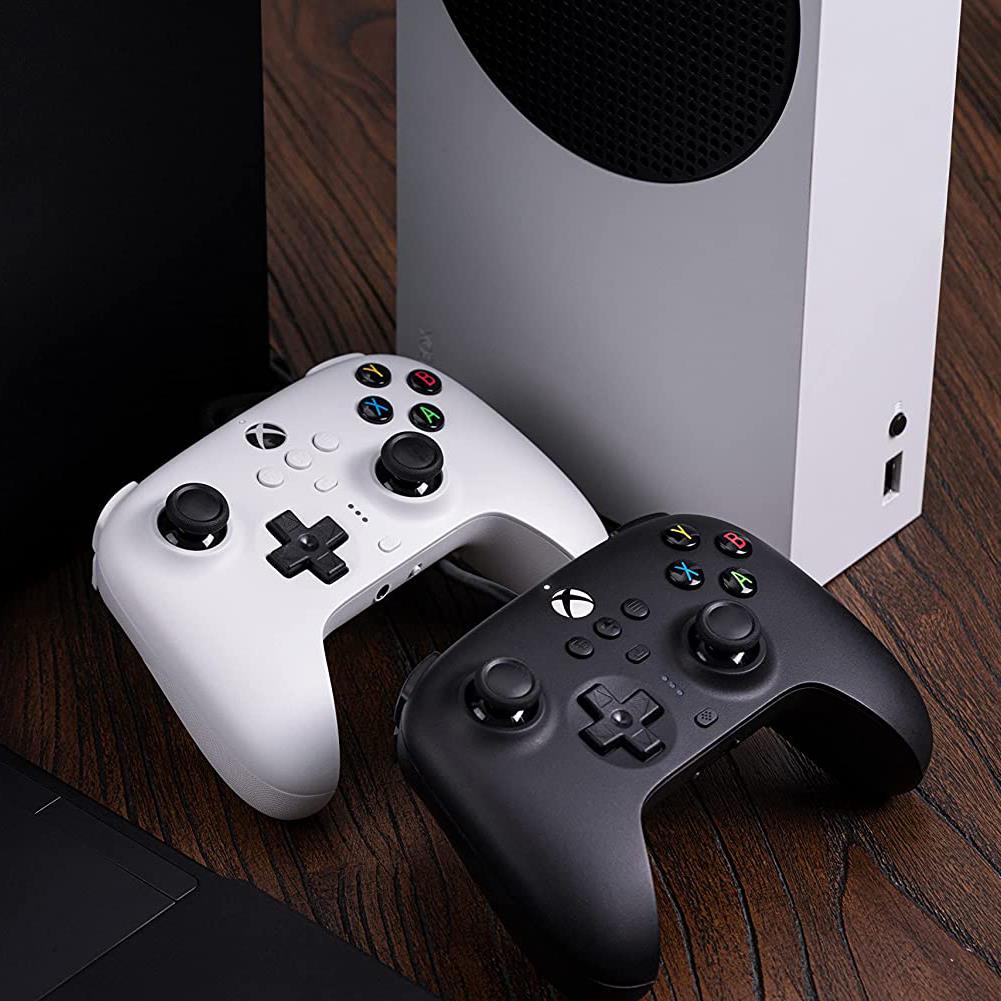
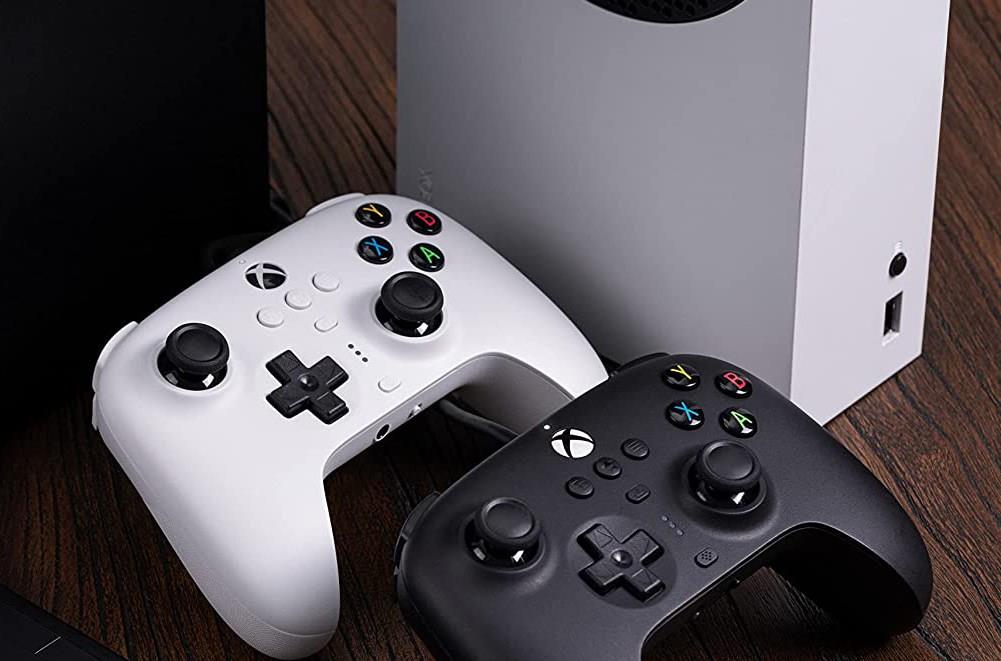
If you’re looking for a wired controller with a long cable that’s a little more budget-friendly than Microsoft’s wireless option, the 8BitDo Ultimate wired controller is a good choice. It’s good at the fundamentals, but it’s on this list because of its deep customization through 8BitDo’s app, which is available via Xbox, Windows, Android, or iOS. Within the app, you can remap the face buttons and the back buttons. You can also set the sensitivity of sticks, adjust the actuation levels on your triggers, and more.
The Ultimate wired controller is available in pink, black, or white, and it isn’t trying to win awards for design, but that’s OK. It’s a rock-solid Xbox and PC controller that doesn’t cost too much.
8BitDo Ultimate wired controller
$26$4542% off $26 $26 at Amazon (white)$40 at Amazon (black)
The $100 Microsoft Adaptive Controller is worth mentioning because it’s designed specifically for players with limited mobility, and it’s compatible with a broad spectrum of inputs sold separately, like the $99.99 adaptive gaming kit from Logitech. The adaptive controller can also host up to 20 additional input devices ranging from foot pedals to mouth joysticks, all of which can be remapped to meet the needs of individual players. It’s compatible with Xbox consoles dating back to the Xbox One, plus PC.
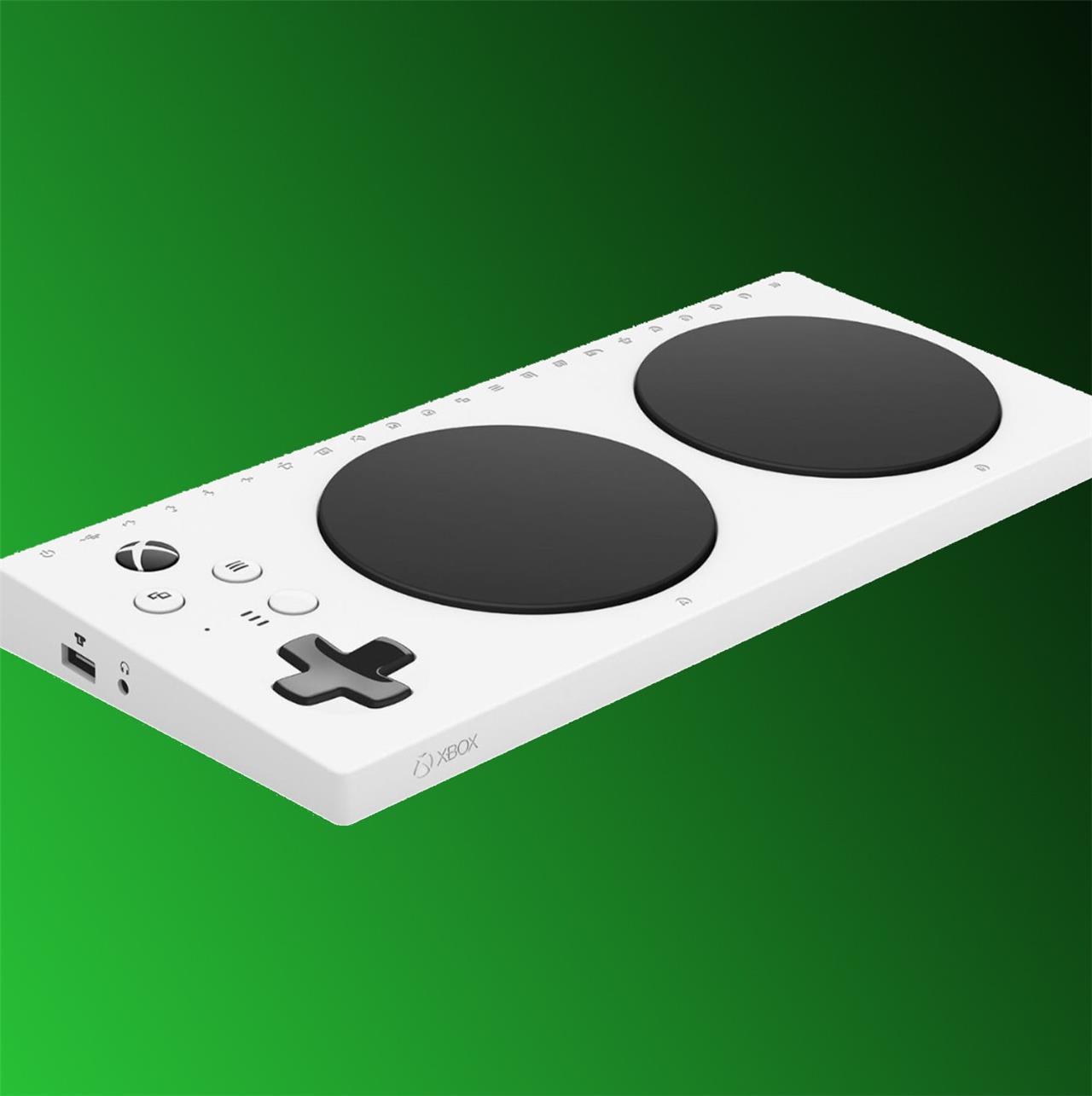
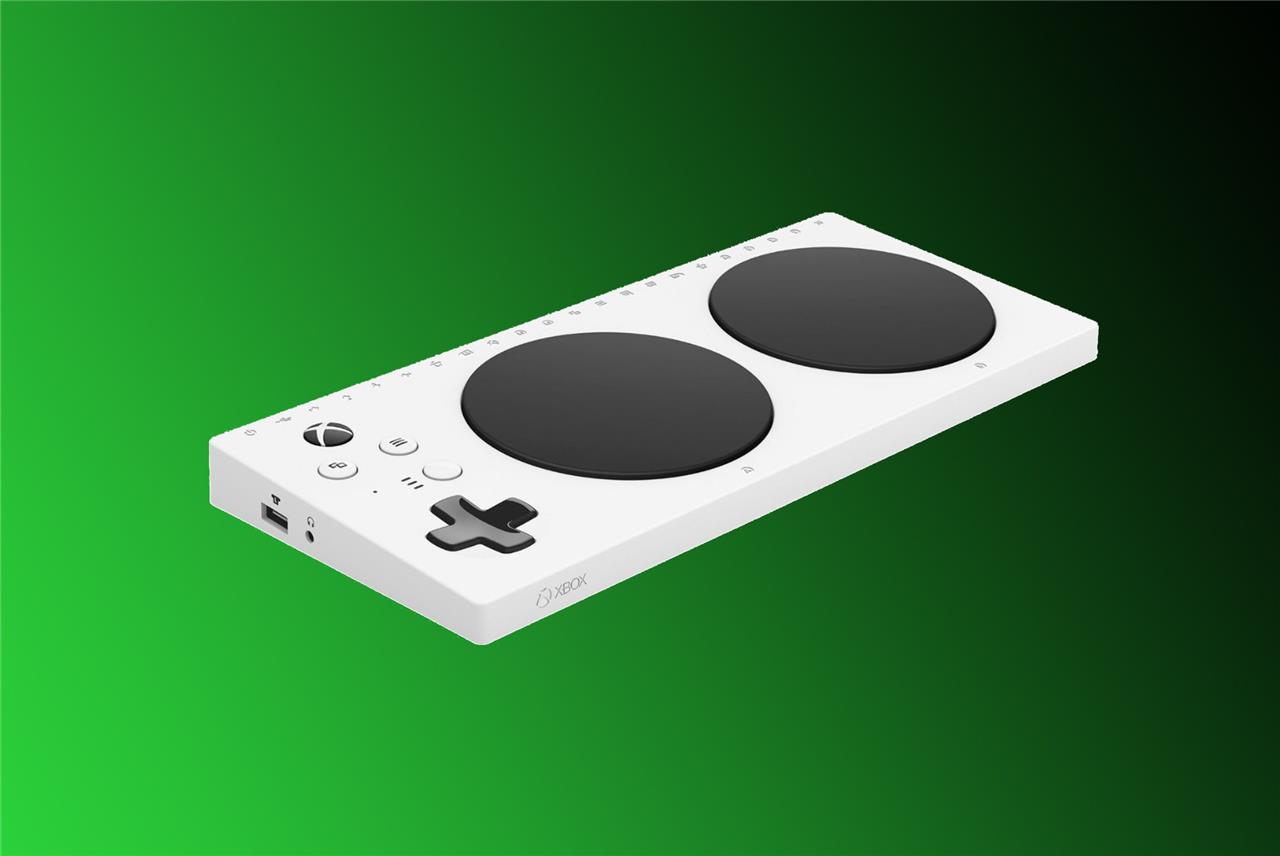
Microsoft Adaptive Controller
$100 $100 $100 at Microsoft$100 at Best Buy
Best Xbox Series X SSD
The Xbox Series X benefits most from the Seagate Storage Expansion Card, designed specifically to match the console’s internal SSD speed. It plugs directly into the back of the console, adding up to several terabytes of extra space without slowing load times or performance. Games optimized for the new hardware run instantly whether stored on the internal drive or the expansion card. This makes it the preferred choice for players who switch often between large game libraries and want the same quick access across all titles.
Unlike the PlayStation 5’s support for a wide range of M.2 SSDs (a beta in July 2023 added support for 8 TB SSDs), there are only a couple of options for giving your Xbox more super-fast storage. One comes in the form of Seagate’s proprietary storage expansion cards, one of which can be inserted into the back of your Series X or Series S console at a time. They are available in 1 TB ($149.99) or 2 TB sizes ($279.99), and they stand out compared to other Xbox hard drive options since they let you store and play the latest Xbox games from them (slower-spinning hard drives can only play Xbox One and earlier games stored on them).
The second option is the WD Black C50 expansion card, which is available in 512 GB ($89.99) or 1 TB ($124.99) configurations. In terms of performance and price, the C50 is essentially identical to Seagate’s expansion card, just with a tweaked form factor, plus the option of getting a smaller 512 GB drive, if you want one of those for some reason.
There isn’t much else to say about these expansion cards. They’re convenient, and they work as intended. But they’re way more expensive than they should be, especially next to similarly speedy M.2 SSDs that are falling in cost.
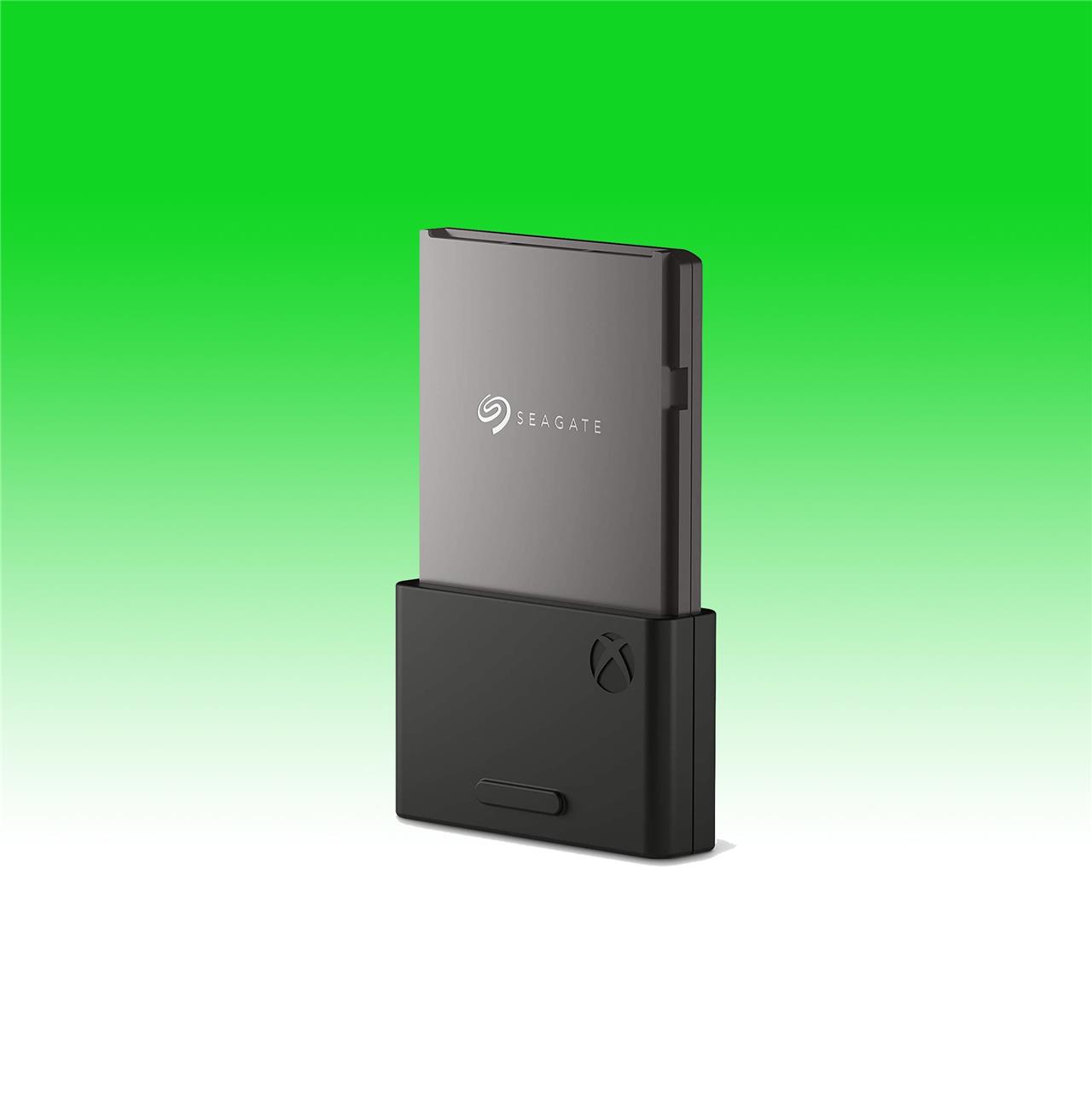
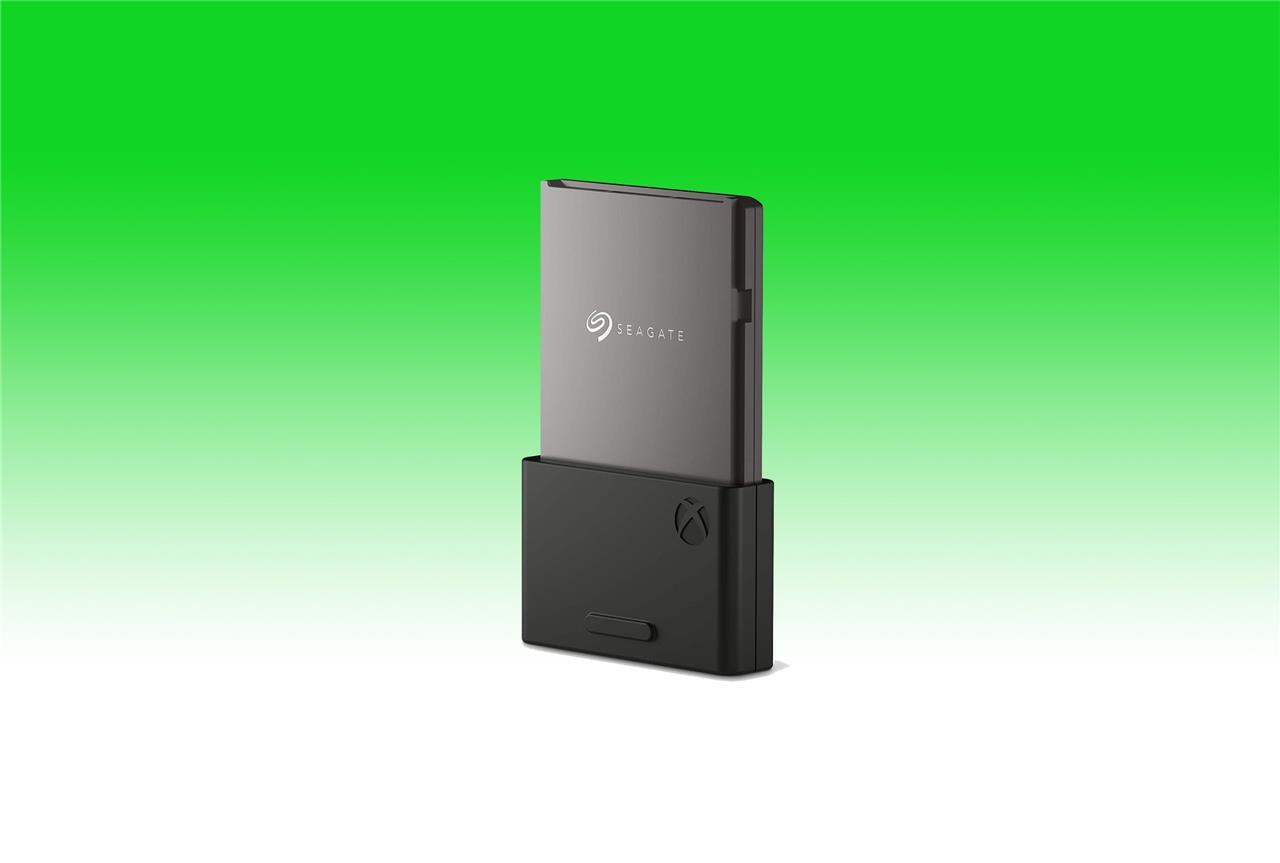
Seagate storage expansion card
$140$22036% off $140 $227 at Amazon (2TB)$140 at Best Buy (1TB)
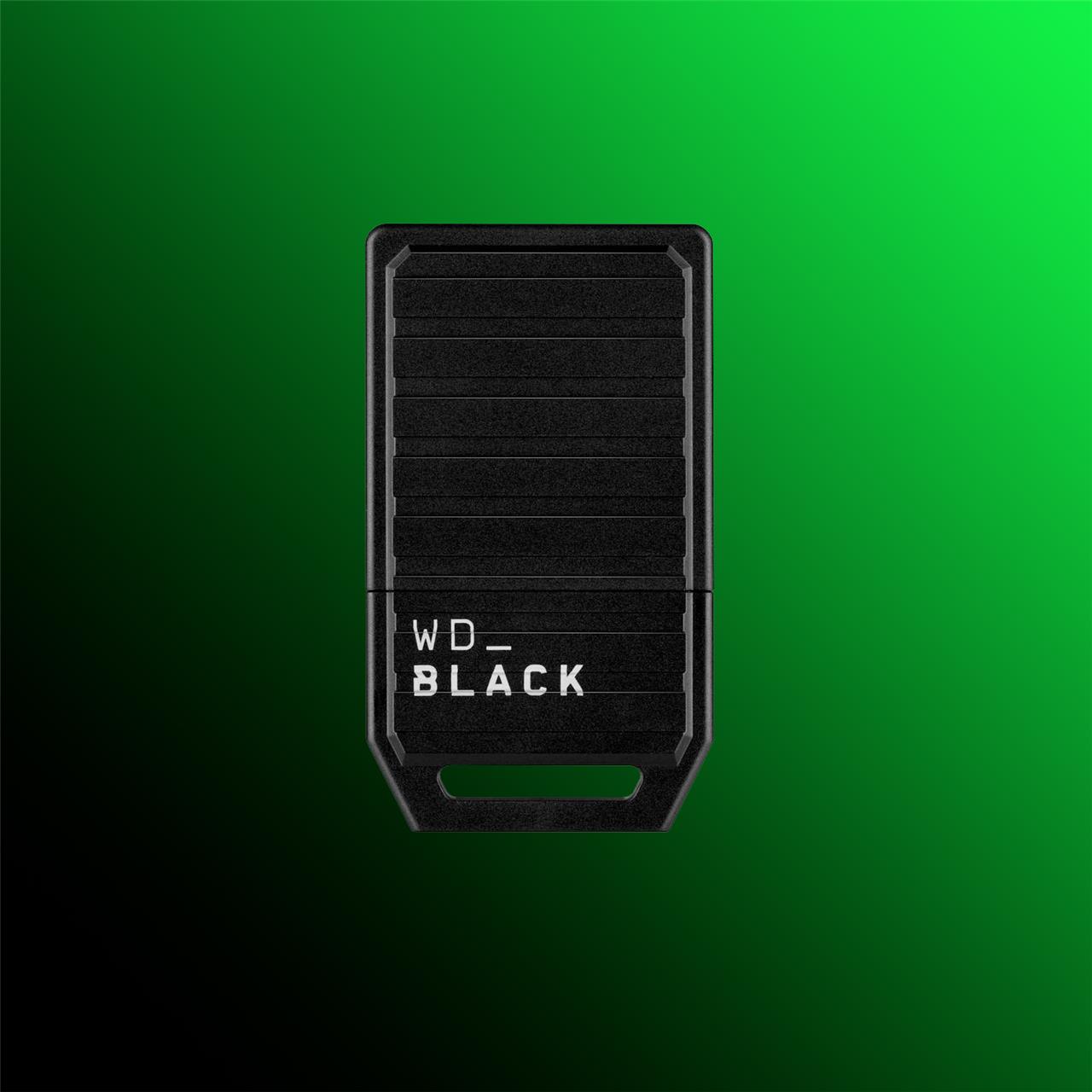
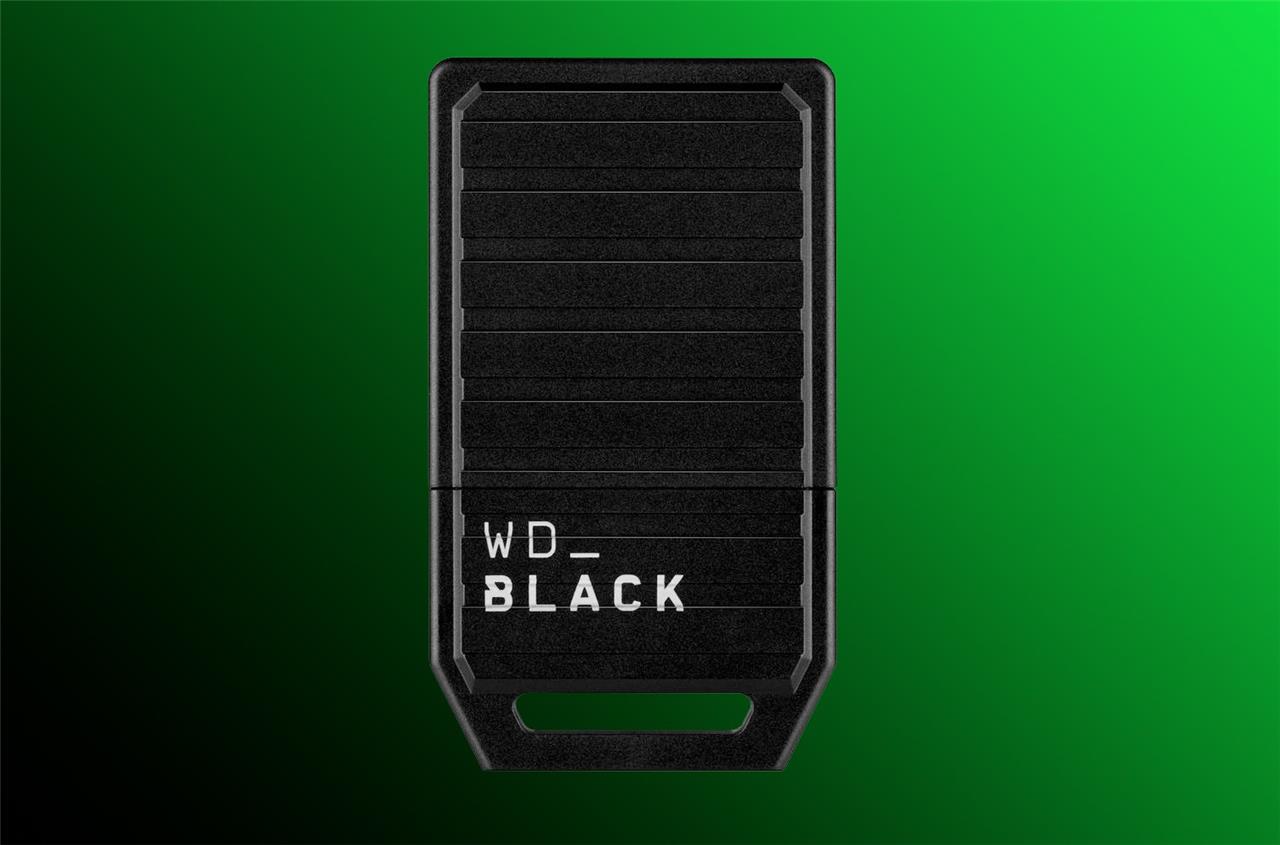
Western Digital C50 Expansion Card
$150 $150 $150 at Amazon (1 TB)$150 at GameStop (1 TB)$150 at Best Buy (1 TB)
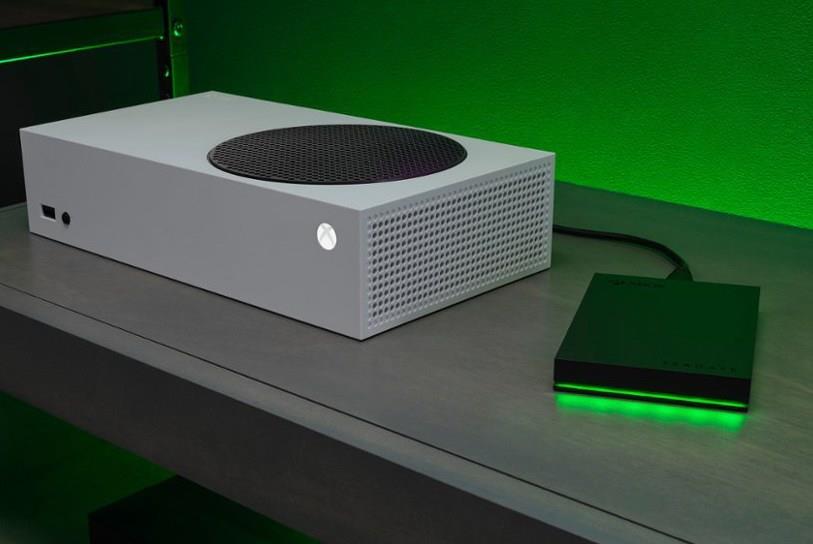
If you’re looking for a slightly more cost-effective option, Seagate also offers bulk hard drive storage for Xbox in the form of the Seagate Game Drive (starting at $92.49), which is available in a variety of sizes, ranging from 1 TB to a whopping 8 TB. While the Game Drive provides substantially more storage per dollar spent than Seagate’s pricey expansion cards, it’s more limited in what it can do.
You can play games from the Xbox One and earlier generations from it, and it can be used to hold save files, as well as Series X game installations. However, to play any Series X titles you may have stowed away on it, you’ll have to transfer them back to your console’s internal storage. This process is definitely less convenient, but it at least allows you to access your catalog of games without having to re-download them.
Seagate Game Drive for Xbox
$92 $92 $92 at Best Buy (2 TB)$135 at Best Buy (4 TB)<
Best Xbox Series X headset
The SteelSeries Arctis Nova Pro Wireless stands out for its excellent sound quality, comfort, and versatility. Its dual wireless system lets players switch between Xbox audio and another device with ease, while the active noise cancellation keeps distractions out. The adjustable design with soft ear cushions supports long gaming sessions without fatigue. A detachable microphone ensures clear chat audio, and the included base station allows precise control over volume, EQ, and input switching.
There are plenty of wireless headset options for the Xbox Series X, but the official Xbox Wireless Headset offers an excellent value for its $99.99 price. The simple and lightweight headset can be used with PCs, Xbox, or mobile devices via Bluetooth. The headset features a flexible boom mic, and volume controls that can be adjusted by twisting the outer part of the ear cup. One feature that makes this headset particularly well suited for the Xbox is its compatibility with the Xbox accessories app, which allows you to set custom sound profiles and fine-tune the mic’s behavior through your console. For more details on this awesome headset, you can check out The Verge’s full review.
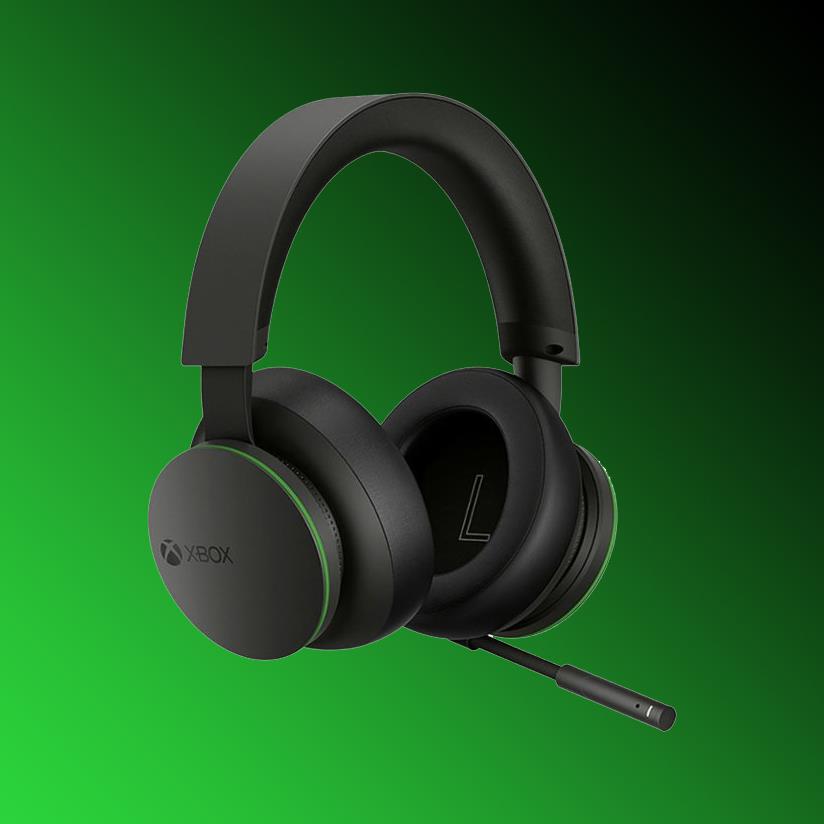
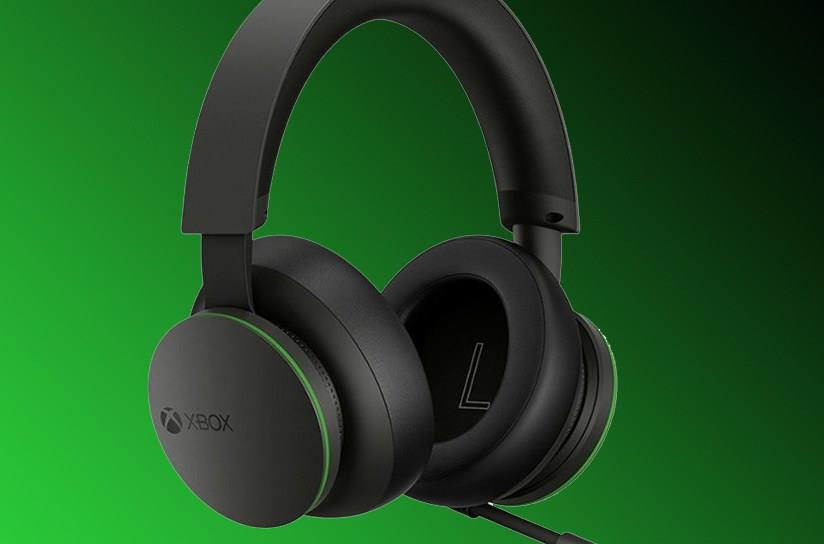
Xbox Wireless Headset
$80$11027% off $80 $80 at QVC$100 at Best Buy$90 at Amazon
Not everyone has the same size of brain cage, and that’s okay. As someone with an above average-sized skull, I can wholeheartedly endorse the Steelseries Arctis Nova 7X headset for anyone looking for a premium option that’s both incredibly comfortable and sounds great. While it does cost considerably more than the official Xbox Wireless Headset, the 7X is able to connect to devices using either Bluetooth or the included 2.4 GHz wireless dongle, allowing it to pair with Xbox, PC, Mac, PlayStation, Nintendo Switch, and Mobile devices.
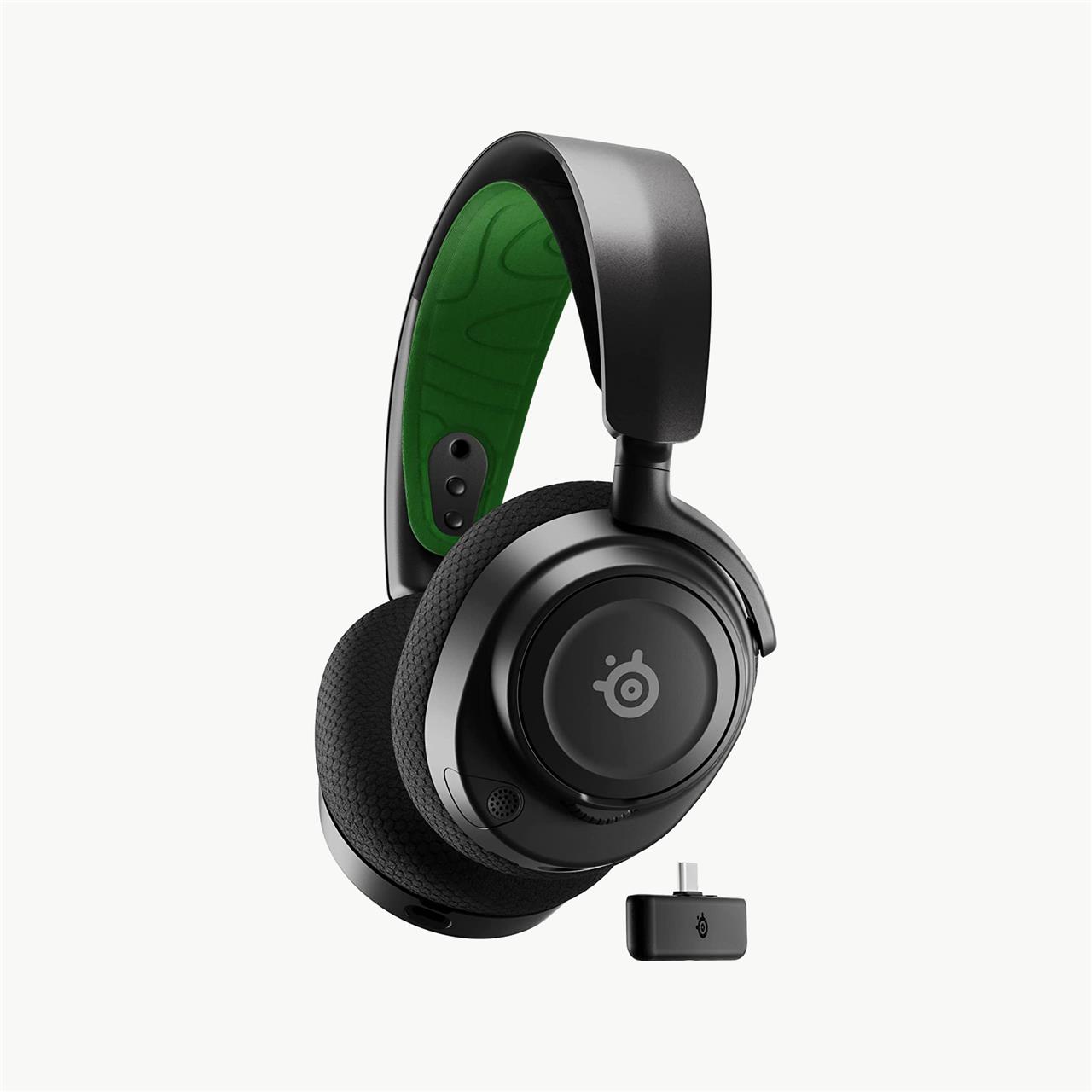
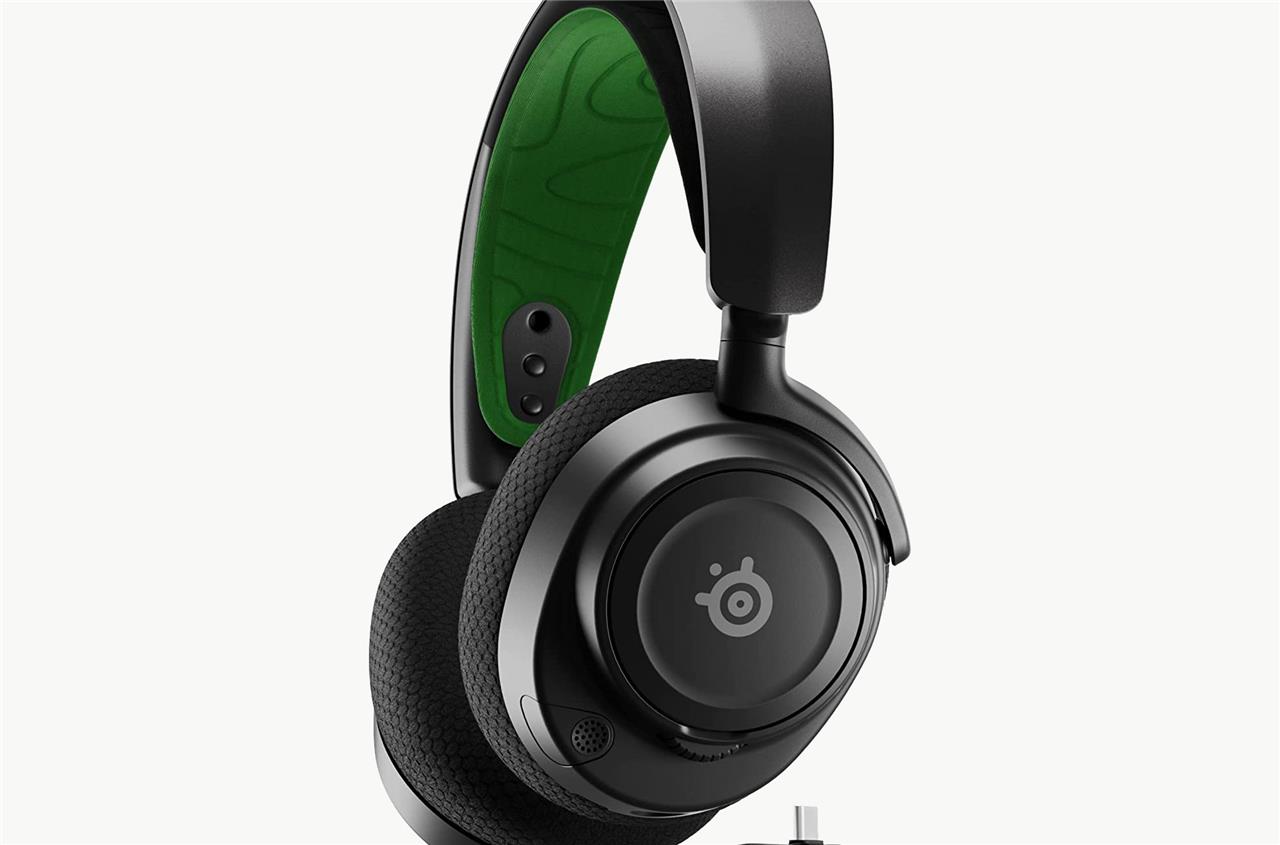
SteelSeries Arctis Nova 7X
$170$1806% off $170 $170 at Amazon
If the only thing wrong with your current headset are the aged earcups, we suggest checking out Wicked Cushions‘ lineup of aftermarket earcups. They are compatible with a wide range of headsets and headphones from Audio-Technica, Razer, Logitech, SteelSeries, HyperX, and more. Wicked Cushions earcups are available in a variety of interesting designs, and that stand out from stock cushions by offering breathable cooling gel and soft velour, in addition to the standard plush leatherette cushions.
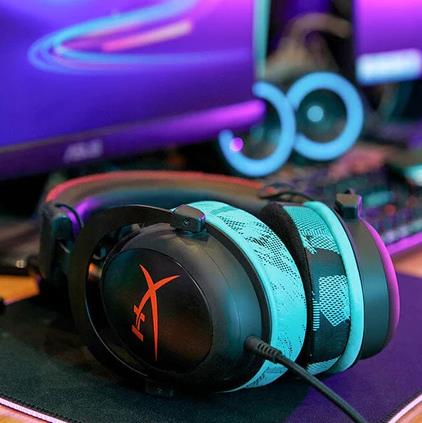
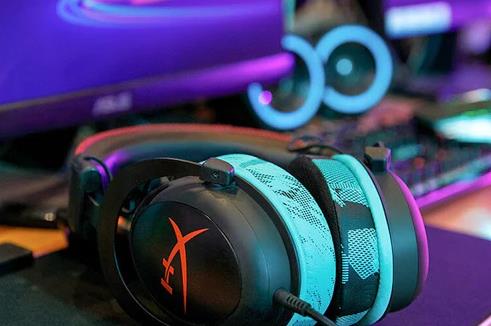
Wicked Cushions
$32 $32 $32 at Amazon$32 at Wicked Cushions
Best Xbox Series X high-roller upgrades
Boost your Xbox Series X setup with premium upgrades designed for peak performance. Expand your game library using the Seagate Storage Expansion Card, experience flawless control with the 8BitDo Ultimate controller, and refine your visuals through high-refresh-rate displays built for next-gen graphics. For players chasing an immersive edge, add a wireless headset with spatial audio and a charging dock that keeps gear powered through marathon sessions.
Xbox is the home of the excellent Forza Motorsport and Forza Horizon racing franchises, and what better way to enjoy tearing ass across the blacktop and dirt than with a force-feedback racing wheel, complete with a paddle shifters and pedals? We recommend checking out the Logitech G920 Driving Force wheel, which normally costs $299, but can currently be found for as low as $199.99 at Amazon.
The G920 racing wheel features all the navigation buttons you’d find on your typical Xbox controller, so you won’t have to awkwardly swap between input methods. The wheel itself provides live resistance and realistic feedback as you drive in-game. Any accessory that costs almost as much as an Xbox Series S isn’t to be taken lightly, but we can’t think of a better accessory for a motorhead that wants to experience the road from the comfort of their Xbox, or a PC.
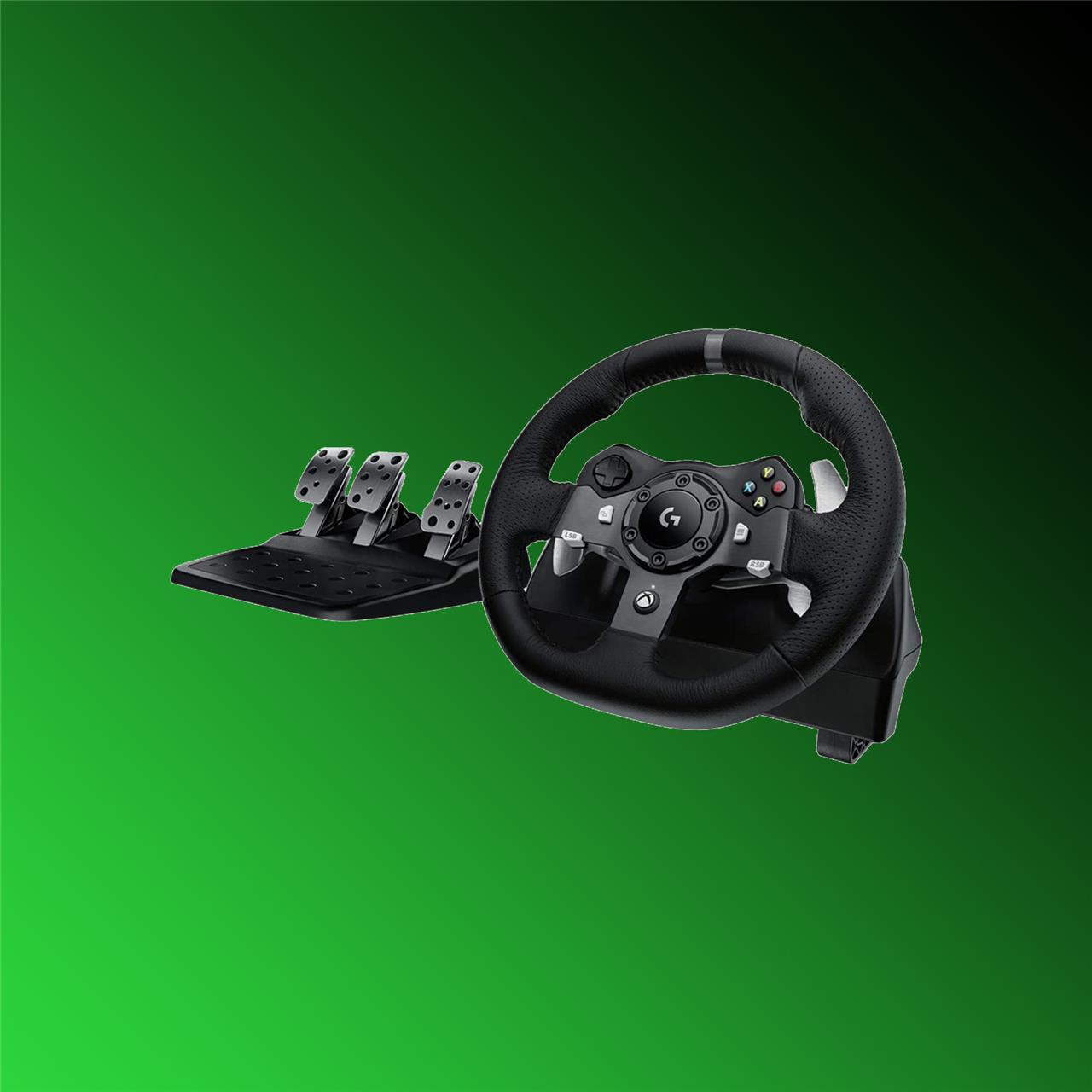
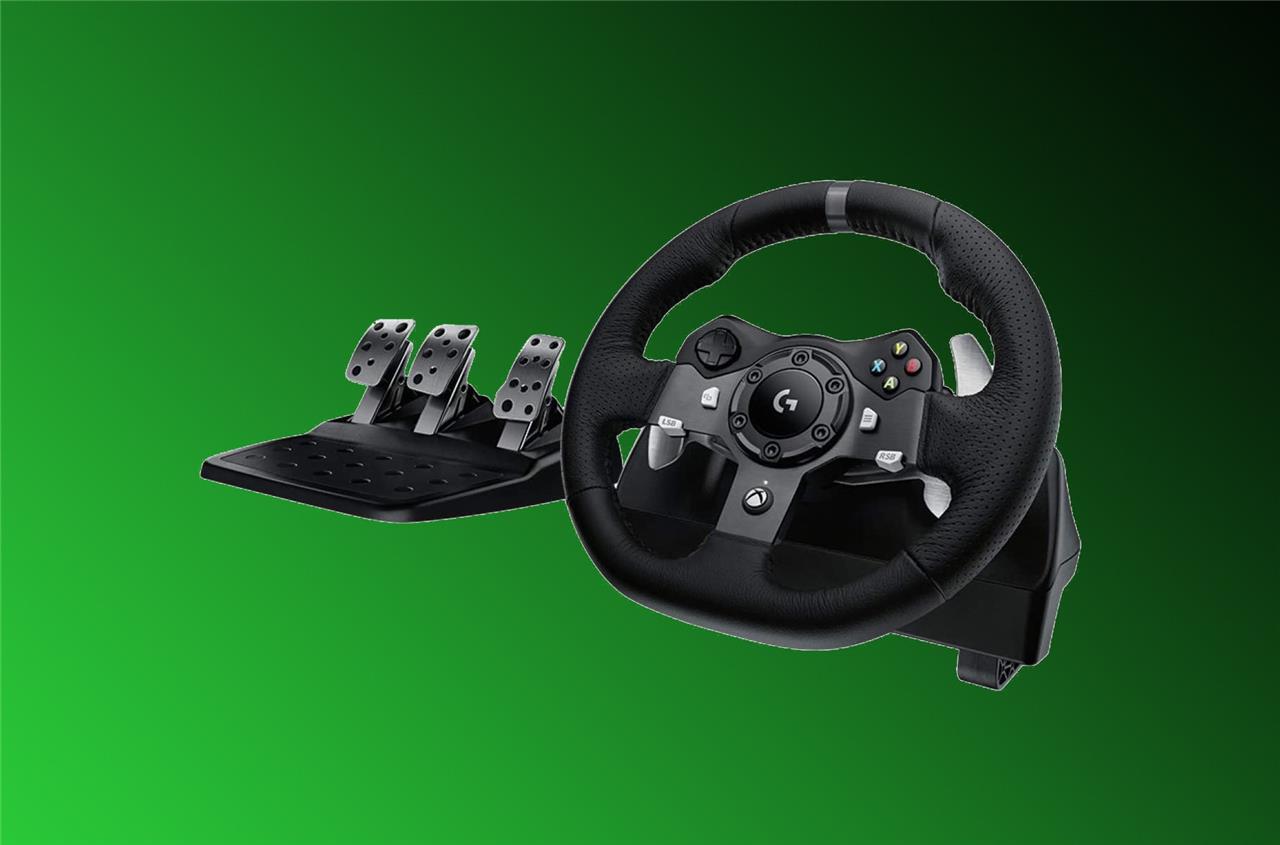
Logitech G920 Driving Force racing wheel
$300 $300 $300 at Amazon$300 at Best Buy
At some point in your ownership of an Xbox, you’ve probably wondered: Should I buy the $179.99 Elite Series 2 controller? If you spend a good chunk of your time gaming on Xbox, PC, or both, we can get behind spending the cash equivalent of three standard wireless Xbox controllers on a single gamepad. However, by not getting one you shouldn’t feel as though you’re somehow subjecting yourself to an inferior gaming experience. You just won’t have as many buttons and other nice but nonessential features.
The Series 2 includes a hard case, swappable components, and adjustable analog stick tension, to name a few standout features. If you like the features offered by this premium controller but hate the price, Microsoft also makes the $104.99 Elite Series 2 Core controller, which has the same features as the Elite Series 2, but doesn’t ship with any of the extra accessories.
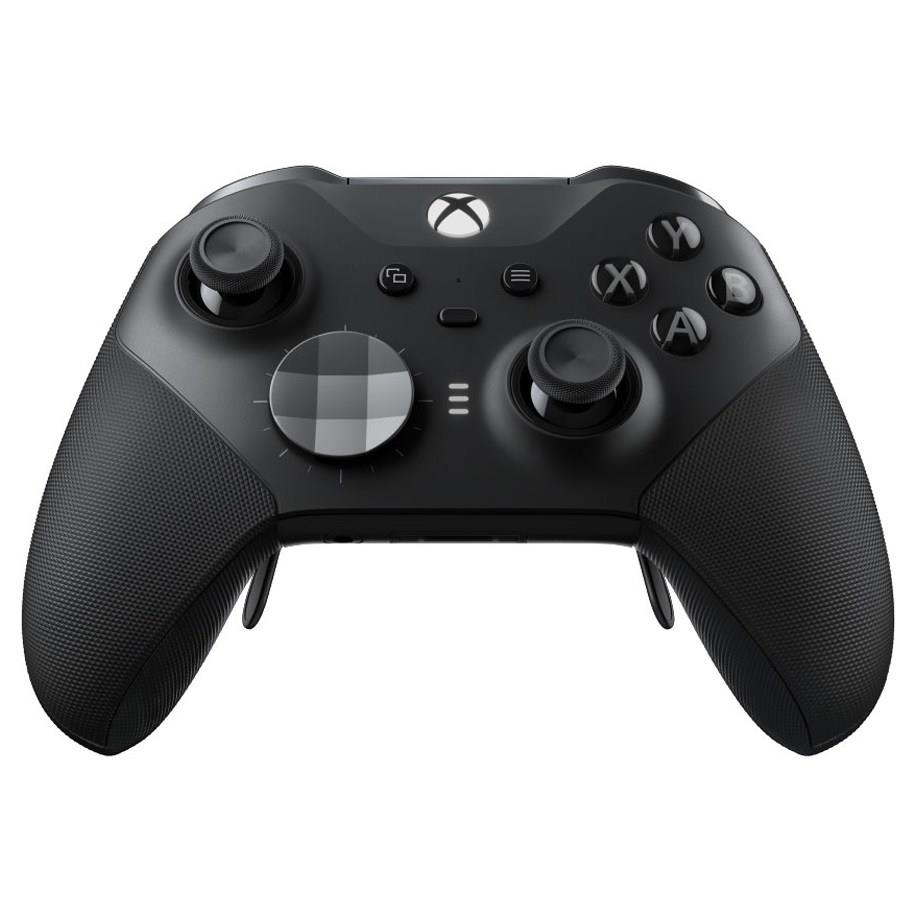
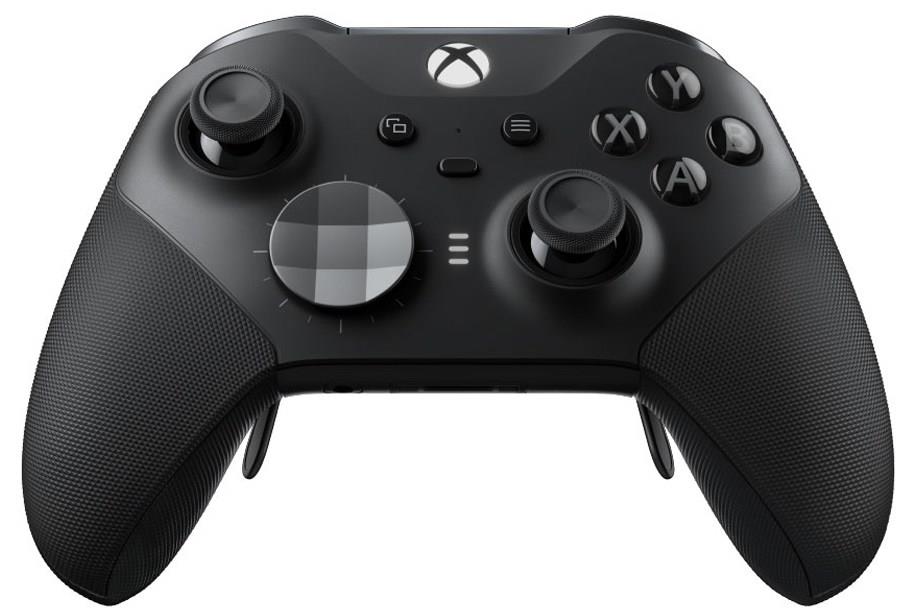
Xbox Elite Series 2 wireless controller
$151$18016% off $151 $151 at Amazon$151 at Microsoft
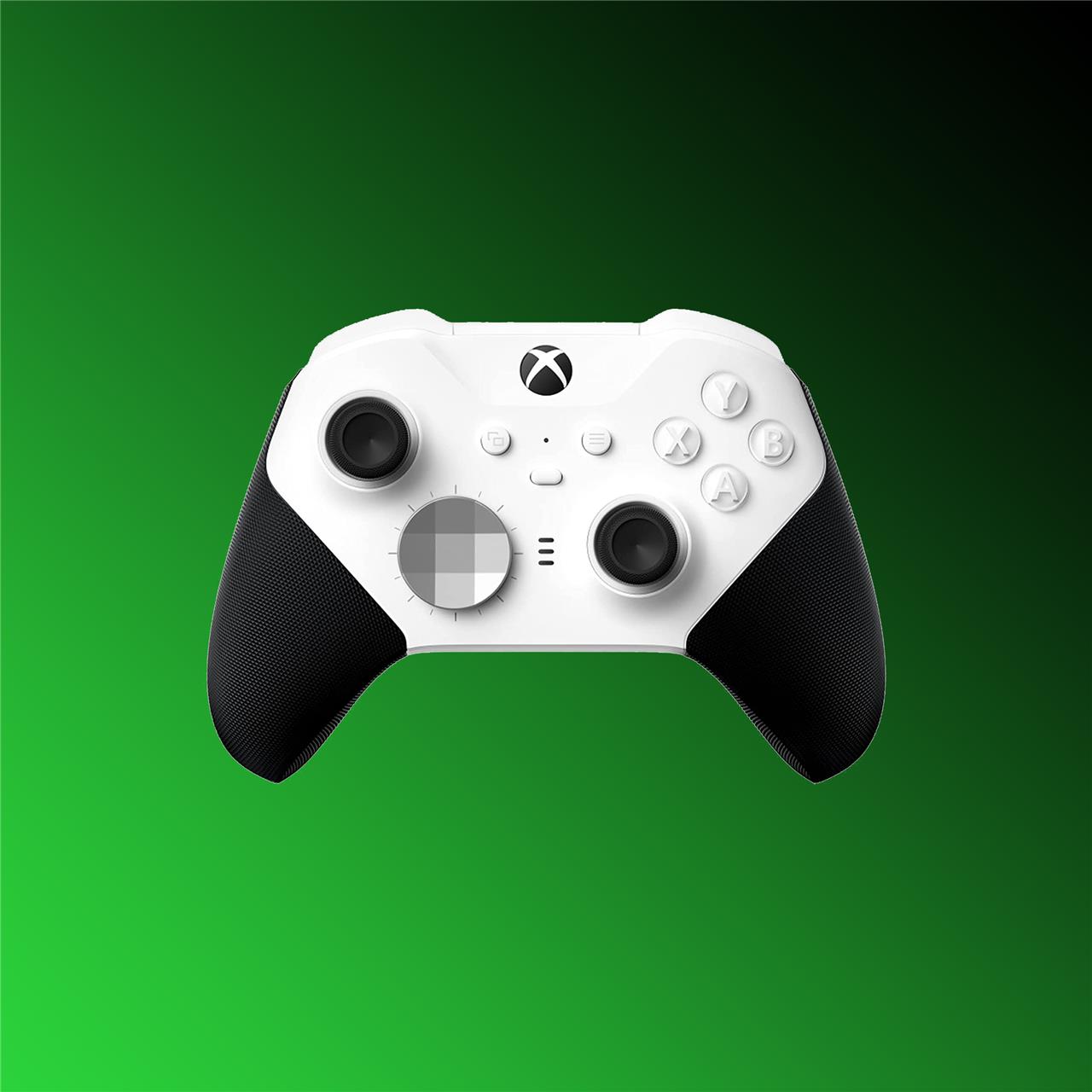
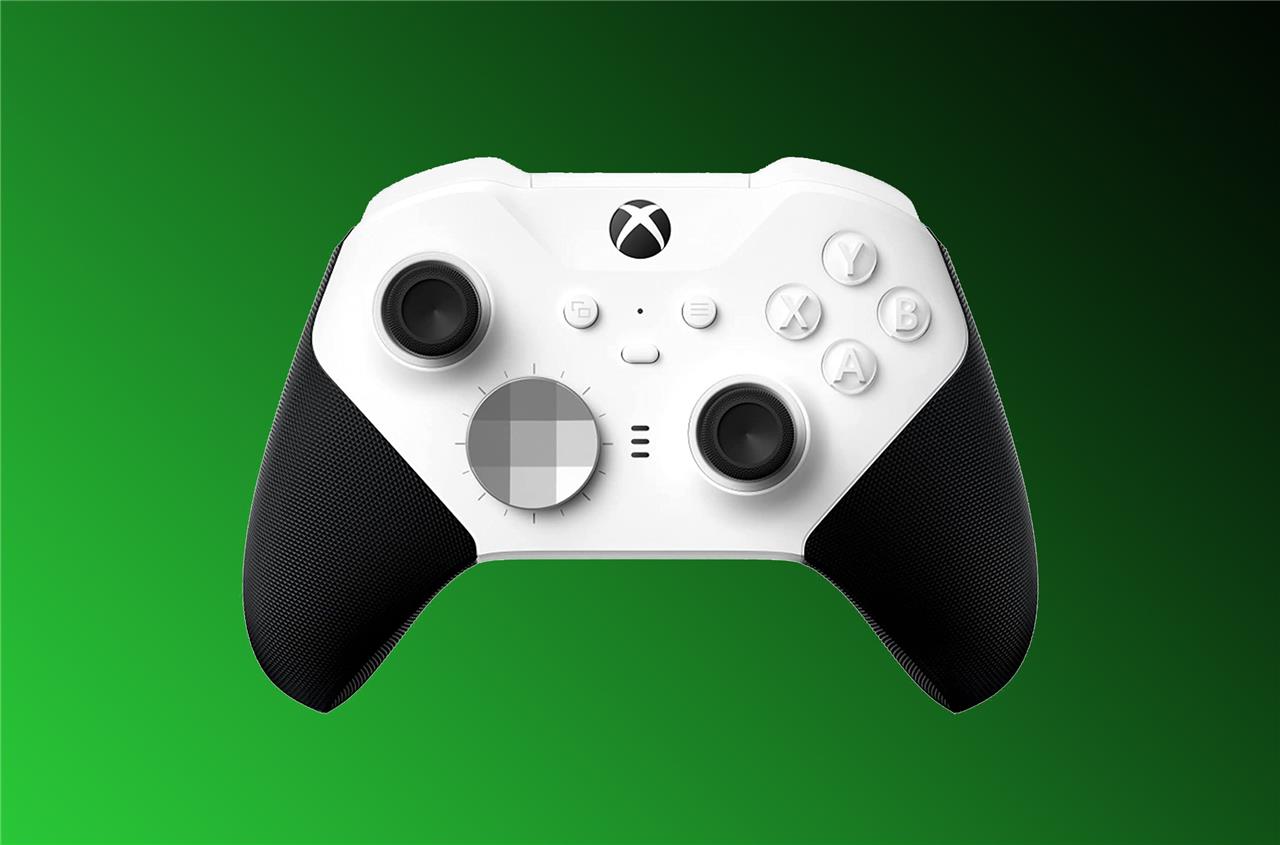
Xbox Elite Series 2 Core wireless controller
$105$13019% off $105 $105 at Amazon$105 at Target$130 at GameStop
Xbox Elite Series 2 Core vs Victrix Pro BFG comparison
Xbox Elite Series 2 Core and Victrix Pro BFG are premium customizable controllers for Xbox Series X, with the Elite offering official Microsoft refinement and the Victrix emphasizing modularity.
Key Specs Comparison
| Feature | Xbox Elite Series 2 Core | Victrix Pro BFG |
|---|---|---|
| Price | $130-$140 | $140-$160 |
| Paddles | 4 removable | 4 (6-module options) |
| Sticks | Internal potentiometers | Internal potentiometers |
| Triggers | Analog, adjustable tension | Analog, trigger locks, vibration option |
| Connectivity | Wireless (dongle/Bluetooth), wired | Wireless (dongle), wired |
| Battery Life | Up to 40 hours | Up to 20 hours (modular battery) |
| Platforms | Xbox, PC, Android | Xbox, PC, PS5 (Xbox version Xbox/PC) |
| Software | Xbox Accessories app | Victrix Control Hub |
| Weight/Ergonomics | Premium rubber grips, asymmetric sticks | Modular layout, rubber grips |
| |
Performance and Latency
Victrix Pro BFG shows lower button latency wired (avg. 5-6 ms) versus Elite Core’s 8-9 ms dongle, with faster cable polling (~125 Hz). Elite excels in wireless dongle stick response for casual use, while Victrix suits competitive play via customization. Both use potentiometer sticks prone to eventual wear, but Victrix modules allow swaps.
Build and Features
Elite Series 2 Core provides reliable build quality and seamless Xbox integration, including hair triggers. Victrix Pro BFG stands out for extreme modularity-swappable stick layouts (symmetric/asymmetric), fight pad options, and PS/Xbox button plates-for hybrid fighting/FPS use. Elite feels more polished out-of-box; Victrix requires tinkering but offers longevity.
Best For
Choose Elite Core for plug-and-play Xbox comfort and battery life. Opt for Victrix if you prioritize deep customization and multi-platform versatility.
Which controller has lower input lag Victrix Pro BFG or Elite Series 2 Core
Victrix Pro BFG has lower input lag than the Xbox Elite Series 2 Core, especially wired.
Wired Button Latency
Victrix Pro BFG averages 5.89 ms (Xinput cable), outperforming Elite Series 2 Core’s 8.52 ms. Victrix also shows lower jitter (1.05 ms vs 2.15 ms) and consistent ~125 Hz polling.
Wireless/Dongle Comparison
Victrix dongle buttons average 8.95 ms (Xinput), better than Elite’s 14.81 ms, though Elite drops to 63 Hz polling versus Victrix’s 124 Hz. Sticks follow suit: Victrix cable at 18.54 ms vs Elite’s 9.23 ms, but buttons matter more for responsiveness.
Context Notes
Data from Gamepadla tests on Windows 11 favors Victrix for competitive edge, aligning with prior FPS/fighting use cases. Elite feels snappier casually due to Xbox optimization, but raw metrics give Victrix the win.
